Auto Modeller Pro
 Blender Procedural
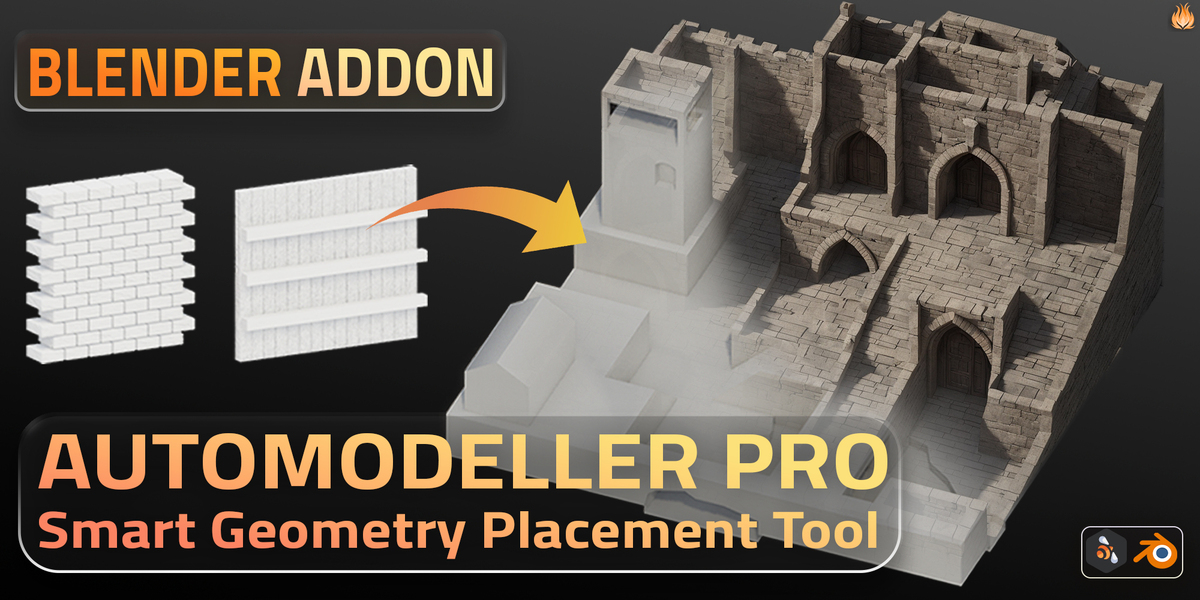
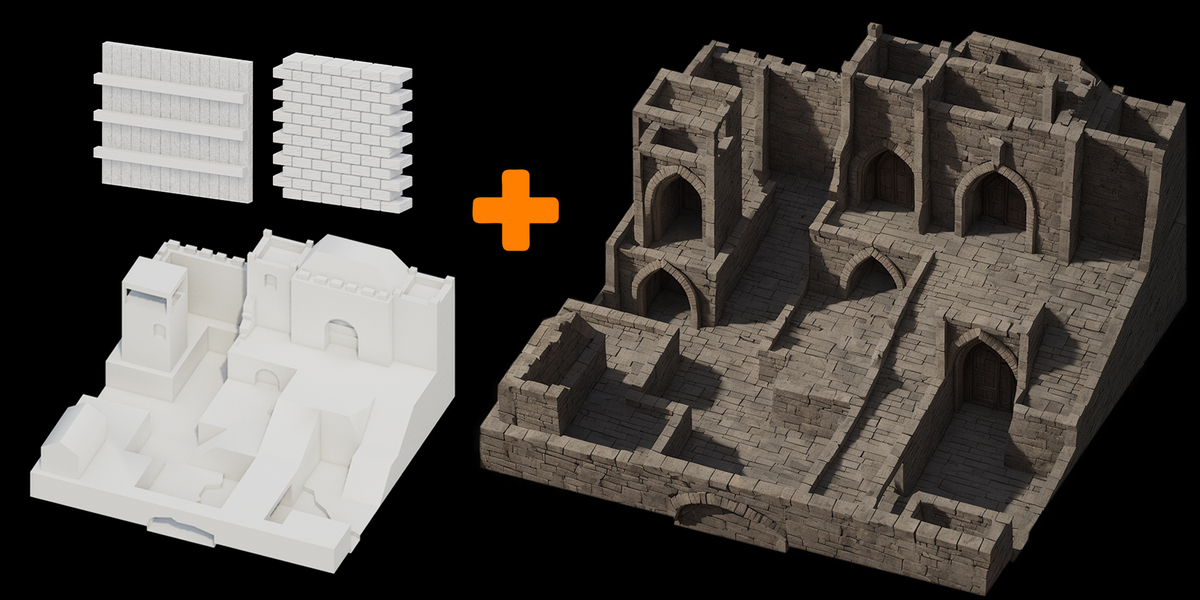
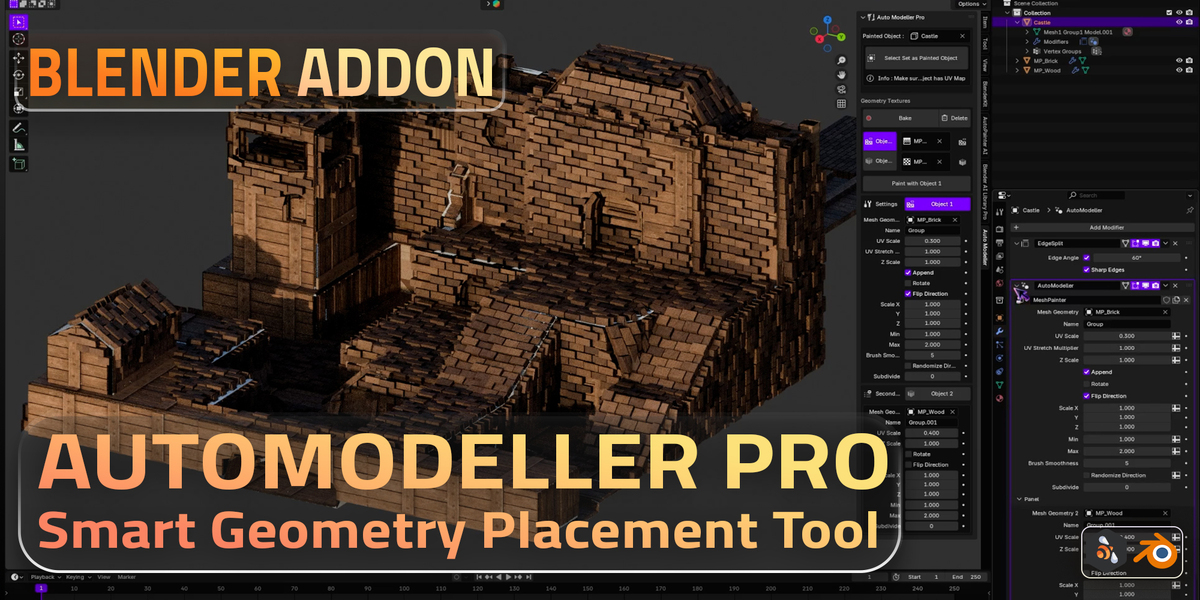
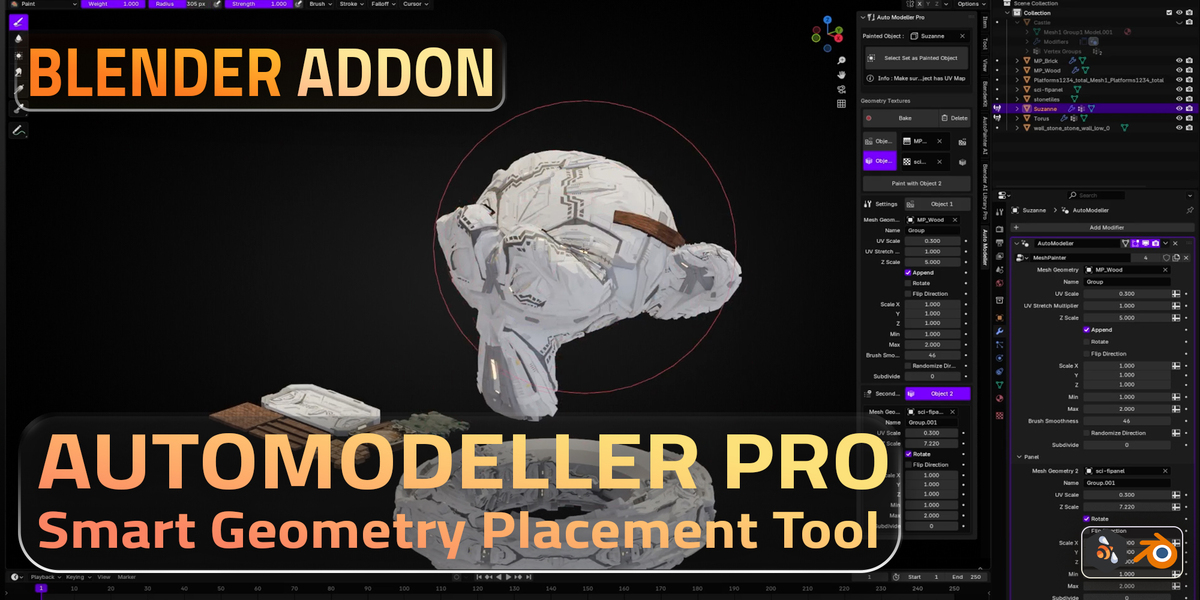
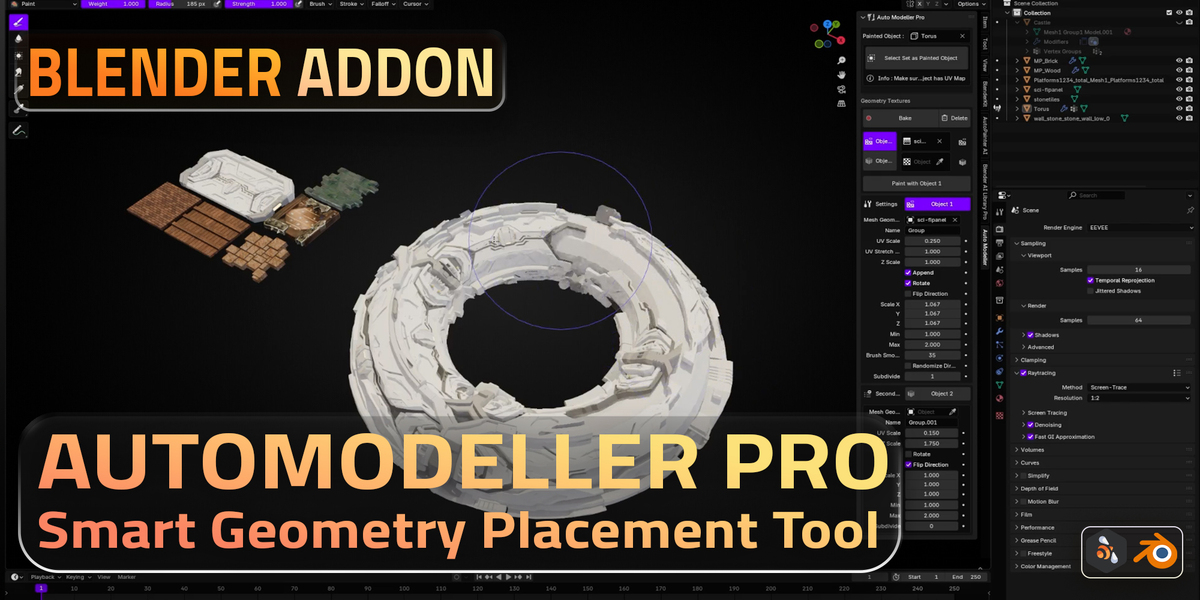
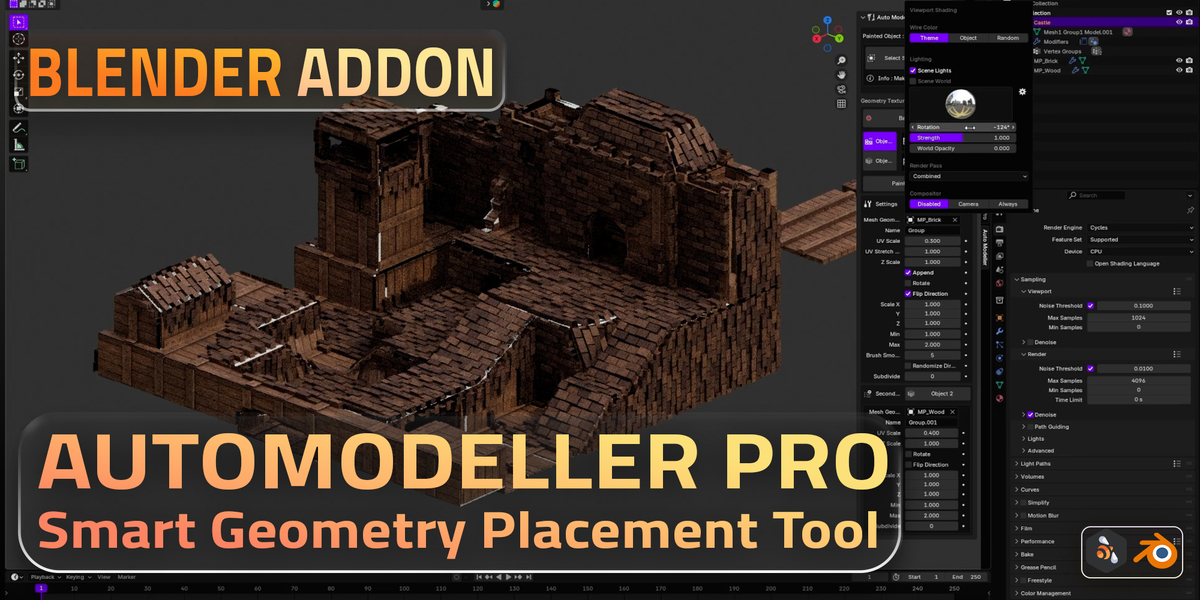
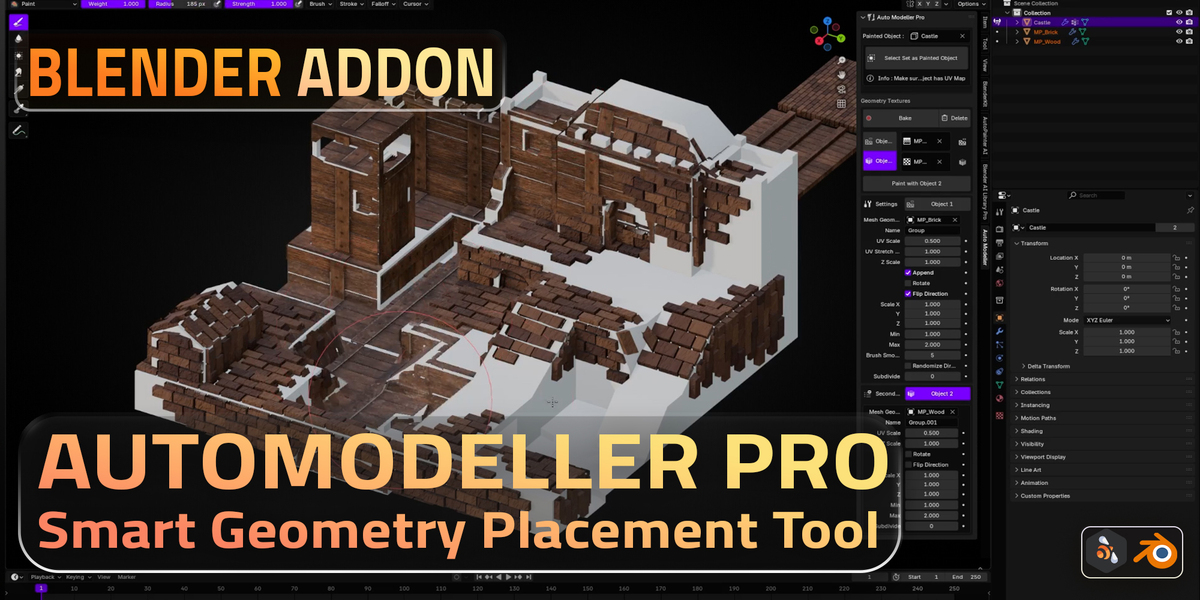
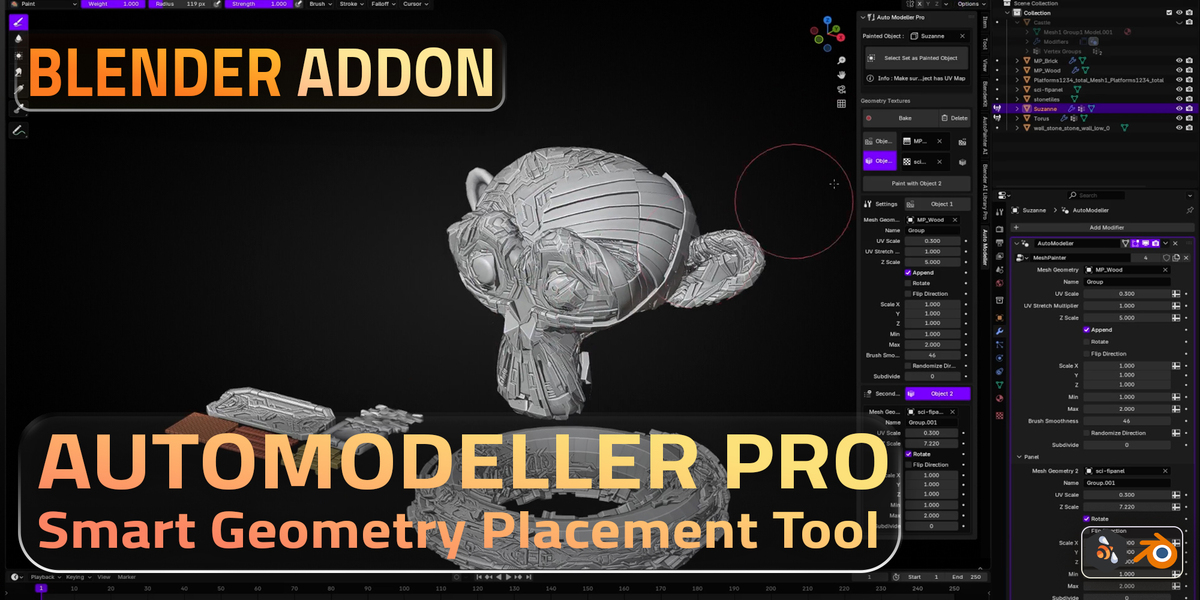
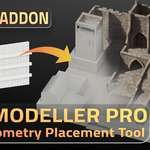
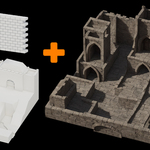
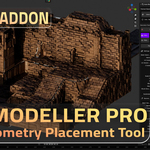
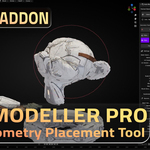
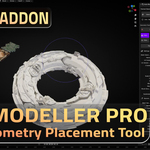
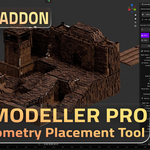
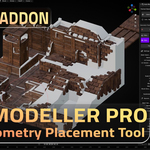
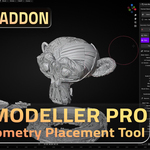
Big update. Use your own objects: select any mesh and add it as a layer, either repeated in a grid (one stone, bolt or plank is enough; set count, size, random rotation and size) or as a ready-made tile. Unlimited layers instead of two objects, each with its own paint and settings; show, hide, rename, duplicate and reorder them, and an upper layer covers the layers below where it is painted. 7 new built-in presets with thumbnails: Stone Tiles, Cobblestones, Roof Shingles, Sci-Fi Panels, Hex Tiles, Ceramic Tiles and Dragon Scales, next to Bricks and Wood Planks. New fill tools: Fill All, Fill Selected Faces, Invert and Clear. Placed geometry shows its colors in Solid view. Scenes made with 1.0 or 1.1 convert to layers with one click and keep their paint and settings. Works in Blender 4.5 to 5.3.
Rewritten for Blender 5.3 (works in 4.5 to 5.3). Object 2 painting now shows right after a bake (before, new strokes only appeared after baking again). Works with any UV map name and with meshes that already have vertex groups; makes a UV map if the mesh has none. Bakes automatically and tells you when settings need a new bake, so painting stays fast (about 10 to 40 ms per stroke instead of about 1 s). Bakes are packed into the .blend. New: Clear Paint, Make Real Mesh Copy, Remove, and Update Node Tree for scenes made with 1.0. Download is now 9.6 MB instead of 98 MB.
Blender 5.3 update: works with the new Geometry Nodes modifier API from Blender 5.2 (sliders and settings broke there) and still works in older Blender versions. Asset paths now also work on macOS and Linux. Tested by pressing every button in Blender 5.3 and 4.5.