Auto Create Output + Render Folder
 Unik Studio
🧩 Auto Output & Render – Quick Guide
🔍 What It Does
A productivity add-on for Blender that:
-
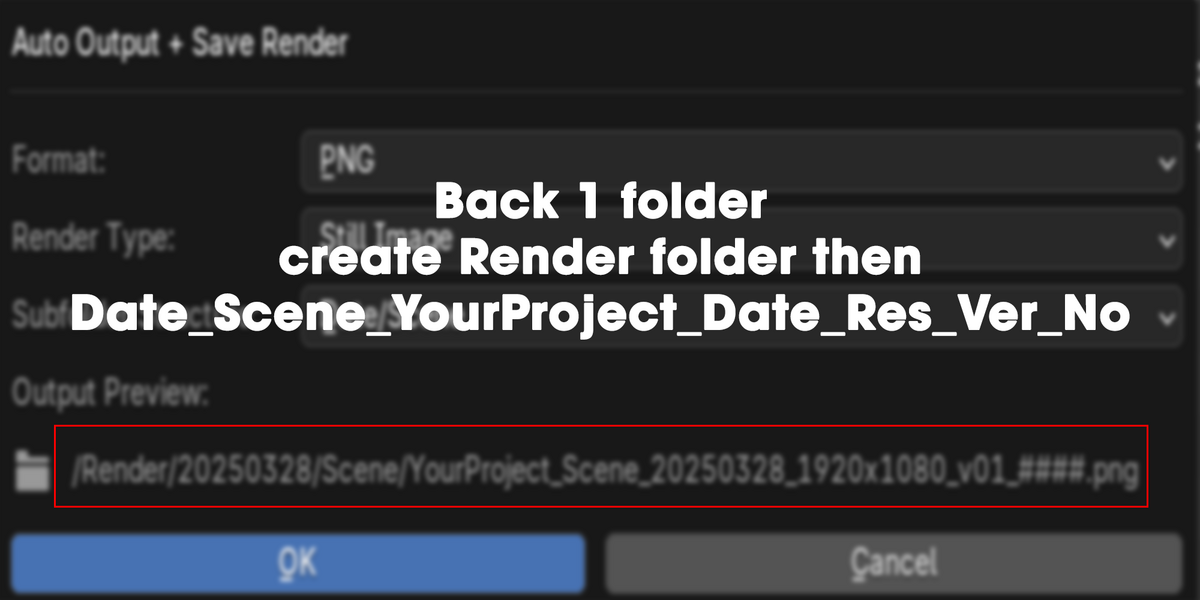
🗂️ Auto-generates output file names
-
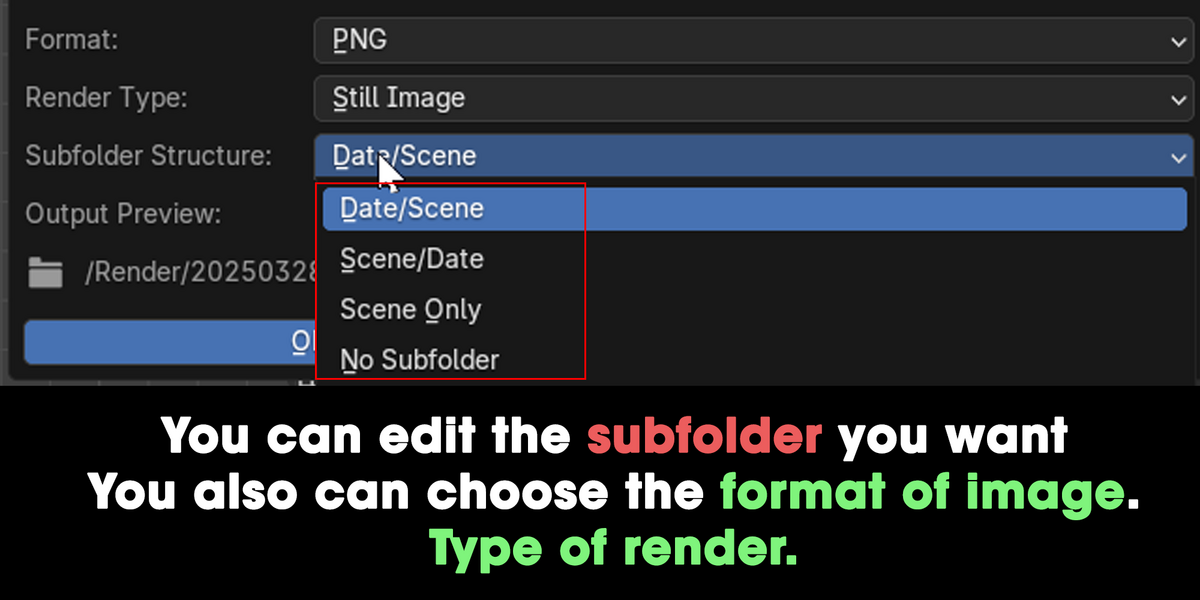
📁 Auto-creates subfolders (
Date/Scene) -
🖼️ Auto-saves still image renders
-
🎞️ Renders stills or animations
-
👁️ Live path preview before rendering
💾 How to Install
-
Download
.zipfrom Blender Market -
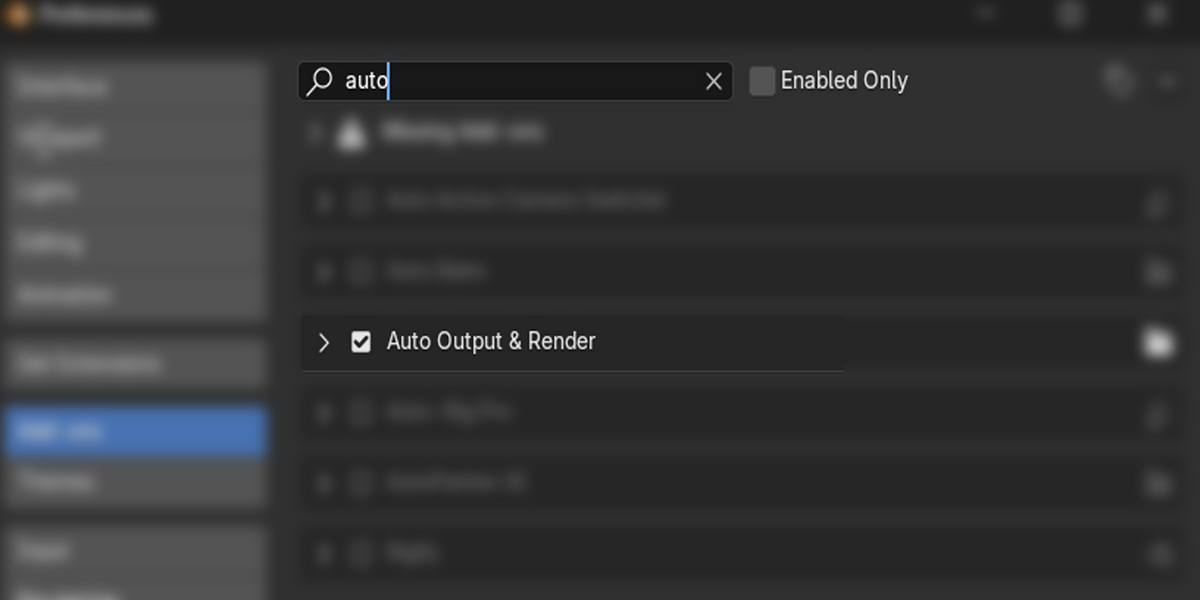
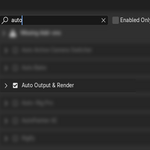
Blender → Edit → Preferences → Add-ons
-
Click Install, choose the
.zipfile -
Enable the add-on
-
Access it via the N-panel → Pipeline Tools
🚀 How to Use
-
Save your
.blendfile -
In the 3D Viewport → Press N → Go to Pipeline Tools
-
Click Auto Output + Render
-
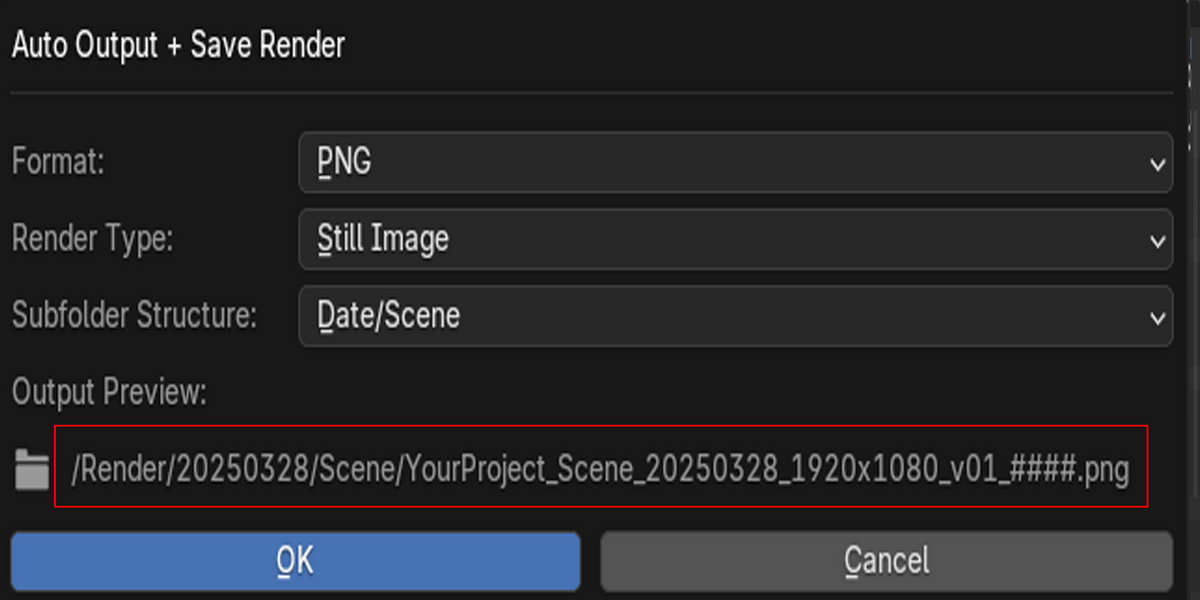
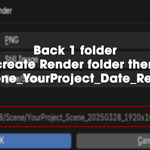
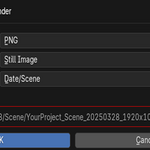
In the popup:
-
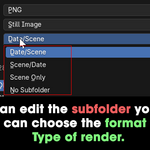
Select Format (PNG, JPEG, EXR)
-
Choose Render Type (Still or Animation)
-
Set your preferred Subfolder Style
-
Preview your final output path
-
-
Hit OK → Auto-render and auto-save!
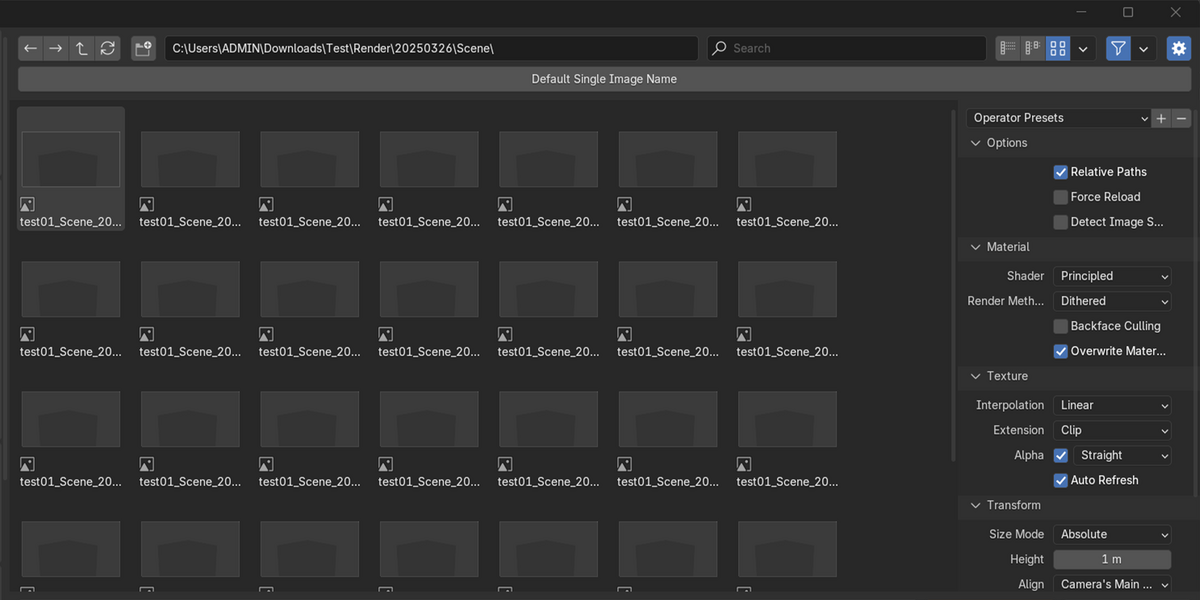
📁 Example Output
✅ Auto versioning if file already exists.
✅ Compatible With
-
Blender 3.0+
-
Windows / macOS / Linux
📩 Support
Need help or feature request?
→ Message us directly on Blender Market.