 Unik Studio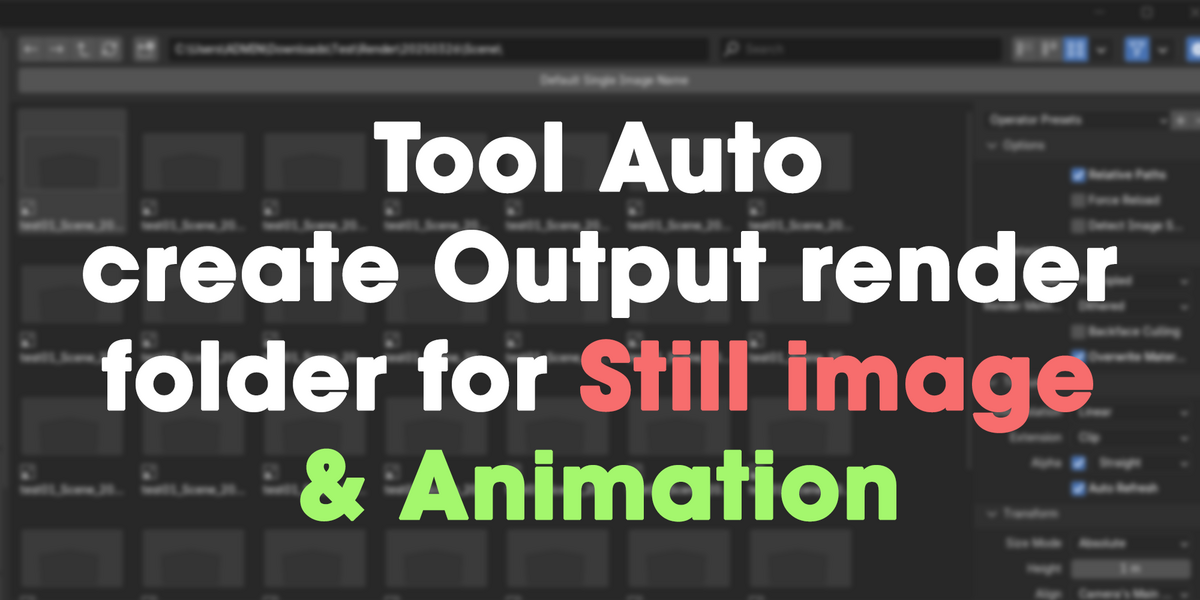
📦 Auto Output & Render – Add-on Documentation
🔖 Overview
Auto Output & Render is a professional Blender add-on designed to help artists and studios manage their output naming and rendering workflow automatically. With customizable tokens, subfolder structures, and automatic saving for still images and animations, this add-on ensures your renders are always organized—without repetitive manual steps.
🧩 Features
✅ Auto-generate output file paths based on tokens:
{blendfile},{scene},{date},{resolution},{version}✅ Render Still Images or Animations
✅ Auto-save still images (no more manual "Save As")
✅ Auto-create subfolders:
{date}/{scene},{scene}/{date}, or custom✅ Live output preview in popup UI
✅ Format support: PNG, JPEG, EXR
📁 Output Naming Example
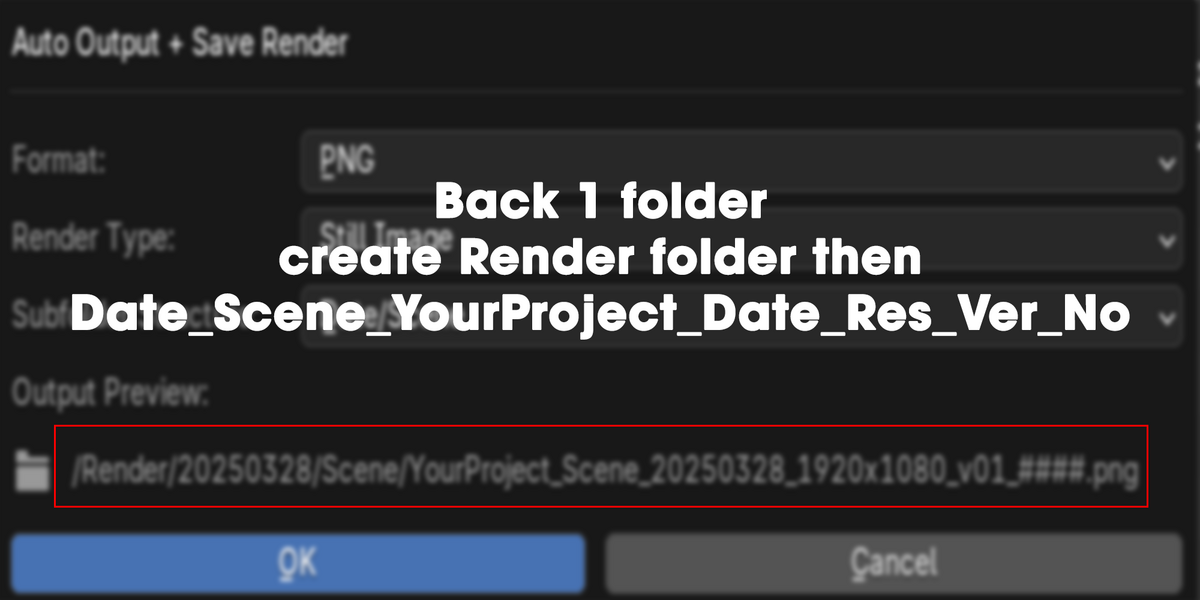
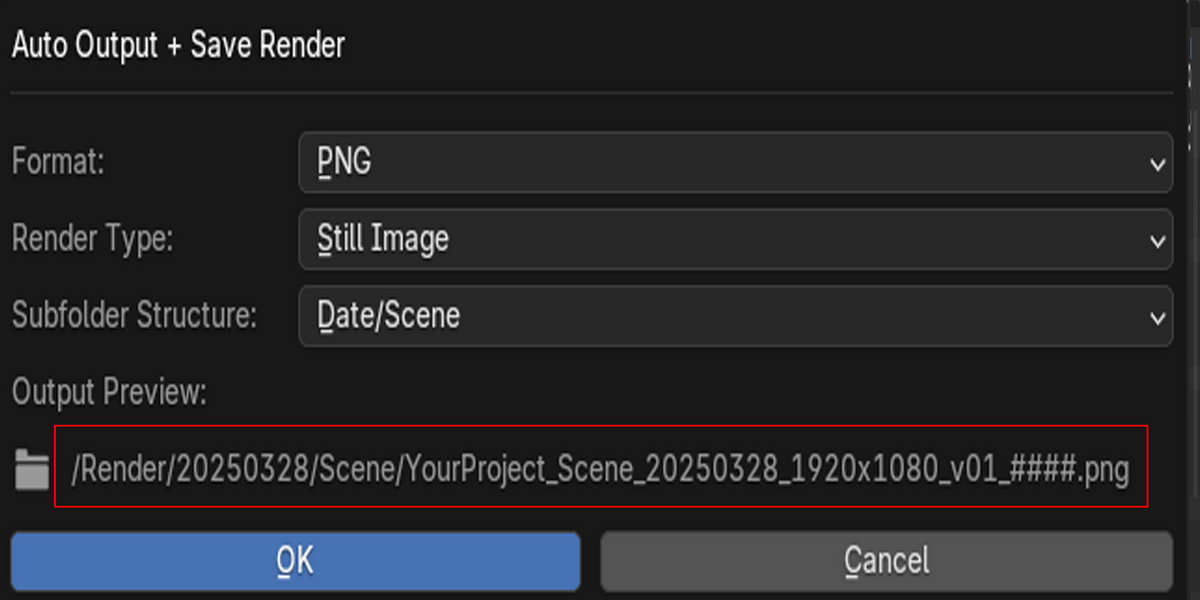
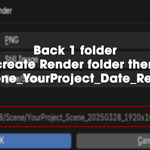
When rendering from a .blend file named MyProject.blend, in a scene called Forest, at 1920x1080 resolution on March 21, 2025, the output might look like:
If a file with that name exists, the add-on automatically increments version: v02, v03, ...
🛠️ Installation
Download the
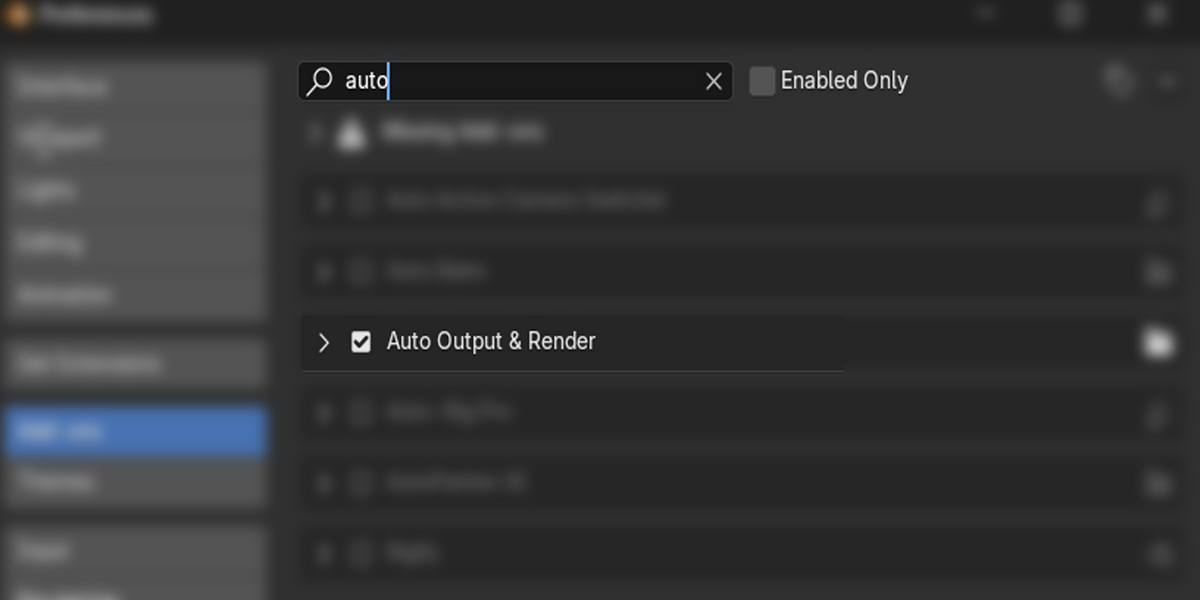
.zipfile of the add-on from Blender Market.Open Blender → Edit → Preferences → Add-ons
Click Install, and select the
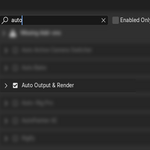
.zipfile.Enable the checkbox for Auto Output & Render.
Done! You’ll find it in the Sidebar (N-panel) under the "Pipeline Tools" tab.
🚀 How to Use
-
Save your
.blendfile first (this is required to generate output paths).Open the 3D Viewport → Press N to show the sidebar.
-
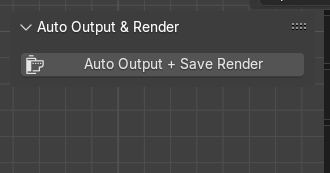
Go to the tab “Pipeline Tools”
-
Click the button “Auto Output + Render”
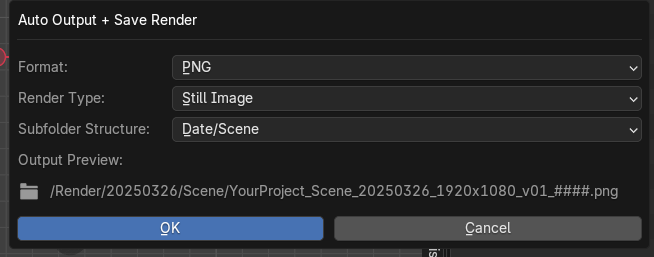
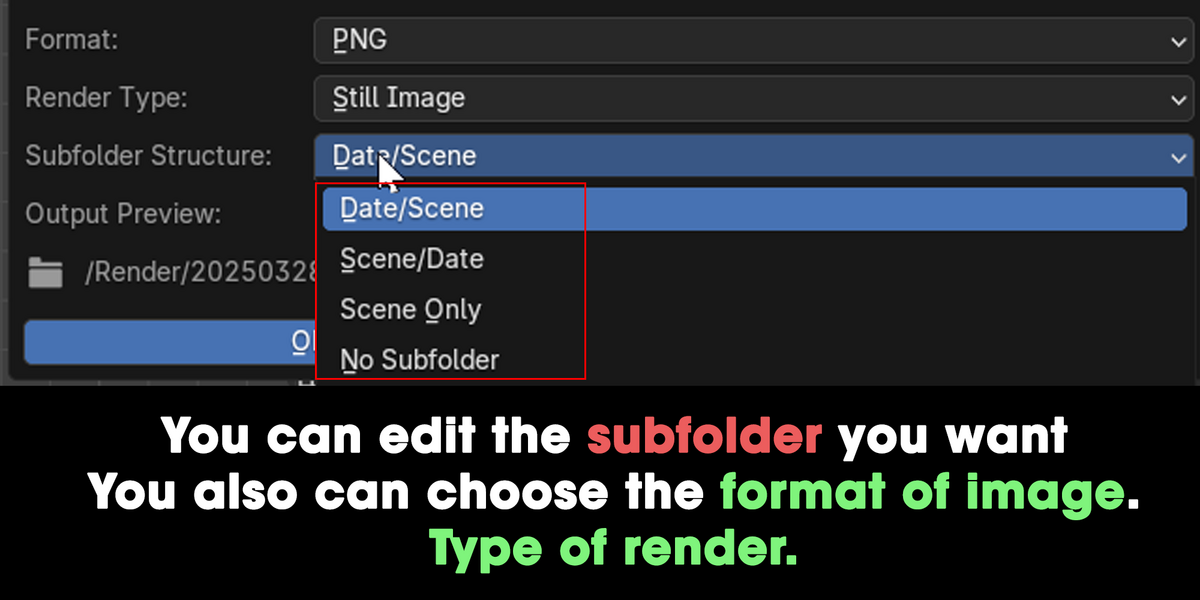
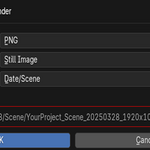
A popup will appear with options:
🎛️ Popup Options:
| Field | Description |
|---|---|
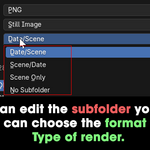
| Format | Choose output format: PNG, JPEG, EXR |
| Render Type | Still Image or Animation |
| Subfolder Style | Auto-create folders: Date/Scene, Scene/Date, Scene Only, None |
| Output Preview | See the full output path before rendering |
-
Hit OK → Blender will:
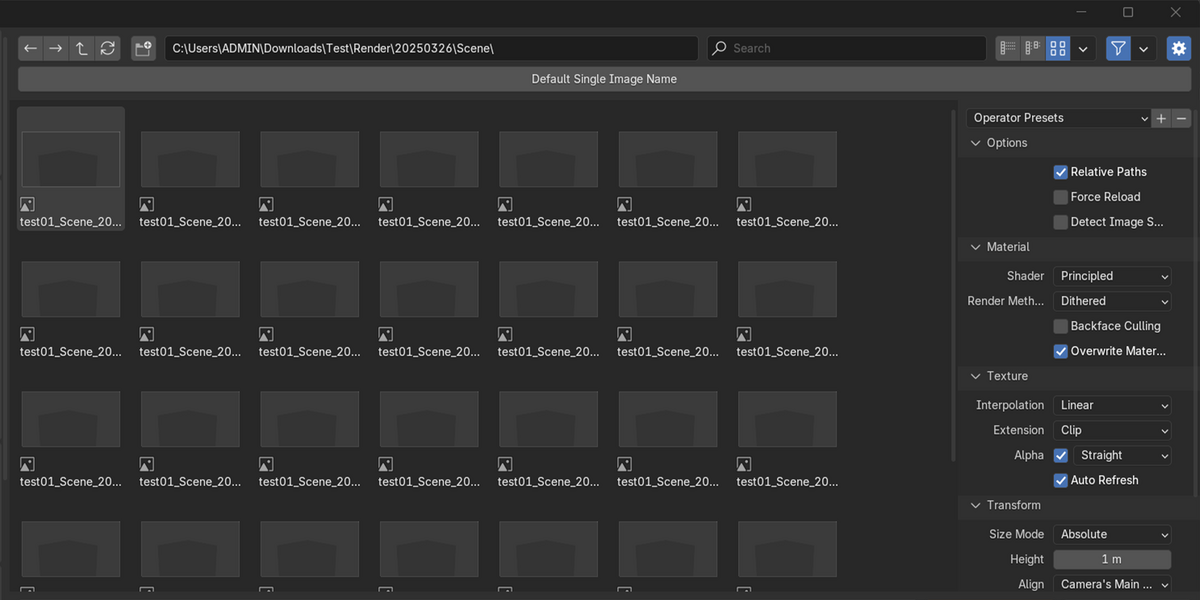
Auto-create the folder
Auto-name the file with all tokens
Render and auto-save the result
📽️ Render Type Behavior
-
Still Image
Renders current frame and auto-saves image to disk
No need to manually save from "Render Result"
-
Animation
Renders full frame range to sequence using Blender’s internal animation render
Files saved automatically per Blender standard
🧠 Pro Tips
Save different versions of the
.blendfile and this add-on will auto-increment render versioning (_v01,_v02, etc.)Use subfolder options to separate client projects or shots
Combine this with your studio pipeline folder structure
🧰 Compatibility
Blender 3.0+
Windows / macOS / Linux
💬 Support
Need help or have a feature request?
Contact us via Blender Market messages
We offer fast support and updates based on user feedback!
🔐 License
This product is licensed for individual or studio commercial use. You may include it in your pipeline, but redistribution outside your team is not allowed.
More add-ons by Unik Studio
Other Blender tools from the same creator.