 Giorgi Samukashvili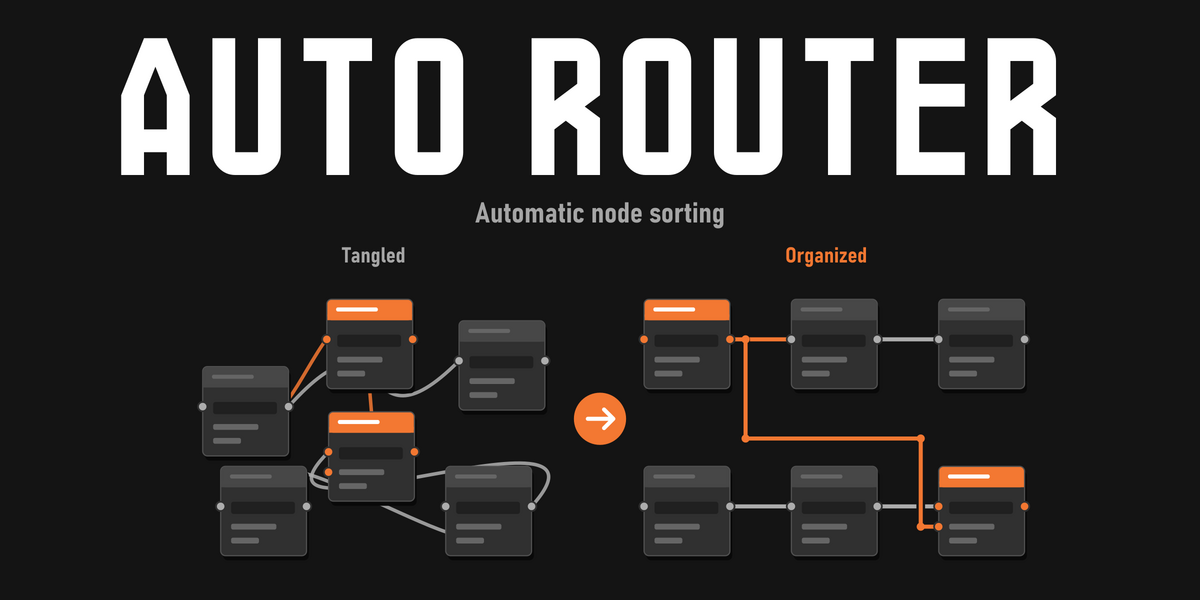

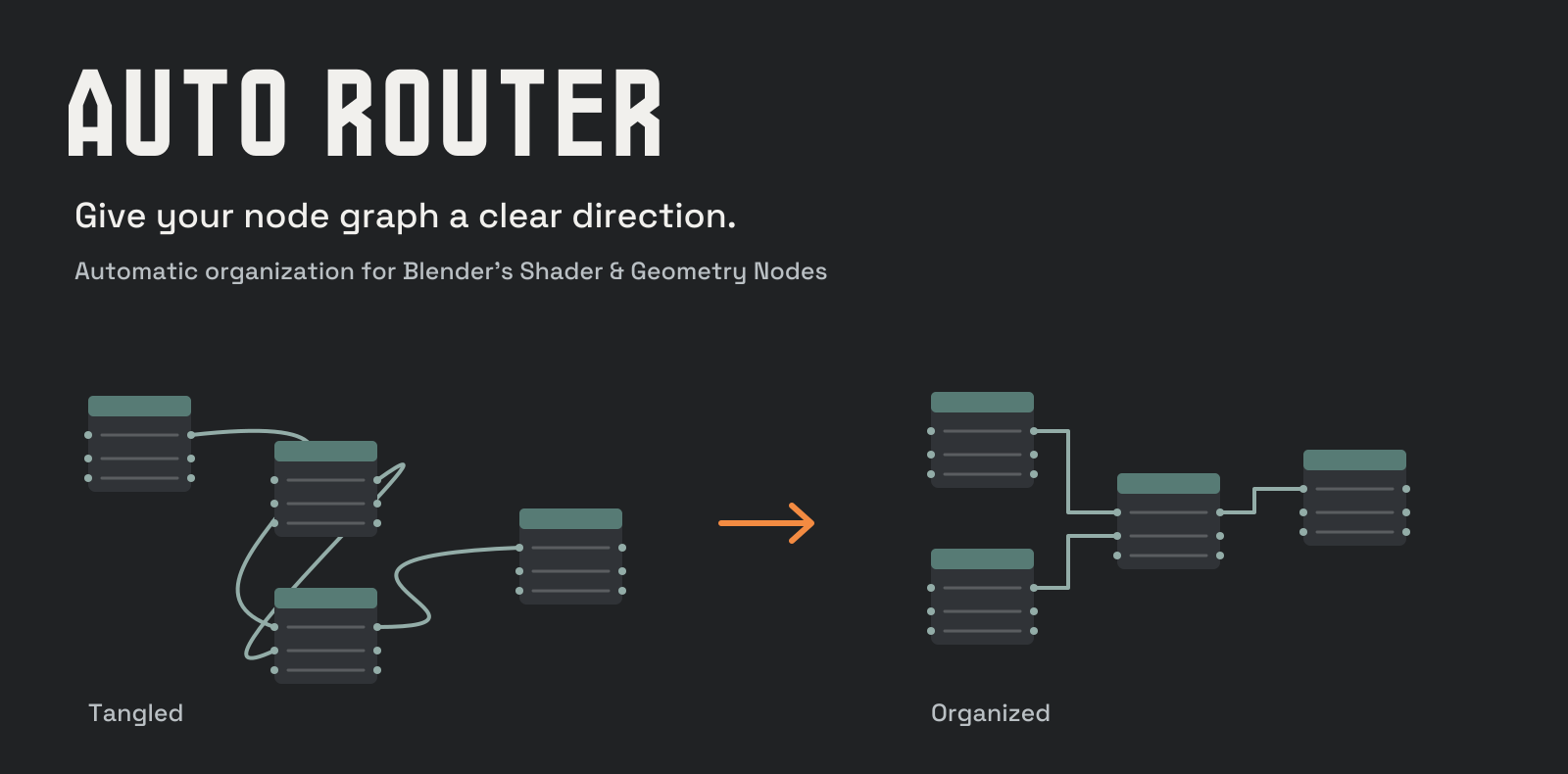
Unpacked a node group? Inherited a tangled material? Auto Router gives complex graphs a layout you can follow. Arrange your nodes, clean the wire paths, and keep working inside Blender’s Shader Editor and Geometry Nodes Editor.
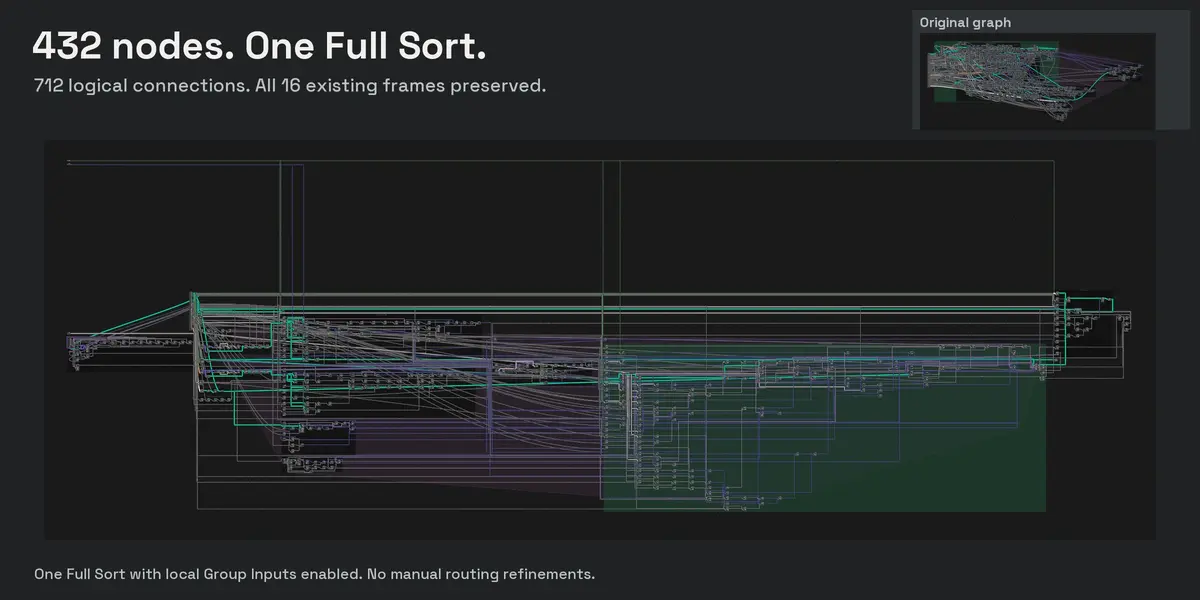
432 original nodes.
The whole system, before and after.
A real leaf-and-wind system: 712 logical connections, 16 existing frames, and one heavily connected Group Input. Below is the whole graph before organization, followed by the complete result of one Full Sort with Distribute Group Inputs enabled.
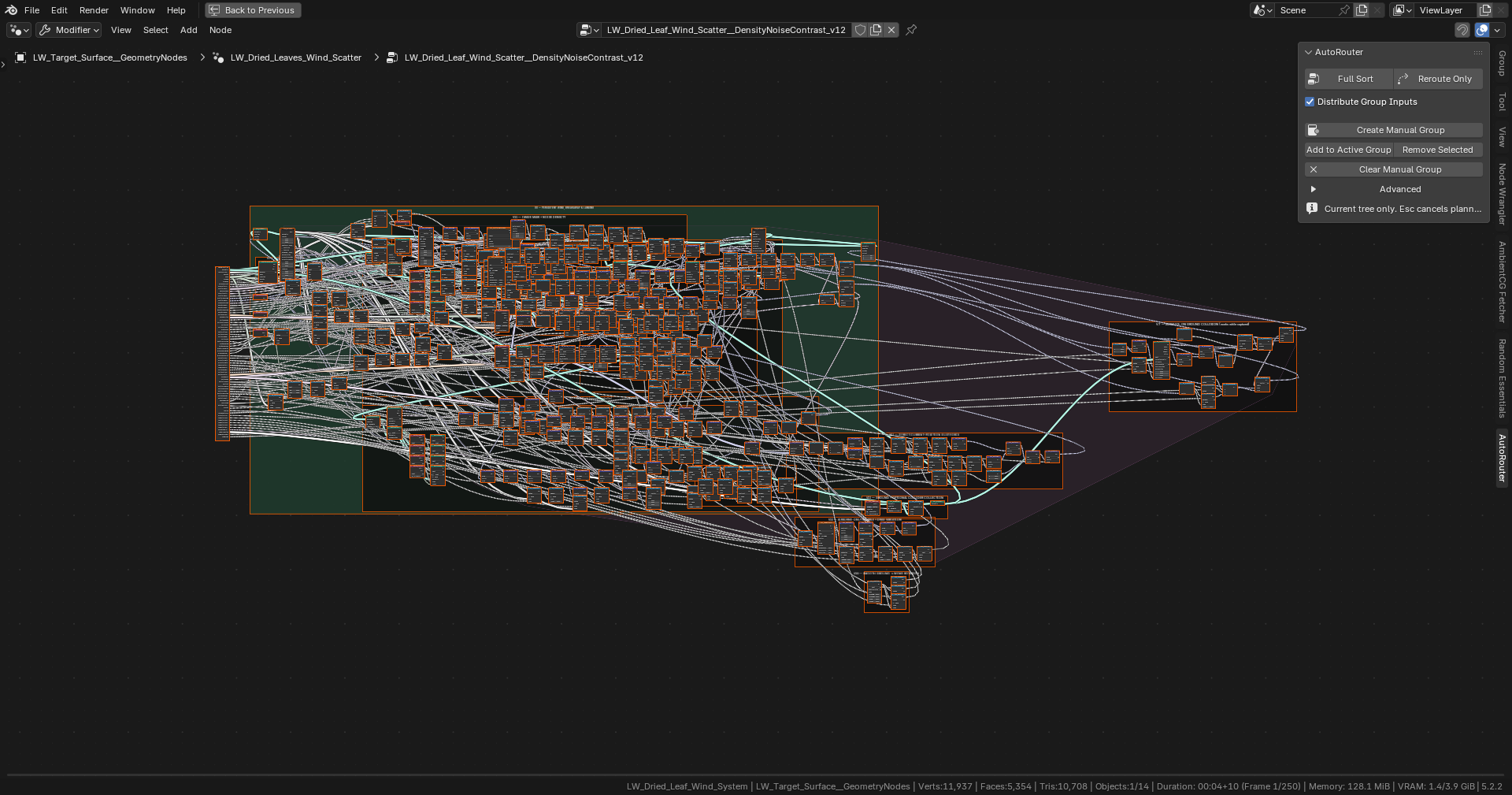
Before: all 432 original nodes, including the distant frame on the right.
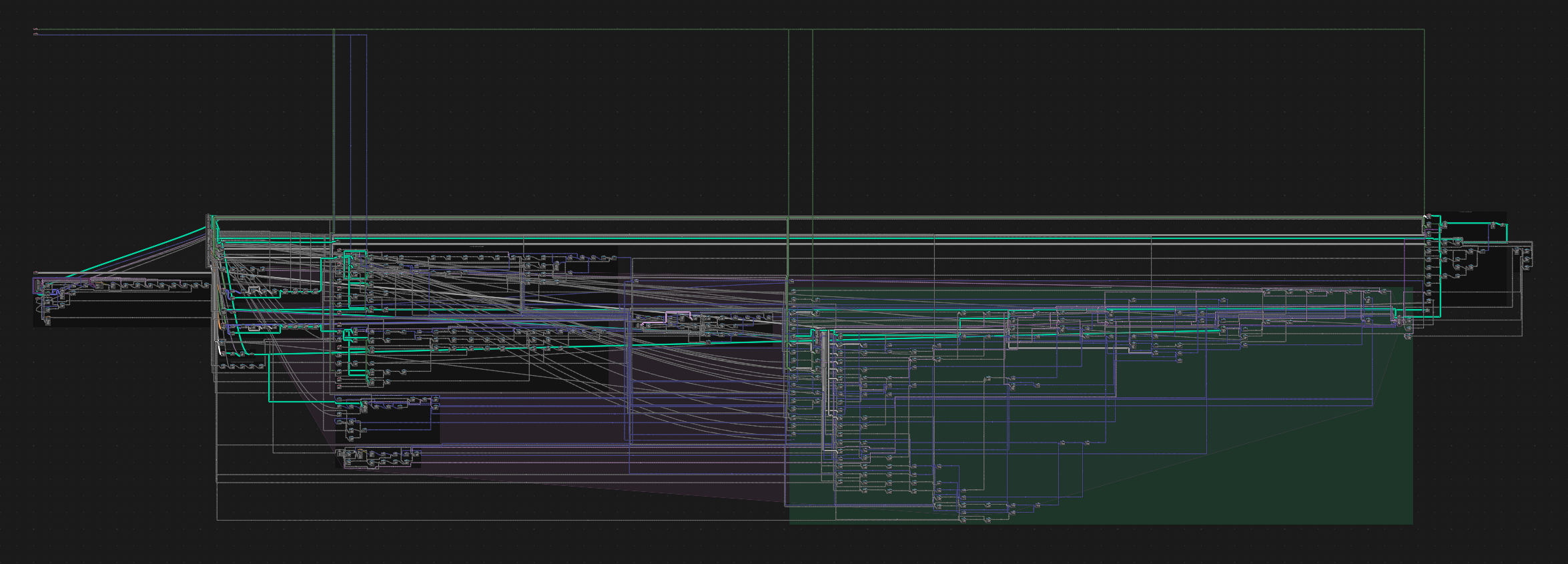
After: the complete sorted system. Follow the graph from the leftmost inputs to the far-right simulation region. All 712 logical connections and original nodes remain, with all 16 existing frames preserved. Click the panorama to inspect it at full resolution.
One Full Sort increased Group Inputs from 1 to 4, with no manual routing refinements. The logical connection check passed with zero invalid links. In this run, 65 connections retained their original wiring because of blocked corridors or routing limits. Large trees can take several minutes.
Watch one Full Sort on the 432-node system
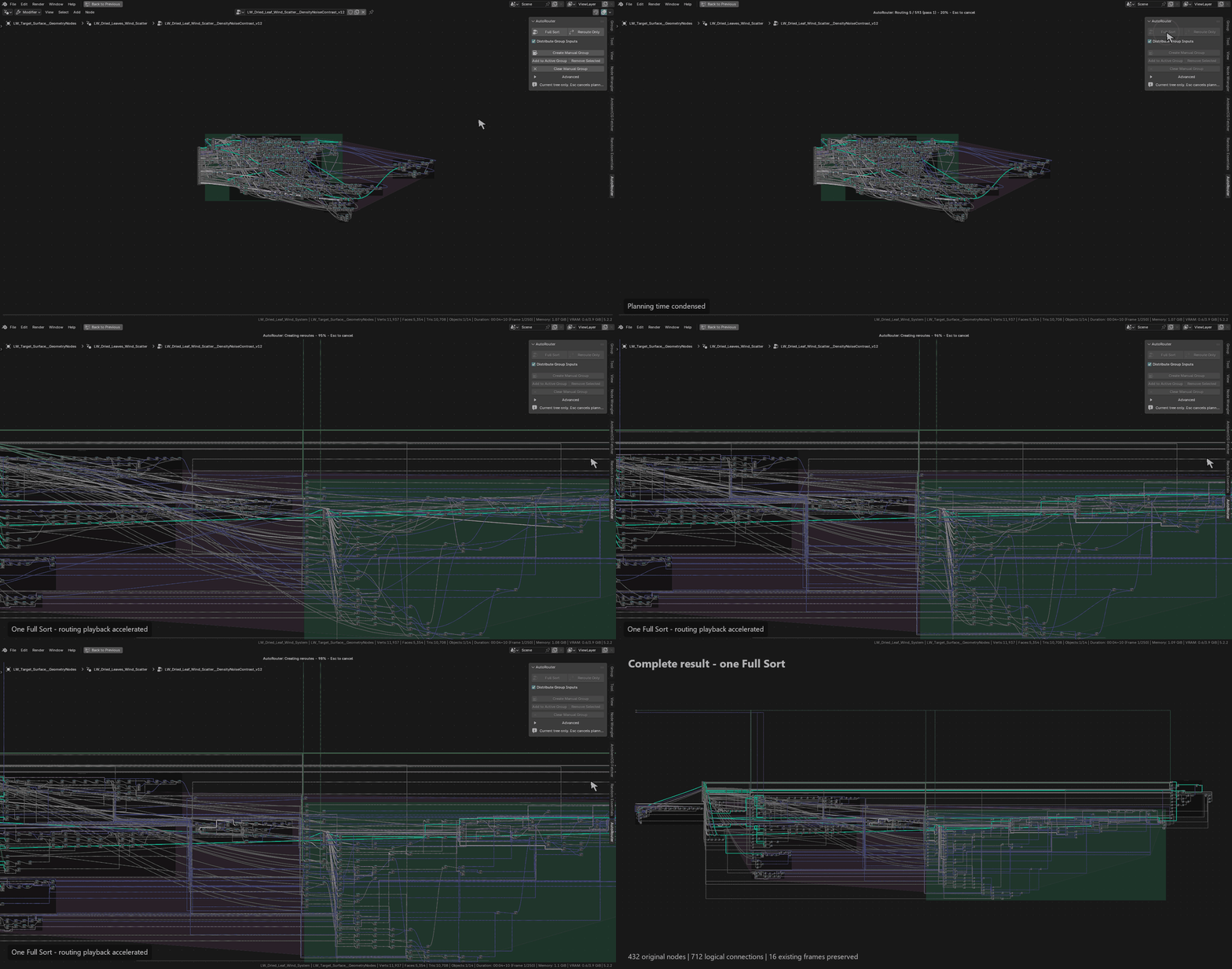
Recorded in Blender: one Full Sort with Distribute Group Inputs enabled. Processing and routing playback are sped up; the cursor and click pulse were added in post. The clip ends with an overview of the complete graph.
Choose how much changes
Start with the whole layout, or keep your node placement and focus on the connections.
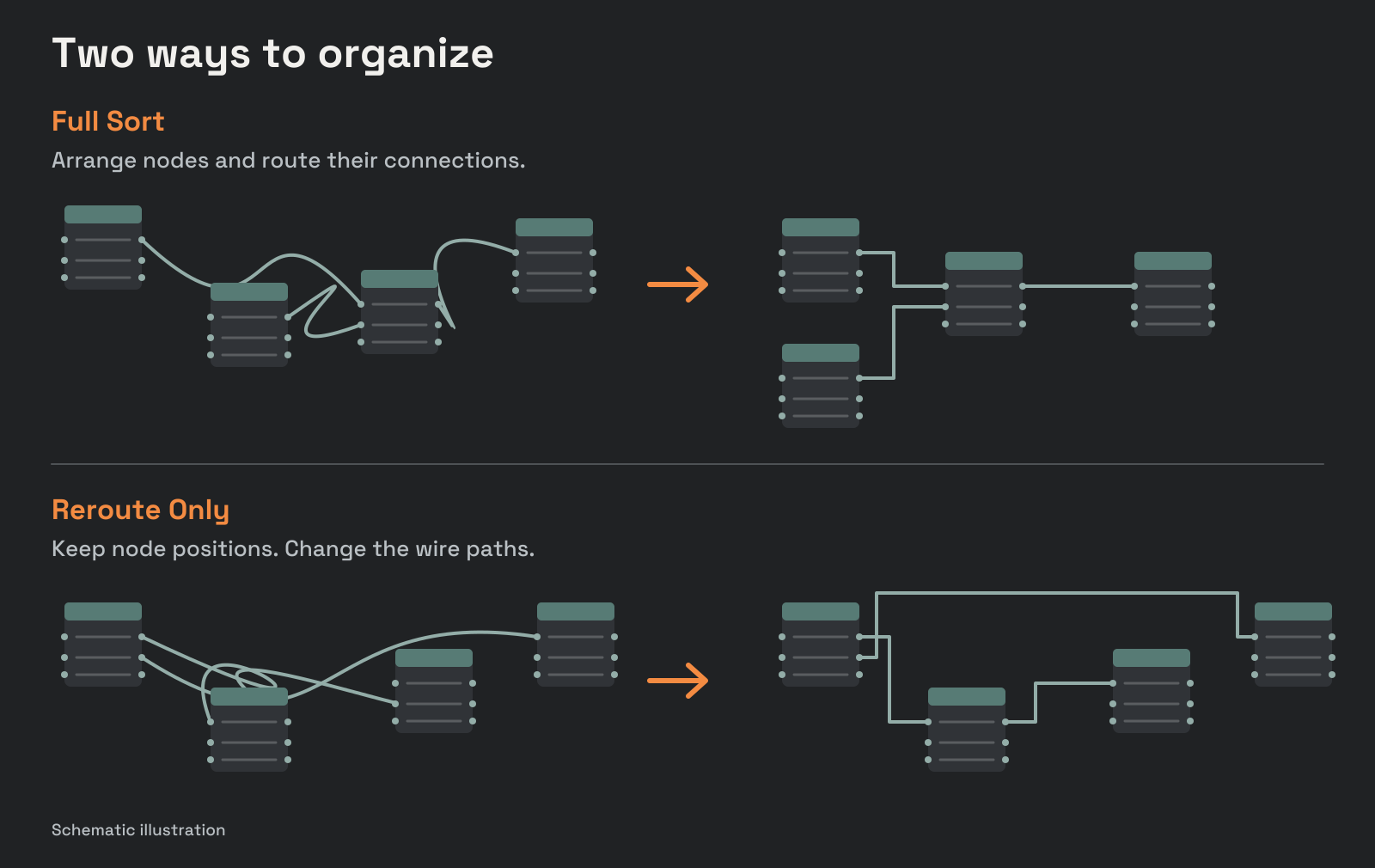
Full Sort
Arrange nodes along their dependencies and route the connections between them. Existing frames guide the structure; substantial sections among unframed nodes can be grouped automatically.
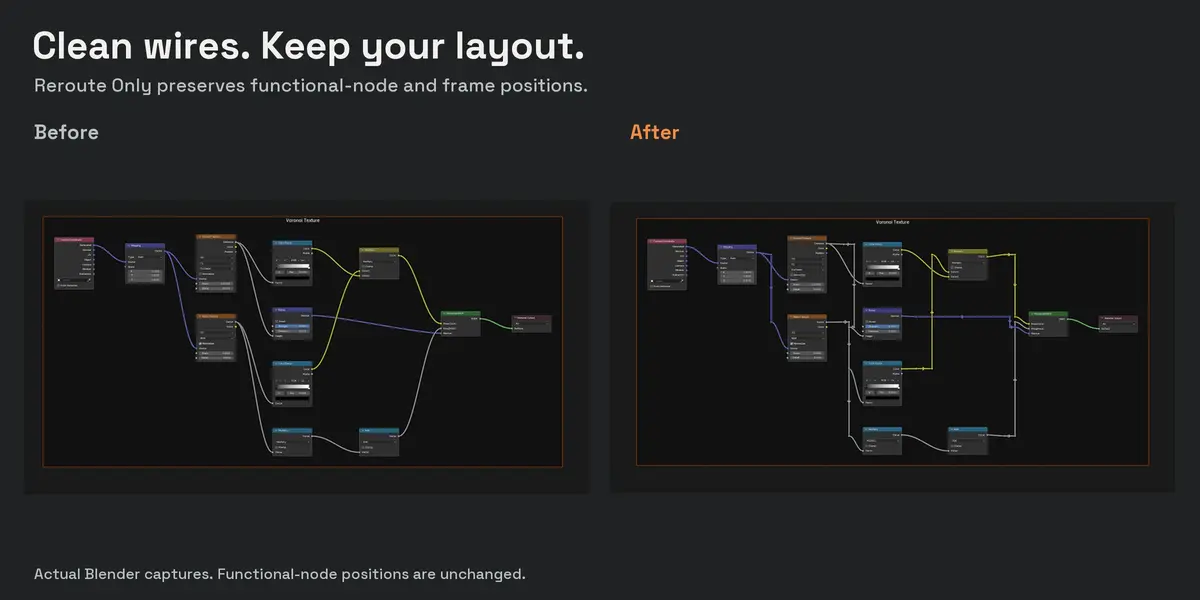
Reroute Only
Keep functional nodes and frames exactly where you placed them. Rebuild wire paths around that layout using reroutes and shared branches where useful.
Watch Full Sort
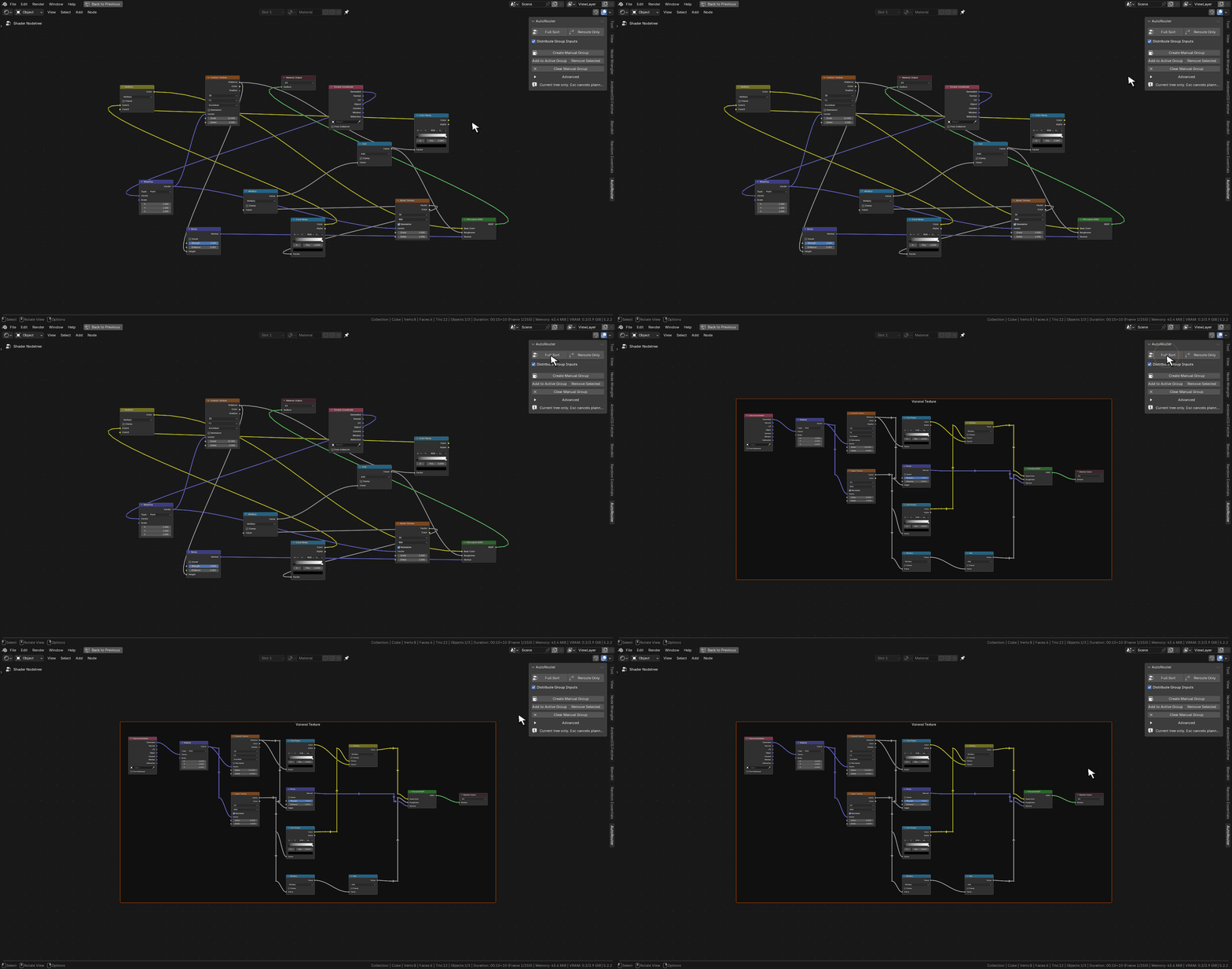
Full Sort in Blender. Tutorial cursor and click pulse added in post.
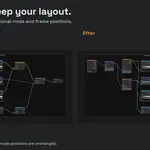
Clean the wires. Keep your layout.
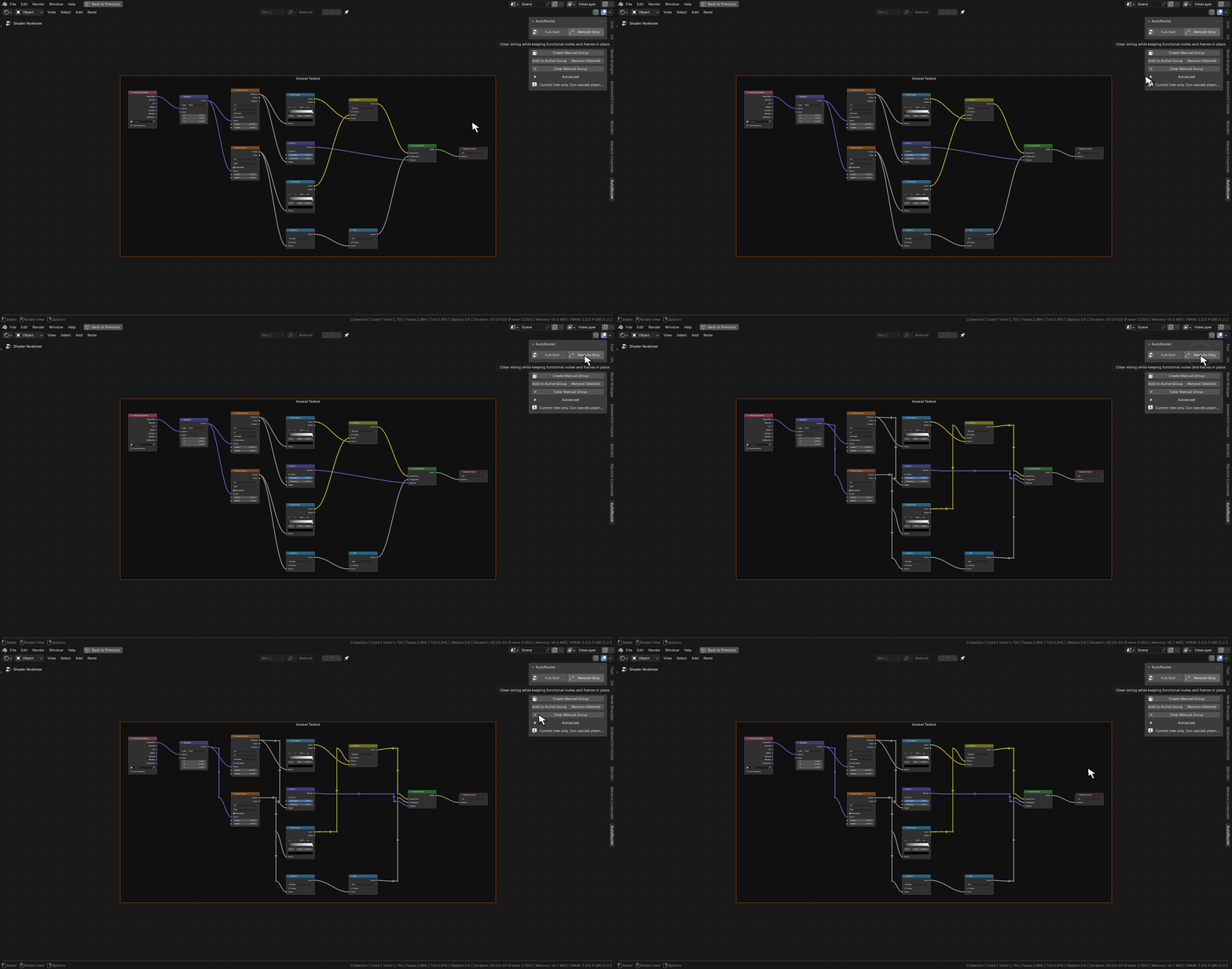
Choose Reroute Only to preserve functional-node and frame positions while cleaning wire paths. Recorded in Blender; smooth cursor and click pulse added in post.
Materials and procedural systems
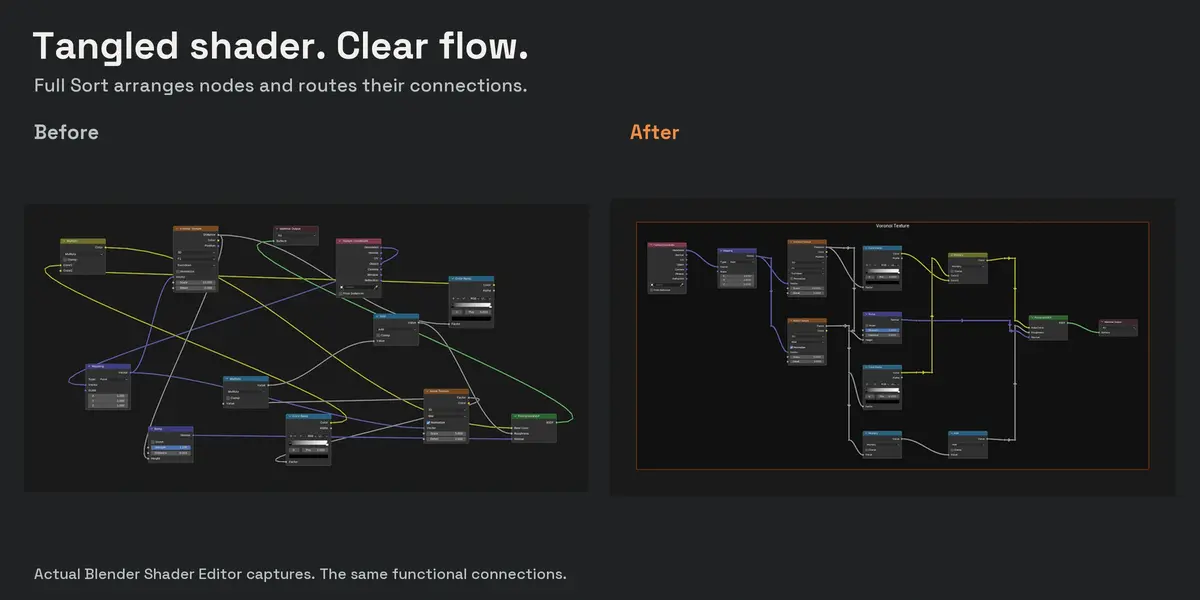
Give a growing shader a readable flow, or organize a Geometry Nodes system after unpacking its groups. Each operation works on the entire currently edited tree; enter a nested node group to organize its contents.
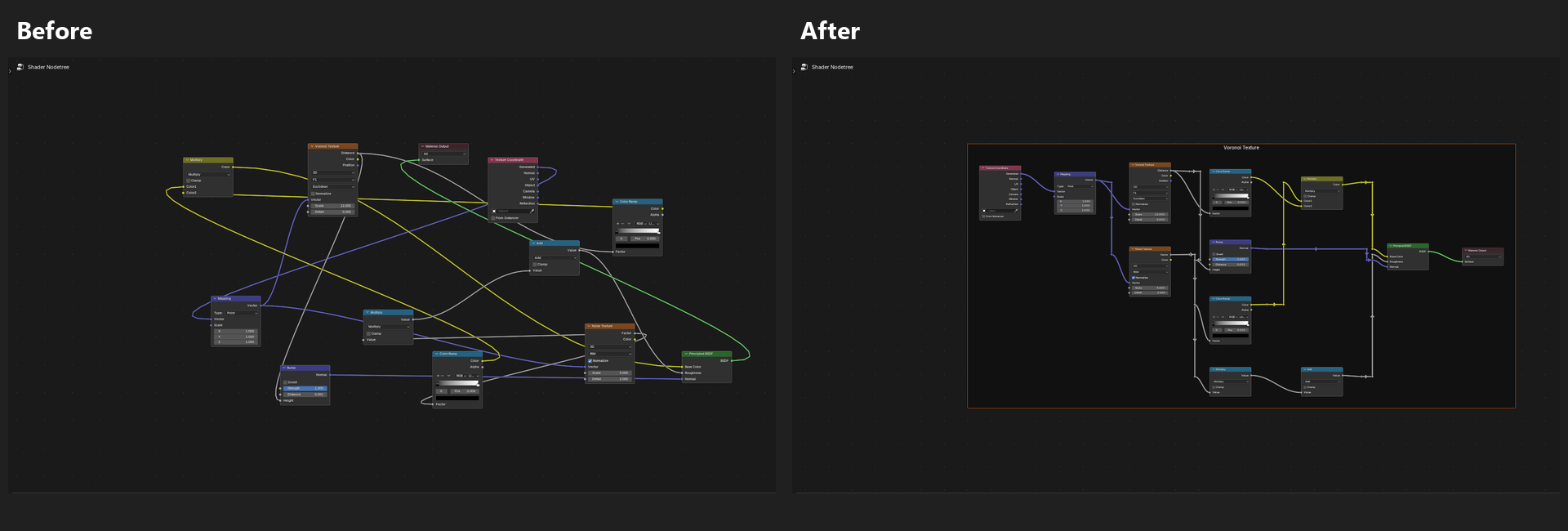
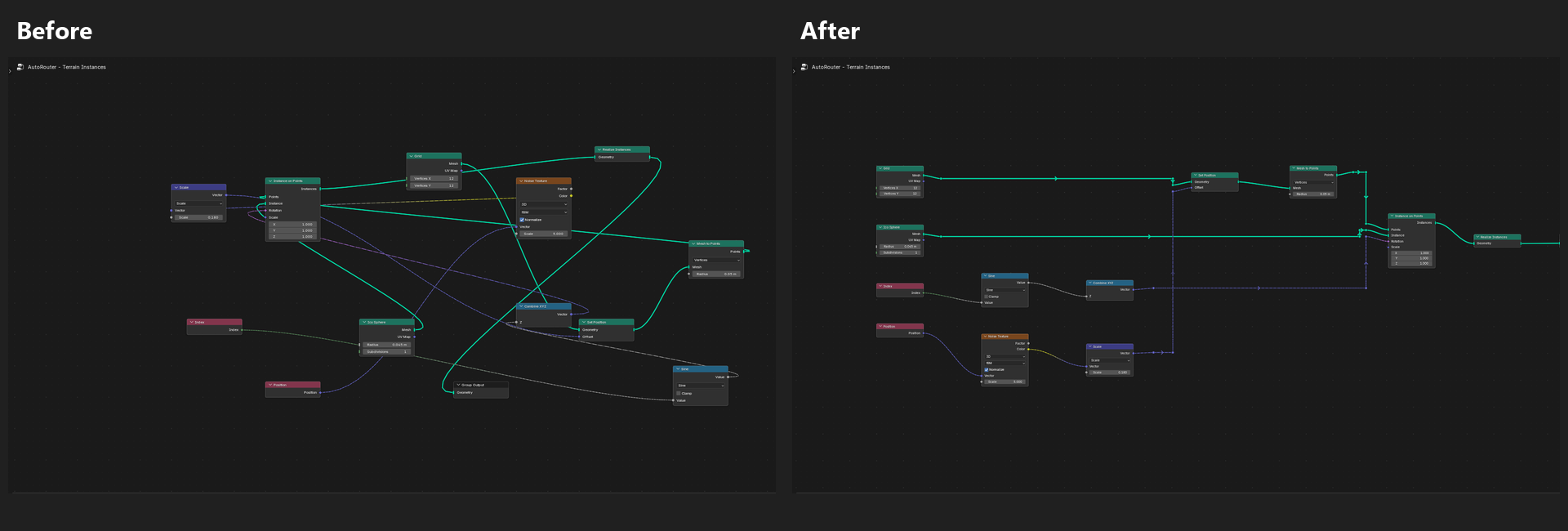
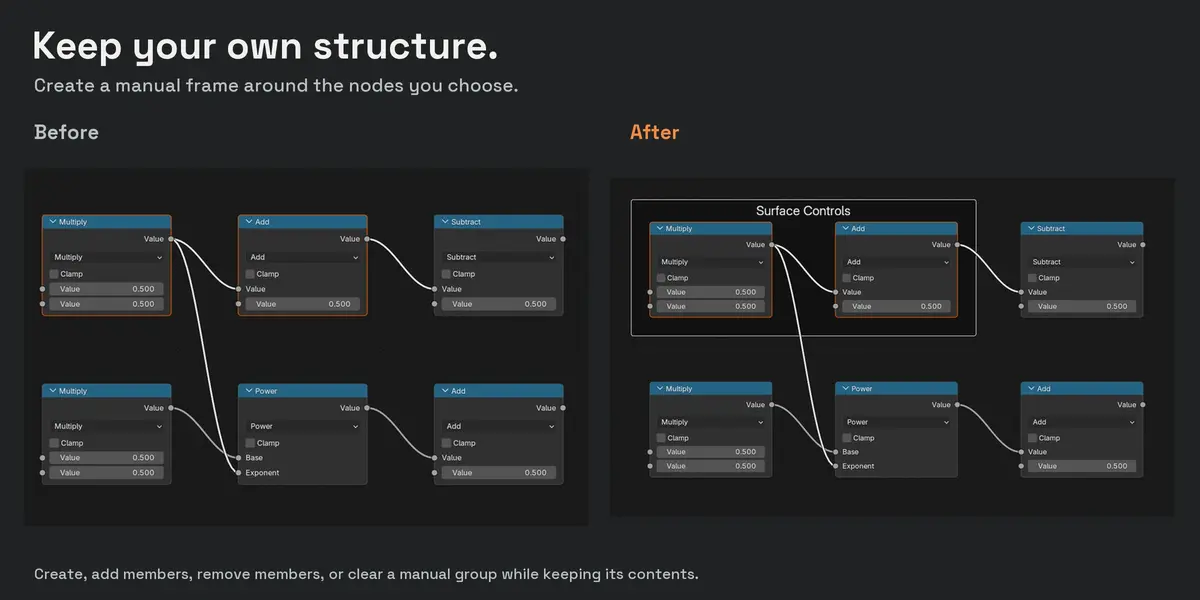
Keep the structure you built
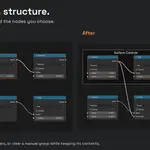
Existing frames stay meaningful. Auto Router respects their membership. For your own sections, create a manual group from selected nodes, add members, remove members, or clear the manual frame while keeping its contents.
Create your own section
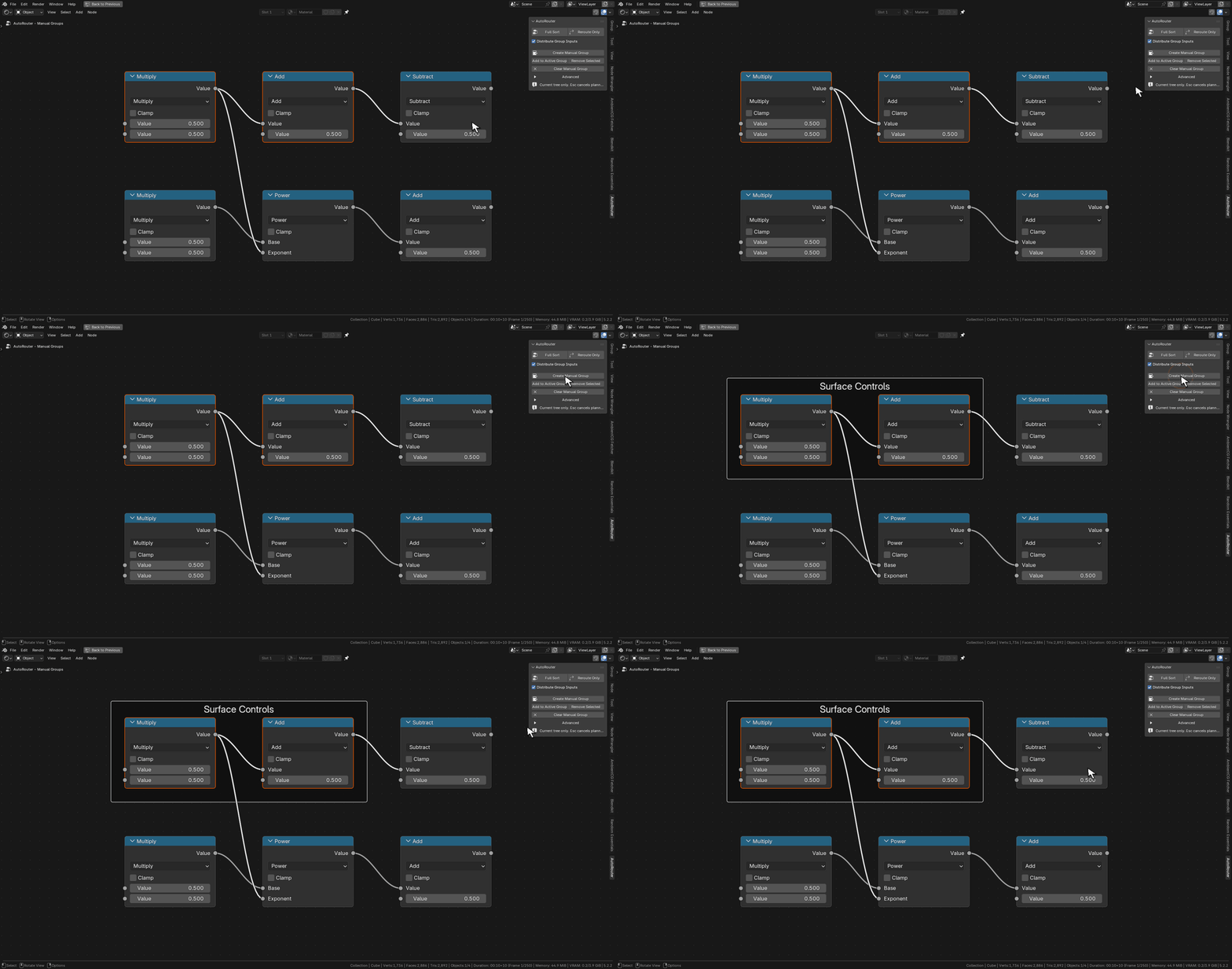
Select the nodes first, then choose Create Manual Group. This demonstration starts with the selection prepared; tutorial cursor and click pulse added in post.
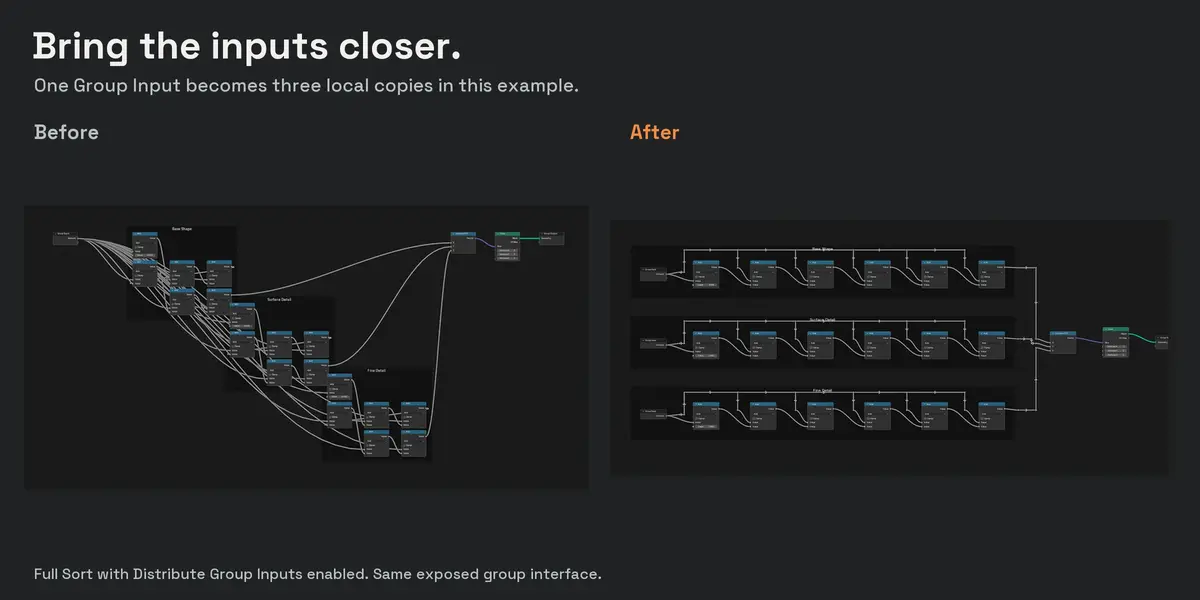
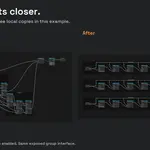
Local Group Inputs reduce long-distance wiring. Enable Distribute Group Inputs during Full Sort to create a limited number of copies for substantial consumer regions. Each copy uses the same group interface, with the relevant sockets exposed.
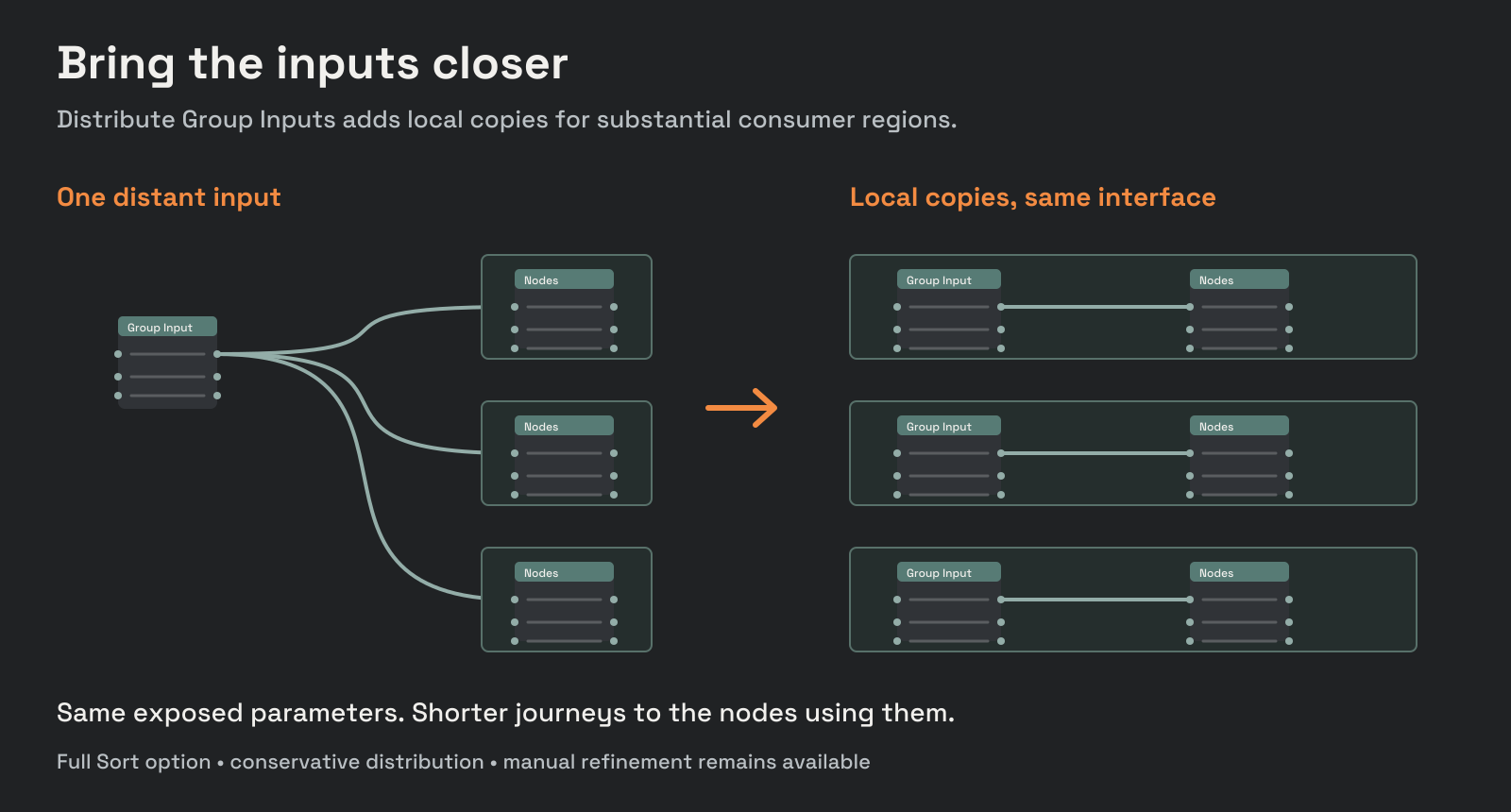
See local inputs in action
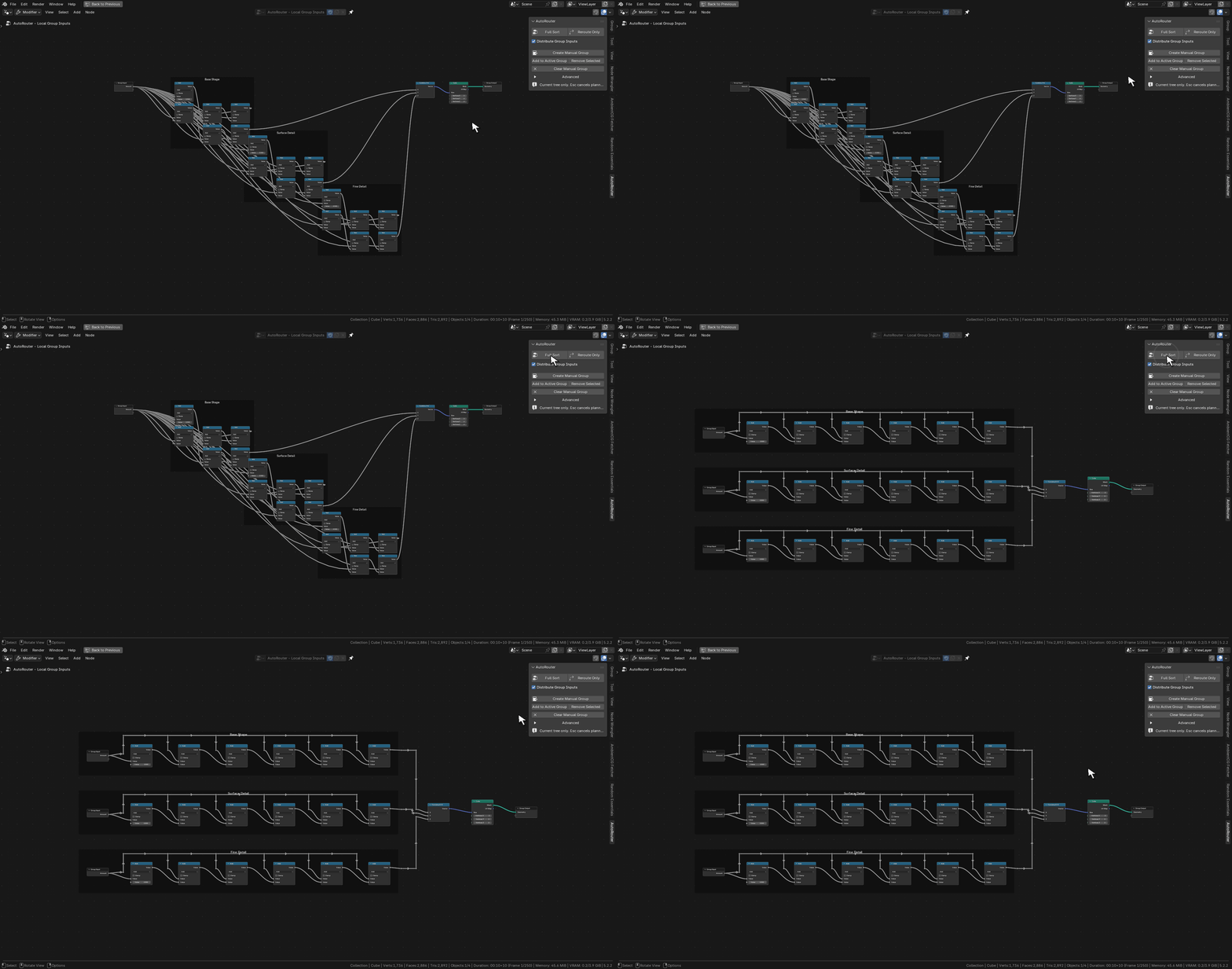
Enable Distribute Group Inputs, then run Full Sort. In this smaller demonstration the input count changes from 1 to 3. Cursor and click pulse added in post.
Automatic distribution is deliberately conservative. For especially large trees, adjust spacing, routing limits, or local inputs to suit your graph.
Tune the spacing. Stay in control.
Adjust node spacing, wire spacing, clearance, grouping sensitivity, and relative-order preservation. Advanced controls also let you rebuild reroutes and set search, routing-pass, reroute-count, and time limits.
Interactive runs report progress. Press Esc to cancel; a completed operation can be undone in Blender. Before accepting a result, Auto Router checks logical socket connections, muted links, and multi-input ordering. If application or validation fails, it restores the captured tree state.
Auto Router organizes the editor layout. It does not promise an optimal or crossing-free result. Connections that cannot be solved within the chosen limits retain their original wiring and produce a warning.
From tangled to organized
- Install the add-on ZIP through Blender Preferences → Get Extensions → Install from Disk.
- Open your node tree. Press N and choose the AutoRouter sidebar tab.
- Choose Full Sort or Reroute Only. Enable Distribute Group Inputs when you want Full Sort to consider local input copies.
Requirements: Blender 4.2 or newer. Shader Editor and Geometry Nodes Editor.
Created by Giorgi Samukashvili
samukashvili.ge