 Jean-Marie Rudent

BLENDER ADD-ON · CAMERA
Autofocus
Let the camera find the focus.
Stop keying the focus distance by hand. Tick one box and your camera focuses on the nearest surface around the center of the frame, like a real camera, in the viewport and in the render.
One checkbox · Nine focus points · Bake to keyframes
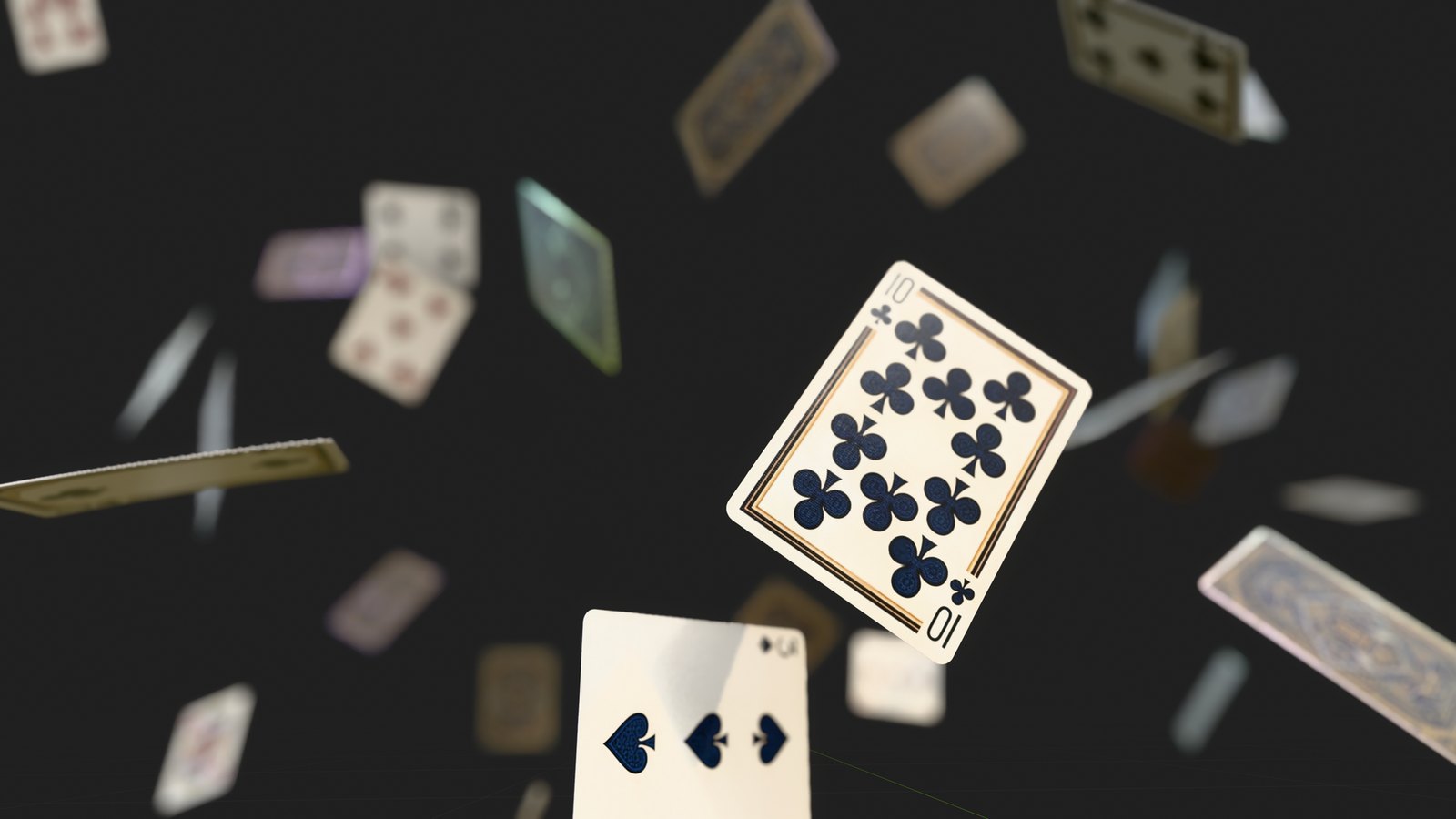
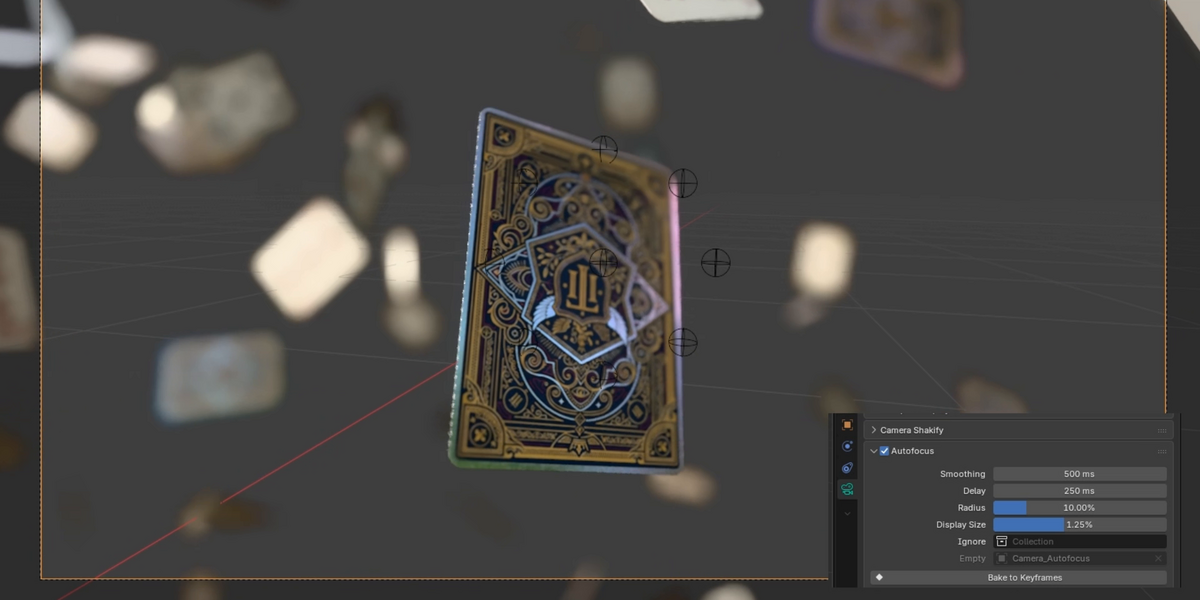
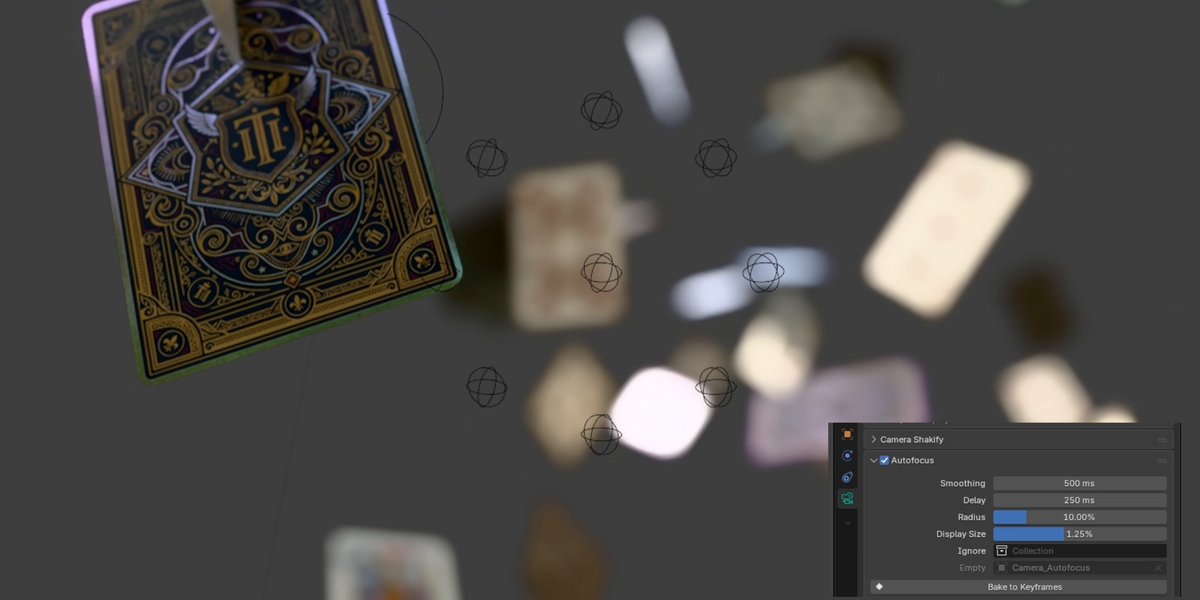
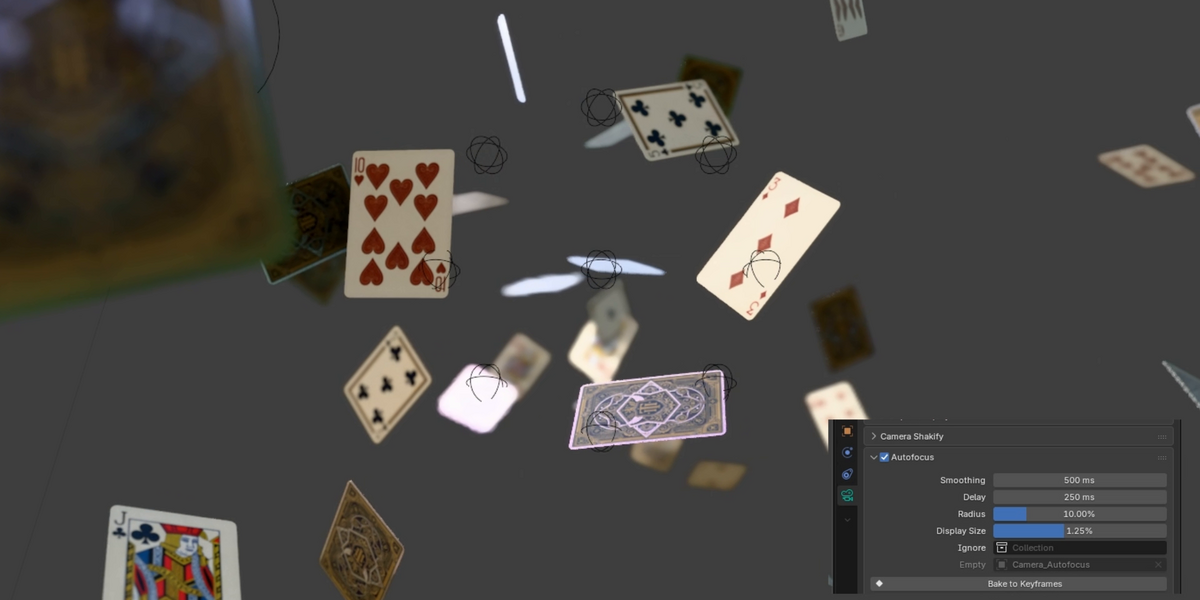
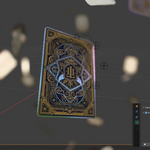
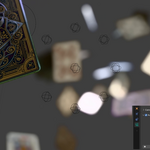
Captured in Blender's viewport, with the add-on's markers hidden.
01 · FOCUS
Move the camera. The focus keeps up.
The add-on reads what the camera sees at the center of the frame and at eight points around it. The nearest surface wins, like the focus zones of a real camera. You animate the shot, without placing a target or keying a distance.
02 · FOLLOW
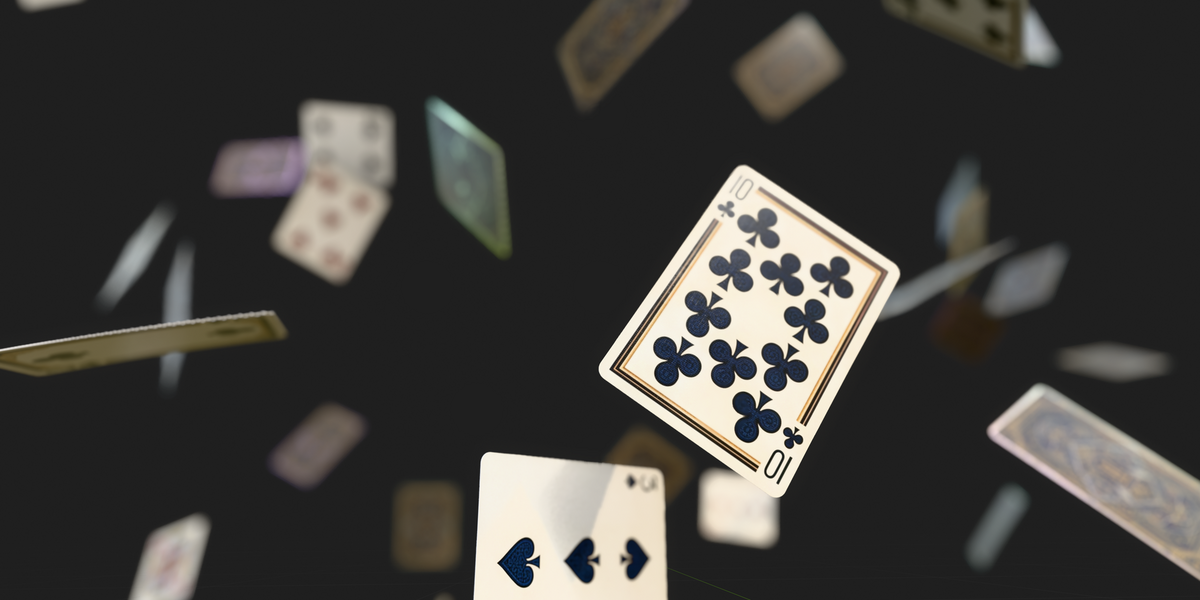
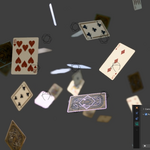
A card flies at the lens. The focus takes it, then lets it go.
Rack focus happens on its own, from one surface to the next, across the whole shot. Set the camera's F-Stop as usual: this is Blender's own depth of field, in Cycles and in EEVEE.
03 · SENSOR
Choose how wide the camera looks.
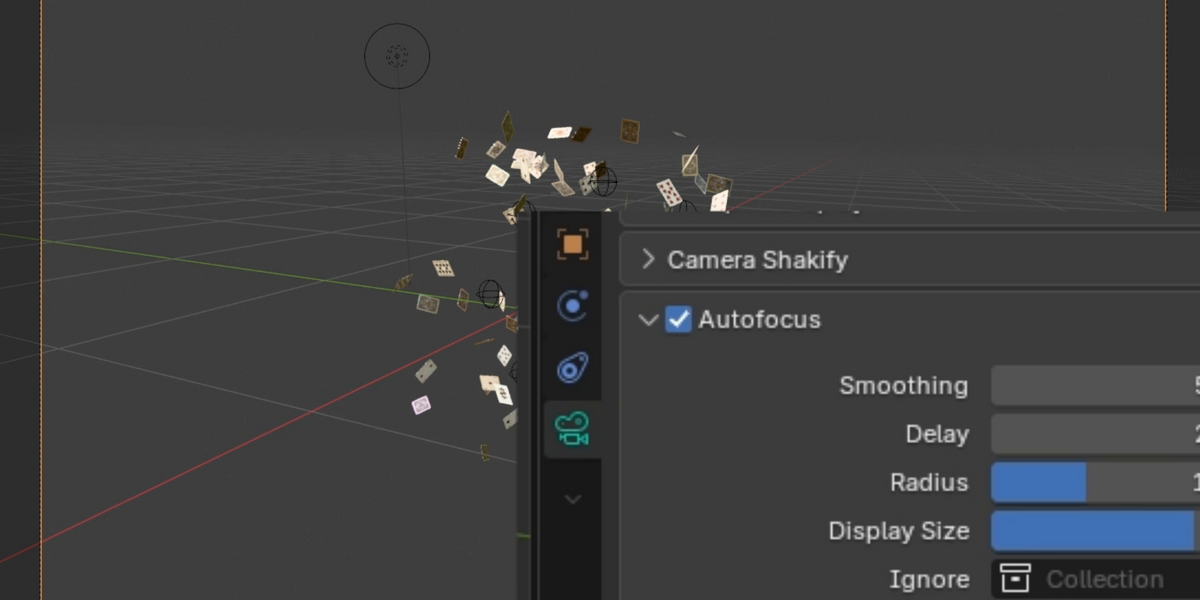
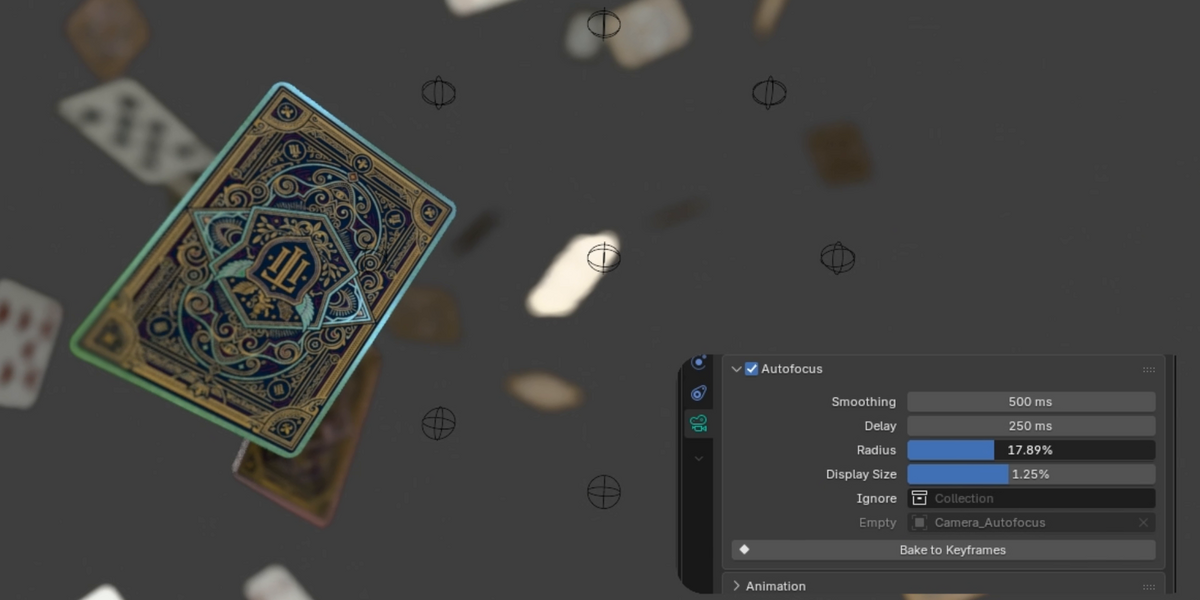
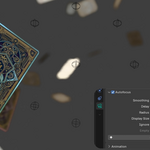
Radius sets how far the eight points sit from the center. A wide sensor catches anything near the middle of the frame. At 0 it only looks at the exact center. Small spheres show where each point lands, so you see what the camera is reading, and they stay out of the render.
04 · TIMING
Decide how fast it reacts and how softly it moves.
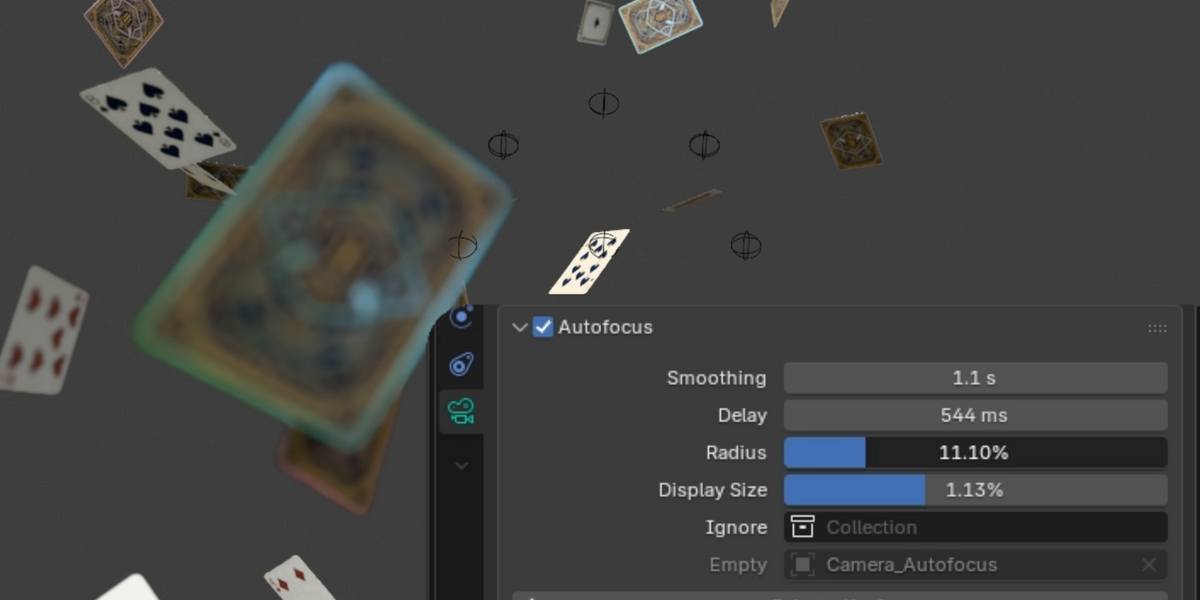
Delay is how long a new surface must stay in sight to take the focus, so something crossing the frame does not steal it. Smoothing is how slowly the focus glides there. It eases in and out and never overshoots.
05 · CONTROLS
Everything fits in one small panel.
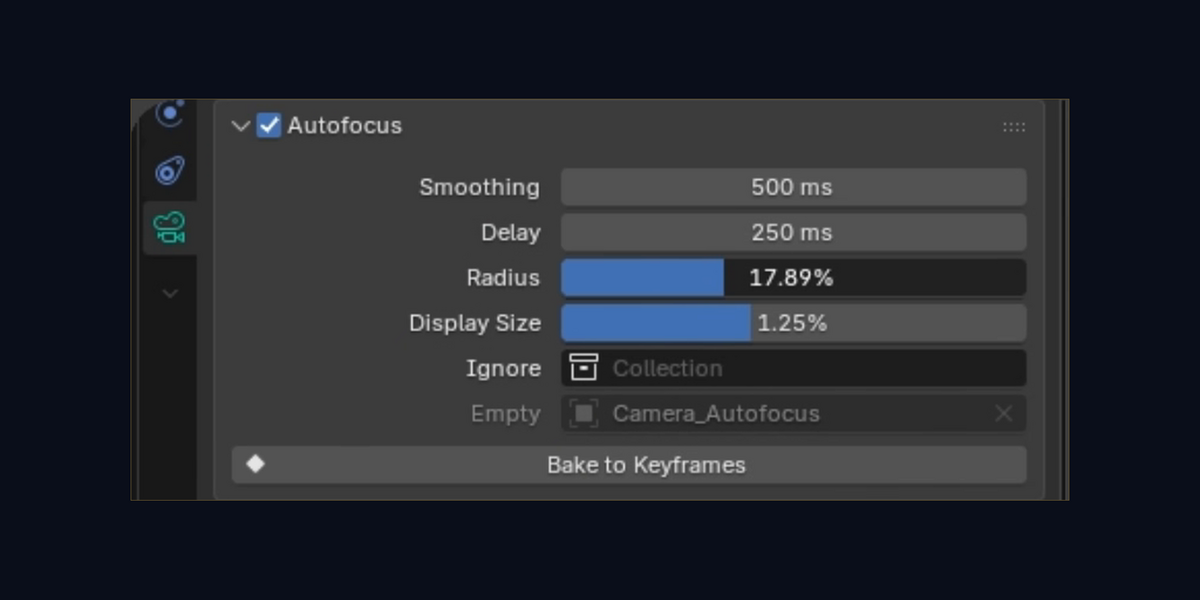
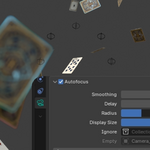
It sits in the camera's properties, next to the depth of field settings you already know. These are the defaults, a good place to start.
SMOOTHING · 500 MS
How slowly the focus glides
DELAY · 250 MS
How long a new surface must last
RADIUS · 10 %
The size of the sensor
DISPLAY SIZE · 0.5 %
The size of the spheres on screen
IGNORE
A collection the focus sees through, like glass or volume boxes
BAKE TO KEYFRAMES
Freeze the focus when the shot is final
06 · BAKE
Bake it, and the file renders anywhere.
Bake to Keyframes writes the focus on every frame, from the camera's first keyframe to its last. Any single frame then renders the same, and the render no longer needs the add-on, which is what a render farm wants. Changed your mind? Clear Bake goes back to live autofocus.
In our tests, a sequence rendered live and the same sequence rendered baked came out pixel-identical, in Cycles and in EEVEE.
07 · WHY NOT A FOCUS OBJECT
One subject, Blender is enough. Many subjects, it is a lot of keys.
If your shot stays on one object, Blender's Focus Object does the job for free. This add-on is for shots where what should be sharp keeps changing.
FOCUS OBJECT
AUTOFOCUS
Who is sharp
The object you picked
The nearest surface in the sensor
New subject
You key the change
It follows after the Delay
The glide
You animate it
One Smoothing value
Depth of field
Blender's own
Blender's own too
WHAT YOU GET
One add-on, one panel, one checkbox.
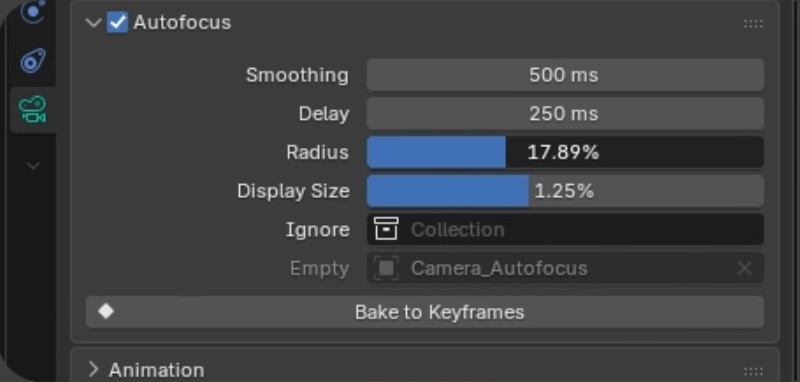
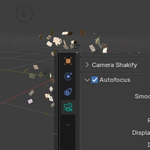
Select a camera. Object Data properties, Autofocus panel.
camera_autofocus-1.6.0.zip, installed from Edit > Preferences > Add-ons > Install from Disk.
Listed as Camera Autofocus in Blender. Pure Python, no dependencies. Free updates for version 1.x.
The playing cards in the demo are not included. The focus reads geometry, not materials: a fully transparent surface still stops it, so put it in the Ignore collection.
BLENDER 4.4+ · TESTED ON 5.2 LTS · EEVEE AND CYCLES · GPL
Let the camera find the focus.
Autofocus for Blender, $12.
Free updates for version 1.x.