Autofocus for Blender
 Jean-Marie Rudent
Which Blender version do I need?
Blender 4.4 or later. It was developed and tested on 5.2 LTS. Versions in between have not been tested.
Does it work with Cycles and EEVEE?
Yes. It drives Blender's own depth of field, so both engines work. Both were tested.
What does the focus see?
What the camera can see in the scene: meshes, modifiers, curves, text, surfaces, metaballs, collection instances and Geometry Nodes instances were all tested. It skips anything hidden from the render or from camera rays, and anything in the Ignore collection.
Why does it focus on my glass, or on a transparent plane?
The focus reads geometry, not materials, so a fully transparent surface still stops it. Put those objects in a collection and pick it in the Ignore field. The focus goes through them.
Can I tell it to focus on one specific object?
No. It always takes the nearest surface inside the sensor. If your shot stays on one object, Blender's own Focus Object is all you need. To keep the focus off something, use the Ignore collection, or set Radius to 0 so that it only looks at the exact center.
Bake to Keyframes says "This camera has no keyframes to bake". Why?
The bake runs from the first keyframe of the camera, or of its parents, to the last one. A still camera, or one moved only by constraints, has no keys to read. Add a keyframe at the start and at the end of your shot, without changing the camera's animation, then bake. Live autofocus works without any of this.
Do I have to bake before rendering?
Not for a full sequence: the add-on works during the render, and timing comes from the frame number, so the result does not depend on render speed. Bake when you render a single frame in the middle of a shot, or render on another machine or a farm. Live, a lone frame has no history and starts directly on the surface. Baked, it matches the sequence.
Does the render machine need the add-on after baking?
No. The focus is then plain location keyframes on an empty, used by Blender's own depth of field.
What happens to my scene when I tick the box?
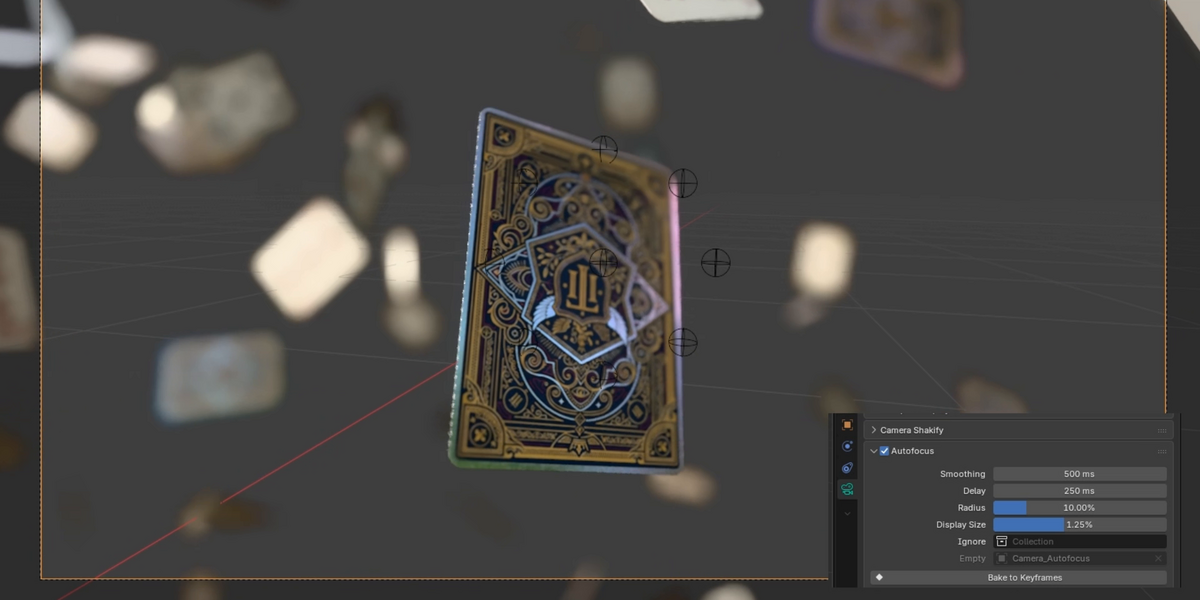
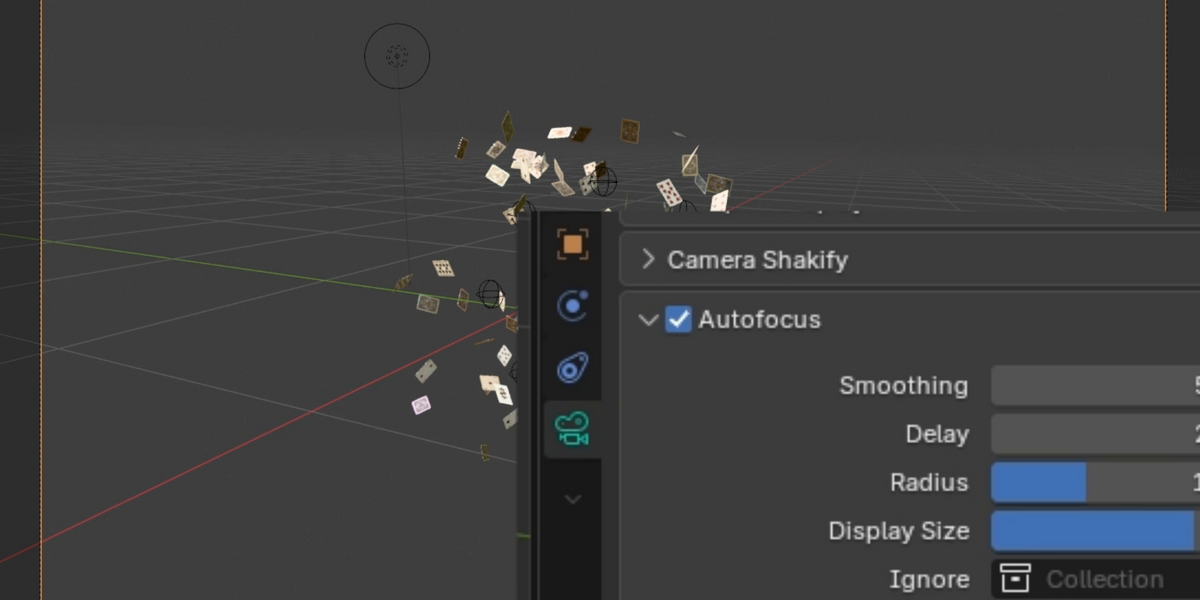
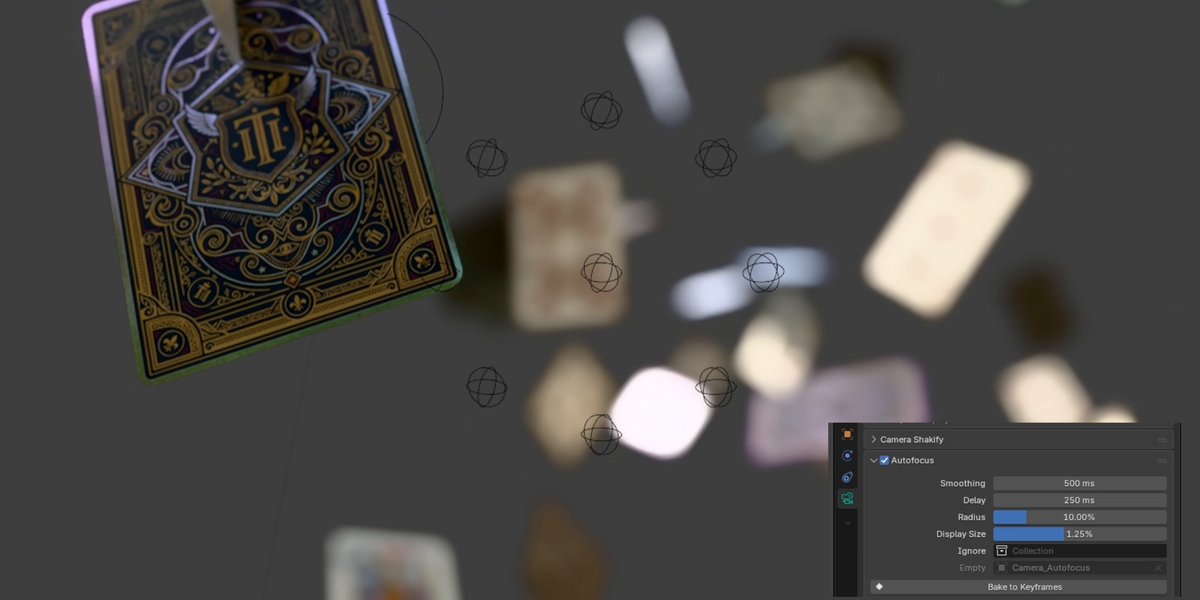
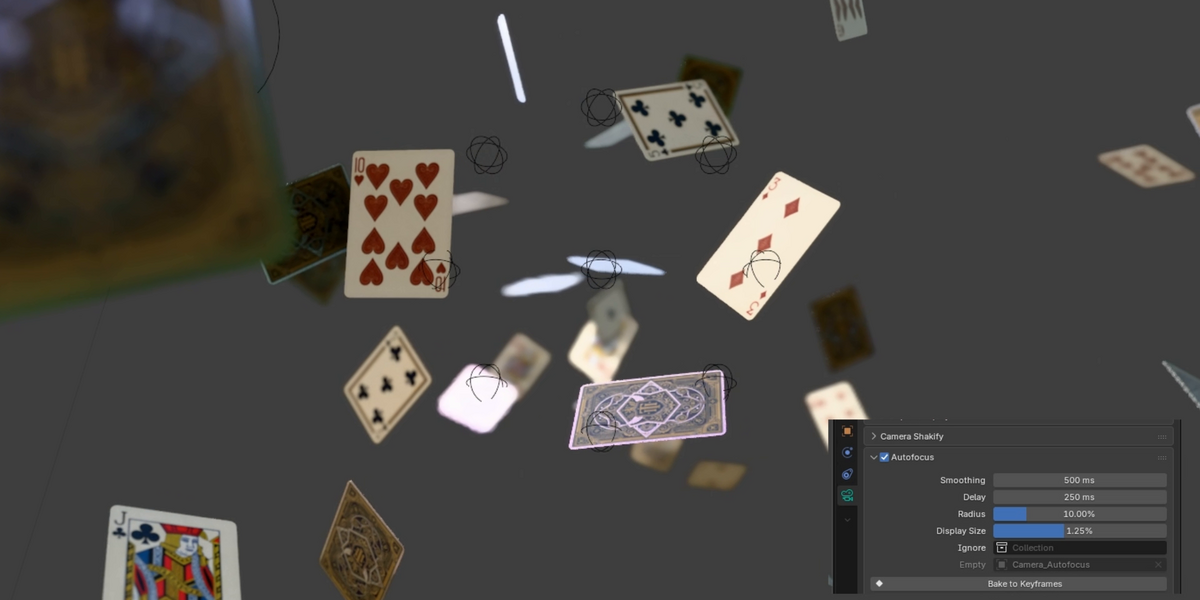
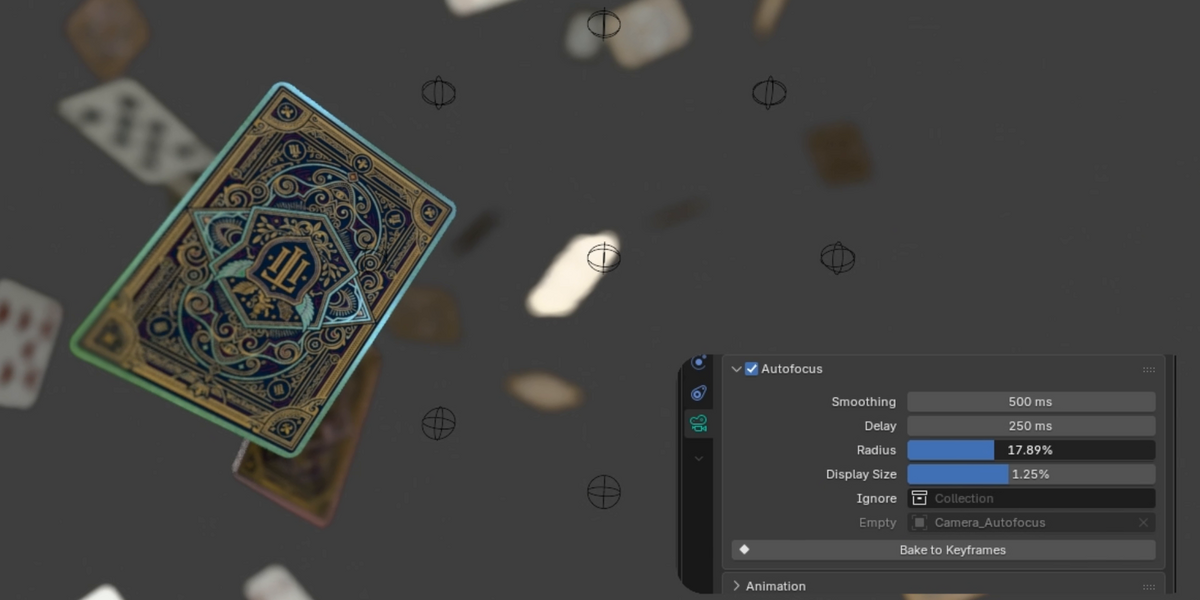
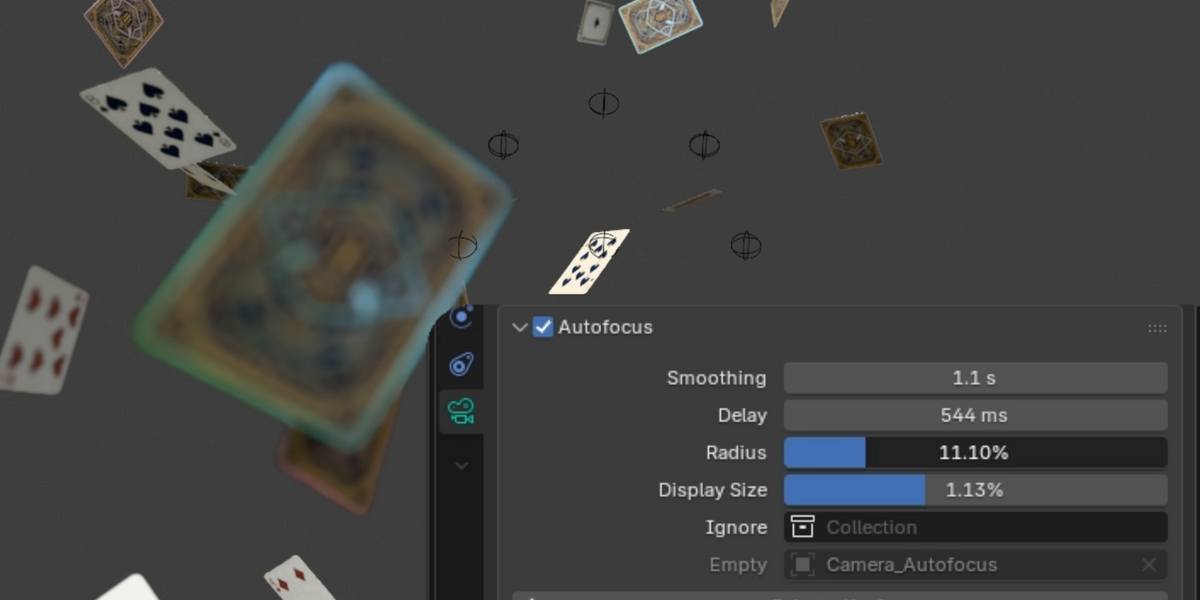
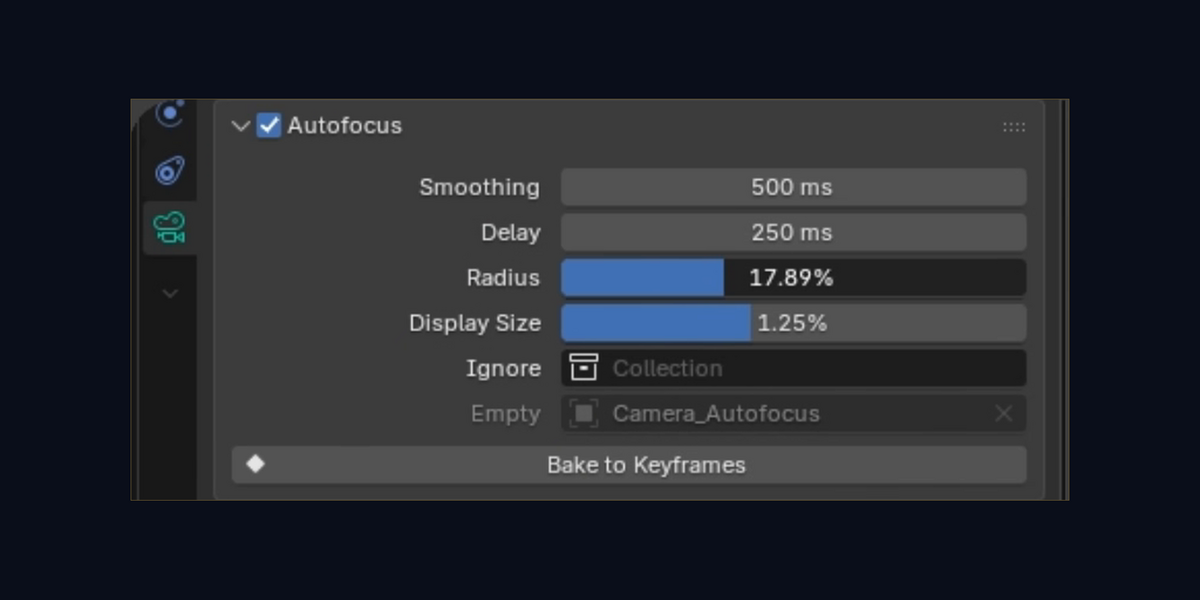
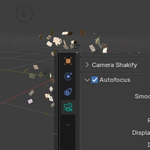
It creates one empty for the focus and eight small ones for the points of the sensor, in the camera's collection. It turns on the camera's depth of field, sets that empty as its Focus Object, and turns on Render > Lock Interface, which keeps renders safe while the empty moves. Your keyframes are not touched.
Do the spheres show up in the render?
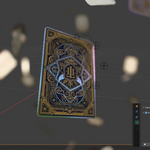
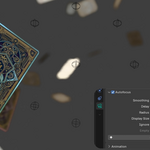
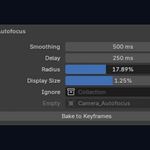
No. They are empties, which Blender does not render. Display Size changes how big they look in the viewport, and they keep that size at any distance.
Can I animate the settings?
Yes. Smoothing, Delay and Radius can be keyed like any other property.
Is it a tracker? Will it follow a character across the frame?
No. It reads the middle of the frame and does not recognize subjects. Frame your subject in the sensor and it stays in focus. Wider Radius, wider catch.
Does it set the blur amount?
No. The amount of blur stays with the camera's F-Stop and focal length, in the Depth of Field panel, as usual.
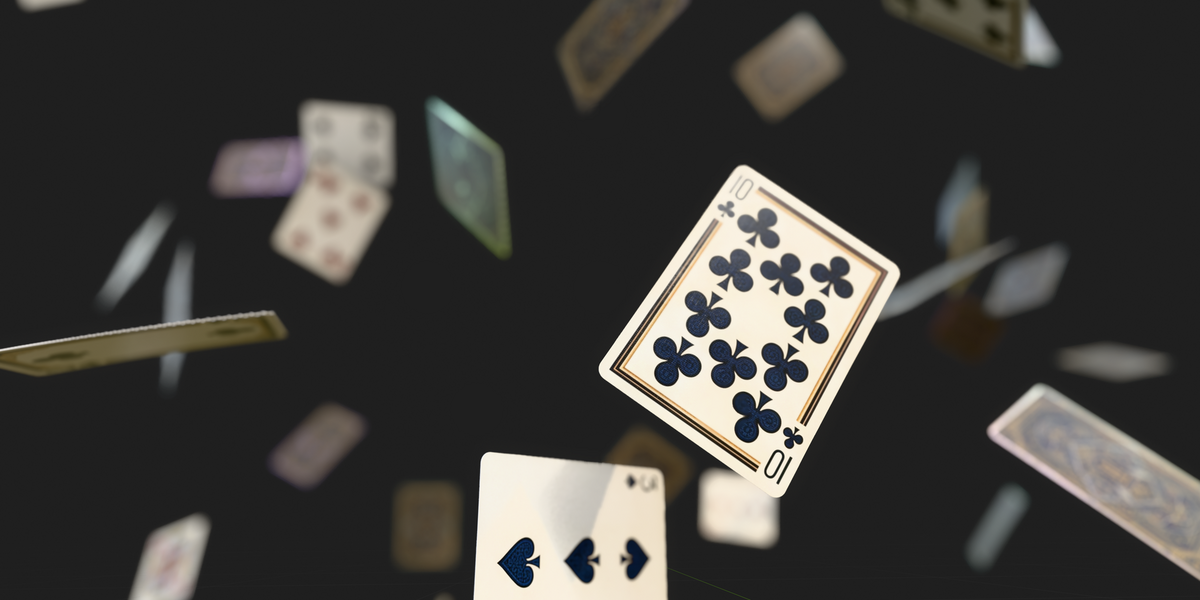
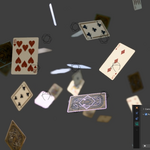
Are the playing cards from the demo included?
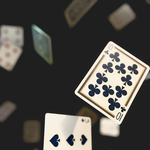
No. The download is the add-on only.
Why is it called Camera Autofocus in Blender?
That is its name in the add-on list. The store name is Autofocus for Blender. Same product.
Can I use it for commercial work?
Yes, on personal and client projects. The code is GPL-3.0-or-later, like Blender add-ons in general.
Have questions about this product?
Login to message
| Blender Extension Compatible | Yes |
| Published | about 3 hours ago |
| Blender Version | 4.4 - 5.2 |
| Extension Type | Add-on |
| Render Engine Used | Cycles, Eevee |
| License | GPL |
Discover more products like this
animation photography focus pull focus cinematic depth of field autofocus dof bokeh camera Motion design rack-focus