Autofocus for Blender
 Jean-Marie Rudent


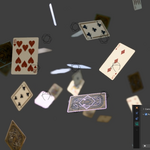
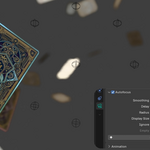
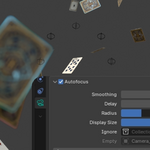
Quick start
1. Install
- Edit > Preferences > Add-ons, open the small arrow at the top right, choose Install from Disk and select camera_autofocus-1.6.0.zip.
- Check that Camera Autofocus is enabled.
2. Turn it on
- Select your camera.
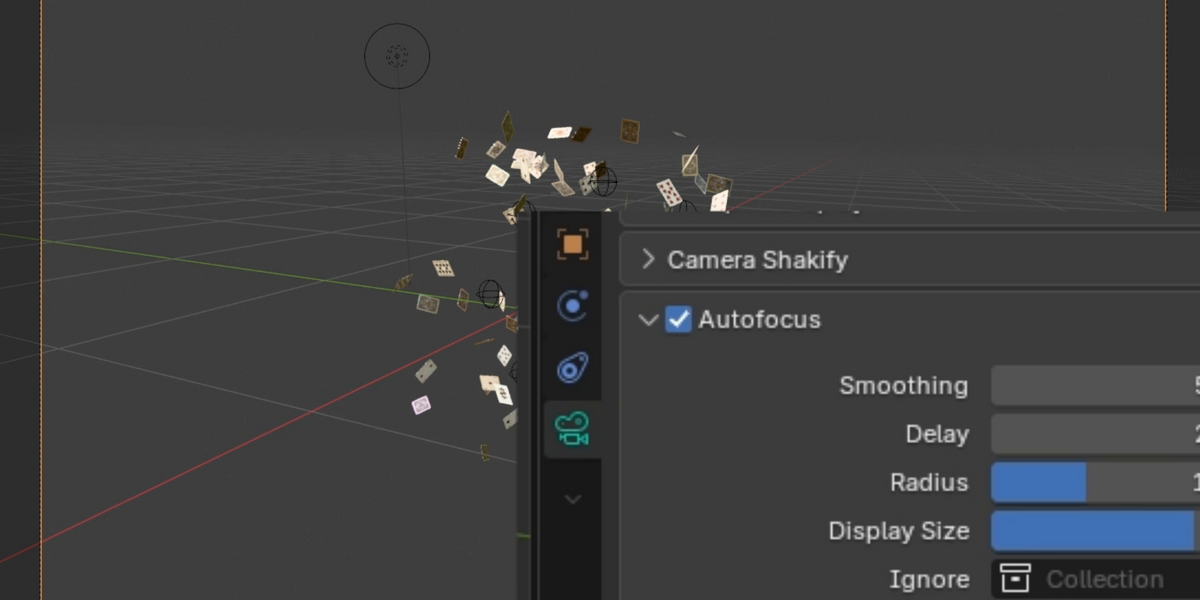
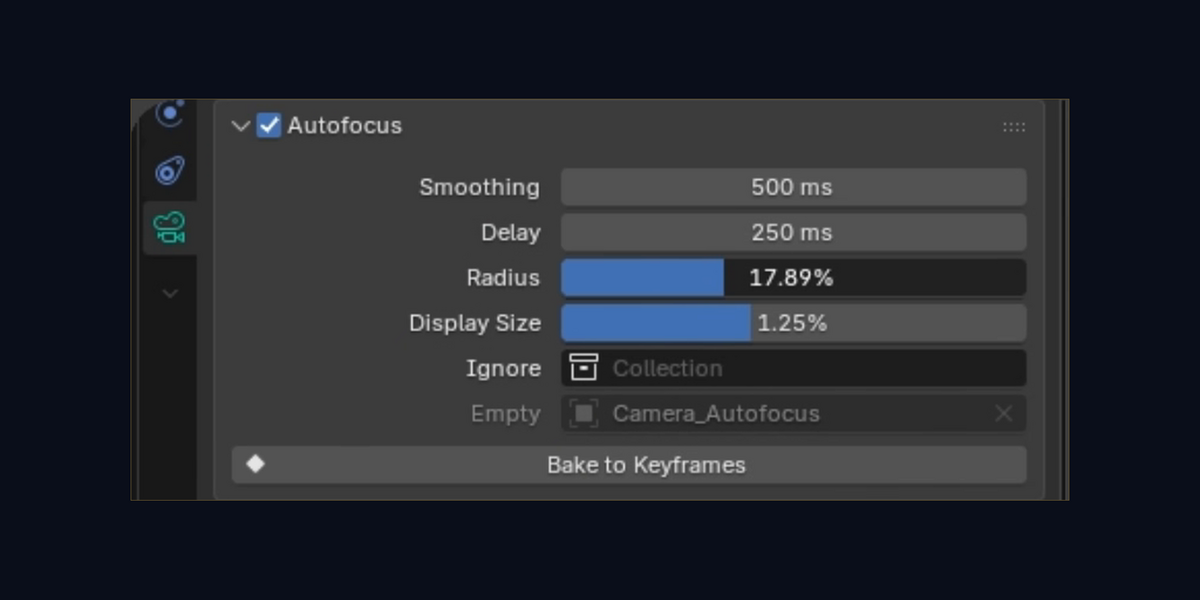
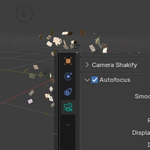
- Open the camera's Object Data properties (the green camera icon).
- Tick the box in the header of the Autofocus panel.
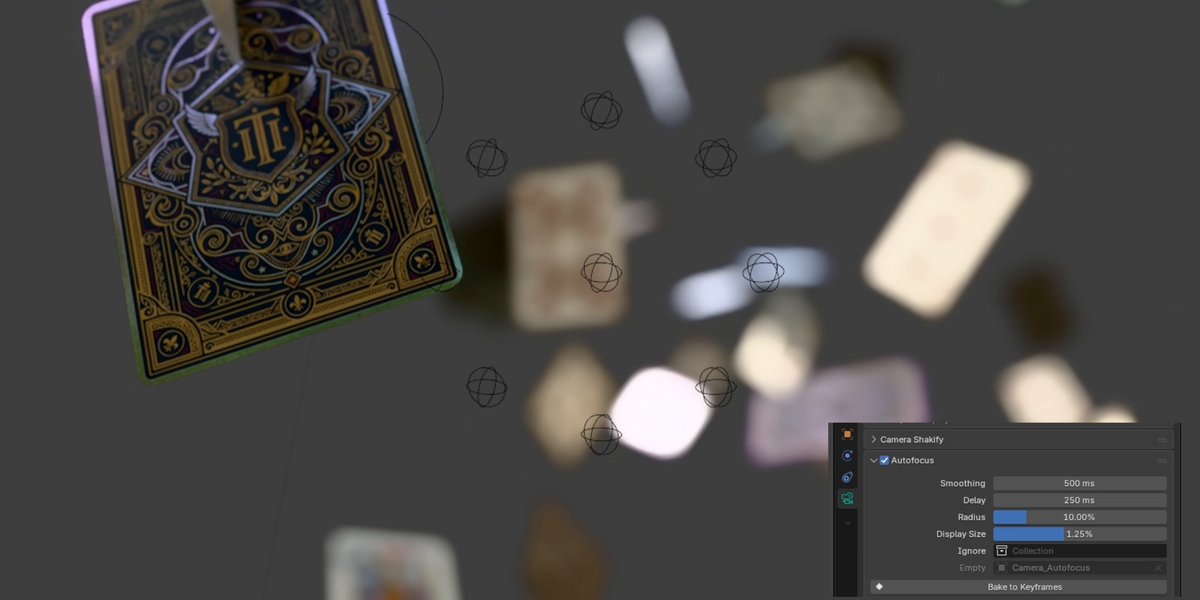
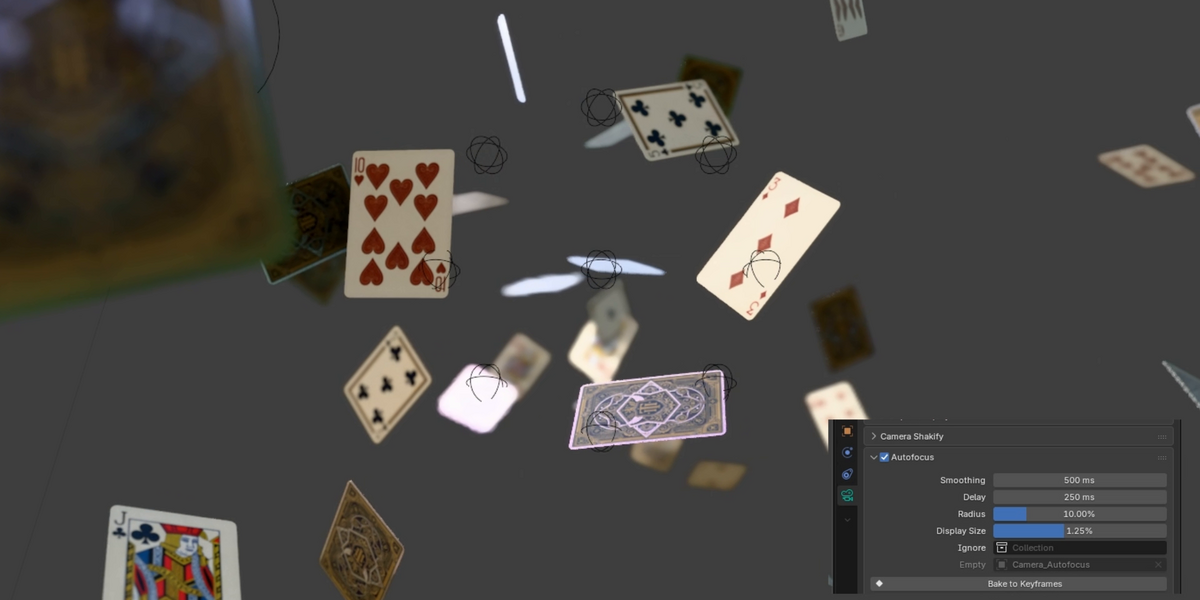
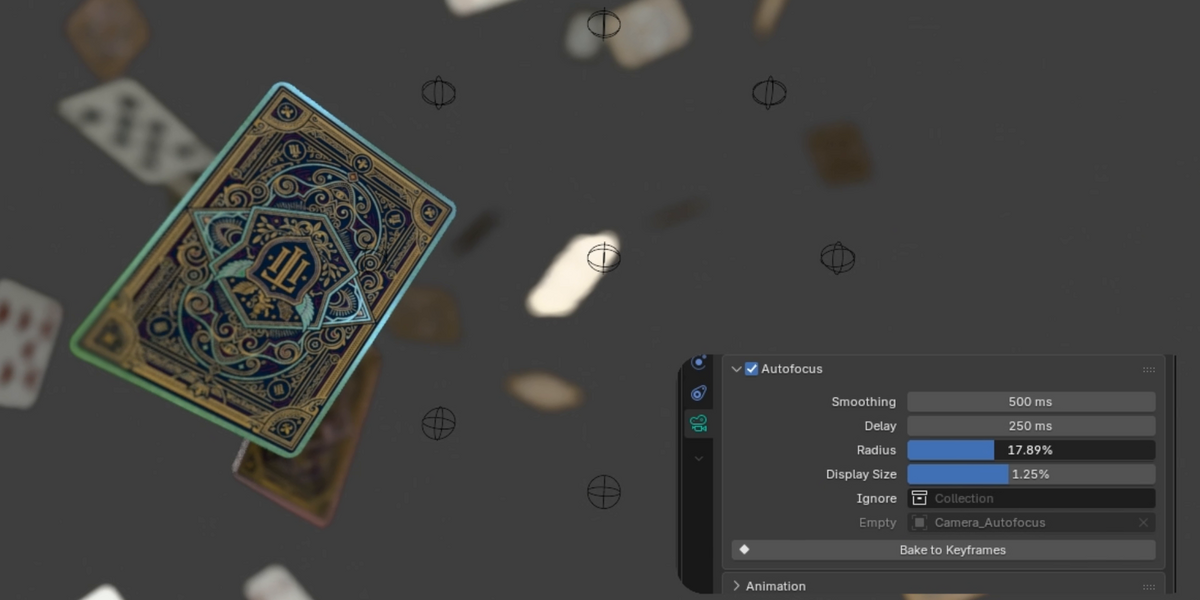
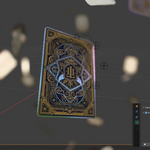
The add-on creates its empties and turns on the depth of field. Lower the camera's F-Stop to see more blur. In a rendered viewport, the focus updates as you move the camera.
3. The settings
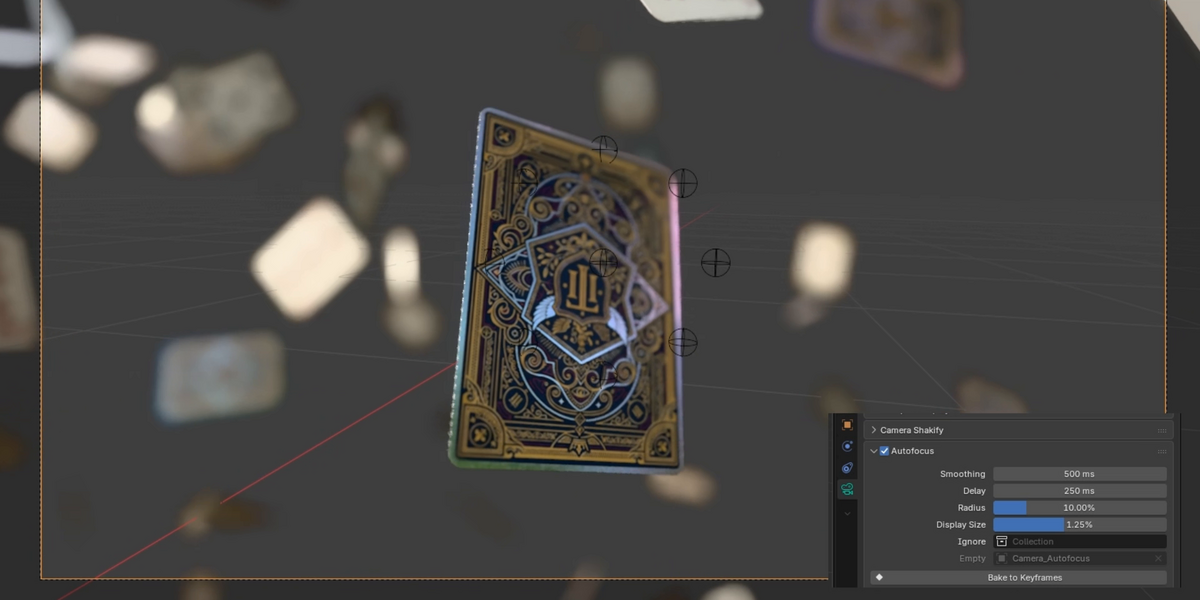
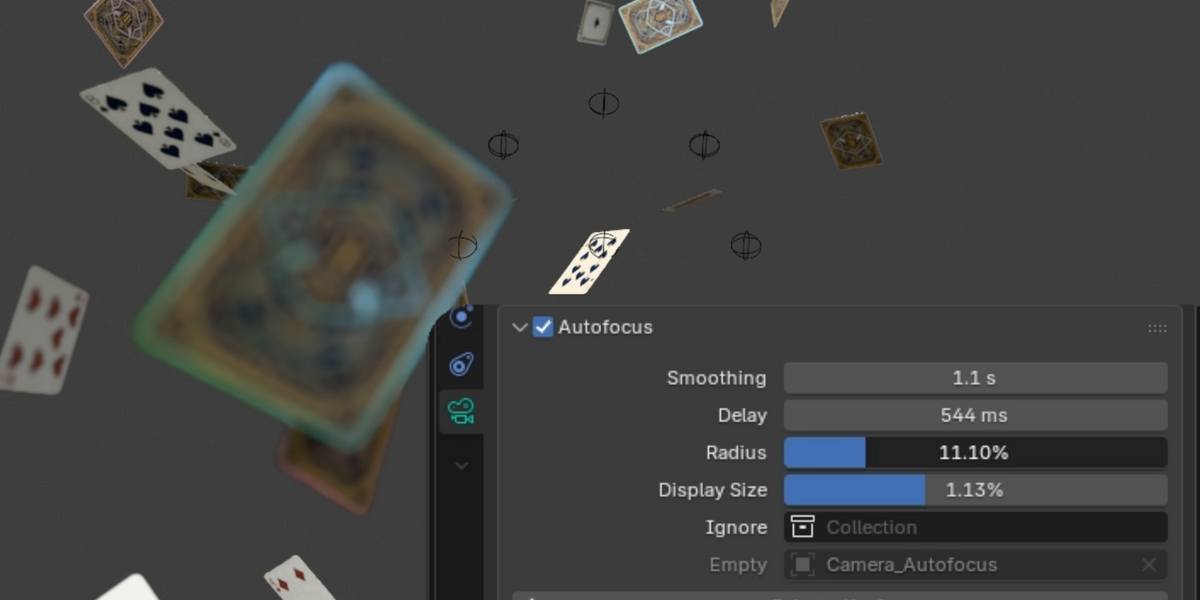
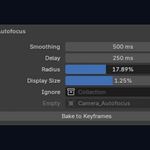
- Smoothing (500 ms): how slowly the focus glides to a new surface, easing in and out. It has covered about 60% of the way after this time. 0 is instant.
- Delay (250 ms): how long a new surface must stay in sight to become the target, so that something passing in front does not take the focus. 0 reacts at once.
- Radius (10%): the distance in the image from the center of the frame to the eight points checked with it, in percent of the long side of the frame. The focus takes the nearest surface they see. 0 only looks at the center.
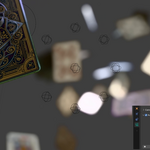
- Display Size (0.5%): the size of the spheres in the image. It changes nothing in the render.
- Ignore: a collection the focus passes through, such as glass or volume boxes.
- Empty: the empty created for this camera. It is shown for reference and cannot be edited here.
4. Render
Render your animation as usual. The focus is computed frame by frame during the render, from the first frame of the sequence.
5. Bake (optional)
- Give the camera, or its parent, a first and a last keyframe.
- Click Bake to Keyframes. Press Esc to cancel while it runs.
- The settings gray out and the small spheres are hidden. Any frame now renders the same, with or without the add-on.
- To edit the focus again, click Clear Bake, change your settings and bake again.
Good to know
- When nothing is in sight, the focus holds its last depth.
- A duplicated camera gets its own empties.
- Deleting the focus empty turns Autofocus off for that camera. Tick the box again to create a new one.
Changelog
1.6.0
Display Size: the spheres keep the same size in the image, at any distance from the camera.
1.5.0
Delay: a new surface must stay in sight for a moment before it takes the focus. Smoothing now eases in and out, with no overshoot.
1.4.0
The focus now takes the nearest surface among the nine points, like a camera's focus zones. Eight empties show where the points land.
1.3.0
Radius: the focus now reads several points around the center of the frame. Bake shows its progress, with Esc to cancel, and runs from the camera's first keyframe to its last. Now requires Blender 4.4.
1.2.0
The focus stays correct when the camera moves fast or passes through a surface.
1.1.0
Bake to Keyframes and Clear Bake.
1.0.0
First version: smooth autofocus on the first surface at the center of the frame, with an Ignore collection.
Have questions about this product?
Login to message
| Blender Extension Compatible | Yes |
| Published | about 3 hours ago |
| Blender Version | 4.4 - 5.2 |
| Extension Type | Add-on |
| Render Engine Used | Cycles, Eevee |
| License | GPL |
Discover more products like this
rack-focus bokeh depth of field camera photography focus pull animation focus cinematic dof Motion design autofocus