 ConnectivAI Tools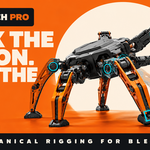
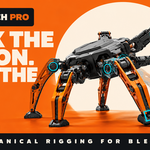



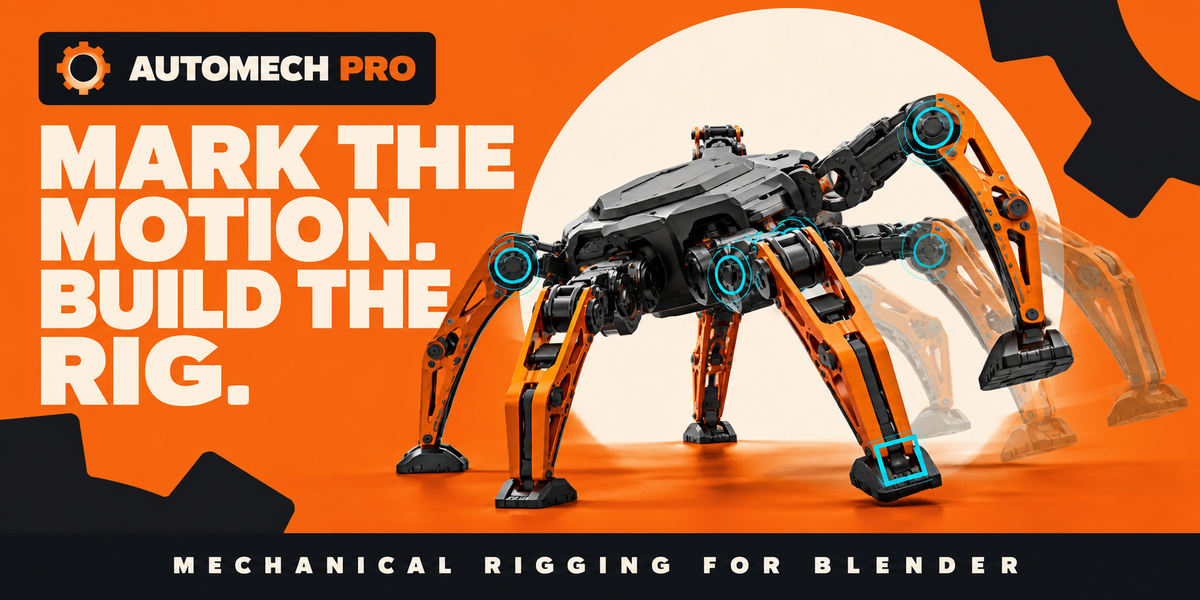
Rig machines.
Not bones.
Describe how rigid parts move. AutoMech Pro turns that definition into clean, animator-friendly controls—without replacing your source model.
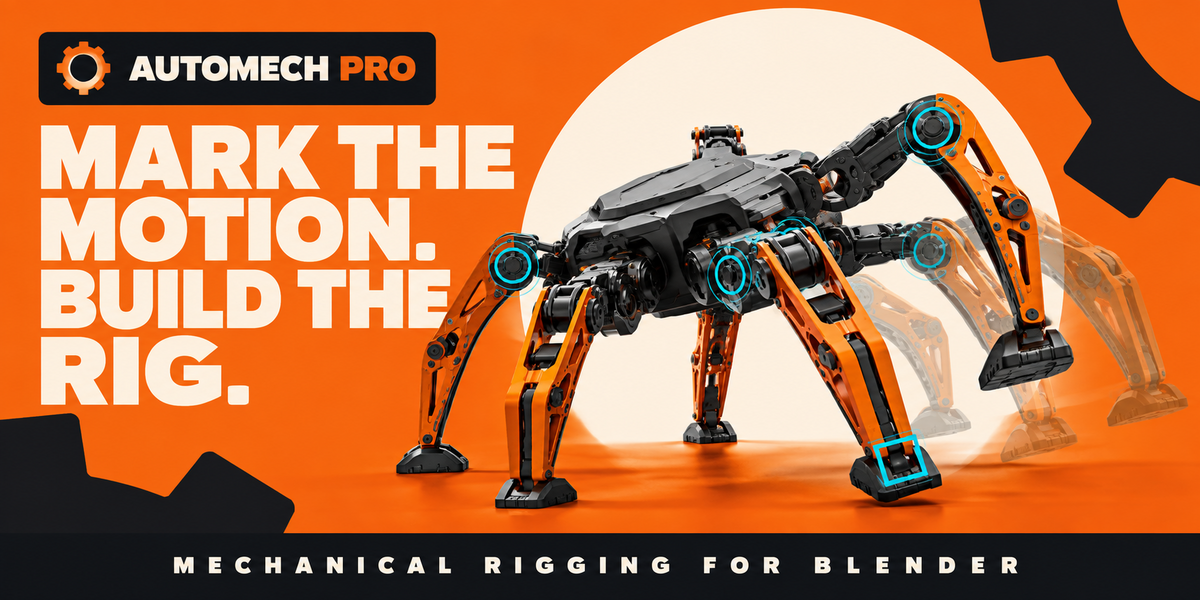
From rigid model to controllable machine.
AutoMech Pro keeps the setup visual and explicit: you define the mechanism, review it, and generate the technical rig only when it is ready.
Describe the movement. Build the controls.
Built for real mechanical animation.
Each system uses the same visual language: orange moving parts, cyan controls, explicit limits, and a persistent definition you can safely revisit.
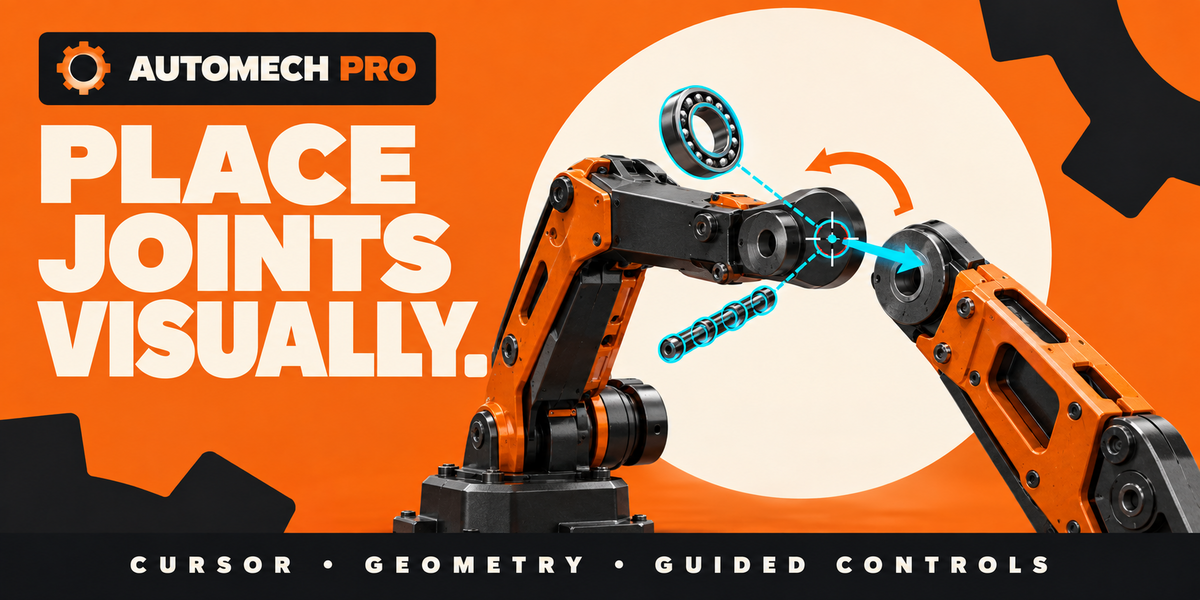
Place joints visually
Capture pivots from the 3D Cursor, object origins, selected edges, edge chains, and planar loops. Adjust the saved frame directly in the viewport.
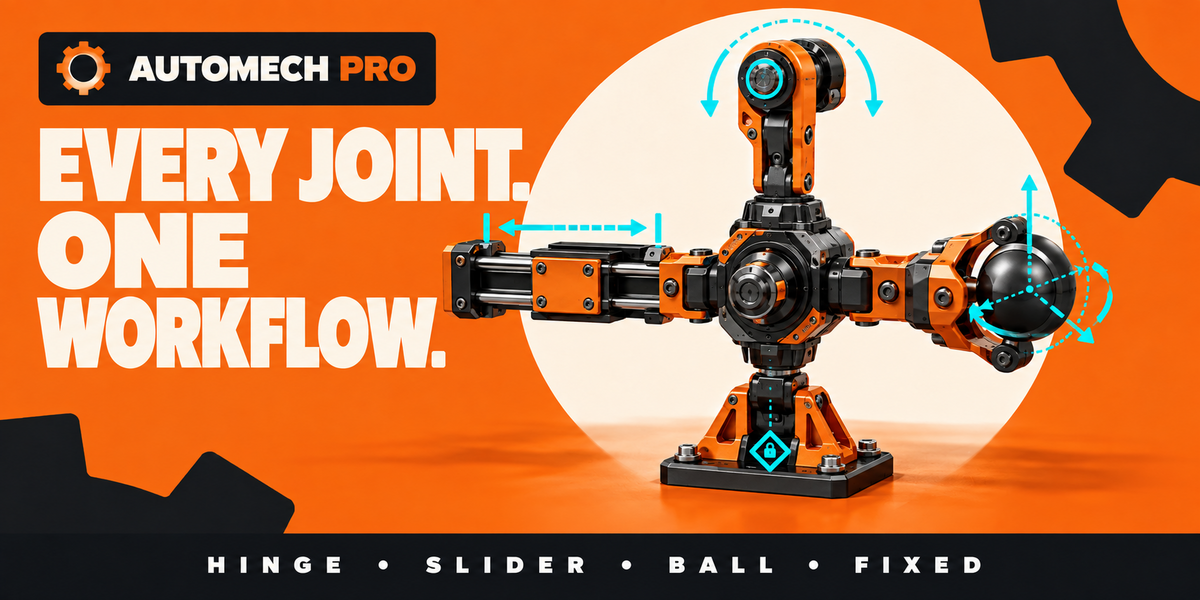
One joint workflow
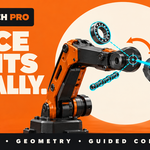
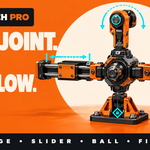
Author fixed, hinge, slider, ball, universal, screw, planar, and compound movement with explicit directions and practical limits.
IK/FK without the jump
Rotate joints for exact arcs, move the endpoint for direct placement, or blend between both. Matching keeps the visible pose intact.

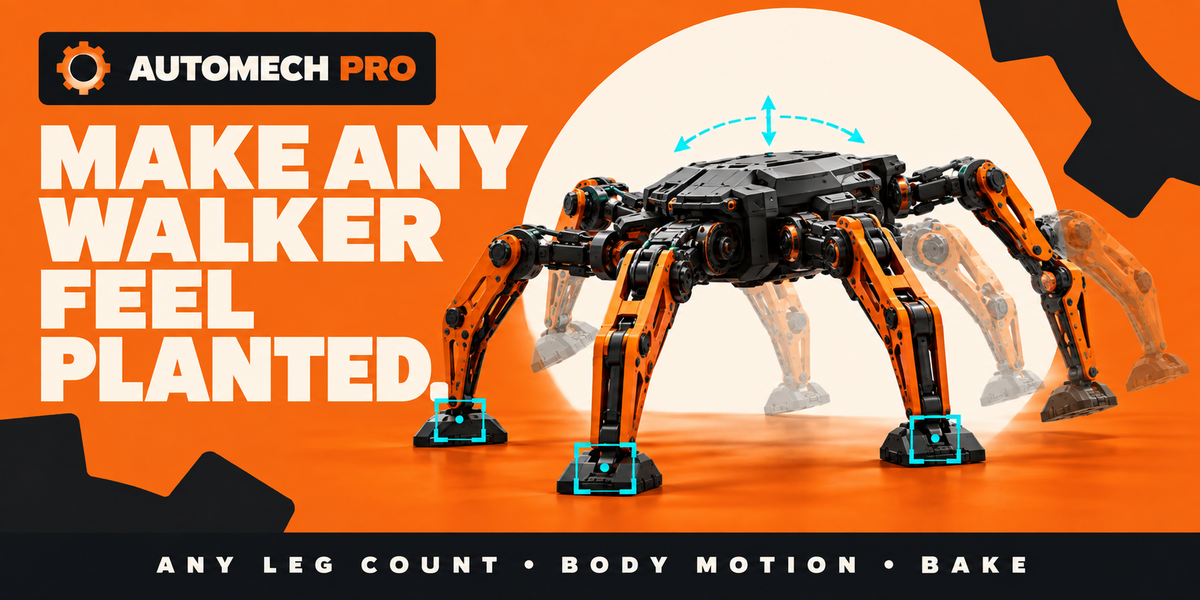
Walkers that feel planted
Create reusable gait timing for arbitrary leg counts, keep contacts planted, and layer body rise, sway, pitch, and roll.
Contacts that read terrain
Follow surfaces, reject steep or unreachable contacts, search for safer footholds, and review clearance before committing the motion.
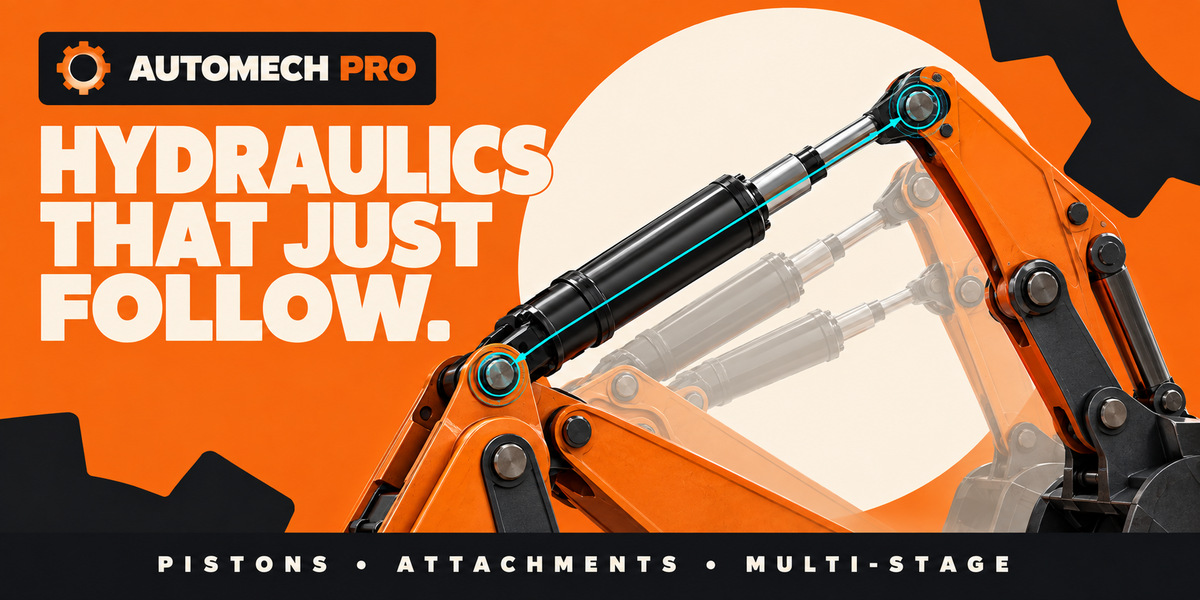
Hydraulics that follow
Mark the carriers, body, rod, and attachment points. AutoMech builds the tracking and extension for single- or multi-stage actuators.
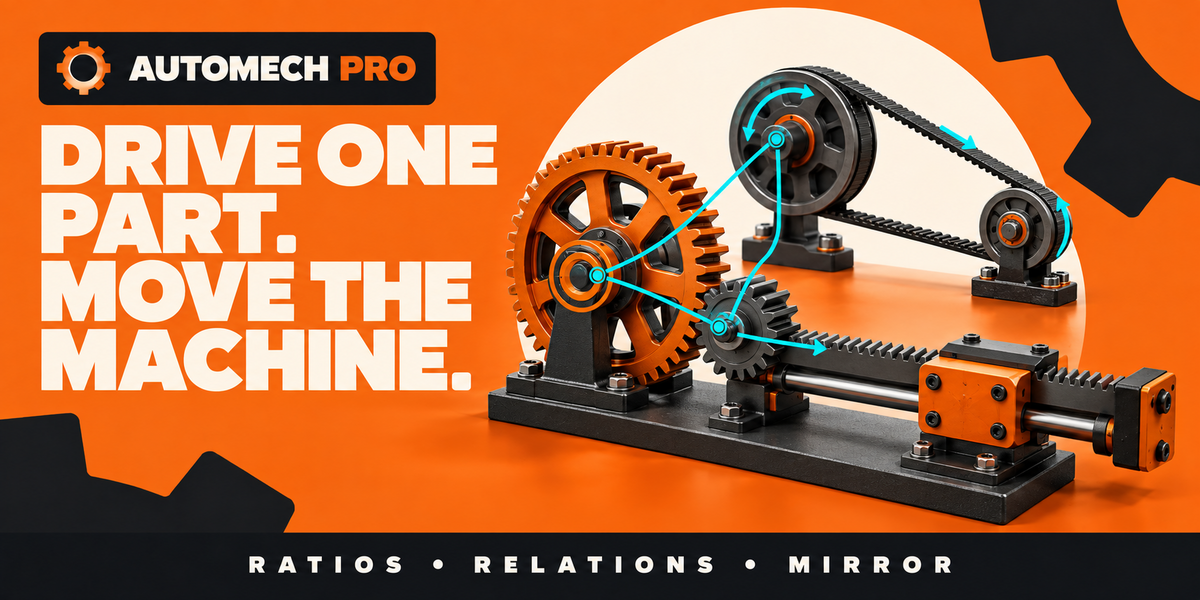
Drive one part. Move the machine.
Connect gears, sliders, racks, belts, chains, and mirrored branches with ratios, direction, offsets, and limits—without hand-building drivers.
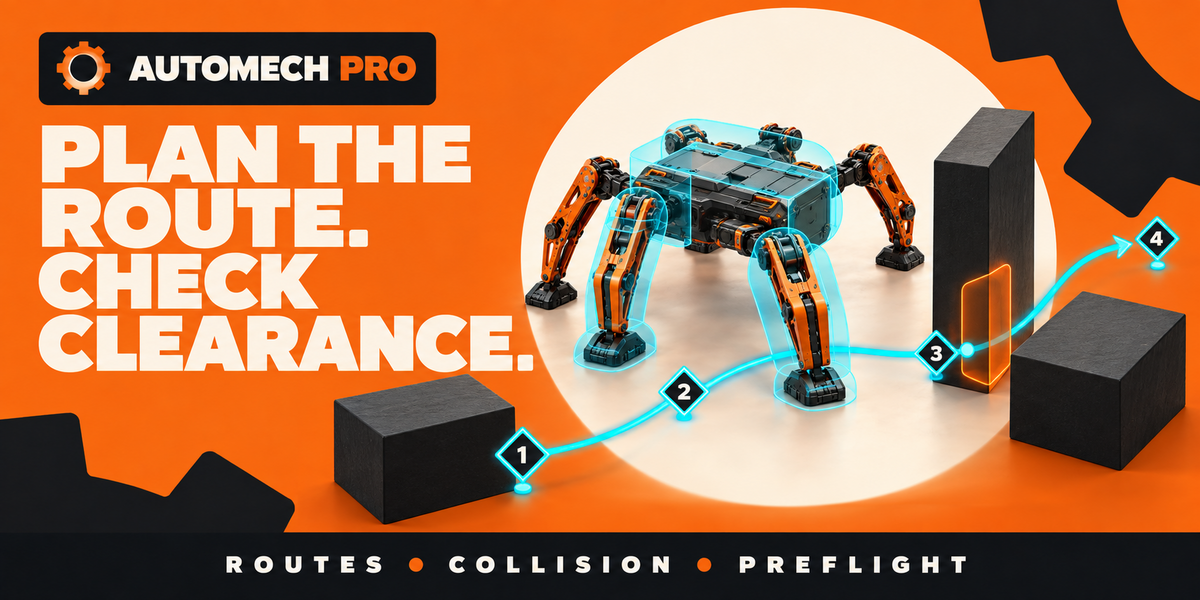
Plan routes. Check clearance.
Author 3D routes, fit analytical safety shapes to rigid parts, and preflight contact, reach, and whole-machine clearance before bake.
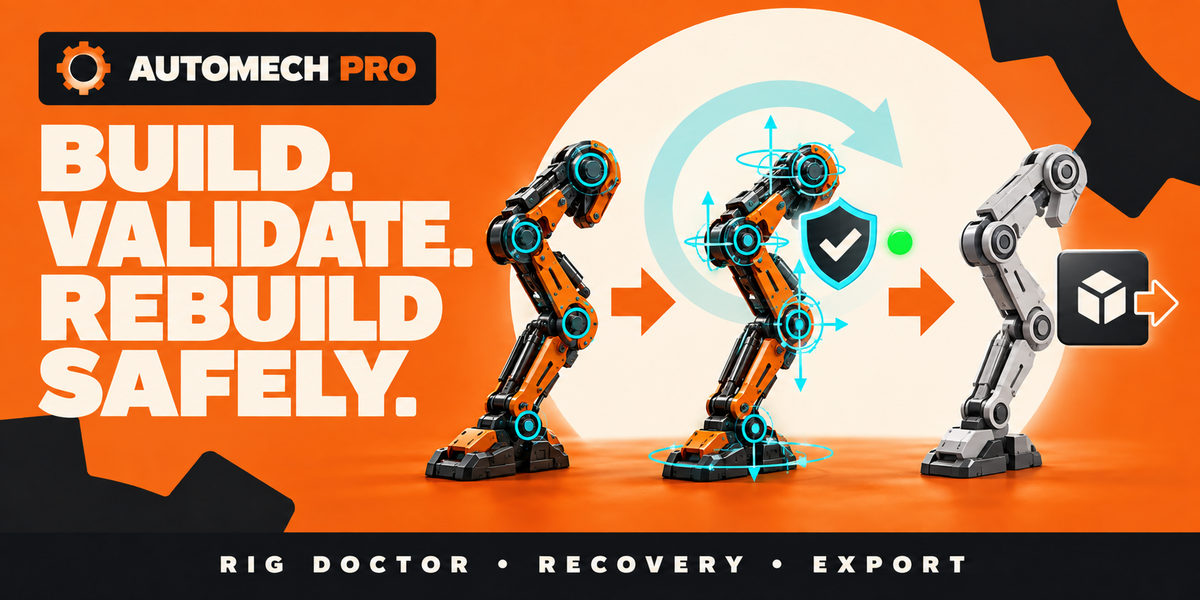
Rebuild with confidence
Preview changes, validate ownership, inspect with Rig Doctor, recover the last working build, and bake an independent delivery armature.
Eight joint types. One consistent system.
Made for mechanical creators
✓ Hard-surface artists who understand the mechanism, not rig internals
✓ Animators who want discoverable controls instead of raw constraints
✓ Technical artists building reusable machine assets and pipelines
✓ Studios working in robotics, vehicles, industrial, games, or science fiction
Production-ready handoff
✓ Blender 5.0 or newer
✓ One self-contained extension with no external add-on dependency
✓ Independent baked delivery armature
✓ Preparation and validation for Blender GLB/glTF and FBX export
Clear product scope
AutoMech Pro is a mechanical rigging and planned kinematic-animation system. Contact, collision, and route tools provide analytical planning—not rigid-body physics, motor torque, gear-tooth contact, friction, stress, or engineering-force simulation. Closed-loop generation supports validated planar linkage configurations.
Early release, direct support
Mechanical models vary. If your setup needs guidance or you find an edge case, use Contact the Creator. Feedback and real production examples directly shape the next release.
Mark the motion.
Build the rig.
Explore the complete workflow, exact sidebar labels, machine recipes, limitations, and troubleshooting in the AutoMech Pro A–Z Guide.

