Autoremesher Quad: One-Click Quad Remesh
 blenderustad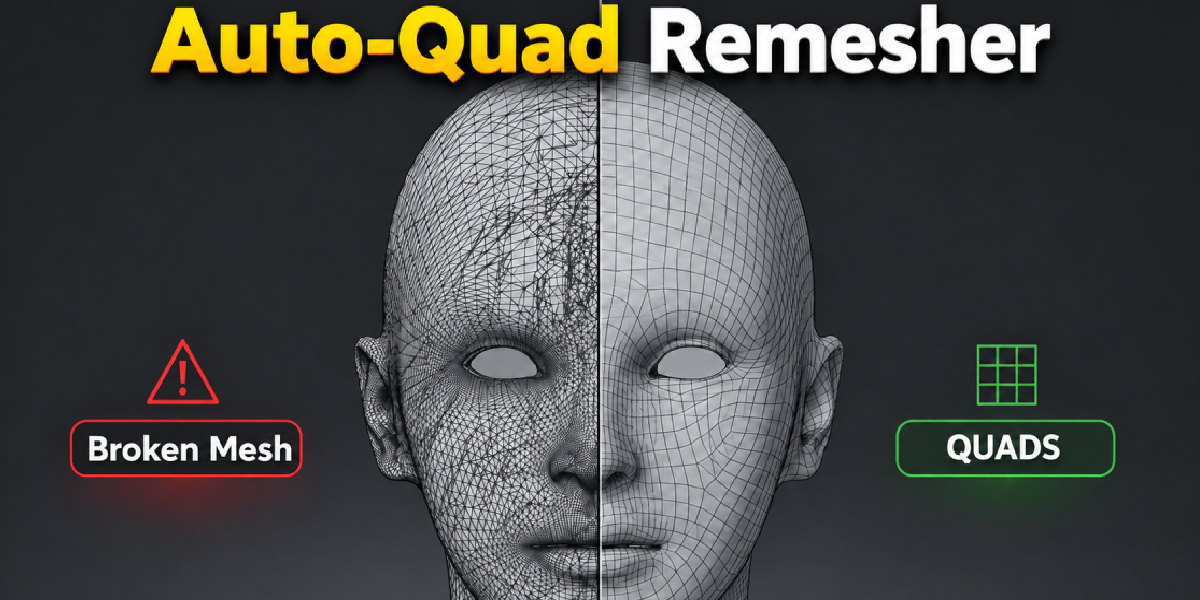
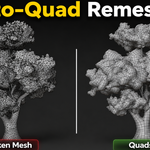
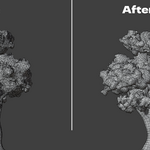
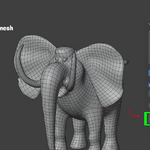
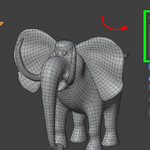
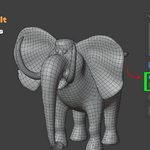
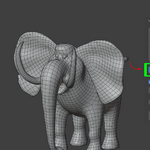
What does AutoRemesher Quad do?
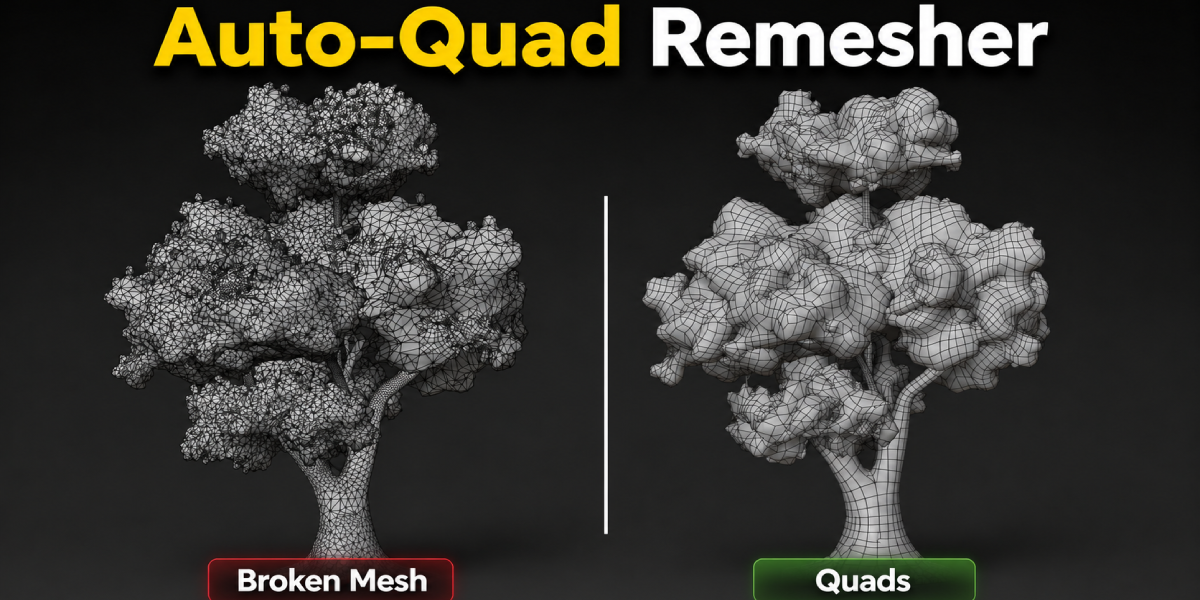
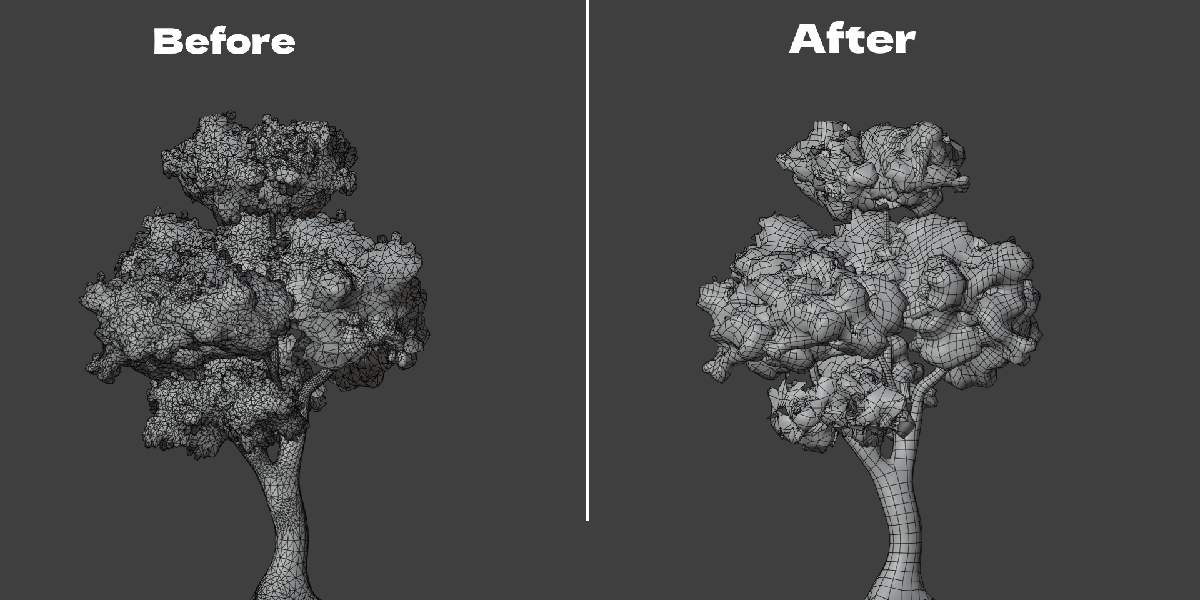
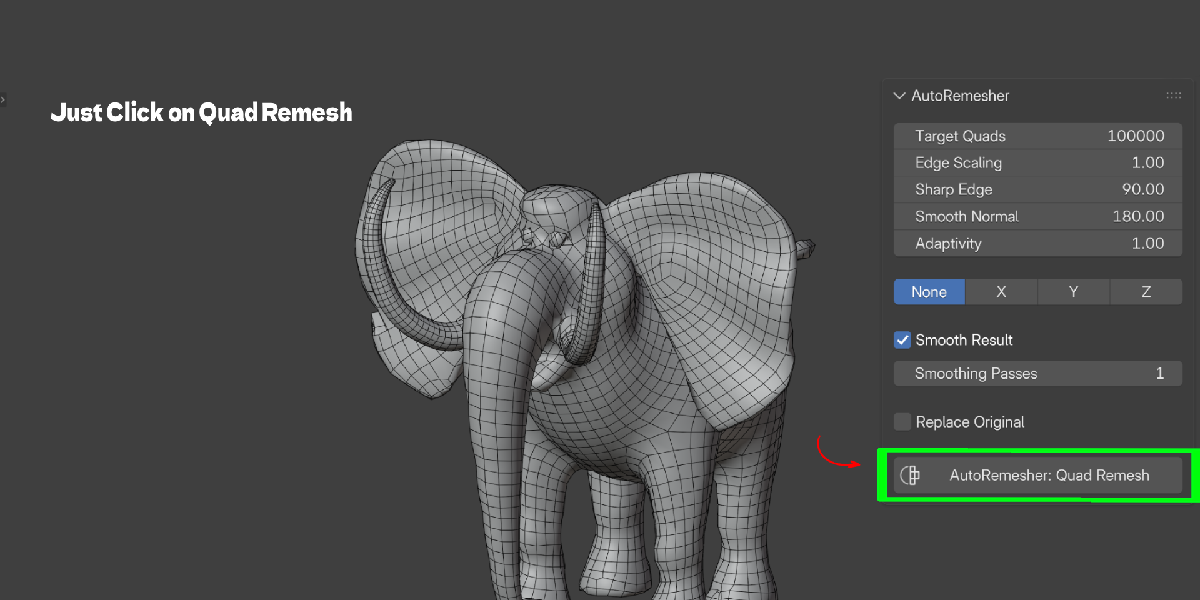
It converts the active mesh into clean, mostly-quad topology using a bundled local engine, triggered by a single button in the 3D Viewport sidebar.
How is this different from Blender's built-in Quadriflow remesh?
Quadriflow is built into Blender and useful, but gives limited control over sharp edges, adaptivity, and which boundaries stay open. AutoRemesher Quad exposes those controls directly and preserves genuine open boundaries instead of treating the mesh as a closed volume.
How is this different from Blender's built-in Quadriflow remesh?
Quadriflow is built into Blender and useful, but gives limited control over sharp edges, adaptivity, and which boundaries stay open. AutoRemesher Quad exposes those controls directly and preserves genuine open boundaries instead of treating the mesh as a closed volume.
Do I need an internet connection to use it?
No. The engine runs as a local executable on your machine. Nothing is uploaded anywhere.
Is my mesh data sent to a server?
No. The mesh is streamed to the bundled engine over stdin/stdout in memory, and the result comes back the same way. No files are written to disk and no network request is made.
Which Blender versions does it support?
Blender 4.2 and newer. It installs as a Blender extension using blender_manifest.toml.
Does it work on macOS or Linux?
The bundled engine binary is built for Windows x64. On macOS or Linux, you can point the addon at your own compatible AutoRemesher build using the Engine Path field in preferences, but no binary is bundled for those platforms in this release.
Will remeshing freeze Blender while it runs?
No. The engine runs on a background thread and is polled by a modal timer, so the interface stays responsive. Press Esc to cancel a running job.
Does it keep holes and open edges open?
Yes. Genuine open boundaries, like eye sockets or a neck opening, are preserved instead of being capped.
Can it create symmetric topology?
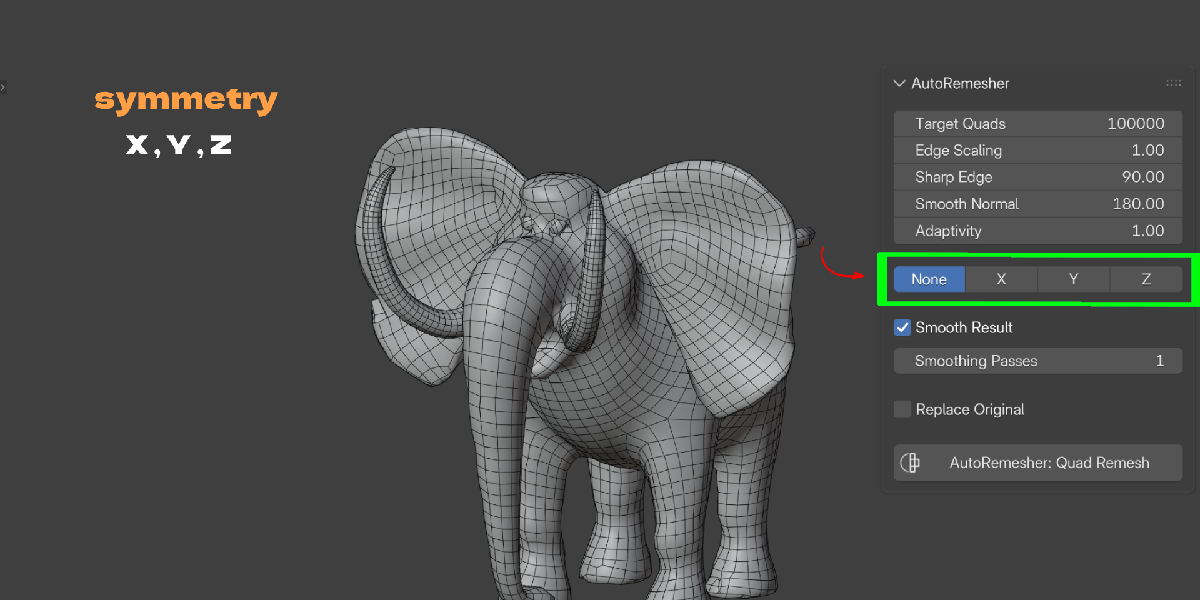
Yes. Set Symmetry to X, Y, or Z and the engine remeshes one half of a centered mesh, then mirrors it so both sides match exactly.
What does the Adaptivity slider do?
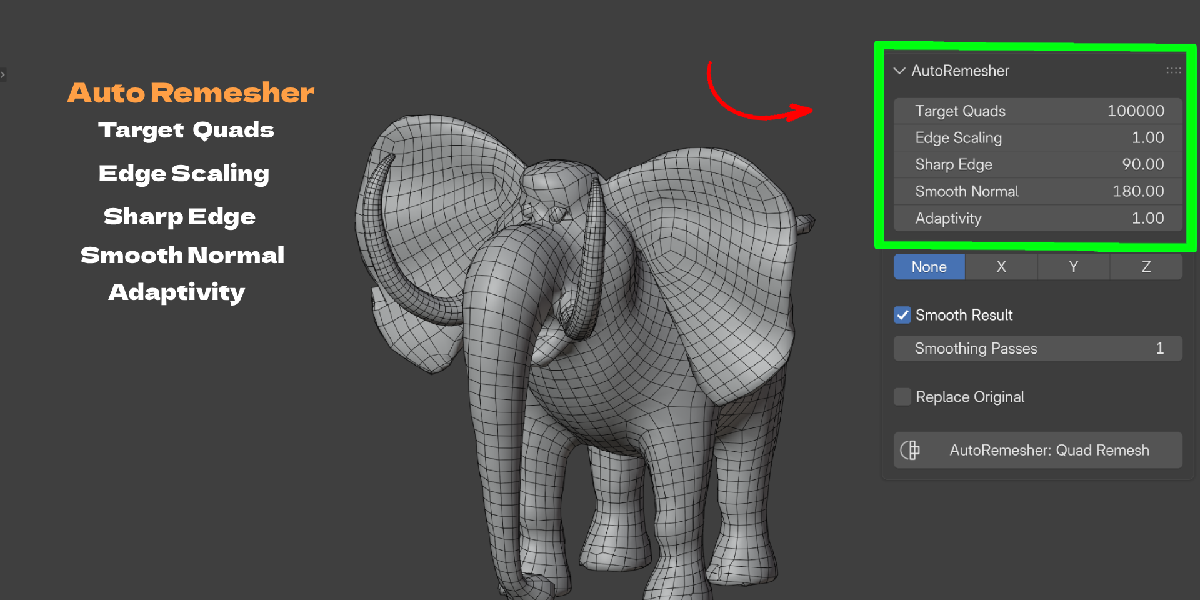
At 0, quad density stays uniform across the mesh. At 1, density concentrates on curved or detailed areas and stays lower on flat ones.
What does Edge Scaling do?
It scales the target edge length. Higher values produce a lower-poly result.
What is the Sharp Edge setting for?
It's a dihedral angle threshold. Edges bent more sharply than this angle are treated as hard edges and preserved in the remesh instead of being smoothed away.
Does it work with modifiers like Subdivision or Boolean?
Yes. The addon evaluates the mesh with its modifier stack applied before remeshing, so you're working with the final shape, not the base mesh.
Do I need to triangulate my mesh first?
No. Triangulation happens automatically before the mesh is sent to the engine.
Does it transfer UVs and materials to the new mesh?
No, not currently. The engine exchange only carries vertex and face data, so the result is new geometry without UVs or material assignments. Treat it like any fresh retopology pass and reassign those afterward.
What happens to my original object after remeshing?
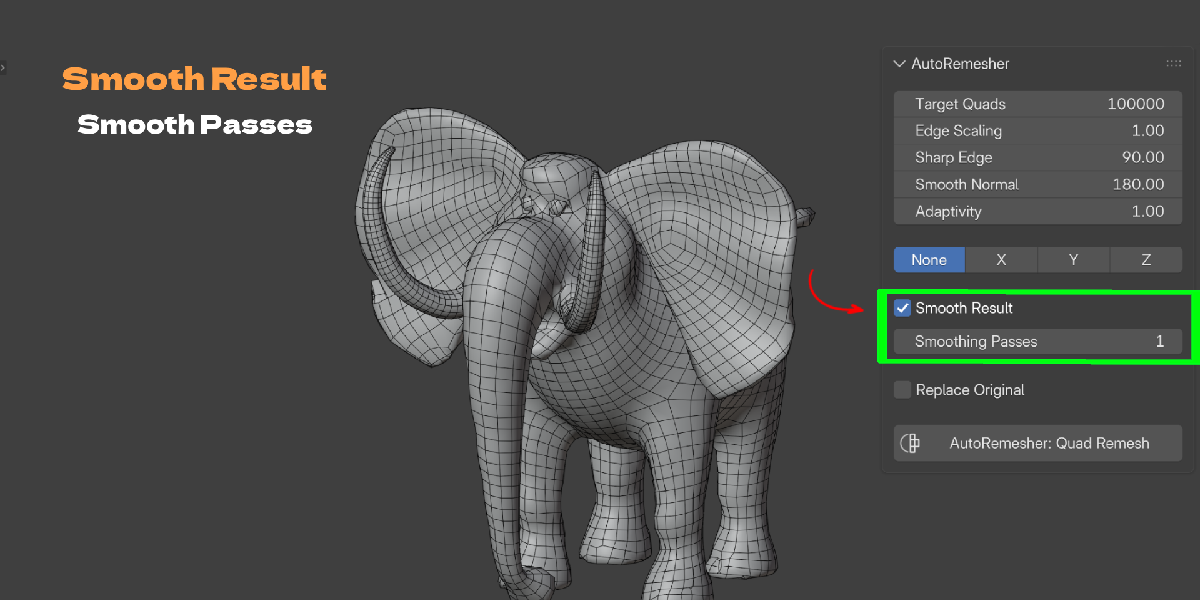
By default, both the original and the new quad mesh remain in the scene so you can compare them. Enable Replace Original to have the addon delete the source and keep only the result.
Can I cancel a remesh in progress?
Yes. Press Esc while it's running. The engine process is terminated and nothing is changed in your scene.
Can I undo a remesh?
Yes. It's a standard registered operator with undo support.
What's a good Target Quads value to start with?
20,000 is the default and a reasonable starting point for most single-object remeshes. Increase it for more detail, decrease it for a lighter result, then adjust from there.
Does it require a paid subscription?
No ongoing subscription or account is involved. It's a Blender addon you install once.
