 Mohamed Targam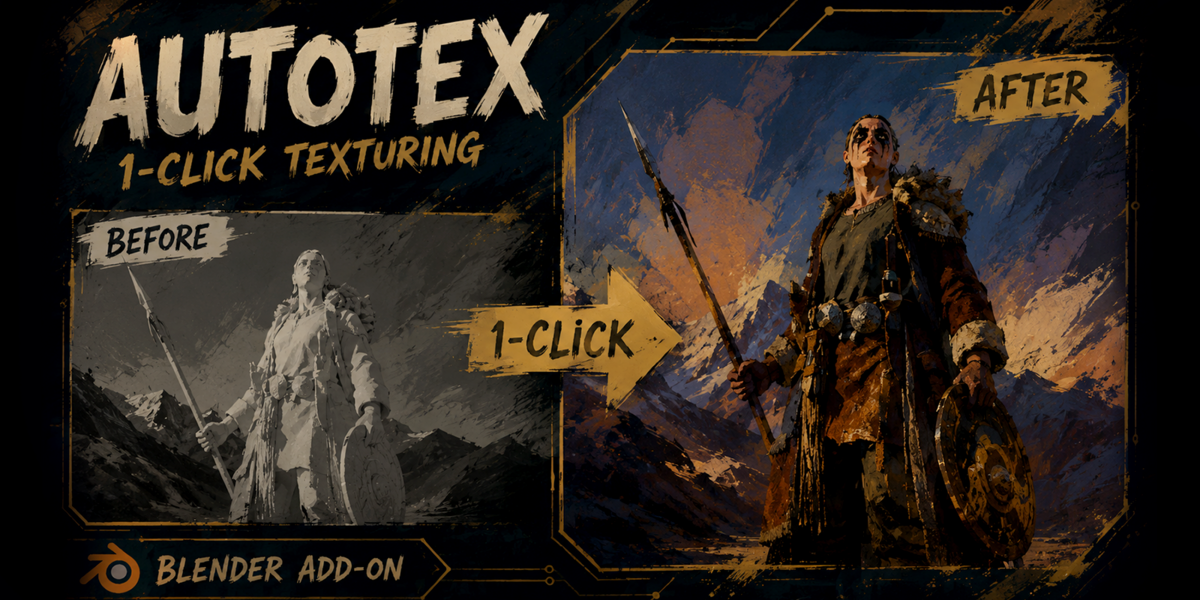


AutoTex Matcher
Stop building texture materials manually
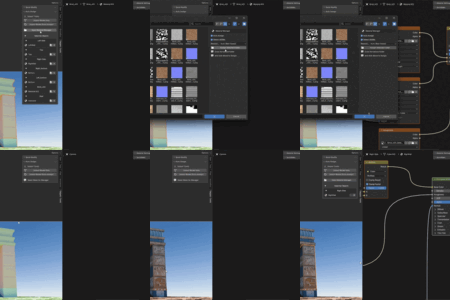
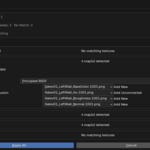
Import your model, choose the texture folder, and AutoTex Matcher detects PBR maps, matches them to the correct materials, and creates the Blender shader setup automatically.
From Model Import to Finished Material
AutoTex handles the repetitive setup while keeping the workflow simple and predictable.
Import
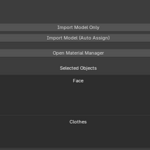
Import one model or multiple supported files in one operation.
Detect
Scan the model folder and valid subfolders for compatible texture maps.
Match
Compare texture-set names with object and material names.
Build
Create, configure, and connect the Blender material node setup.
Key Features
Automatic tools for texture detection, material matching, node creation, importing, and manual control.
Automatic Texture Detection
AutoTex scans the selected folder and detects common PBR texture types automatically.
Albedo, Base Color, Diffuse, Emission
Surface
Roughness, Gloss, Metallic, Specular, Transmission Weight, Subsurface Weight
Depth
Normal, Bump, Displacement, Height
Additional
Ambient Occlusion, Alpha, Opacity
Smart Material Matching
Automatic Node Setup
Batch Model Import
Import multiple models and process them in one workflow. Failed files do not need to interrupt the entire batch.
Some formats require Blender's matching importer or Import-Export extension.
Material Manager
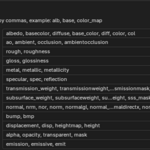
Custom Texture Naming
Add custom keywords from the add-on preferences to support personal, marketplace, or studio naming conventions.
alb, base, color_map, rough, nrm, metal
Resolution and Tiled Texture Handling
1001, 1002, and higher tiles.Designed for Real Asset Workflows
Built for downloaded assets, game-ready models, scanned objects, and large PBR texture libraries.
Instead of searching for every texture map and rebuilding connections manually, you can import, preview, assign, and continue working.
More Control Before You Apply
Preview detected textures, update existing materials without rebuilding them, and work more reliably with complex multi-material assets.
Looking for More Blender Tools?
AutoTex Matcher is already included in the Quick Tools Bundle.