Documentation v1.1

AutoTex Matcher

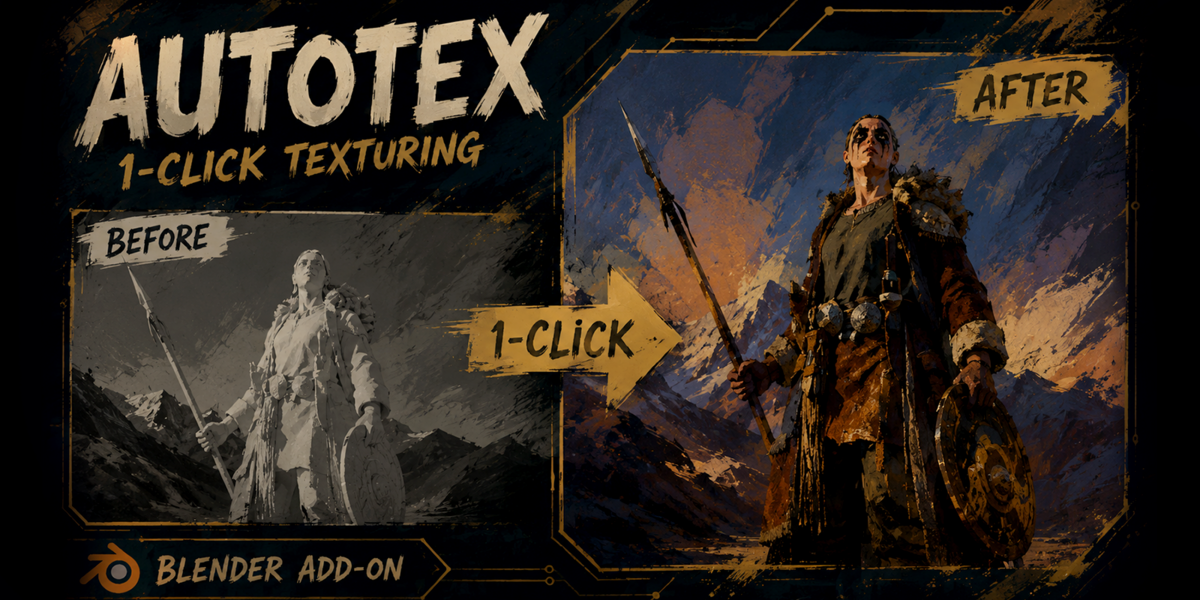
A complete guide to installation, automatic model import, smart texture-set matching, Preview Before Apply, non-destructive material updates, UDIM handling, shader creation, and manual material control.

Blender 5.0+ Preview Before Apply Non-Destructive Updates
Getting Started

Installation Guide

Install the add-on directly from the downloaded ZIP file to get started immediately.

Steps to Install

  1. Go to Edit > Preferences > Add-ons.
  2. Click Install or Install from Disk.
  3. Select the AutoTex Matcher .zip file.
  4. Enable the add-on by checking the box.
  5. Open the 3D Viewport and press N.
  6. Navigate to the Targam-Tools tab.
  7. Open the AutoTex panel.
Methodology

Choose Your Workflow

The AutoTex panel provides three highly focused workflows designed to match your specific production needs.

01

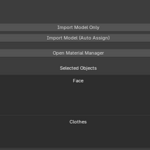
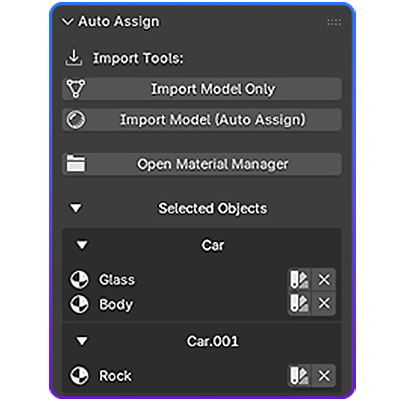
Import Model Only

Import one or multiple supported files instantly without automatically searching for or assigning textures.

02

Import + Auto Assign

Import models, scan nearby directories, and reconstruct the detected material texture setup fully automatically.

03

Material Manager

Assign folders/files with Preview, Rebuild, Update Existing, target-shader selection, and manual control.

Core Engine

Import Model & Auto Assign

The flagship feature. Seamlessly bridge the gap between geometry and shading in a single, fluid operation.

  1. Click Import Model (Auto Assign).
  2. Select one or multiple supported model files.
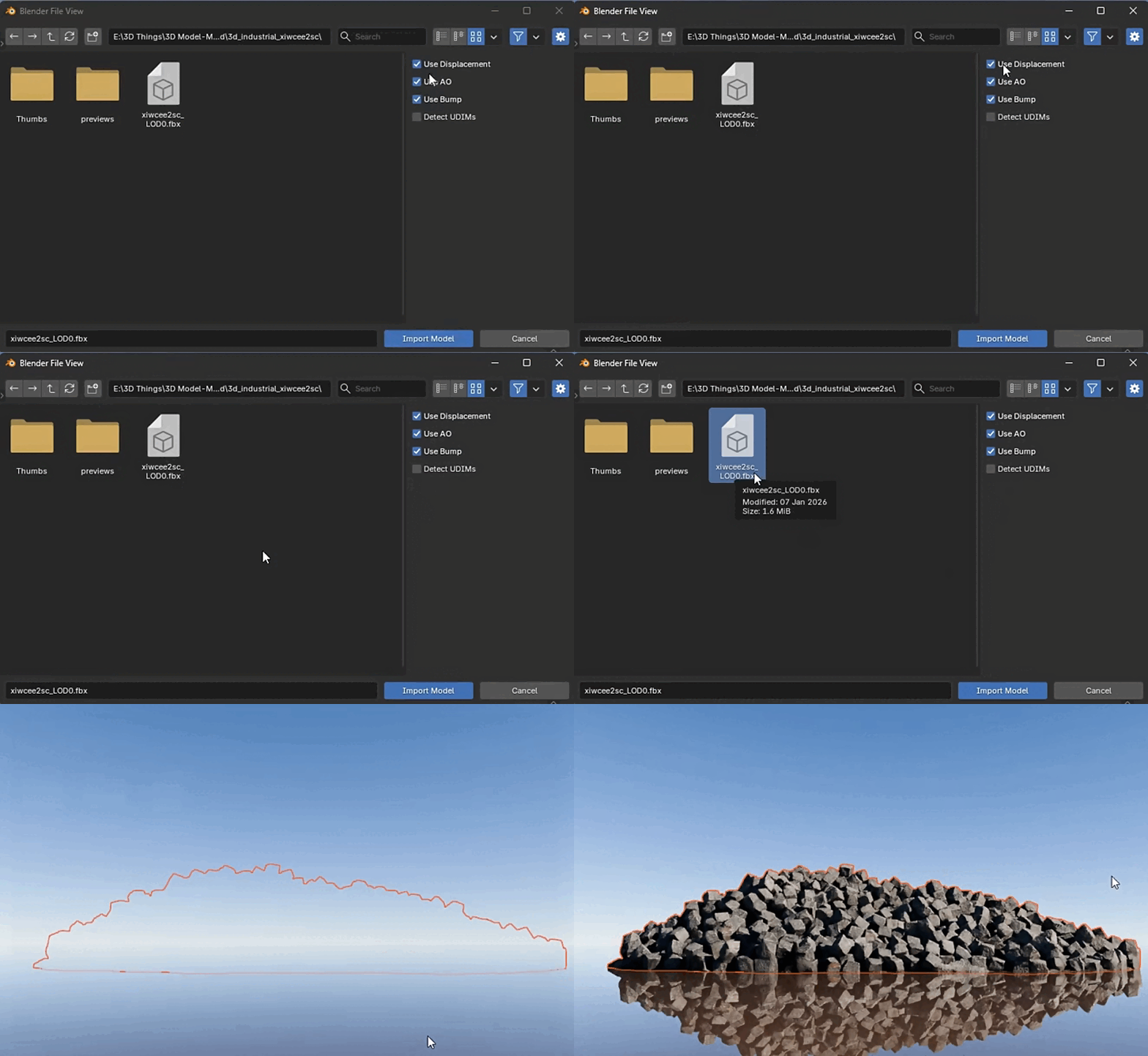
  3. Configure options: Use Displacement, Use AO, Detect UDIMs.
  4. Models are imported; missing materials are auto-generated.
  5. The engine scans subdirectories for matching textures.
  6. Resolve multi-folder or multi-resolution conflicts if prompted.
  7. AutoTex rebuilds the node tree flawlessly.
[!] Important Note

Import Model (Auto Assign) overrides existing node trees (Rebuild workflow). To preserve custom shader logic, import your model first, then use Material Manager > Update Existing Material.

AUTOTEX PANEL
Import Panel
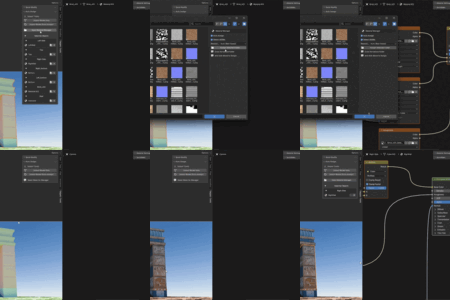
LIVE ACTION
Auto Assign Action

Effortless Execution

Witness a highly optimized process. From selecting the initial model to generating a perfectly structured, fully shaded material setup, everything happens flawlessly in the background, saving you hours of tedious node connections.

Universal Compatibility

Extensive support for industry-standard geometries and high-fidelity image formats.

Model Formats

.fbx .obj .gltf .glb .abc .usd .ply .stl .dae .3ds

Texture Formats

.png .jpg .jpeg .tga .tif .bmp .exr

Smart Detection Engine

Advanced pattern recognition to map your PBR textures precisely.

Recognized Maps

  • Color: Albedo, Base Color, Diffuse, Emission
  • Surface: Roughness, Gloss, Metallic, Specular, Transmission, Subsurface
  • Depth: Normal, Bump, Displacement, Height
  • Extra: Ambient Occlusion, Alpha, Opacity

Matching Logic

  • Meaningful material names are strictly prioritized.
  • Object names act as smart fallbacks for generic materials.
  • CamelCase parsing (e.g., BaseColor) natively supported.
  • Prevents arbitrary guessing on tied probability matches.

Custom Keywords & UDIMs

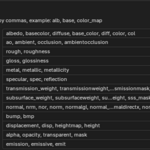
Define custom naming rules in Preferences or enable UDIM sequencing:

# Custom Map Keywords
albedo, basecolor, diffuse, alb, color_map
# Automatic UDIM Sequencing
character_albedo.1001.png
character_albedo.1002.png

Ultimate Control

Preview, adjust, and configure everything before making a single change.

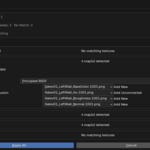
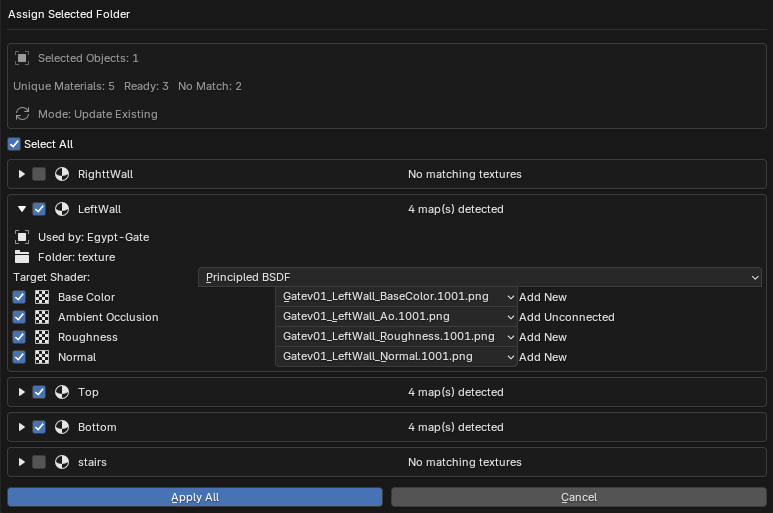
Preview Before Apply

Available in Auto Assign Folder mode. Review the proposed material updates securely:

  • Toggle individual texture maps on or off.
  • Resolve conflicts between multiple valid images.
  • Review overwrite actions (Replace, Add, Reconnect).
  • Designate specific Target Principled BSDF nodes.
Preview UI

Rebuild Material

Destructive workflow. Purges the existing texture node tree completely and constructs a clean, standardized network from scratch. Ideal for fresh imports.

Update Existing

Non-destructive workflow. Preserves custom logic nodes, cleanly updates recognized image links, and connects missing slots. Ideal for complex materials.

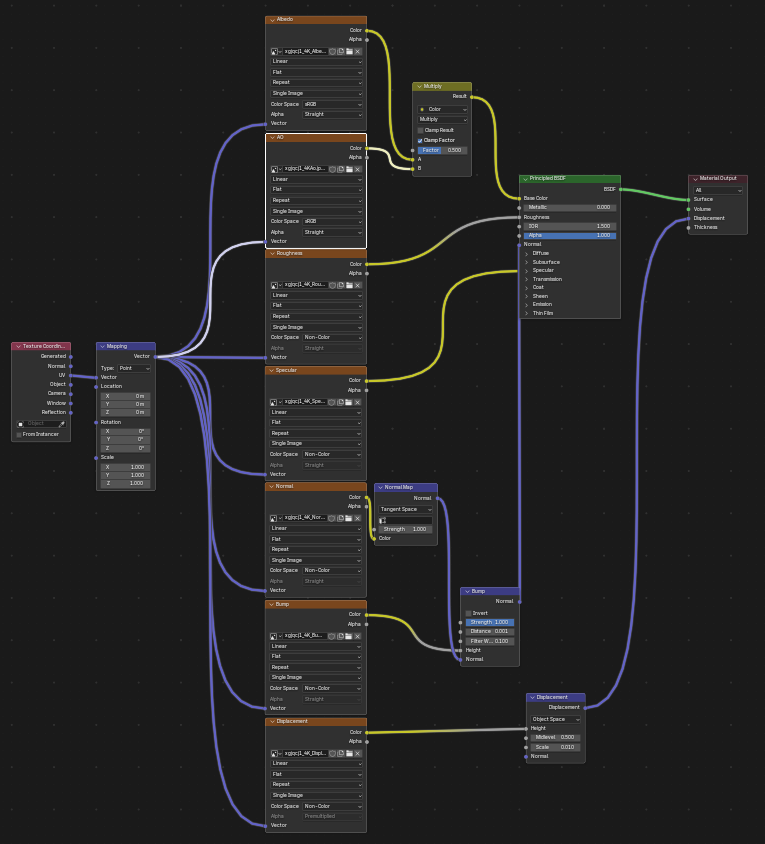
Shader Nodes
Node Logic

Smart Node Connections

  • Applies correct Color Spaces automatically (sRGB vs Non-Color).
  • Intelligently mixes Ambient Occlusion data directly with Base Color.
  • Inverts Gloss maps into Roughness automatically if needed.
  • Automatically layers Normal and Bump maps. Detects OpenGL/DirectX formats natively.
Release Notes

What's New in V1.1

Version 1.1 revolutionizes the workflow with Preview Before Apply, non-destructive material updates, and target Principled BSDF selection. It expands detection to include Transmission and Subsurface maps, native OpenGL/DirectX normal routing, broader import formats, and highly improved batch-import reporting.

$10

Have questions about this product?
Login to message

Details
Blender Extension Compatible Yes
Published 3 months ago
Blender Version 5.0 - 5.2
Extension Type Add-on
Render Engine Used Blender-Internal
License GPL
Discover more products like this

Material blender Shader 3d 2026 addon