Autotex Matcher
 Mohamed Targam


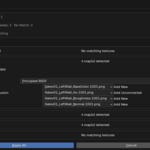
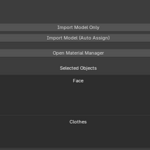
This usually happens when the texture filenames do not contain recognizable keywords or do not match the object or material names.
You can fix this using one of the following methods:
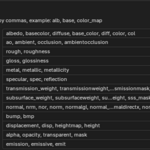
Add your custom texture keywords from the add-on preferences under Texture Naming.
Rename the files so they include recognizable texture keywords such as:
albedo
roughness
normal
metallic
ao
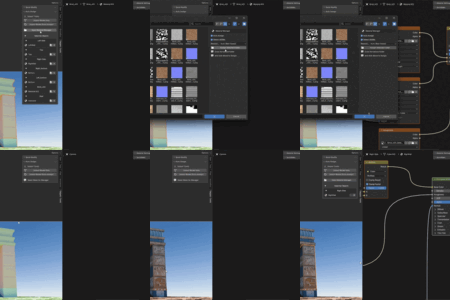
Manually assign the texture folder or individual texture maps using the integrated Material Manager.
Yes. The integrated Material Manager allows you to manually select and assign individual texture files to specific materials whenever automatic detection is not suitable.
AutoTex Matcher will show a folder selection popup so you can choose the correct texture folder.
Yes. You can import multiple models in one operation.
Have questions about this product?
Login to message
| Blender Extension Compatible | Yes |
| Published | 4 months ago |
| Blender Version | 5.0 - 5.2 |
| Extension Type | Add-on |
| Render Engine Used | Blender-Internal |
| License | GPL |