 AV
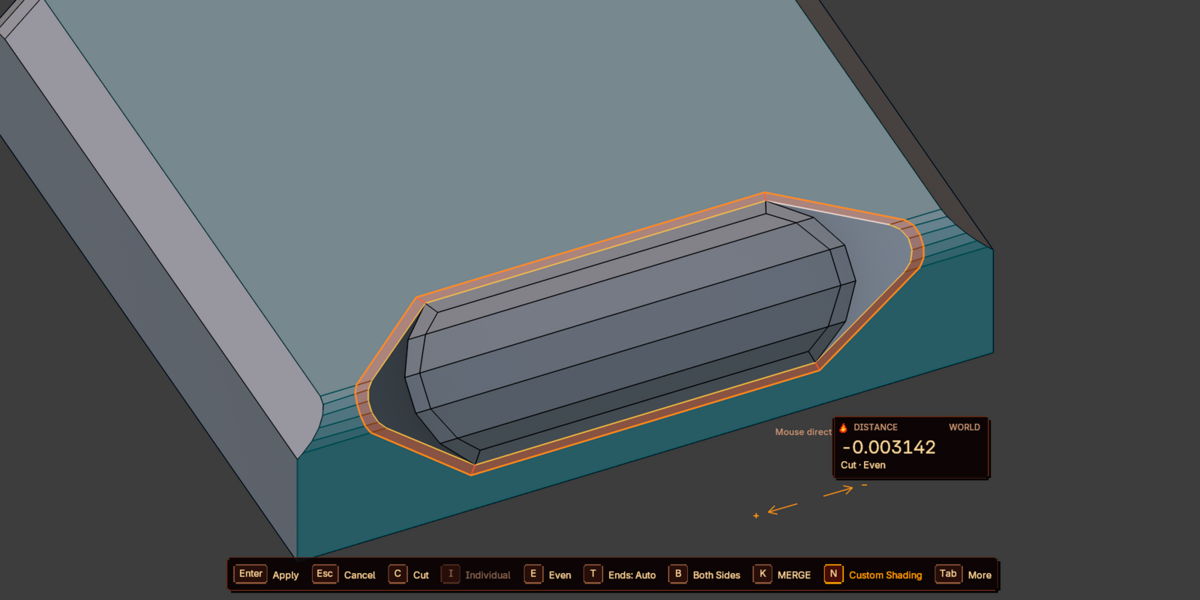
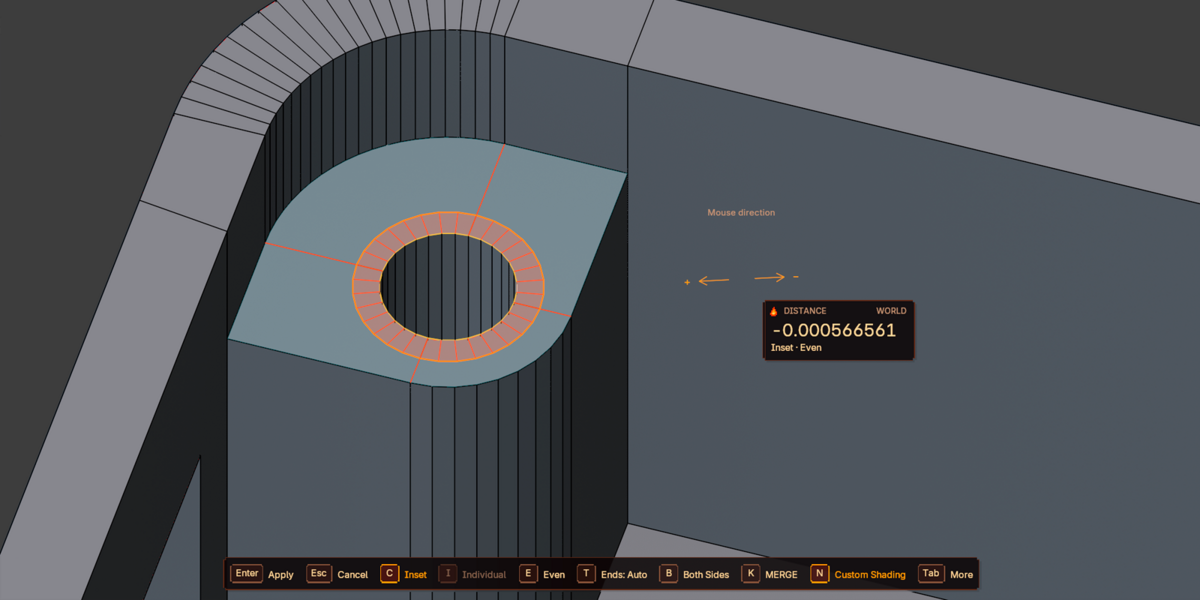
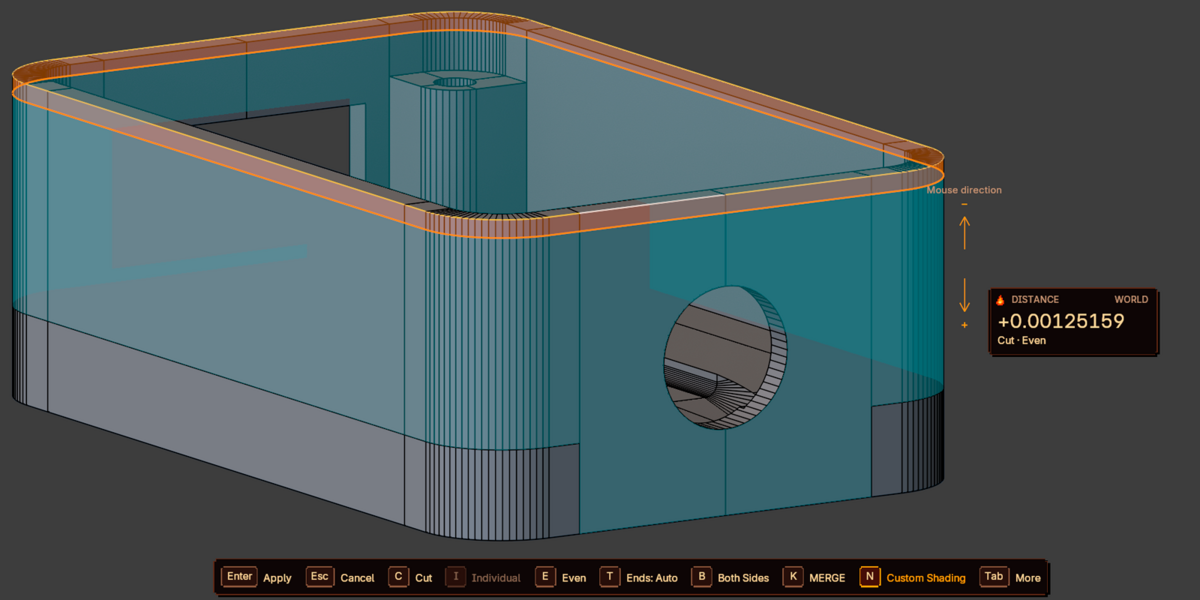
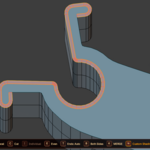
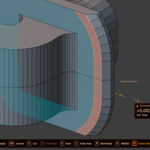
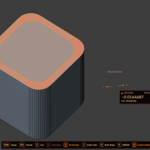
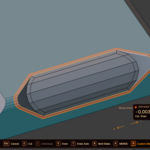
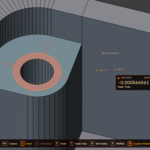
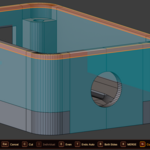
QUICK START
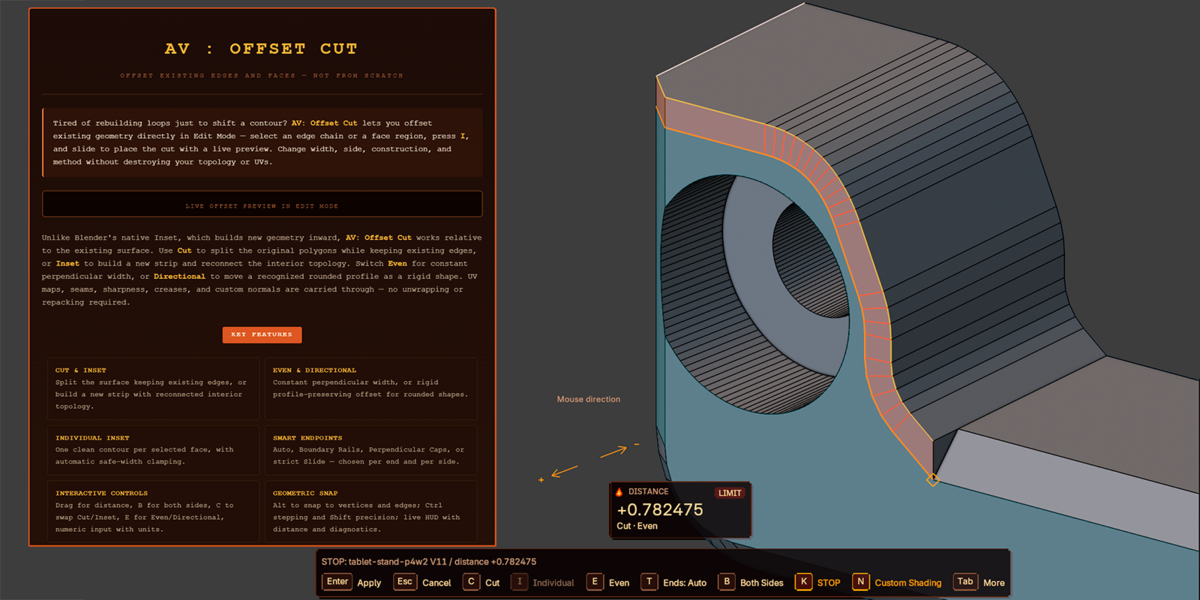
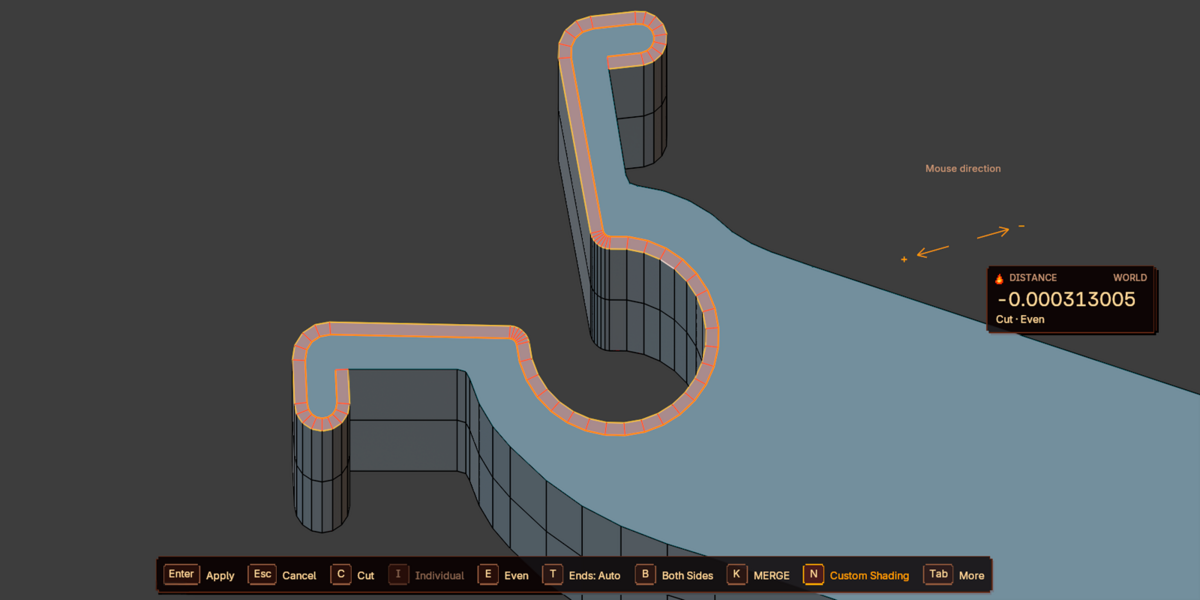
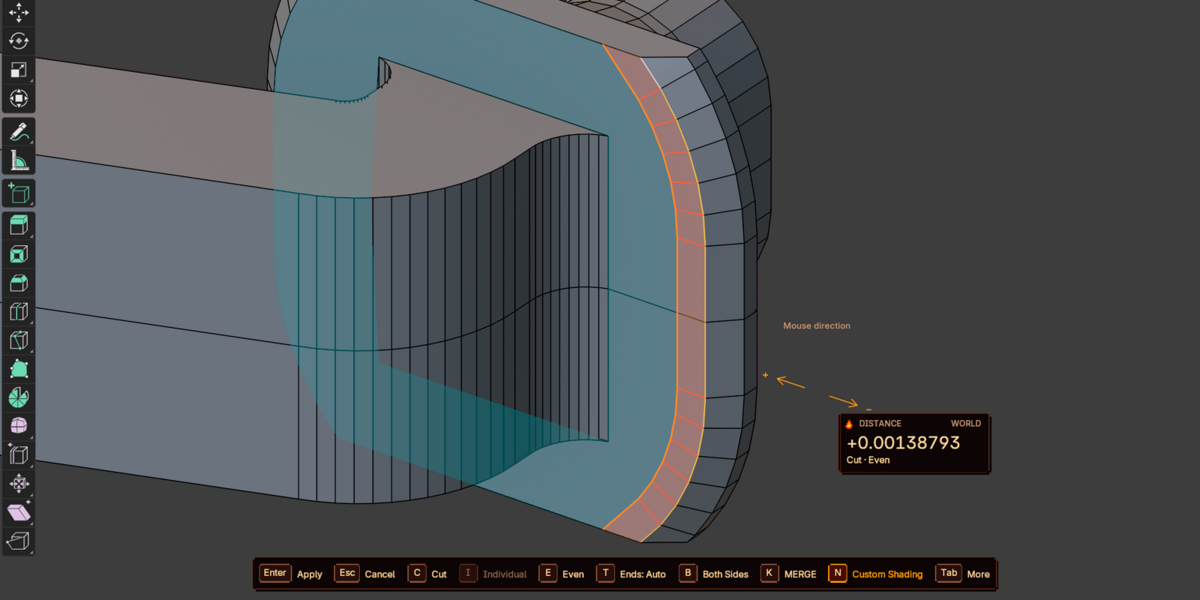
- Select a Mesh, enter Edit Mode. In edge mode (2) select a non-branching edge chain or loop. In face mode (3) select a region whose border should be offset.
- Hover a suitable part and press I, or use F3 → AV: Offset Cut, the Edge menu, the context menu, or N → AV: Offset Cut.
- Factory defaults: Cut / Even / Auto, distance 0.
- Move the mouse along the on-screen arrows: + increases the signed distance, − decreases it. Press B for both sides.
- For precision, type a number such as
0.05or2cmin scene units. - Confirm with Enter / LMB / Space. Esc / RMB cancels without changing the mesh. After applying, F9 reopens parameters; Ctrl+Z undoes.
"Non-destructive preview" means the mesh is unchanged before confirmation. After confirming it is a normal topology operation, not a modifier.
SUPPORTED SELECTION
- Individual edges, open chains, and closed loops without branching. Several independent chains may be selected.
- Face Select uses the border of the selected region; per-face inset is available via Individual Inset. A fully closed selected shell may also enter Individual after pressing I during the operation.
- Wire edges without faces are supported through Cut. Surface and wire edges cannot be mixed in one connected chain.
- Multi-object Edit Mode is supported. A shared Mesh datablock is processed once; all objects are prepared before any live mesh is written.
- Shape Keys are not supported (topology changes). Linked read-only meshes and zero World scale are rejected.
CONTROLS
Table reflects factory defaults. Launch shortcut, mouse direction, sensitivity, stepping, and confirmation options are configurable in Add-on Preferences → Controls. These settings do not disable Enter or Esc/RMB.
CUT, INSET & INDIVIDUAL
- Cut: splits the original polygons and keeps existing edges, including authored triangles. The free corner direction is derived from the original polygon boundary. A non-planar quad is cut by a straight chord; this is not a geodesic offset.
- Inset: creates a strip along the contour and reconnects the interior topology. Original vertices are not moved; interior triangulation may be reconnected. Switch with C. On a fully wire selection Inset is replaced by Cut automatically.
- Individual Inset: select faces, launch, press I again. Each selected face gets its own contour, including shared edges. Uses the Inset backend; Both Sides, endpoint policy, and Vertex Contact are not used. Positive inward distance only. Clamp Individual Width reduces the shared request to a safe width before the first collapse or intersection.
EVEN & DIRECTIONAL
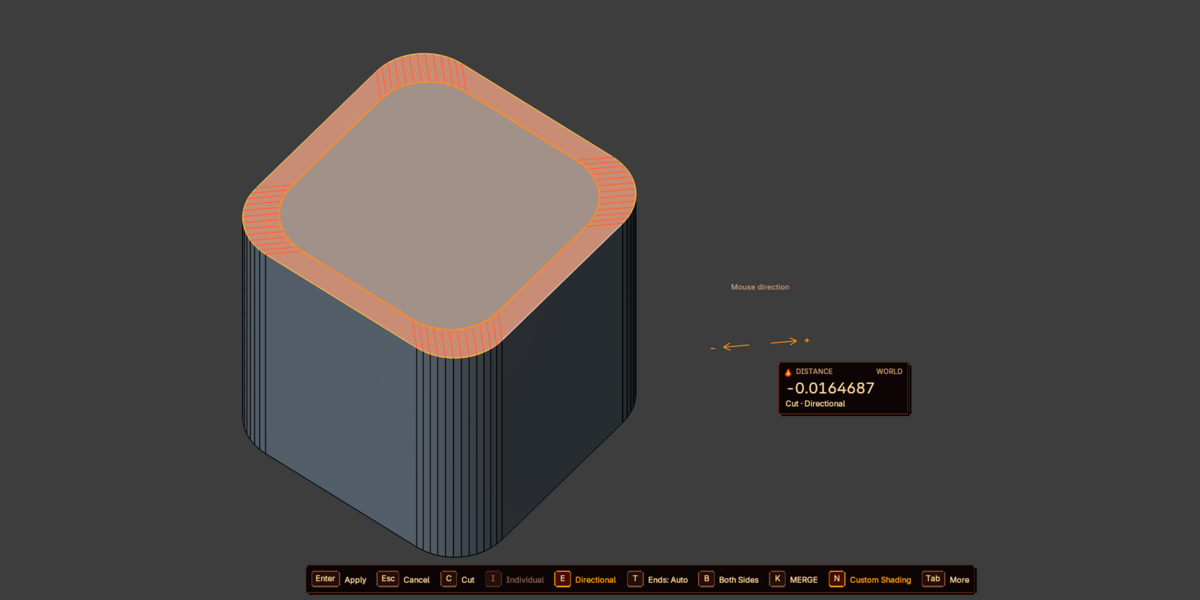
Miter Limit limits the ratio of corner travel to width. Rounding/chamfering is not added automatically. There is no Round, Chamfer, or J/Corners toggle in this version.
OPEN PATH ENDPOINTS
Open Path Endpoints affects only the two ends of an open chain. It does not change intermediate corners, closed contours, Individual, wire, or continuing open borders. Cycle with T.
CONTACTS & SAFETY
- Vertex Contact (K): Stop at Vertex stops the whole operation at the first supported contact with a support vertex; Merge & Continue merges valid intersections and continues across a connected flat support. Not global welding.
- Extend Open Boundaries: builds a local strip on the missing side of a selected open border. Not extrusion of all object borders; self-folding or self-intersecting strips are rejected.
- Skip Unsafe Paths keeps valid independent chains and warns. Cancel Entire Operation requires all components to be valid. On a preparation error no live mesh changes; on a write error affected objects are restored.
- In interactive movement an invalid request may be locally refined to a valid limit. The last valid preview may be kept; applying it warns Applied last valid offset. Press Esc to cancel without applying.
SNAP & UNITS
Alt searches vertices/edges only in editable objects, in a local neighborhood or across all their data per Snap Candidates. Selected source edges and their vertices are excluded. Invisible-through-surface targets are culled unless Snap Through Surfaces is on. Snap changes the distance, not a corner position. Numeric input has priority; in F9 Alt-snap is not performed.
Ctrl is an independent discrete step: Fixed Distance (Ctrl Increment), View Grid Settings (grid_scale_unit / grid_subdivisions, not the adaptive visual grid), or Source Edge Length (fraction of the source edge near the launch cursor).
World honors matrix_world and non-uniform/mirrored scale; unit input honors the scene Unit Scale. Local Mesh uses the mesh's own coordinates.
UV, ATTRIBUTES & TOPOLOGY
- Interpolate UV is on by default and processes all UV maps per original face. Existing UV breaks and pinned corners are preserved; new points get interpolated UVs. On boundary extension UVs are extrapolated from the support face.
- Inherit Edge Attributes carries supported edge attributes, seams, sharp/smooth, and crease to corresponding new/reconnected edges. Materials and face data are copied from the support. Not a universal interpolation of arbitrary custom attributes.
- Custom normals keep original shading directions after topology changes; new corners get interpolated normals. Applies in Cut, Inset, and Individual regardless of UV/attributes. Toggle with N or Correct Custom Shading.
- Quad-preferred Inset attempts valid convex flat quads but does not guarantee an all-quad mesh. Clean New Microedges dissolves only short new edges outside the result contour — it is not Merge by Distance.
HUD & PREVIEW
The compact HUD shows signed distance, World/Local, construction, method, UV, Snap, Vertex Contact, endpoint type, and brief diagnostics. It follows the mouse or anchors to a corner. The bottom dock is fixed; Tab expands extra hints; H hides both blocks. Show Width Dimension is off by default — the number and dimension line near geometry are not drawn; the Distance value in HUD remains. X-Ray and Preview Depth Bias change only the overlay, not mesh coordinates.
ADD-ON PREFERENCES
Open Edit → Preferences → Add-ons → AV: Offset Cut. Settings are split into sections:
Reset This Section resets the current group. Reset General does not change Preview or Controls; resetting Controls does not restore a customized keymap.
SCRIPTING
The operator must be called in Edit Mode with a suitable selection. F9 and Redo keep the given parameters; only a new interactive invoke uses preferences.
import bpy# Offset 0.05 in World, Cut, Even, UV correction onbpy.ops.av.offset_cut( prop_plen=0.05, construction='CUT', alignment='EVEN', correct_uv=True, correct_shading=True)LIMITATIONS
- One Mesh in Edit Mode; no Shape Keys. Linked read-only meshes and zero World scale are rejected.
- No universal geodesic tracing, no global straight-skeleton solver, no guarantee of an all-quad result, and no preservation of the hidden surface of a non-planar n-gon after Cut.
- A large offset may go beyond the local support. Non-manifold radial fans that are broken or ambiguous are rejected.
- Known unsupported cases: a closed grid contour through cube corners, a large outward offset on a flattened sphere, Directional on folded fans. These are not working features.
TESTED VERSIONS
Checked on Windows with Blender 5.2. Minimum code version is 4.1. Other OSes require no different code but were not tested separately.
REPORTING ISSUES
When reporting a problem, include:
- Blender and add-on version
- OS and a minimal .blend with the selection <
Have questions about this product?
Login to message
| Blender Extension Compatible | Yes |
| Published | 1 day ago |
| Blender Version | 4.2 - 5.2 |
| Extension Type | Add-on |
| License | GPL |
Discover more products like this
even offset outset offset cut moddelling edge slide edge offset Offset Edge Loop Cut Tool subdivision knifedge support loops cad inset