 AV
FAQ
AV : OFFSET CUT — FAQ
COMMON QUESTIONS ABOUT THE ADD-ON
How is AV: Offset Cut different from Blender's native Inset or Bevel?
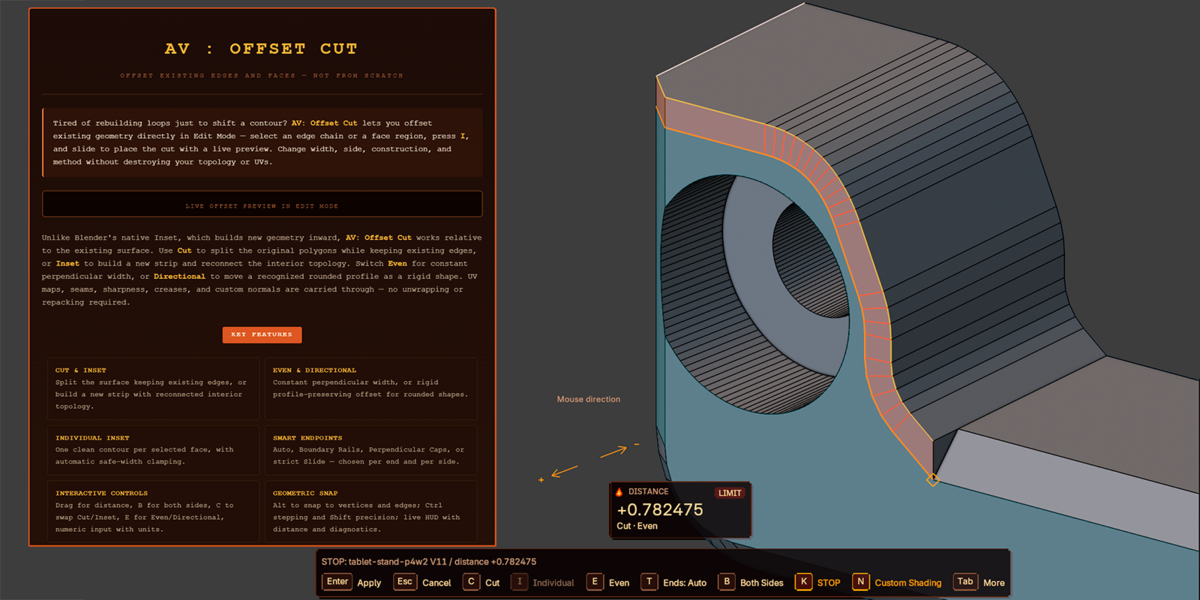
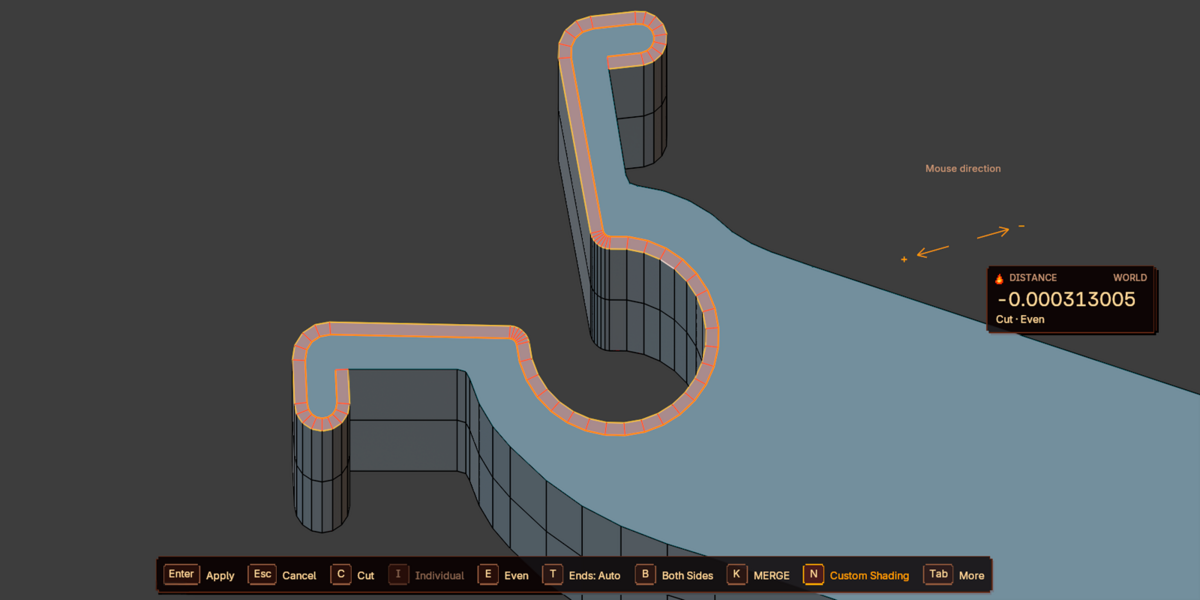
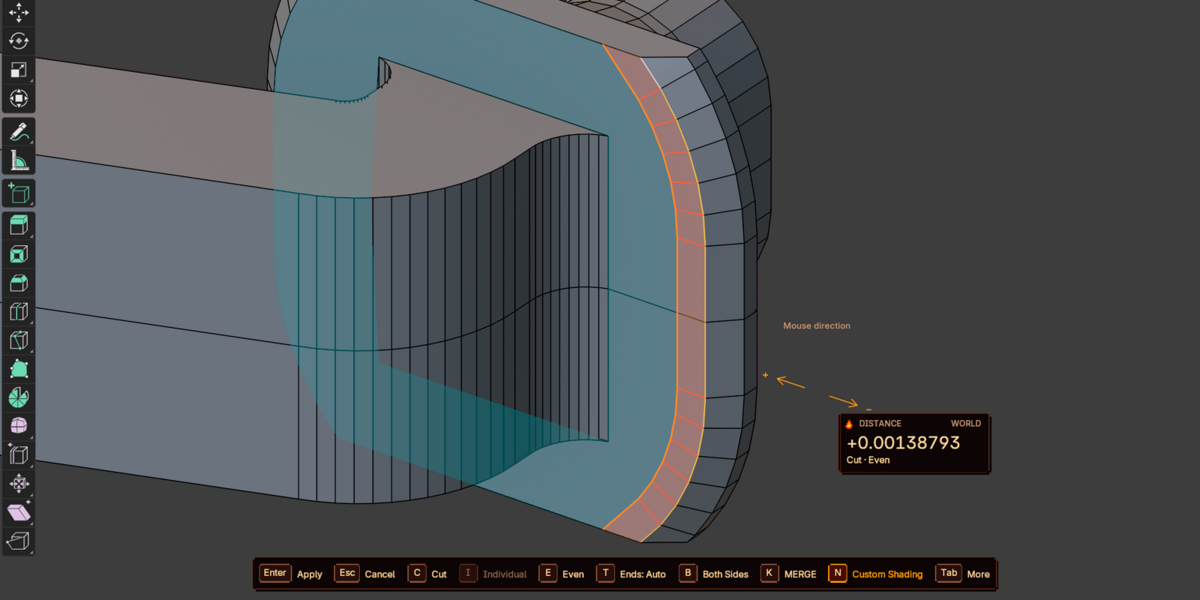
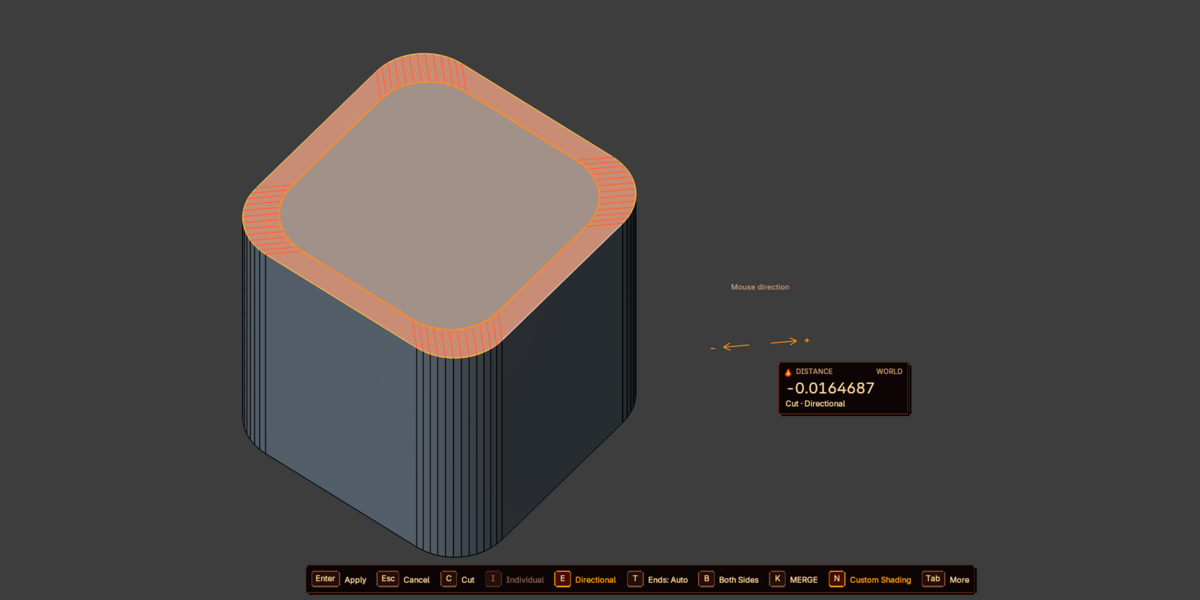
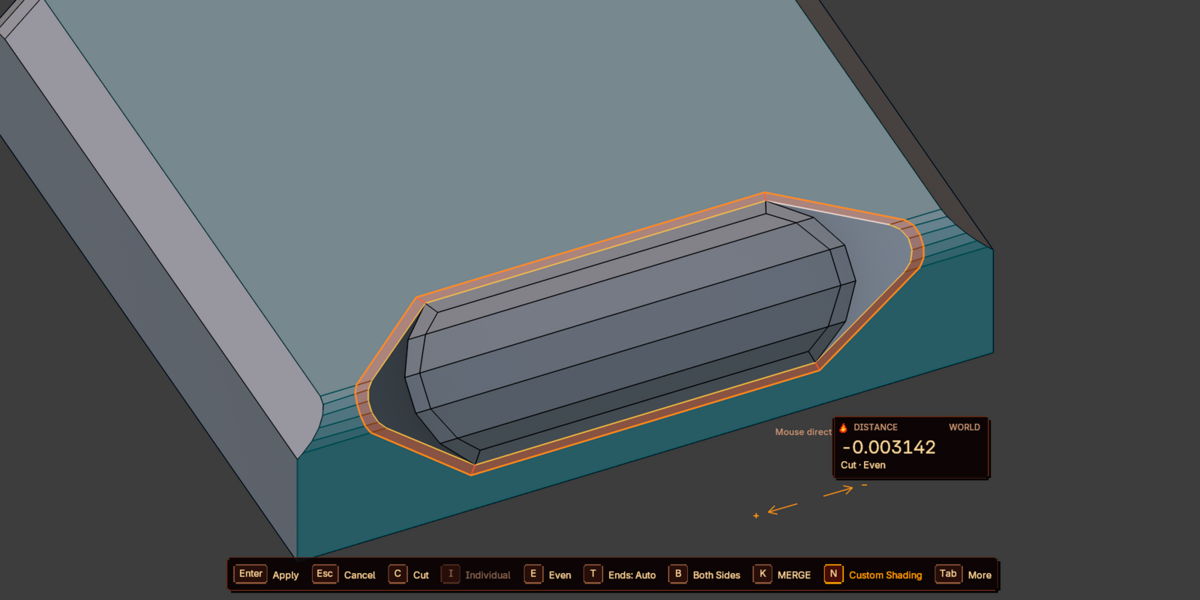
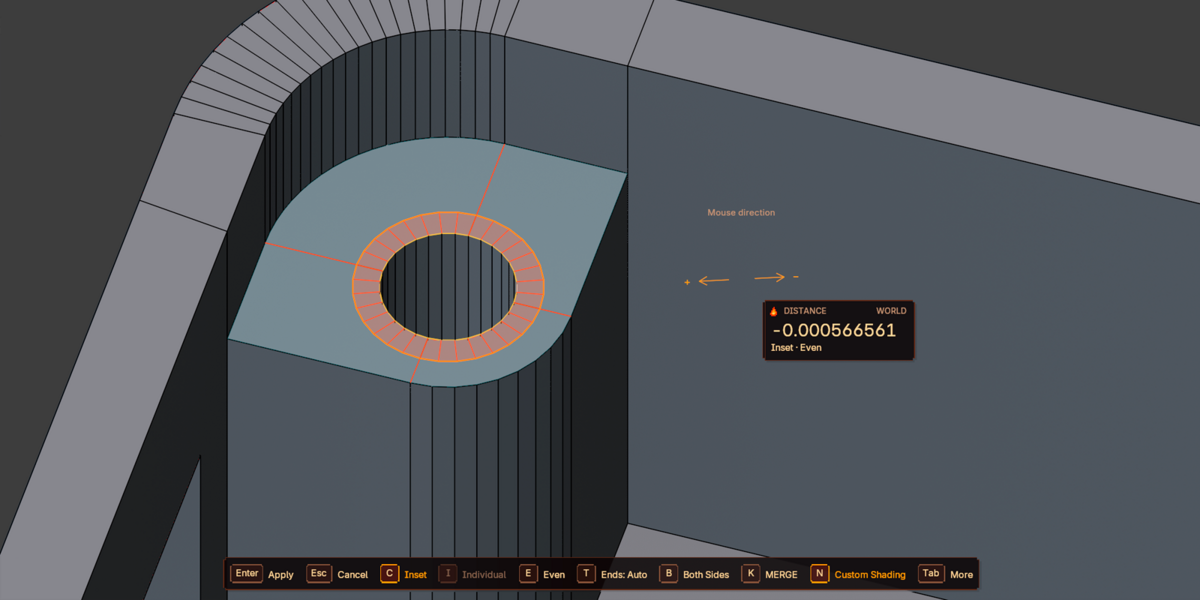
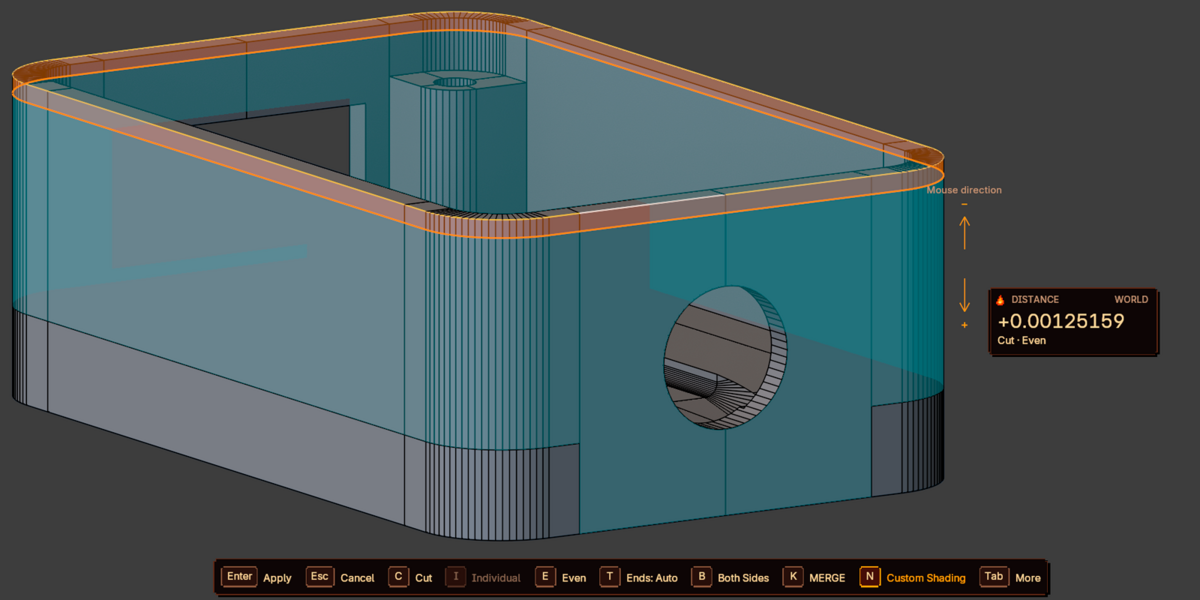
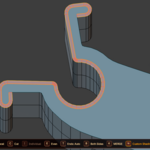
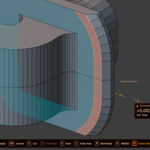
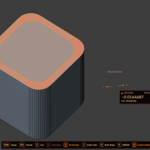
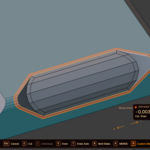
Native Inset builds new geometry inward from a selection and does not follow an existing surface contour. AV: Offset Cut works relative to the geometry you select: Cut splits the original polygons while keeping existing edges (including authored triangles), and Inset builds a new strip and reconnects the interior topology. You get an even perpendicular width along an edge chain or face border, a rigid profile-preserving offset with Directional, and a live preview before anything is written to the mesh. UVs, seams, sharpness, creases, and custom normals are carried through.
Does it modify my mesh while I'm adjusting the distance?
No. The preview is non-destructive: nothing changes in the mesh until you confirm with Enter / LMB / Space. Esc / RMB cancels and restores the original mesh and selection. After confirming, it is a normal topology operation, not a modifier — Ctrl+Z undoes it, and F9 reopens the exact parameters for tweaking without restarting.
Which selections are supported?
Individual edges, open chains, and closed loops without branching (several independent chains are fine). In Face Select the border of the selected region is used, and pressing I again during the operation enables Individual Inset — one contour per selected face. Wire edges without faces are supported through Cut, but surface and wire edges cannot be mixed in one connected chain. Multi-object Edit Mode works; Shape Keys are not supported because the operation changes topology.
Will my UVs and edge data survive the operation?
Yes, by default. Interpolate UV processes all UV maps per original face and preserves existing UV breaks and pinned corners. Inherit Edge Attributes carries seams, sharp/smooth, and crease to the corresponding new edges, and materials/face data are copied from the support. Custom normals keep their original shading direction (toggle with N). Note this is local UV correction, not automatic distortion removal — baked normal/AO/lightmaps may still need re-baking after geometry changes.
What do the endpoint modes do, and why does Auto sometimes pick different behavior at each end?
Open Path Endpoints affects only the two ends of an open chain and is chosen independently per end and per side. Auto first tries a valid boundary rail, then a suitable adjacent real edge, and falls back to a free perpendicular cap if neither is safe. Boundary Rails, Perpendicular Caps, and Slide let you force a specific behavior with T. If a safe option does not exist, Auto does not override the safety checks — it keeps a cap rather than producing invalid geometry.
I pressed I and got a standard Blender Inset (or nothing happened). What's wrong?
Check that the launch shortcut is enabled in Preferences → Add-ons → AV: Offset Cut → Controls, that your selection is suitable (a non-branching chain or a face region), and that no other add-on claims the same key. Try F3 → AV: Offset Cut to confirm the operator is available. If panels are duplicated or the old name appears after updating from AV: Loop Inset, disable the second copy (legacy vs. extension) and restart Blender.
Some parts of my selection were skipped. Why?
With Skip Unsafe Paths (the default), valid independent chains are processed and unsafe ones are reported with a warning — so a successful confirm does not necessarily mean the whole selection was handled. Read the warning in the reports/console. If you need an all-or-nothing result, switch Invalid Geometry to Cancel Entire Operation: then no live mesh is changed unless every component is valid.
STILL HAVE A QUESTION? REPORT IT WITH A MINIMAL .BLEND
Have questions about this product?
Login to message
| Blender Extension Compatible | Yes |
| Published | 1 day ago |
| Blender Version | 4.2 - 5.2 |
| Extension Type | Add-on |
| License | GPL |
Discover more products like this
Offset Edge Loop Cut Tool inset knifedge edge slide subdivision moddelling cad edge offset support loops even offset offset cut outset