Axis Core Addon For Blender
 Antonio Solano


Is AXIS Core compatible with my character?
AXIS Core works exclusively with AXIS-based rigs - the OMNIA 2 and VERSA character lines. It is not compatible with other rig systems or legacy OMNIA 1 characters.
Do I need AXIS Core to use my AXIS character?
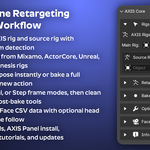
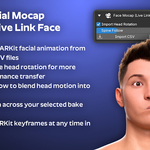
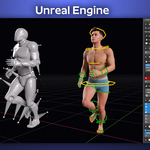
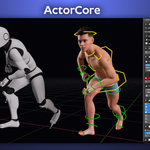
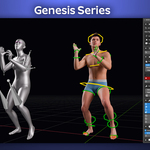
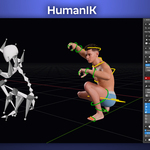
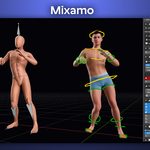
No. Your AXIS character works out of the box in Blender without any addon. AXIS Core is required only if you want to retarget animations from external sources (Mixamo, DAZ, Unreal, etc.) or import ARKit facial mocap data.
My source rig is not detected correctly. What should I do?
Make sure the source rig was exported directly from the supported application without renaming the bones. AXIS Core detects the system by bone names - any custom renaming will prevent auto-detection.
Can I use AXIS Core with Blender 5?
Yes. AXIS Core is fully compatible with Blender 4 and Blender 5.
The AXIS Panel does not load when I open the file. What is wrong?
Go to Blender Preferences › File Paths and enable Auto Run Python Scripts. Without this setting Blender will not execute the embedded panel script automatically.
Can I bake multiple animations onto the same character?
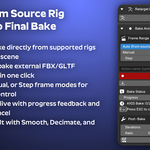
Yes. Use Push to NLA after each bake to send the action to the NLA editor, then bake the next animation. You can layer and blend them from the NLA editor.
Does AXIS Core work with arm-only or partial rigs?
Yes. The addon adapts automatically and only retargets the bones available in both the source and the AXIS rig.
$6
Have questions about this product?
Login to message
| Sales | 20+ |
| Published | 11 months ago |
| Blender Version | 4.0 - 5.0 |
| Extension Type | N/A |
| License | GPL |
Discover more products like this
blender 5 Facial Animation mocap motion capture rig tools Bake Animation daz studio animation retargeting ARKit mixamo Unreal Engine