 RobertRoss_VFX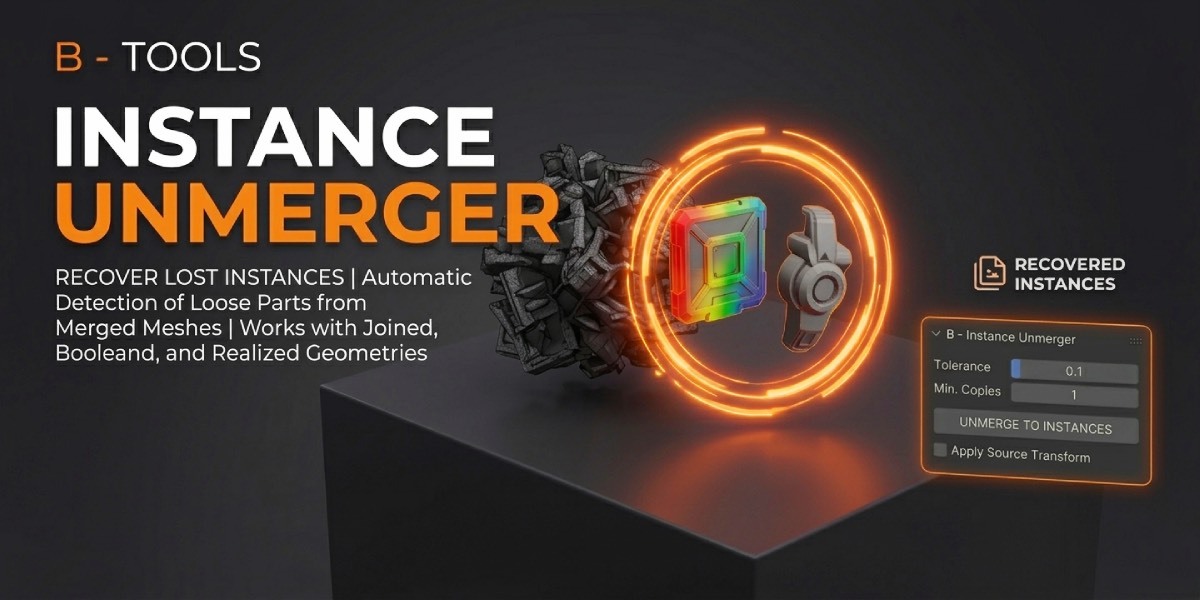
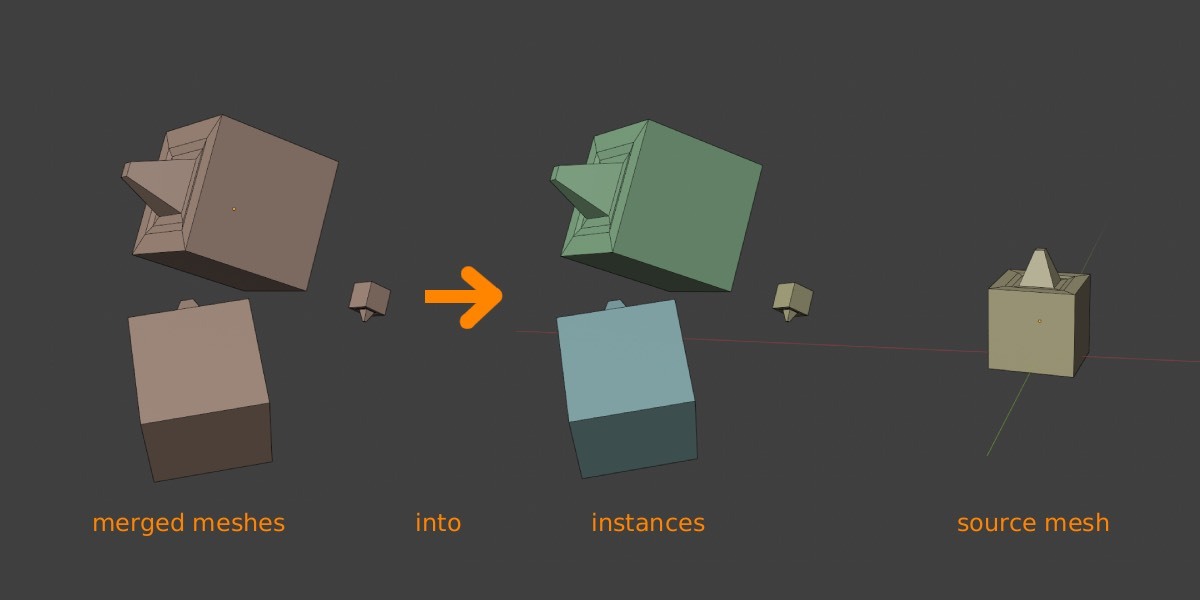
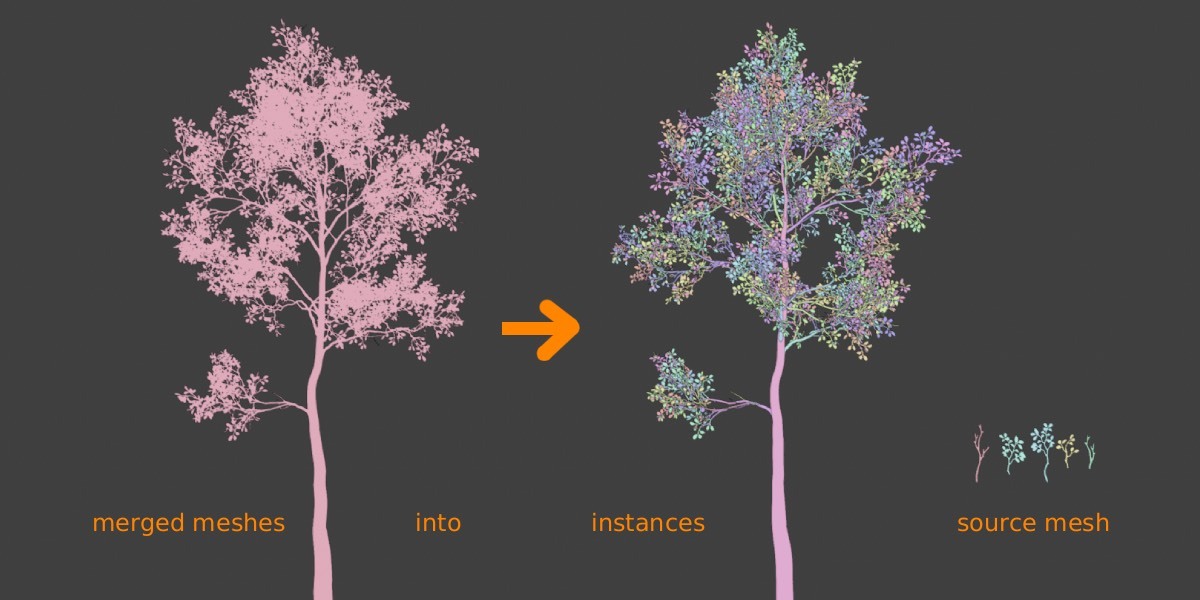
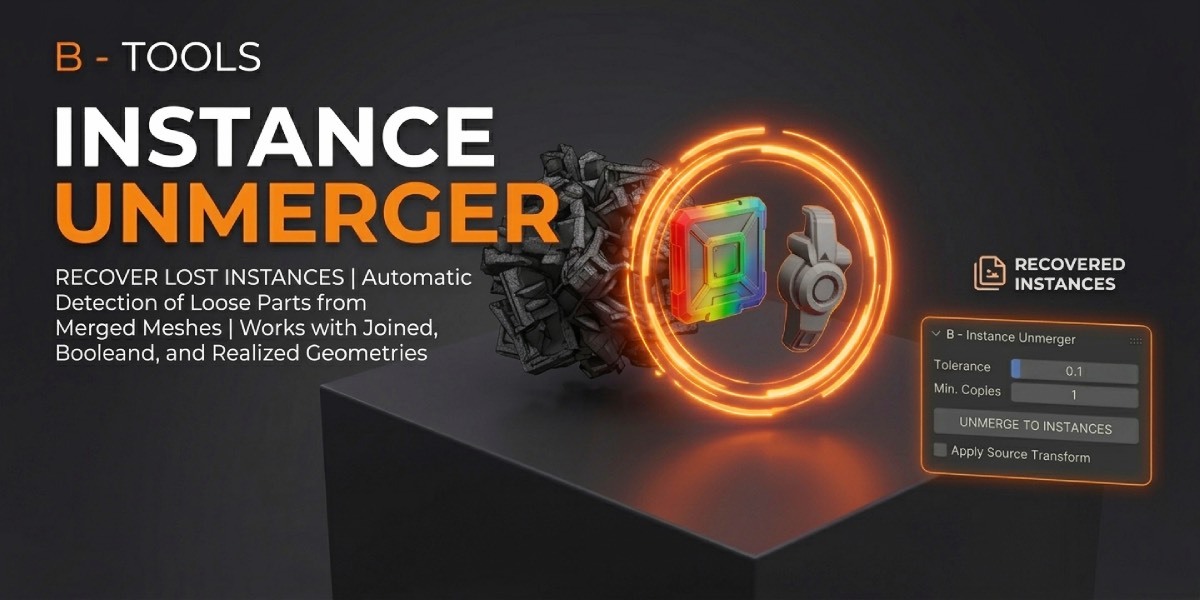

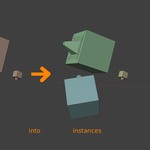
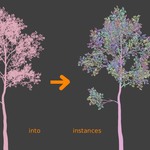

You joined it. You realized it. You exported it. The copies are still there as loose parts — they just are not instances anymore.
B- Instance Unmerger finds those repeated islands by shape and rebuilds them as origin-centered source meshes plus transformed linked instances. One source, many copies: rotate, scale, and even mirrors come back as object transforms.
Who it is for
Environment and kitbash artists, CAD and archviz cleanup, game-asset pipelines, and anyone who hit Realize Instances, Boolean, or an exporter and lost instancing.
What it does
B- Instance Unmerger finds repeated mesh parts and turns them back into real Blender instances.
It works in two ways:
- One merged mesh — select it to search for repeated loose parts inside.
- Several objects — select them to search for matching copies among them. Each object is treated as one part. No Join needed.
Each repeating part becomes:
- one source mesh at the origin (shared mesh data)
- linked instances with recovered location, rotation, and scale — including mirrors!
Edit the source once; every copy updates. Use it after Join, Realize Instances, Boolean, Geometry Nodes, CAD/kitbash imports, Separate by Loose Parts, or any export that baked copies into unique objects.
Sources are sized to the average of their copies, so instance scales stay close to 1. Custom / split normals, vertex colors, and used materials come along.
You can even change the instance source pivot and the instances will stay in the same place!
The transform is baked into the mesh. The object origin becomes the new pivot; instances stay in place. Scale is included. Select one or more objects from Instance Sources.
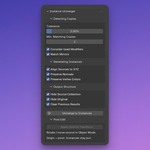
Detecting copies
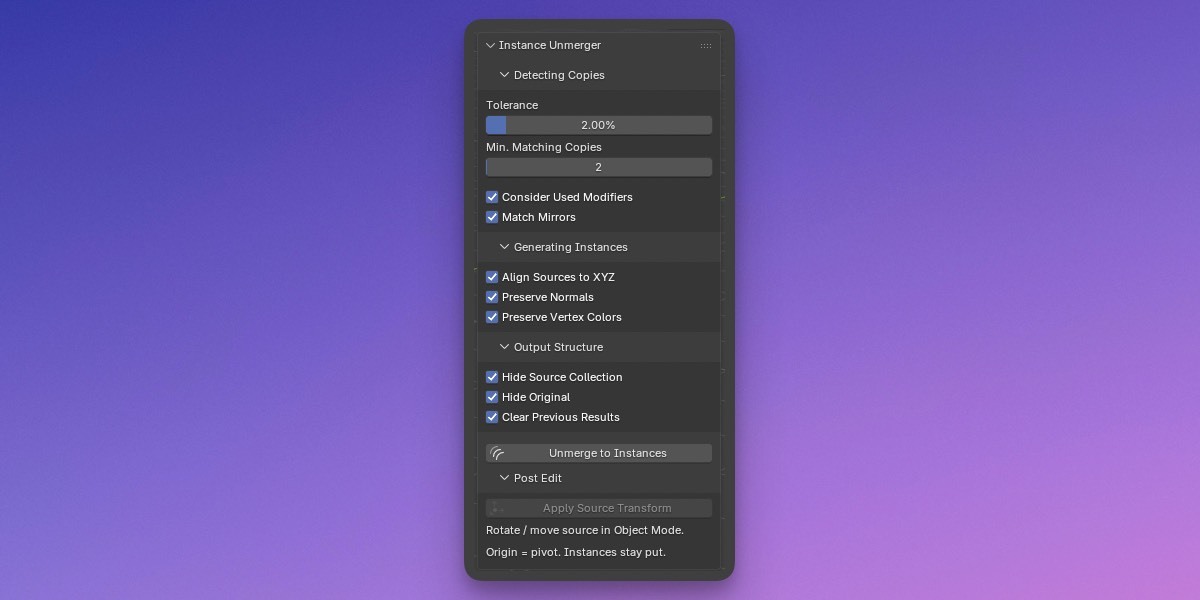
- Shape match with a tolerance (vertex error as a % of the island bounding-box diagonal)
- Min. matching copies before a part becomes a source
- Consider used modifiers — read the mesh after Boolean, Realize Instances, Geometry Nodes, etc.
- Match mirrors as the same source (negative X scale)
After unmerge
Rotate or move a source in Object Mode, then use button "Apply Source Transform". The origin becomes the new pivot; instances stay where they are in the scene!
Optional cleanup: hide the source collection, hide the original mesh, clear previous results.
How to use
- Enable the add-on. Open View3D → Sidebar → Inst. Unmerger.
- Select the merged mesh in Object Mode or duplicated objects.
- Adjust tolerance / min copies if needed.
- Click Unmerge to Instances.
Compatibility
Blender 4.2 LTS through 5.2.