B- Instance Unmerger
 RobertRoss_VFX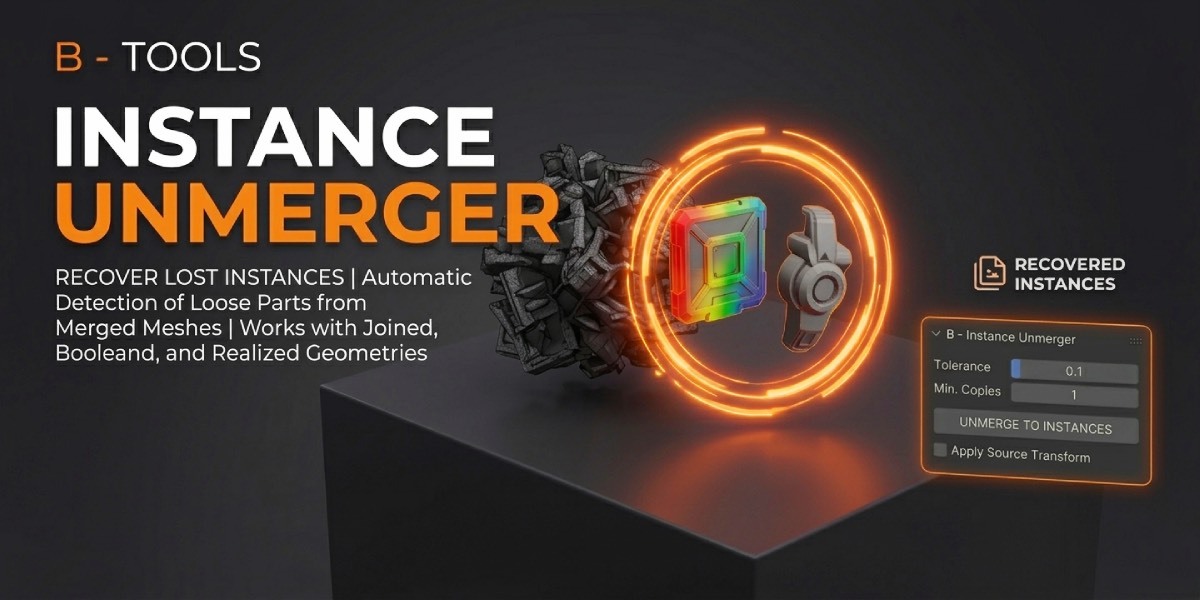




What it does
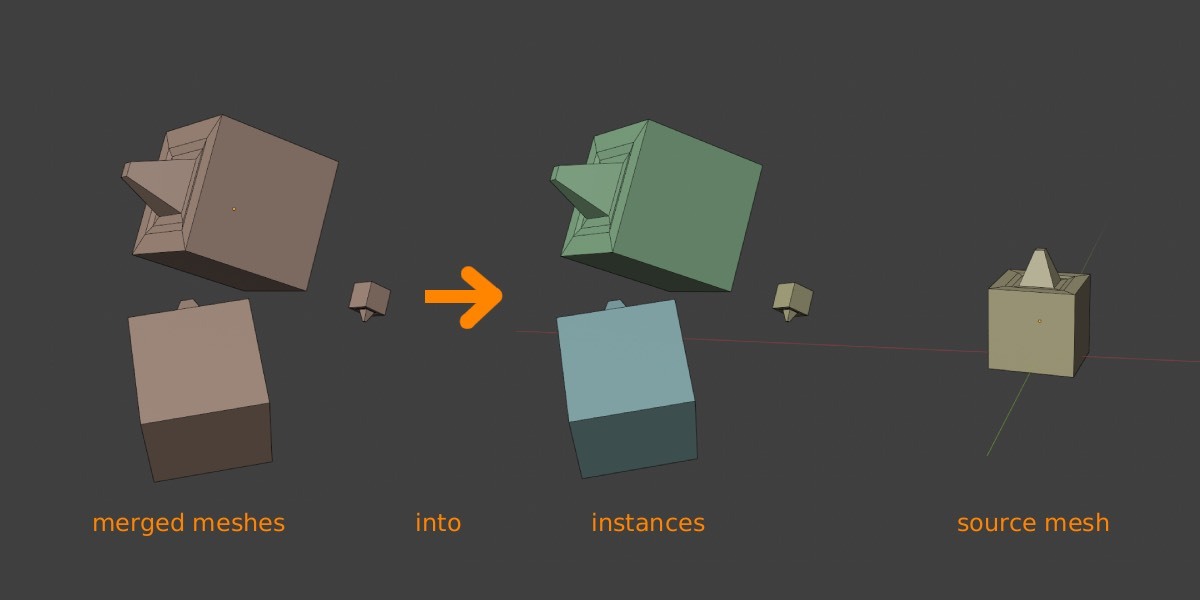
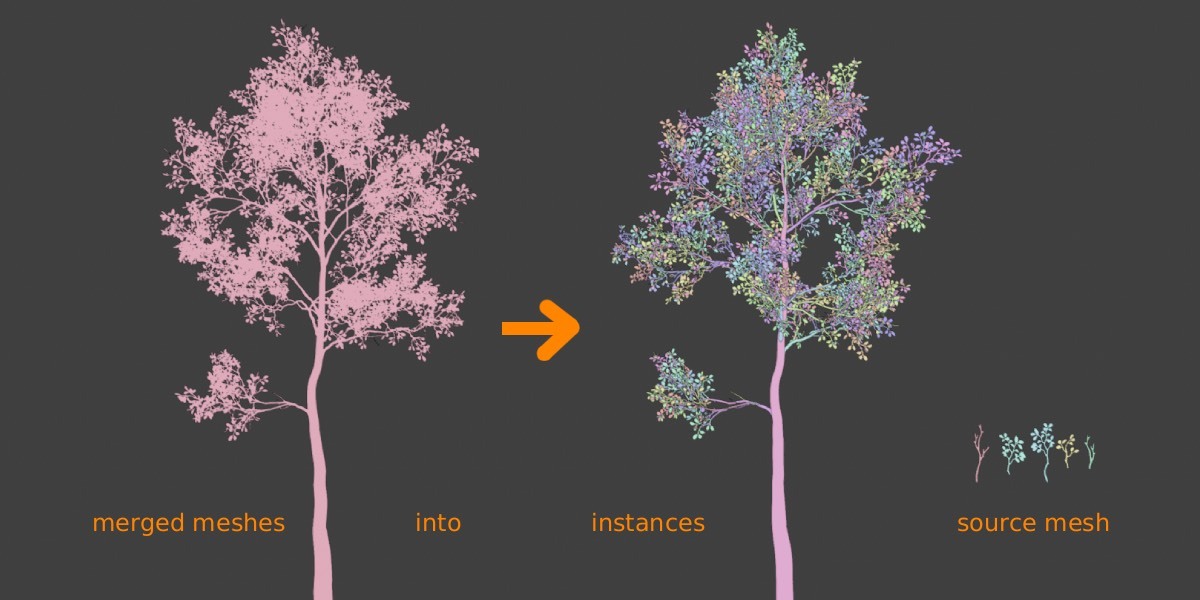
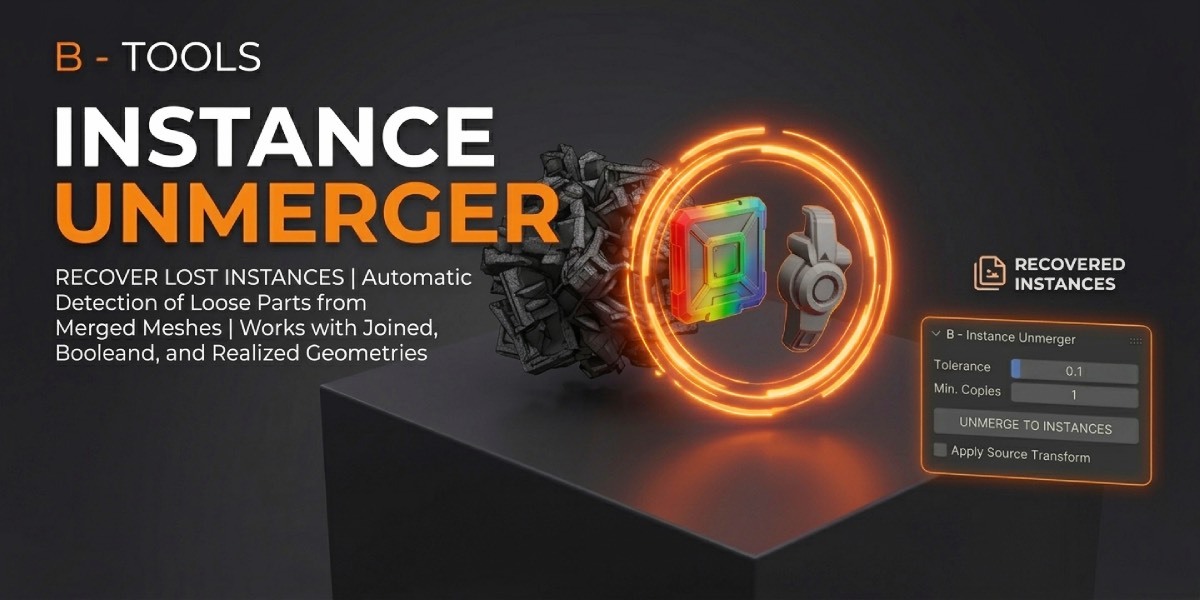
B- Instance Unmerger finds repeated mesh parts and turns them back into real Blender instances.
It works in two ways:
- One merged mesh — select it to search for repeated loose parts inside.
- Several objects — select them to search for matching copies among them. Each object is treated as one part. No Join needed.
Each repeating part becomes:
- one source mesh at the origin (shared mesh data)
- linked instances with recovered location, rotation, and scale — including mirrors!
Edit the source once; every copy updates. Use it after Join, Realize Instances, Boolean, Geometry Nodes, CAD/kitbash imports, Separate by Loose Parts, or any export that baked copies into unique objects.
Sources are sized to the average of their copies, so instance scales stay close to 1. Custom / split normals, vertex colors, and used materials come along.
You can even change the instance source pivot and the instances will stay in the same place!
The transform is baked into the mesh. The object origin becomes the new pivot; instances stay in place. Scale is included. Select one or more objects from Instance Sources.
Edit the source once; every copy updates. Use it after Join, Realize Instances, Boolean, Geometry Nodes, CAD/kitbash imports, or any export that baked copies into one object.
Requirements
- Blender 4.2 LTS through 5.2
- A mesh object in Object Mode
- Welded copies will not match until you separate them.
Installation
Blender 4.2+ (Extensions)
-
Download the product
.zip. - Edit → Preferences → Get Extensions.
- Install from Disk and choose the zip.
- Enable B- Instance Unmerger.
Classic Add-ons install
Edit → Preferences → Add-ons → Install…, then enable the add-on.
After enable, the panel is at:
3D Viewport → Sidebar (N) → Inst. Unmerger
Quick start
- Select the merged mesh.
- Open Inst. Unmerger.
- Click Unmerge to Instances.
-
Check the report at the bottom of the panel:
Sources | Instances | Unique | Islands.
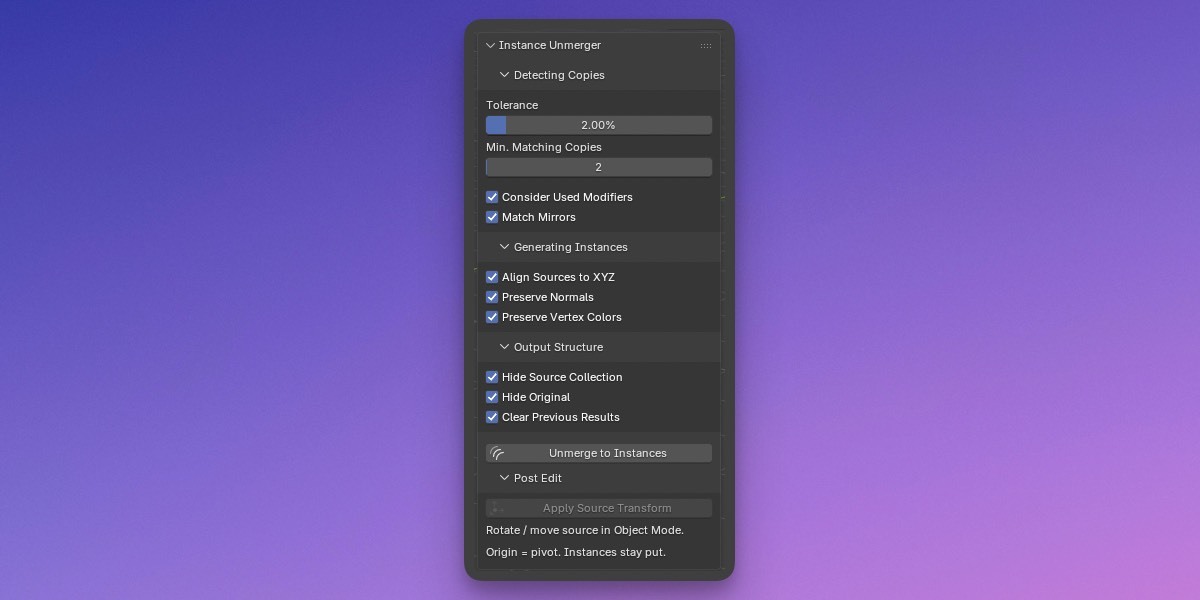
Default settings work for most kitbash / CAD dumps. If copies are noisy, raise Tolerance. If too many one-off parts become sources, raise Min. Matching Copies.
Detecting Copies
Tolerance (default 2%)
Maximum vertex deviation as a percentage of each island’s bounding-box diagonal. Raise it for messy CAD or realized Geometry Nodes. Lower it if similar-but-different parts are merging.
Min. Matching Copies (default 2)
How many matching islands are required before a part becomes a shared source. Islands below this count go to Unmerged Unique.
Consider Used Modifiers (on)
Reads the mesh after modifiers — Boolean, Realize Instances, Geometry Nodes, etc. Turn off to unmerge the base mesh only.
Match Mirrors (on)
Treats mirrored copies as the same source, using negative X scale on the instance.
Matching requires the same vertex count, face count, and face-size pattern, then a shape fit (rigid/similarity, with PCA fallback). Tiny islands under 3 vertices are ignored.
Generating Instances
Align Sources to XYZ (on)
PCA-aligns source geometry so it sits neatly at the origin. Skipped automatically when axes are ambiguous (cubes, cylinders).
Preserve Normals (on)
Copies custom / split normals onto sources and instances.
Preserve Vertex Colors (on)
Copies color attributes. For an instanced cluster, each corner/point uses the most common color across copies.
UVs, sharp/smooth edges, seams, and used material slots are also transferred. Source size is the average of its copies, so instance scales stay close to 1.
Sources are hidden from render (hide_render).
Output Structure
Results go into three scene collections:
Collection |
Contents |
|---|---|
Instance Sources |
One origin-centered source per repeating part ( |
Unmerged Instances |
Linked copies that share the source mesh |
Unmerged Unique |
Parts that did not repeat enough |
Hide Source Collection (on) — excludes Instance Sources from the view layer. Turn it back on in the Outliner when you need to edit a source.
Hide Original (on) — hides the merged mesh after a successful unmerge. It is not deleted.
Clear Previous Results (on) — empties the three output collections before running again.
Post Edit
Sources sit at the world origin. To change the pivot without moving copies in the scene:
- Unhide Instance Sources in the Outliner if needed.
- In Object Mode, rotate or move the source.
- Keep the source selected and click Apply Source Transform.
The transform is baked into the mesh. The object origin becomes the new pivot; instances stay in place. Scale is included. Select one or more objects from Instance Sources.
Tips
- Start at default 2% tolerance. If two different bolts merge, lower it. If identical parts are missed, raise it.
- Noisy CAD: enable Consider Used Modifiers, then raise tolerance slightly (3–5%) before going higher.
- One-off debris filling Unmerged Unique is normal. Raise Min. Matching Copies if you only want highly repeated parts instanced.
- After unmerge, keep Instance Sources excluded in the viewport and edit them when you need a global change.
- The original object is only hidden. Unhide it if you want a backup, or delete it once you are happy with the result.
Limitations
- Matching is geometric, not by object name, collection, or material.
- Islands with different topology (different vertex or face counts) never match, even if they look similar.
- Very large meshes with thousands of islands can take time; a progress bar runs during matching.
Compatibility & license
Tested on Blender 4.2 LTS through 5.2.
Have questions about this product?
Login to message
| Blender Extension Compatible | Yes |
| Published | 14 days ago |
| Blender Version | 4.2 - 5.2 |
| Extension Type | Add-on |
| Render Engine Used | Arnold, Blender-Internal, Blender-Game-Engine, Cycles, Eevee, Freestyle, Luxrender, Mental-Ray, Octane, Vray, Yafaray |
| License | GPL |
Discover more products like this
instancing instance duplicate unmerge linked kitbash auto instancing