 RobertRoss_VFX


B- NodePainter: Your Procedural Texture Workshop Inside Blender
🔥 LATEST UPDATE: v1.9 IS LIVE! (Scroll down for full Changelog)
Forget about expensive subscriptions and constantly switching between software. Say hello to the future of texturing, right where your model lives – in Blender.
A powerful suite that combines the flexibility of procedural design with the intuitiveness of material painting.
It is a tool built by artists for artists who value speed, performance, and ultimate control over their workflow.
Why B- NodePainter?
- Designer & Painter in One: Create advanced material generators and paint intricate details in a single, cohesive environment.
- Ditch the Adobe Subscription: Your chance to finally get rid of monthly fees. Pay once, own it forever, and create without limits.
- Native Blender Math: All nodes are built purely on Blender's original math. What does this mean? Your materials will work flawlessly for anyone, even if they don't have B- NodePainter installed!
- Unlimited Resolution: Because the system is entirely procedural, your base nodes have no pixel limits. Scale, tweak, and adjust without any loss of quality.
- Ultimate Compatibility: It works perfectly with all Blender features (GeoNodes, Curves, Sculpt) and other add-ons. We don't trap you in a closed ecosystem; we expand the native one.
Performance & Workflow
- Fast Bake (32-bit Cache): No more lag with complex graphs. Turn heavy node chains into an ultra-fast cache with a single click, preserving full color depth and performance.
- Target Viewport Rendering: Work directly on your final model, in your target lighting, and within your scene composition. What you see in the viewport is exactly what you get—no post-export surprises.
- Studio & VCS Ready: Advanced management of relative and absolute paths ensures seamless integration with version control systems like Perforce, Git, or SVN.
- Smart Groups: Tame the Spaghetti with Smart Groups. Keep your massive node graphs clean and readable! Smart Groups allow you to instantly encapsulate complex procedural setups into standardized containers. With pre-configured, unified PBR and mask outputs out of the box—plus a built-in auto-baking system that mutes the group to save your viewport FPS—managing massive texturing projects has never been this satisfying.
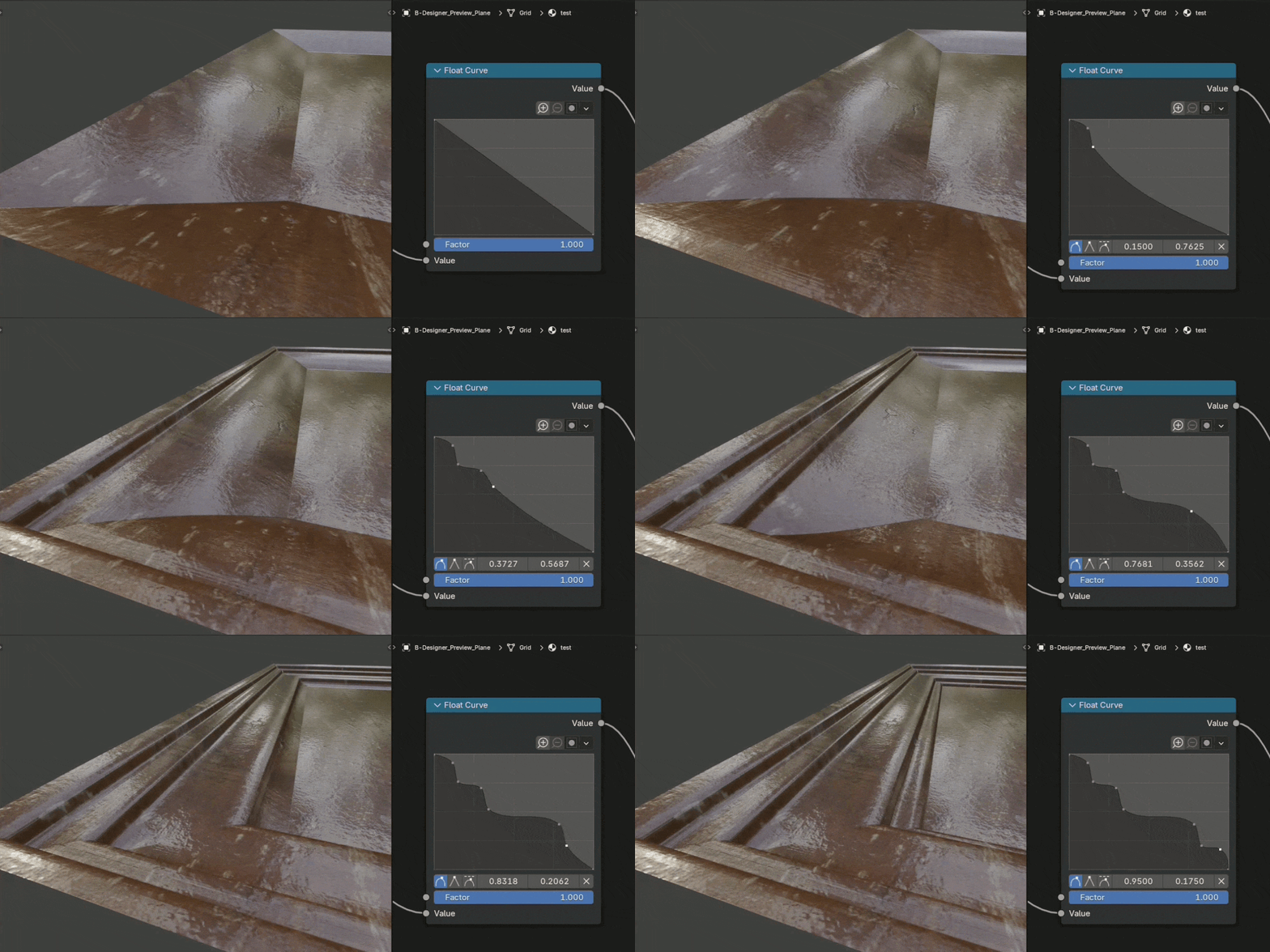
Your Command Center (Top Panel Tools)
The custom UI is designed to completely eliminate repetitive tasks:
- Update B-NodePainter: Instantly update your node library and safely archive legacy versions without ever breaking your existing materials.
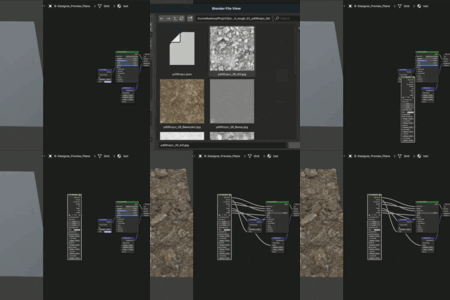
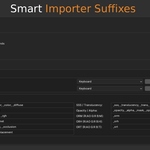
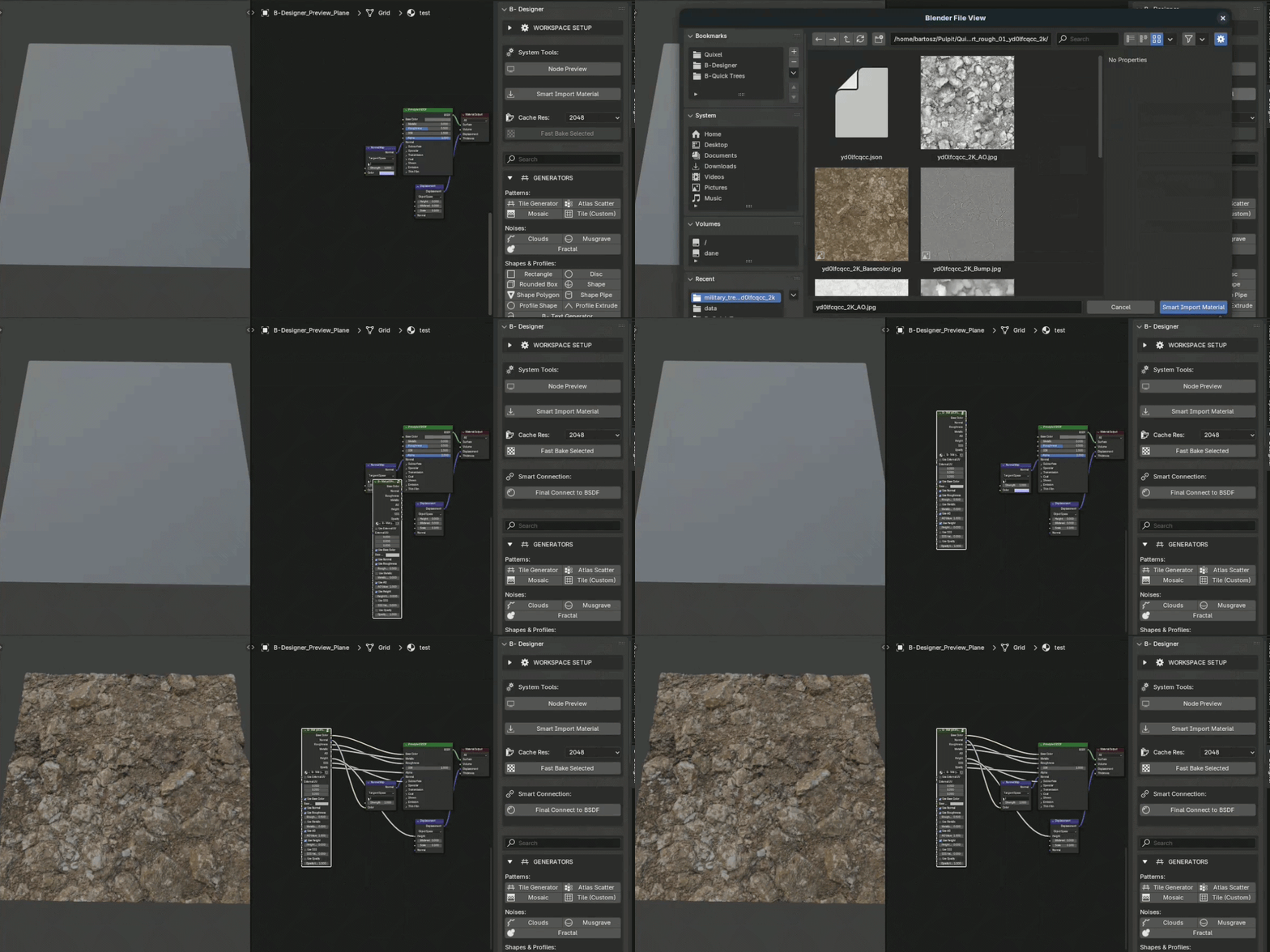
- Smart Import & Connect: An intelligent importer that reads texture suffixes, automatically builds a complete PBR material setup, and instantly connects it to your shader—all with a single mouse click!
- Node Preview: Instantly preview any node's output directly on your model with a single shortcut.
- Fast Bake Selected: Selectively bake and freeze specific parts of your graph for an immediate performance boost while working.
- Seamless B- Clipboard (Cross-File Support) Move your setups anywhere! The new B- Clipboard allows you to effortlessly copy and paste complex node chains between entirely different materials—and even across completely different Blender files—without losing your specific parameters or breaking group references.
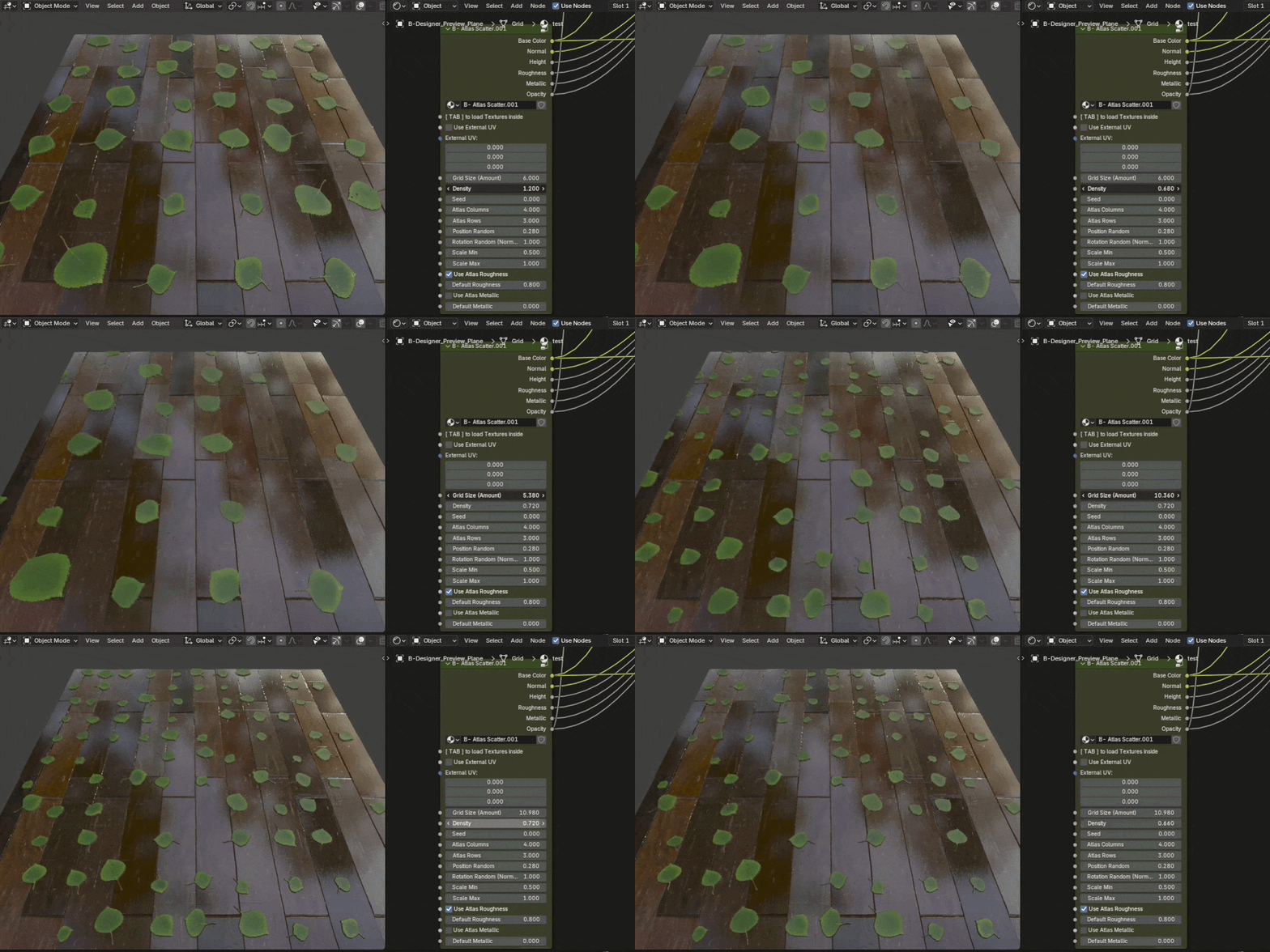
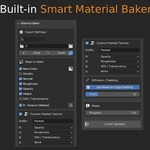
Built-in Smart Material Baker Forget about manually setting up complex emit shaders and render passes.
B- Node Painter comes with a dedicated, one-click PBR baker optimized specifically for game developers and real-time engines.
- One-Click Batch Export: Bake your Albedo, Normal, Height, and custom masks simultaneously straight to your hard drive.
- Advanced Channel Packing: Instantly combine AO, Roughness, and Metallic into heavily optimized ORM or ORH textures, ready for Unreal Engine or Unity.
- Smart Edge Padding (Diffusion): Automatically dilate your textures beyond the UV islands to completely eliminate mip-map bleeding and seams.
- Version Control Safe (Perforce/SVN Friendly): Built with studio pipelines in mind. Our intelligent RAM-based rendering and strictly sandboxed temp-file handling ensure the baker will never overwrite or delete your un-checked-out repository files.
- Custom Target Resolutions: Bake everything from quick 512x512 proxies up to crisp 4096x4096 production maps with adjustable anti-aliasing (Samples).
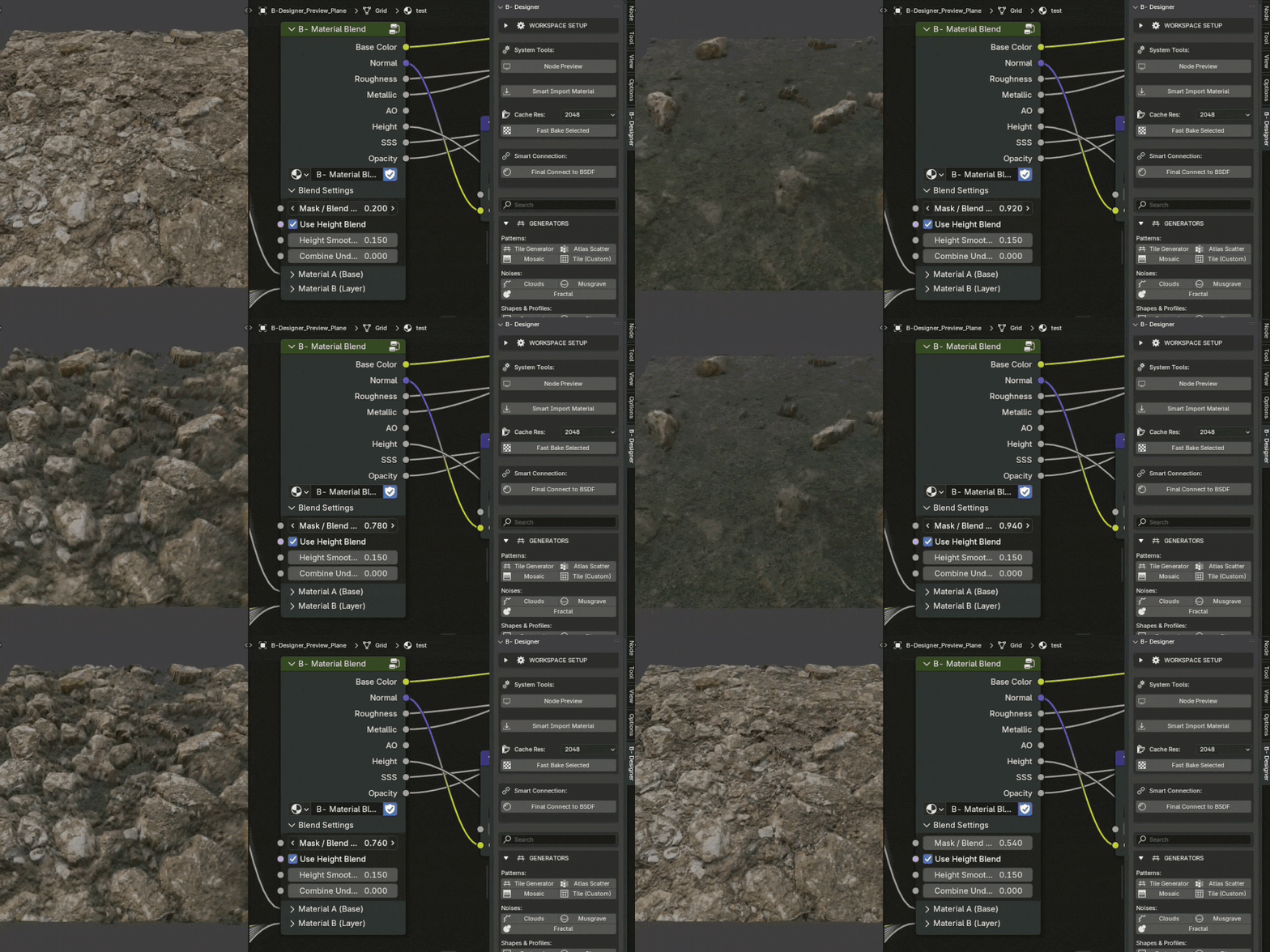
Coming Soon: A New Era of Painting
We are actively preparing a massive update that will bring industry-standard painting workflows directly to your Node Editor:
- Integrated Layer System: Manage, blend, and organize your material layers just like in dedicated painting software.
- Object-Aware Mask Generators: Smart, geometry-based generators (Curvature, AO, Position) that do the heavy lifting for you.
- Interactive Mask Painting: Paint masks directly on your 3D model in real-time to drive your procedural nodes and automatically bake your object's textures.
What's inside the pack?
- B- NodePainter Addon (Fully compatible with Blender 4.2 and 5.0).
- Extensive Node Library featuring highly optimized Patterns, Noises, Filters, Blending modes, and Utilities.
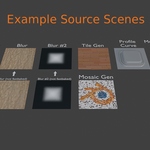
- Bonus Example Scene: A professionally set up project demonstrating how to efficiently use advanced systems with Framed Nodes and how to optimize your workflow using Fast Bake.
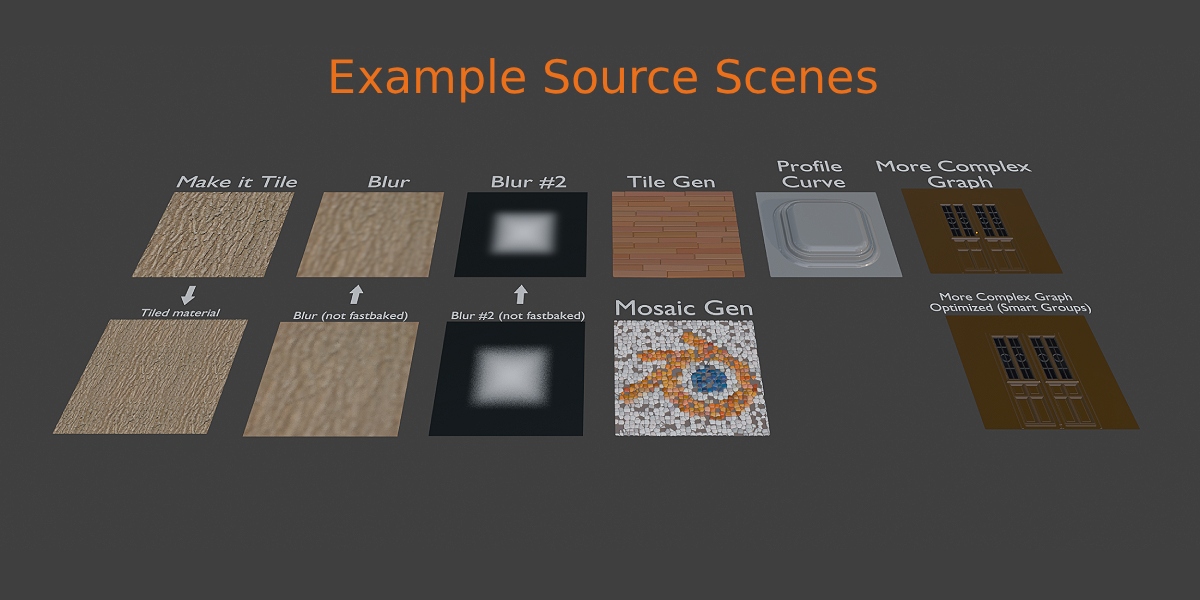
Take control of your materials. Choose B- NodePainter and start creating faster, cheaper, and better – directly inside Blender.
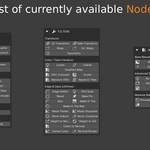
Nodes List:
GENERATORS
Patterns:
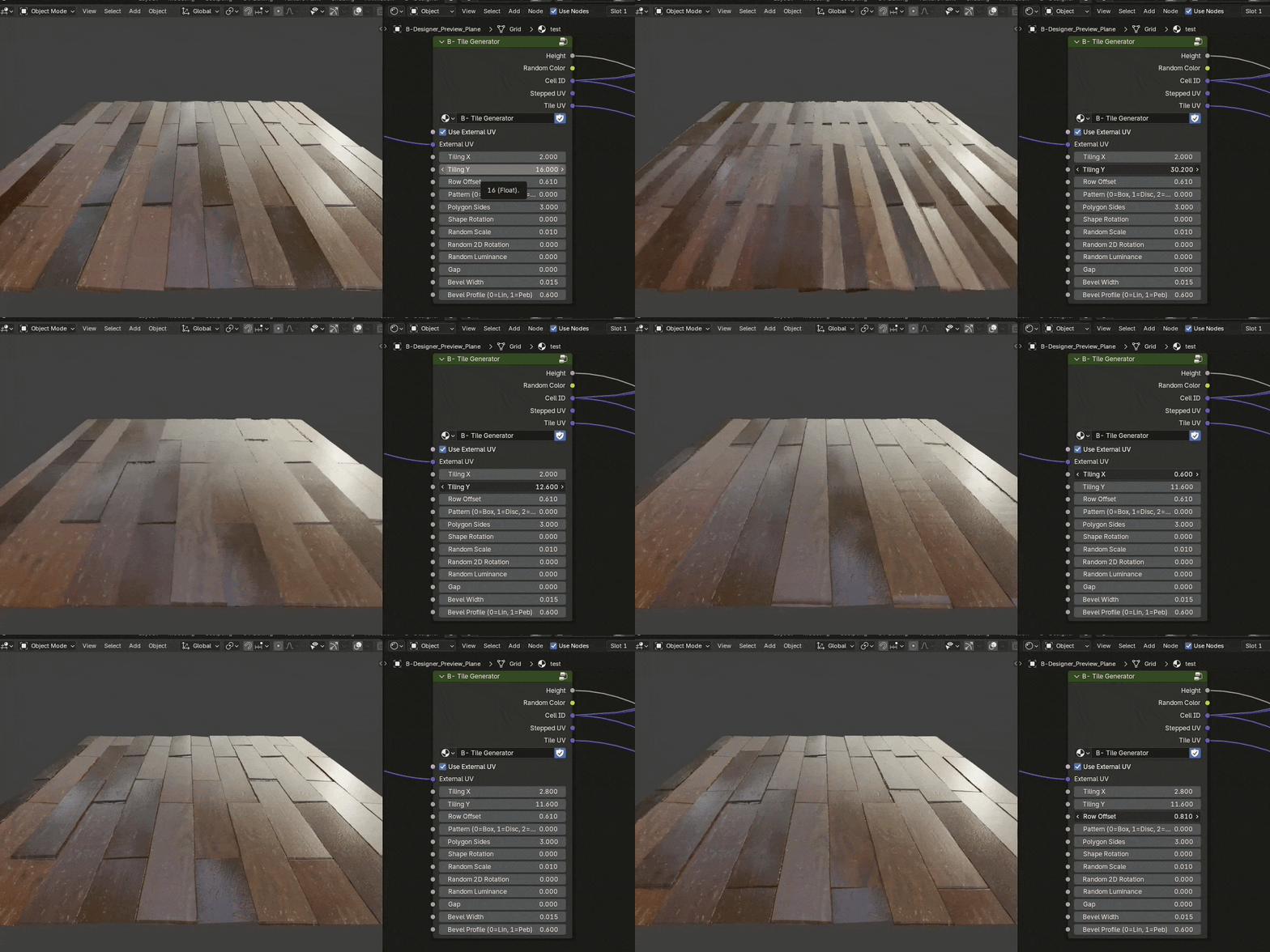
- Tile Generator – The absolute foundation. Generates tile grids with full control over mortar, brick bond, size, and randomness.
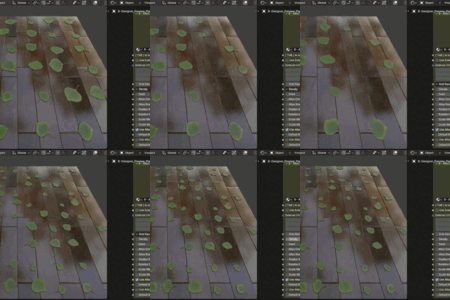
- Atlas Scatter – Scatters textures (or shapes) from an atlas onto the UV grid, perfect for leaves, debris, or small details.
- Mosaic – An advanced generator that smoothly lays out tiles and grout.
- Tile (Custom) – A macro that sets up the environment to drop your own custom, non-standard tile shape into a strict mathematical grid.
Noises:
- Clouds – Soft, cloudy noise, ideal as a base for dirt, moss, or basic roughness.
- Musgrave – Sharper, high-contrast noise, excellent for cracks, rusty leaks, and erosion.
- Fractal – Complex detail noise, working great for microscopic pores and rock roughness.
Shapes & Profiles:
- Rectangle / Disc / Rounded Box / Polygon / Pipe / Shape – Six base shape generators with full control over radius, scale, and edge softness (blur/bevel).
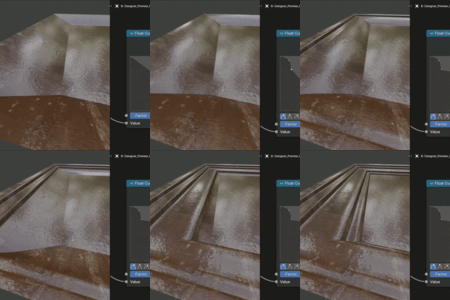
- Profile Shape & Profile Extrude – A macro system for creating advanced profiles (e.g., baseboards, Roman pillars) and extruding them along a curve.
- B- Text Generator – A macro that converts Blender text objects into black-and-white Height maps on the fly.
Colors & Gradients:
- Uniform Color – A solid, pure input color, perfect as a base Albedo or a mask.
- Linear / Radial – Mathematical gradient generators (linear and circular) used for depth mapping or sculpting bumps.
FILTERS
Transform:
- 2D Transform – Translates, scales, and rotates entire 2D maps.
- Safe Transform – A transformation secured against ugly tiling (keeps the texture perfectly seamless at the edges).
- Warp / Dir. Warp – Bends and distorts one texture using another (directionally or spherically). The absolute foundation for making cracks and edge wear.
- Symmetry – Procedural mirroring (X, Y) for building stained glass or complex tiles.
Color / Data Variation:
- Levels – A powerful tool for crushing the histogram. You set the black and white points, controlling the contrast (e.g., to turn soft clouds into sharp islands).
- Clamp – Cuts off mathematical values that fall outside the 0.0 - 1.0 range.
- Gradient Map – Colorizes a grayscale mask (e.g., noise) based on a defined color ramp.
- HSV Contrast / Random HSV – Manipulates saturation, value, and hue, also randomly on individual tiles.
- Invert – Inverts the mask (black becomes white and vice versa).
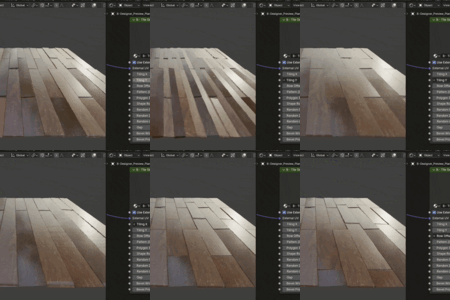
- Random Tiles – A tool that assigns completely random shade values to each generated tile separately (great for wooden floorboards).
Edge & Data (Utilities):
- Edge Detect – Detects edges from grayscale shapes and turns them into "grout" or outlines.
- Histogram Scan – Used for animating or sharply cutting off transitions in noises and masks (so-called shape eating).
- Bevel – Mathematically bevels sharp angles in 2D masks, creating smooth, soft bumps on the edges.
- Fast Bake Pin – A node that forces the Fast Bake engine to stop and cache a specific stage before applying further heavy filters.
- Blur – Classic high-quality blur (under the hood, it's connected to our Compositor Fast Bake process).
- Make It Tile / Make It Tile Mat – A powerful mechanism that hides seams on standard downloaded photos so they can be seamlessly tiled infinitely.
- Mask Range Packer / Unpacker – An optimization system packing several black-and-white masks into one RGB cable (and unpacking them at the end of the graph).
- Normal Adjust / Combine / Rotate – An engineering toolkit for manipulating baked Normal Map vectors, mixing two such maps, and rotating them while keeping light angles mathematically correct.
- Height to Normal (Analytical) – Our newest node. No shape ghosting/interleaving, generating perfect Tangent Space vectors from a grayscale height map.
- Height to AO – Extracts an Ambient Occlusion mask from height differences (e.g., dark dirt at the bottom of brick grout).
- Color to Normal – A smart micro-detail extractor from flat photos (using a High-Pass filter to discard light shadows).
- Vertex Color – Grabs painted vertex data and feeds it into the procedural graph.
BLENDING
Base & Advanced Blending:
-
Blend Mix / Multiply / Add / Overlay / Screen / Subtract / Darken / Lighten / Color – A hefty list of mathematical blending nodes straight from Photoshop, equipped out-of-the-box with a
Maskinput and anOpacityslider.
Material Blending:
- Mat Procedural – A compact node that builds a ready-to-use PBR material directly from a few input grayscale masks and a height map.
- Height Blend – Mixes two different materials so that the top layer (e.g., moss) flows into the valleys of the layer underneath (e.g., boulders) based on their natural height maps.
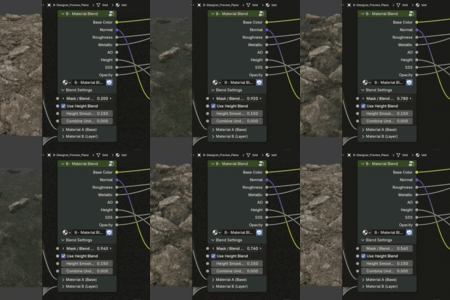
- Material Blend – The "Holy Grail" of your system. Full blending of two complete PBR materials (Albedo, Normals, Roughness, etc.) using a single, powerful input mask.
CHANGELOGS
v1.9.0 (June 2026)
- [ADDED] Blender Extension support, updating B- Node Painter to Blender’s new manifest-based add-on packaging system.
- [ADDED] Mask Painting Tool for creating and editing black/white paint masks directly inside Blender’s Texture Paint workflow.
- [ADDED] Smart Masks workflow, including Dust, Edge Wear, Position Gradient and AO Grunge masks with live and baked-map driven variants.
- [ADDED] Baked Maps functionality for loading mesh-space maps such as AO, Curvature, Position, Height, Mesh Normal and World Space Normal into Smart Mask workflows.
- [ADDED] Triplanar Projection support for textures and material nodes, helping avoid visible UV seams on complex meshes.
- [ADDED] Peeling effect generator with UV and Triplanar modes, producing procedural peel masks with height/relief detail.
- [ADDED] New procedural generators: Directional Noise, Wood Noise and Noise Scratches.
- [ADDED] PBR Range node for checking and correcting albedo values outside valid PBR ranges.
- [ADDED] New shape tools and nodes: Curve to Shape, Shape Ring and invert-axis control for Symmetry.
- [IMPROVED] UI organization for the expanded Smart Masks, Baked Maps, Triplanar and generator workflows.
- [IMPROVED] Gradient Map now uses Blender’s regular Color Ramp behavior for a more familiar editing workflow.
- [IMPROVED] Fast Bake height export with EXR and PNG support.
- [FIXED] Node and “Create New Graph” spawning on Retina / HiDPI / high-resolution displays.
- [FIXED] Mask Range Packer and Mask Range Unpacker issues.
- [FIXED] Text to Shape node issues.
- [FIXED] Several nodes that were not working correctly in Blender 5.0 and 5.1.
- [FIXED] Material Baker UI crash in Blender 5.1 when Base Color baking was enabled.
v1.8.9 (May 2026)
- [ADDED] Smart Groups feature for standardizing complex node setups, complete with multi-output auto-baking and internal muting to drastically improve viewport FPS.
- [ADDED] Auto-Detect format logic for Fast Bake, automatically selecting the optimal file format and bit-depth based on node and socket names.
- [ADDED] Clipboard feature (B- Copy / B- Paste) for seamlessly transferring nodes across different materials and completely different Blender files.
- [IMPROVED] Auto-centering behavior when using "Create New Graph" to ensure nodes spawn directly in the viewport center in Blender 5.0.
- [FIXED] Issues causing Fast Baked blur nodes to render incorrectly or not update.
- [FIXED] Auto-connect to Principled BSDF compatibility issues specific to the new Blender 5.0 API.
- [FIXED] Edge-case issue causing Fast Baked image textures to turn black under certain conditions.
B-NodePainter is built by artists, for artists.
If you catch a bug or have a feature request, drop me a line at: [email protected]
Let's build the ultimate procedural texturing tool together!