 RobertRoss_VFX


Vertex color, channel by channel.
Preview, paint, and gradients for the color attribute. You write only the channels you mean to change. Opacity and blend mode, Normal, Add, Multiply, and Overlay, sit on almost every tool, and on the brush. One purchase is enough.
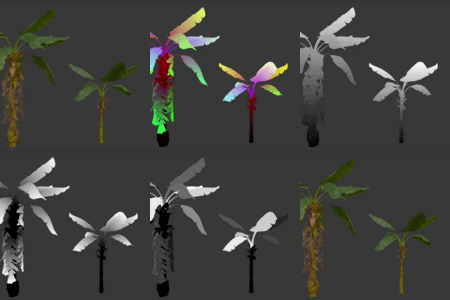
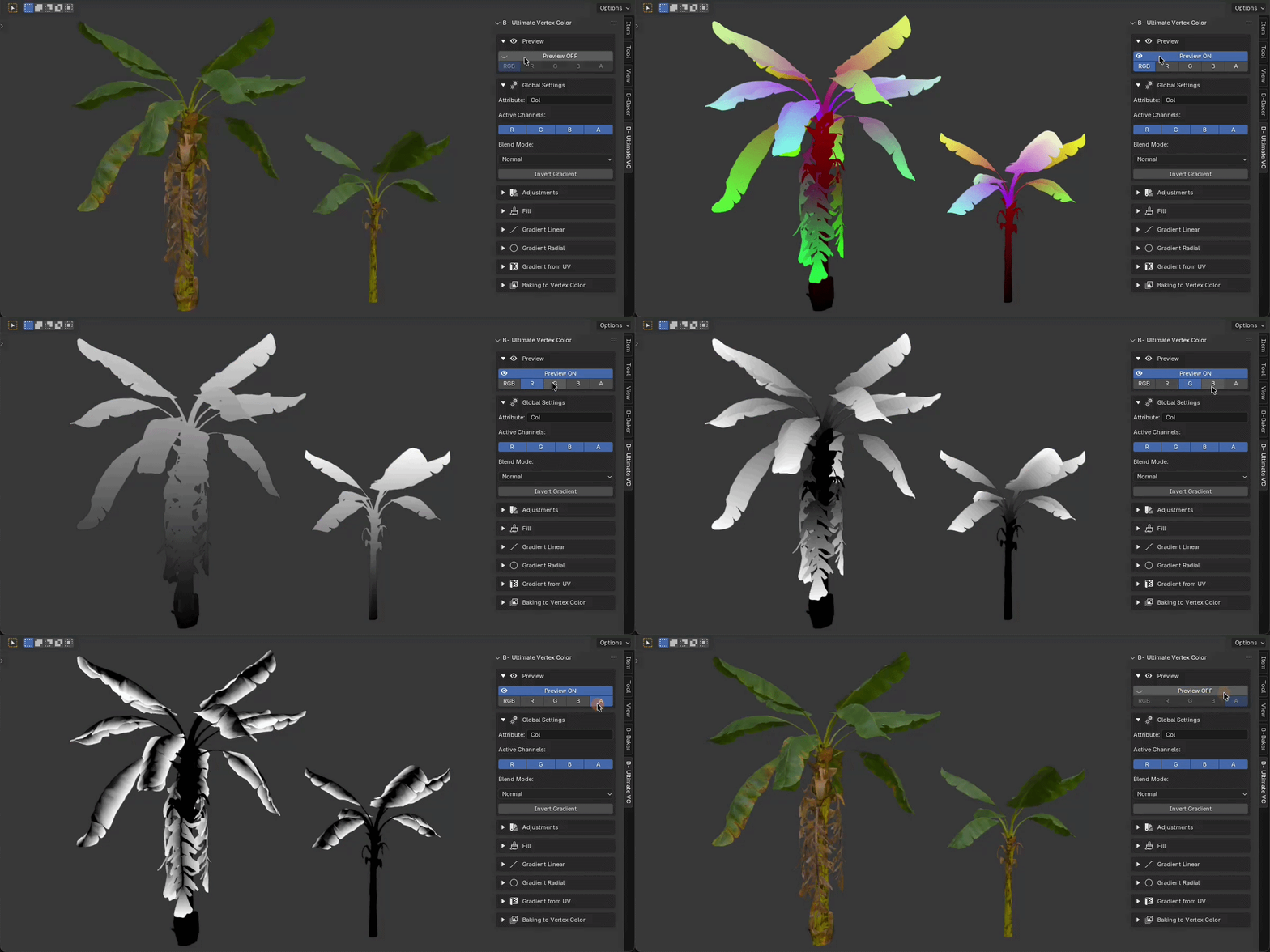
One click isolates a channel.
R, G, B, and A show as grayscale. RGB shows the color. Sync Channels keeps the channel you are looking at as the one you write to.
The same two controls, on almost every tool.
Fill, the pencil, the curve, auto-guess, UV, radial, Random Fill, and baking an image all read the opacity and the blend mode. A new pass meets the color already on the vertices.
Normal, Add, Multiply, Overlay
Opacity runs from a light pass to a full write. The mode decides how the new values combine with what is already there. Hue, saturation, value, and Bake AO leave this pair alone.
The brush uses them too
Paint in the view with size, hardness, and ignore backfaces. The stroke takes the same opacity and the same blend mode, so a Multiply dab and an Overlay dab behave like the fill and the gradients.
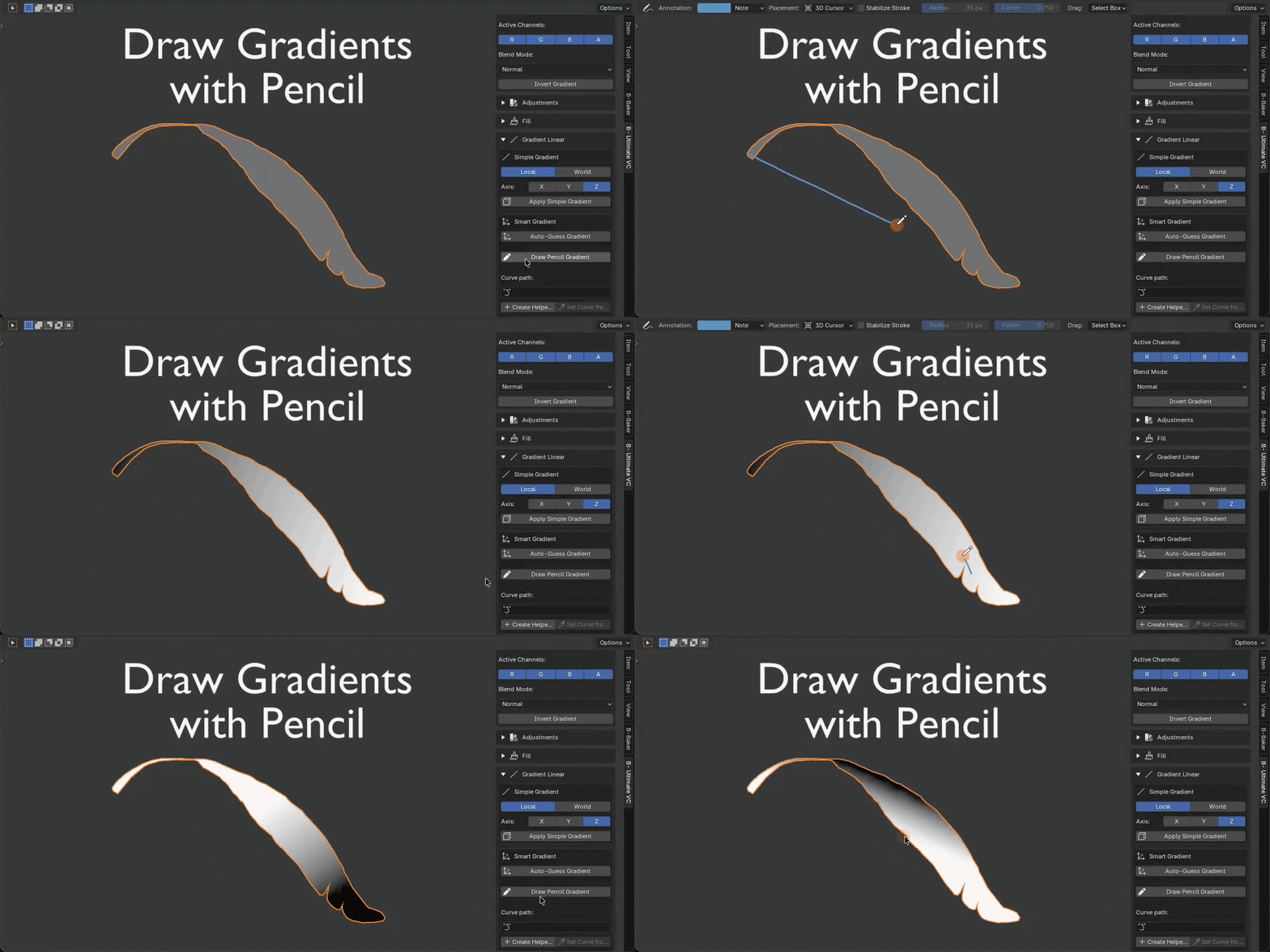
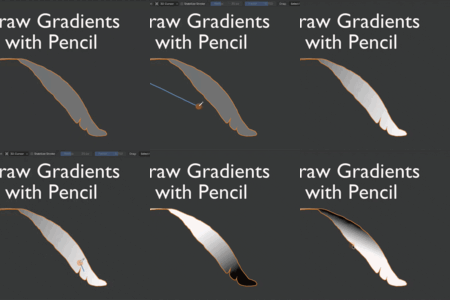
The gradient is the stroke.
Draw it in the view. When the mesh does not sit on an axis, the pencil is the one that saves the mask.
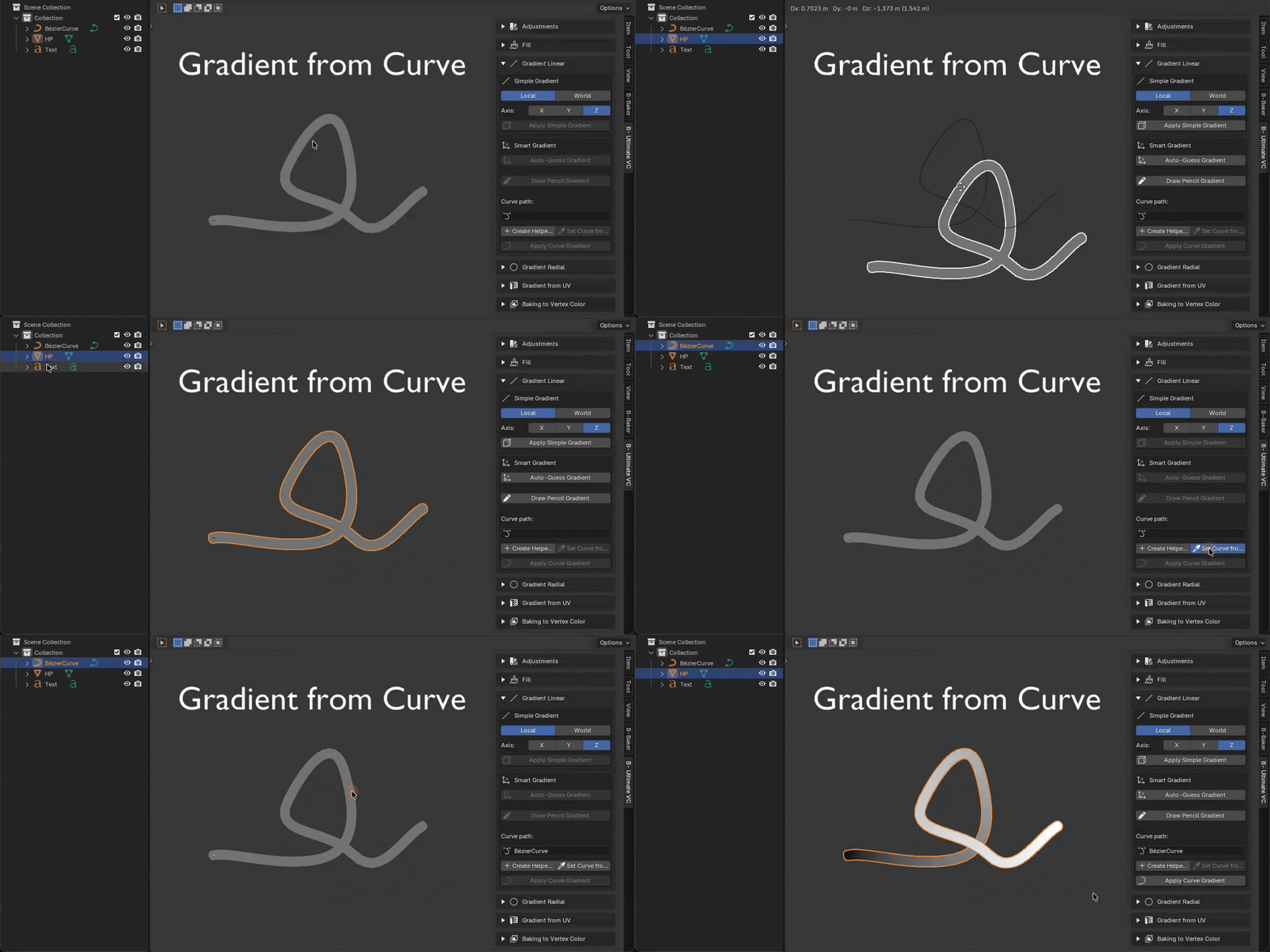
A curve, when the shape is complicated.
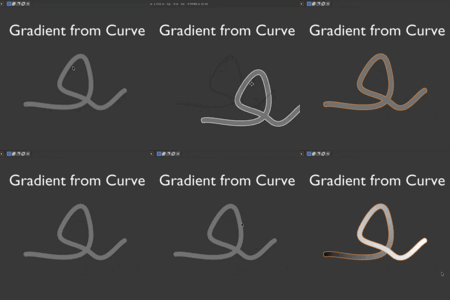
Match the form with a curve of a similar shape. The gradient runs along it, which is faster than building that falloff by hand.
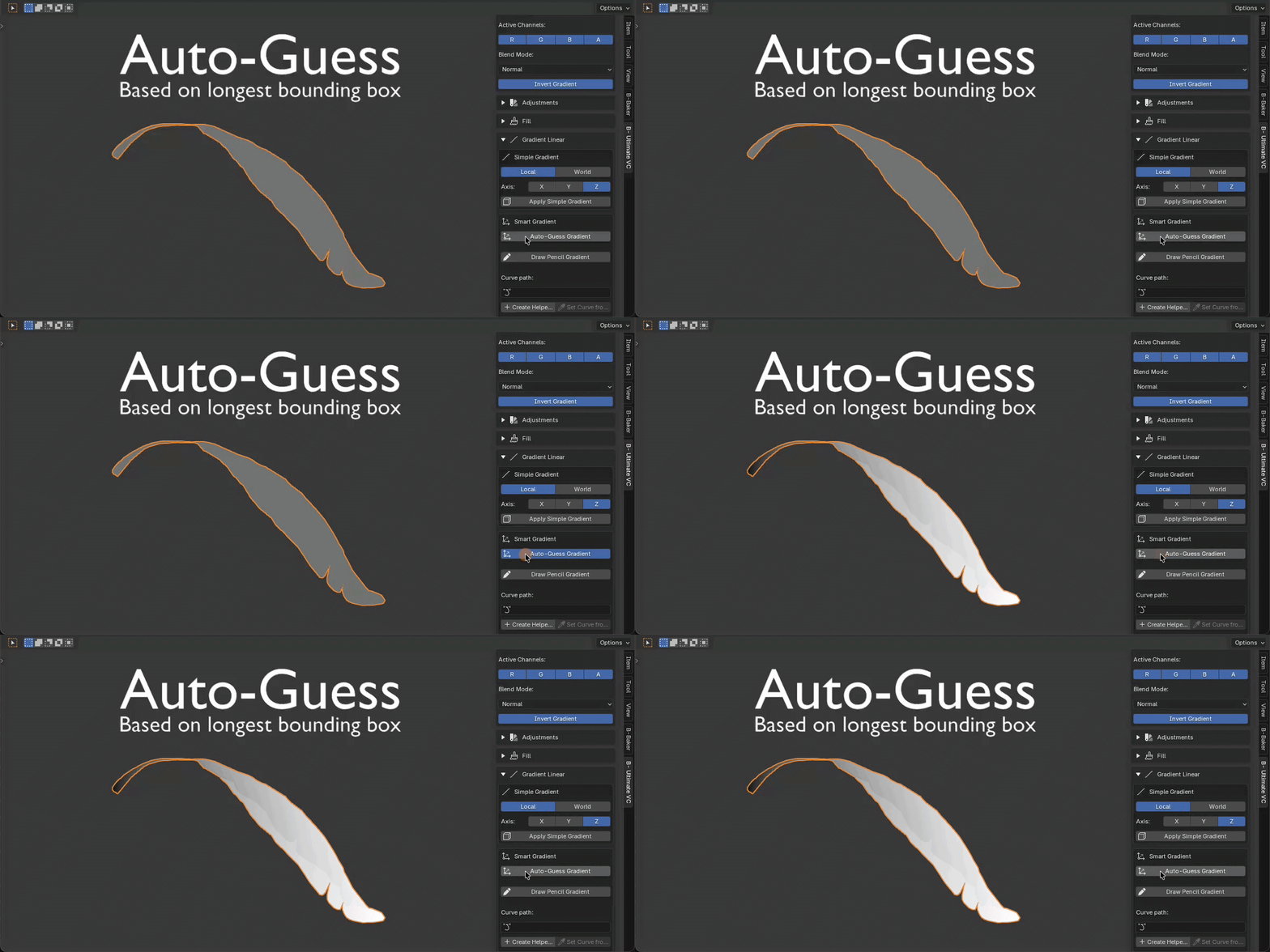
Direction from the bounding box.
Auto-Guess reads the box and lays the gradient along it. Local or world, on X, Y, or Z, when you want to set the axis yourself.
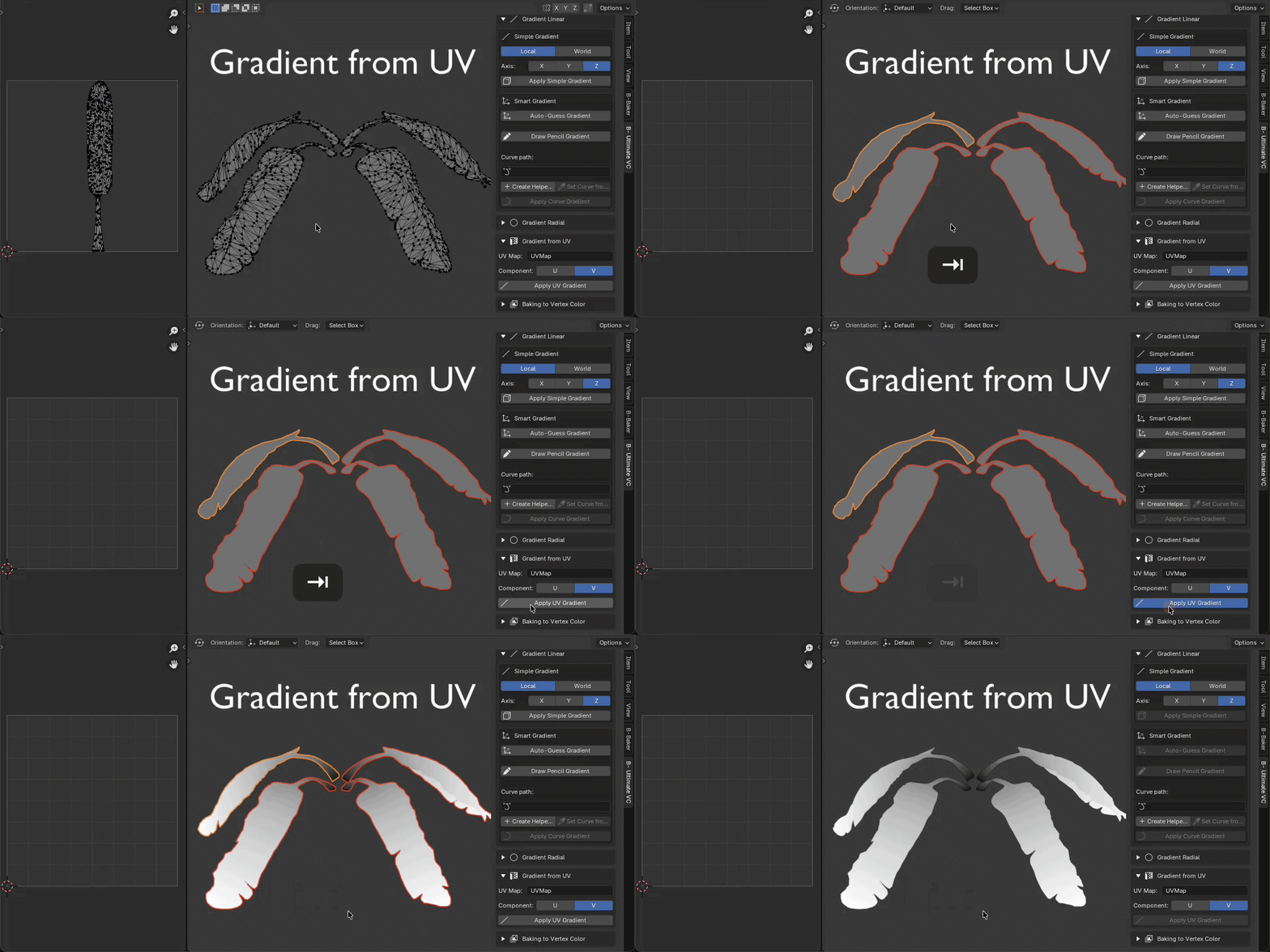
When the unwrap already knows.
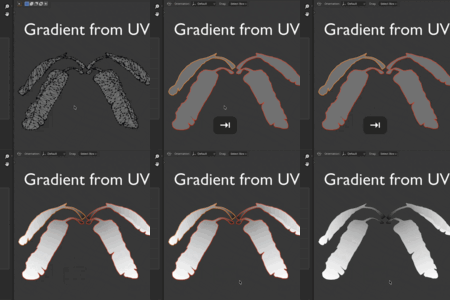
U or V from a UV map becomes the gradient. Useful on the meshes where the unwrap is the direction you wanted.
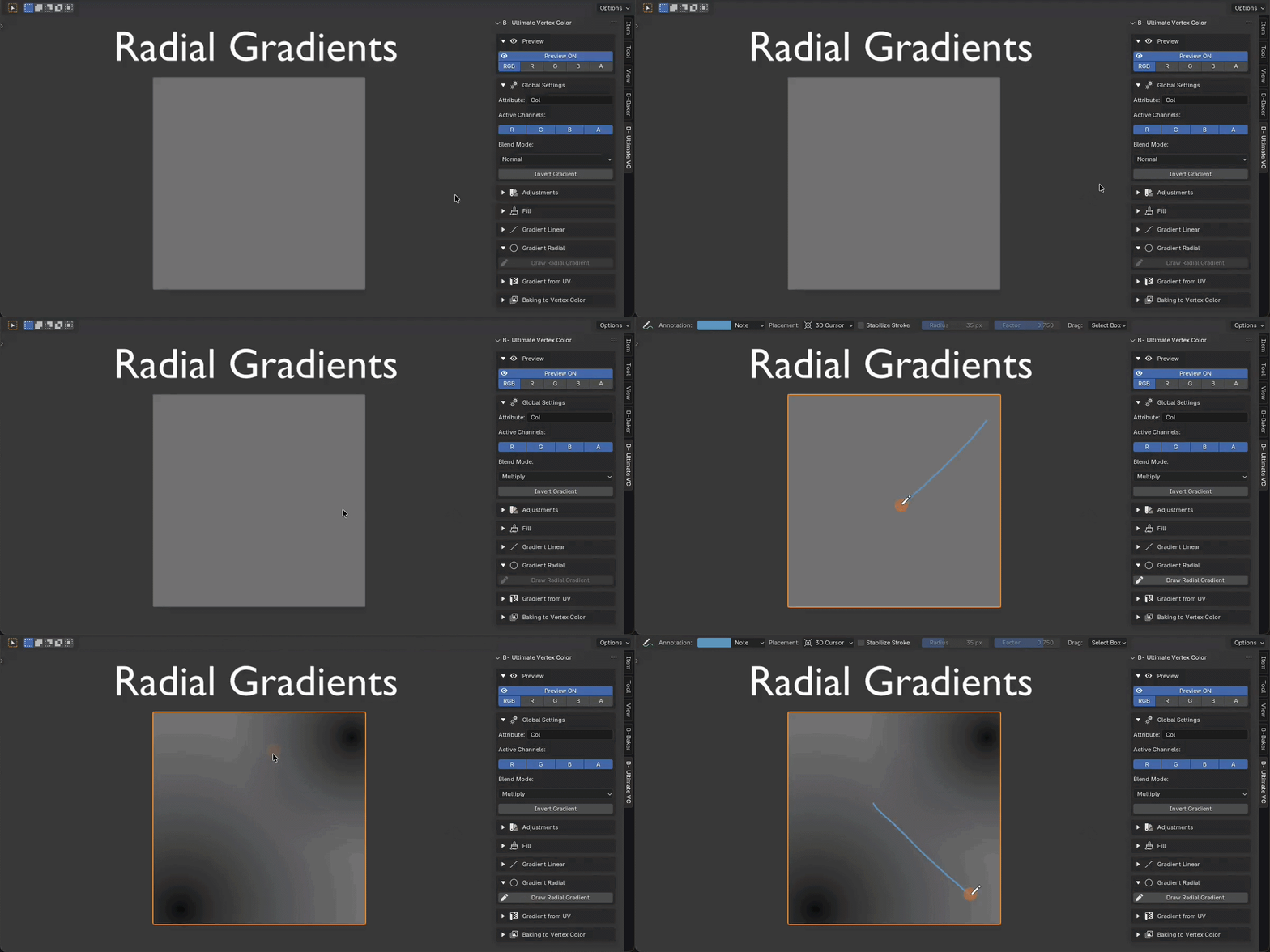
From a point, on the days you need it.
A radial falloff is a rare job. Draw the radius in the view. It is a hard one to fake when the mask actually needs it.
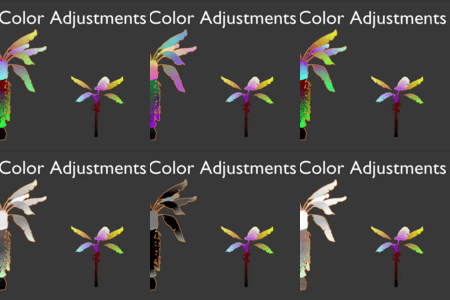
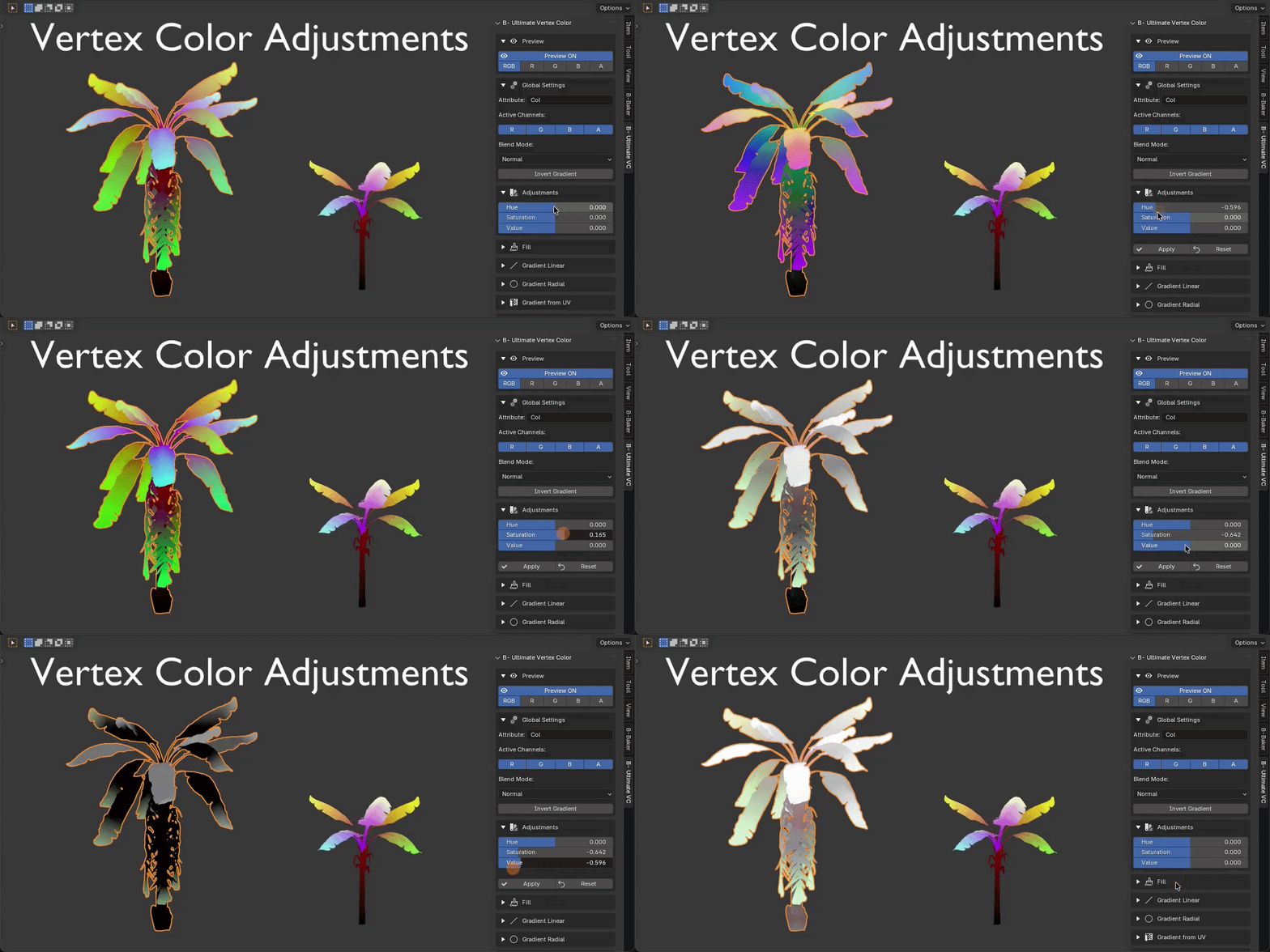
Hue, saturation, and value.
Shift color that is already on the vertices. Apply keeps the change. Reset puts the attribute back.
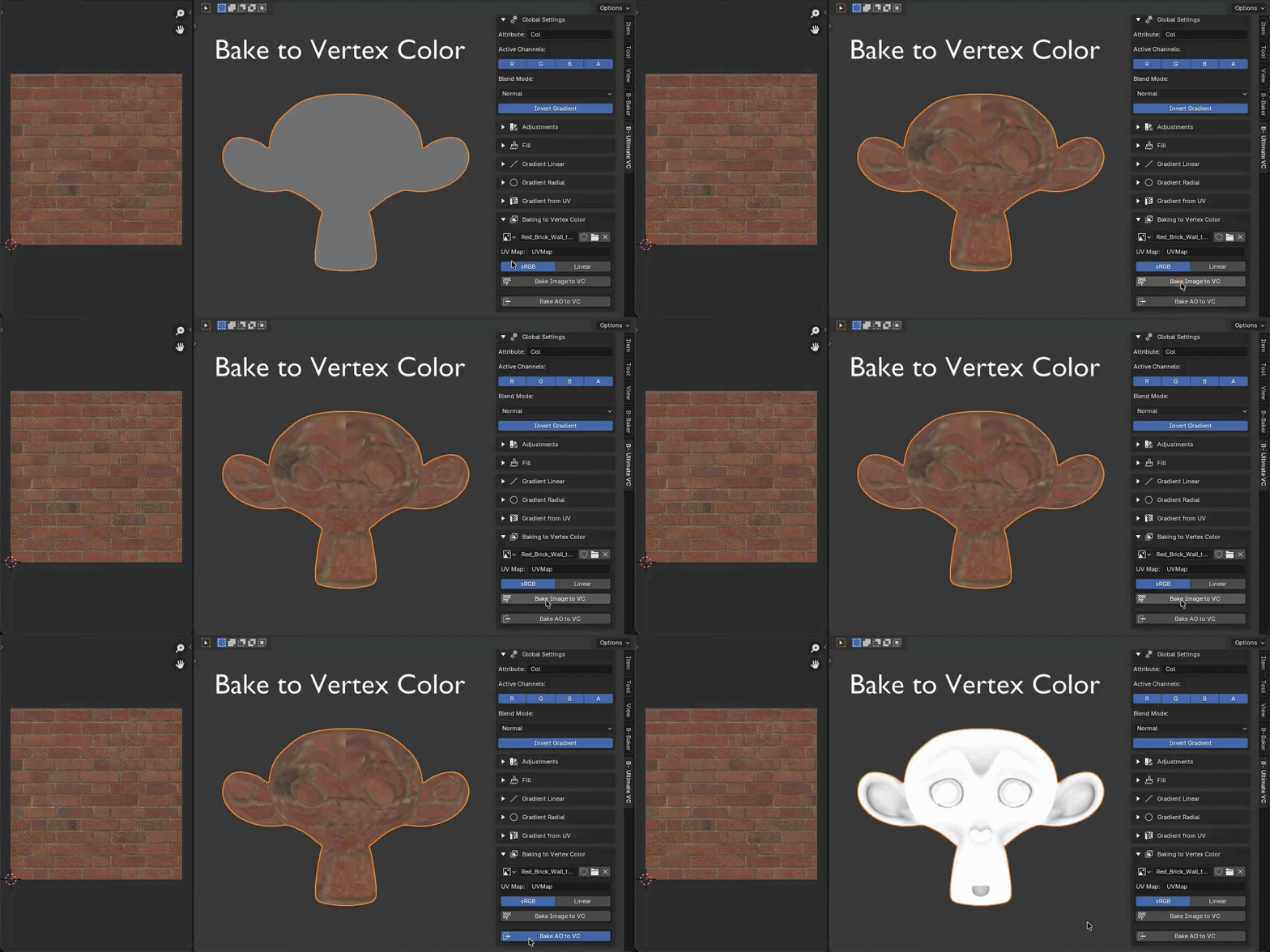
A texture, written onto the vertices.
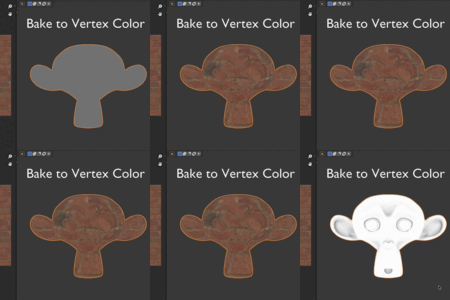
Pick an image and a UV map. The colors land on the attribute. sRGB for a color texture, Linear when the image is a mask.
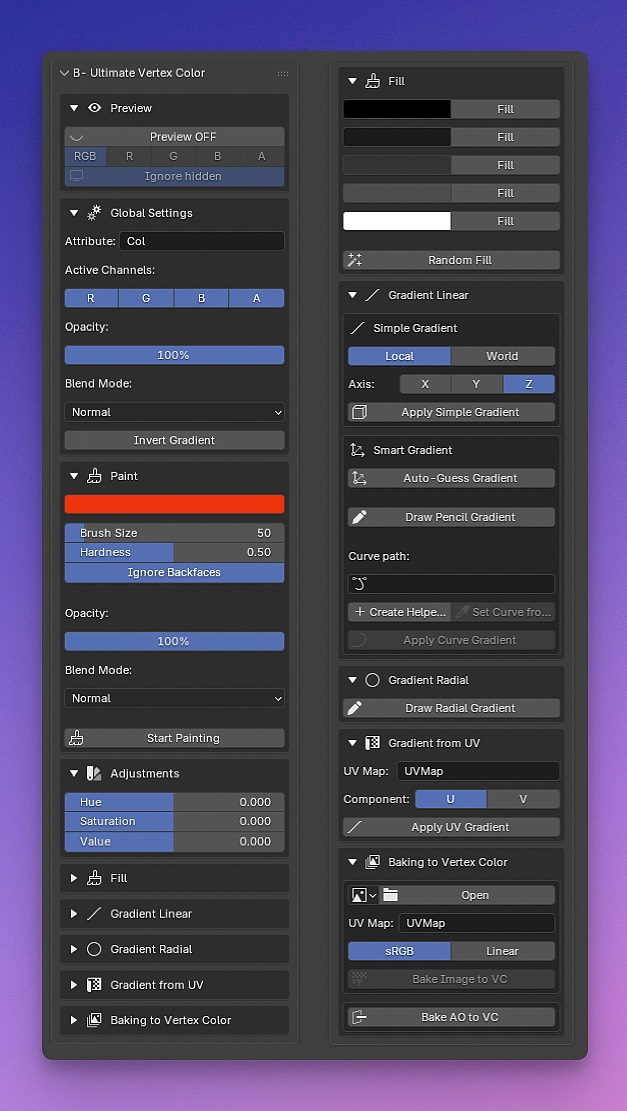
Everything, in one sidebar.
Preview, channels, paint, fill, the gradients, and baking. Open it from View3D, Sidebar, B- Ultimate VC.
How it works
Three steps, all in the 3D View sidebar.
Look
Turn Preview on. Pick RGB, or isolate R, G, B, or A as grayscale.
Write
Fill, paint with the brush, or lay a gradient. Opacity and the blend mode, Normal, Add, Multiply, or Overlay, apply to each of them. Edit mode keeps the vertex selection.
Keep
Shift hue, saturation, and value, or bake an image onto the attribute. The color stays on the mesh.
Also in the panel
Fill and Random
Five stored colors, plus Random Fill when a mask needs variation across the selection. Both take the opacity and the blend mode.
Active channels
Write R, G, B, or A on their own. Channels you leave off stay as they were, through the brush and the other tools.
Bake AO
Ambient occlusion goes straight onto the attribute. No UV map for that one.
What's in the panel
Grouped the way they appear in the add-on.