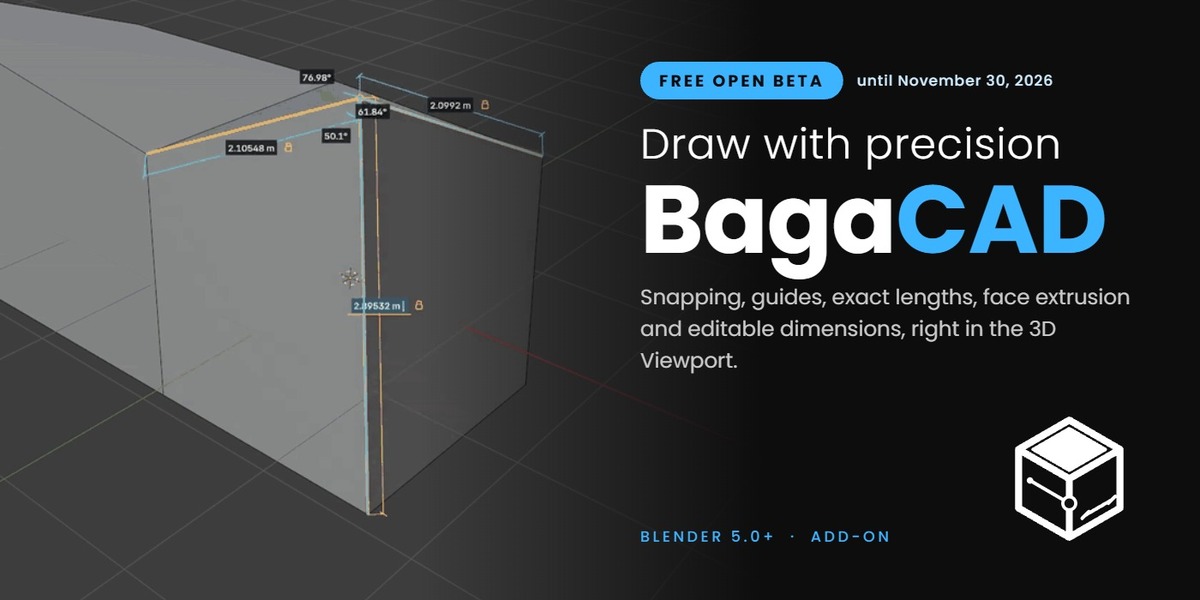
Baga CAD | Free Open Beta
 antoine bagattini


Installation
- Download the BagaCAD ZIP. Do not unzip it.
- Drag the ZIP from your file browser into Blender 5.0 or newer and confirm the installation. You can also use Edit > Preferences > Get Extensions > menu > Install from Disk…
- Enable BagaCAD if Blender asks. If you tested an earlier development copy, disable it first.
Getting started
- Open the 3D Viewport sidebar with N and select the BagaCAD tab.
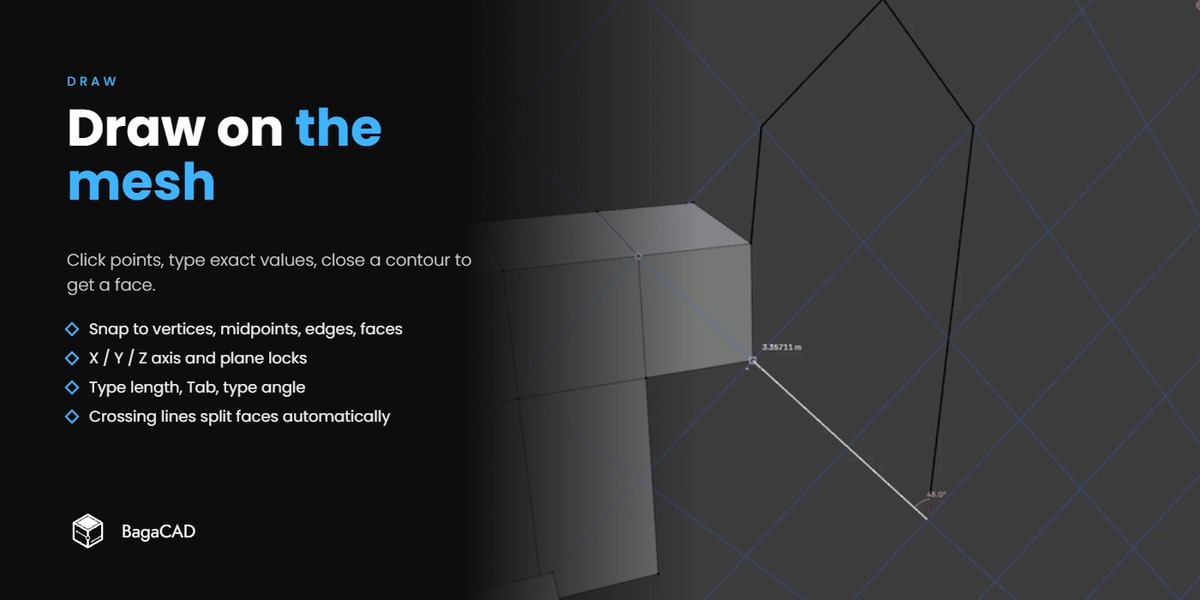
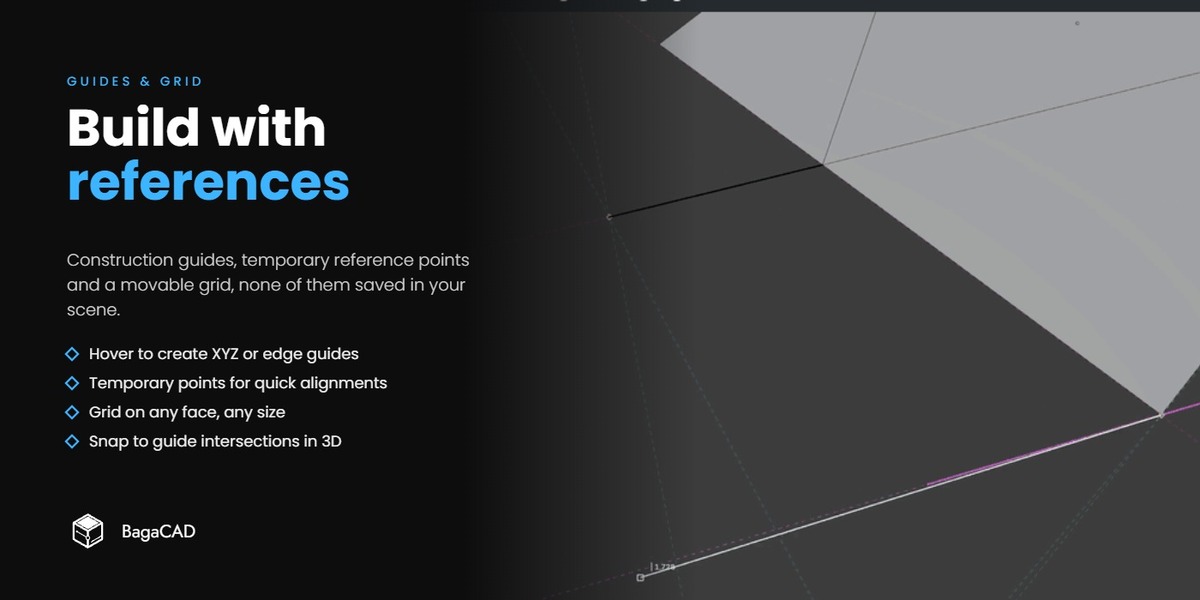
- Click Draw to draw on the active mesh. If no mesh is active, an empty mesh is created.
- Press C, B or O while drawing for circles, rectangles and offsets.
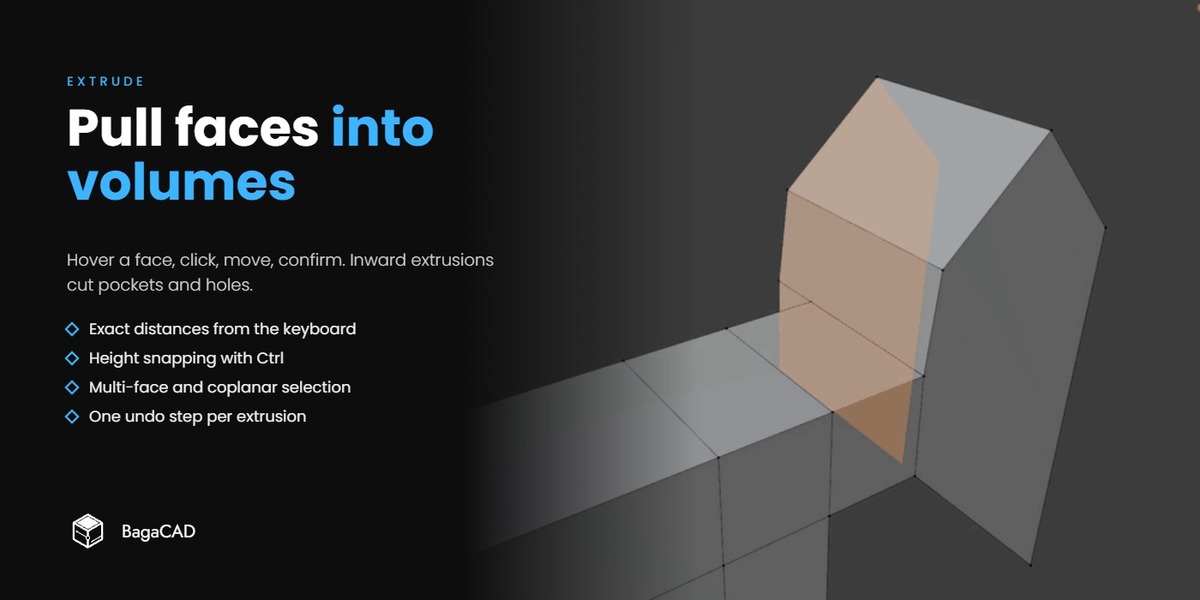
- Hover a face and click to extrude it.
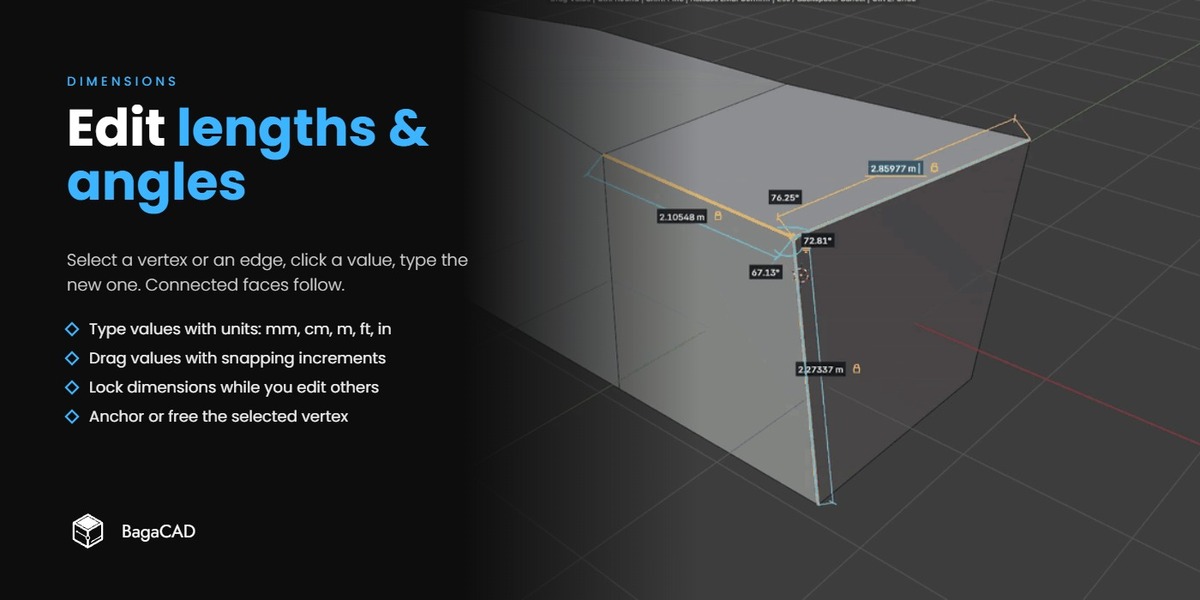
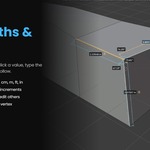
- Press D or click Dimensions to edit lengths and angles.
- The viewport header always shows the keys available for the current step.
Full documentation
Every tool, shortcut and preference is described in the online manual, with short demo clips:
antbaga.github.io/BagaCAD_Documentation
Have questions about this product?
Login to message
| Blender Extension Compatible | Yes |
| Downloads | 8 |
| Dev Fund Contributor | |
| Published | about 7 hours ago |
| Blender Version | 5.0 |
| Extension Type | Add-on |
| Render Engine Used | Cycles, Eevee |
| License | GPL |
Discover more products like this
hard surface precision modeling drawing snapping extrude architecture dimensions cad ArchViz measure