Baga CAD | Free Open Beta
 antoine bagattini

Which Blender versions are supported?
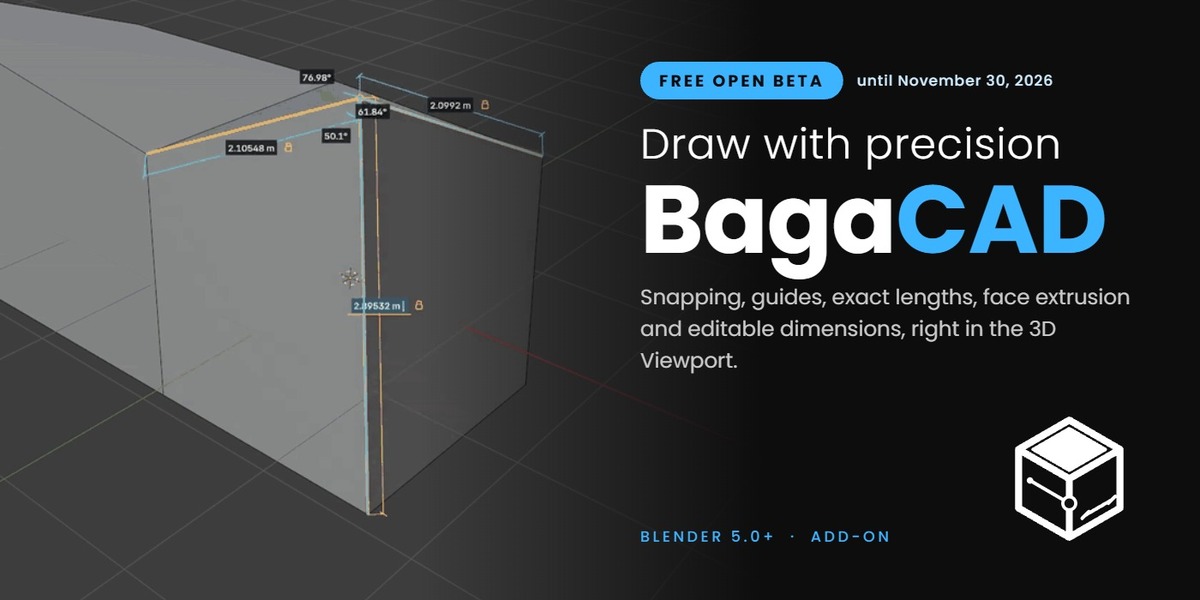
Blender 5.0 and newer. BagaCAD installs as a Blender extension: drag the ZIP into Blender.
Is BagaCAD free?
During the open beta BagaCAD is free. It is still under active development, so some behaviours and shortcuts may change.
Which objects can I draw on?
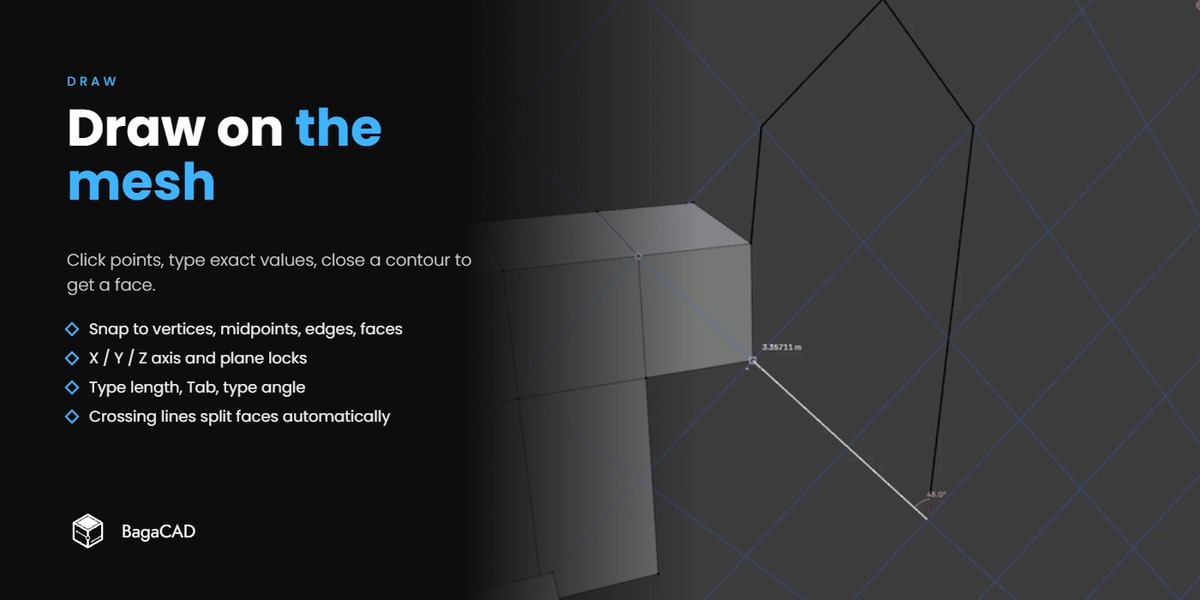
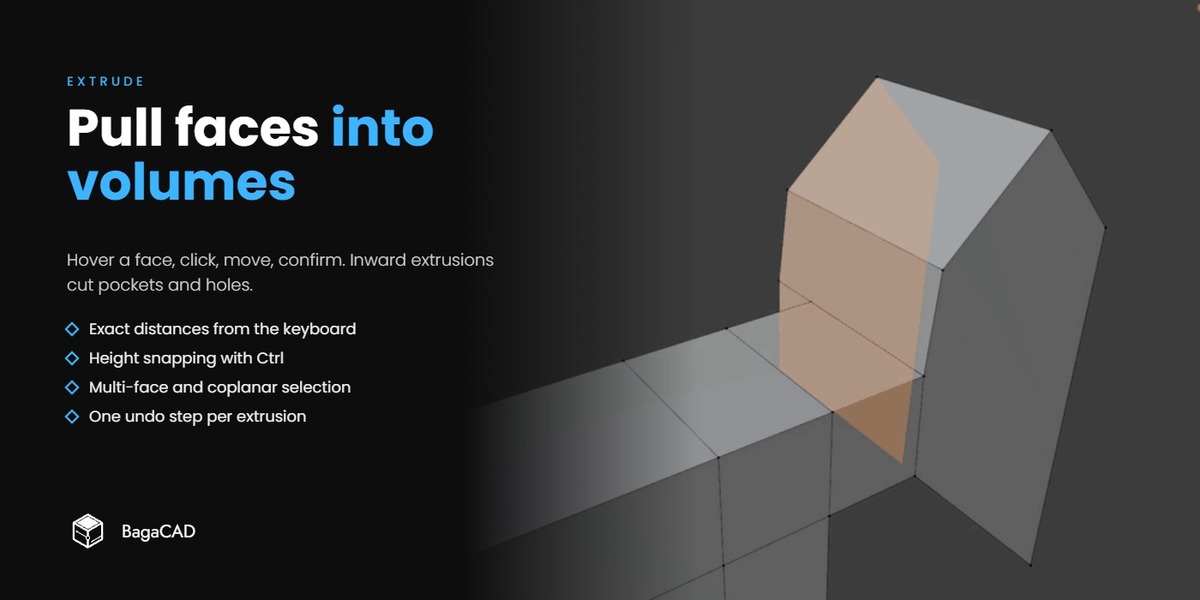
BagaCAD edits the active mesh object. If no mesh is active, Draw creates an empty mesh.
Are guides, grid and dimension locks saved in my file?
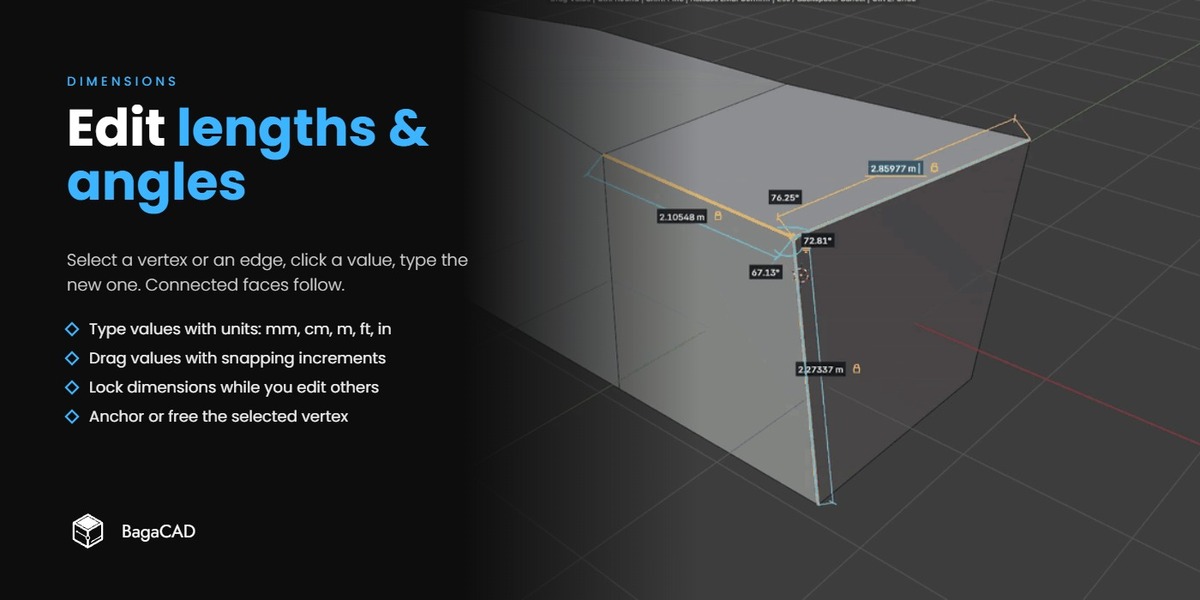
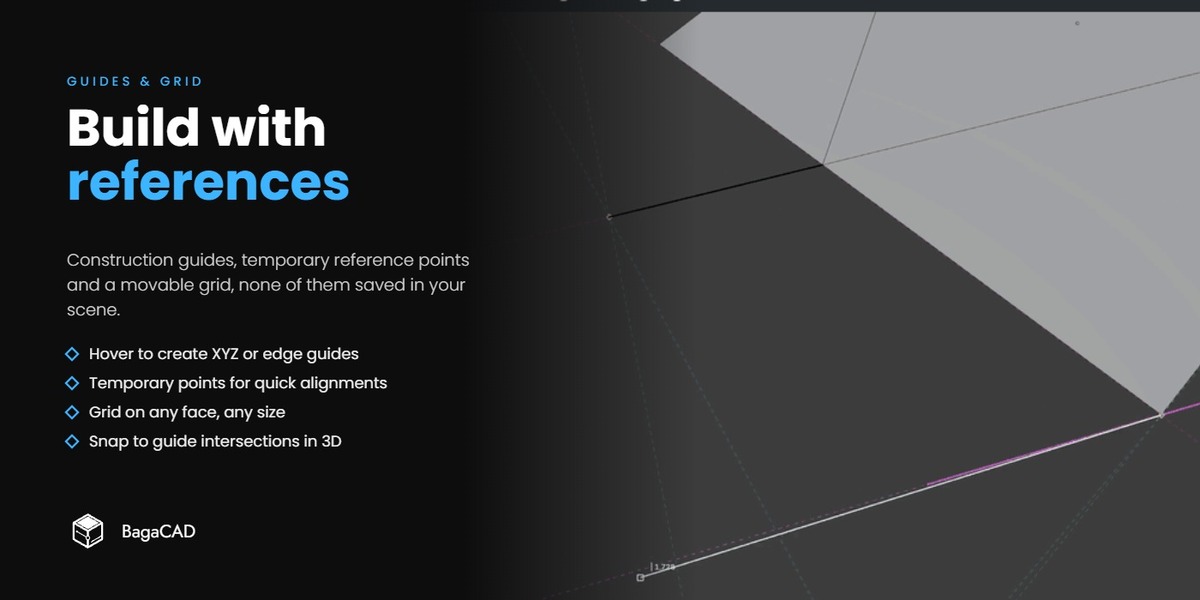
No. Guides, temporary reference points, the grid and dimension locks are drawing aids that only exist while the tool is active. The geometry you draw is a regular Blender mesh.
Can I change the shortcuts?
Yes. Open Edit > Preferences > Add-ons > BagaCAD.
How do I send feedback or get help?
Click Feedback in the BagaCAD panel (N > BagaCAD), or use this form. A few words are enough. For questions, read the documentation, join the Discord, or use "Contact the creator" on the product page.
Have questions about this product?
Login to message
| Blender Extension Compatible | Yes |
| Downloads | 8 |
| Dev Fund Contributor | |
| Published | about 7 hours ago |
| Blender Version | 5.0 |
| Extension Type | Add-on |
| Render Engine Used | Cycles, Eevee |
| License | GPL |
Discover more products like this
dimensions cad measure drawing hard surface ArchViz extrude precision modeling snapping architecture