 antoine bagattini







Cinematic Lens In-Camera
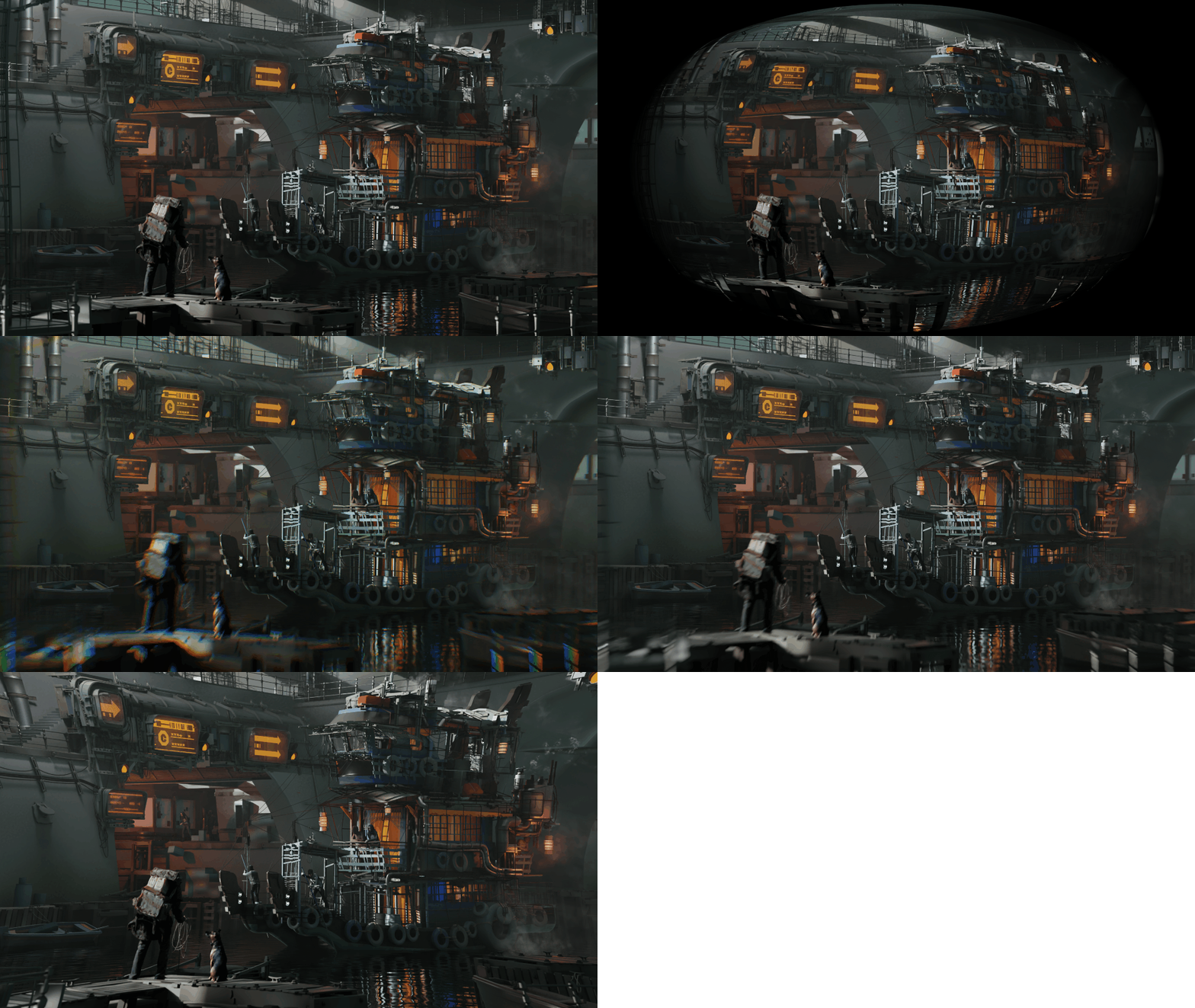
BagaCam uses OSL approximations to bring stylistic lens effects into 3D space. Achieve complex looks like distortion and custom bokeh directly in-camera without relying on 2D compositing.
Depending on your GPU and Blender version, you migh be limited to CPU rendering.
Beyond 2D Filters
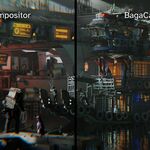
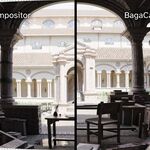
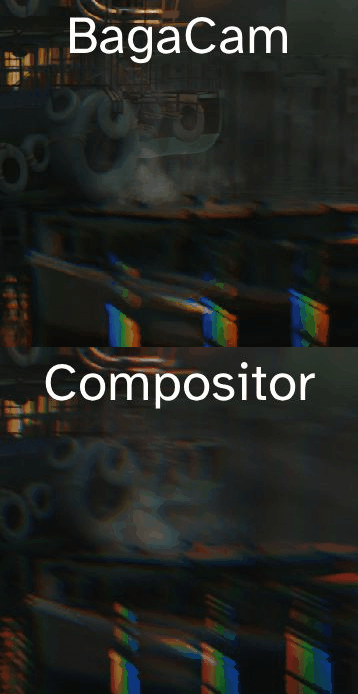
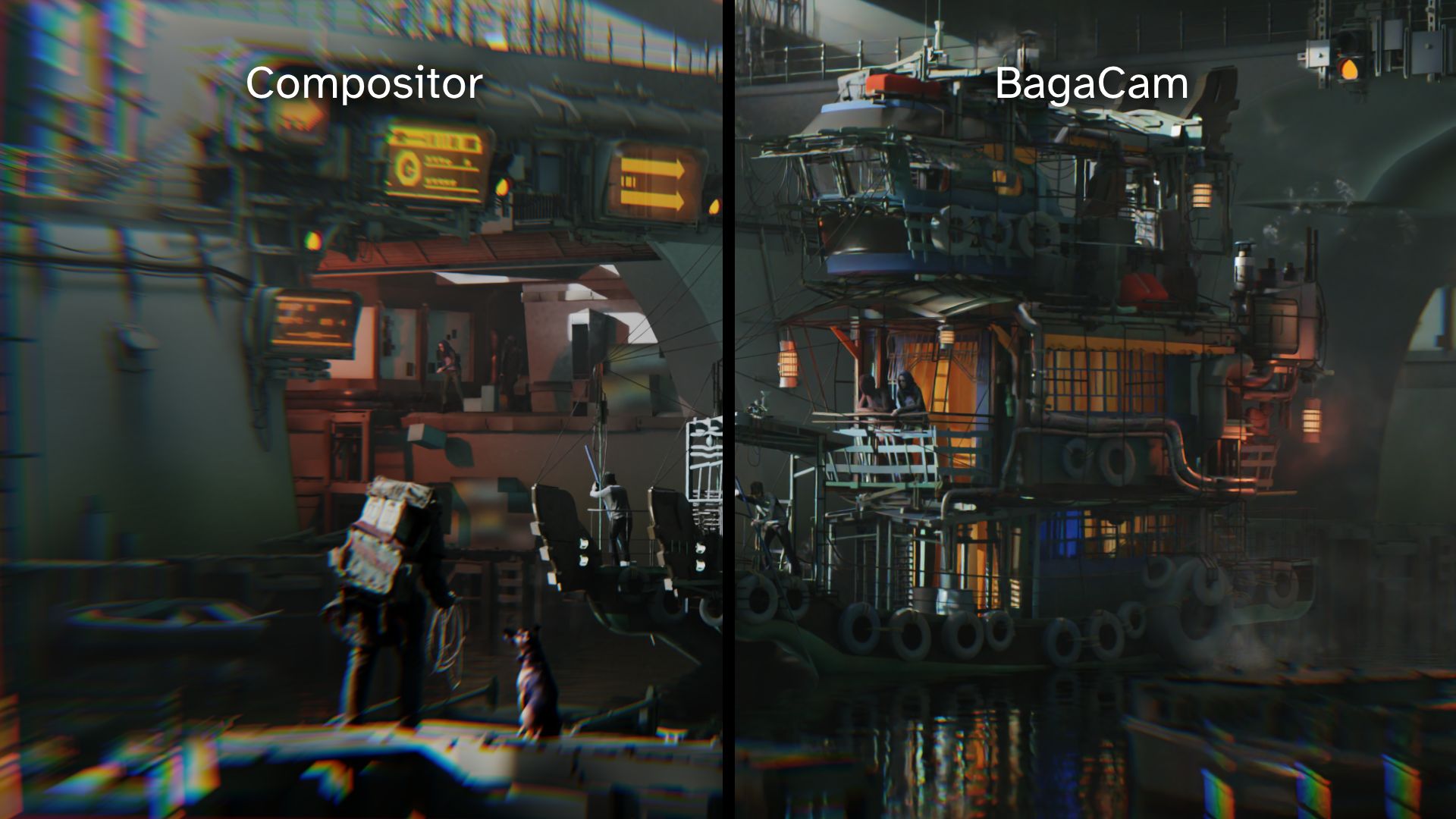
Standard post-processing effects (Compositor/Photoshop) are flat overlays applied after the render. They often look "pasted on" because they lack true depth information.
BagaCam leverages OSL to modify camera rays before they hit your scene. This bakes your style directly into the render engine:
- True 3D Distortion: The lens warps the view in 3D space, not just the pixels of the final image.
- Natural Integration: Depth of Field interact consistently with your custom lens shape.
- What You See Is What You Get: Frame your shot with the final look immediately visible in the viewport.
Effects & Controls
Simple Distortion
-
Amount - Basic barrel / pincushion distortion.
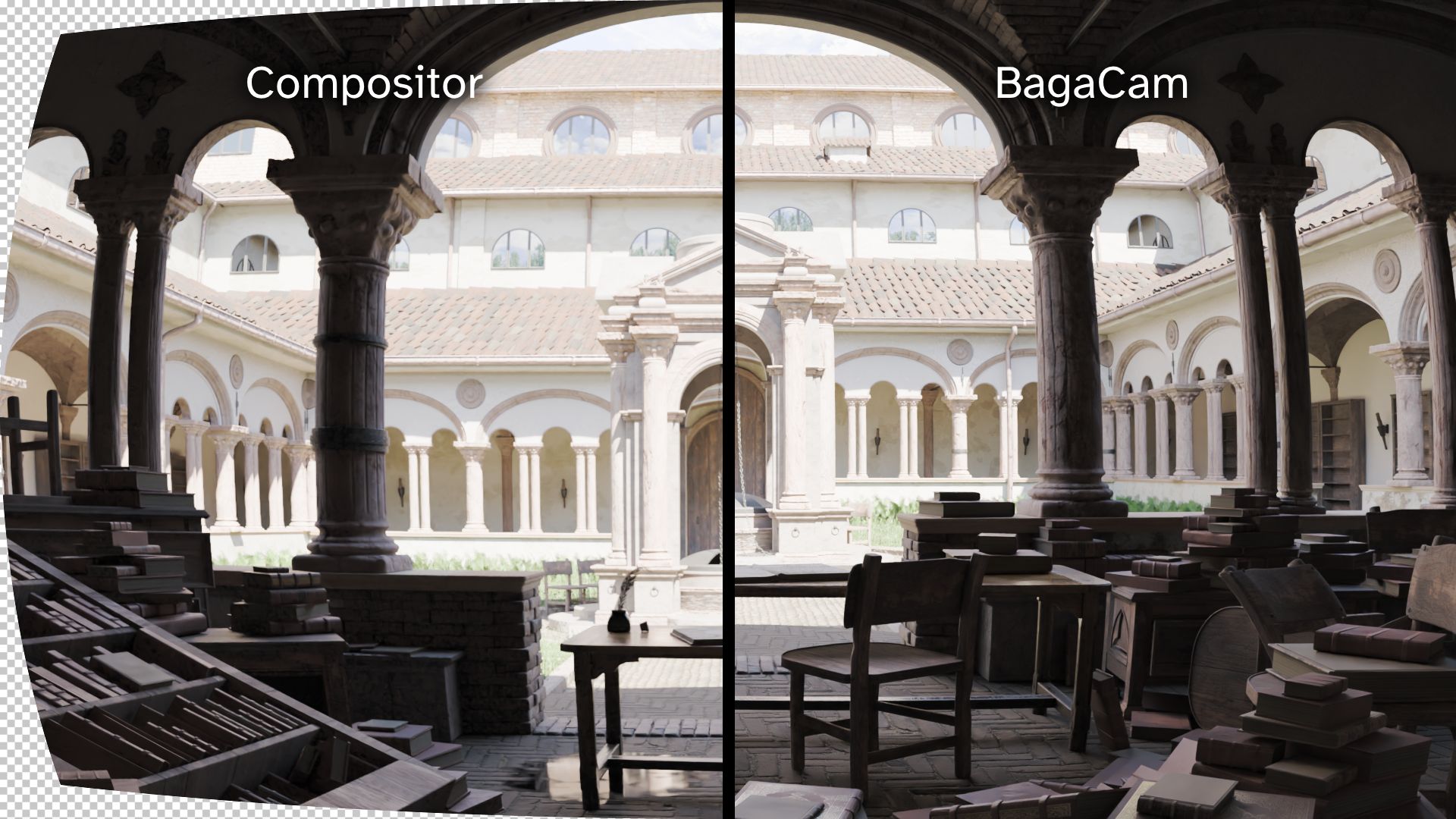
Advanced Distortion
- K1 - Main curvature (center → edges).
- K2 - Mid-area curvature tuning.
- K3 - Edge distortion control.
Noise Swirl
- Noise Swirl - Wavy distortion.
Depth of Field & Bokeh
-
Distance - Second focus distance.
-
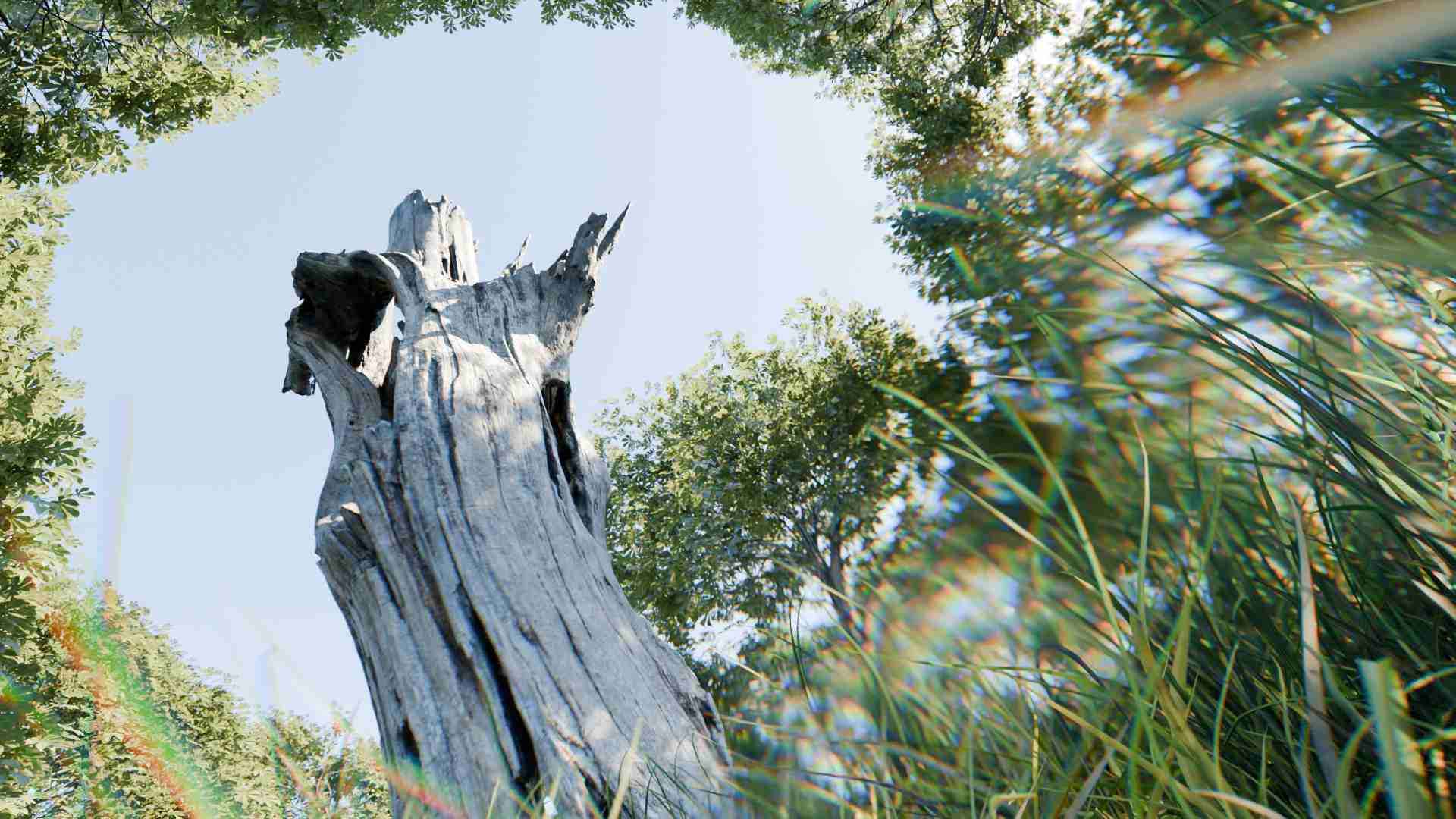
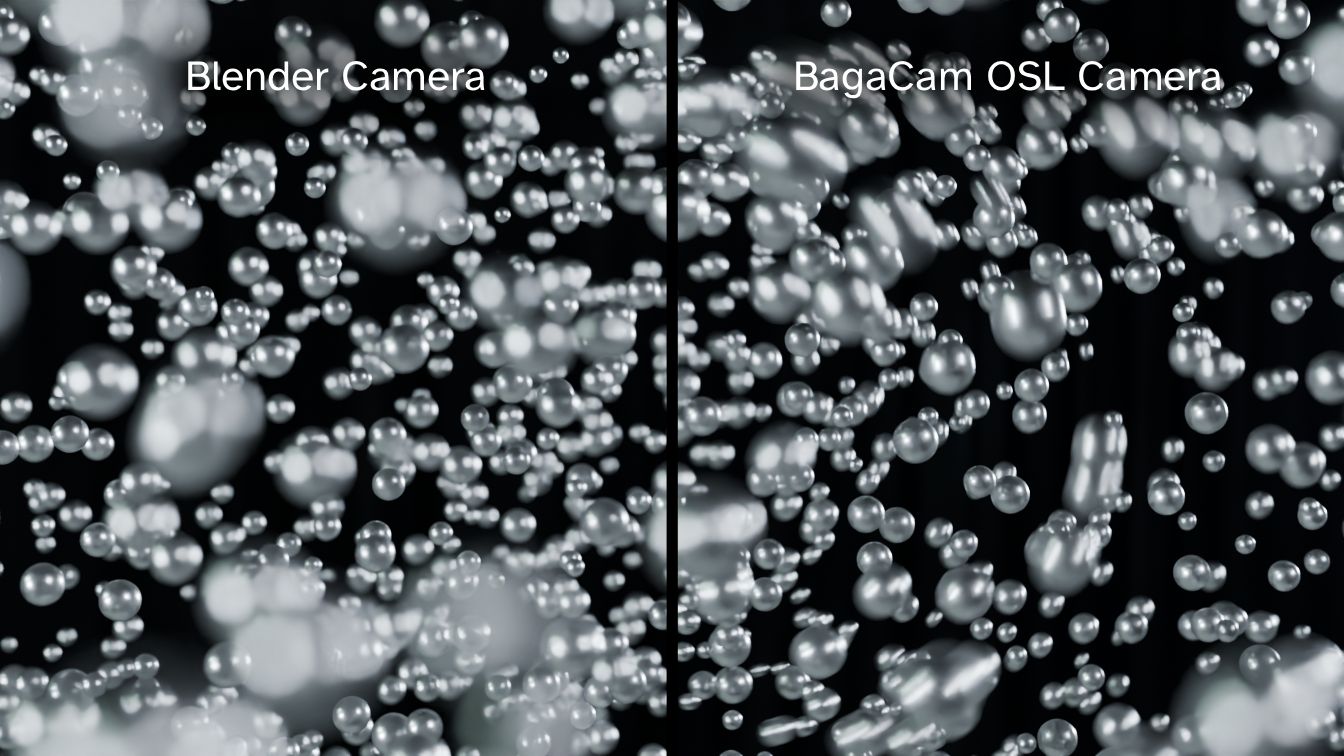
Swirl - Petzval-style swirling bokeh.
-
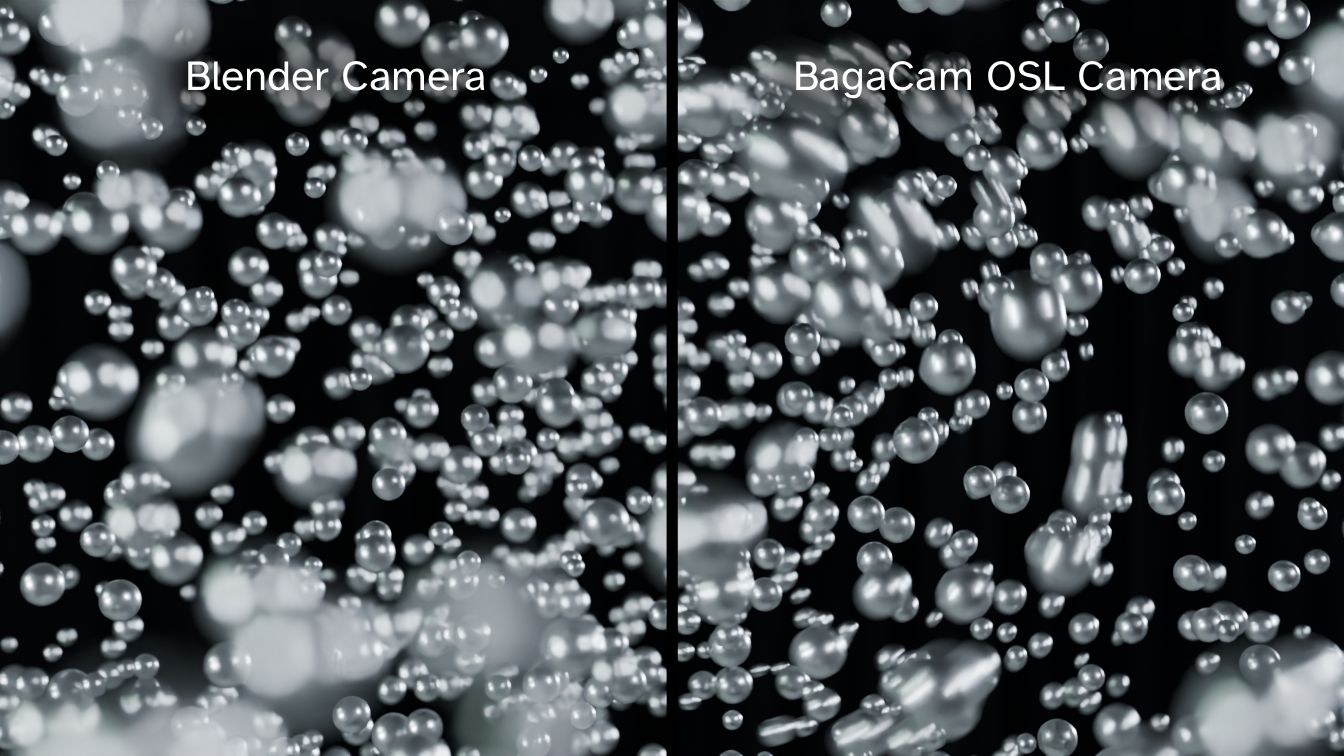
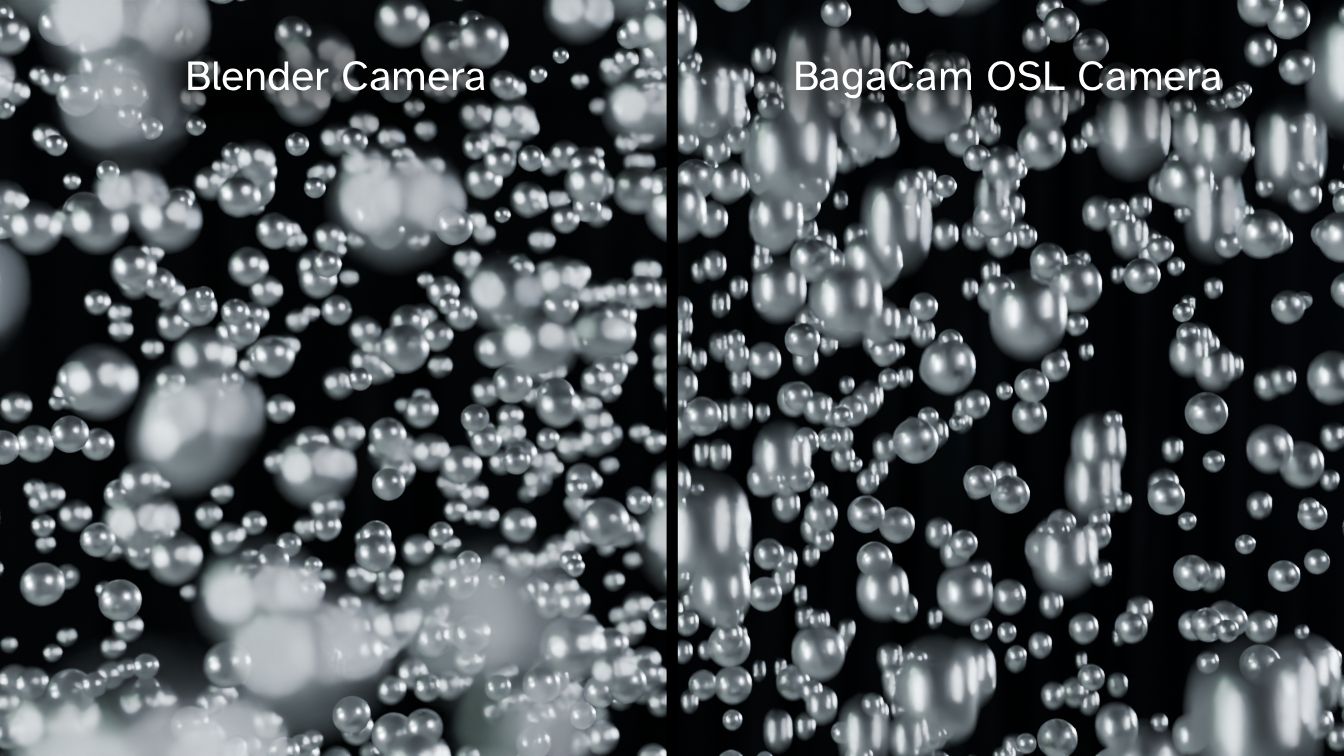
Cat's Eye - Edge bokeh truncation.
-
Anamorphic - Cinematic bokeh stretch.
-
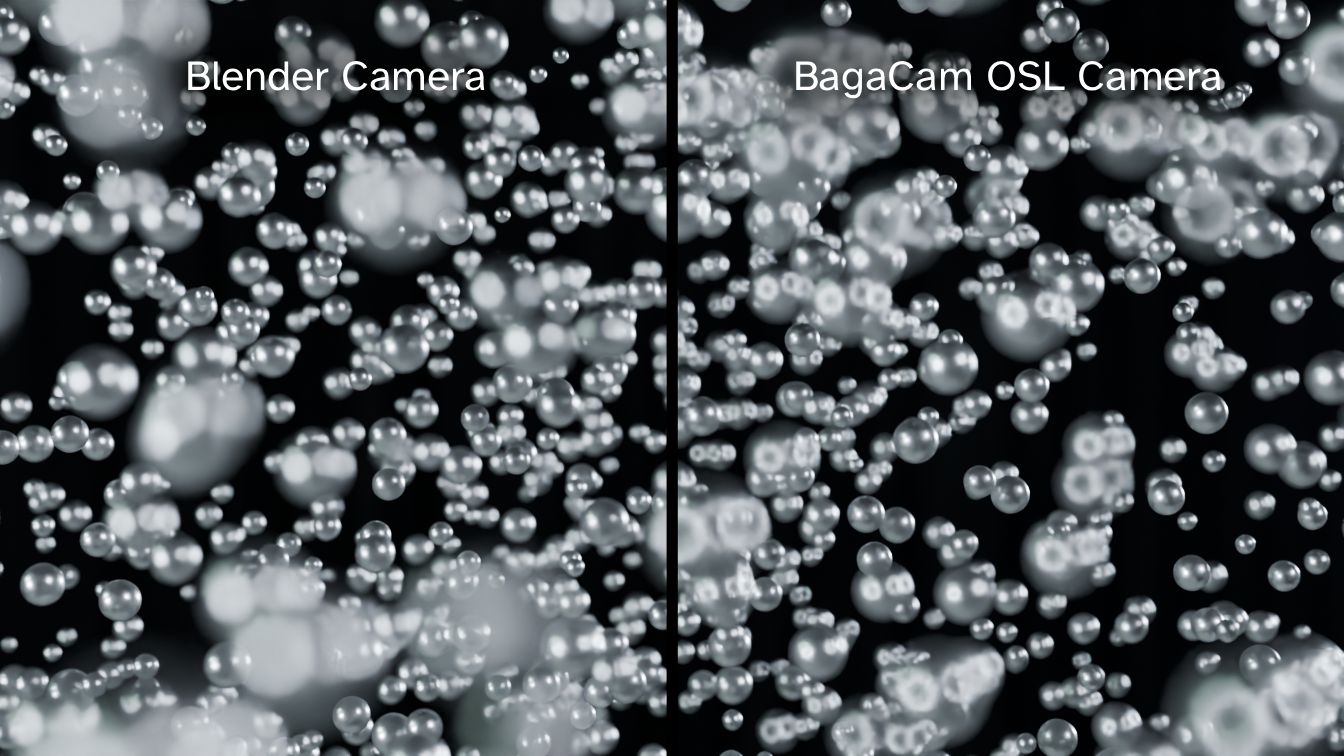
Doughnut - Ring-shaped bokeh (mirror lens).
Split Diopter
Bokeh Shapes
Chromatic Aberration
-
Chromatic Aberration - RGB edge separation.
Vignette
- Vignette - Corner darkening.
Focal Length
- Focal Length (mm) - Controls field of view & perspective.
Workflow Features
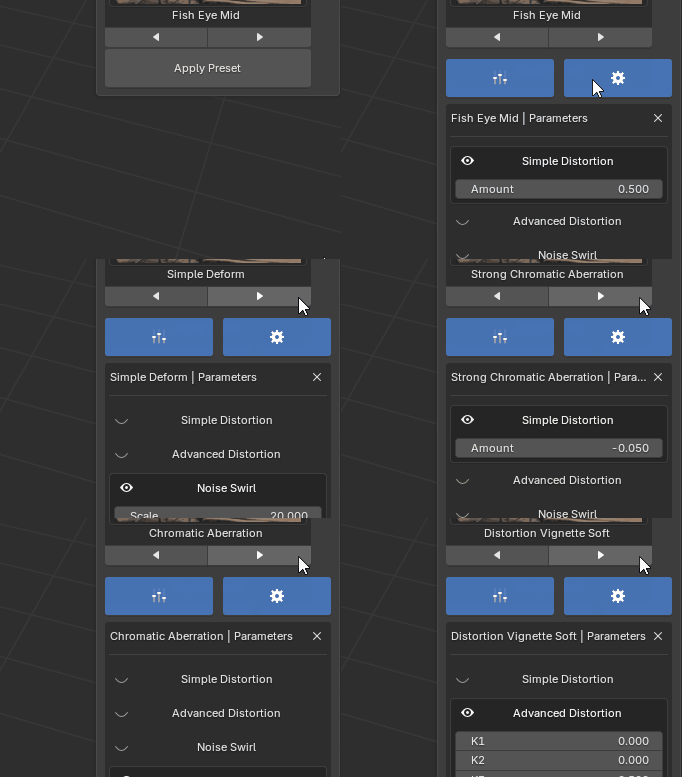
Preset Browser
Browse presets with thumbnails. Filter by tags, categories, or favorites.
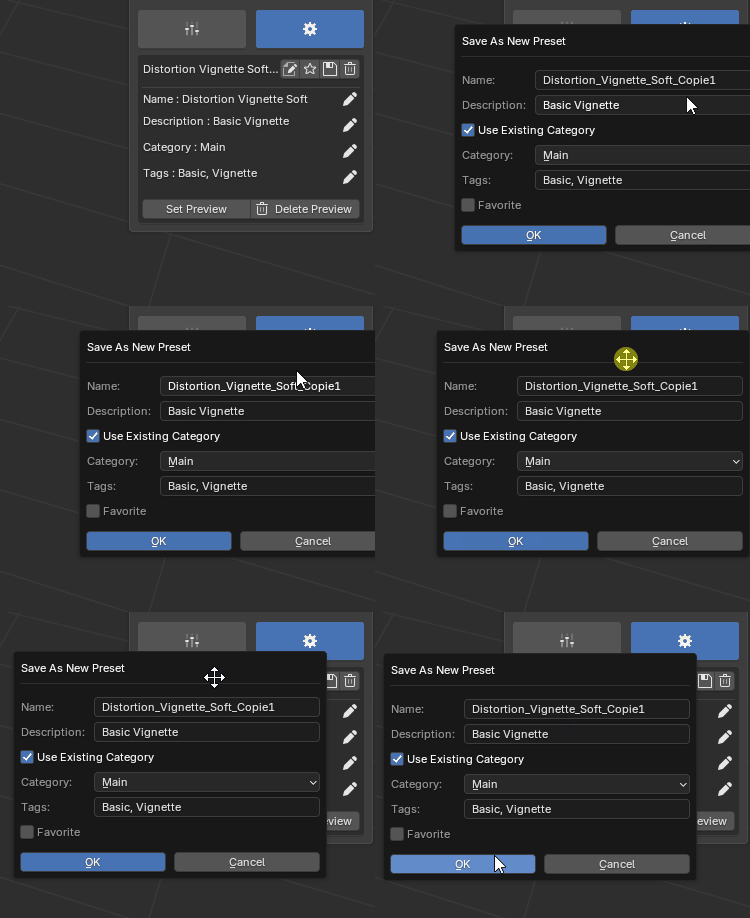
Management
Save presets, auto-generate previews, and edit metadata quickly.
In-Lens Integration
Integrated in Blender Camera lens . Works per-camera.
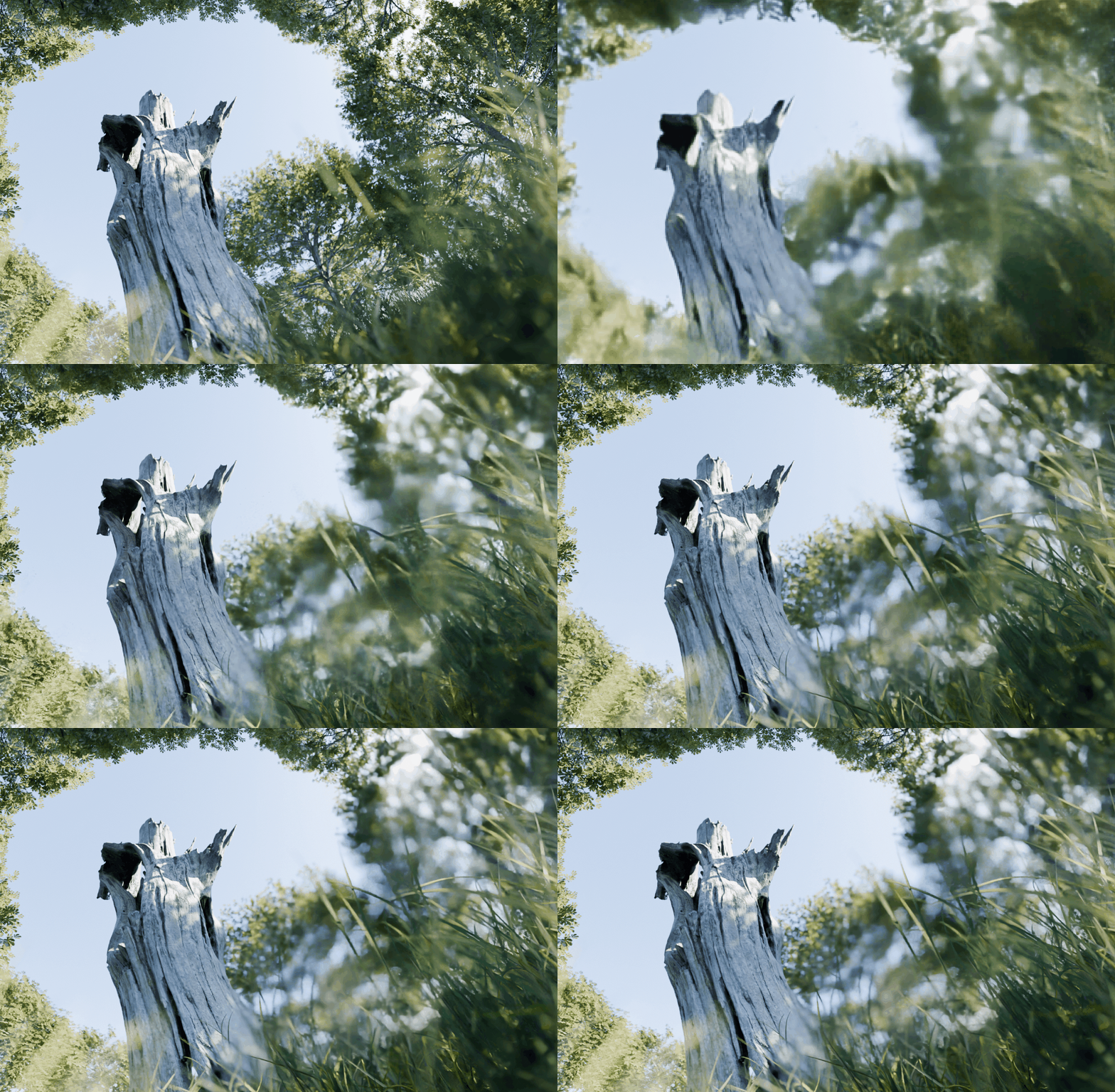
Exemple Split Diopter - Second camera focus :
What you need to know
- Render Engine: Cycles Only. OSL is not supported by Eevee or Eevee Next.
- Blender Version: For Blender 5.0 and newer.
- Animation: All values can be animated.
- Hardware: OSL GPU rendering is NOT available on multi GPU setup.
- Workflow: BagaCam applies settings per camera. Switching presets resets the current camera's values to default.
BagaCam Addon - By Ashlee and Kiara Bagattini