 Skava
Skava
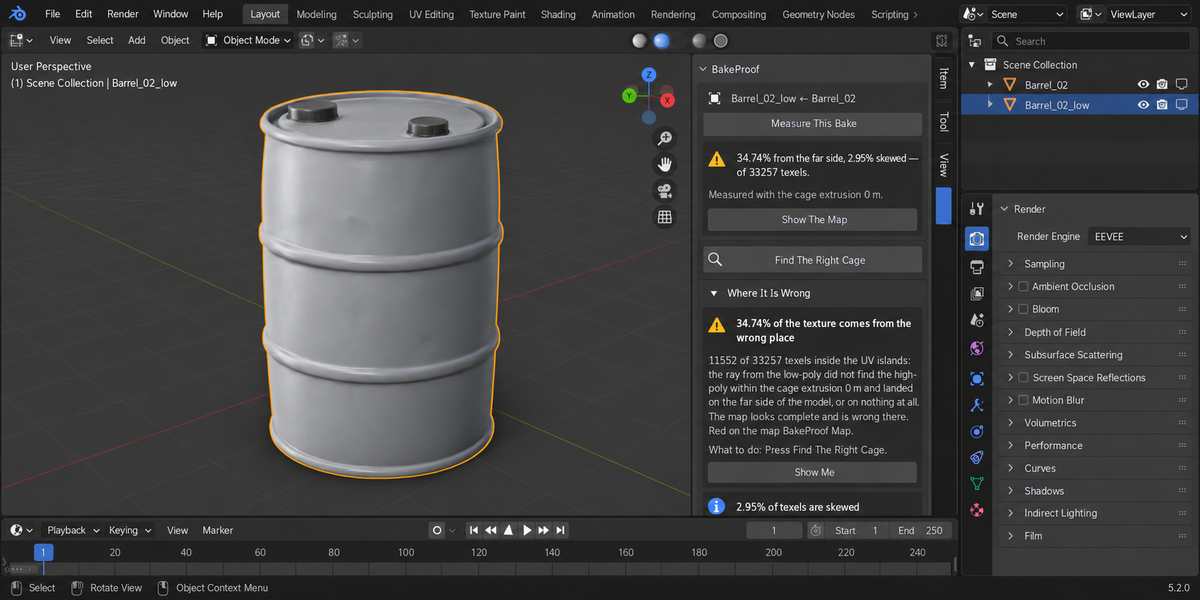
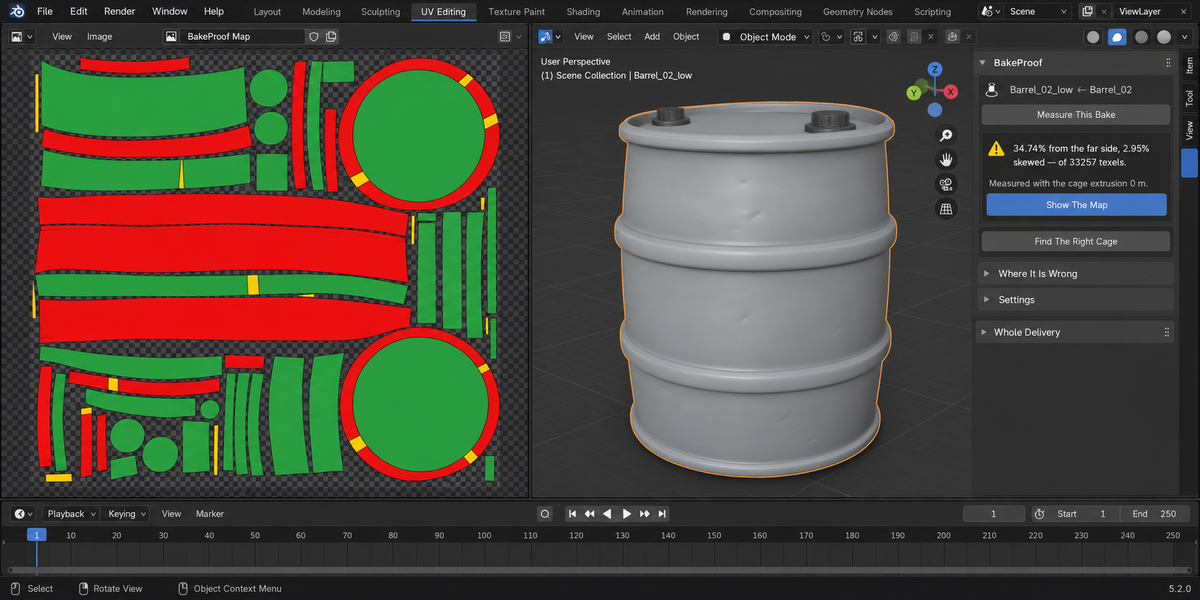
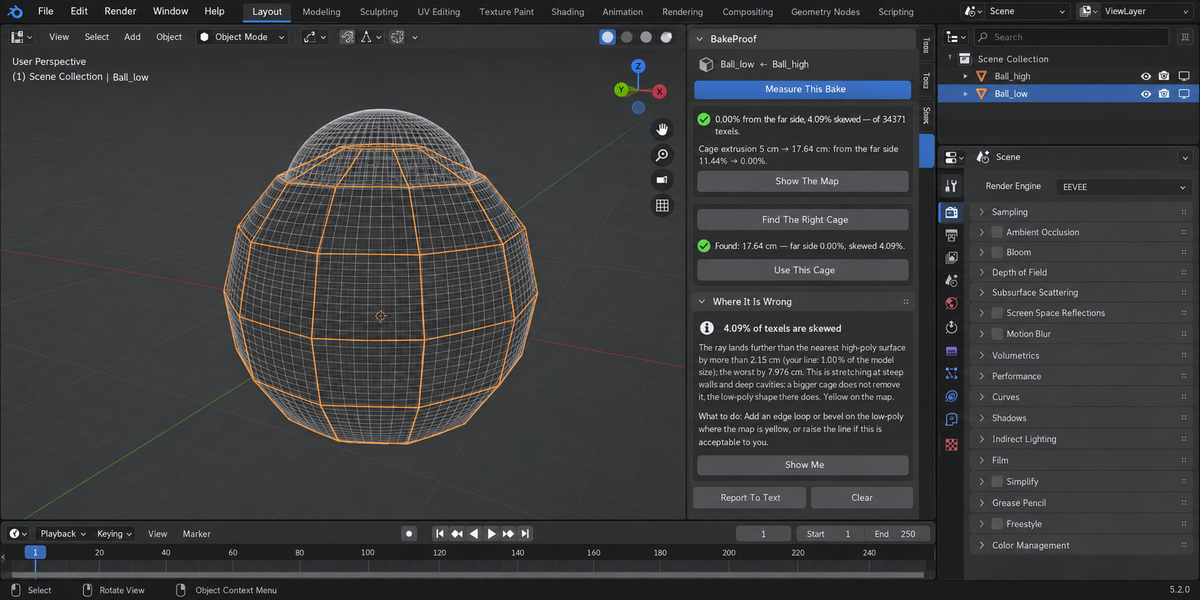
No. It measures Blender's own bake with your scene's bake settings. Version 1.0 does not read maps made elsewhere.
Measuring does not: it works on temporary copies and puts your bake settings, render engine, selection and active object back. The only new datablock is the map image. Only "Use This Cage" changes a setting, and Ctrl+Z undoes it.
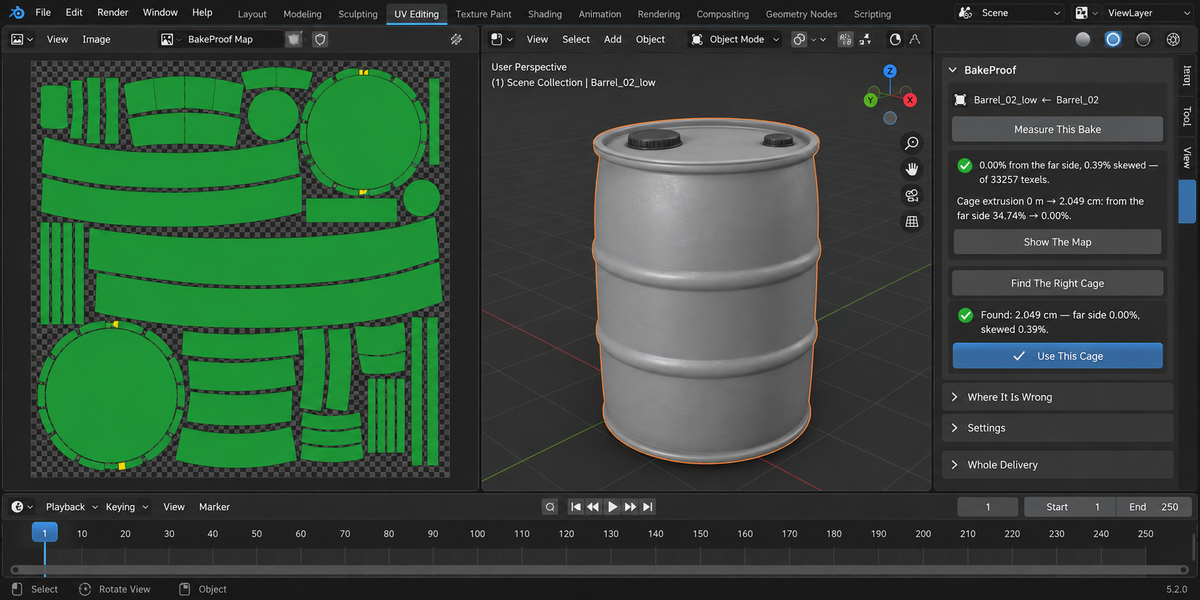
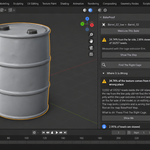
A cage much bigger than needed lets rays land on the wrong surface in cavities and between parts, and makes them hit steep walls at a slant. The search returns the smallest extrusion that is as good as any extrusion can be, and the skew it leaves is reported separately.
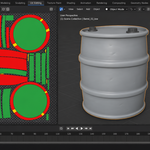
No. There the ray finds nothing at any distance: a gap in the high-poly, or the low-poly poking through it. BakeProof names that remainder with its texel count; the fix is in the geometry or a cage object.
Yes: the cage object is what gets measured. "Use This Cage" will not change the extrusion while Cage is on, because Blender ignores it then, and it says so.
Have questions about this product?
Login to message
| Published | 9 days ago |
| Blender Version | 4.2 - 5.2 |
| Extension Type | N/A |
| Render Engine Used | Cycles |
| License | GPL |
Discover more products like this
bake baking Game asset low poly extrusion cage proof ray distance high poly normal map texture validation