Bam Blender Automat
 Alexey HRDesign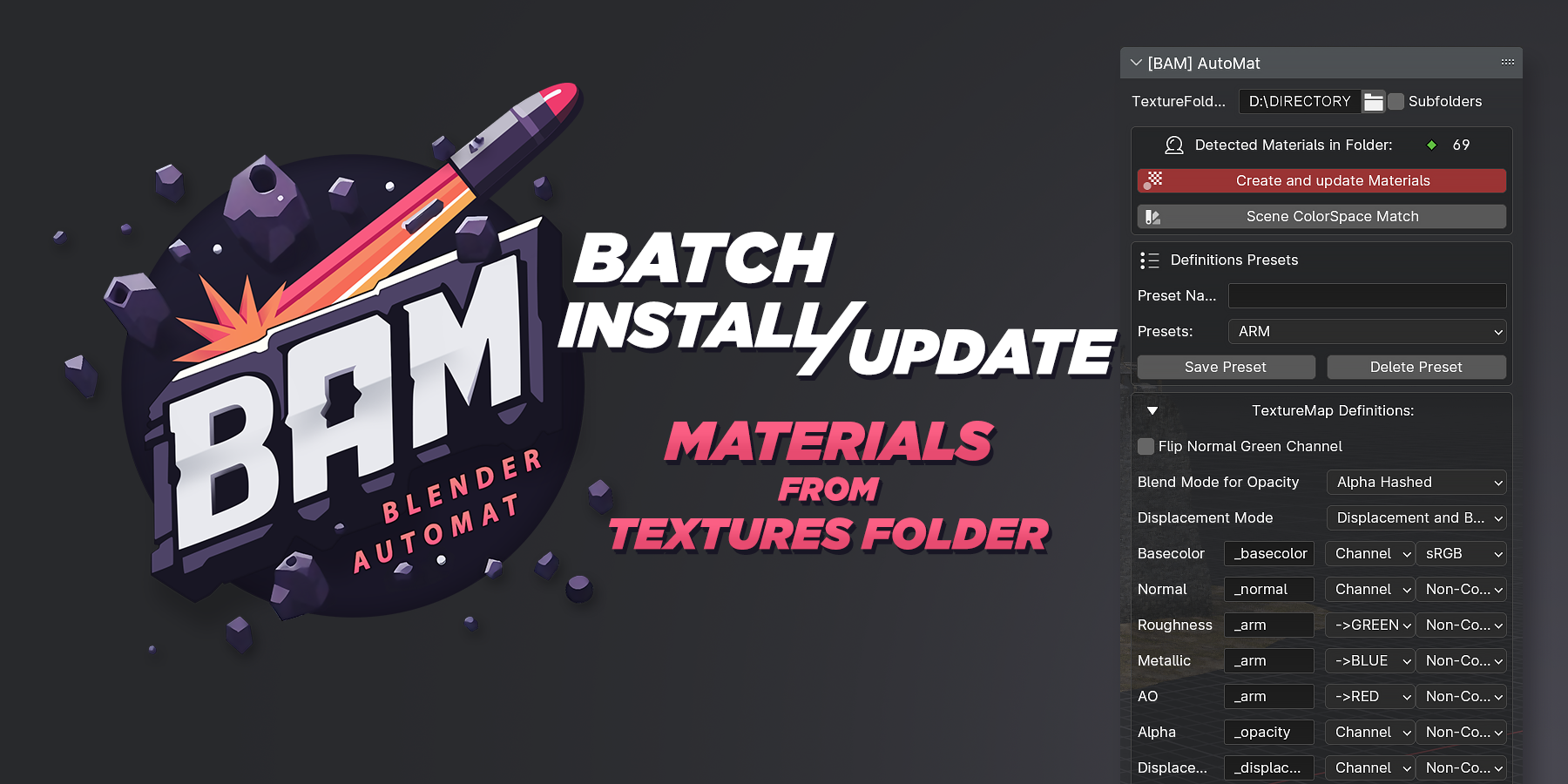


How it Works:
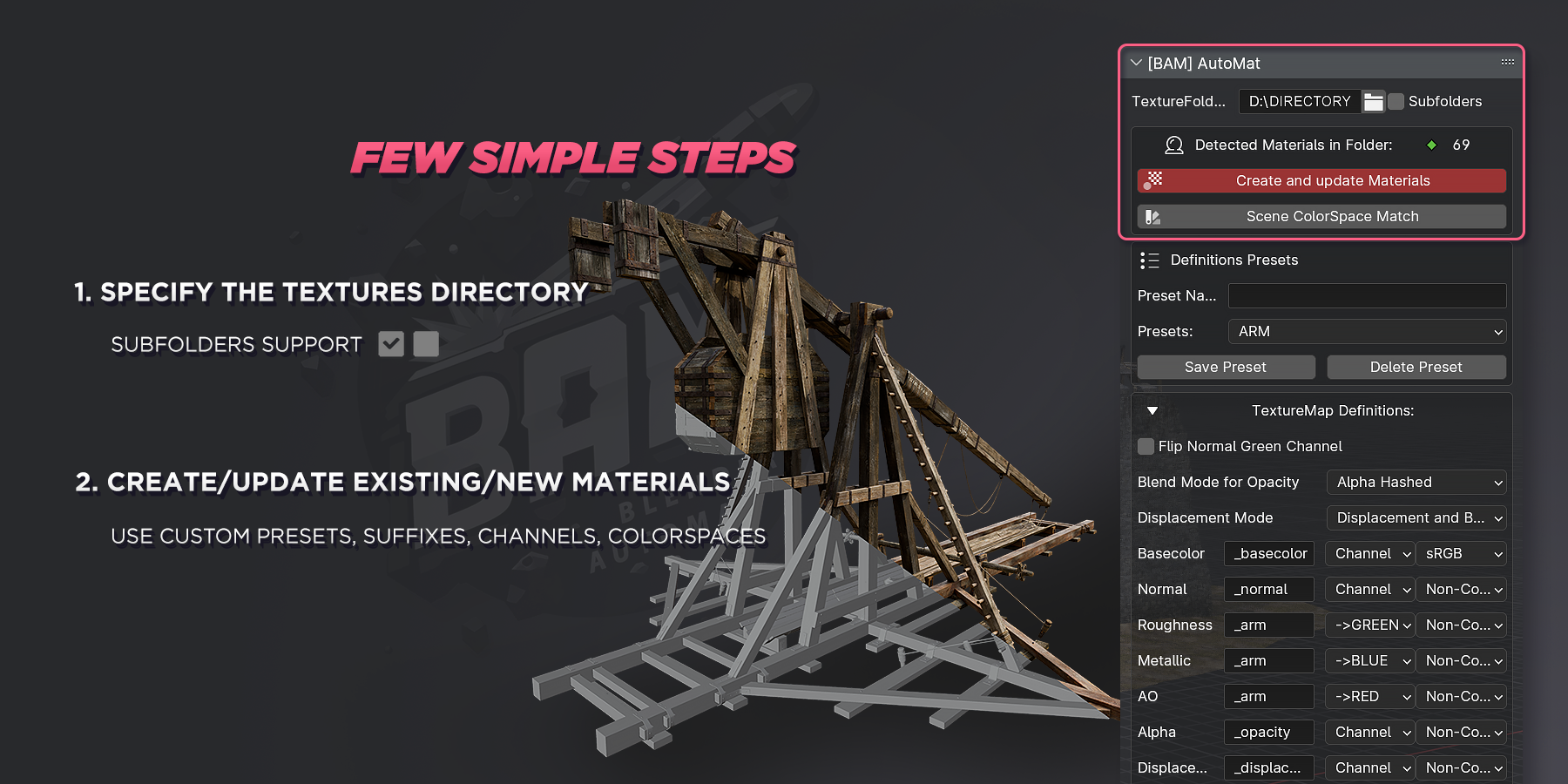
- Set your textures folder
- Configure _suffixes, _channel, colorspace
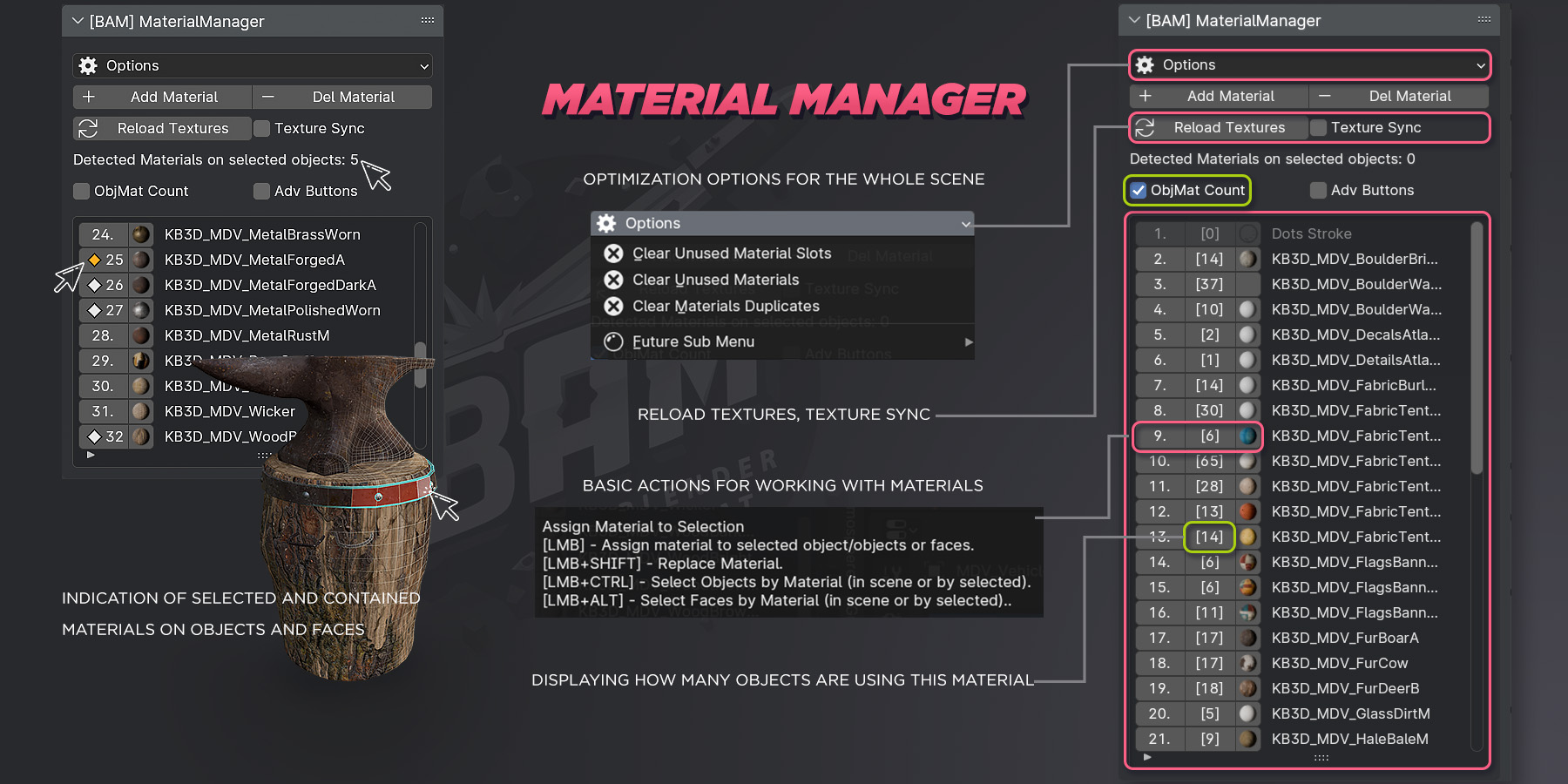
- Use the filter to highlight the materials you need
- Switch Viewport and settings from EEVEE to Cycles for faster shaders processing and materials thumbnail renders.
- Click on the button to Сreate and Update Materials
Addon Installation and Update:
- To install the addon, unzip BAM and place the BAM folder in the folder with your Blender Addons.
- To Update, uninstall the previous version of BAM and place the new BAM folder in your Addons folder.
You can save your material_presets.json presets file from the previous version and replace it in the new version of BAM.
$1
Have questions about this product?
Login to message
| Blender Extension Compatible | Yes |
| Sales | 60+ |
| Dev Fund Contributor | |
| Published | over 2 years ago |
| Blender Version | 3.6 - 5.0 |
| Extension Type | Add-on |
| Render Engine Used | Cycles, Eevee |
| License | GPL |
