Bam Blender Automat
 Alexey HRDesign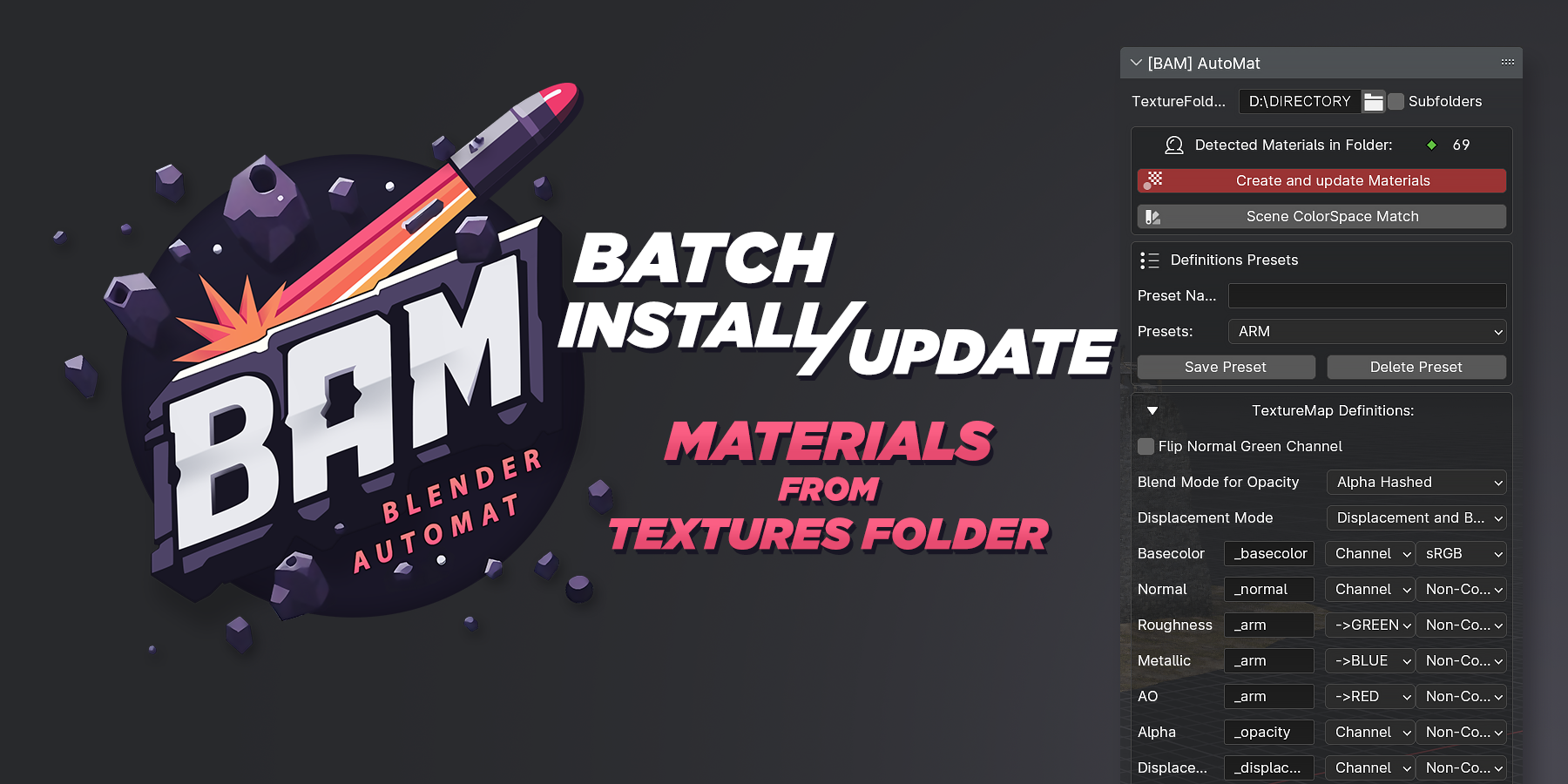


Sorry guys, didn't have time to post an update. Basically I try to publish them in a timely manner on the Official Blender Extensions Platform.
## Found an old bug.
- BugFix update v1.3.1: **AutoMat:** Improved Materials Create/Update filter list performance. The open filter no longer continuously scans the texture folder, preventing viewport FPS drops. The list now updates only when settings change or Refresh is clicked.
## Don't miss the changes since version 1.3.0
- Blender 5.2 Support
- MatDeck. Feel a new experience with the new custom Material Manager Overlay
- MatDeck Preferences options + UI Styles
- Updated UI
- Replace Material now has a new Shift-click option to replace material only on selected objects
- Recent used Material List
- New Selected Materials List
- Version display in header
# **Improvements and fixes Update**
- Blender 5.0 FIX: `key "Anisotropy" not found'`
- FIX + QOL: MatOverlay func optimizations and fixes of potential issues. Right now, works with Modifiers on objects.
- FIX + QOL: Automatic application of the latest Preset in the scene with UI update
> Special thanks "phillipganske" for finding a bug with Key "Anisotropy" in blender 5.0
Changelog BAM Automat v1.2.0 — Major Update, Blender 5.0 Support + New Features
✨ Highlights, Improvements
- Blender 5.0 Support!
- A new Displacement MidLevel parameter (Default: 0.0) has been added to the UI.
- Added auto IOR assignment based on base material names + Default IOR 1.45
- Reworked Presets system. Custom presets will now be created in the Config folder and will not be replaced when the addon is updated. . + You can also overwrite default presets.
- Shader Graph Enhancements: merged duplicate Separate XYZ nodes. Displacement Nodes Position Improvements
🔧 Fixes, Misc changes
- Fixed editing the Texture Folder Path
- Blender 4.5 - 5.0 Now use SeparateXYZ instead of LegacySeparateRGB
Developed by AlexeyHRDesign For feedback: [email protected]

- Alpha Channel Definition Support
- Added the ability to select the Alpha Channel for packed textures
- MatsAsset [BETA]
- Add materials to your Asset Library with just a few clicks - including automatic asset tagging and preview generation.
- Relative Path Texture Creation Support
- Now supports relative paths when creating materials from textures, ensuring portability across projects.
- Specular Tint Controls
- Fixed incorrect Specular Tint value — now white by default, or 0.5 for older Blender versions.
- Added Specular Tint default value UI control for manual adjustment.

- Displacement Value Control
- Default value set to
0.01with a dedicated UI control. - Emissive Map Behavior
- Emissive value now defaults to
1.0for materials with emissive maps. - Preset Switching Stability
- Switching presets no longer alters the state of checkboxes in the filter list.
- Shader Graph Enhancements
- Added Mapping control nodes.
- Improved node alignment for cleaner and more readable shader graphs.
Utilities:
- Reworked Create MatSpheres Grid function to create a grid with materials and their names. Now the Grid takes into account already created MatSpheres and is able to continue the grid when called again without creating duplicates.
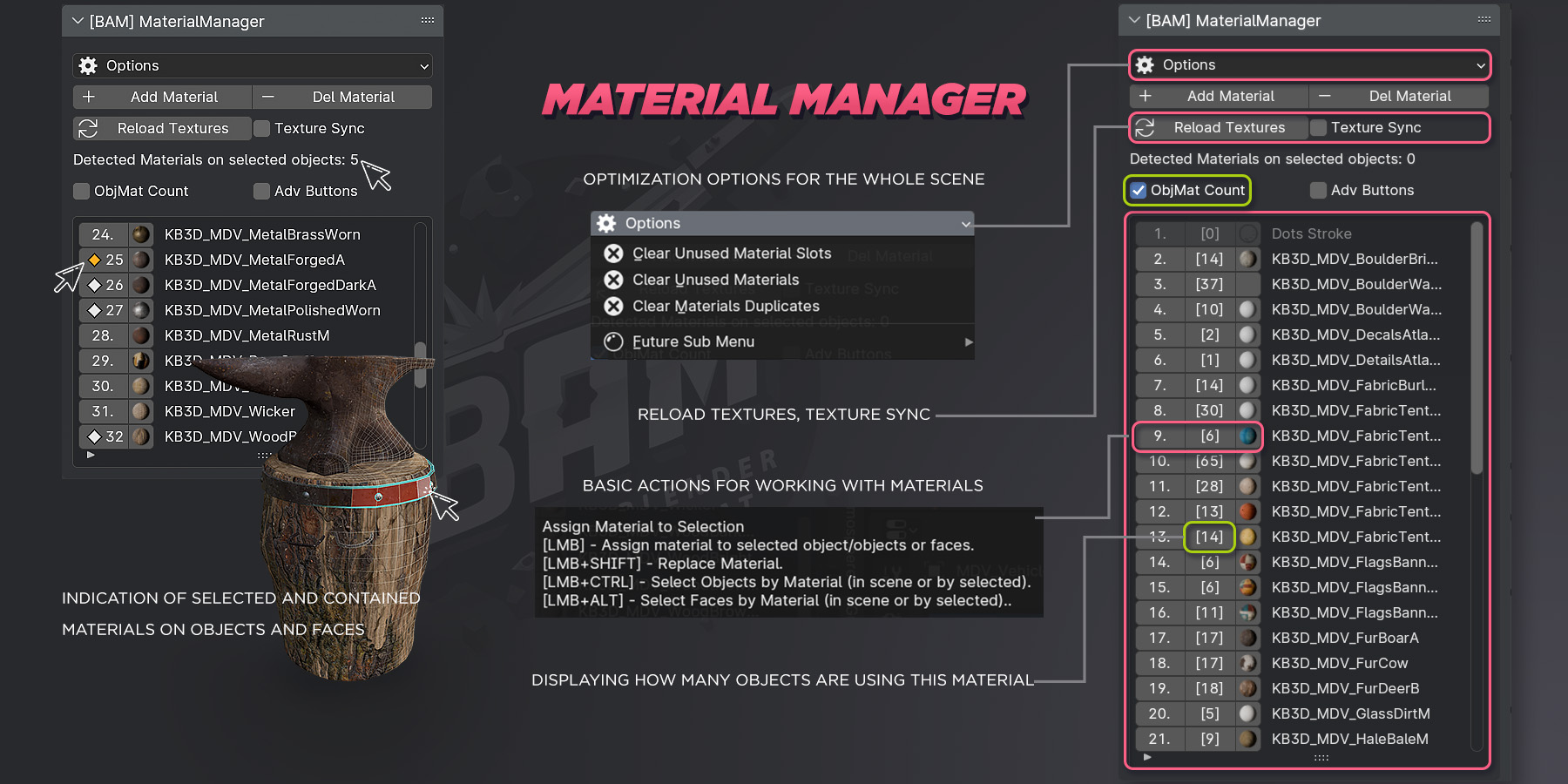
Material manager:
- (Blender 4.5 Vulkan) Fixed an error related to materials thumbnails leading to blender crashes.
- Add, Delete, Duplicate material buttons they were replaced with buttons located in a new vertical panel to the right of the materials list.
- Add Material: Added Set Fake User parameter checkbox
- Fake User controls were added to main material list
AutoMat:
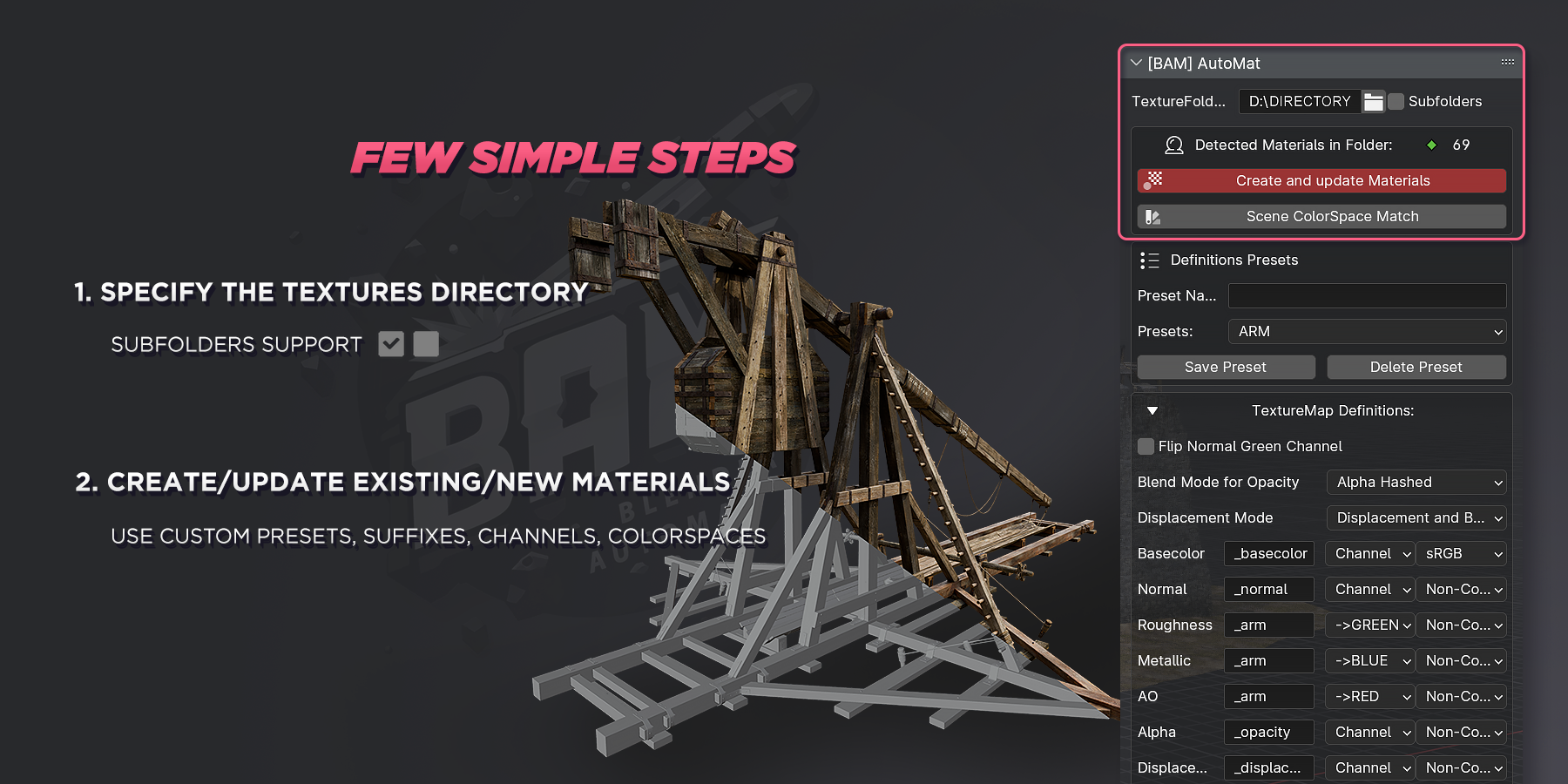
- Redesigned Presets UI
- Set Fake User checkbox it was added to the right of the Create and update Materials button.
- Color Space btn and Definitions now they are available even without specifying a folder with textures.
- Added *.TIF format to default addon preferences. It is added on the first clean launch of the addon. Everyone else can add any image formats to the Addon's Preferences.
Changelog:
- Minor fixes related to the bug of missing UI in the Material Manager.
- The Options drop-down list has been renamed to Utilities
Improvements:
- Material Overlay now works for objects with modifiers
- Presets system now creates separate preset files and should not replace custom ones when updating the addon.
WHATS NEW:
- Code refactoring
- Performance improvements
- New preference UI and functions
- Preferences: Images Format Manager
- Material Overlay
- Delete material button new Mode. Delete Material + Textures Data
- Material Preview
- Option: Clean unused mat slot new Mode. (Action for whole scene or only for selected objects)
- ColorSpaces profiles : Added all potential options
- Material Pipette
- Roughness Invert Mode
- Duplicate Material btn
- Better logs presentation/decoration
- Filter bug. After Scan of the materials in the folder, the checkboxes of the existing materials in the scene will be turned off by default.
- Scene ColorSpace Match fixes
- Custom Property fixes
Have questions about this product?
Login to message
| Blender Extension Compatible | Yes |
| Sales | 60+ |
| Dev Fund Contributor | |
| Published | about 2 years ago |
| Blender Version | 3.6 - 5.0 |
| Extension Type | Add-on |
| Render Engine Used | Cycles, Eevee |
| License | GPL |
