 Roham Rafi


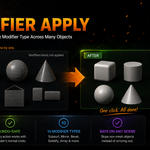
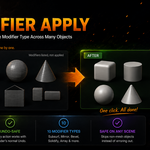
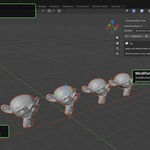
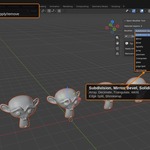
Apply or remove modifiers on multiple objects — instantly.
Tired of applying the same modifier one object at a time? Select any number of objects, pick a modifier type, and apply or remove it across all of them with a single click.
Features:
- Works with 10 common modifier types (Subdivision Surface, Mirror, Bevel, Solidify, Array, Decimate, Triangulate, Weld, Edge Split, Shrinkwrap)
- Fully undo-safe
- Safely skips non-mesh objects (curves, empties, etc.) without errors
- Simple sidebar panel — no learning curve
- Tested on Blender 3.4 through 5.2
How it works:
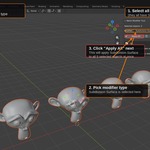
- Select your objects
- Open the sidebar (N) → "Batch Mod" tab
- Choose a modifier type
- Click Apply All or Remove All