 BeakBox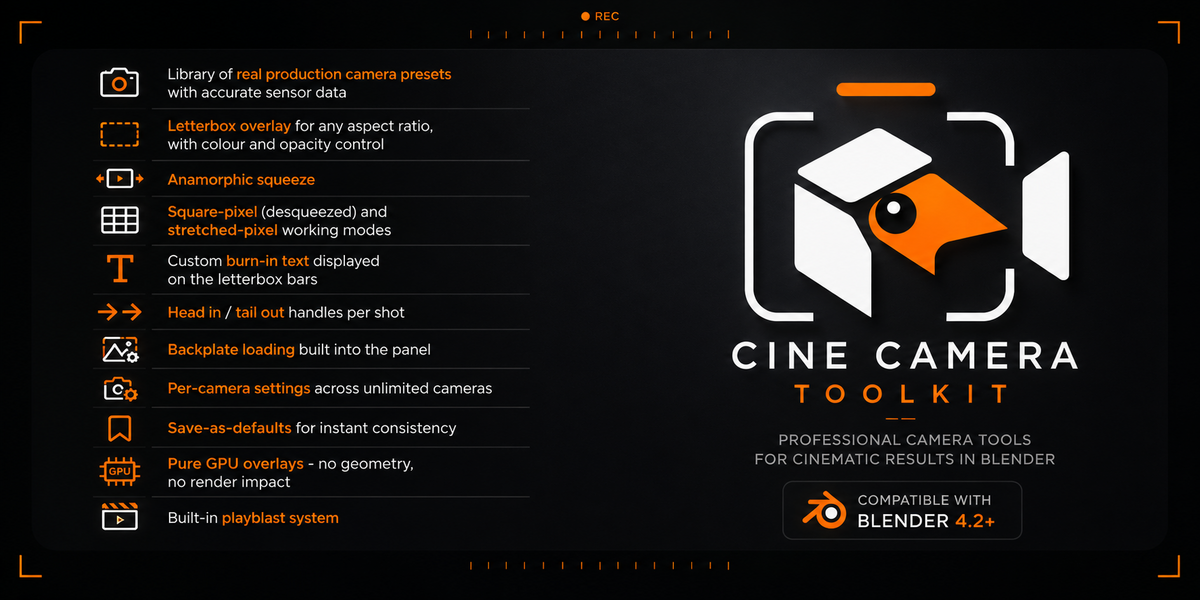
Cine Camera Toolkit
by BeakBox
Real production formats, true anamorphic, live letterboxing with burn-in text, editorial handles and backplates - all in the viewport, all non-destructive, all one click away.
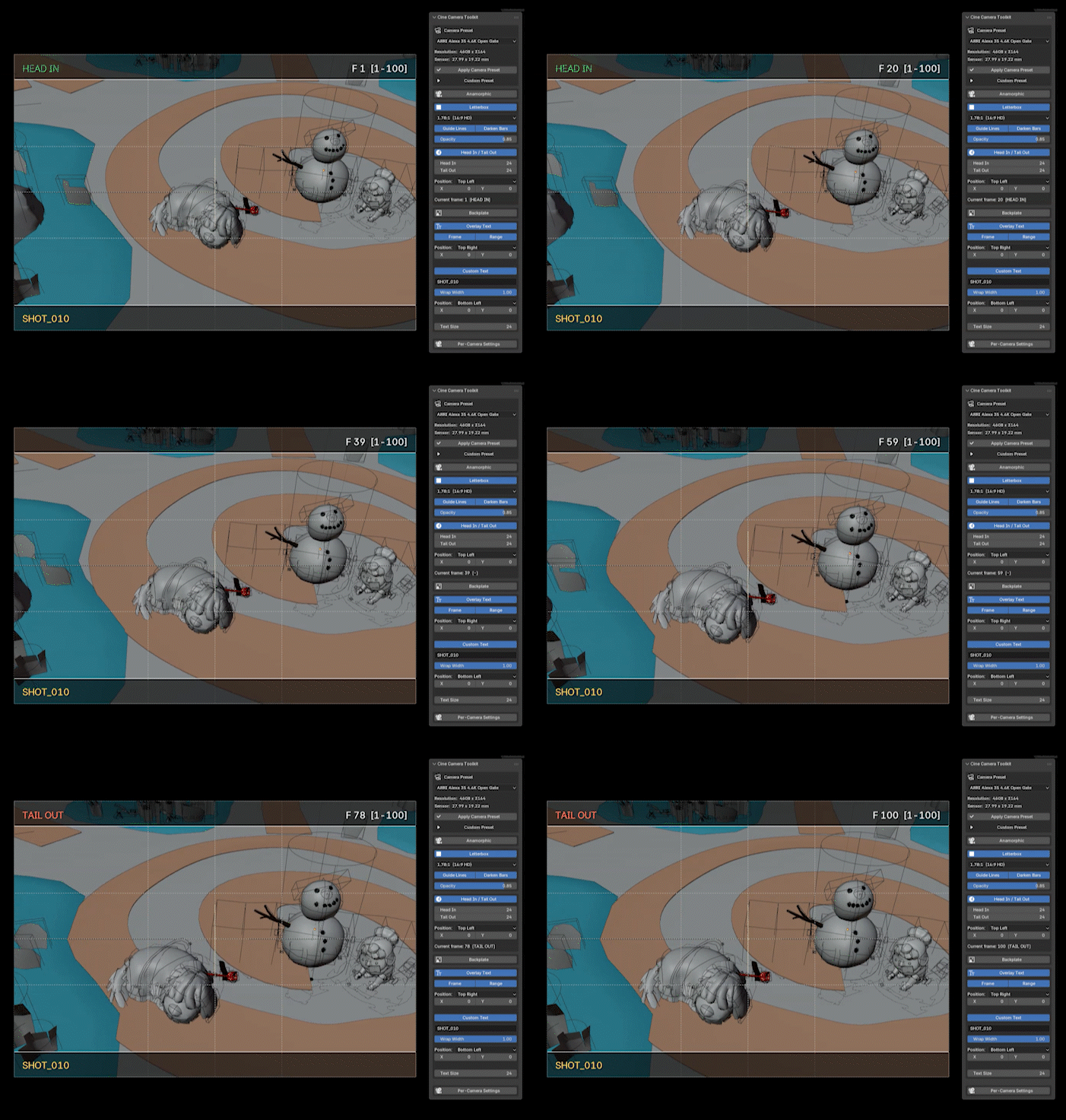
It's an overlay, not a rig.
No camera rig to import, no naming convention to obey, no constraint hierarchy to maintain. It attaches to *your* cameras - and if you uninstall it tomorrow, your scenes still open clean.
Every option exists because a real shot needed it. The ones that didn't earn their place aren't in the UI.
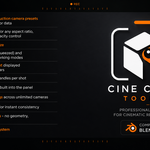
- Library of real production camera presets with accurate sensor data
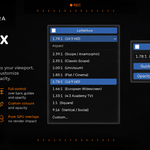
- Letterbox overlay for any aspect ratio, with colour and opacity control
- Anamorphic squeeze
- Square-pixel (desqueezed) and stretched-pixel working modes
- Custom burn-in text displayed on the letterbox bars
- Head in / tail out handles per shot
- Backplate loading built into the panel
- Per-camera settings across unlimited cameras
- Save-as-defaults for instant consistency
- Pure GPU overlays - no geometry, no render impact
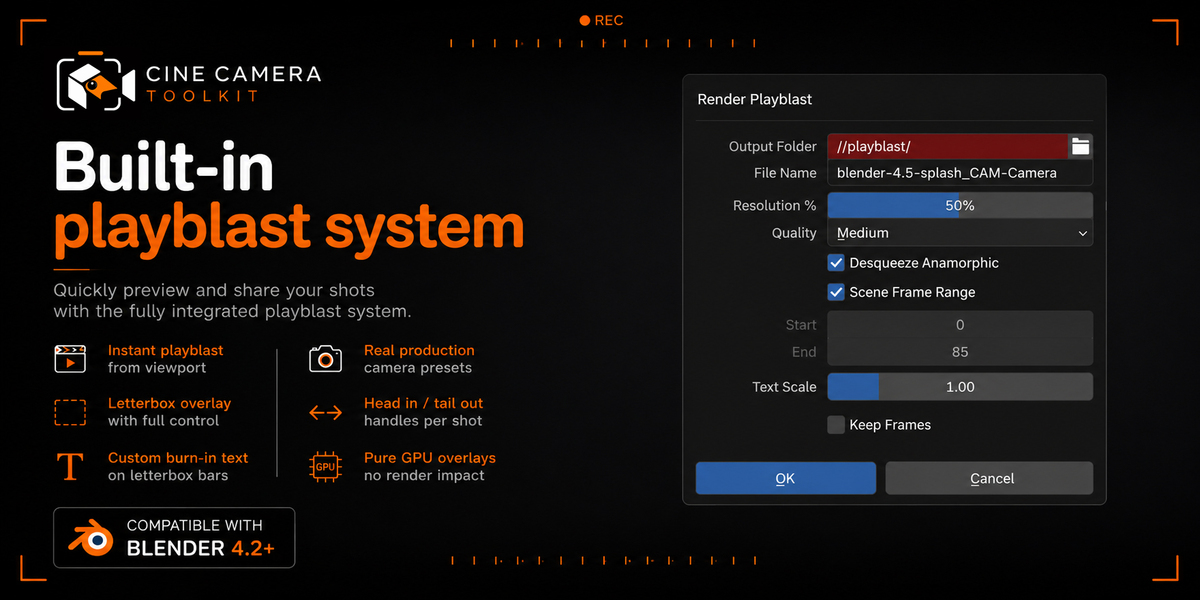
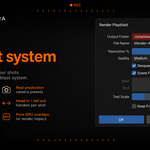
- Built-in playblast system
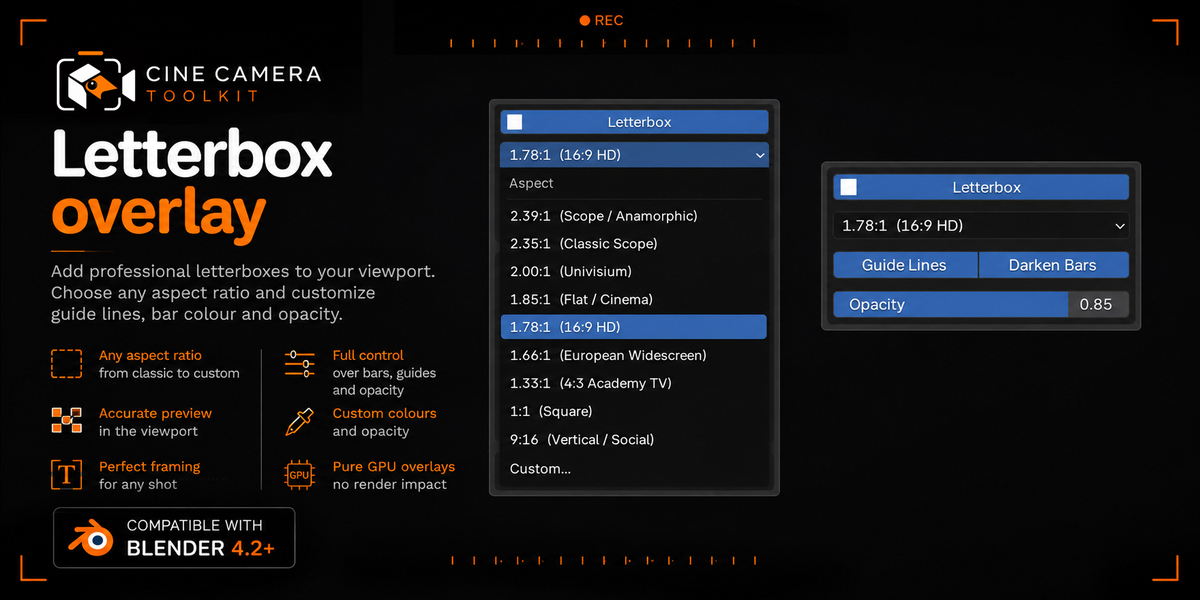
Letterbox Overlay + Head In / Tail Out + Custom Burn-In Text
Real-time viewport masking to any delivery aspect ratio - 2.39:1, 2.35:1, 1.85:1, 16:9, 4:3, 9:16, 1:1 or custom - with adjustable bar colour and opacity, from solid black for final framing reviews to semi-transparent when you still need to see what's living outside the frame.
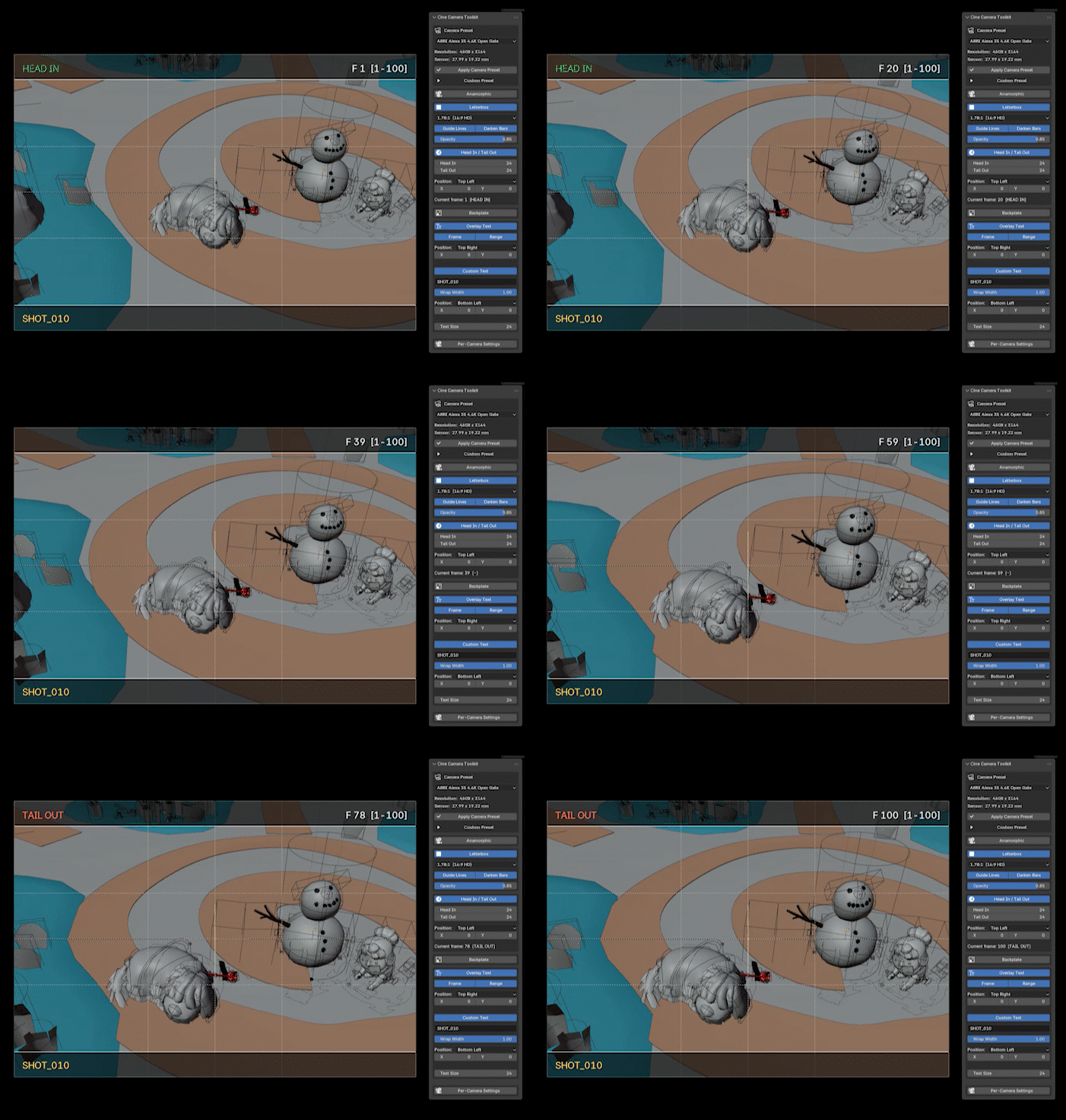
Custom text sits directly on the bars
Shot name, version, artist, date, client note, review comment - whatever you need.
It's drawn as a GPU overlay: no geometry, no extra objects in your outliner, no render contamination, nothing to clean up before delivery.
Head-in and tail-out
Editorial handles, handled properly. Define extra frames before the first and after the last frame of a shot, per camera, and the toolkit keeps track of them.
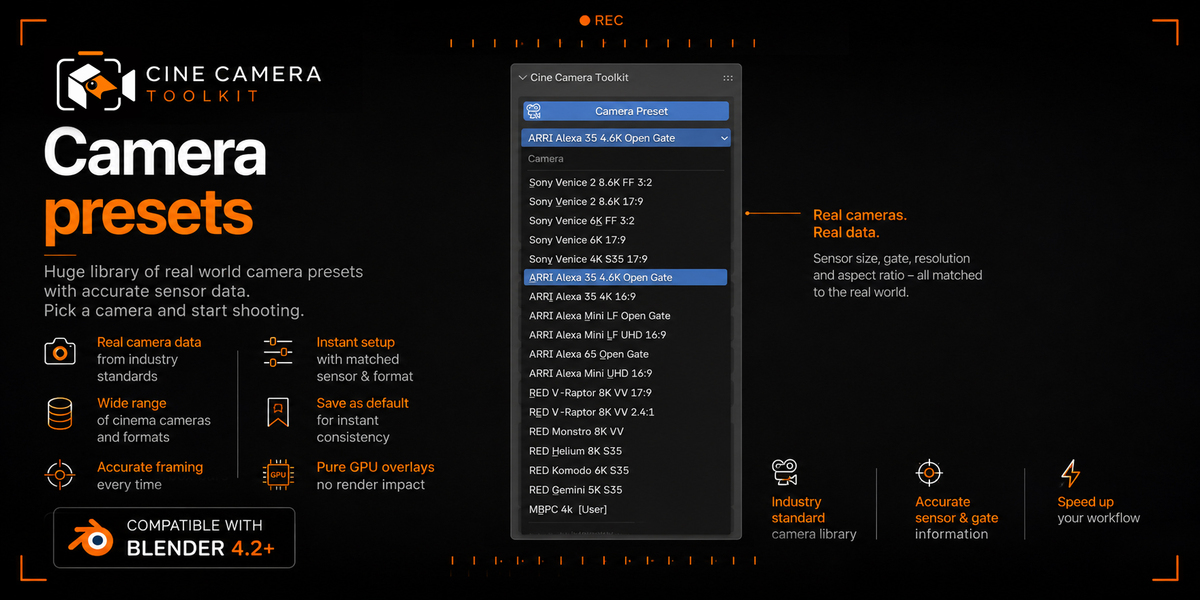
Real Camera Presets
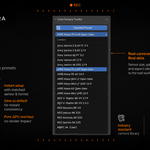
An organized library of real-world production camera formats, each carrying the correct sensor size, sensor fit and native aspect ratio.
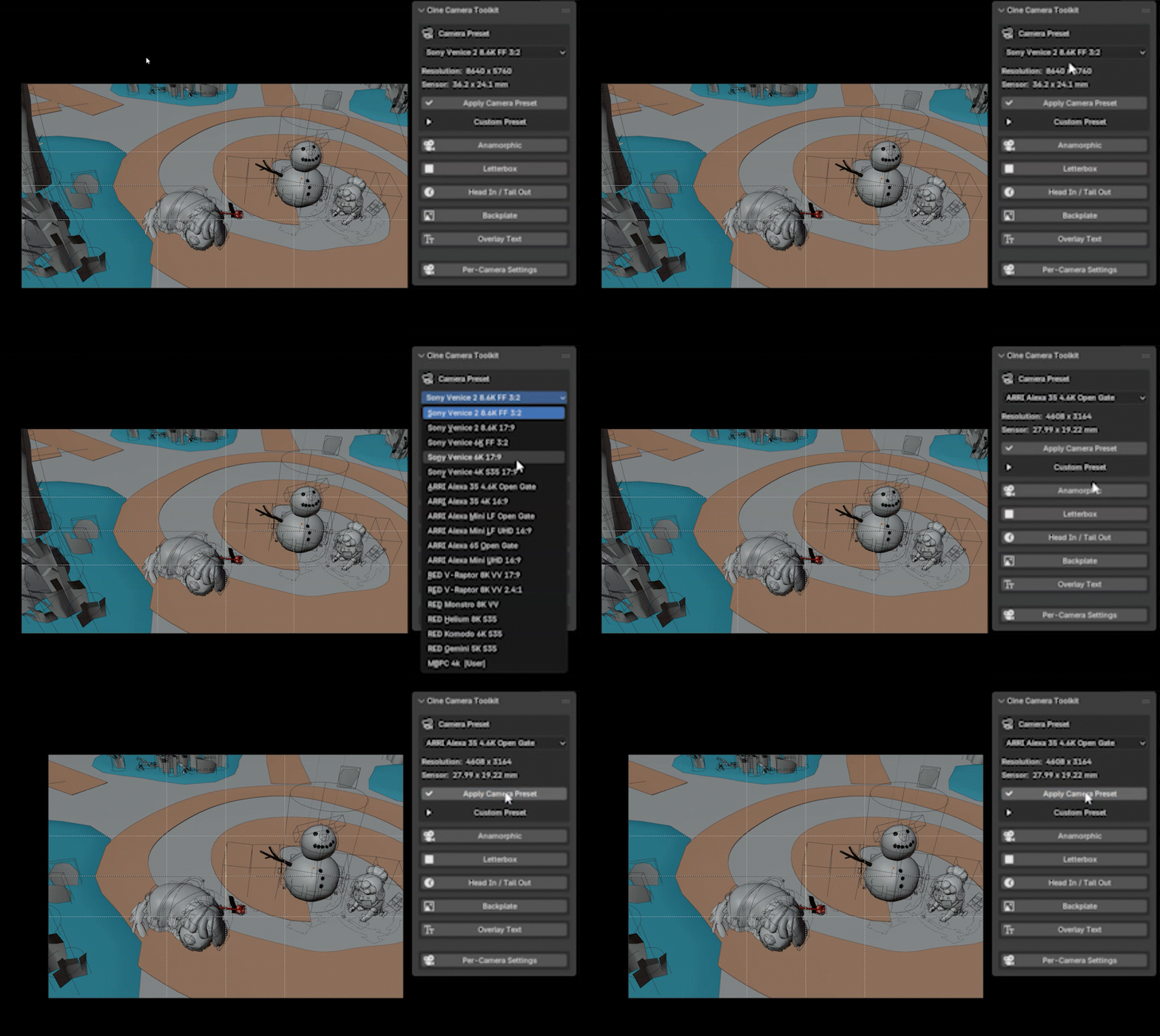
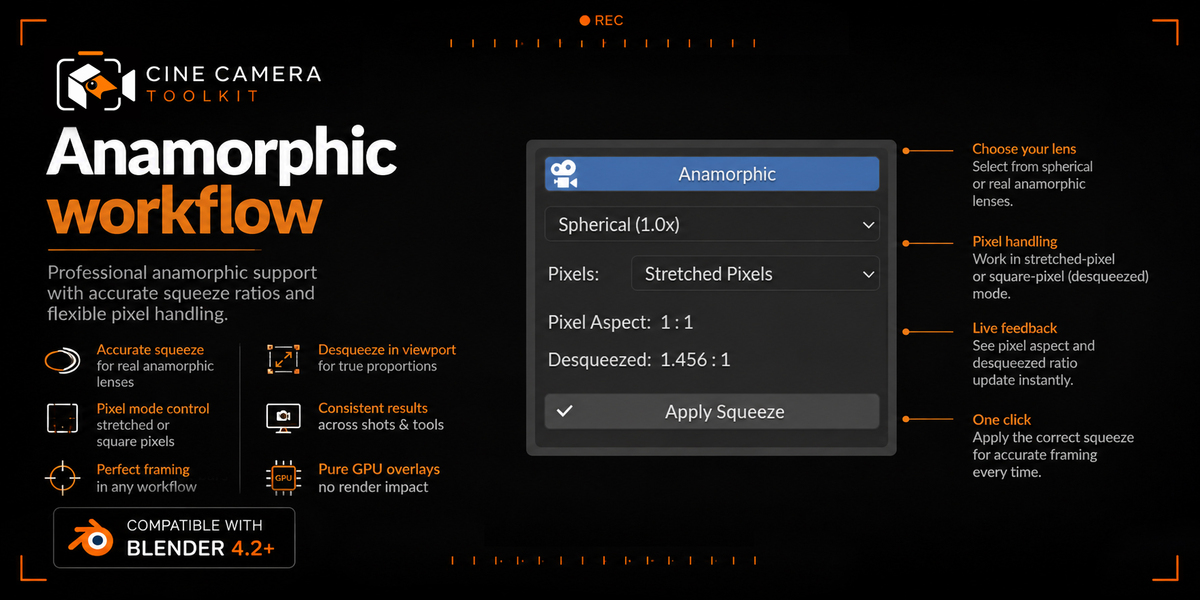
Anamorphic - Two Ways to Work
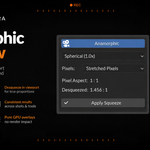
Full anamorphic support with standard squeeze factors (1.33×, 1.5×, 1.8×, 2.0× and custom), and - crucially - a choice of how you want to work:
- Square pixels - the image is desqueezed for you. You block, light and animate on the final widescreen frame, in real time, with square-pixel output straight out of Blender.
- Stretched pixels - you work and render on the squeezed native frame with the correct pixel aspect ratio, exactly like an anamorphic negative, and desqueeze downstream in comp or grade.
Both modes keep viewport, playblast and final render consistent, so nothing reframes itself at delivery.
Backplates
Load a still or a plate as a camera background directly inside the plugin, without leaving for the Object Data properties or hunting through image settings. Matching a live-action plate, checking a lens against reference, or lining up a previs frame becomes part of the same panel as the format itself - which is exactly where it belongs.
Playblast Renderer
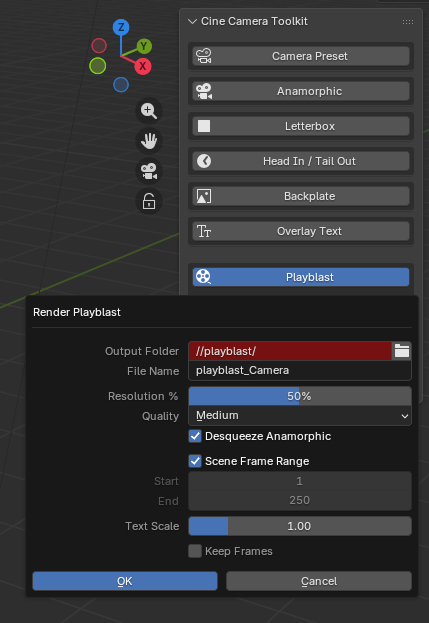
Render a playblast straight from the toolkit - camera format, anamorphic mode, letterbox, burn-in text and backplate baked into the output exactly as framed in the viewport, without a manual OpenGL render setup or a comp pass to slap the overlays on afterward. What you review is what's actually in the shot.
Requires Blender 5.2 or newer.
Workflow
- Clean N-panel interface, organized and collapsible - everything reachable without leaving the viewport.
- Per-camera settings. Every camera carries its letterbox, text and handles. Multi-camera sequences don't fight each other.
- Save as defaults. Set your house format once and every new camera starts there.
- Non-destructive by design. Overlays are drawn, not built. Nothing to delete, nothing that breaks a render.
- Built-in playblast renderer with all the overlays.
---
Cine Camera Toolkit v1.19.1 - a BeakBox tool for Blender.