 BeakBox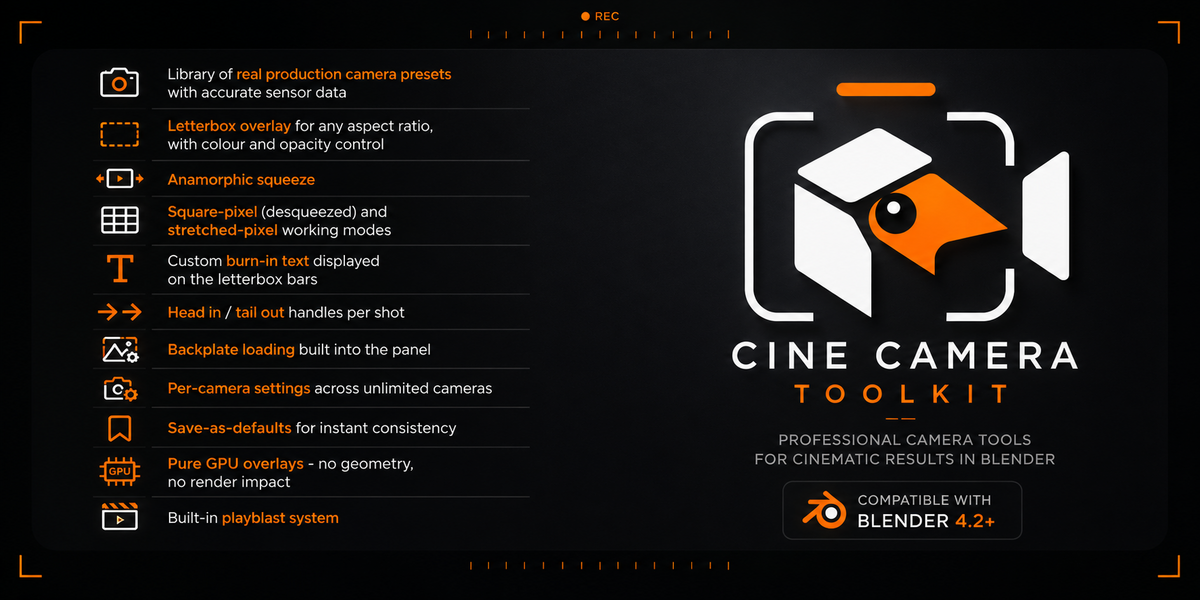
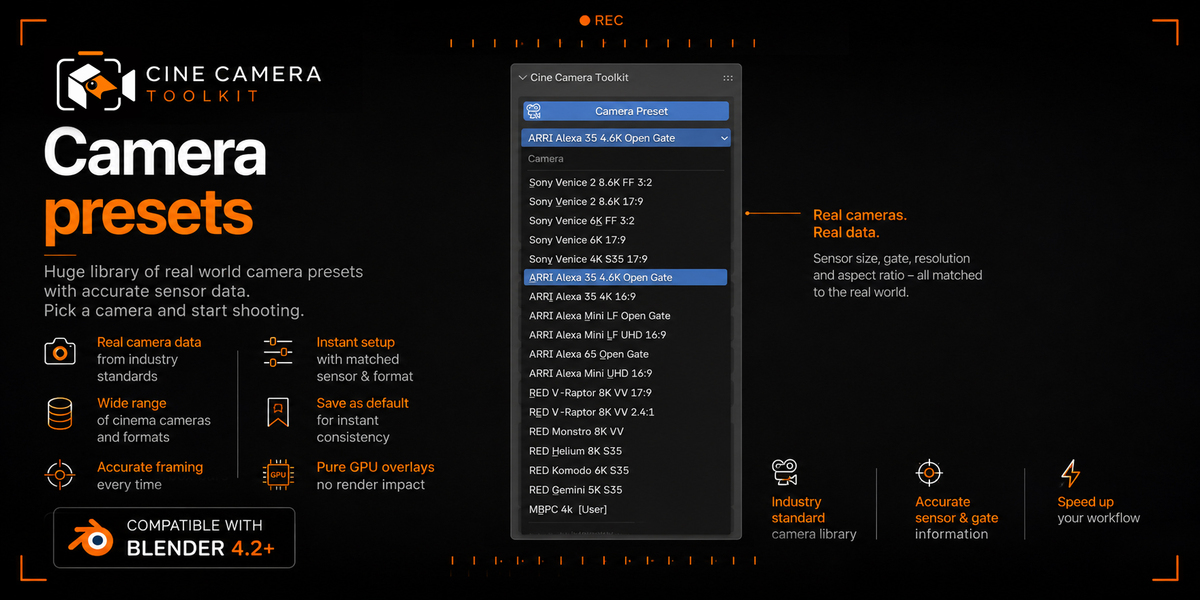
Applying a Camera Preset changed my sensor size and now my framing looks different.
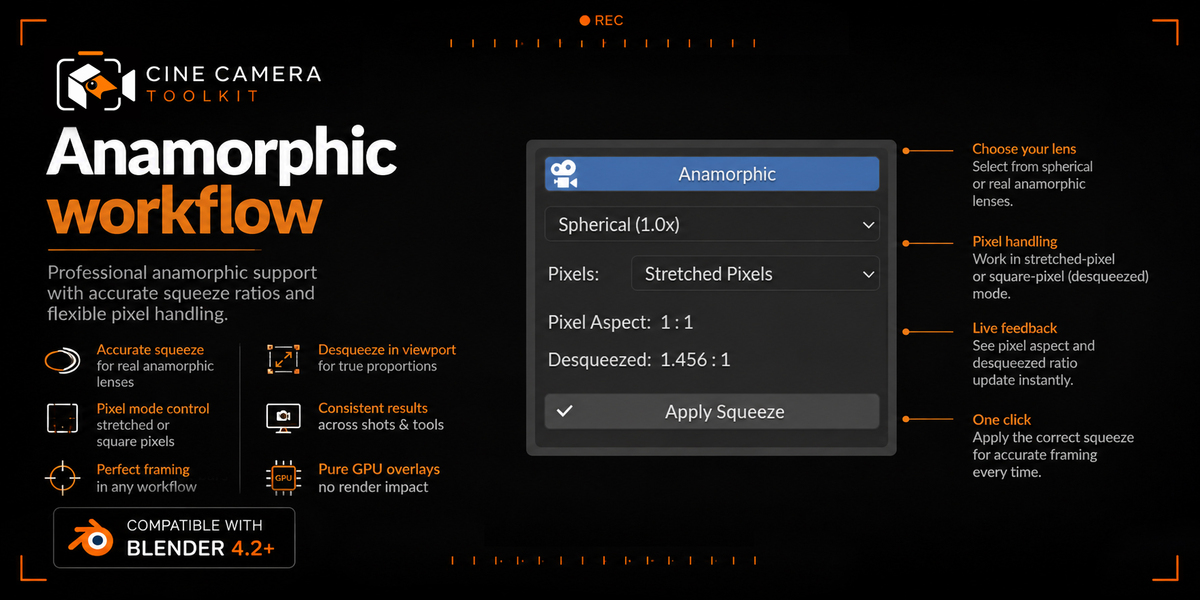
That's the preset doing its job — different sensors need different sensor widths for the same field of view. If Anamorphic + Square Pixels is also active, the preset's resolution and sensor width are additionally scaled by the squeeze factor; check §5 if that's not what you expected.
Settings on one camera aren't showing on another.
Check the Per-Camera Settings toggle. With it off, all cameras intentionally share one look; with it on, each camera is independent unless you use Copy From/To All.
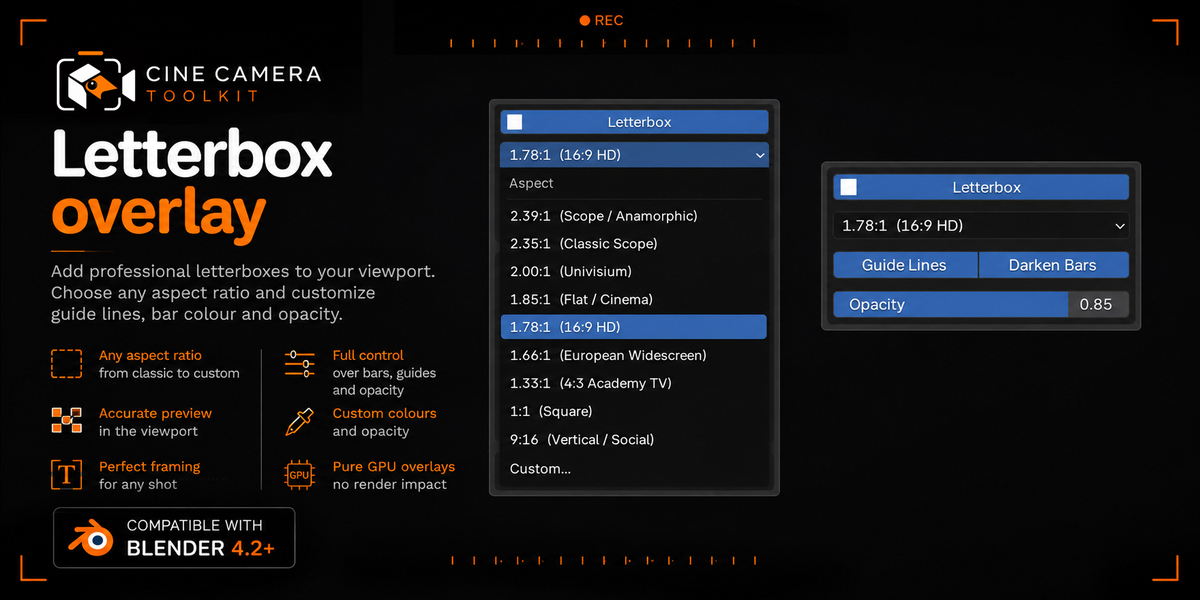
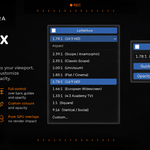
My letterbox/overlay doesn't show up in my normal render.
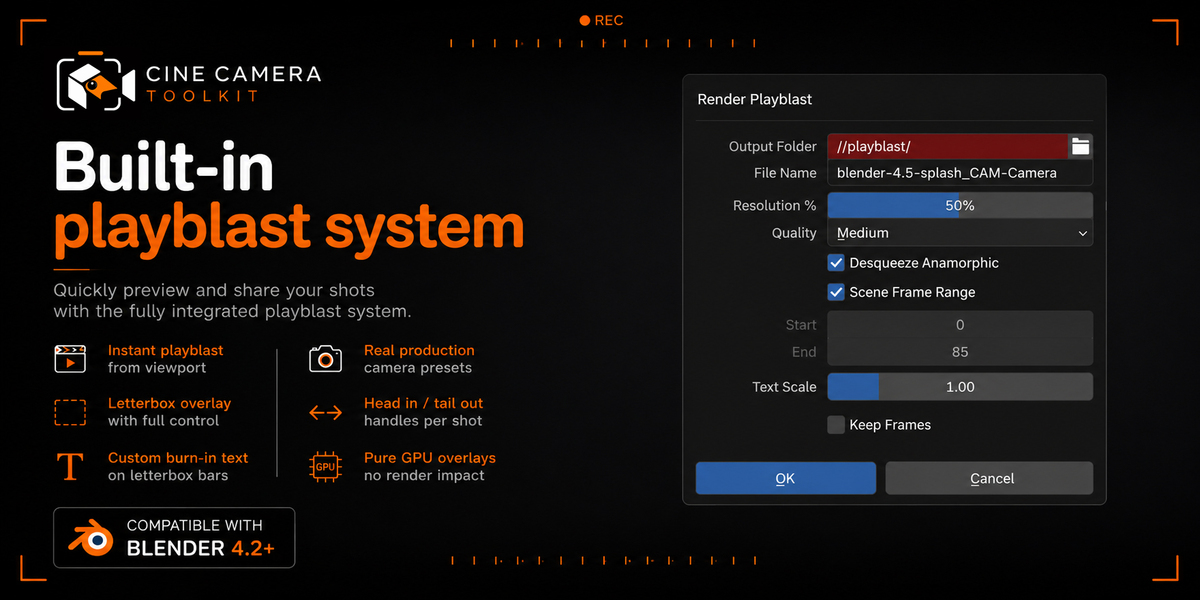
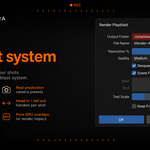
Also expected — these are viewport-only overlays by design, so final renders stay clean. Use the Playblast Renderer if you want them burned into an output file.
I saved a default with "Save as Cine Cam Default" but new cameras don't use it.
Expected in this version — see §12. That feature is a reference list, not an auto-apply system. Use a Custom Camera Preset, or Per-Camera "Copy to All", for settings that should actually propagate.
The Playblast button doesn't produce a usable video / frames look corrupted.
You're likely on Blender 5.0.x or 5.1.x — the panel will say so. Update to 5.2+, or use 4.2–4.4.x. Every other feature works normally on 5.0/5.1.
I don't see any letterbox/text in the viewport even though it's enabled.
Make sure the 3D Viewport is actually looking through the camera (Numpad 0) — the overlay only draws in camera view, not in a free perspective view.
$8
Have questions about this product?
Login to message
| Blender Extension Compatible | Yes |
| Published | 28 days ago |
| Blender Version | 4.2 - 5.2 |
| Extension Type | Add-on |
| Render Engine Used | Cycles |
| License | GPL |