 Programmable Factory


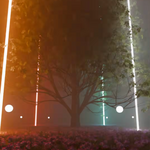
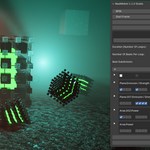
BeatMotion
Sync animation to music in seconds — no manual keyframing.
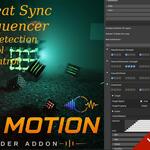
BeatMotion is a step-based audio-driven animation system for Blender that replaces tedious beat-by-beat keyframing with a fast, structured sequencing workflow.
If you’ve ever tried syncing animation to music manually, you already know the problem:
It’s slow. It’s repetitive. And it breaks easily the moment the timing changes.
BeatMotion fixes that with an easy to use yet powerful Step Sequencer that will do all that time consuming work for you.
Just create the pattern you want, click bake, and that's it.

Perfect synchronization for lights and shaders
Synchronize any Blender property, including character motion
Animate directly from sound
Instead of placing keyframes by hand, you define how your scene reacts to rhythm.
BeatMotion automatically detects and uses:
-
tempo (BPM)
-
beats and timing structure
-
audio-driven triggers
Your animation stays locked to the music — even when you iterate.
🎧 Built for real production speed

🎧 Features
Automatic BPM detection
Beat & tempo synchronization
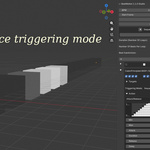
Audio-triggered animation system
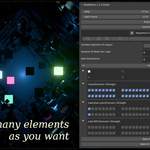
Lighting power control
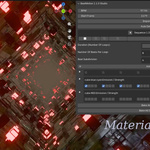
Material emission control for reactive visuals
Any Blender Property control (floating point)(Studio Edition)
Multi-sequence Song Mode for full track-based animation (Studio Edition)
Auto Sequence and Random Sequence effects (Studio Edition)
Pattern presets for faster workflows (Studio Edition)
|
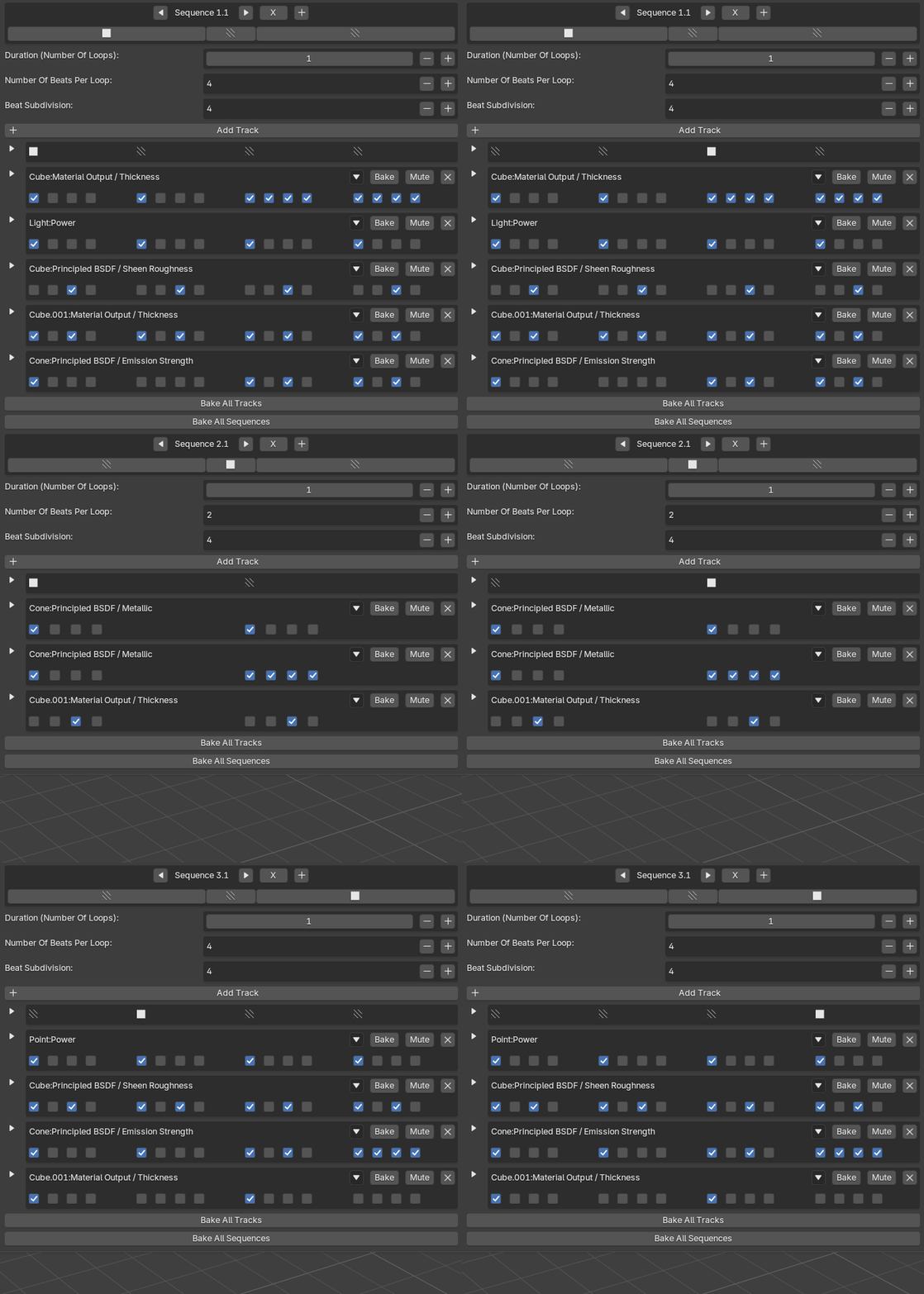
Step-based sequencing interface |
 |
|
|
Curve shaping (attack / release / delay) for motion design control |
Why this is different
Most audio tools in Blender still rely on manual keyframing or fragile setups.
BeatMotion replaces that with a structured system:
no more guessing timing
no more rebuilding keyframes
no more broken sync after edits
Just define your rhythm logic once — and reuse it across your entire scene.
Designed for creators who work with music
Perfect for
motion design
music visuals / VJ loops
procedural animation
game cinematics
rhythm-based effects
Creators are already using BeatMotion
"BeatMotion has quickly become part of my workflow for music-driven animations. It's intuitive, fun to use, and saves a lot of manual keyframing."
— Anthony (@3dmake3d), 3D Artist creating visuals for DJs and music events
"I'am using it for my productions, it is a huge time saver I definetly recommend it"
— @Nedia3d, 3D Design,
VJ loop creator
Tutorials
Introduction Tutorial
Studio Edition Tutorials
|
|
|
|
|
|
