Beatmotion
 Programmable Factory


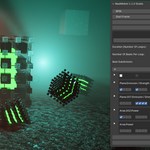
BeatMotion only keeps track of the keyframes it has created. It will not delete other keyframes, i.e. the one that have been created by other means. Such keyframes remain here until you remove them manually.
Beware if you copy and past an object that is a target object in BeatMotion. The copied object gets the same keyframes thant the source object at the moment it is copied. If this is not the behaviour you want, don't forget to delete the keyframes of the copied object before using it as a new target in beamtion.
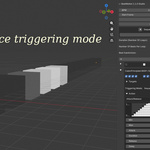
The sequence is that specified by the order of the objects in the list of targtets.
Notice that if you select all the targets in one shot, beatmotion choses an order that might be the one you had in mind. In this case, re-arrange the targets as desired.
-
$49
Studio version for complete song production and multi-sequence workflows. Features: Includes all Lite Edition features + Multiple sequences with Song Mode + Auto Sequence and Random Sequence effects + Pattern presets for faster workflows
-
$19.99
Lite version for syncing lights and material properties to music beats. Features: * Audio import and automatic BPM detection * Built-in multi-track step sequencer * Easy beat-driven animation editing * Advanced curve shaping controls
 Included
Includes 12 months of
- Support from Programmable Factory
- Product updates
Extend this product’s Support Period +12 months: 50% of product price
Have questions before purchasing?
Login to message
Discover more products like this
auto-light-sync material animation vj addon audio-reactive sequencer Music Sync Procedural Animation Animation Workflow rhythm-animation loop light-sync