 ilchuk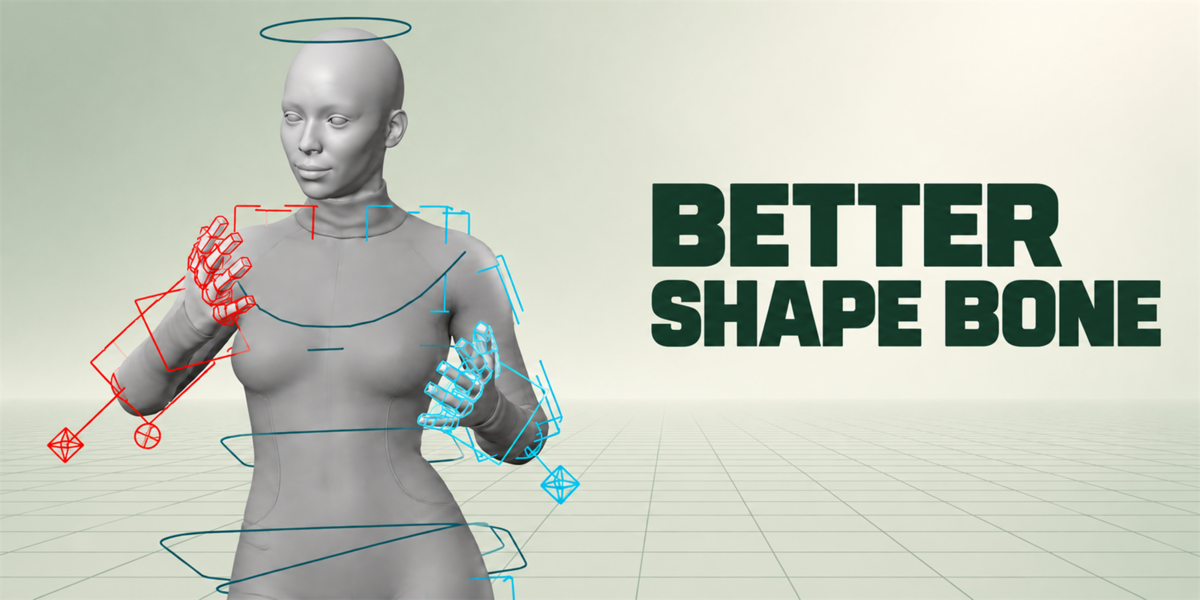
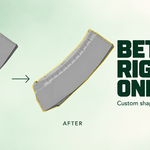
Bone shapes measured from your mesh, not guessed at.
Better Shape Bone reads the geometry each bone actually drives and builds its custom shape to fit it — then dresses a whole rig in one click. No more dropping a generic circle at bone length and resizing it by hand, bone after bone.
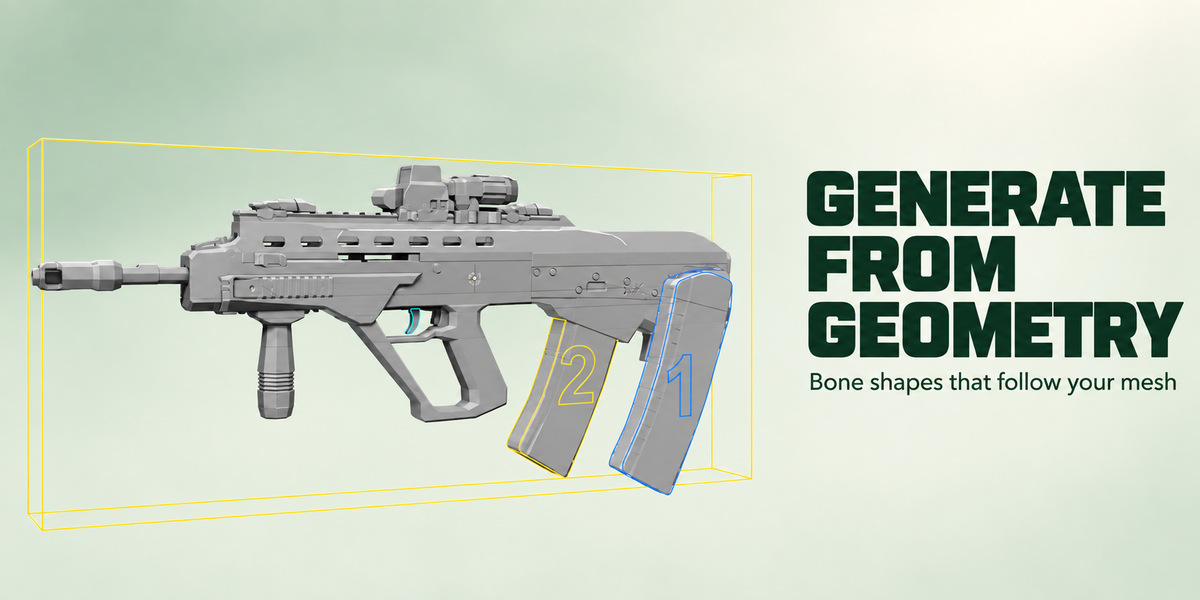
Shapes that follow your mesh
Every bone gets a shape built from the vertices it owns — by weights, bone parenting or constraints. Silhouette traces the profile into clean outlines. Mesh keeps a simplified copy of the real form. A bone that owns nothing gets a sensible fallback instead of an error.
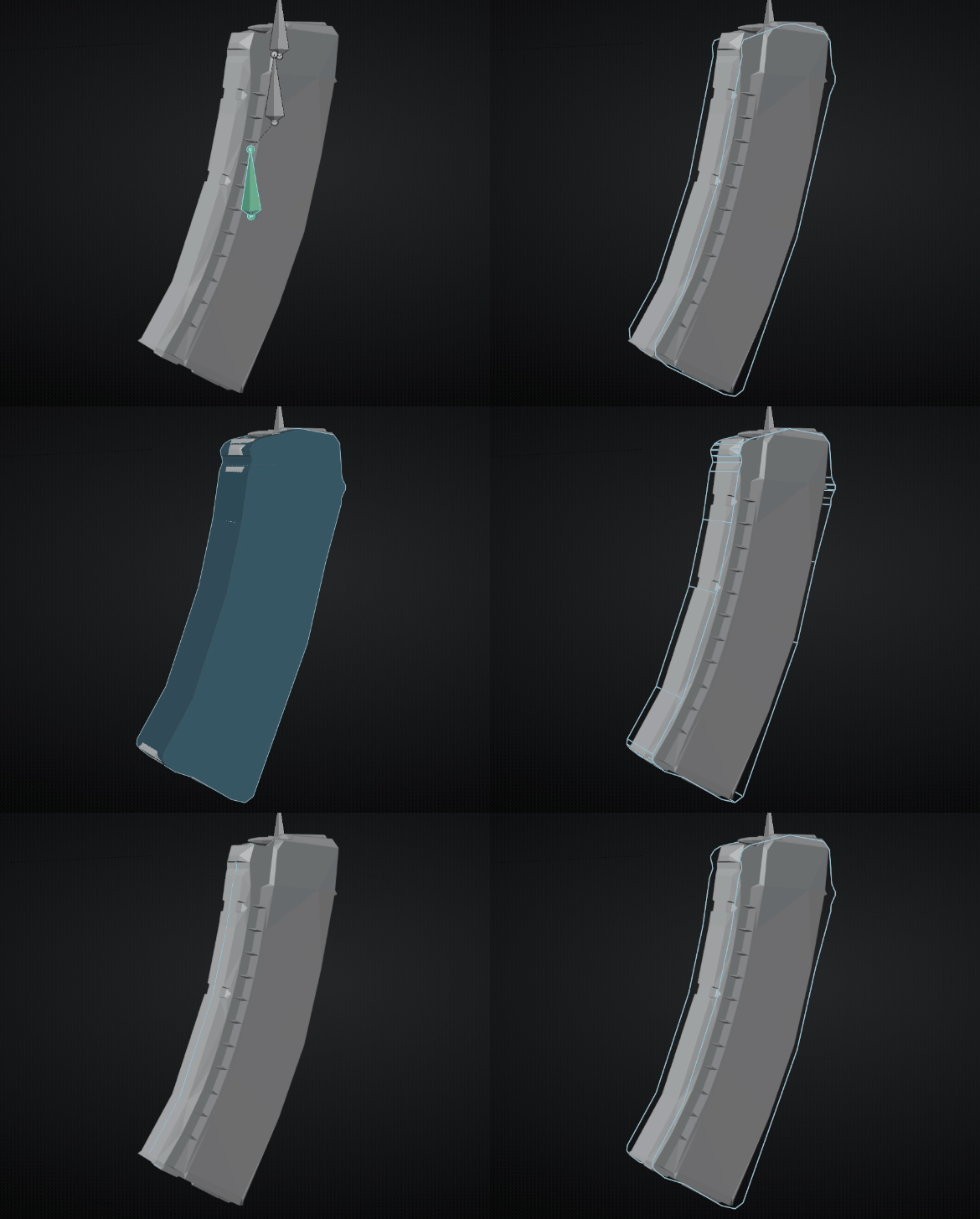 Silhouette |
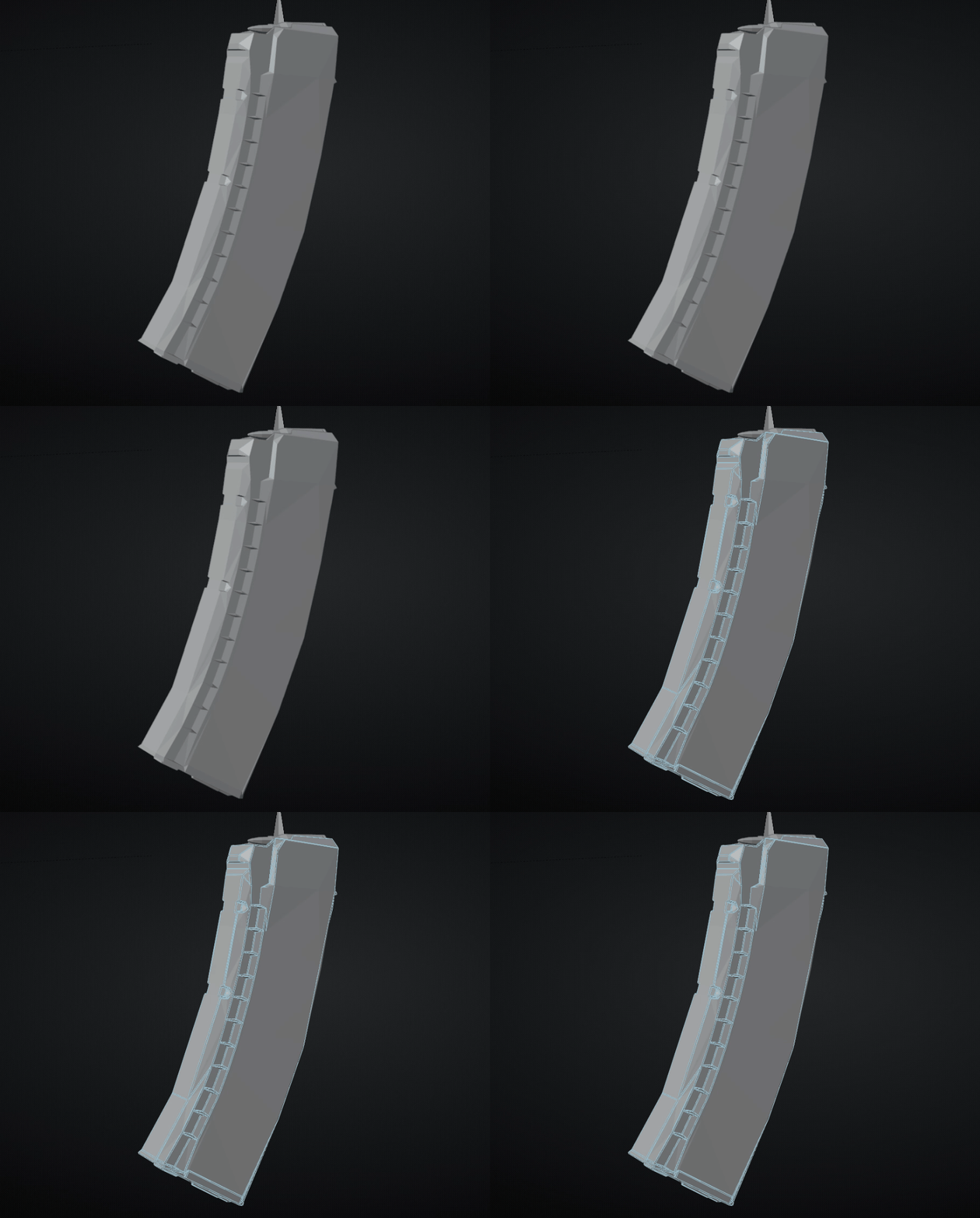 Mesh |
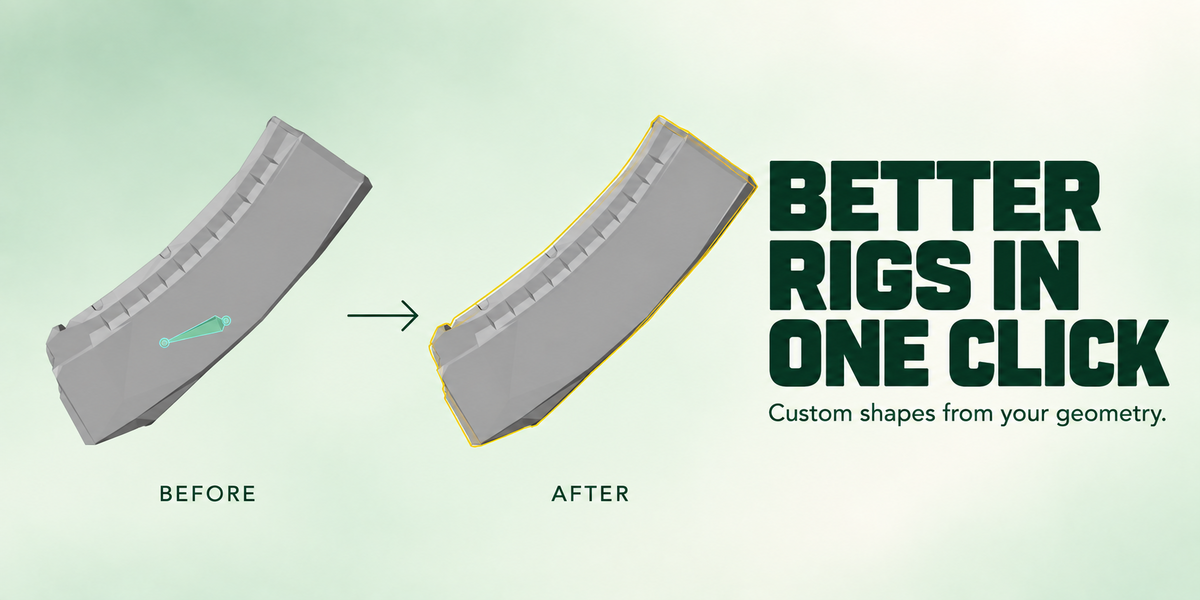
Auto Dress: a whole rig in one click
A smart system that analyses your rig, works out what every control is — finger, IK hand, pole, spine, root, eye, camera — and builds a personal bone shape for each one from its library and presets, sized to your mesh and coloured by side.
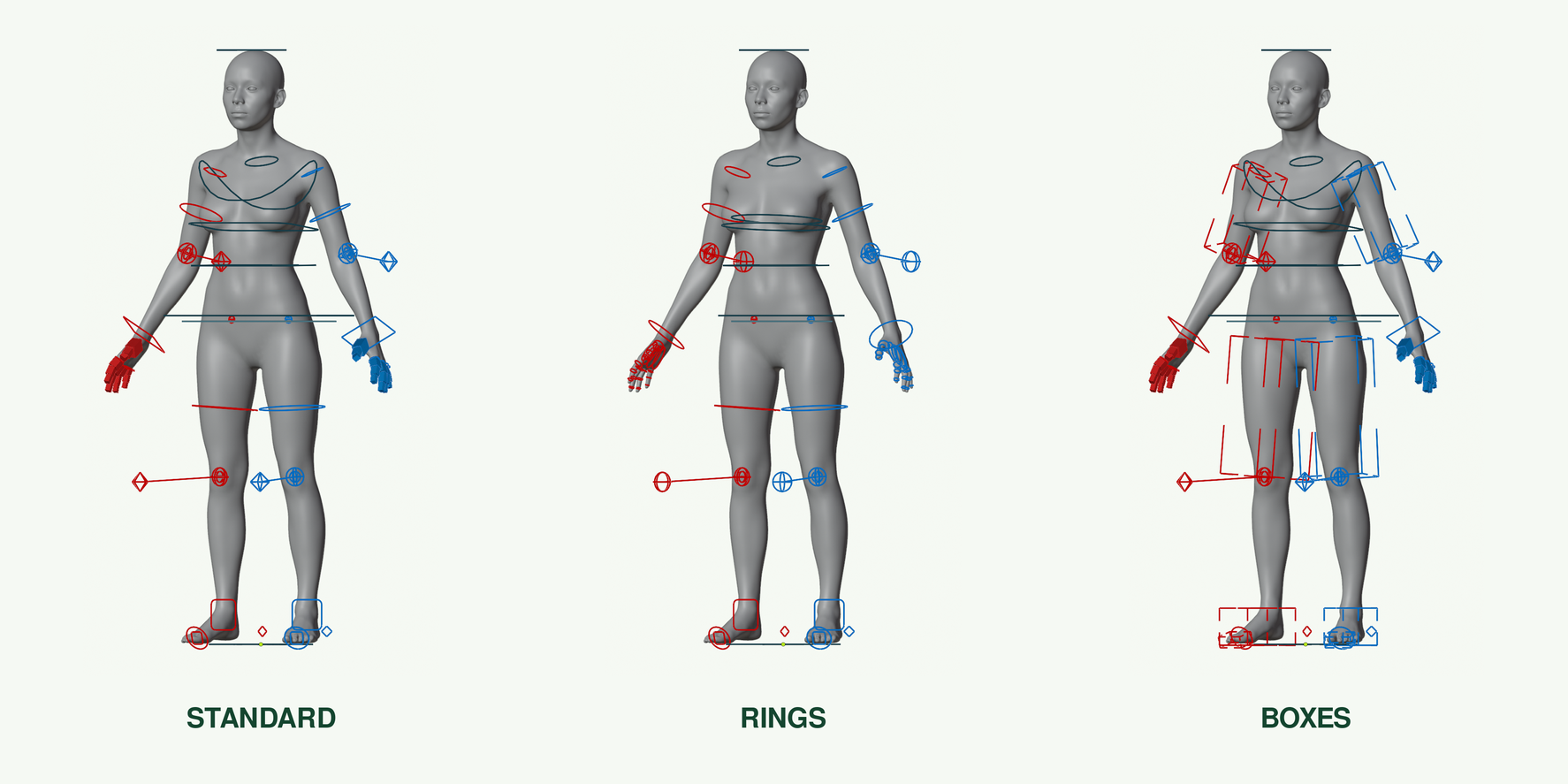
It reads the rig, not just the names
Where bone names say nothing, Auto Dress reads the rig itself — its constraints and hierarchy — so it works on the rig you already have.
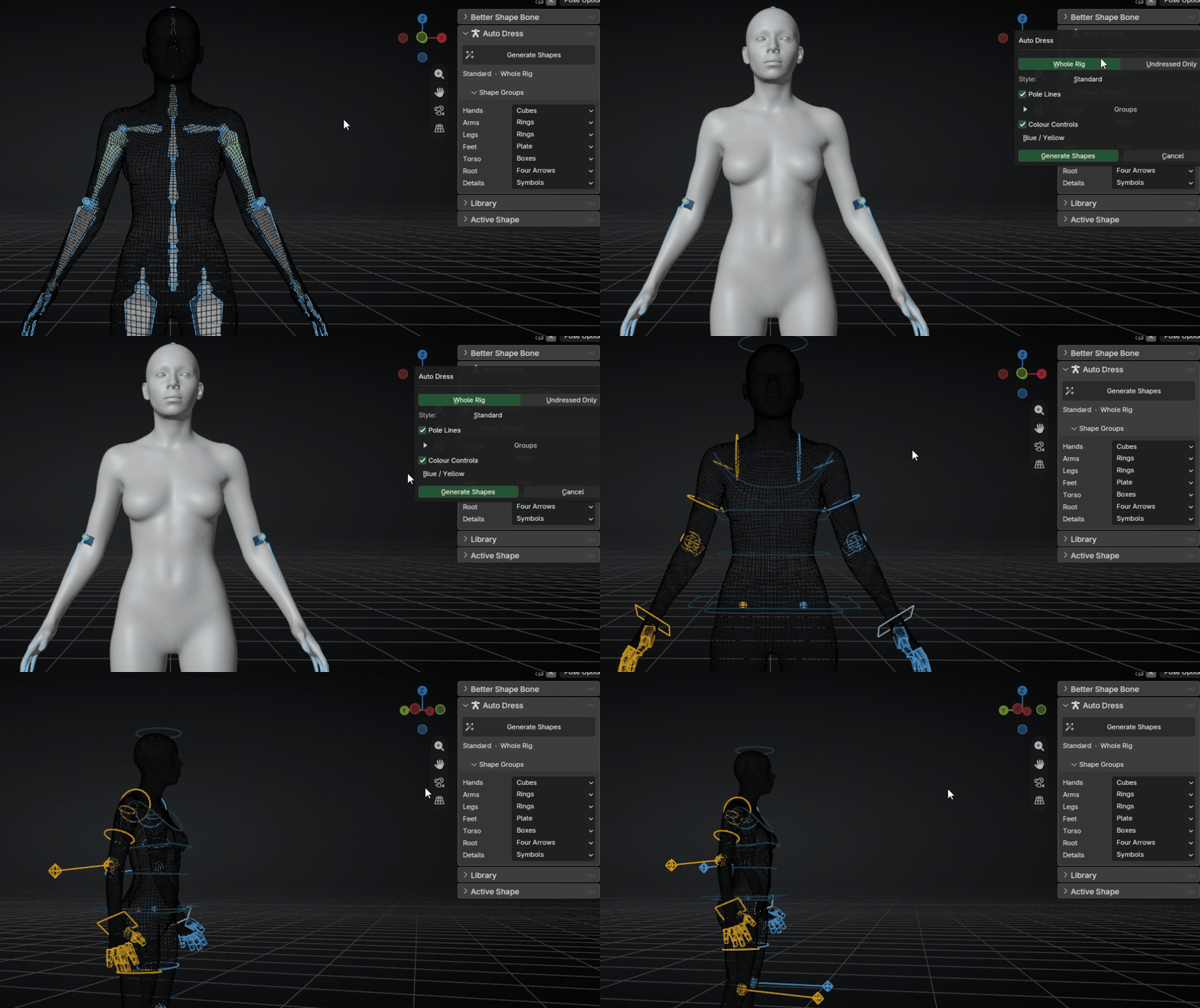
Not sure about a bone? It stays undressed and selected. A wrong shape is worse than none.
Give it a rig: the add-on analyses it and saves the result as a custom profile you can dress other rigs with.
It is still early. A profile works when the other rig has a similar set of controls, and it works best on first-person rigs. On unrelated rigs the result can be wrong, so check it — and improvements are on the way.
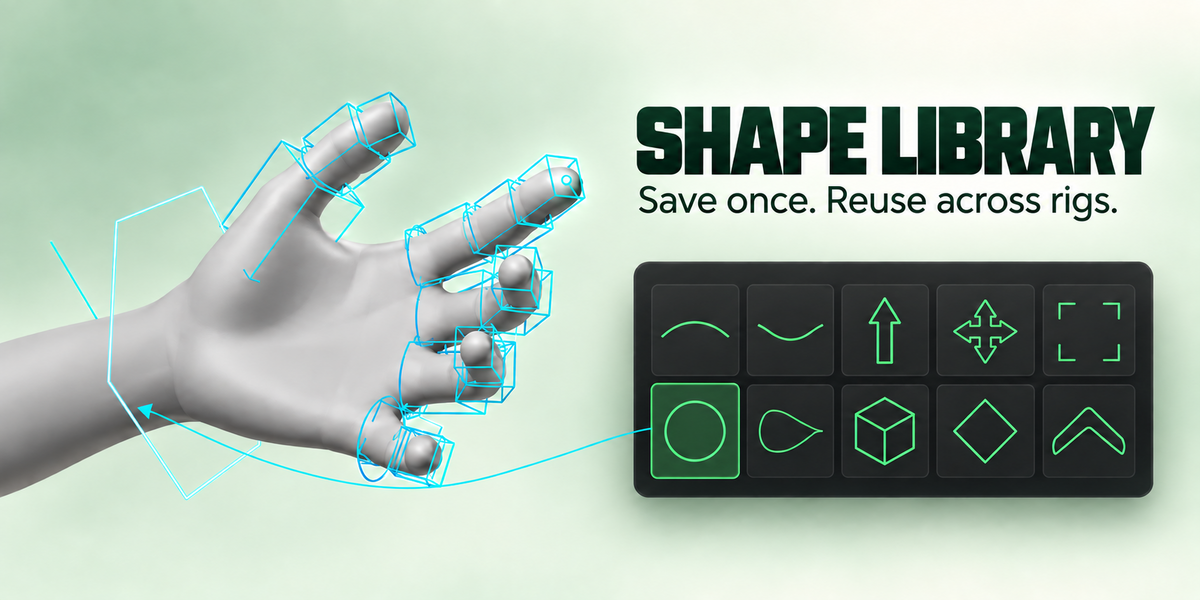
A shape library that grows with you
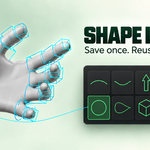
Built-in shapes and your own live in one grid. Save the shape from any bone, reuse it on any rig. Place it On The Bone for predictable sizing, or Fit To Part to fit the geometry the bone drives.
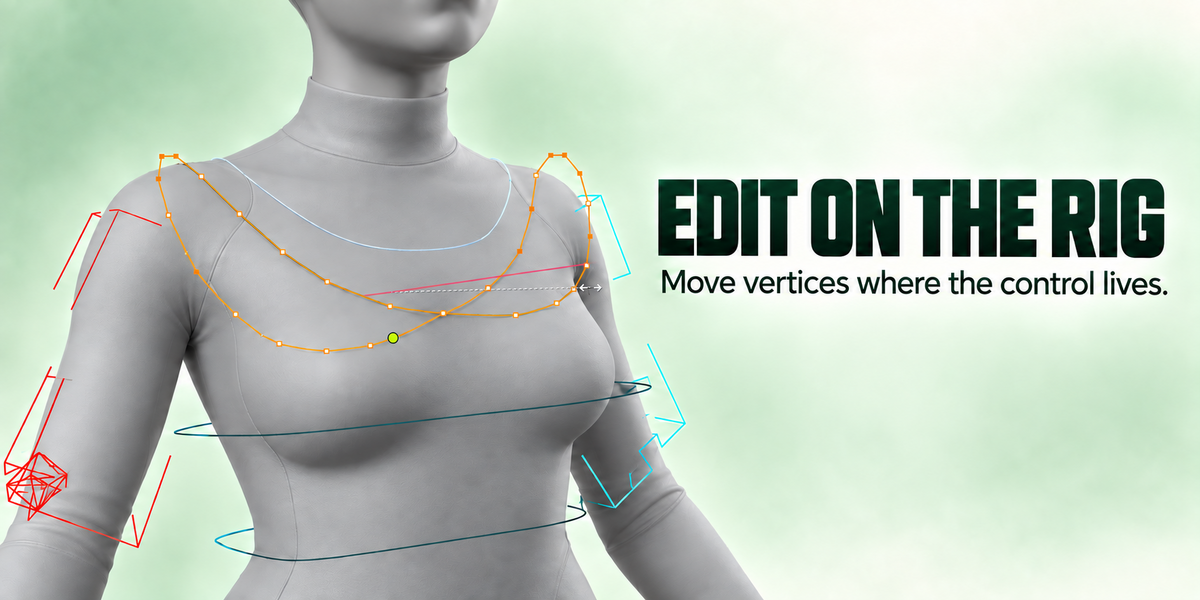
Edit the shape on the rig
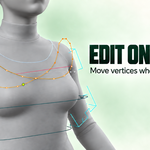
Edit Shape Mesh opens the widget’s vertices exactly where the shape is drawn, with your character around it. Move a vertex, press Tab, done. A widget shared by several bones gets its own copy first, so the others stay untouched.
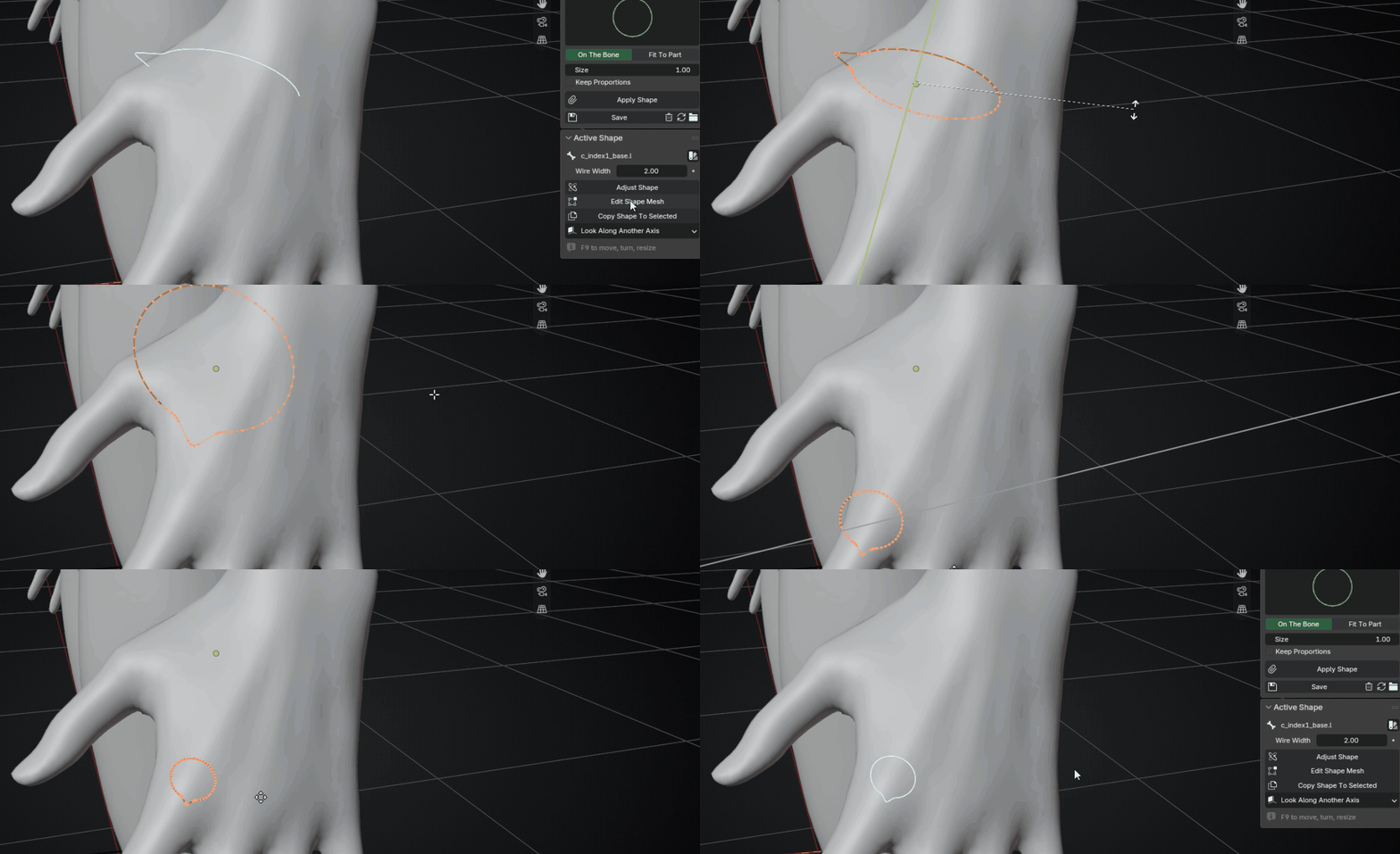
Copy, refit, keep going
Copy a shape to other selected bones — scaled proportionally, fitted to each part, or at the same size. Every bone remembers how its shape was made, so Refit rebuilds it after you change the model.
Also in the box
|
Mirror
Copy shapes across .L / .R bones.
|
Colour by collection
One palette per bone collection, applied at once.
|
|
Transfer
Move a finished set of shapes to another rig by bone names.
|
Pole lines
Knee and elbow lines to pole targets where a rig has none.
|
|
Override Transform
Shapes drawn at another bone land where they belong.
|
Select Unshaped
See at a glance which bones still have no shape.
|
Install
Edit ▸ Preferences ▸ Get Extensions ▸ ▾ ▸ Install from Disk, pick the zip. Blender asks for file access because the add-on keeps your shape library on disk. The panels are in the 3D View sidebar (N), tab Better Shape Bone, in Pose Mode.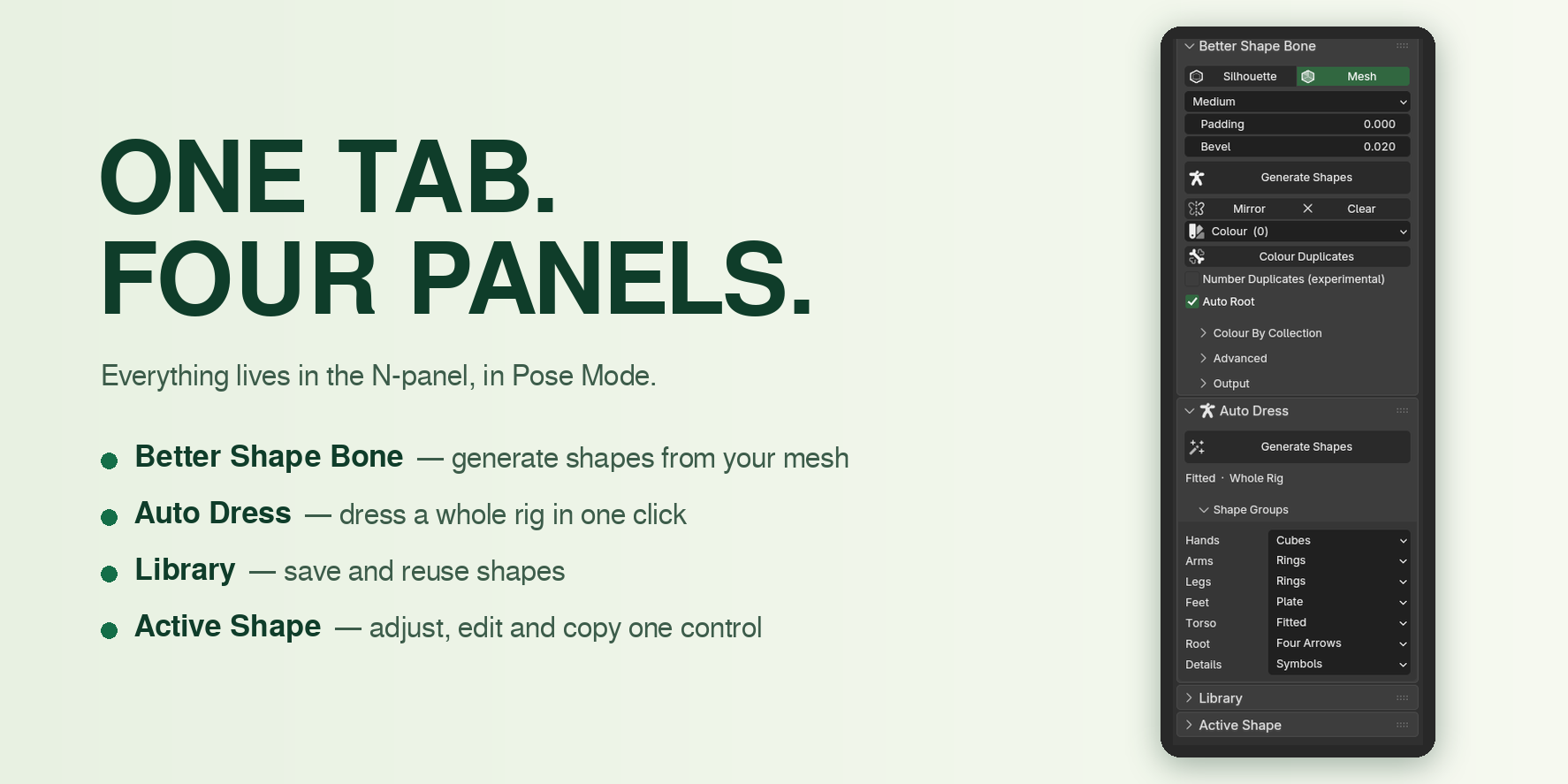
Where it still needs a hand
- The armature object must be unscaled (
Ctrl+A ▸ Scale). Shapes are measured in the mesh’s real units. - Fit To Part is experimental. It measures real geometry, and real geometry is messy — On The Bone is the predictable fallback.
- Auto Dress does not dress tongue, teeth and ears yet.
- Custom rig profiles are experimental. They work best on first-person rigs and on rigs with a similar set of controls; elsewhere the result may not be right.
- Pole Lines adds small non-deforming bones to your rig. Untick it in the dialog if you don’t want that.
- Library save and delete write to disk and are not undone by
Ctrl+Z.
Made by Dmytro Ilchuk · GPL-3.0-or-later · Written docs and FAQ are in the tabs above.