 ilchuk
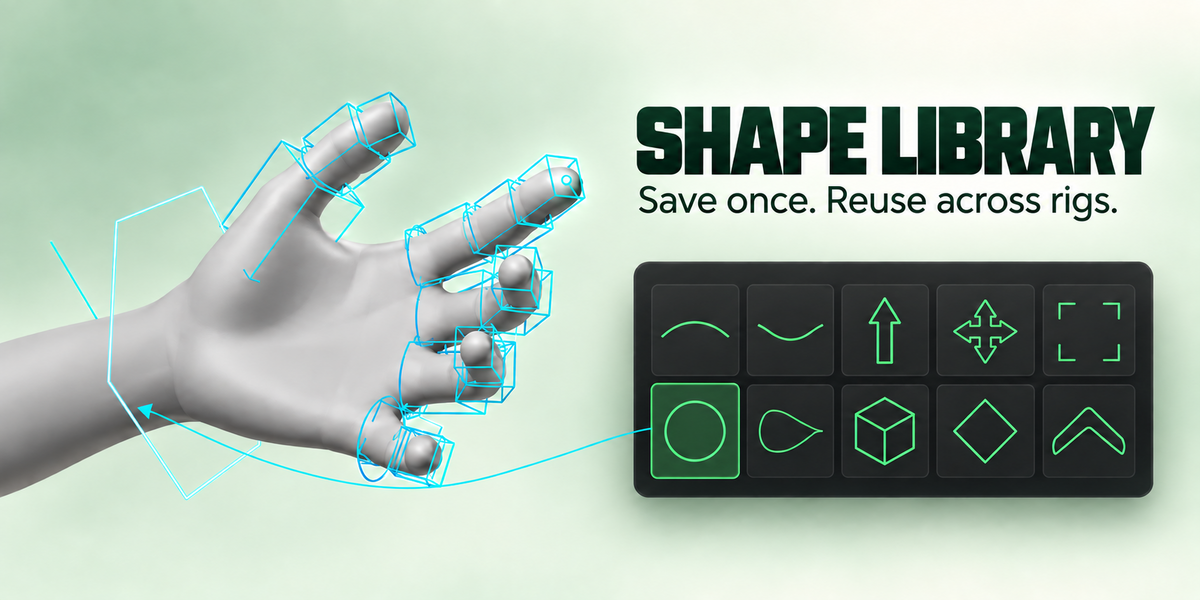
Auto Dress picked a wrong shape
Fix that bone from the Library, or use Shape Groups to swap the whole body part. Please report it (below): the bone name is usually the whole story
Auto Dress left controls undressed
That is on purpose when it is not sure: they stay selected. Dress them by hand from the Library, or try another style or Whole Rig
A finger chain overlaps or leaves gaps
Use Fit To Part with Bone Segment, which sizes each shape to its own bone’s span
Nothing was generated
The bones may be hidden, or may own no geometry. Bones with no geometry get a fallback ring unless Advanced ▸ Fallback is None
The shape sits inside the mesh
Raise Surface in the Library panel, or Padding when generating. Turn on Show In Front to see it through the surface
The shape is enormous or tiny
Check the armature object’s scale first. Then check whether the bone owns the geometry you think it does: try Select Unshaped to see what the add-on found and what it did not
The shape faces the wrong way
Use Look Along Another Axis on that bone, or set Advanced ▸ Projection to Rig for the whole rig.
$5
Have questions about this product?
Login to message
| Blender Extension Compatible | Yes |
| Published | 4 days ago |
| Blender Version | 5.0 - 5.2 |
| Extension Type | Add-on |
| Render Engine Used | Cycles |
| License | GPL |