Bevel Node for Eevee
 GeceStudio


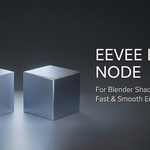
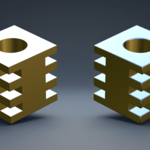
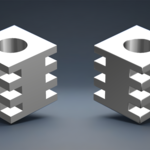
Install the add-on from Preferences → Add-ons. This will add two node groups to your project.
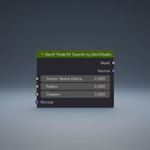
Open the Shader Editor, press Shift + A, and add the "Bevel Node for Eevee" node.
However, it will not work on its own. Select your object, add a Geometry Nodes modifier, and choose the "CaptureVertexNormals" node group from the list.
Have questions about this product?
Login to message
| Sales | 10+ |
| Published | 4 months ago |
| Blender Version | 4.5 - 5.1 |
| Extension Type | N/A |
| Render Engine Used | Cycles, Eevee |
| License | GPL |