 hodgson3d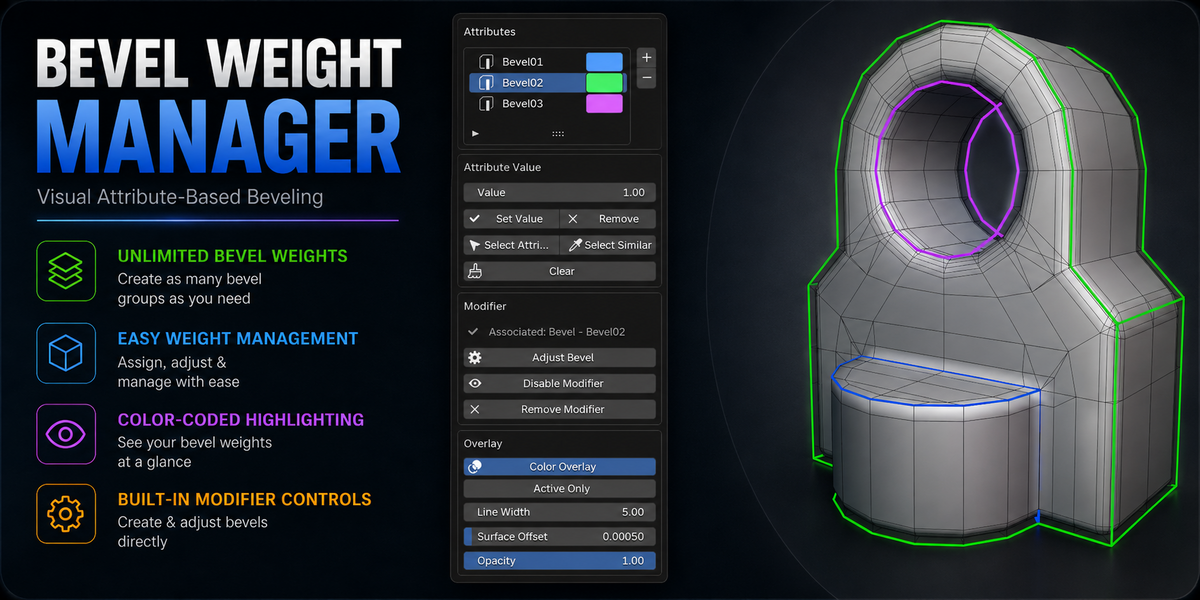
- Added the ability to save out modifier presets. This allows users to save attributes and the associated bevel modifiers out to be used on other objects/scens.
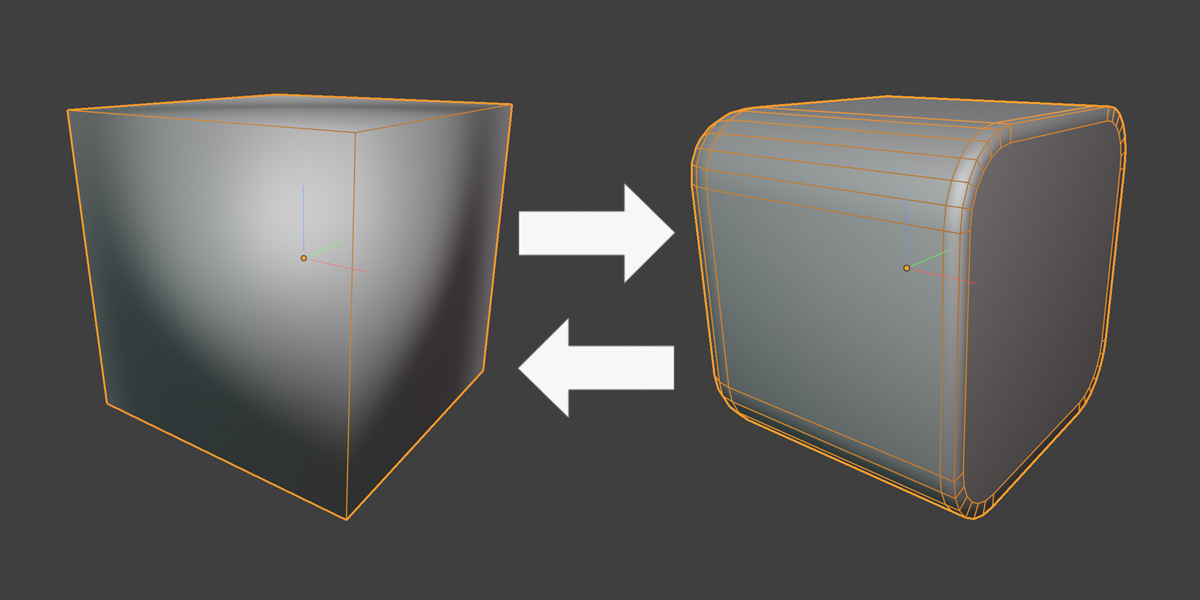
- Added a button 'Transfer From Active' that transfers all attributes and modifiers to the selected objects from the active object. This works for both bevel modifiers and shader bevels. This makes working on multiple objects a lot easier.
Added ability to create a range of attributes under the preset menu - set a start/end/increment value to create a range of attributes.
Fixed major node bug when using shader bevels
Bevel 0.1, Bevel 0.2, etc.
Added a hotkey toggle for the pop up menu under the addon preferences
Added shader bevel functionality.
Bevel Weight Manager 2.2.19
This update focuses heavily on improving the performance and stability of the Color Overlay system, especially when working with dense meshes.
Overlay Performance Improvements
- Reworked the overlay system to use a much more efficient cached workflow.
- Viewport navigation such as orbiting, panning and zooming no longer causes the overlay to rebuild.
- Selecting components no longer triggers unnecessary overlay updates.
- While moving, rotating or scaling topology, the existing overlay remains cached for maximum responsiveness.
- The overlay now refreshes once after the transform is completed, updating to the final mesh position.
- Attribute changes made through Bevel Weight Manager still refresh the overlay automatically.
- Removed unnecessary continuous mesh scanning and geometry checks that could cause viewport stuttering on dense models.
- Objects without relevant custom bevel attributes are skipped entirely by the overlay system.
The result is a significantly smoother Edit Mode experience, particularly on high-density hard-surface meshes, while retaining the full color-coded attribute visualization workflow.
