 ARLN
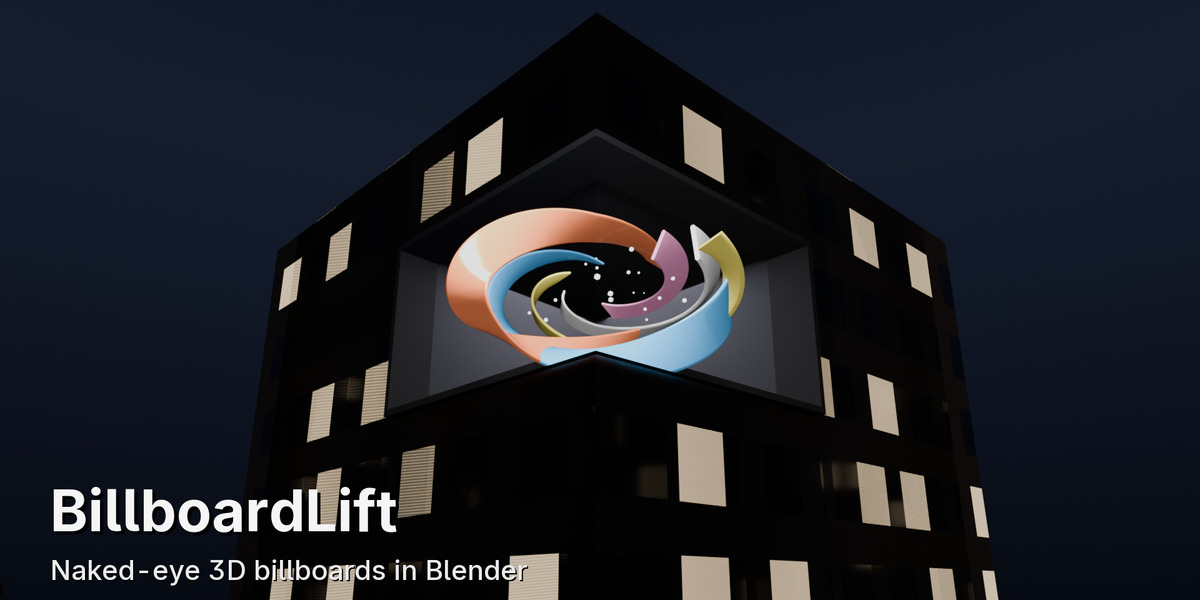
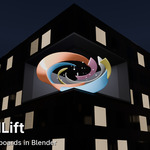
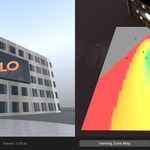
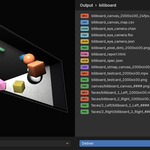
The naked-eye 3D billboard, a giant creature leaning out over a crossing or a wave crashing inside a glass box, is one of the most requested CGI jobs. The hard part was never the animation: it is getting a file that plays correctly on a real corner or curved LED screen. BillboardLift does that part, start to finish, inside Blender.
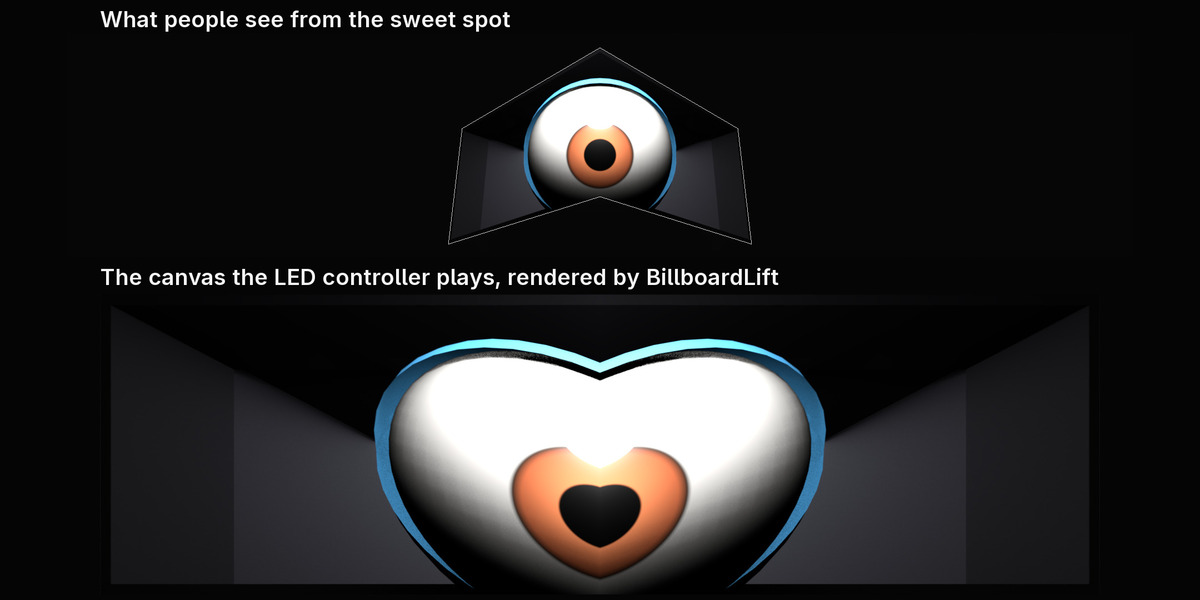
The illusion, from the sweet spot
Walk in from the side and watch the picture snap into 3D.
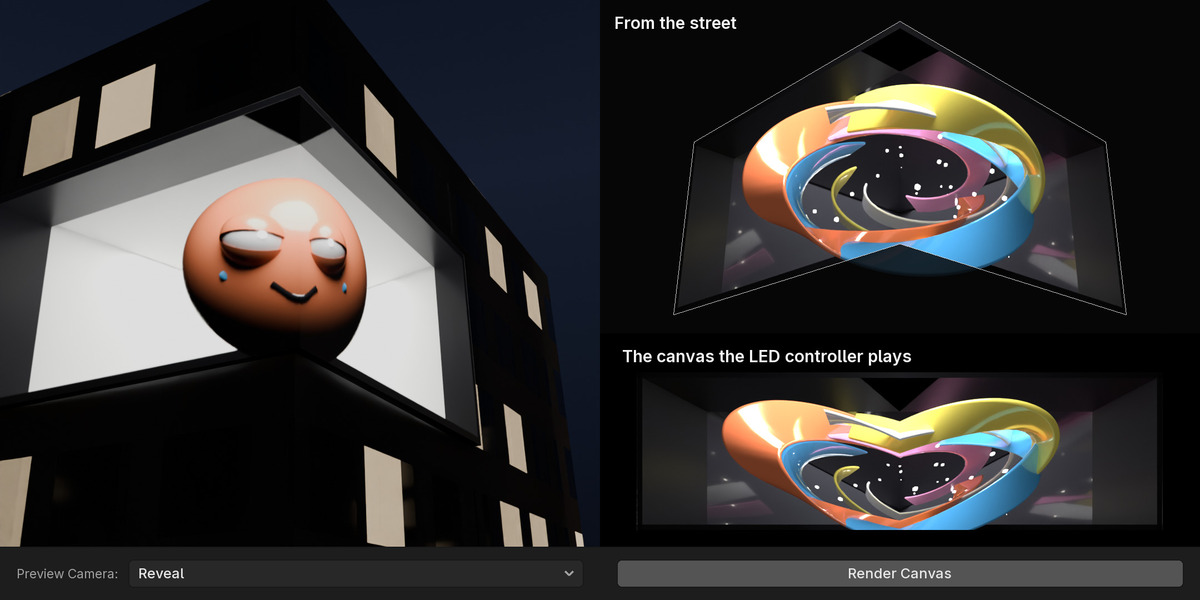
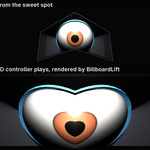
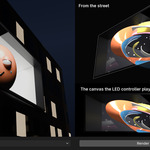
Straight to the LED canvas
What people see, and the exact picture the controller plays.
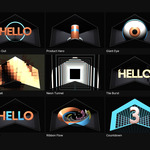
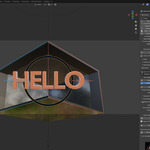
15 ready templates
Built for your screen and its sweet spot in one click.
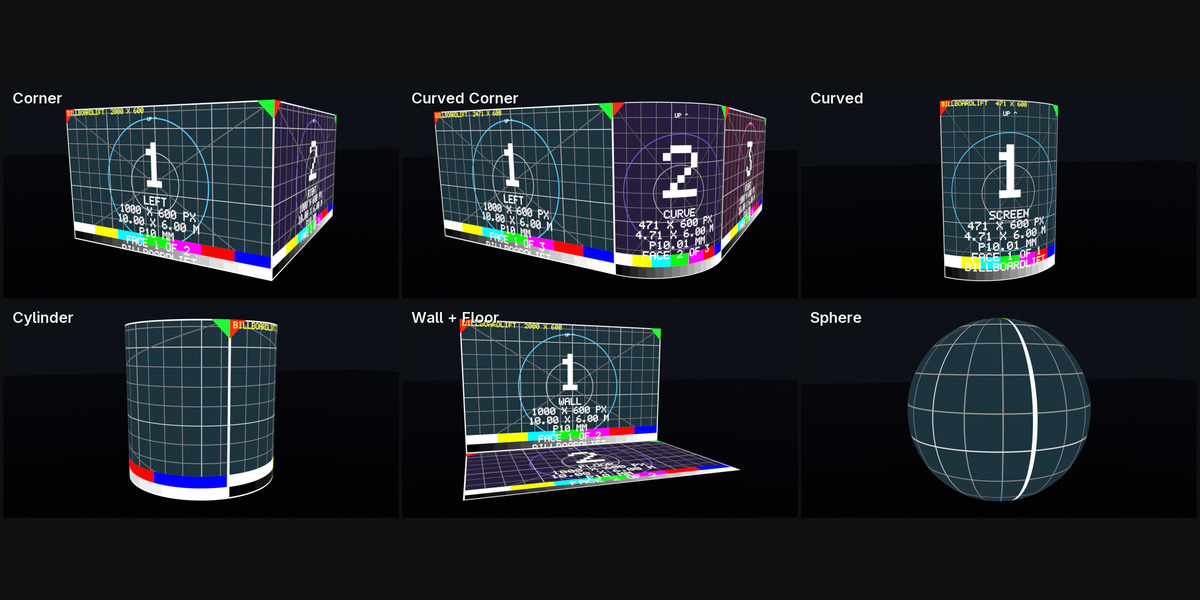
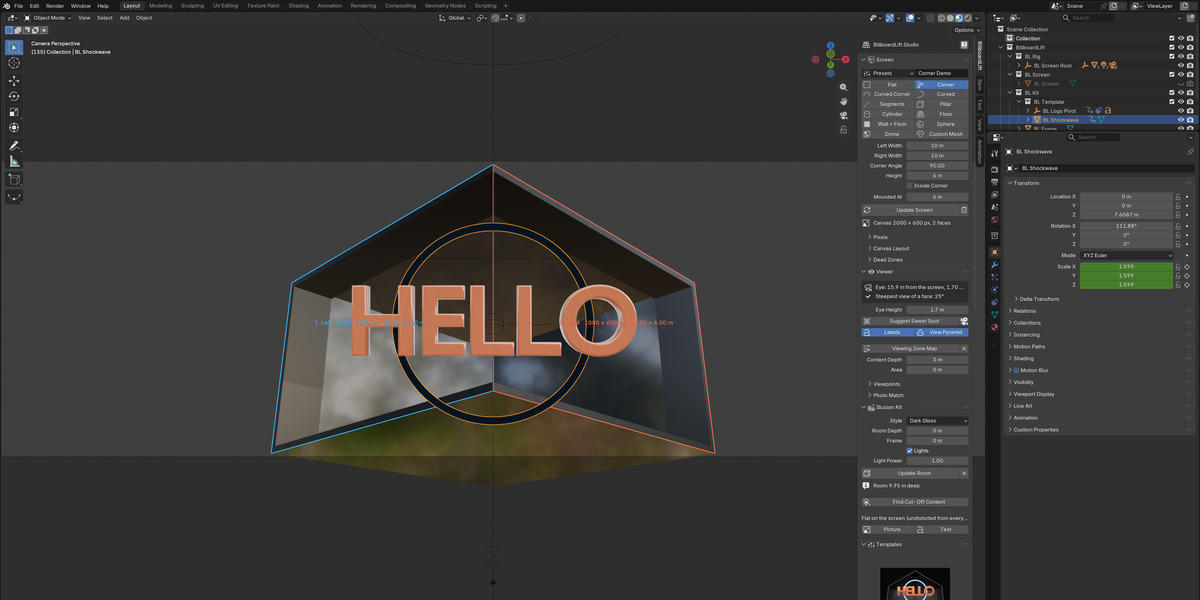
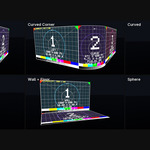
Any screen
Corner, curved, cylinder, wall and floor, sphere, dome or your own mesh.
The room behind the screen
Five styles with a frame and lights: the depth that sells it.
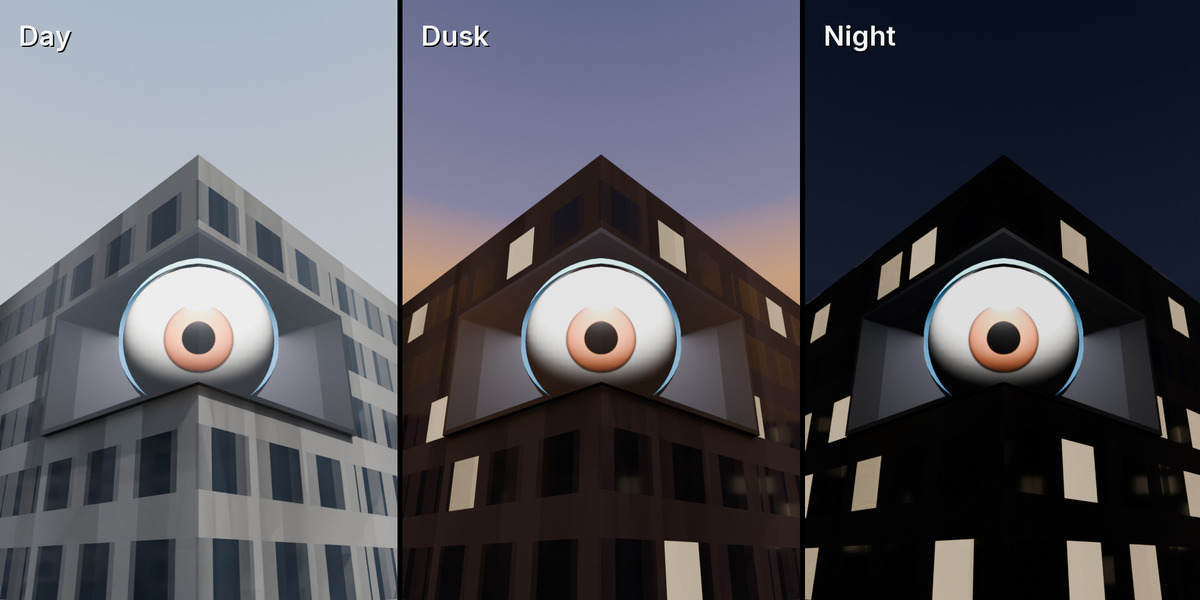
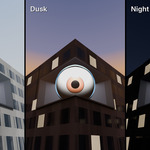
Client previews
Your screen on a street by day, at dusk and at night.
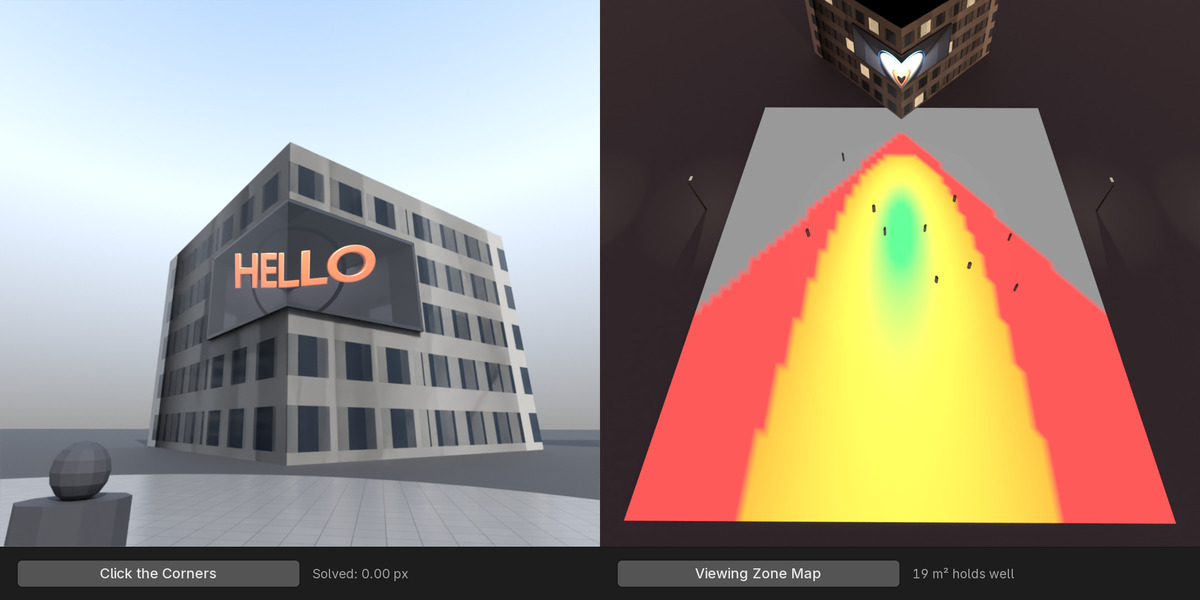
Where it works
The viewing-zone map shows where on the street the illusion holds.
On the real location
Click the screen's corners on a photo: the billboard appears there.
Everything the operator needs
Frames, videos, every face, test card, STMap, eye camera, report.
From the real screen to the controller's canvas
- Describe the screen in metres and pixels: flat, corner (any angle, outside or inside), curved corner, curved, any chain of segments, pillar, cylinder, floor, wall + floor, sphere, dome, or your own mesh. Pixels from the pitch, the spec sheet's counts or LED cabinets; dead zones for cut-outs.
- Place the viewer at the sweet spot, or solve it from a photo of the location by clicking the screen's corners. A viewing-zone map shows where on the street the illusion holds.
- Build the content: the room behind the screen in one click (five styles, frame and lights), 15 procedural templates built for your screen, or your own scene.
- Render the canvas: press F12. A custom Cycles camera shoots a ray from the eye through the real position of every LED pixel, so the render is the controller's canvas itself: no baking, no stretching. EEVEE, Workbench and any GPU work through Remap.
- Deliver: frames (PNG, TIFF, EXR, JPEG), H.264 / H.265 / ProRes, every face on its own, the mapping test card, a pixel-dot chart, an STMap and the eye camera for After Effects, Nuke or Cinema 4D, and an HTML report with checksums for the screen operator. In the background, while you keep working.
- Sell the idea: Proof mode in the viewport, a procedural street by day, at dusk and at night, a phone video at the sweet spot (9:16), a walk past the screen, a mockup over the location photo; preview videos come with a synthesized street ambience or your own sound.
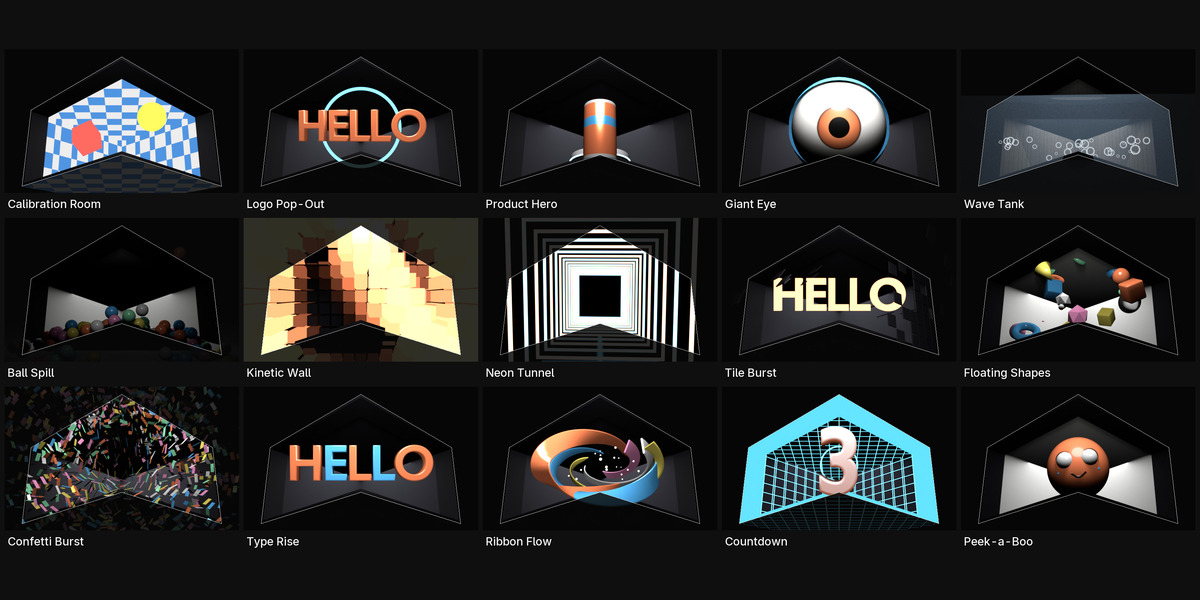
The 15 templates
Calibration Room, Logo Pop-Out, Product Hero (your model), Giant Eye, Wave Tank, Ball Spill, Kinetic Wall, Neon Tunnel, Tile Burst, Floating Shapes, Confetti Burst, Type Rise, Ribbon Flow, Countdown and Peek-a-Boo. Each is built for your screen and its sweet spot, most of them loop, and Load Example makes a whole scene in one click.
Checks before it goes on air
Overlapping faces, non-square pixels, an eye too close for the pixel pitch, the wrong frame rate, content cut off by the screen's edges or drawn in dead zones, unreadable text; after rendering: flashing (seizure risk), red flashing, white and black frames, loop jumps.
Also in the box
- Domes: fulldome masters or equirectangular, tilted, seen from inside or outside.
- The screen in your own tracked street footage (FOOH).
- Several sweet spots rendered one by one, and a whole campaign on several screens with Deliver All Screens.
- Projection mapping on buildings: projectors with real throw ratios, 3D from the sweet spot or UV video, soft edges, light cones and a coverage check.
- Content made elsewhere: render the eye view in any program and convert it into the canvas.
- A Python API, an English and Ukrainian interface, and an offline guide behind the ? button.
No AI, no internet, no asset packs: everything is geometry and Blender itself. The music in the trailer is made with code too.
Requirements
Blender 5.0 or later (tested on 5.0.1, 5.1.2 and 5.2.2). Direct render: Cycles on the CPU, or an NVIDIA GPU with OptiX (one click switches CUDA to OptiX). Remap works with every engine and every GPU.