 ARLN
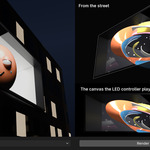
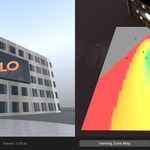
Installation
- Download billboardlift-1.0.0.zip (do not unzip it).
- In Blender 5.0 or later: Edit › Preferences › Get Extensions, the arrow menu at the top right › Install from Disk, and pick the zip.
- The BillboardLift tab appears in the 3D Viewport's sidebar (press N). The ? button opens the guide, which works offline.
Quick start
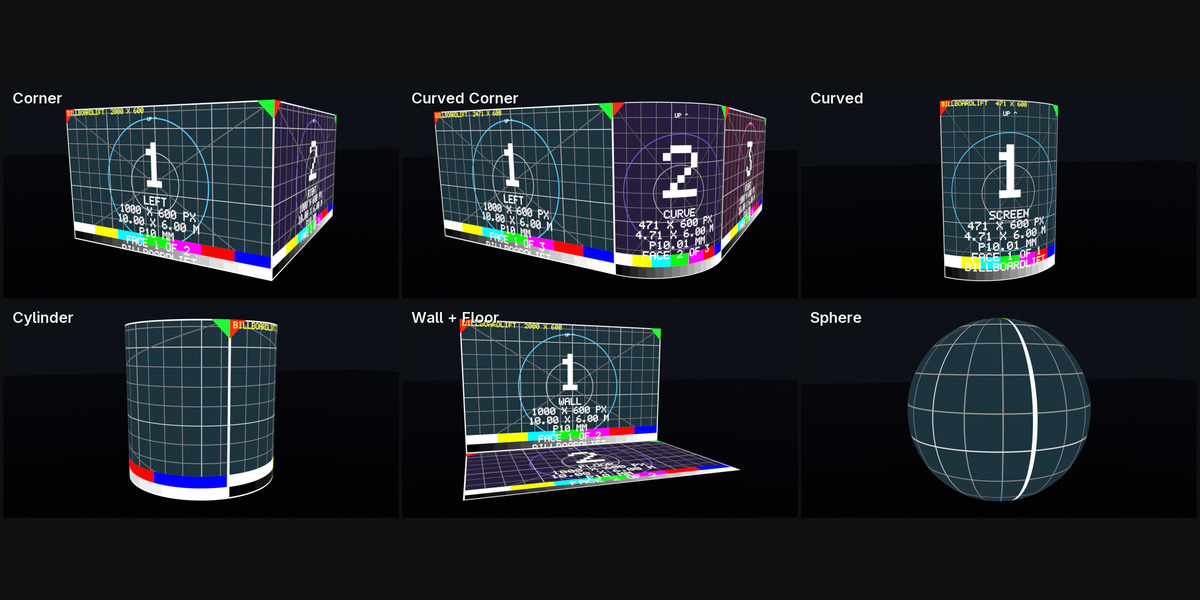
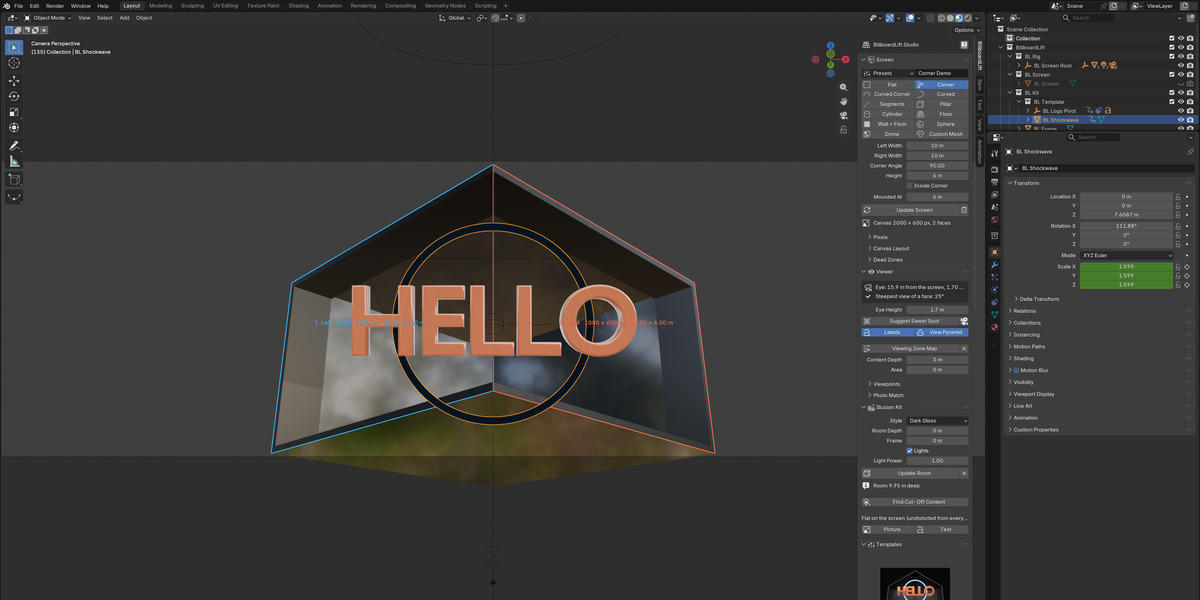
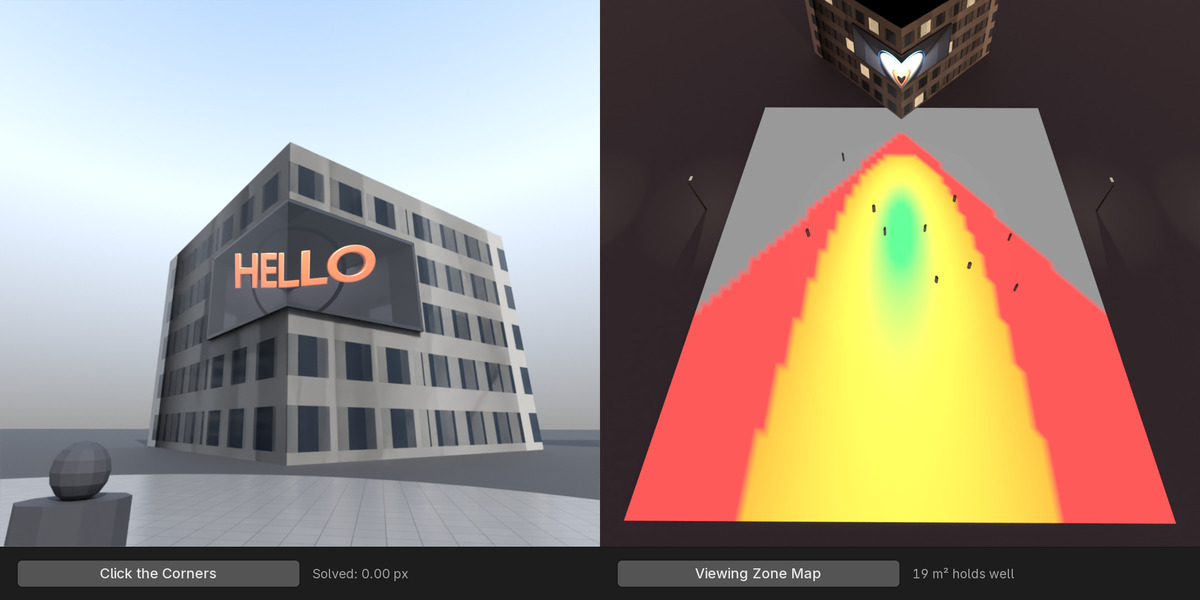
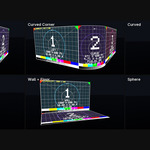
- Screen: pick a shape or a preset, type the real sizes, the mounting height and the pixels, then Create Screen (or Load Example for a ready scene).
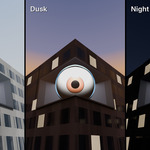
- Viewer: move the Eye to where people stand, or use Photo Match; check the Viewing Zone Map.
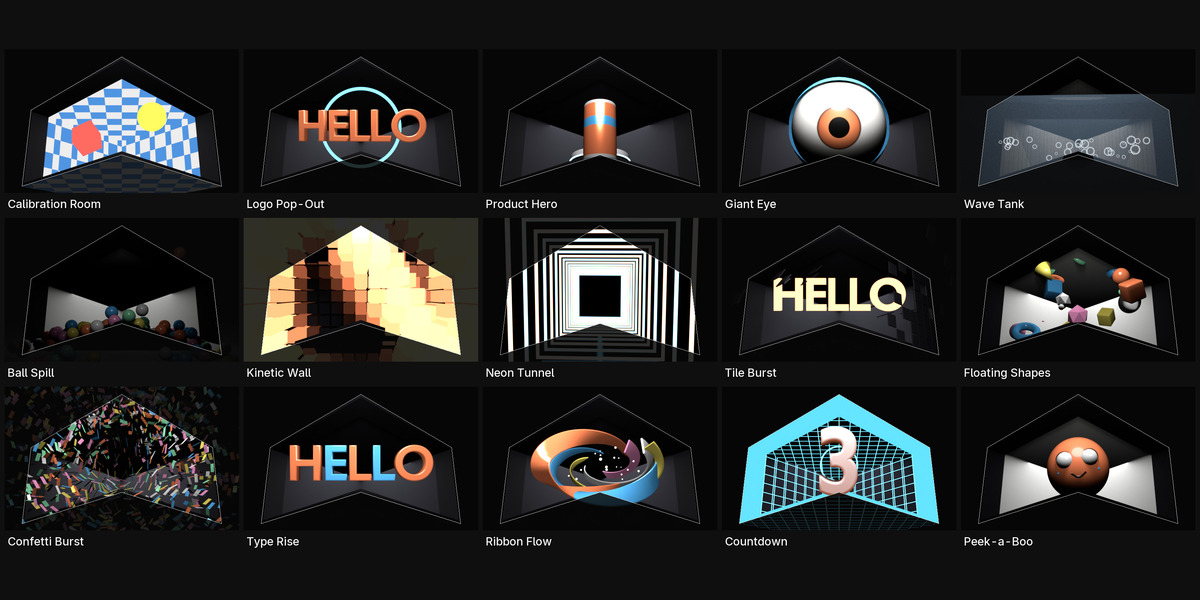
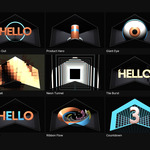
- Illusion Kit › Build Room, then a Template or your own scene.
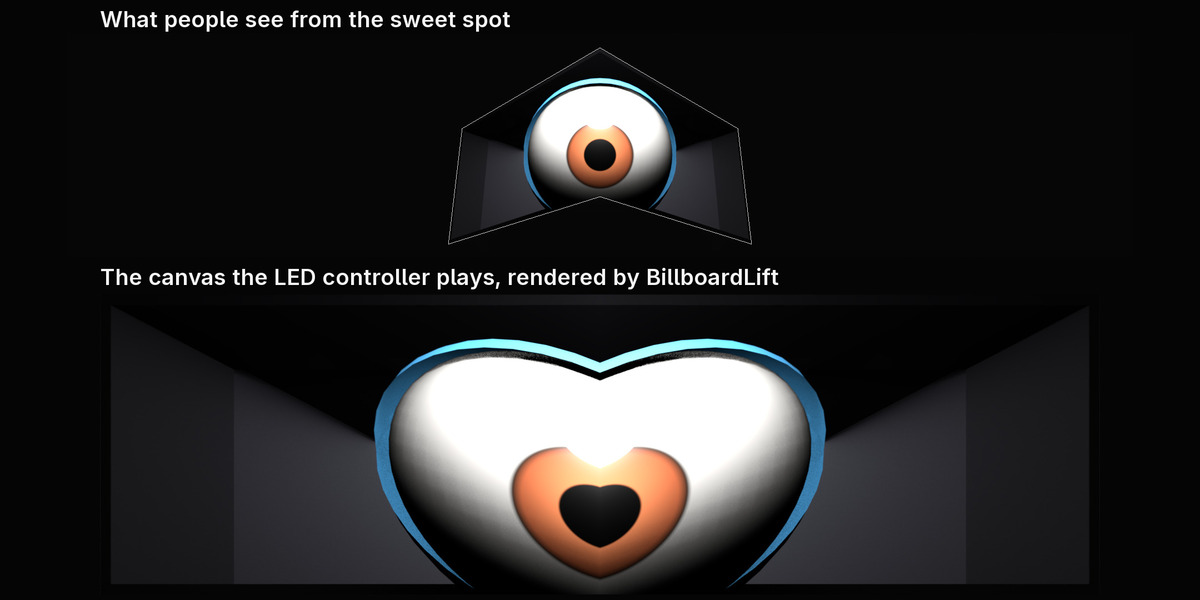
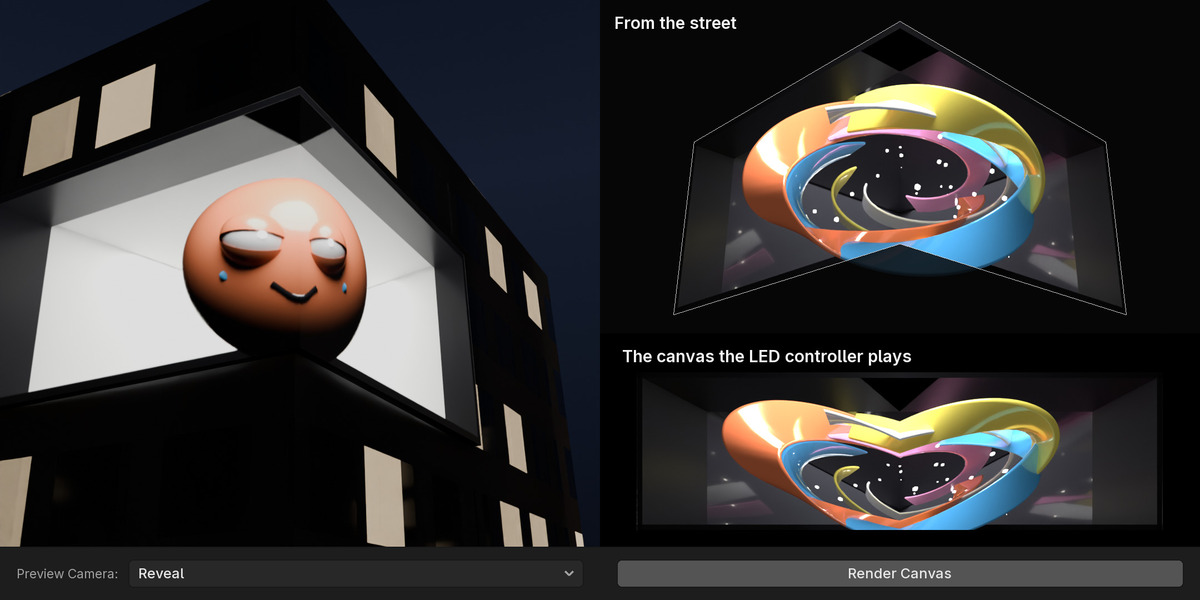
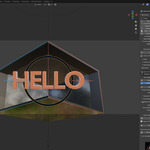
- F12 renders the canvas; Proof plays it on the screen in the viewport.
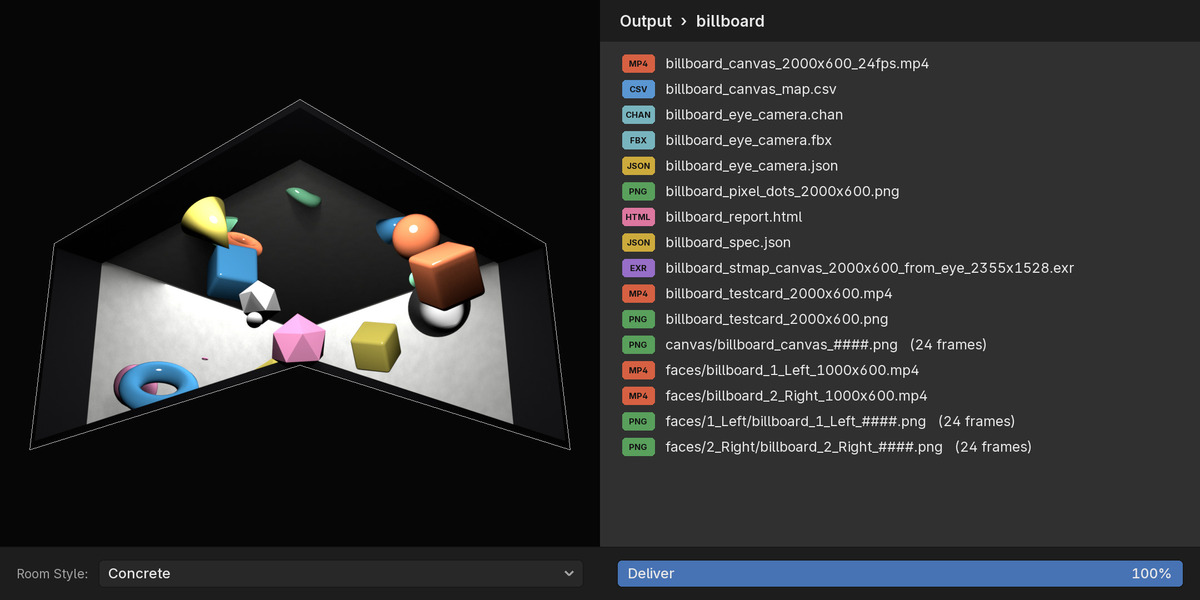
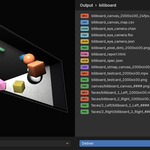
- Deliver: frames, video, faces, test card, maps, checks and the report.
Have questions about this product?
Login to message
| Blender Extension Compatible | Yes |
| Published | about 16 hours ago |
| Blender Version | 5.0 - 5.2 |
| Extension Type | Add-on |
| Render Engine Used | Cycles, Eevee |
| License | GPL |
Discover more products like this
led-screen naked eye 3d fooh 3d billboard anamorphic Projection Mapping cgi ads dooh stmap osl-camera