 ARLN
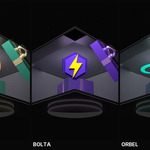
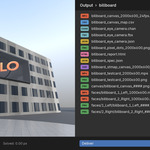
SOUND FAMILIAR?
● The camera you matched with fSpy doesn't line up with the screen drawings.
● Blender can't bake an animation onto a corner screen's texture.
● The operator wants exactly 3840 × 1080, with every face where the controller expects it.
● The client wants to see it on the street before it's on air.
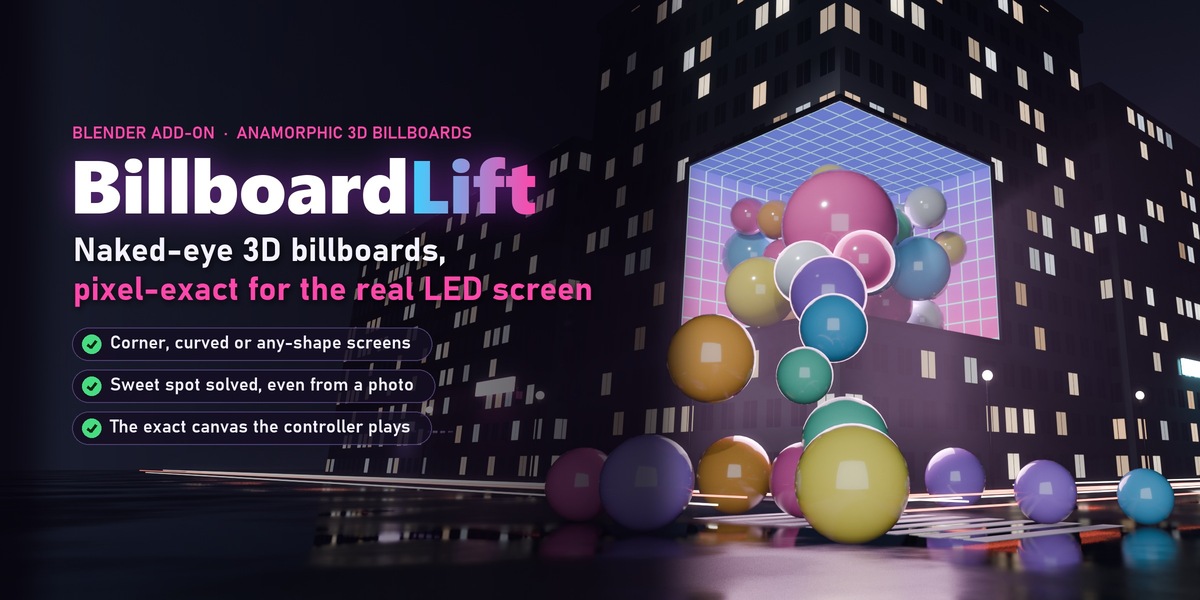
BillboardLift does all of it inside Blender: the math of the illusion, the canvas, the previews and the files for the screen.
From the real screen to the controller's canvas
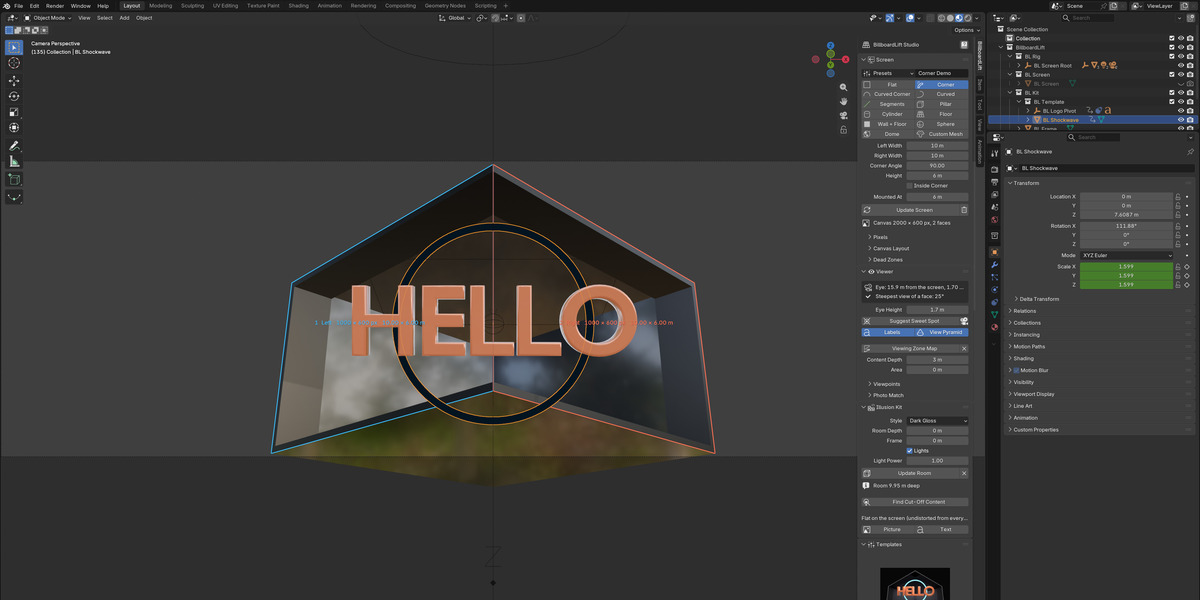
Four steps, all in the BillboardLift tab of the 3D View.
01
Describe the screen
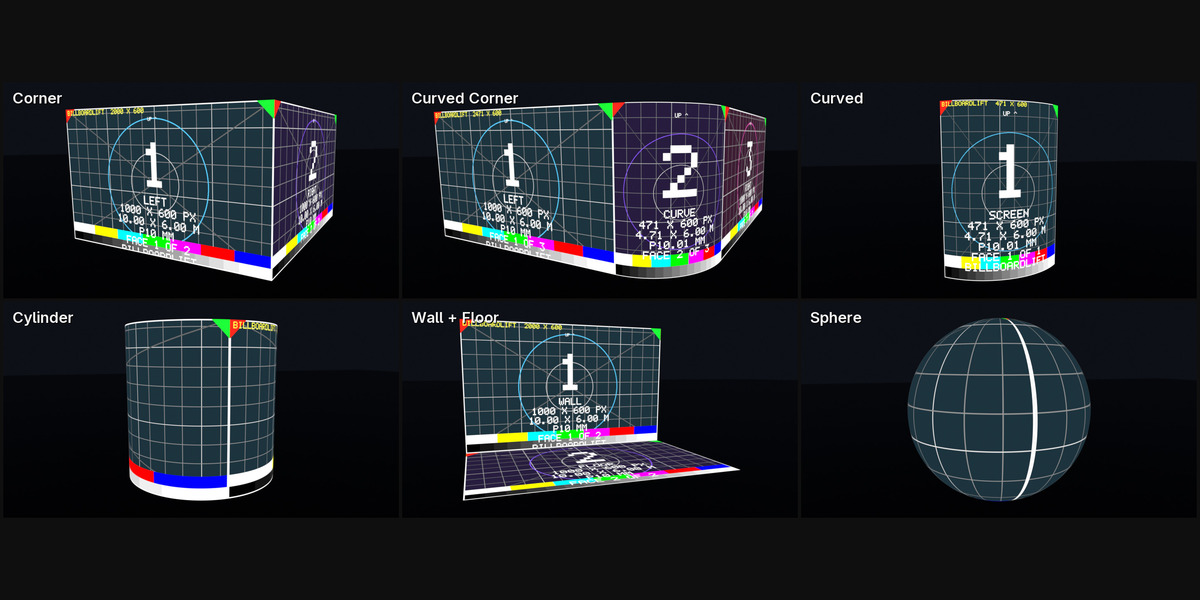
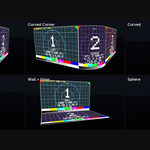
Flat, corner, curved, cylinder, wall + floor, sphere, dome or your own mesh. Metres, pixel pitch or LED cabinets; a preset for common screens.
02
Stand at the sweet spot
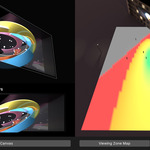
A suggested viewer position, or solved from a photo of the location; a zone map shows where on the street the illusion holds.
03
Build the shot
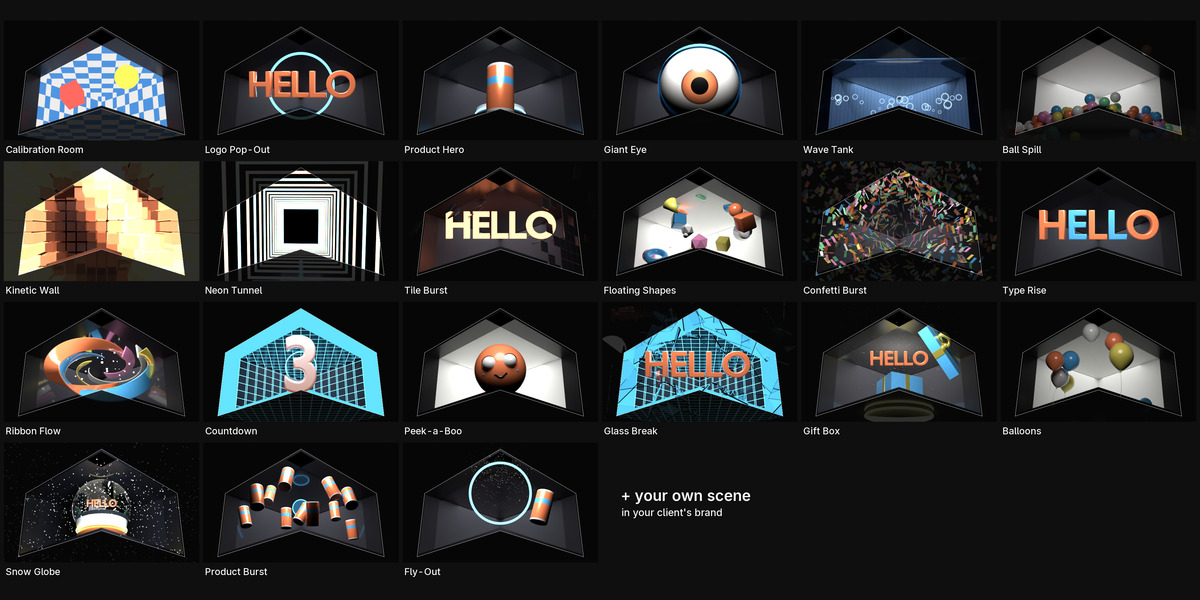
The room behind the screen in one click, 21 templates in your client's brand, or your own scene and models.
04
Press F12, deliver
The render is the LED canvas itself. Deliver writes frames, video, every face, the test card and a report, in the background.
NEW IN 1.2
A page your client walks around. Your product, out of the screen.
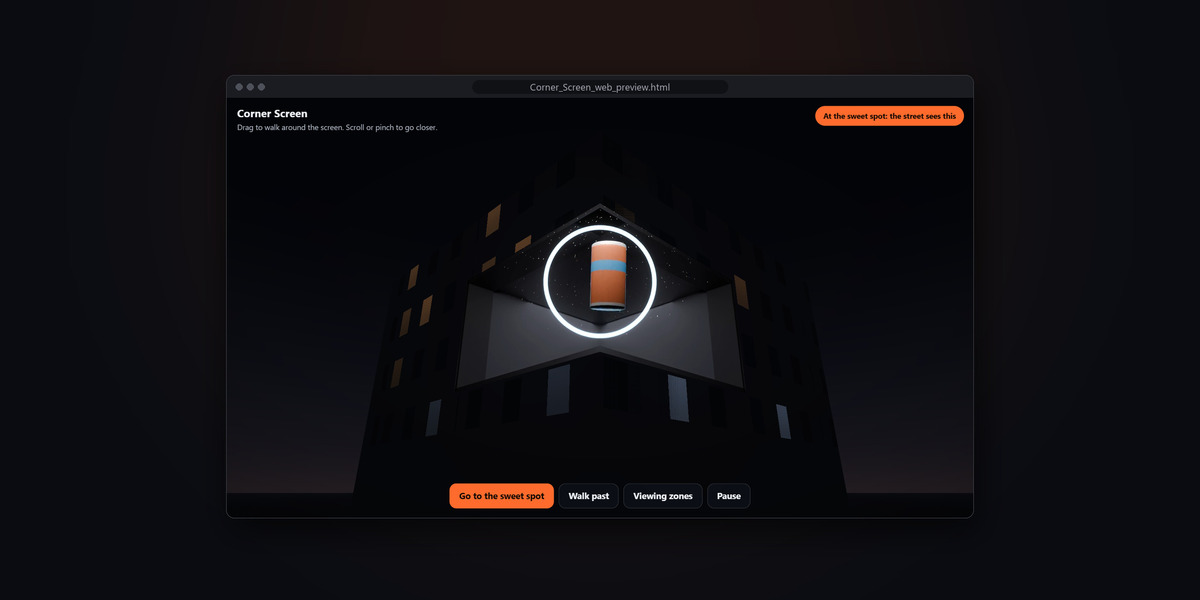
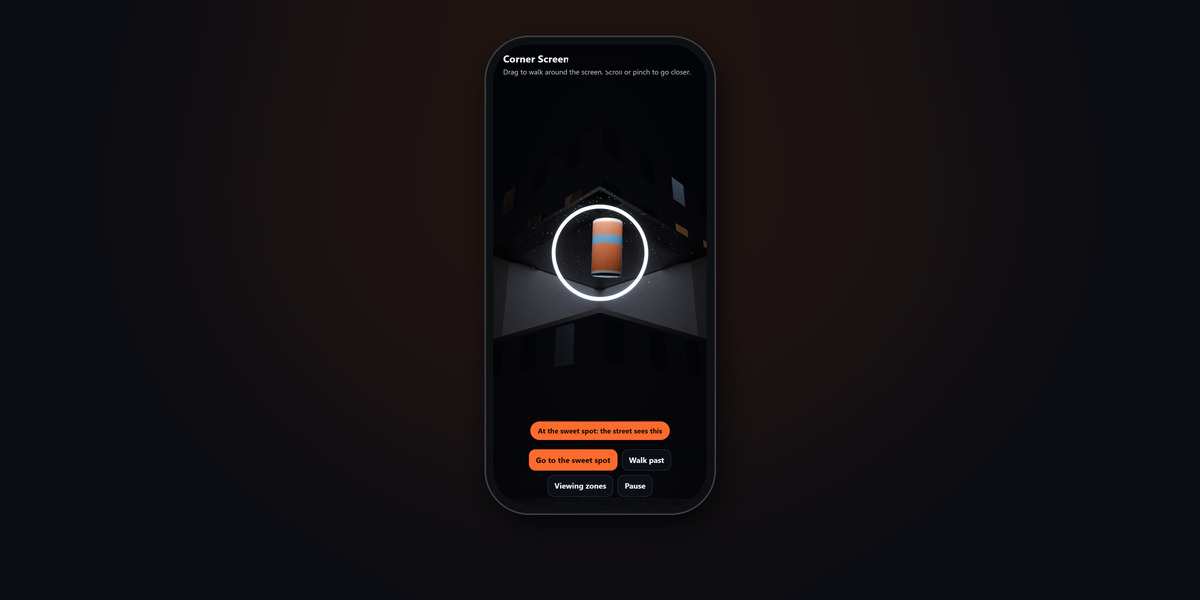
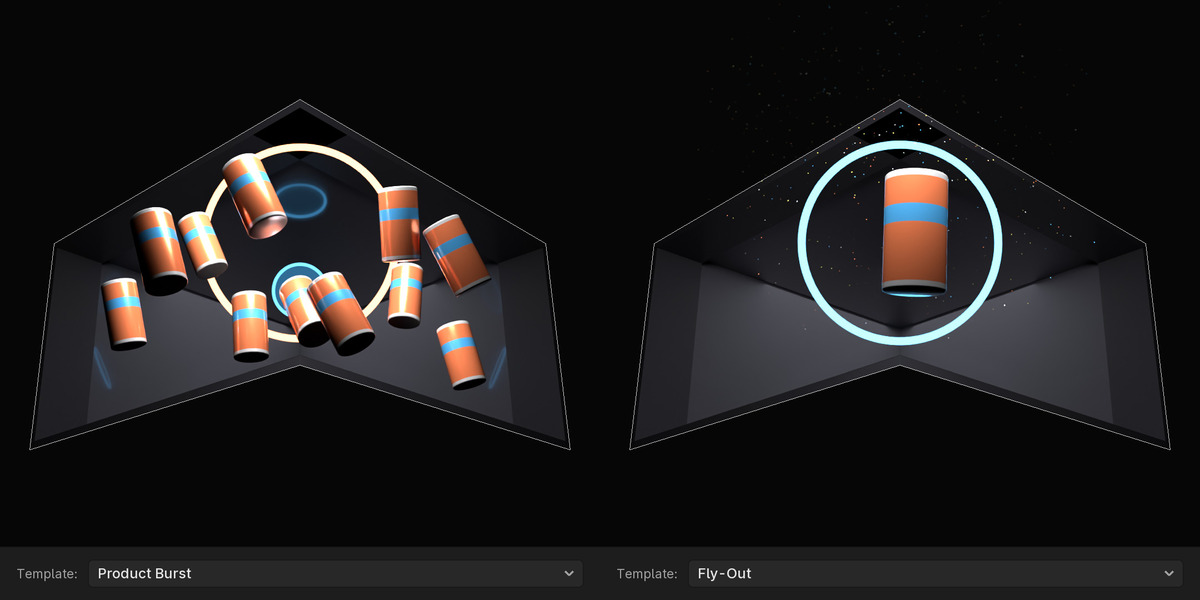
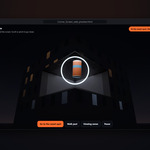
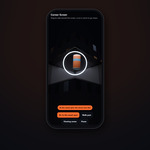
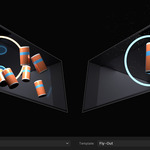
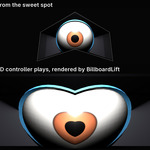
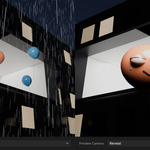
Web preview for the client: one HTML file that opens in any browser, on a phone or a laptop, with no app and no internet. Your client walks down the street, taps Go to the sweet spot and sees the billboard snap into 3D, with the map of where it holds. Product Burst and Fly-Out put the product in the air (21 templates now), and a step guide at the top of the panel shows what's next. Since 1.1: the Brand Kit, rain and four more templates.
The web page: walk, tap, it's 3D
Product Burst
Fly-Out
What it does
THE CANVAS
Straight to the LED canvas
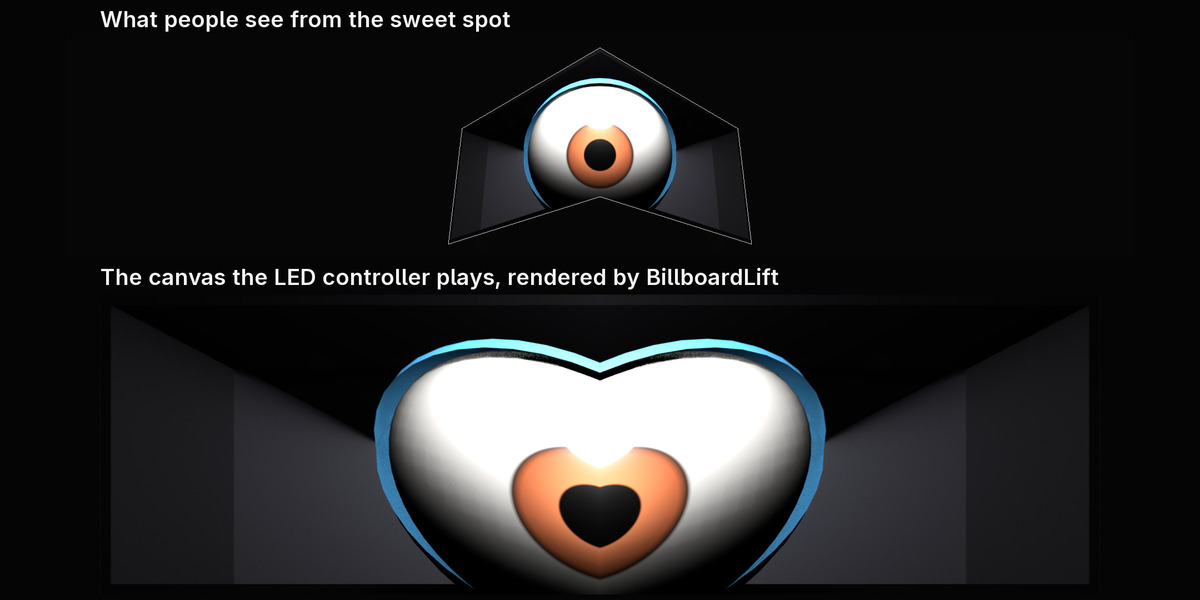
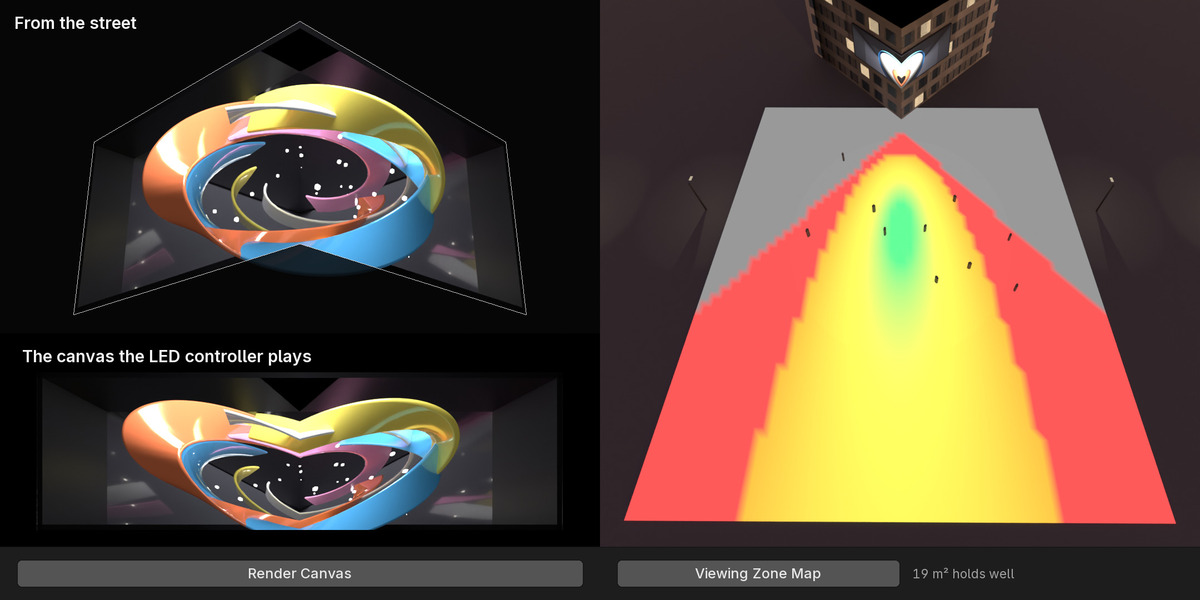
A custom Cycles camera shoots a ray from the eye through the real position of every LED pixel: no baking, no stretching. The render is exactly the picture the controller plays, face by face where it expects them.
21 TEMPLATES
A shot by Friday
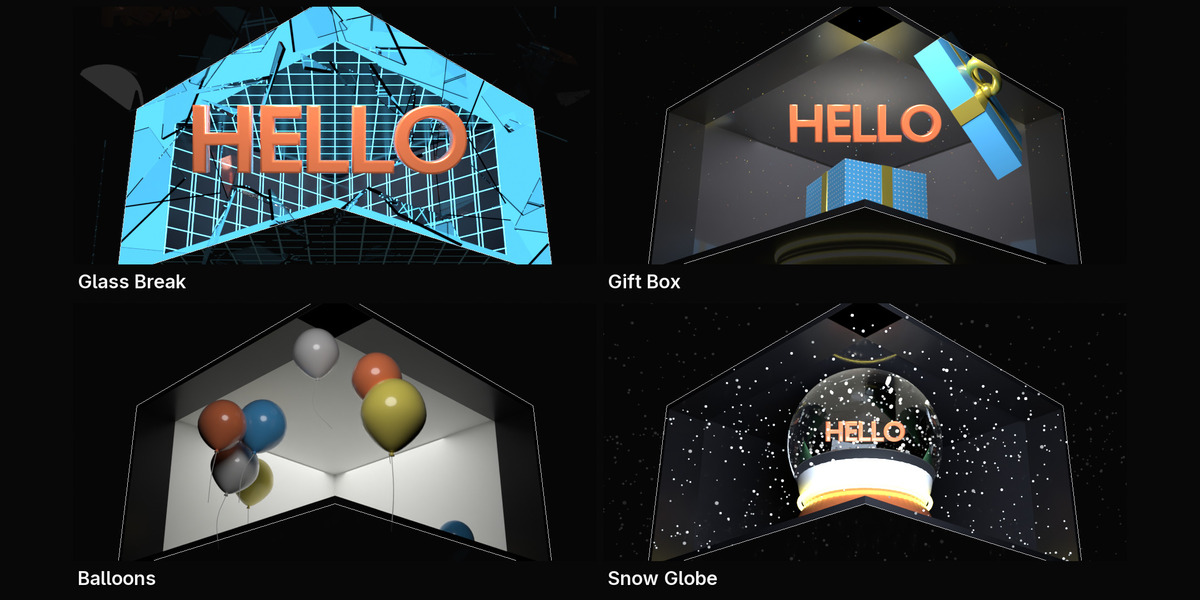
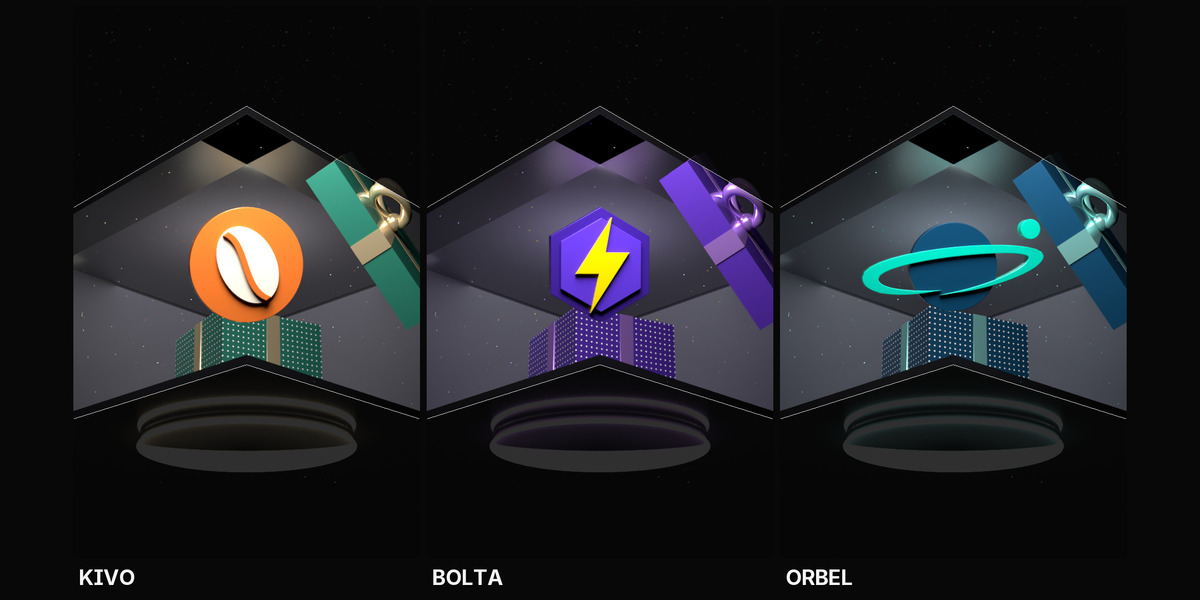
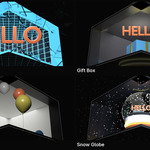
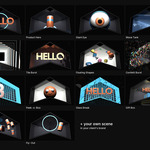
Product Burst, Fly-Out, Glass Break, Gift Box, Balloons, Snow Globe, Giant Eye, Wave Tank, Logo Pop-Out and more: built for your screen and its sweet spot in one click, procedural, looping, in your client's colours and logo.
ANY SCREEN
Corner, curved, cylinder, sphere, dome
Or your own mesh by its UV map. Pixels from the pitch, the spec sheet's counts or LED cabinets; the mapping test card plays on the screen so you can check it on site.
THE ROOM
The depth that sells it
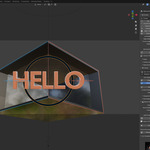
The box behind the screen in one click: five styles with a frame and lights. Content inside it reads as deep space; content in front of it flies out at the street.
CLIENT PREVIEWS
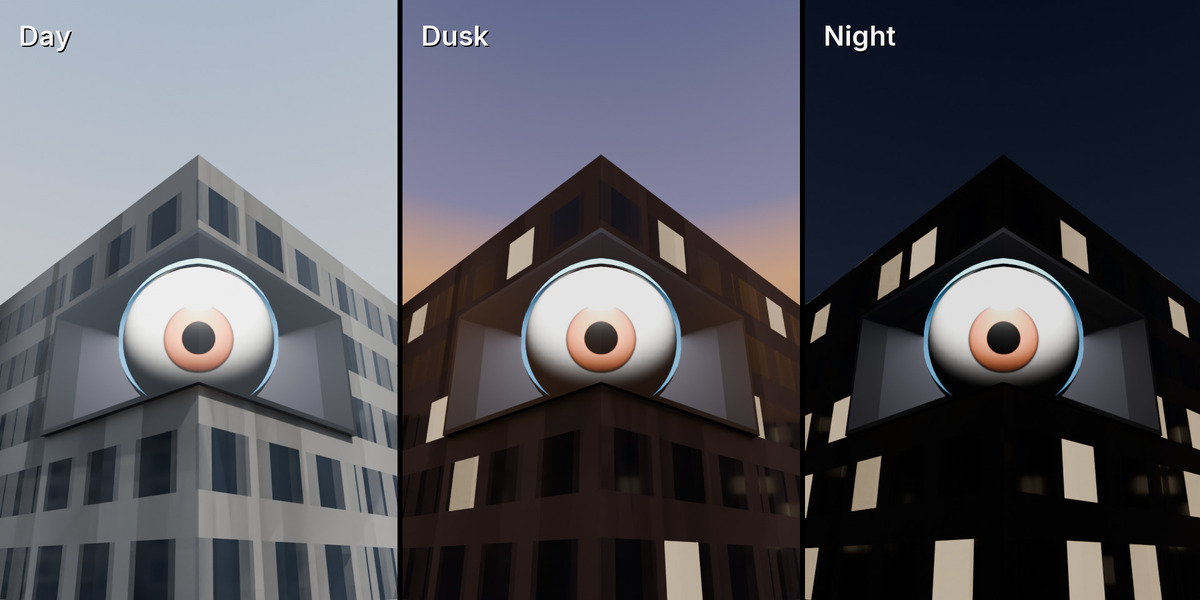
On a street by day, at dusk and at night
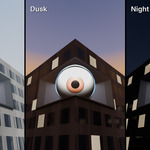
Proof mode in the viewport, a procedural street with people for scale, a phone video at the sweet spot, a walk past the screen; with street sound. Sell the idea before anything is booked.
NEW: WEATHER
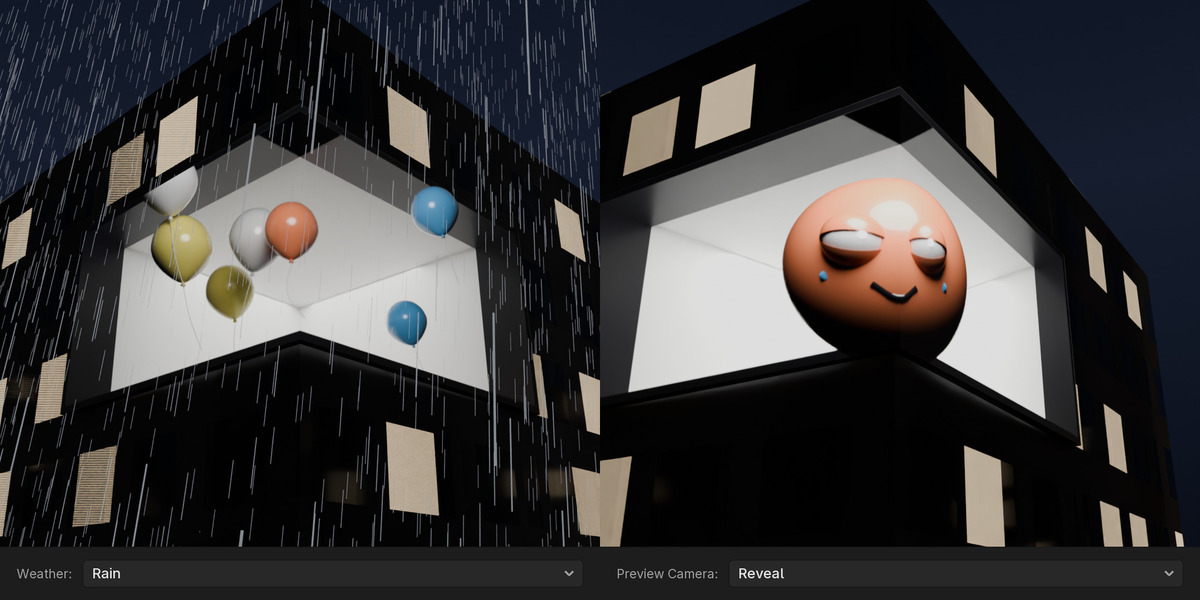
Rain and wet streets
A wet street with puddles that mirror the billboard and the street lights, and falling rain that loops with the shot. Night, rain and an LED screen: the shot every client wants.
VIEWING ZONES
Where the illusion holds
A map on the street in front of the screen: green holds, red breaks. Put the sweet spot where people actually stand, and save several to render one by one.
ON LOCATION
The billboard on a photo of the real place
Click the screen's corners on a photo: the camera and the lens are solved from the screen's real size. Use it as the sweet spot, or for a mockup over the photo.
DELIVERY
Everything the operator needs
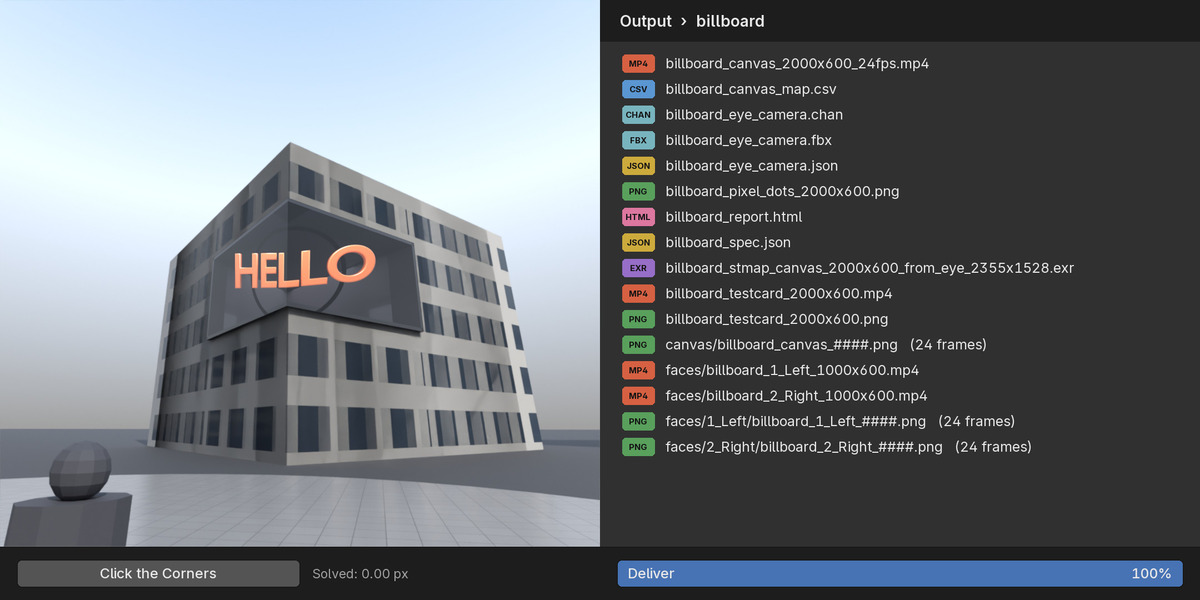
Frames, video, every face on its own, the test card, an STMap and the eye camera for other programs, and an HTML report with checksums, from one button, in the background.
HOW IT WORKS · 48 SECONDS
The usual way vs. BillboardLift
| The usual way | With BillboardLift | |
|---|---|---|
| The camera | fSpy on a photo, then nudging until it looks right | ✓ The eye's exact place from the screen's spec, or solved from a photo with the screen's real size |
| Corner and curved screens | UV tricks: Blender can't bake an animation onto a texture | ✓ F12 renders the canvas itself, for any shape |
| The canvas layout | Faces cut and placed by hand in After Effects | ✓ Side by side, stacked, packed into the controller's input, or your CSV map |
| Showing the client | The render comped onto stock footage | ✓ A web page they walk around, street previews by day, dusk, night or in the rain, a mockup on the photo |
| Before it goes on air | Hope nobody notices | ✓ Checks for flashing, cut-off content, frame rate, text size and loop jumps |
| The hand-off | A folder of files and an email | ✓ One Deliver: every file, the test card and an HTML report with checksums |
SCREENS
Flat, corner (any angle, outside or inside), curved corner, curved, chains of segments, pillar, cylinder, floor, wall + floor, sphere, dome, any mesh with a UV map. Dead zones for cut-outs.
FILES FOR THE OPERATOR
PNG, TIFF, EXR, JPEG frames; H.264, H.265, ProRes; every face on its own; mapping test card; STMap and eye camera for AE, Nuke, C4D; an HTML report with checksums.
RENDER
Direct: Cycles on the CPU or OptiX, F12 gives the canvas. Remap: EEVEE, Workbench and any GPU. Background jobs while you keep working.
ALSO IN THE BOX
▸ The screen in your own tracked street footage (FOOH), and a mockup over a photo of the location.
▸ Projection mapping on buildings: projectors with real throw ratios, soft edges, light cones and a coverage check.
▸ Several sweet spots rendered one by one; a whole campaign on several screens with Deliver All Screens.
▸ Checks before it goes on air: flashing (seizure risk), cut-off content, frame rate, unreadable text, loop jumps.
▸ Content made elsewhere: render the eye view in any program and convert it into the canvas. A Python API. English and Ukrainian interface, an offline guide.