 AUER
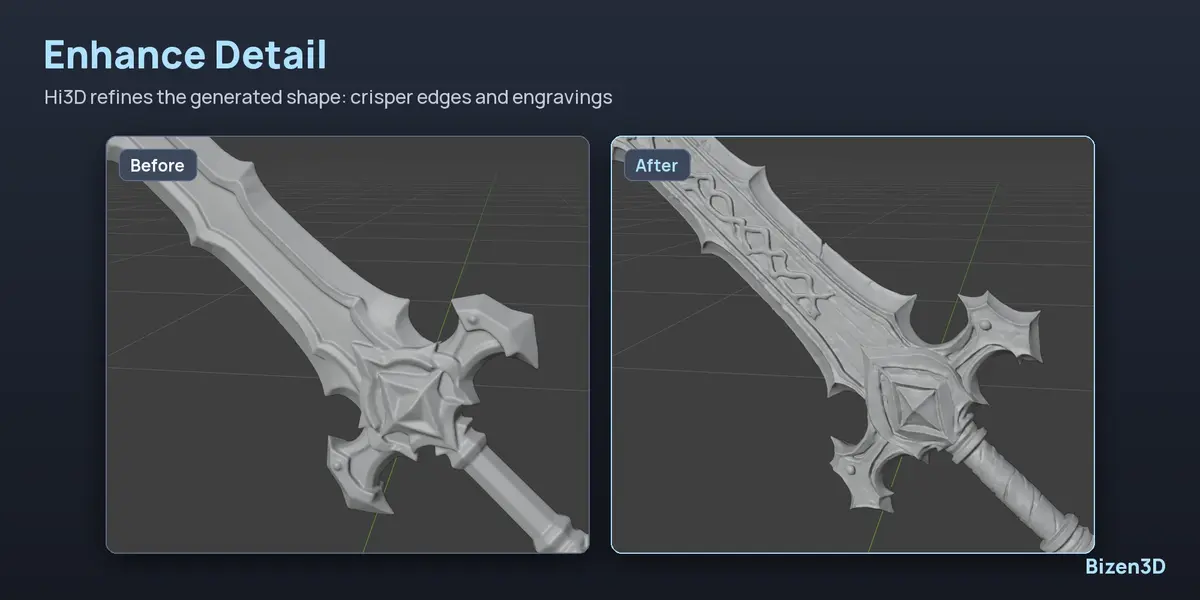
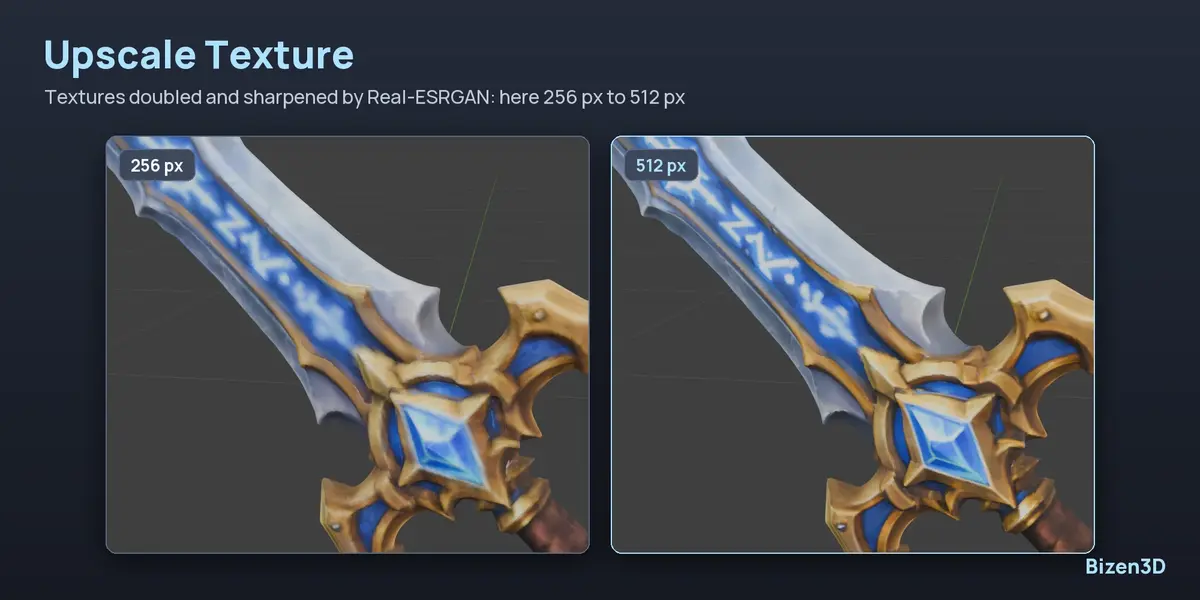
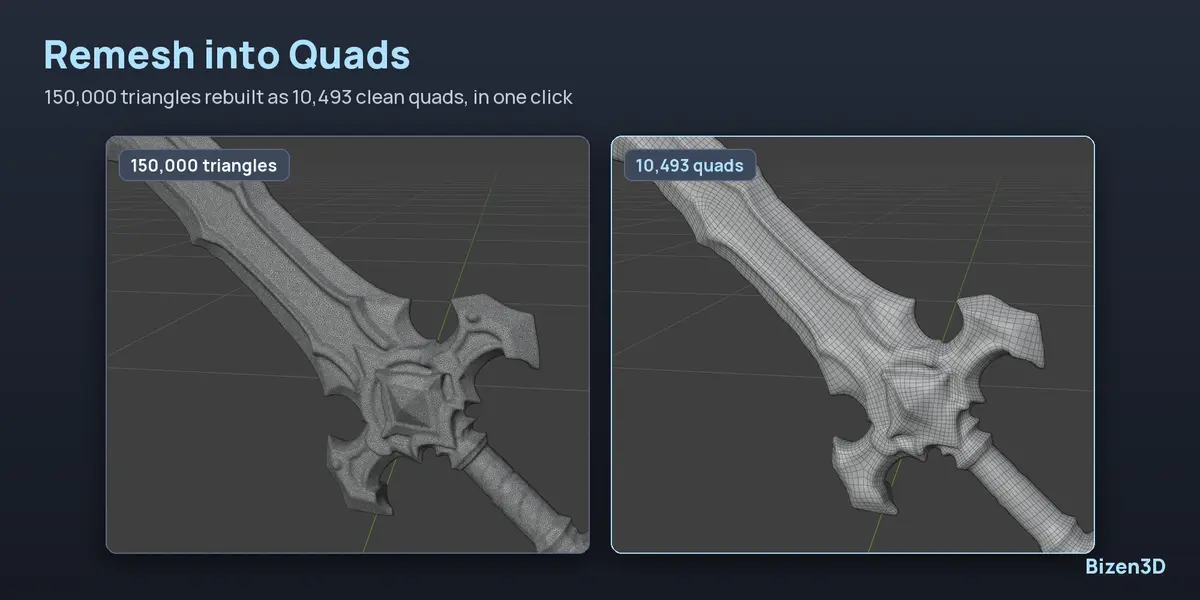
- Edit > Preferences > Add-ons, menu ⌄ (top right) > Install from Disk…, then pick bizen3d-1.0.0.zip.
- In the 3D view, press N and open the Bizen3D tab.
- Click Install Engine (about 14 GB, once). The download can be paused and resumed; a cut installation picks up where it stopped.
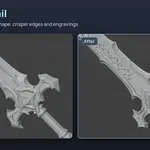
- Optional, from their own blocks: Add Pixal3D, Multi-View and Enhance Detail.
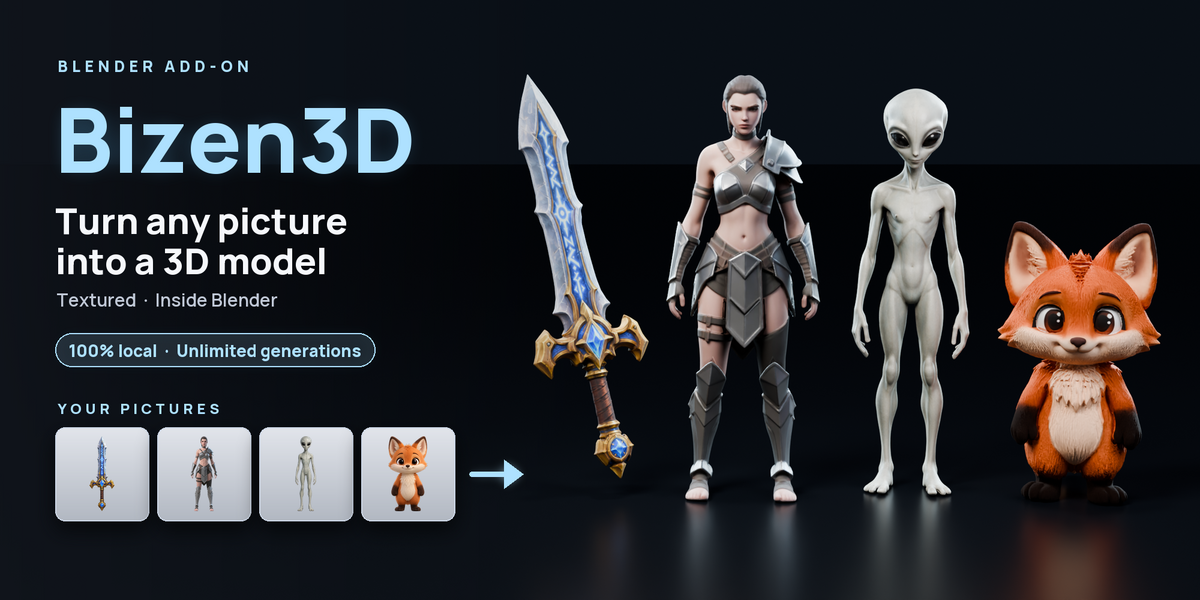
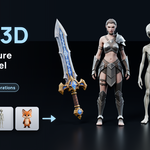
- Drop a picture on the Image card (or Choose Image, or Paste), pick the engine, click Generate. The model is placed on the 3D cursor.
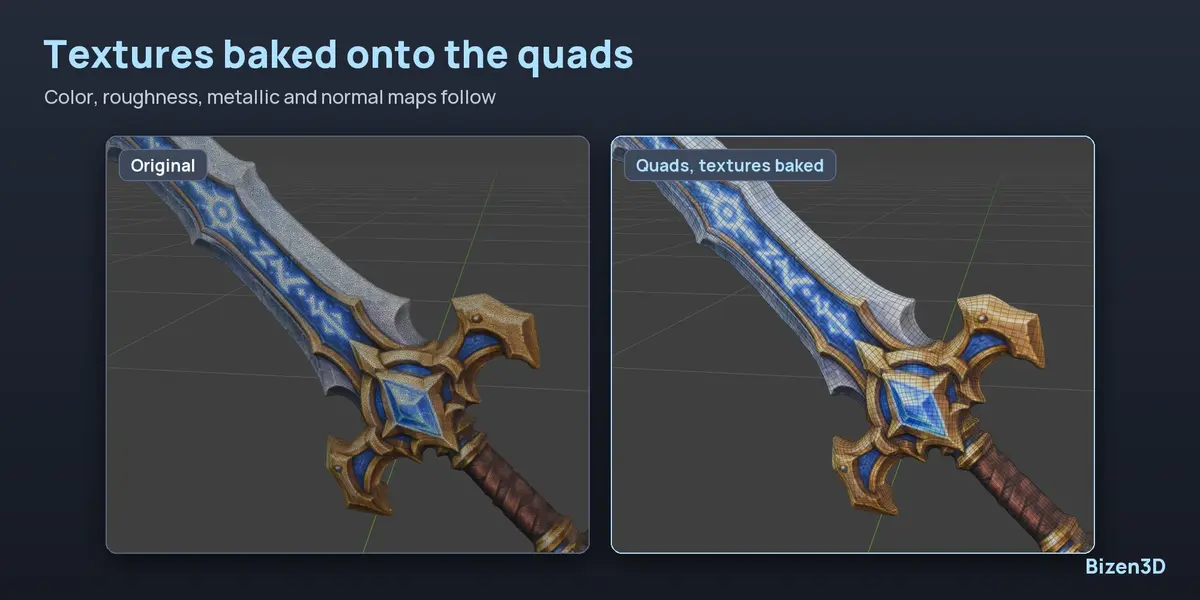
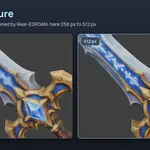
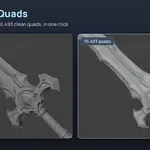
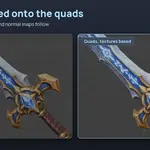
- With the model selected: Enhance Detail, Upscale Texture, or Retopology > Remesh into Quads.
Settings (button at the top of the panel): the engine folder, when the engine frees the graphics card, and the third-party licenses.
Have questions about this product?
Login to message
| Blender Extension Compatible | Yes |
| Dev Fund Contributor | |
| Published | 1 day ago |
| Blender Version | 4.5 - 5.2 |
| Extension Type | Add-on |
| Render Engine Used | Cycles, Eevee |
| License | GPL |
Discover more products like this
texture upscale quad remesh trellis 3D Generator pixal3d Photo to 3D ai 3d model retopology local ai ai image to 3d Image-to-3D