 Thomas Pasieka


Blaya — Maya-Style Modeling for Blender
Bring your Maya muscle memory to Blender.
You already know how you like to model. Orbiting around a form, switching between components, placing a pivot and reaching for the next tool should feel familiar.
Blaya brings Maya-style navigation, shortcuts and contextual marking menus into Blender, helping Maya artists feel at home while working with Blender’s editable meshes, modifiers and native modeling tools.
Blaya was created around a straightforward goal: make the transition to modeling in Blender easier, while keeping Blender’s recognizable interface and tools.
Keep your attention on the model
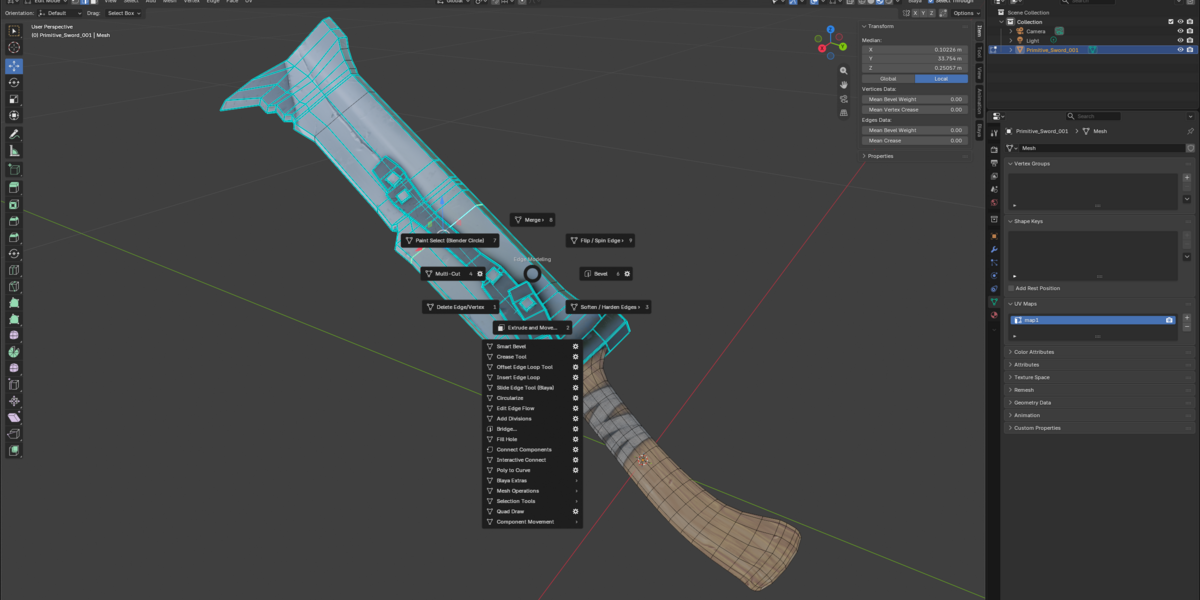
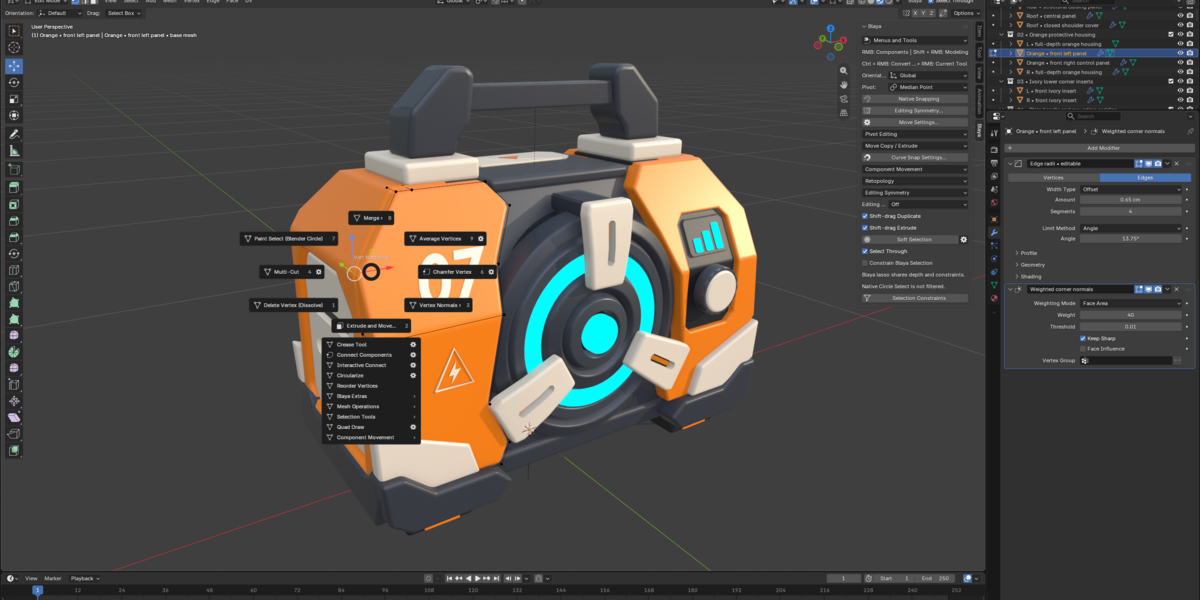
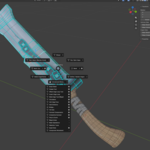
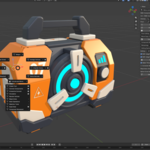
Imagine blocking out a game prop: select a face, extrude a panel, add support loops, bevel the silhouette and repair an opening. Blaya brings these everyday operations into contextual menus that follow your current component mode.
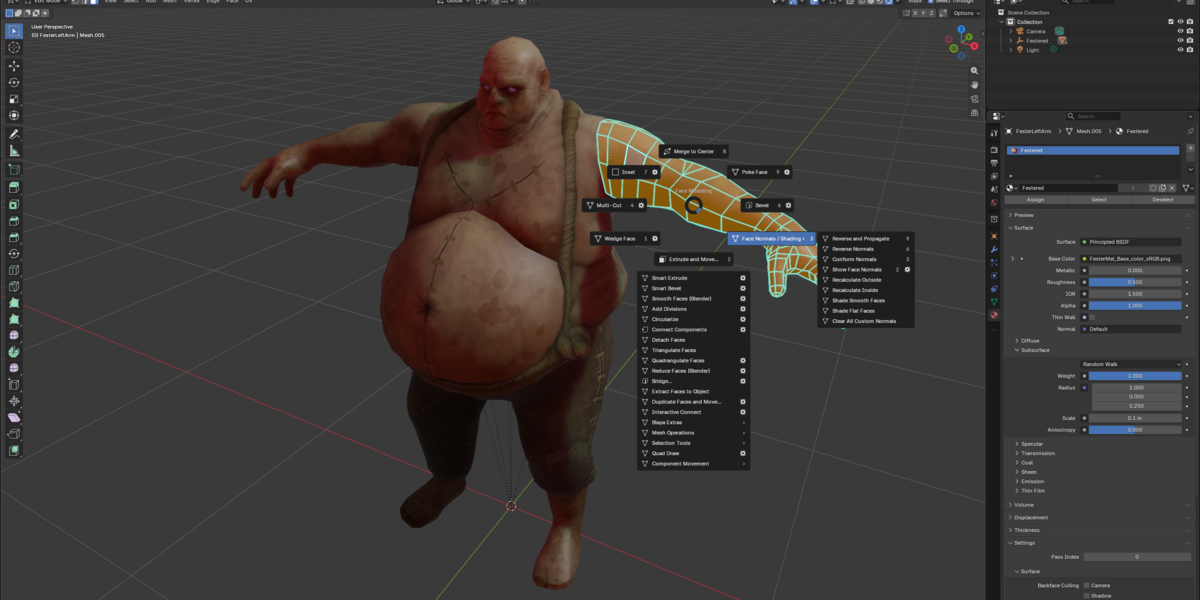
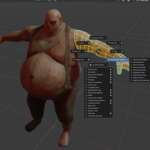
Use directional gestures as the commands become familiar, or browse the Blaya Model and Blaya Select menus beside Blender’s viewport menus. Both routes access the same commands and settings.
Familiar controls for everyday work
- Navigate with familiar mouse controls. Alt + left, middle and right mouse buttons provide orbit, pan and dolly.
- Switch tools with Q, W, E and R. Select, Move, Rotate and Scale stay within reach. Use D for pivot editing and B for basic Soft Selection.
- Work through contextual marking menus. Access component modes, modeling commands, selection conversions and current-tool options around the pointer.
- Build useful selections. Select edge loops, add or remove loops, convert component selections and follow contiguous edges with adjustable angle limits.
- Focus on the part you’re editing. Ctrl+1 toggles selected-object isolation in the viewport.
- Continue familiar editing rhythms. G repeats supported committed commands; Y recalls a modeling tool.
From blockout to finished topology
Blaya brings together extrusion, inset, beveling, loop insertion, Multi-Cut, connections, bridging, Target Weld, face operations and shading controls.
Use Smart Extrude for recesses and raised forms, with cap taper and rotation controls. Convert selected polygon paths into separate editable curves with Poly to Curve. Refine edges with Blender’s native Bevel, and build symmetry using its native Mirror modifier.
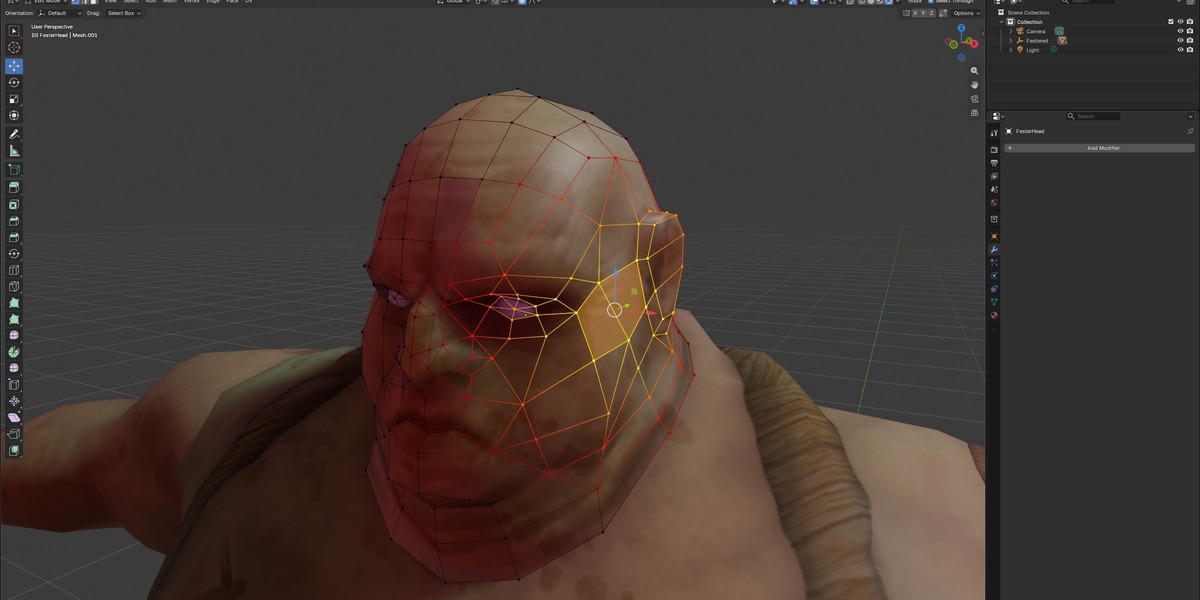
For retopology, Make Live and Quad Draw let you place points, create quads, extend borders, tweak vertices and relax a new mesh over a reference surface.
Learn while you model
The included offline User Guide walks through installation, your first edits, marking menus, selection, pivots, cutting, beveling, Smart tools and retopology. Practical exercises and a shortcut reference help you build familiarity one workflow at a time.
What’s included
- Blaya Extension ZIP for installation in standard Blender.
- Offline User Guide with step-by-step lessons and practical exercises.
- Shortcut reference and command-settings guidance.
Compatibility
Designed for Blender 5.2.3 LTS on Windows x64. A three-button mouse is recommended. Blaya focuses on polygon modeling, interaction and retopology; the included guide explains individual tool controls and supported mesh configurations.
Created by Thomas Pasieka.

