Blaya
 Thomas Pasieka
How should I report a problem?
Contact the creator through Superhive with your Blender and Blaya versions, the active tool and component mode, and clear reproduction steps. A short screen recording can help. Blaya Model > Support > Export Diagnostic Report creates a local report; inspect it before sharing. The report does not upload automatically.
Where can I find the complete documentation?
Use Blaya Model > Open User Guide in Blender, or the guide button in Blaya's Add-on Preferences. The included HTML guide works offline and provides practical lessons plus a shortcut reference. A separate PDF edition is also available for offline reading.
How do I isolate an object?
In Object mode, select the object or objects, keep the pointer over the 3D View and press Ctrl+1. Press Ctrl+1 again to leave isolation. This uses Blender's Local View and affects whole objects in that viewport. Confirm or cancel a pending geometry edit first. Press F separately if you also want to frame the selection.
Why does Bevel use Blender's controls?
Blaya uses Blender's native interactive Bevel. While it is active, move the mouse or type a width, use the wheel to change segments, press Enter or LMB to confirm, or Esc or RMB to cancel. Finish or cancel Bevel before switching commands. Use Adjust Last Operation for supported post-commit changes; F9 remains Vertex mode in Blaya.
What is the difference between G, Y and Ctrl+Y?
G repeats a supported committed command on your current suitable selection. Y recalls the last supported modeling tool so you can continue a picked workflow such as Multi-Cut, Target Weld or Quad Draw. Ctrl+Y redoes an undone edit. Cursor-picked or freehand strokes use their persistent tool rather than an arbitrary G replay.
Why does Apply Settings not perform the modeling operation?
Command Settings and marking-menu gears edit defaults for the next use of that command. Apply Settings saves those values; choose the command itself to perform or start the operation. Action dialogs with buttons such as Assign Color or Clean Mesh perform the named edit when confirmed.
Why is a command greyed out or unavailable?
Commands follow the current Object or component mode and selection. Check that the correct mesh is active, switch to the required Vertex, Edge or Face mode, and select suitable geometry. For example, ordinary loop tools need a valid route through the topology, while many face operations need selected faces. The User Guide explains each tool's preparation.
Does Blaya keep my models editable in Blender?
Blaya works with native Blender meshes and keeps ordinary modifiers editable. For the custom topology workflows, start with one local editable base mesh and the appropriate component selection. Give linked or shared meshes a local working copy; use the appropriate native Blender workflows for shape keys, Multires, animation and constraints.
Will Blaya conflict with other keymap or navigation add-ons?
Two tools assigning the same shortcut or mouse combination can compete for that input. Choose which add-on should own the overlapping controls, and adjust or disable the corresponding input group in Blaya's preferences where appropriate. Compatibility with every third-party keymap is not guaranteed.
Can I customize the shortcuts and navigation?
Blaya's Add-on Preferences has separate controls for navigation, tool and component shortcuts, marking menus, transform interaction and viewport display. Pan and dolly start at sensitivity 1. You can make intentional keymap overrides using Blender's native keymap editor. Use Save Preferences to retain your chosen preference settings.
Do I have to learn gestures before I can use Blaya?
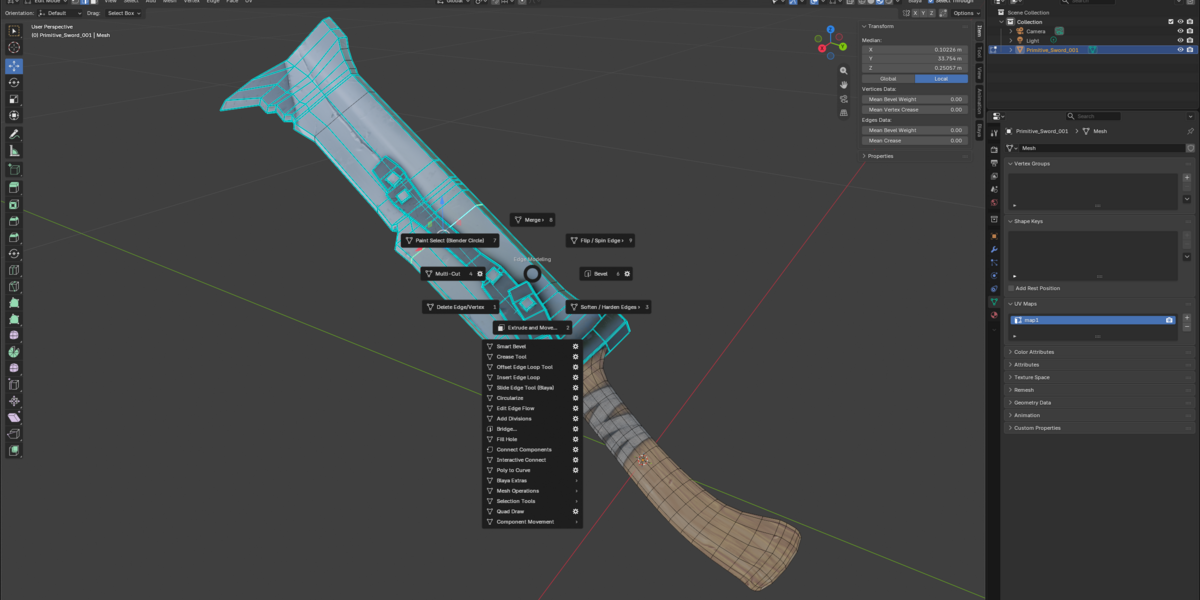
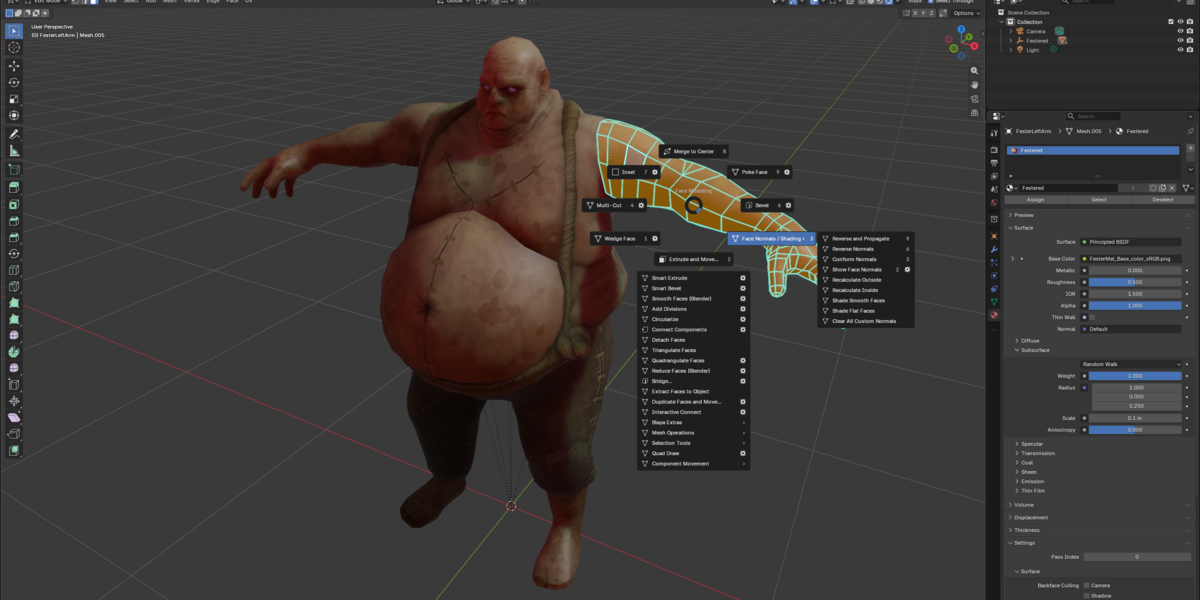
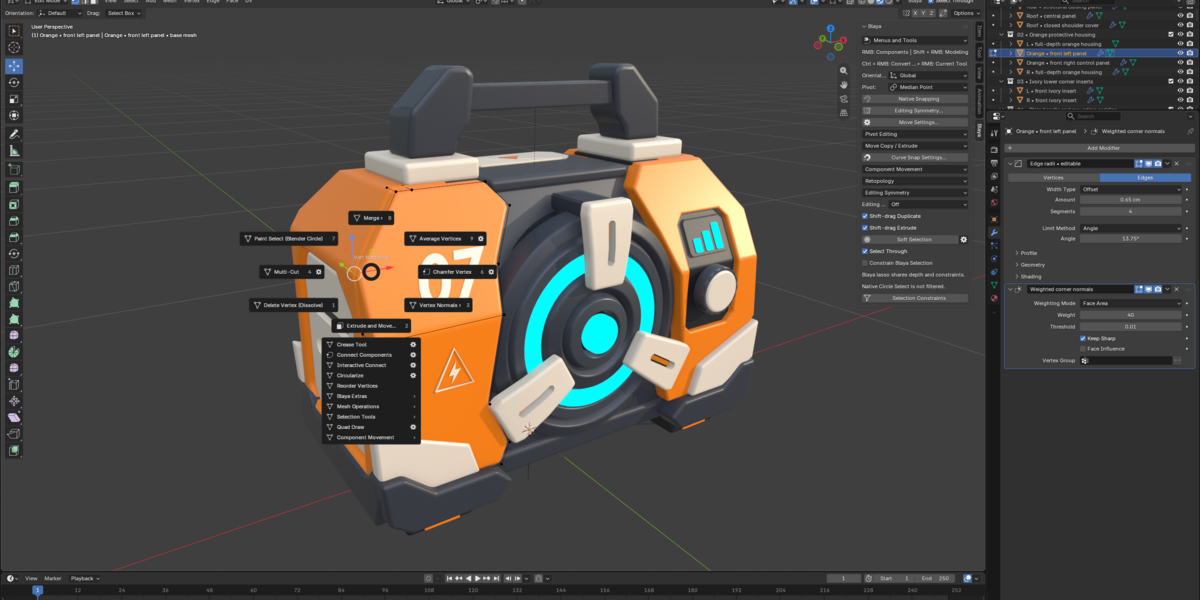
Start with visible clicks: tap RMB and release, then click the command you want. Blaya Model, Blaya Select and the N > Blaya sidebar also provide access to the tools. Directional marking gestures are another way to reach those commands as you become familiar with the layout.
Is Blaya a complete recreation of Maya?
Blaya focuses on Maya-style polygon modeling, navigation, selection, transforms and retopology within Blender. Blender remains the host application, with its own materials, modifiers and native tools. Some operations, such as Bevel, intentionally retain Blender's native interaction. UV workflows, NURBS, sculpting and deeper Soft Selection are outside this release's Blaya-specific toolset.
Do I need a special or modified Blender build?
Install the Blaya Extension ZIP through Preferences > Get Extensions > Install from Disk. Enable it and restart Blender.
Do I need Maya installed?
Blaya is an Extension for Blender. Maya is the reference for its navigation, shortcuts and modeling interaction.
Which Blender versions and operating systems does Blaya support?
The current package supports stock Blender 5.2.1, 5.2.2, 5.2.3, 5.2.4 and 5.3.0 on Windows x64. A mouse with left, middle and right buttons is recommended.
 Included
Includes 12 months of
- Support from Thomas Pasieka
- Product updates
Extend this product’s Support Period +12 months: 75% of product price
Have questions before purchasing?
Login to message
| Blender Extension Compatible | Yes |
| Published | about 11 hours ago |
| Blender Version | 5.2 - 5.3 |
| Extension Type | Add-on |
| Render Engine Used | Arnold, Blender-Internal, Blender-Game-Engine, Cycles, Eevee, Freestyle, Luxrender, Mental-Ray, Octane, Vray, Yafaray |
| License | GPL |
