 PolyForge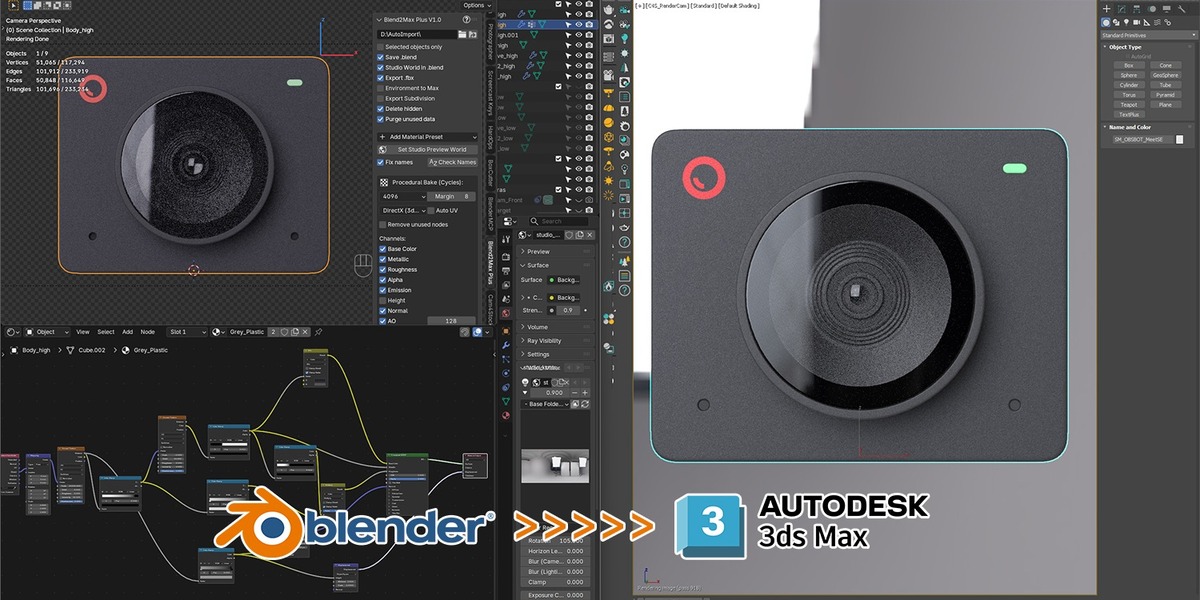
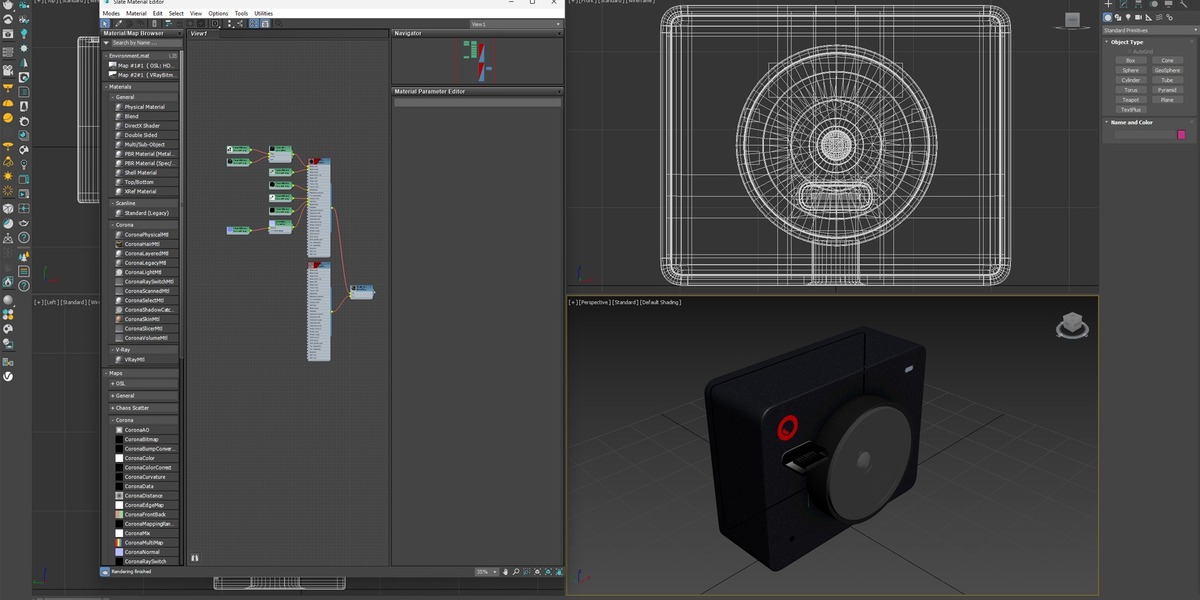
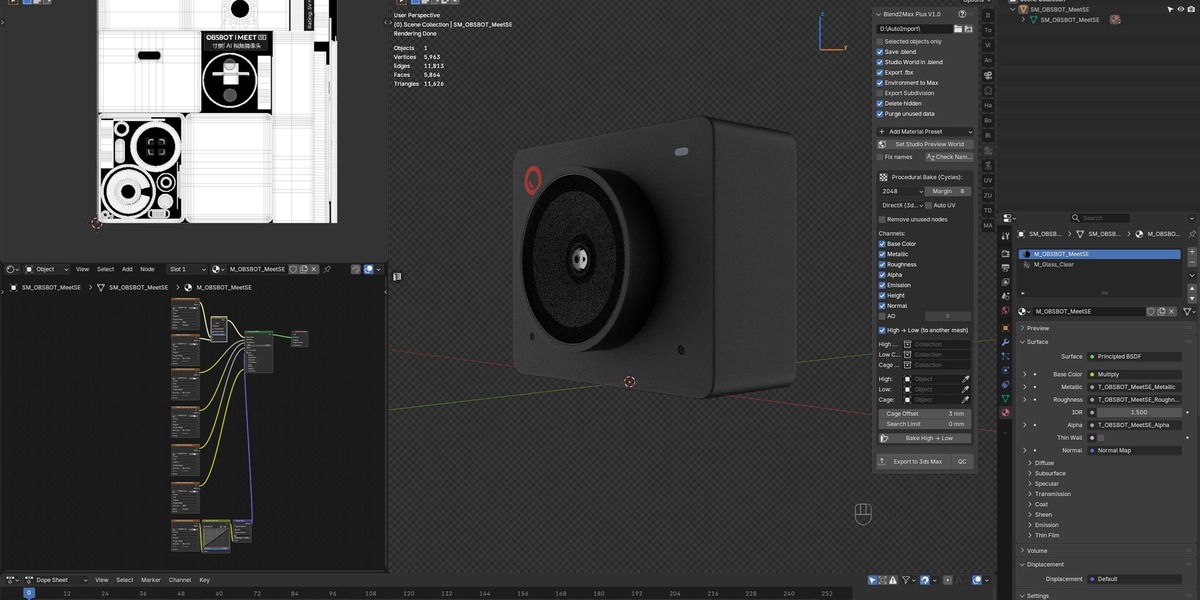
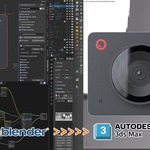
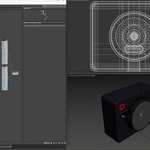
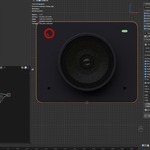
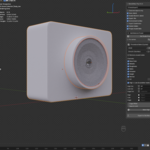
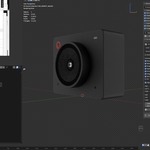
You built the perfect procedural material in Blender. Then reality hits: the render has to happen in 3ds Max, with Corona or V-Ray, and none of it survives the trip. FBX flattens your glass to a plastic-looking texture, your hi-poly sculpt has nowhere to go on the low-poly UV, and you're left rebuilding shader networks by hand — again.
Blend2Max Plus exists because that rebuild happens on every single delivery.
What it does for you:
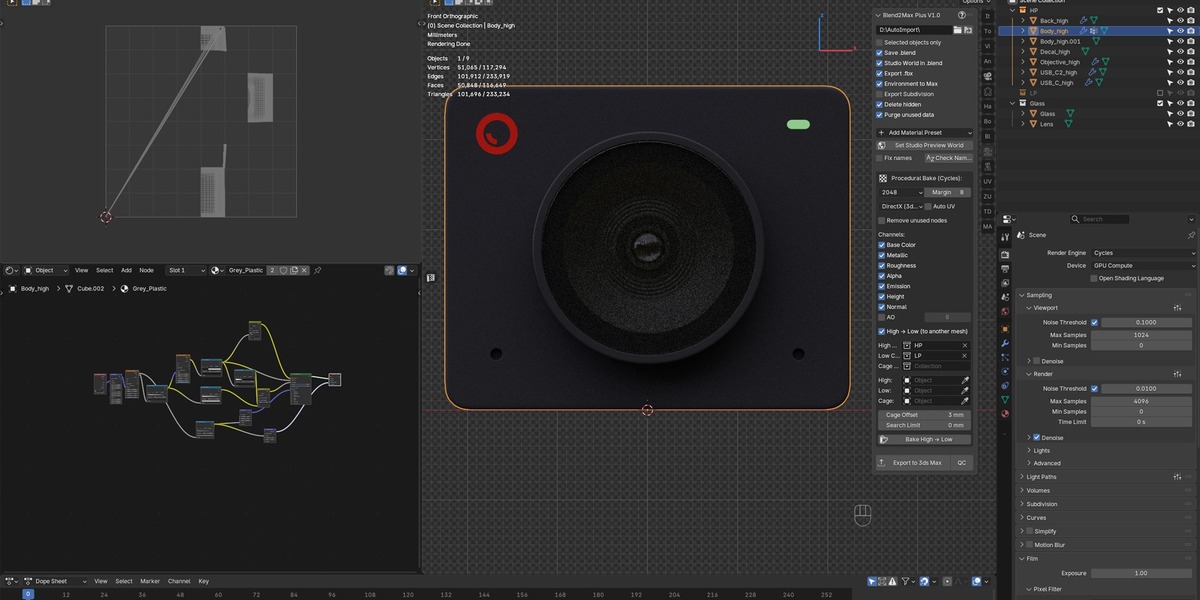
- Turns any node-based material into clean PBR textures — Base Color, Metallic, Roughness, Normal — baked through Cycles, no external texturing app required.
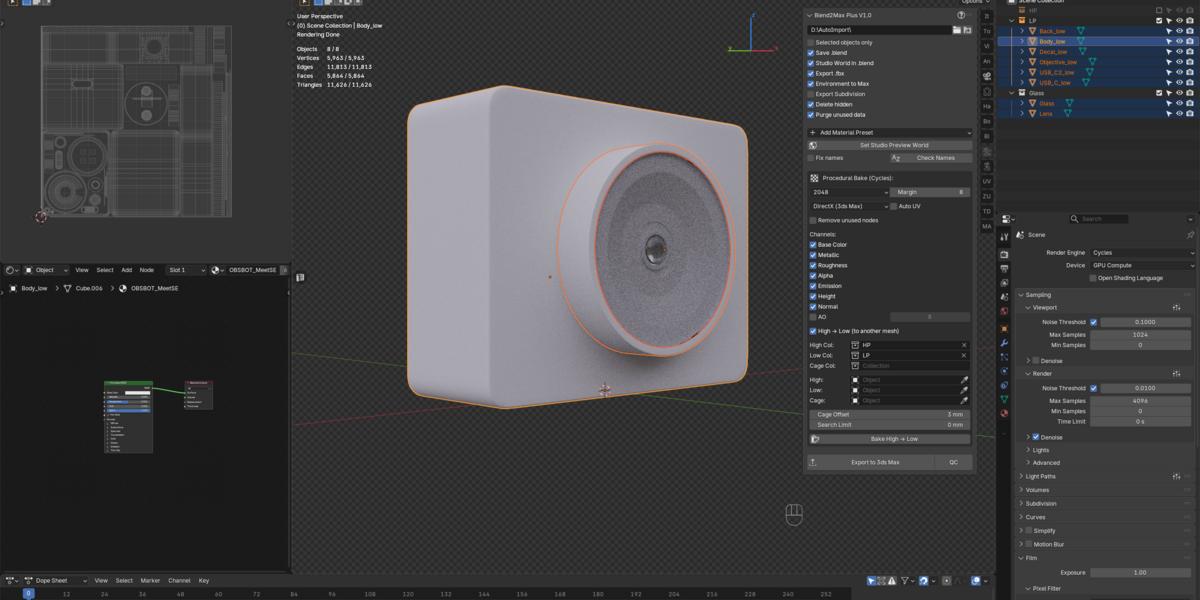
- Carries the sculpted detail from your high-poly mesh onto a low-poly UV, baked as normal map + AO in a single click.
- Keeps glass, liquids, and emissive materials physically correct on the other side — these presets travel to 3ds Max as native refraction and IOR parameters, not flattened textures.
- Lets you check object/material names and mesh integrity before you ever open 3ds Max, so nothing silently breaks on import.
- Hands the whole result to a companion 3ds Max script (Corona or V-Ray) that reads the bake output and builds working materials automatically — point it at a shared folder, and the scene is already lit and shaded when it opens.
What's inside the archive:
- Blend2MaxPlus.py — the Blender add-on
- Autoimport_Plus_Corona.ms — companion script for 3ds Max, Corona Renderer
- Autoimport_Plus_VRay.ms — companion script for 3ds Max, V-Ray
- A test scene to verify the pipeline before using it on real work
Tested on Blender 5.0, 3ds Max 2021 and 2026, Corona 12/13, and V-Ray 7.
