Blend2Max Plus
 PolyForge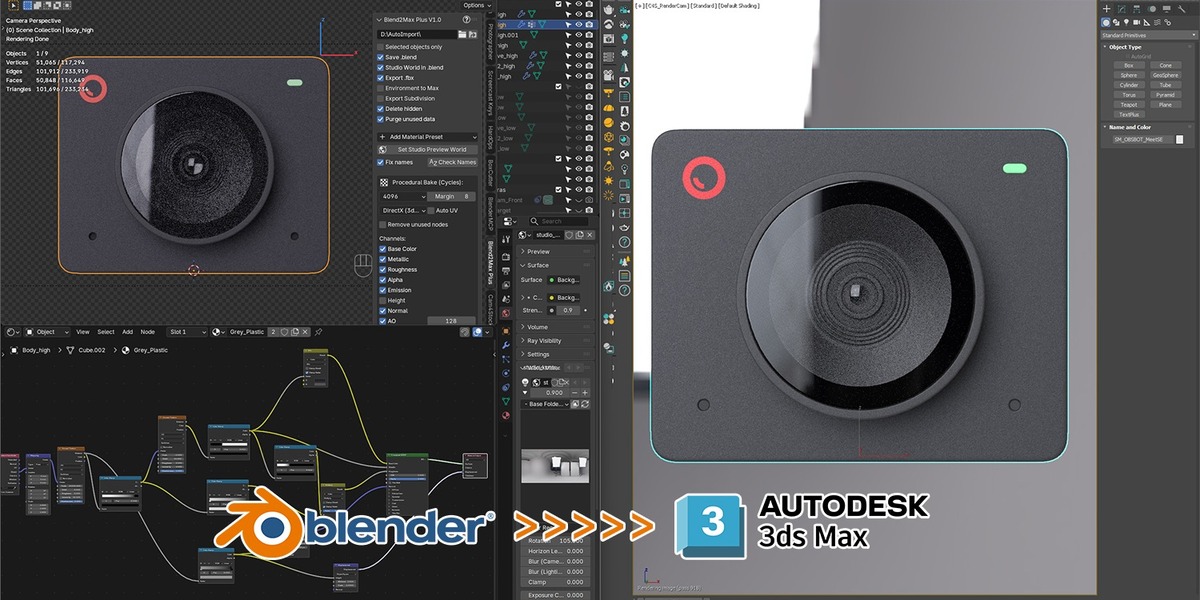
What Blend2Max Plus Does
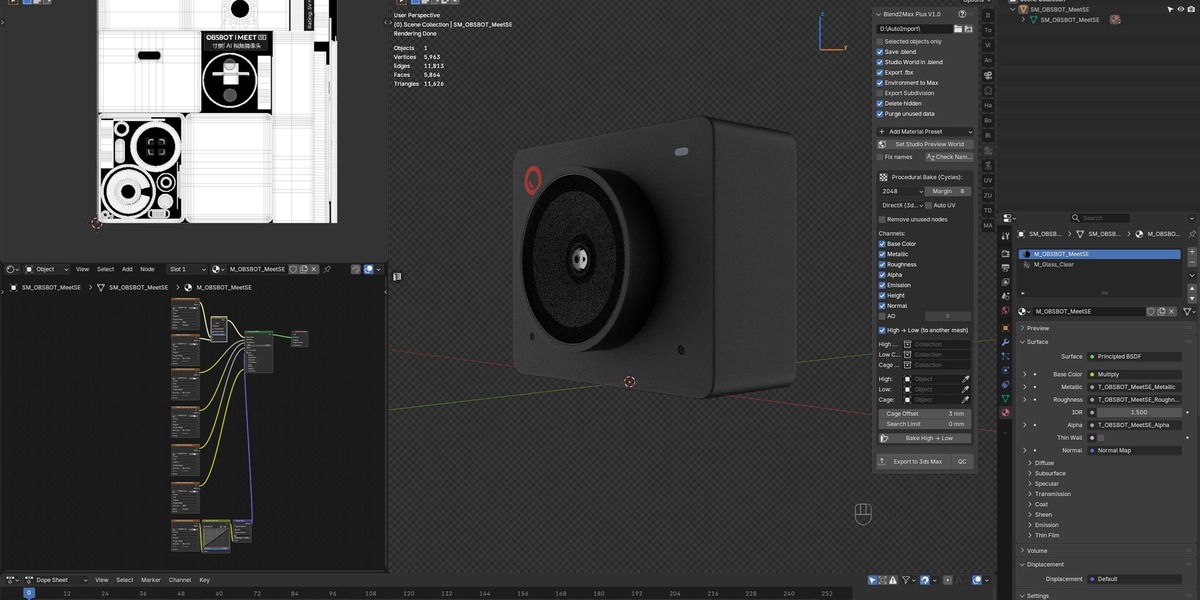
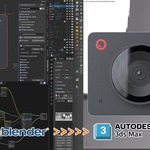
Blend2Max Plus bakes procedural materials and high-poly geometric detail in Blender,
then transfers the result to 3ds Max through two companion MaxScript files —
one for Corona Renderer, one for V-Ray — which automatically build working
materials from the baked textures. No manual node rebuilding on either side.
In Blender
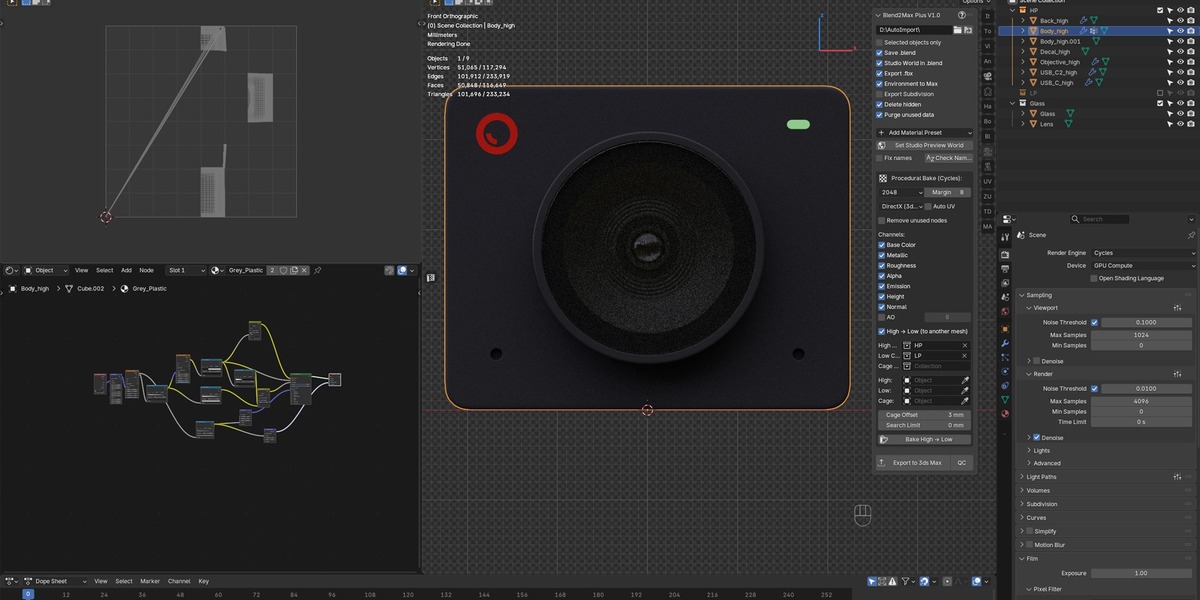
- Procedural bake to PBR — bakes Base Color, Metallic, Roughness, Alpha,
Emission and Height channels from any node-based material via Cycles, in one click.
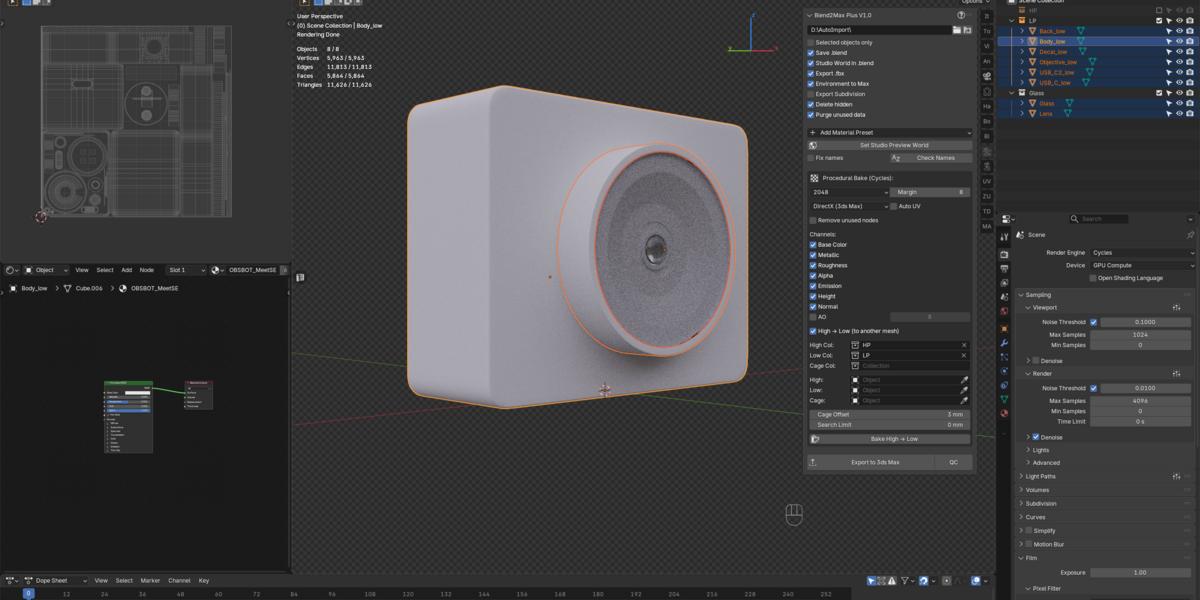
- High → Low bake — transfers geometric detail from a high-poly mesh to a
low-poly UV via Normal map + AO baking, with automatic cage handling.
- Material presets — Clear Glass, Frosted Glass, Diamond, Water, Wine,
Whisky, Honey, Milk, Wax, Ice, Acrylic, Polycarbonate, and Emissive.
These are NOT baked — they carry over to 3ds Max as native engine
parameters (real refraction, IOR, absorption, SSS), which a plain FBX
export cannot do.
- Check Names — finds and transliterates non-Latin characters in object,
material, and texture names before export (a common cause of broken links
in 3ds Max).
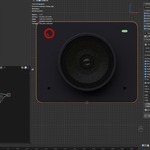
- Stock QC — checks dimensions, unapplied transforms, UV issues, and
N-gons against common stock-marketplace requirements.
- Export to 3ds Max — renames materials, collects the Maps folder, writes
a manifest file describing every material, texture path, and archetype,
and exports an FBX.
In 3ds Max (Corona / V-Ray companion scripts)
- Install by drag-and-drop — no manual script setup.
- Point the script at the same output folder used in Blender (single file or
a batch folder of many models).
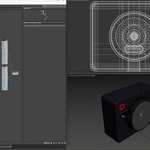
- Automatically imports the FBX, sets unit conversion, resets transforms,
restores Subdivision Surface as TurboSmooth/OpenSubdiv, and transfers the
HDRI environment with correct rotation.
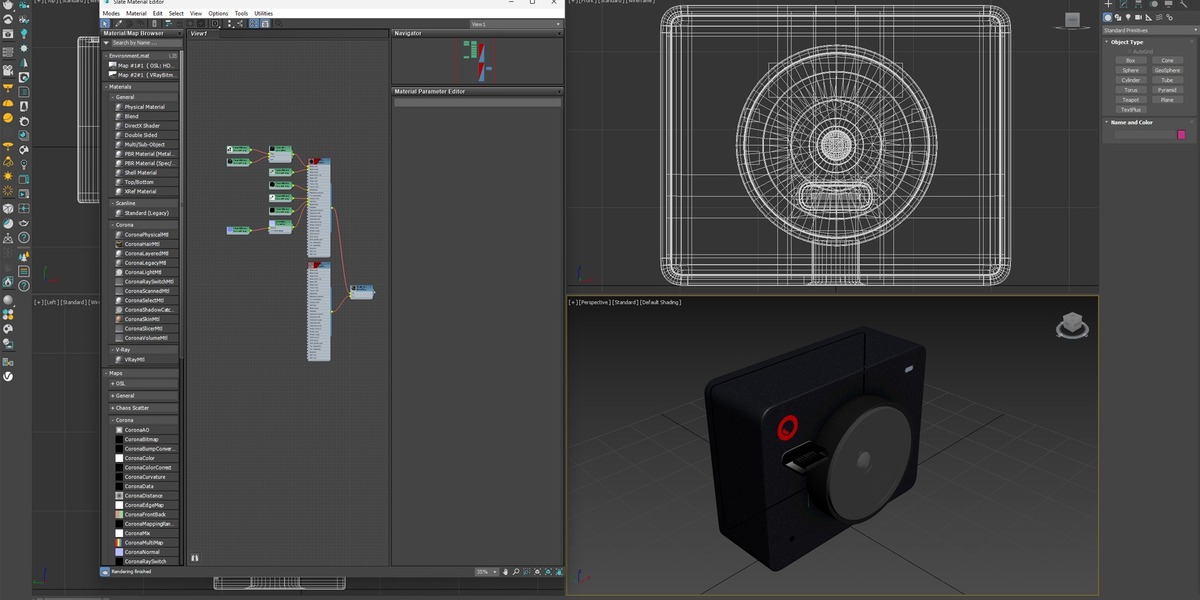
- Reads the manifest and builds real Corona/V-Ray materials: Base Color,
Metallic, Roughness, Normal, Emission, and Alpha wired automatically, AO
composited via multiply.
- Rebuilds glass, liquid, and emissive presets as true physical materials —
refraction, IOR, absorption — not flat textures.
- Saves the finished .max file in two versions (current + 3 years back) and
strips absolute texture paths for portability.- Blender 5.0 (tested)
Requirements
- 3ds Max 2021 and 2026 (tested)
- Corona Renderer 12/13 or V-Ray 7Installation
1. Drag `Blend2MaxPlus.py` into the Blender window to install the add-on.
2. Drag the matching `.ms` file (Corona or V-Ray, whichever renderer you use)
into the 3ds Max viewport to install the companion script.
3. In Blender, set the Output Folder in the add-on panel — this is the
shared folder both sides read from and write to.
4. In 3ds Max, point the companion script at that same folder.
$25
Have questions about this product?
Login to message
| Published | 2 months ago |
| Blender Version | 5.0 - 5.2 |
| Extension Type | N/A |
| Render Engine Used | Cycles |
| License | GPL |
