 NetoLedesma
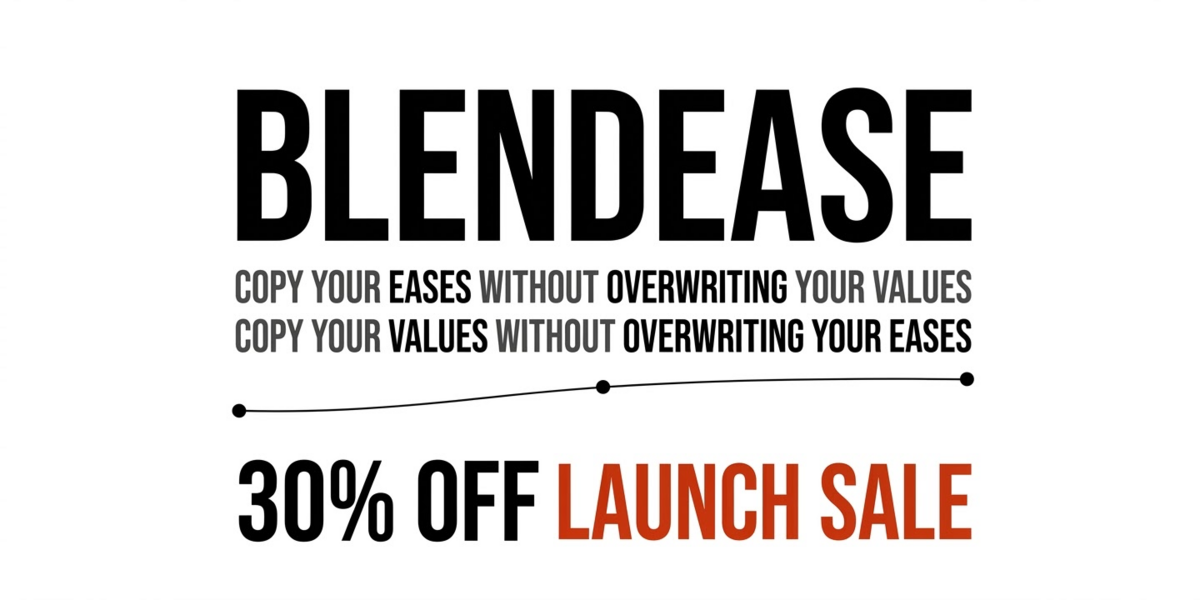


BlendEase: One-Click Easing Transfer for Blender
Stop rebuilding the exact same bezier curves. Copy, paste, and match your eases instantly.
If you’ve ever animated in After Effects with tools like EaseCopy or Flow, you know the pain of jumping into Blender’s Graph Editor. Adjusting handles, manually typing curve values, or eyeballing bezier slopes across multiple channels kills your creative flow.
BlendEase bridges that gap. It brings effortless curve transfer directly to Blender’s Timeline and Graph Editor—no handle gymnastics required.
Why Did I Create This Product?
Blender’s animation tools are powerhouse-level, but fine-tuning ease curves repeatedly across scale, position, rotation, or custom rig properties is tedious.
Coming from a hybrid motion design and 3D pipeline, I spent too many hours eyeballing handles just to make an overshoot or a slow snap feel consistent across five different objects. In After Effects, copying an ease curve takes one shortcut. In Blender, it felt like manual calibration every single time.
I built BlendEase out of pure workflow exhaustion: to give Blender animators the exact speed, precision, and ease transfer muscle-memory they rely on in dedicated 2D motion tools.
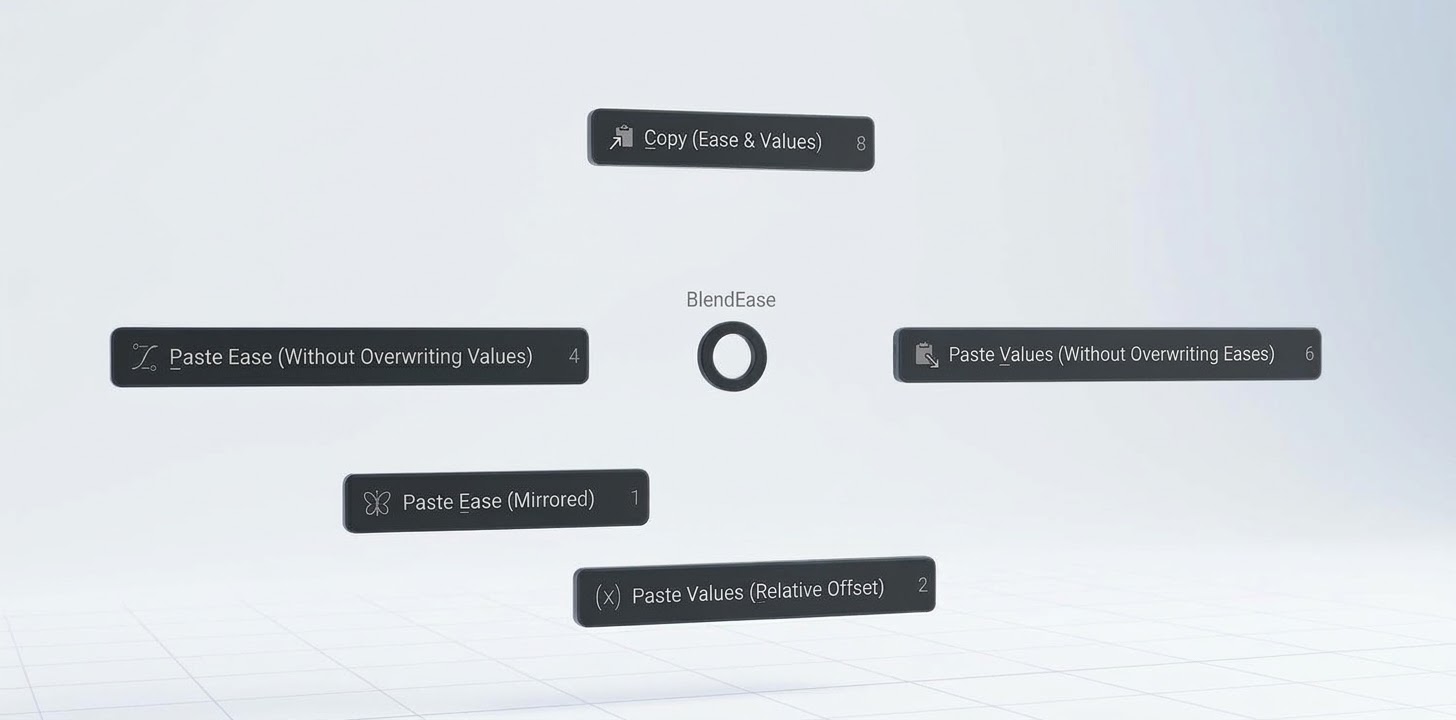
How Does It Help in Daily Work?
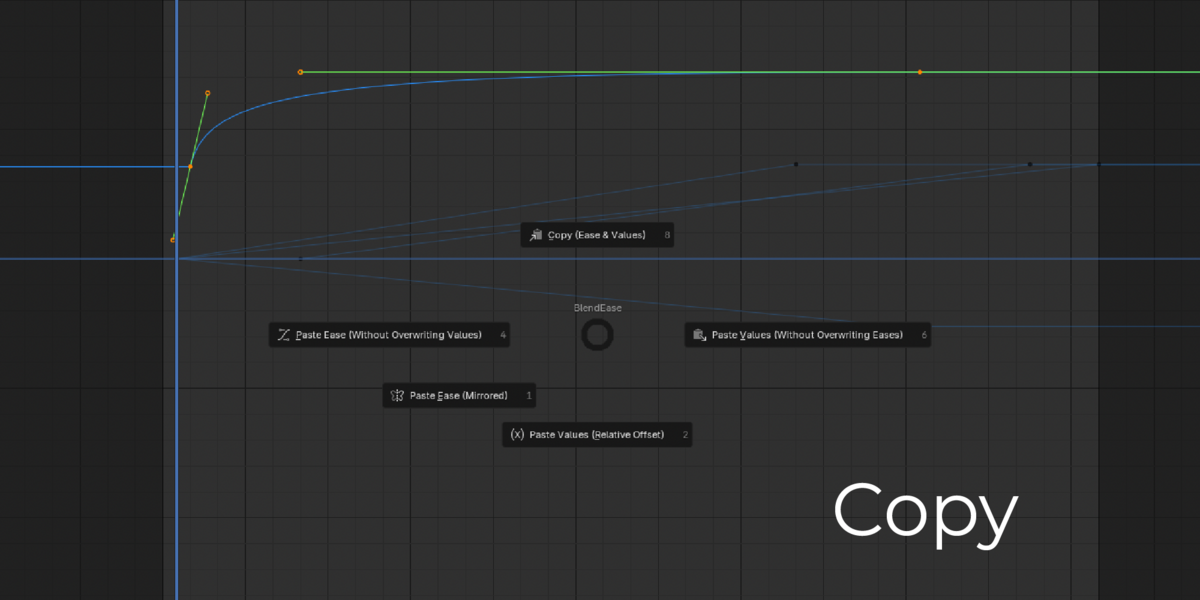
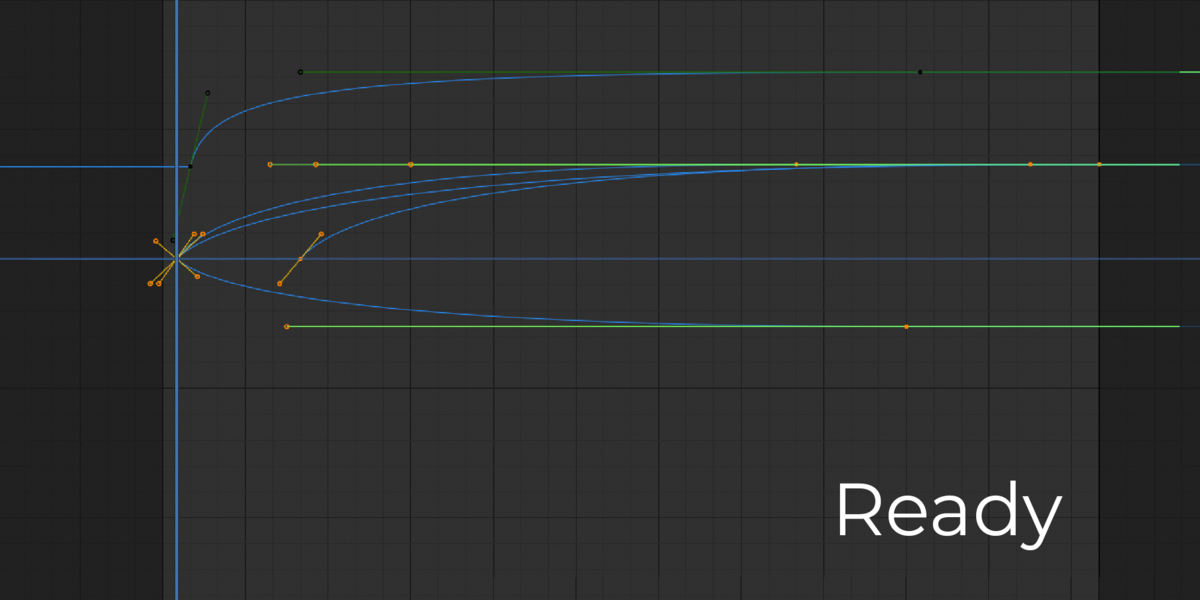
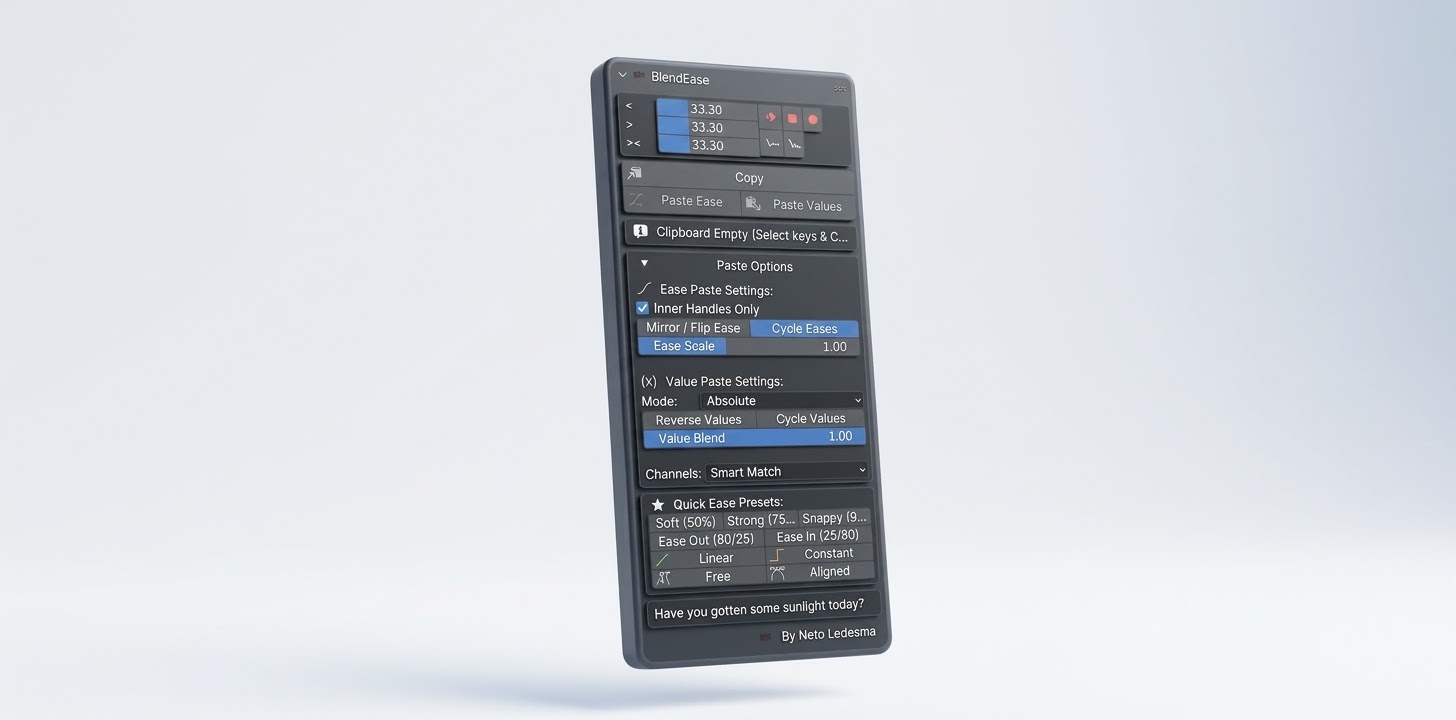
- Zero Eyeballing: Select your source keyframes, hit Copy Ease, select your target keyframes, and hit Paste Ease. The acceleration curve matches 1:1.
- Property Agnostic: Copy the snappy ease of a camera zoom and paste it onto a light's energy pulse, a character's anticipation, or a shape key.
- Massive Time Savings: In commercial client work, revision requests like "make the pop snappier" usually mean tweaking dozens of curve handles. With BlendEase, you update one, copy the ease, and batch-paste it across all relevant channels in seconds.
- Clean UI, Zero Bloat: It sits naturally in your N-panel or Graph Editor header without cluttering your workspace.
Key Features
- Copy In, Out, or Both: Independent control over ease-in, ease-out, or the complete transition curve.
- Multi-Channel & Multi-Object Paste: Apply the same curve profile across multiple selected F-curves at once.
- Smart Handle Scaling: Maintains the exact curve rhythm regardless of the time distance between keyframes.
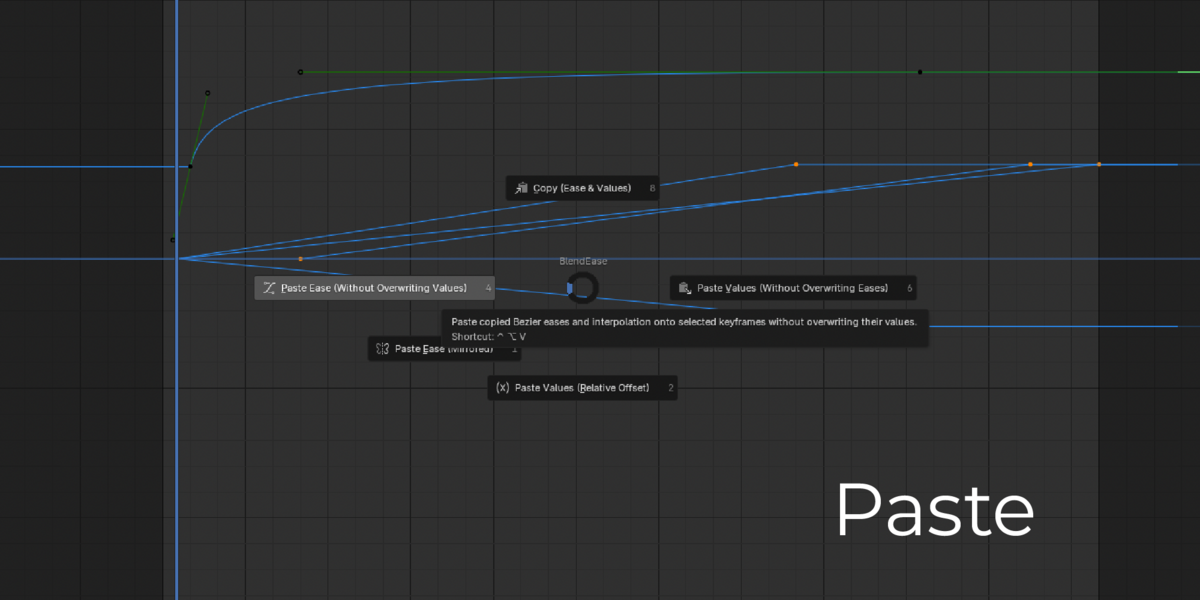
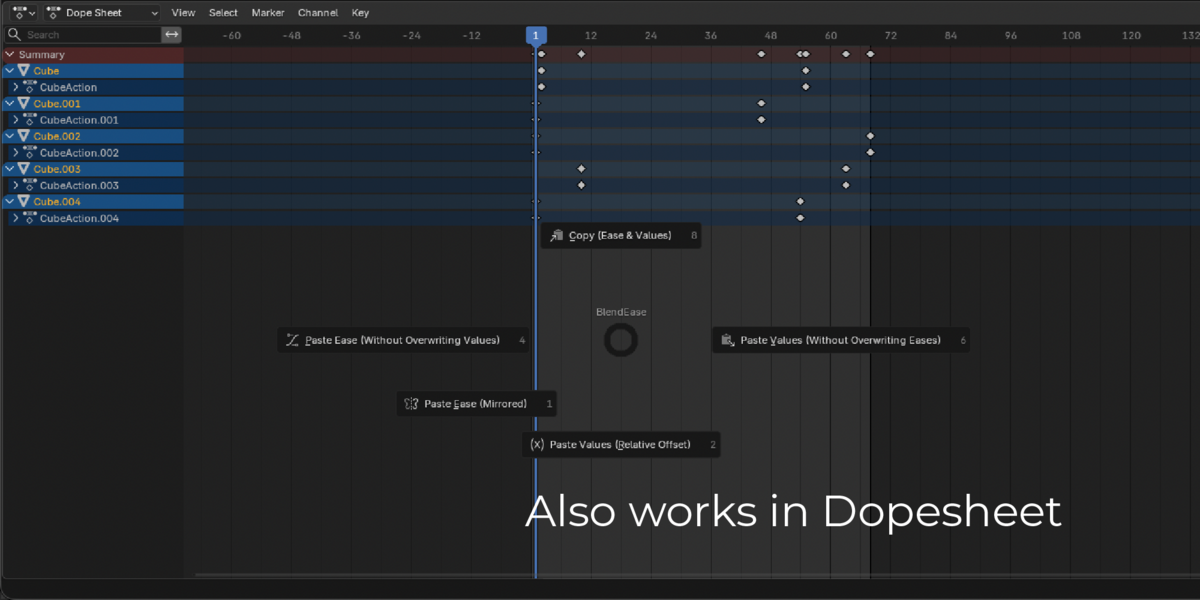
- Graph Editor & Dope Sheet Integration: Trigger actions via hotkeys, pie menu, or dedicated UI panels.
Who Is This For?
- Motion Designers moving from After Effects to Blender who miss instantaneous easing tools.
- Character & Rig Animators looking for uniform spacing and pacing without micro-managing handles.
Anyone tired of fighting the Graph Editor for basic ease consistency.