BlendEase
 NetoLedesma

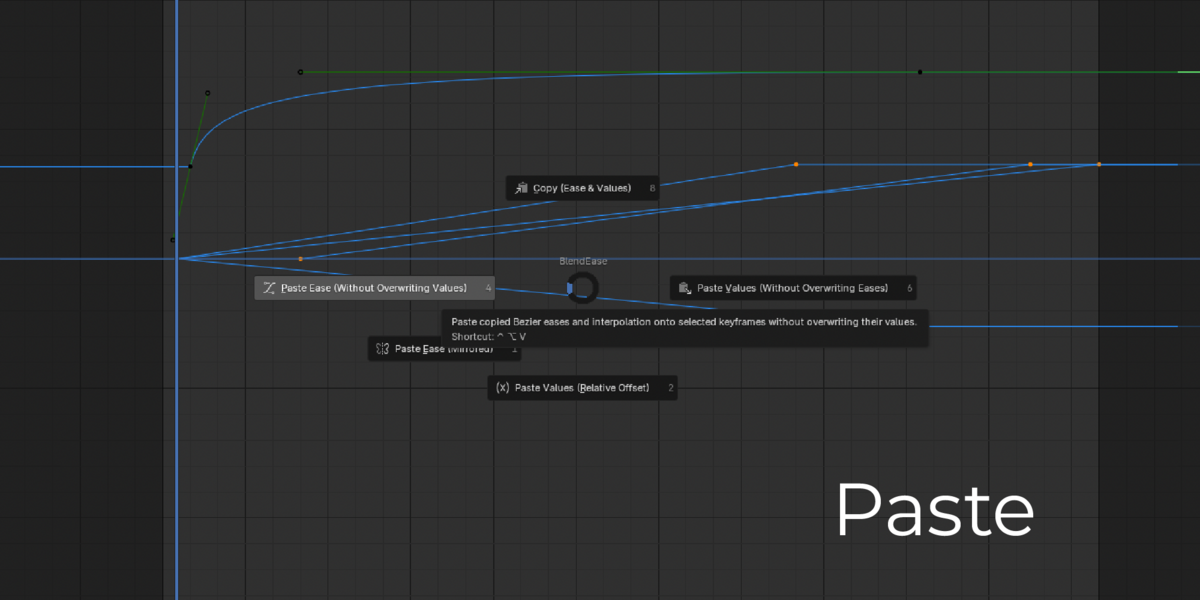
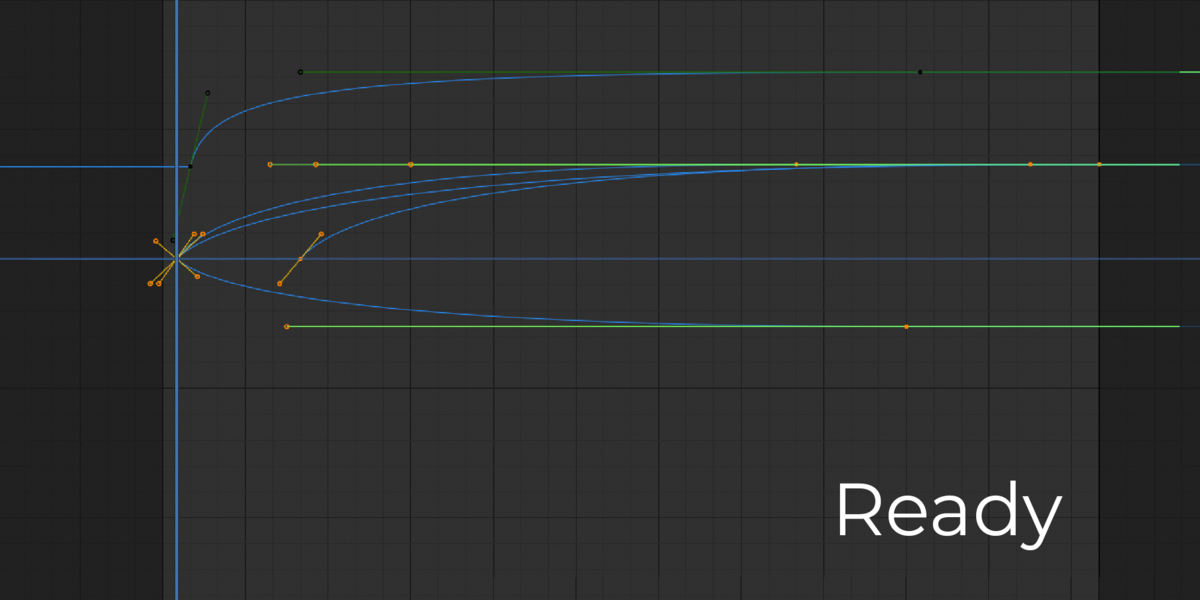

Does Paste Ease overwrite my keyframe values?
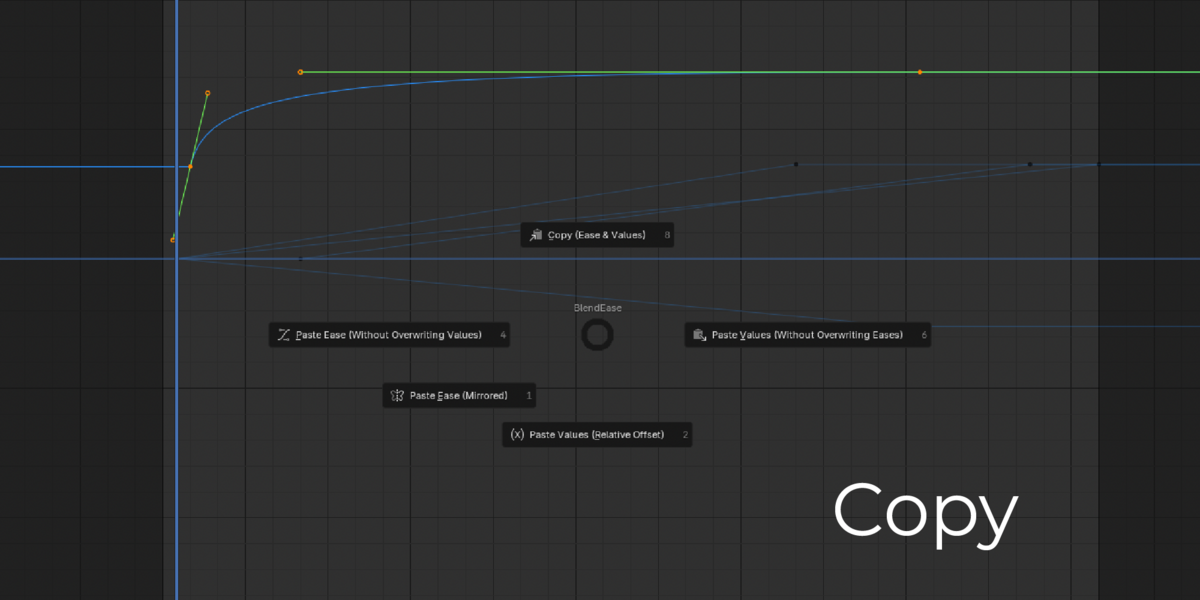
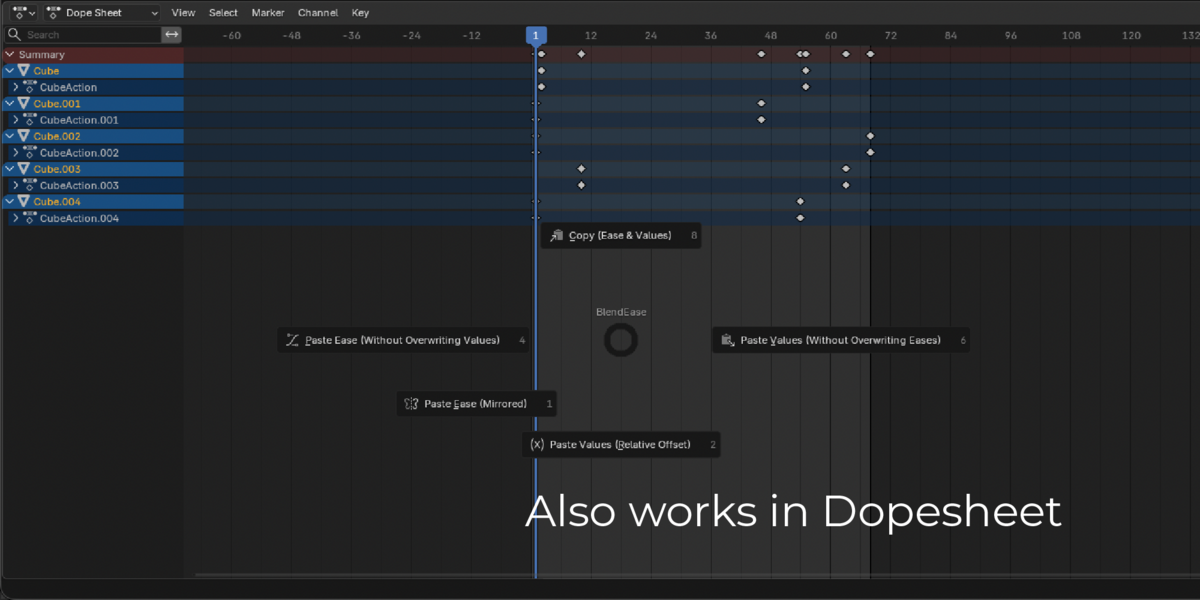
No. Just like EaseCopy in After Effects, BlendEase only transfers the curve handles/easing shapes, keeping your target keyframe values and frame positions intact.
Where can I access BlendEase in Blender?
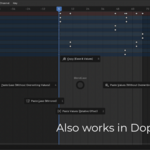
You can find the BlendEase panel in the N-Panel (Sidebar) of both the Graph Editor and the Dope Sheet, or open the quick Pie Menu in either window using the Shift + Space shortcut.
Can I change the Shift + Space Pie Menu shortcut?
Yes! You can customize the shortcut anytime by going to Edit > Preferences > Keymap, searching for BlendEase, and assigning any key combination you prefer.
Does it work on multiple channels or objects at once?
Yes, you can copy and paste easing across multiple selected F-Curves, bones, or objects simultaneously in both the Dope Sheet and Graph Editor.
Have questions about this product?
Login to message
| Blender Extension Compatible | Yes |
| Published | about 5 hours ago |
| Blender Version | 4.2 - 5.3 |
| Extension Type | Add-on |
| Render Engine Used | Cycles, Eevee |
| License | GPL |
Discover more products like this
animcopy ease easycopy mograph Animation curves f-curve motion graphics graph editor Easing Keyframe interpolation