BlendEase
 NetoLedesma

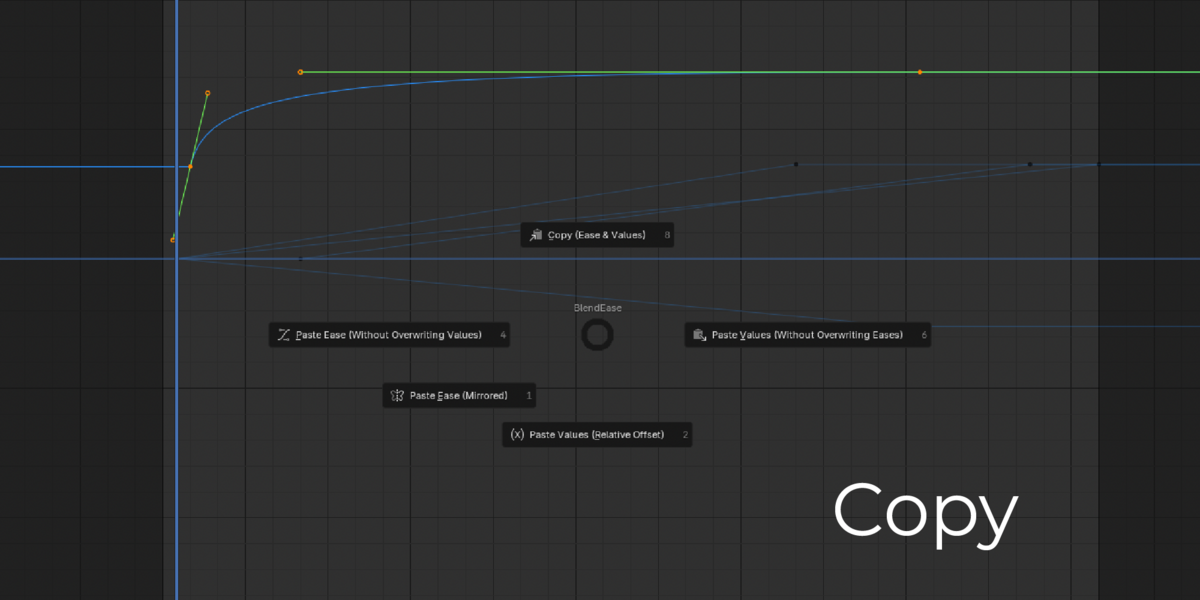
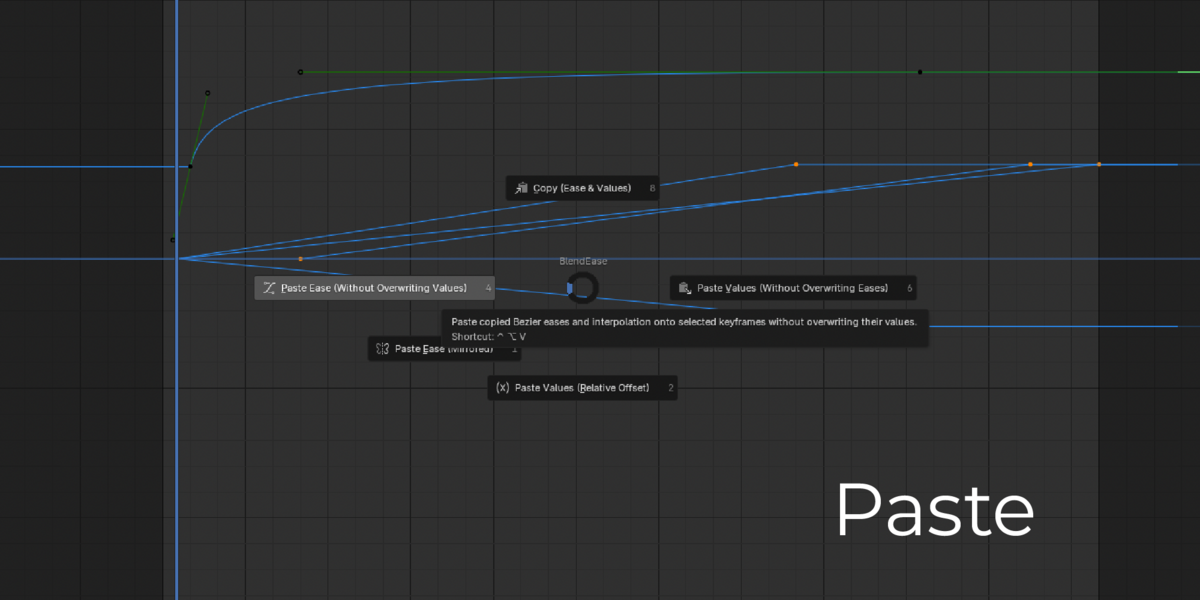
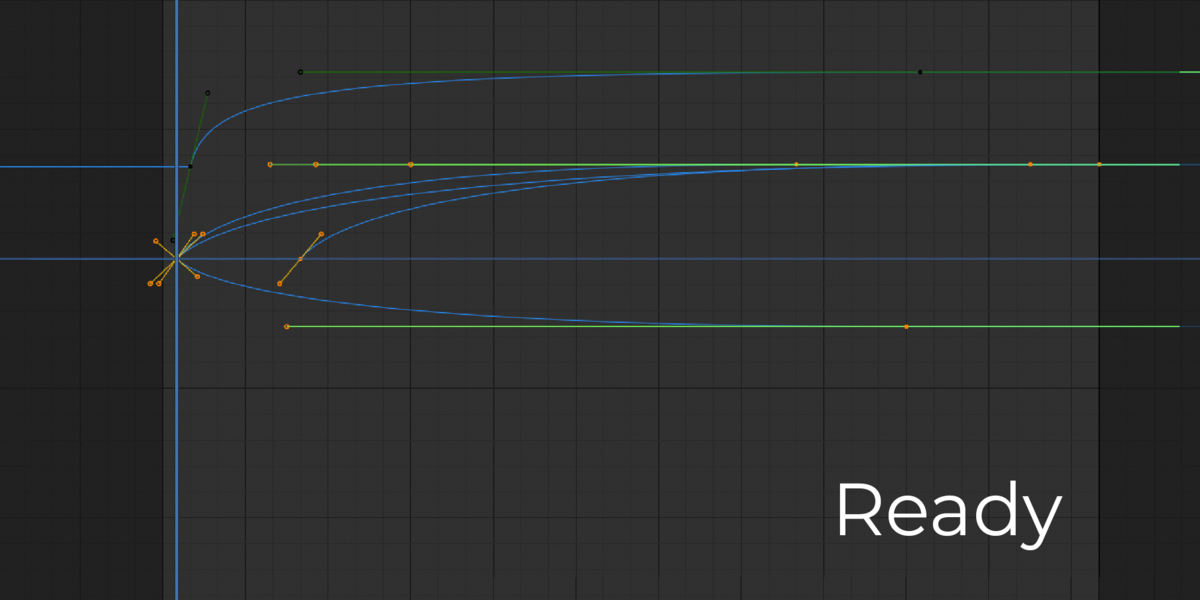

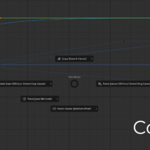
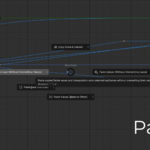
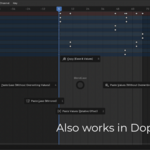
BlendEase brings the speed and simplicity of After Effects' EaseCopy workflow directly into Blender. Easily copy easing curves from one set of keyframes and paste them onto another—without altering your original keyframe values or timing.
Installation
- Download the BlendEase.zip file.
- Open Blender and go to Edit > Preferences > Add-ons.
- Click Install... (or drag and drop the .zip file into Blender), select BlendEase.zip, and enable the checkbox next to Animation: BlendEase.
Where to Find It
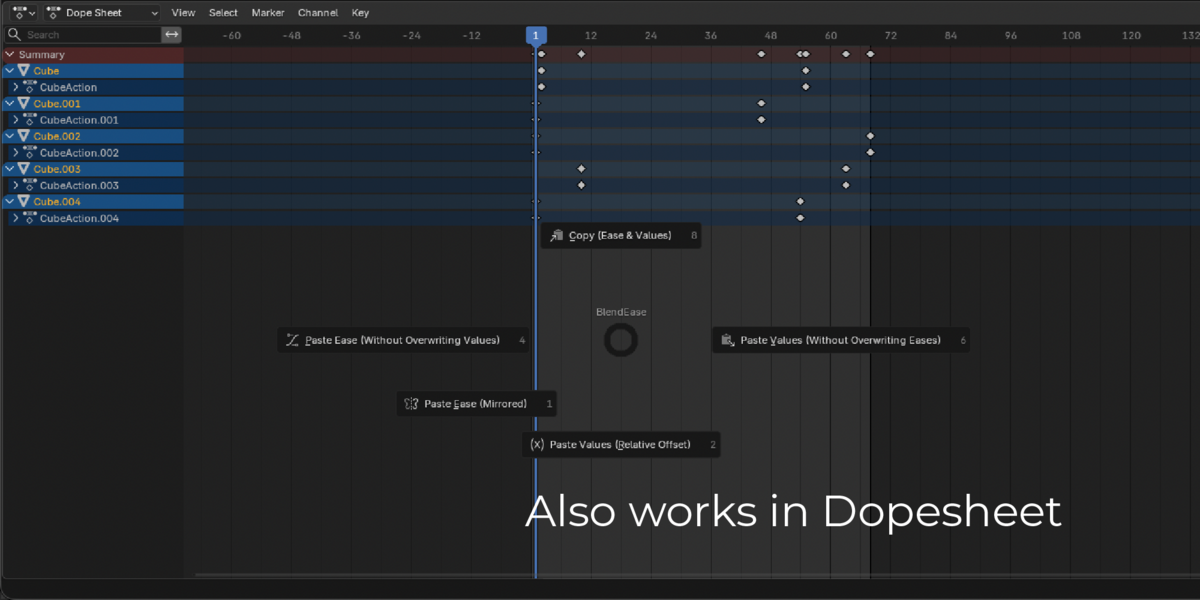
BlendEase is accessible in both the Graph Editor and the Dope Sheet:- N-Panel (Sidebar): Press N in either editor and open the BlendEase tab.
- Quick Pie Menu: Press Shift + Space while hovering over the Graph Editor or Dope Sheet to bring up the BlendEase Pie Menu for fast access.
How to Use
- Copy Ease: Select the keyframes with the curve/easing you want to copy and click Copy Ease (from the N-Panel or the Shift + Space Pie Menu).
- Paste Ease: Select the target keyframes where you want to apply that motion curve and click Paste Ease
- Your target keyframes will keep their exact values and positions while adopting the copied interpolation curve!
Have questions about this product?
Login to message
| Blender Extension Compatible | Yes |
| Published | about 5 hours ago |
| Blender Version | 4.2 - 5.3 |
| Extension Type | Add-on |
| Render Engine Used | Cycles, Eevee |
| License | GPL |
Discover more products like this
ease animcopy easycopy Animation curves f-curve Easing mograph graph editor motion graphics Keyframe interpolation