 Salman Naseem
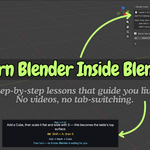
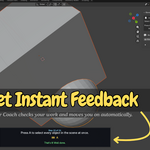
Stop Switching Between a Video and Blender
Learning Blender usually means jumping between two windows.
Play the tutorial. Pause it. Switch to Blender. Try the shortcut. Miss a step. Go back to the video. Repeat.
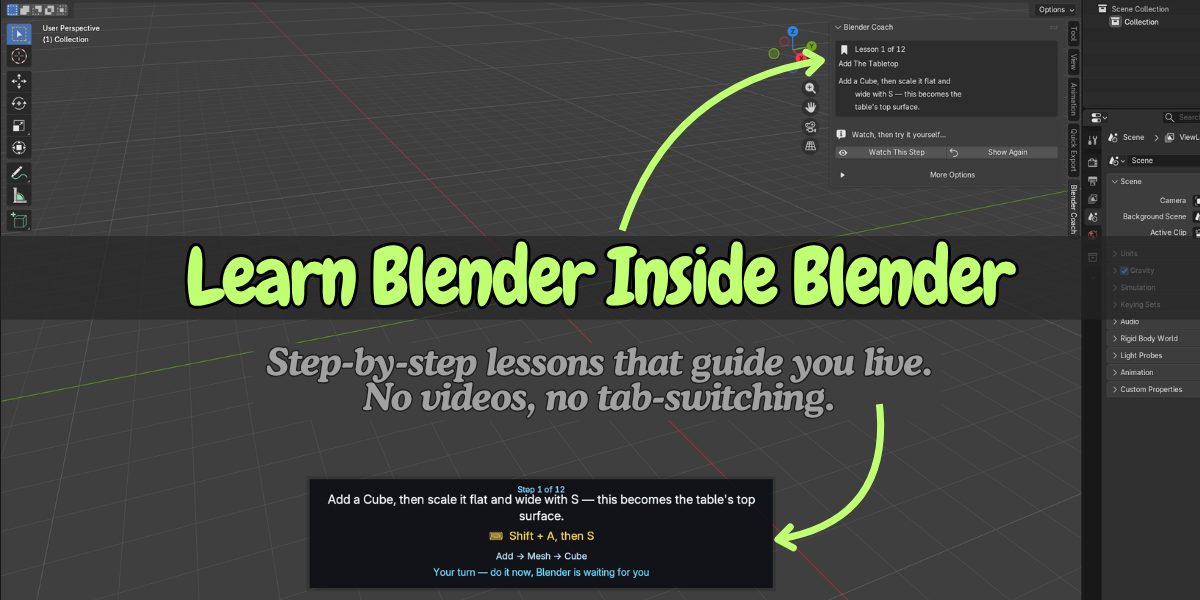
Blender Coach puts the lesson directly inside Blender, so you can watch, try, and move on without leaving your scene.
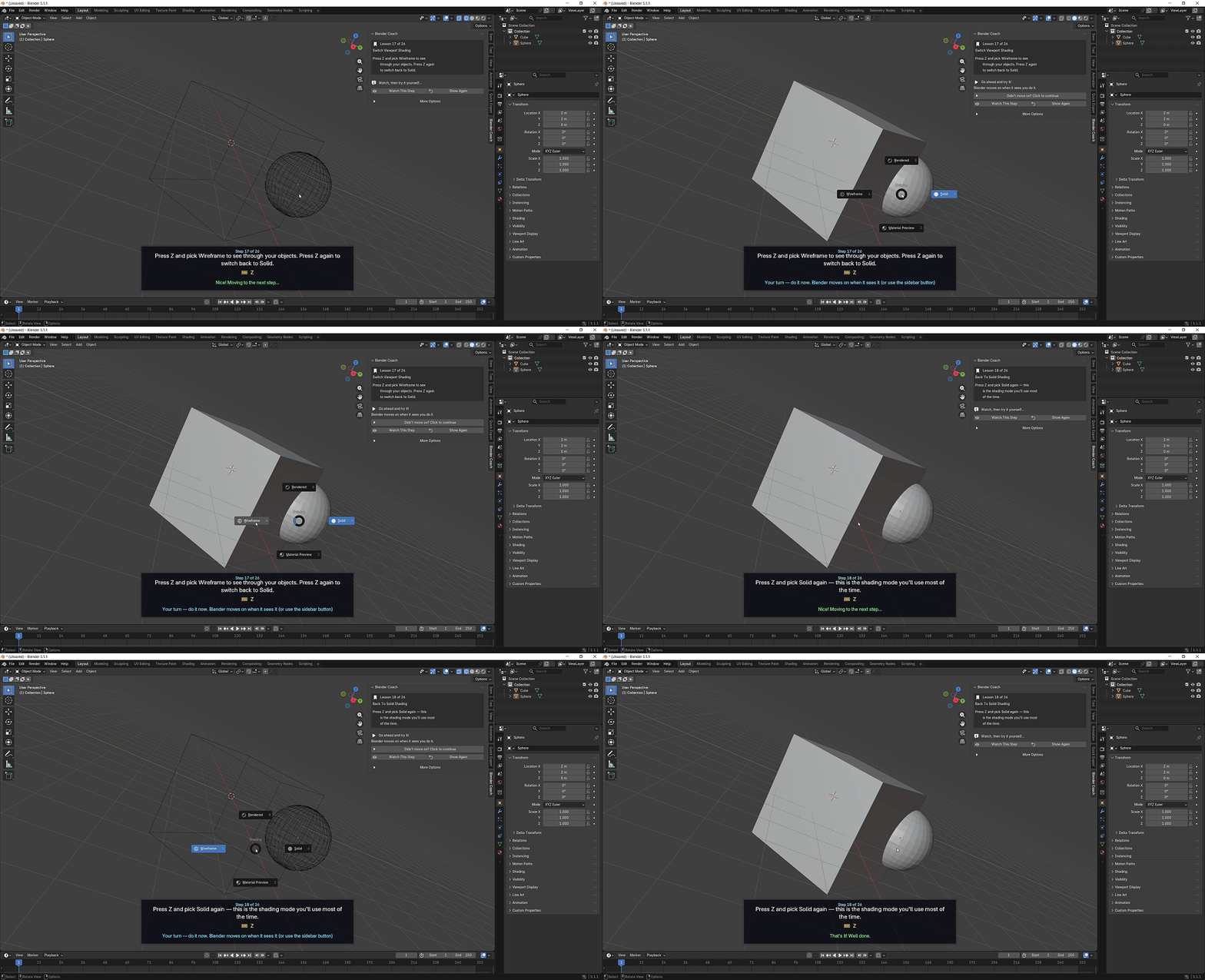
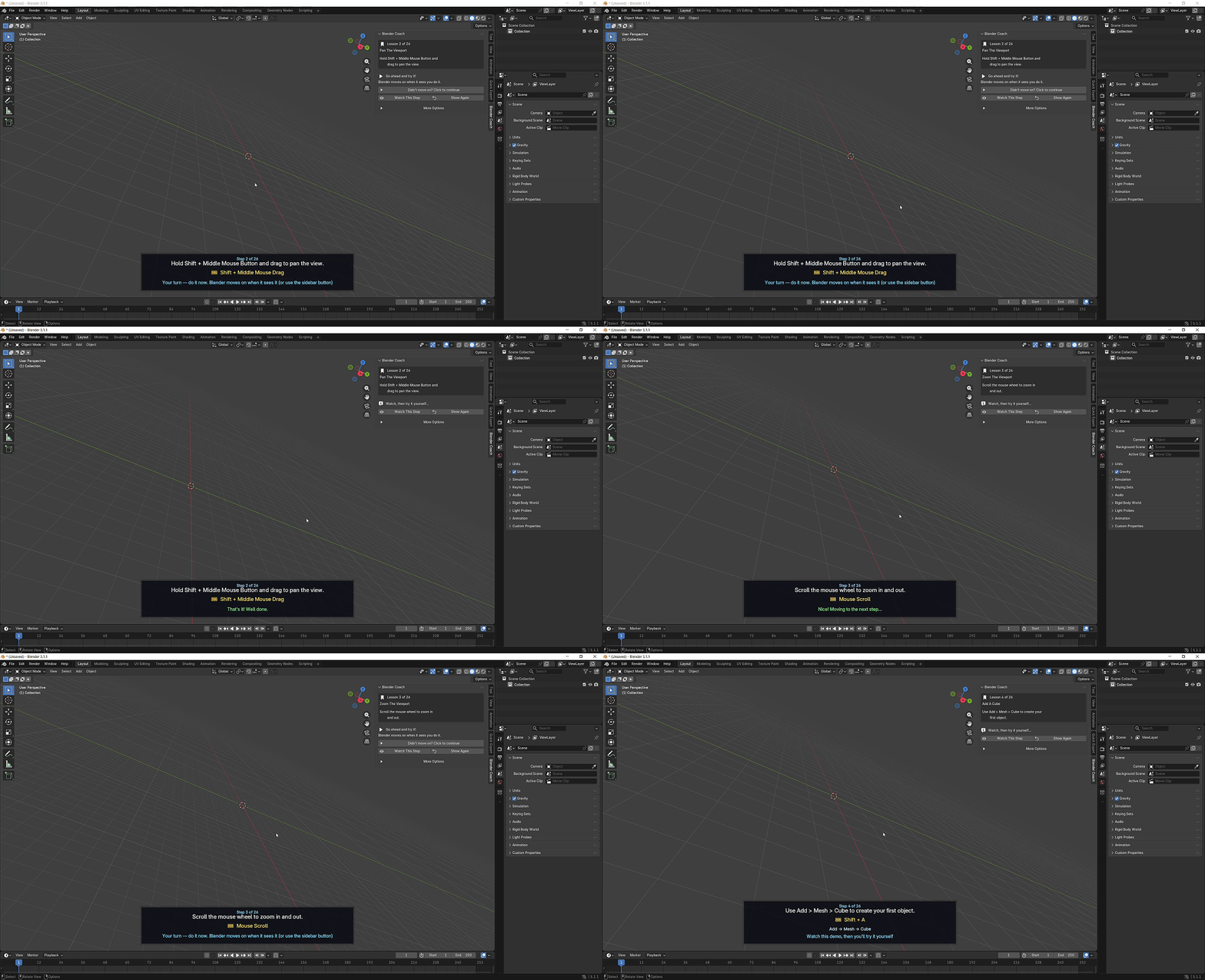
The lesson appears in the 3D Viewport sidebar, with instructions displayed directly over the viewport. You see the action, then perform it yourself.
How Blender Coach Works
1. Watch
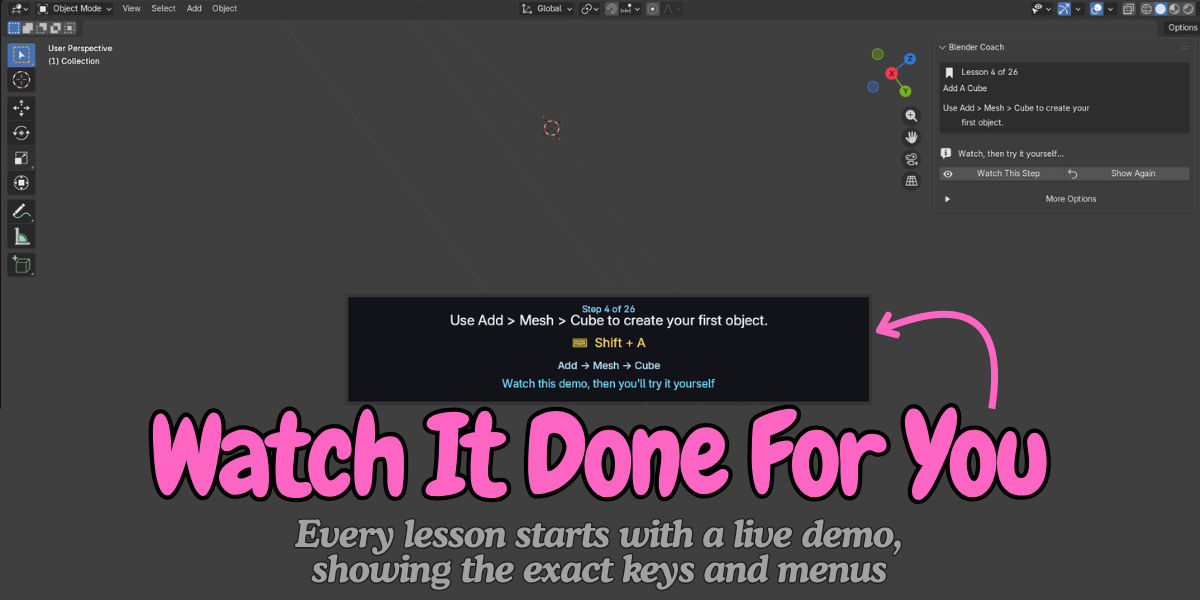
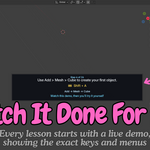
Blender Coach demonstrates the current step directly in your viewport.
A simple banner shows:
What you need to do
The shortcut to use, such as G, Shift + D or Ctrl + R
The menu path when applicable, such as Add > Mesh > Cube
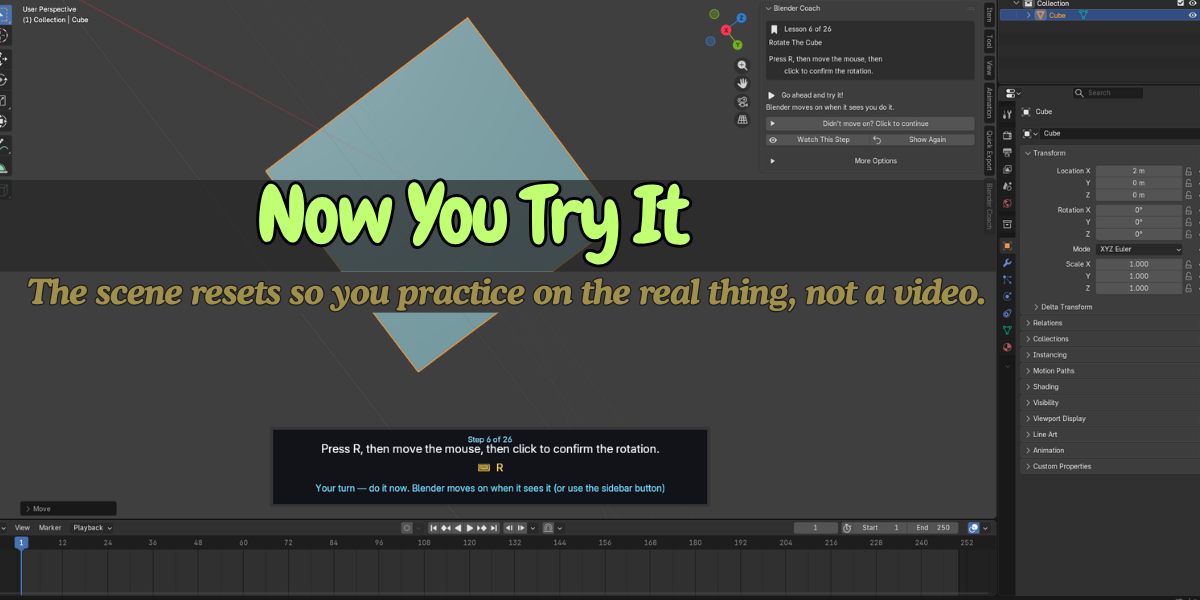
2. Try It Yourself
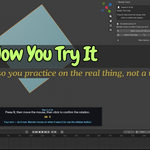
Once you've seen the demonstration, the scene returns to its starting state.
Now it's your turn.
Perform the same action in your own Blender scene.
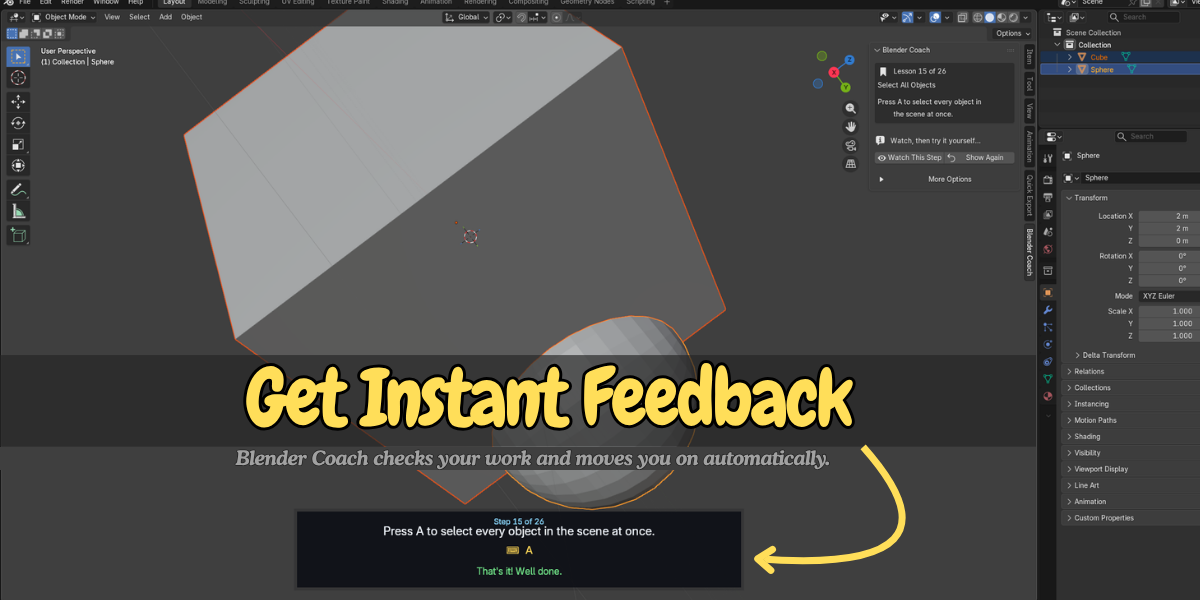
3. Move On
For most practice steps, Blender Coach automatically detects when you've completed the action and moves to the next lesson.
If it doesn't detect your action, simply click Continue.
No complicated checks. No getting stuck.
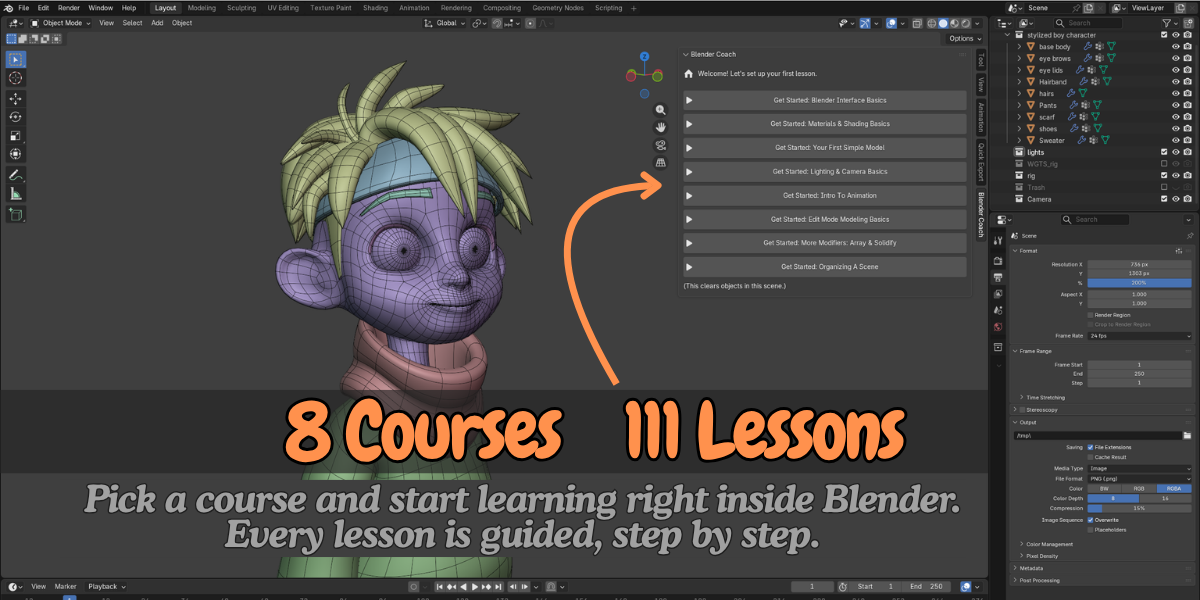
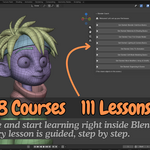
8 Beginner Courses, 111 Lessons
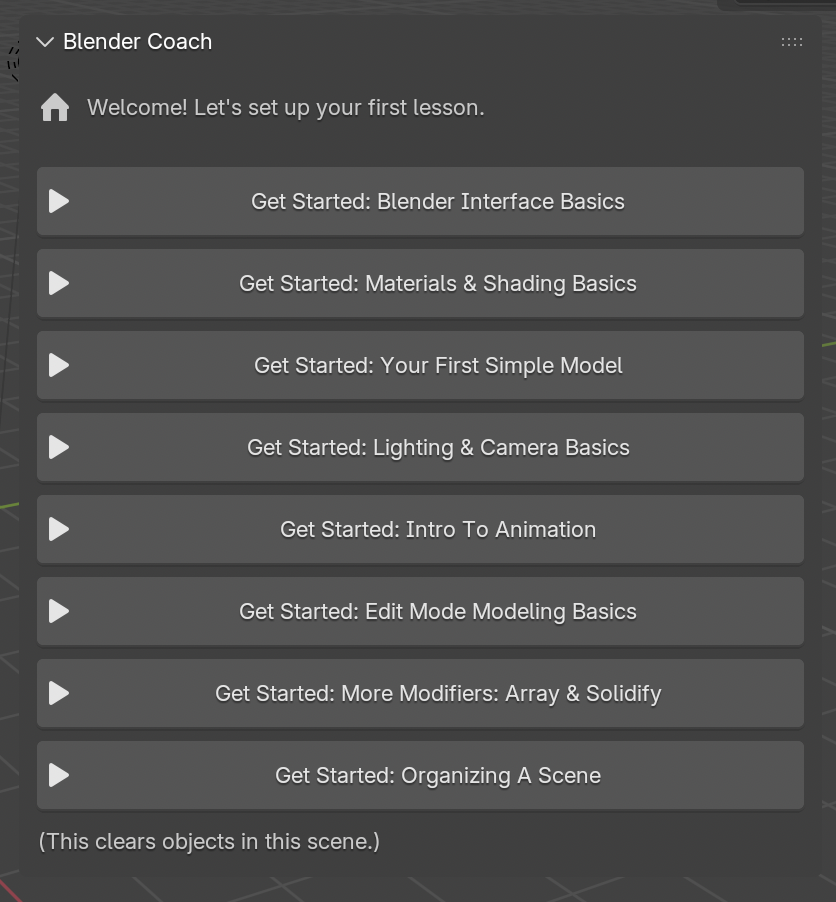
Blender Coach gives beginners a structured path through the most important Blender fundamentals.
- Blender Interface Basics — 26 Lessons
- Materials & Shading Basics — 13 Lessons
- Your First Simple Model — 12 Lessons
- Lighting & Camera Basics — 11 Lessons
- Intro to Animation — 13 Lessons
- Edit Mode Modeling Basics — 11 Lessons
- More Modifiers: Array & Solidify — 12 Lessons
- Organizing a Scene — 13 Lessons
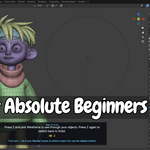
Built for Absolute Beginners
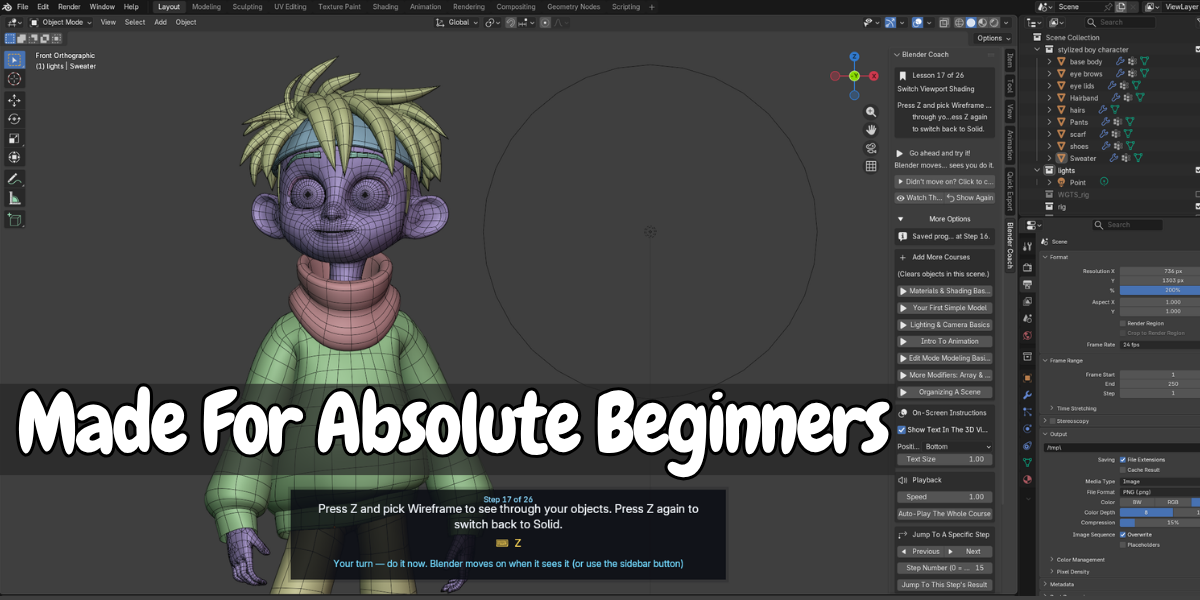
Blender can feel overwhelming when you're seeing dozens of tools, panels and settings at once.
Blender Coach keeps the learning interface simple.
The main panel focuses on one large action at a time:
Start Learning → Continue Learning
Advanced controls such as playback speed, step jumping, autoplay and creator tools stay hidden behind More Options.
Beginners get a clean interface without unnecessary clutter.
Your Progress Is Saved
Close Blender and come back later.
Blender Coach remembers which lesson you reached, so Continue Learning takes you back to where you stopped.
You can clear your saved progress at any time from Preferences.
Works Offline. No Account Required.
Blender Coach does not require:
An account
Login
Internet connection
Online services
The lessons are included with the add-on and run directly inside Blender.
Learn wherever you work.
Create Your Own Lessons with Course Recorder
Blender Coach isn't only for learning.
If you teach Blender, use the Course Recorder to create your own interactive lessons.
Enable Show Course Recorder from More Options, then:
Perform an action in Blender.
Click Capture Step.
Repeat for the next action.
Finish your course.
Your recorded course can then play back through the same Blender Coach panel.
This gives trainers and educators a simple way to create step-by-step Blender lessons.
Key Features
| Feature | What it does | Why it helps |
|---|---|---|
| Lessons inside the 3D Viewport | Opens in the N-panel under Blender Coach | No second window or constant Alt-Tabbing |
| Live demonstrations | Demonstrates each step in your scene | See the result before doing it yourself |
| On-screen instructions | Shows the step, shortcut and menu path | The information you need stays visible |
| Automatic step detection | Detects many completed actions | Less manual clicking between steps |
| Manual Continue button | Lets you continue when detection doesn't trigger | You never get stuck on a lesson |
| Watch This Step / Show Again | Replays the current demonstration | Review a step without rewinding a video |
| 8 courses, 111 lessons | Covers Blender's core beginner topics | A structured starting point in one add-on |
| Saved progress | Remembers your learning position | Continue where you left off |
| Overlay controls | Customize position, visibility and text size | Adapt the interface to your workspace |
| Playback speed | 0.25x to 3x | Slow down or speed up demonstrations |
| Auto-play | Plays through lessons automatically | Useful for previews and recordings |
| Jump to any step | Navigate through individual steps | Skip familiar topics or repeat difficult ones |
| Course Recorder | Capture your own before-and-after steps | Create custom interactive lessons |
| Offline operation | No network connection required | Learn anywhere without an account |
Learn by Doing, Not Just Watching
Blender Coach is designed around a simple learning loop:
Watch → Try → Complete → Move On
Instead of watching someone else model while you follow along in another window, each lesson gives you a chance to perform the action yourself.
One window, one flow
Everything happens inside Blender.
Build muscle memory
Shortcuts are shown alongside every relevant action, so you learn the keys while using them.
Small, manageable steps
Most lessons focus on a single action, making it easy to make progress without feeling overwhelmed.
Learn in short sessions
Have ten minutes? Continue from where you stopped and complete a few lessons.
Mistakes are part of learning
Undo is introduced early, so experimenting and making mistakes becomes part of the workflow.
Learn good habits early
The courses don't only teach tools. They also introduce practical habits such as naming objects, saving files and organizing scenes.
Who Is Blender Coach For?
Absolute Beginners
You've just opened Blender and the interface feels overwhelming. Start with the fundamentals and build up one step at a time.
Self-Taught Blender Users
You already know some modeling but have gaps in areas such as collections, parenting, modifiers or transforms.
Students & Career Switchers
Follow a structured introduction to Blender instead of trying to piece together different tutorial videos.
Teachers & Trainers
Give students an interactive learning environment and create your own lessons with Course Recorder.
YouTubers & Course Creators
Use Auto-Play to create clean, consistent walkthroughs of Blender fundamentals.
Studios & Teams
Help artists coming from other 3D software get familiar with Blender's interface, controls and basic workflow.
Requirements
Blender 4.2 or newer
Windows, macOS or Linux
Python-based Blender extension
Mac users can follow the included Cmd-based shortcut instructions
Installation
Install Blender Coach like any other Blender extension:
Edit → Preferences → Get Extensions → Install from Disk
Important
Starting a course clears the objects in the current scene and creates the scene required for the lesson.
Save your work or open a fresh Blender file before starting a course.
