Blender Coach: Interactive Step-By-Step Blender Lessons, Live In Your Viewport
 Salman Naseem
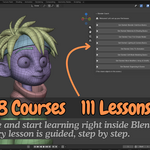
I already watch YouTube tutorials. Why do I need this?
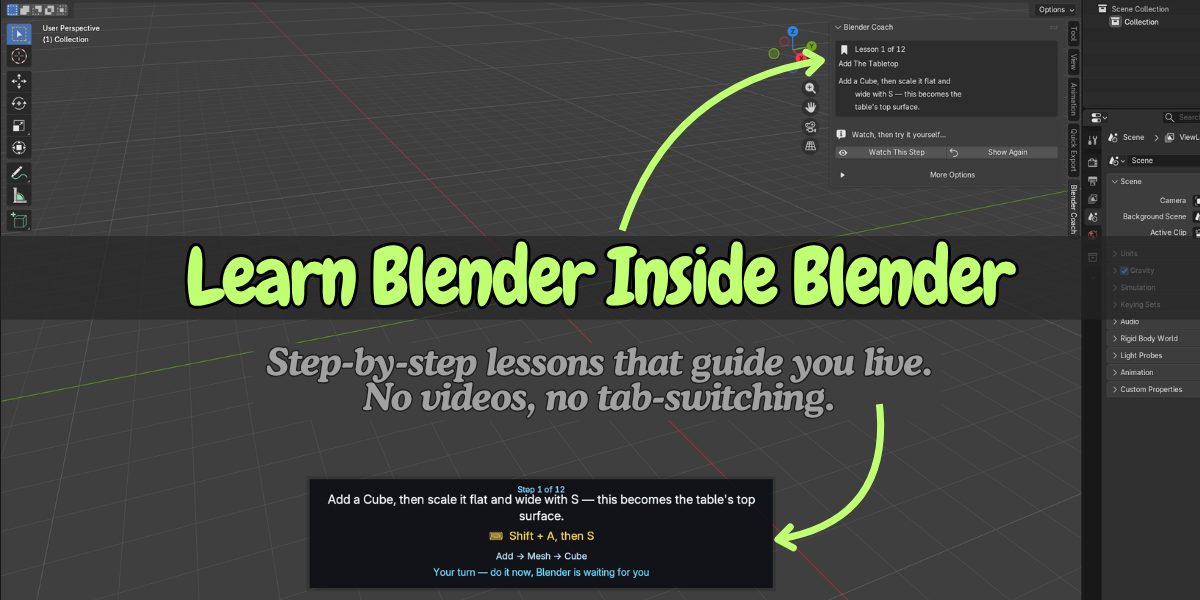
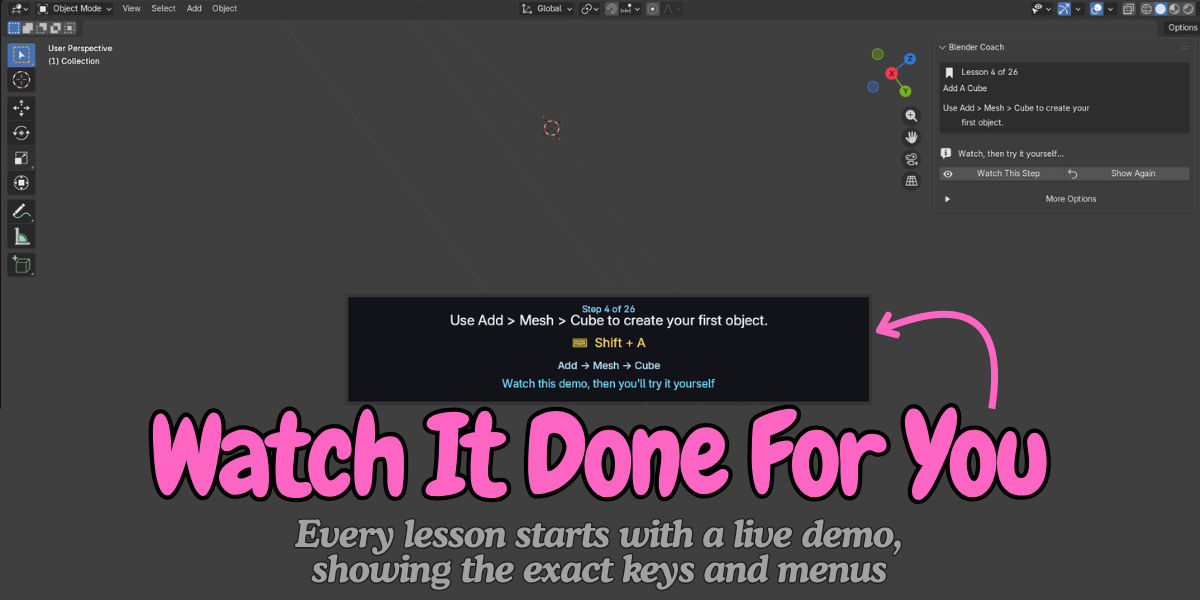
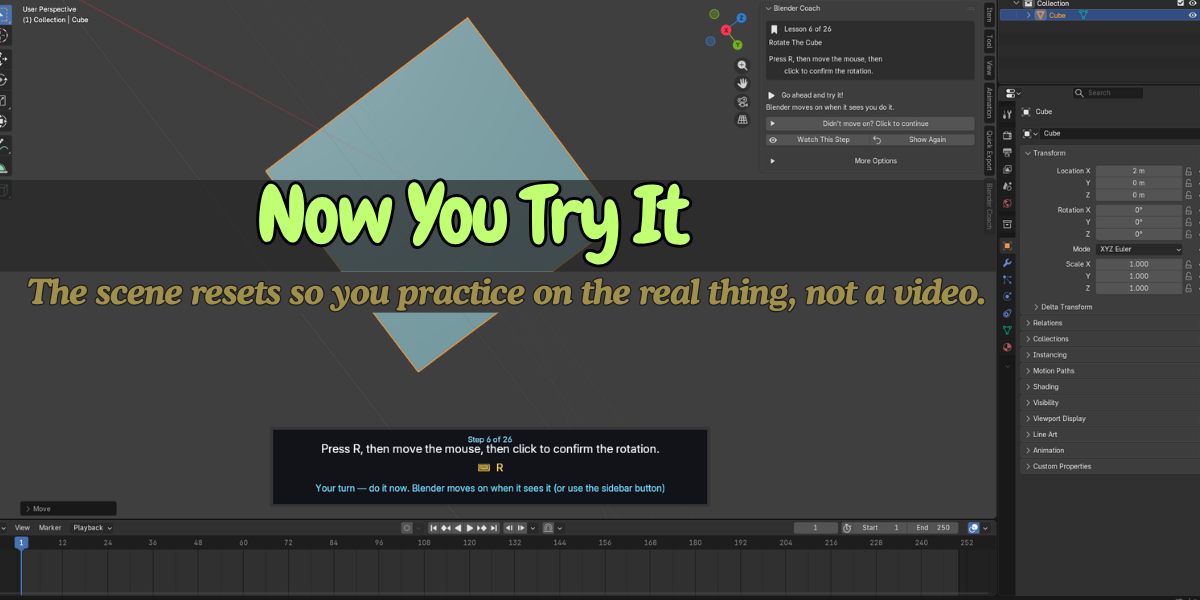
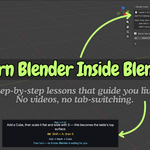
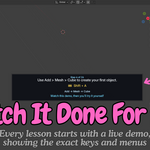
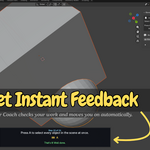
Videos make you switch windows and hunt for the moment you missed. Blender Coach plays each step in your scene, shows the shortcut, and waits for you to try it. You do not need to pause or rewind.
What if I do the step a little differently than the lesson?
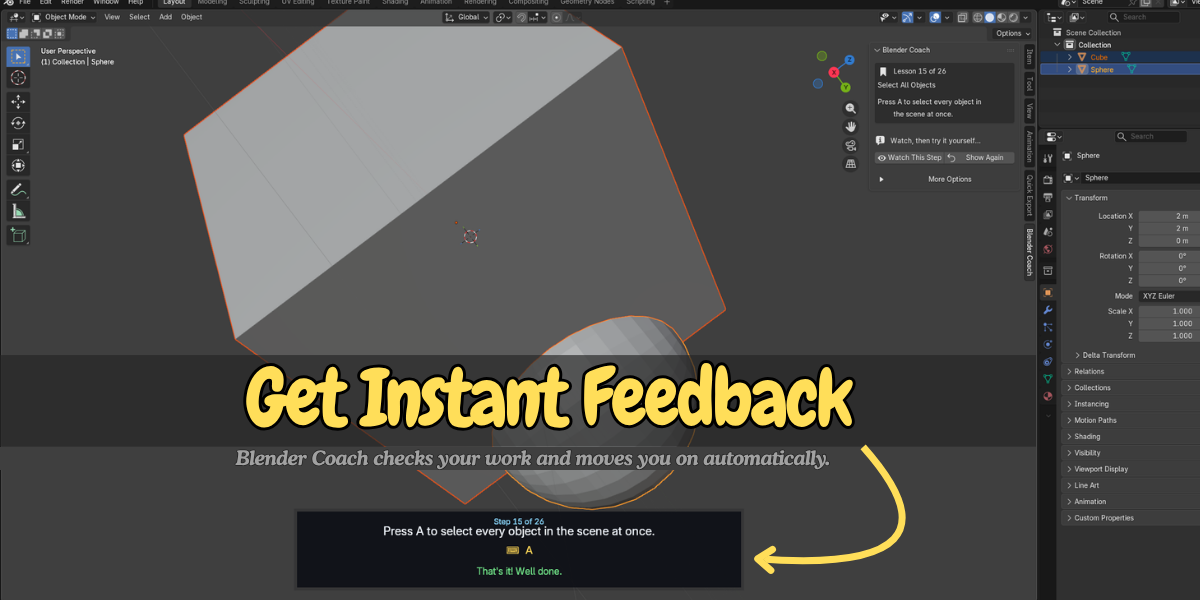
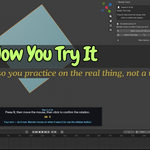
Blender Coach watches for the kind of change the step asks for (an object moved, a modifier added, a mode change). It does not need an exact match. If it still misses, one button continues the lesson.
Will it delete my work?
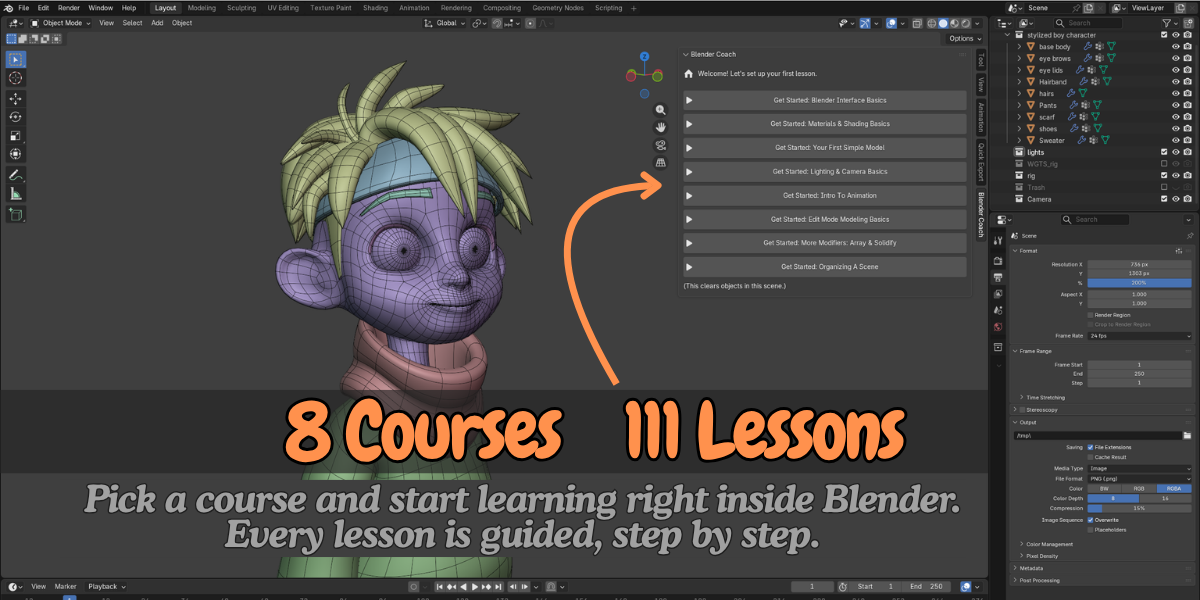
Starting a course clears the objects in the current scene and builds the lesson. Use a new file or save first. Your saved .blend files are not touched.
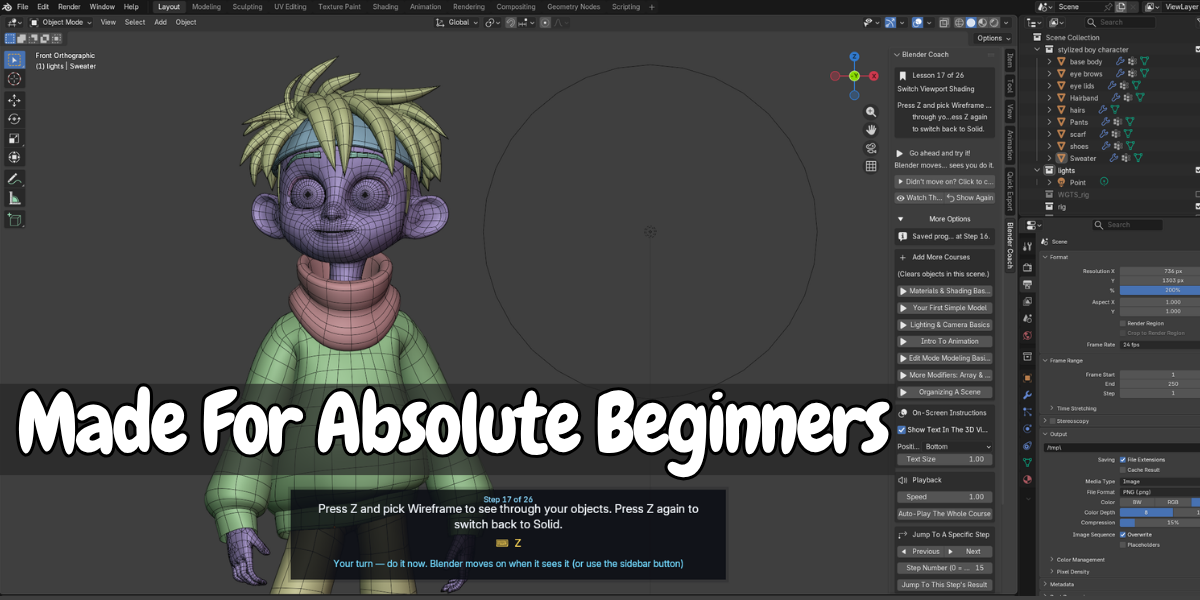
Is it only for absolute beginners?
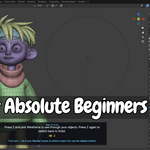
The courses target beginners and early intermediates. If you already model comfortably, use the step jump to skip ahead to gaps like parenting, collections or Apply Transforms.
Does it need internet or an account?
No. It has no login and no online features.
Can I make my own lessons?
Yes. The built-in Course Recorder captures the actions you perform and turns them into steps.
$9
Have questions about this product?
Login to message
| Blender Extension Compatible | Yes |
| Published | 1 day ago |
| Blender Version | 3.2 - 5.2 |
| Extension Type | Add-on |
| Render Engine Used | Cycles, Eevee |
| License | GPL |

Discover more products like this
blender couch learn blender Blender course Blender Lessons blender learning interactive-tutorial blender basics training beginner blender for beginners blender interface