 CSMX.eu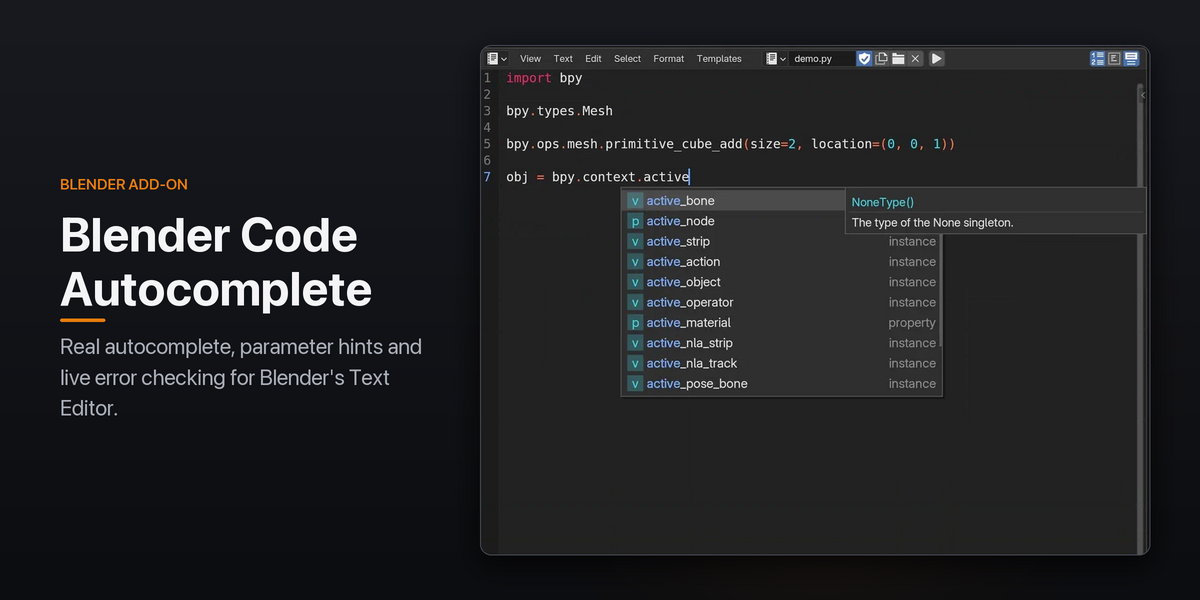
Write Blender scripts with real autocomplete, without leaving Blender.
Blender Code Autocomplete turns Blender's built-in Text Editor into a proper coding environment. It doesn't replace the Text Editor with a new one; it adds to the one you already use. It reads your live Blender session, so completions show what actually exists right now: your scene's objects, every bpy.types class, and every operator's real parameters.

Smart autocomplete
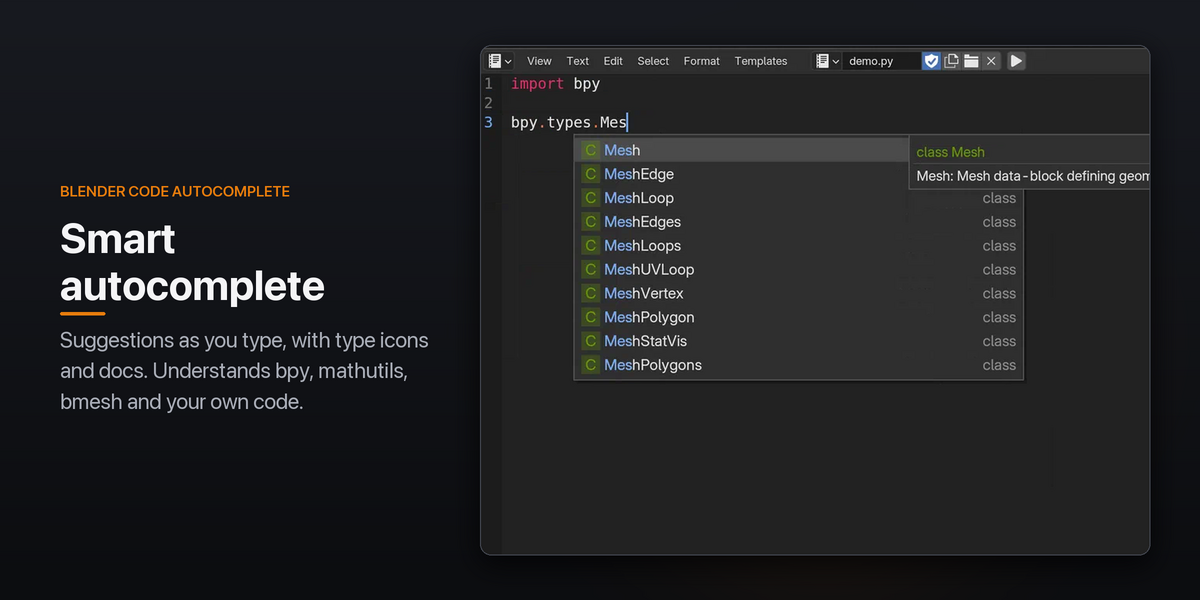
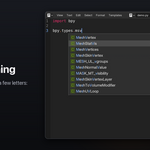
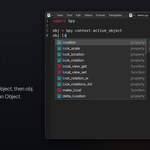
Suggestions pop up as you type, with type icons and a documentation preview. Completion understands bpy, bpy.context, bpy.data, mathutils, bmesh and your own code.

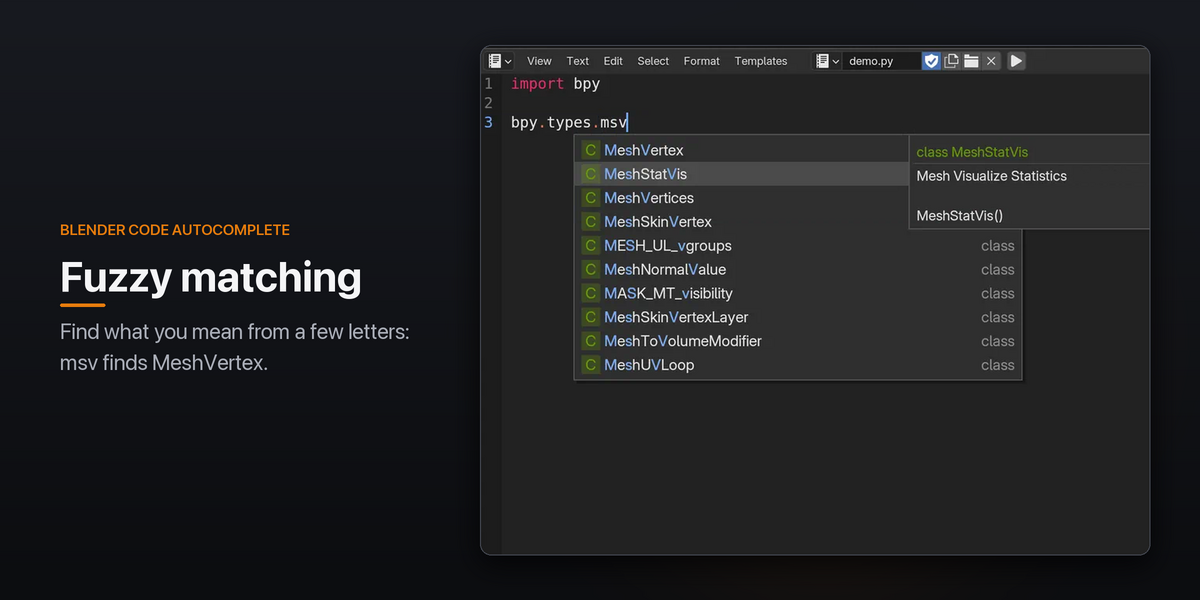
Fuzzy matching finds what you mean from a few letters: msv → MeshVertex.
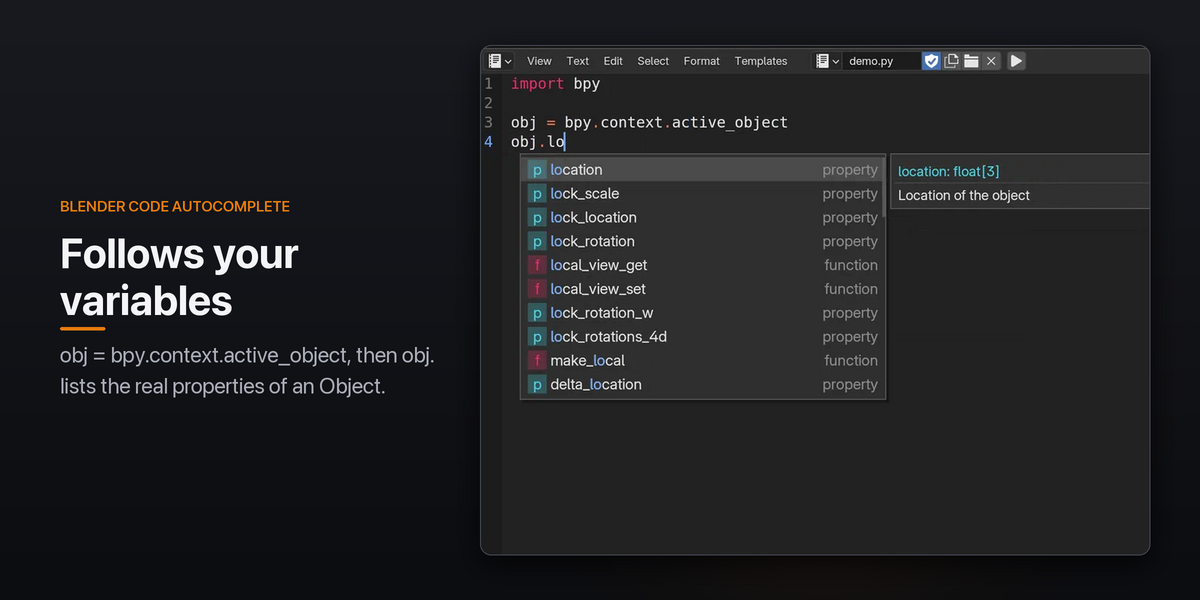
It also follows your variables, so obj. after obj = bpy.context.active_object lists the real properties of an Object.
Parameter hints
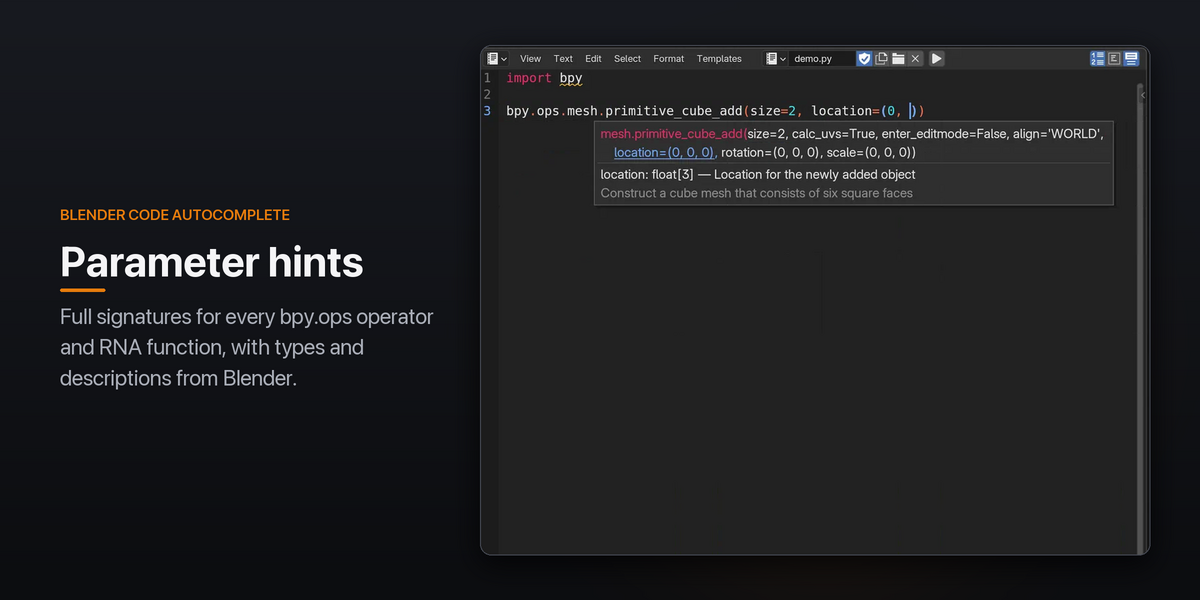
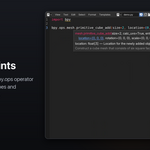
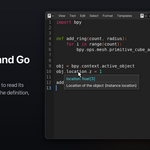
Type ( to see the full signature, with the current argument highlighted. This covers every bpy.ops operator and RNA functions like objects.new(), with each parameter's type and description taken straight from Blender.

Live error checking
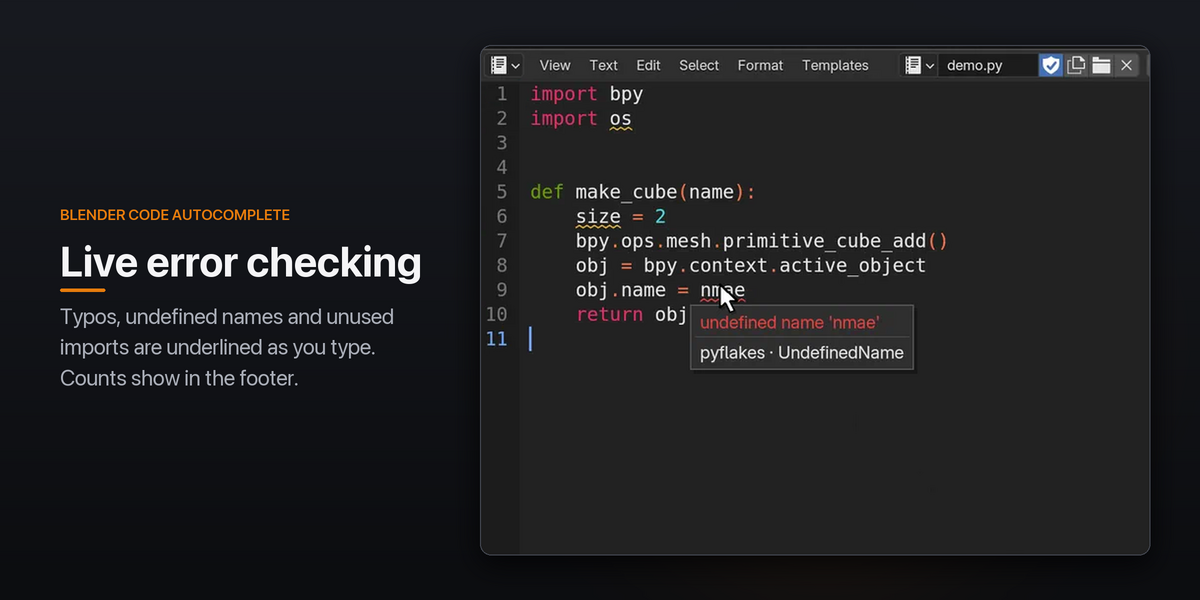
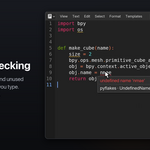
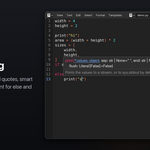



Typos, undefined names and unused imports get squiggly underlines and gutter markers as you type. Hover a marker to see the message, or jump from problem to problem. Error and warning counts are shown in the footer.

Hover docs and Go to Definition
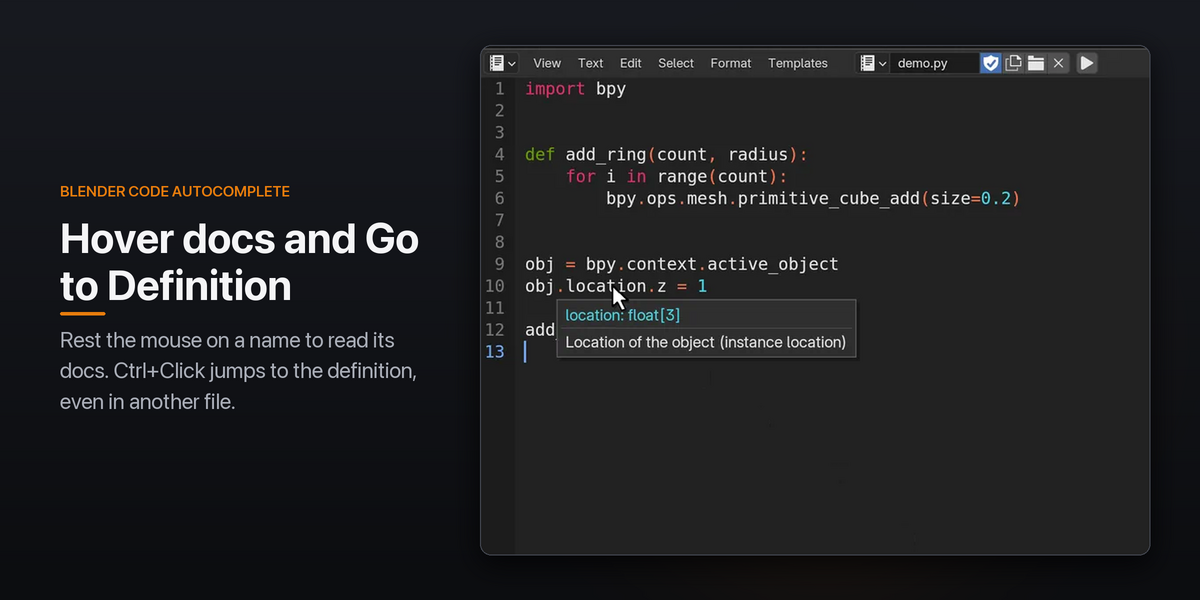
Rest the mouse on any name to read its docs. Hover obj.location and you get float[3]: Location of the object. Ctrl+Click a function to jump to it, even when it's in another file, and Go Back returns you to where you were.

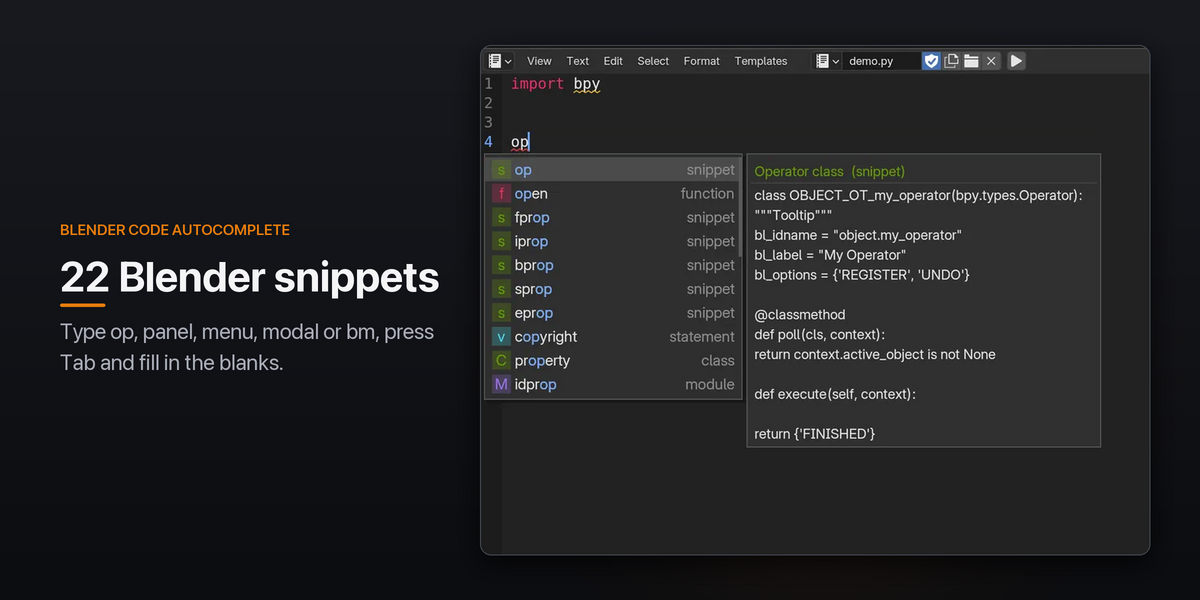
22 Blender snippets
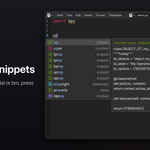
Type op, panel, menu, modal, fprop or bm, press Tab, and fill in the blanks. You can add your own in VS Code's snippet format.

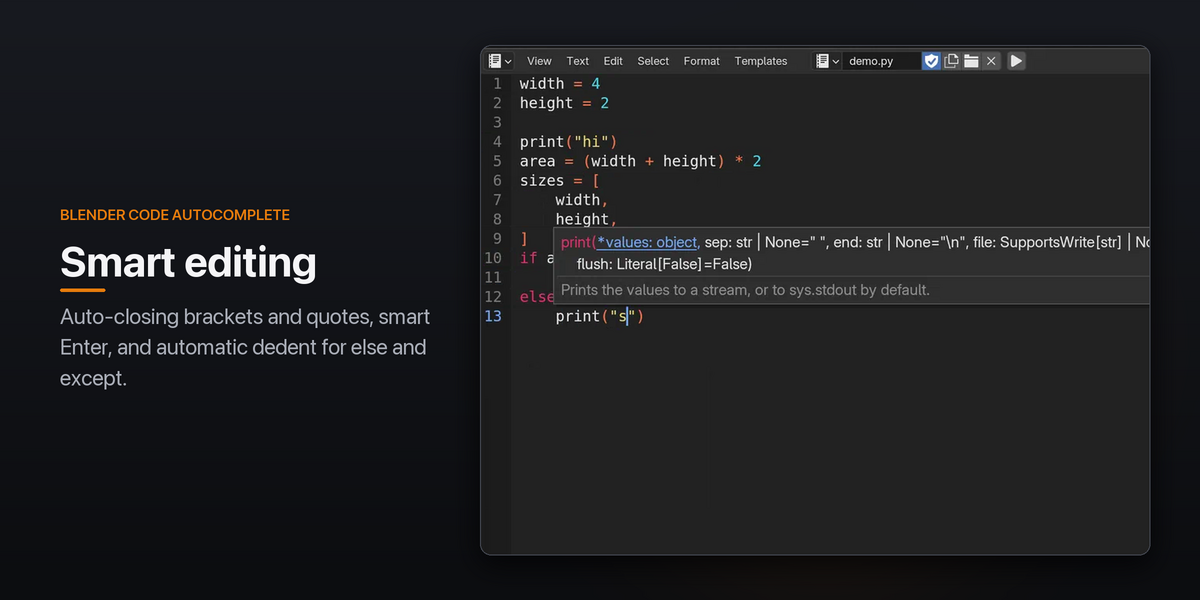
Smart editing
Brackets and quotes close themselves, selections get wrapped, Enter splits brackets onto separate lines, and else / except dedent automatically.
Outline sidebar
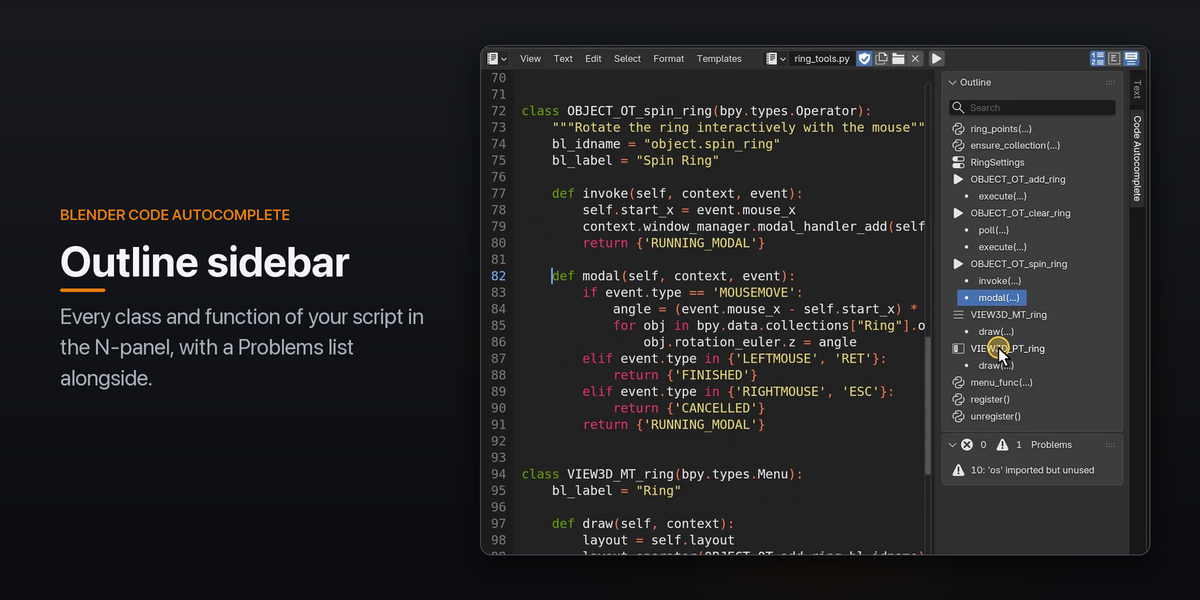
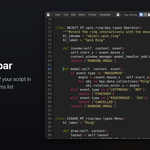
Every class and function in your script is listed in the N-panel. Operators, panels and menus get their own icons, and clicking one jumps to it. A Problems list sits alongside.
Built to stay out of your way
Your shortcuts keep working. Arrow keys, Tab, Enter and Esc only go to the popup while it's open. The editing helpers (auto-closing brackets, smart Enter, snippets) and every other feature can be switched off in Preferences.
Typing stays smooth. Error checking and plain-Python analysis run in a background thread, and completions wait until you pause typing.
Nothing extra to install. It works offline, with no Python setup, no external tools and no internet connection. Everything ships inside the extension.
Fits your Blender. It follows your theme colors and interface scale.
Works with any text. Saved scripts, unsaved internal texts and several editors open at once are all supported.
Requirements
Blender 4.2 LTS or newer, tested on 4.2 and 5.2. Windows, macOS and Linux.
Installation
Open Blender.
Open: Edit > Preferences > Add-ons
Choose: Install from Disk and select the .zip file
Powered by the open-source jedi, parso and pyflakes libraries (MIT).
