Blender Idol
 Marco Capelli



What does Blender Idol do?
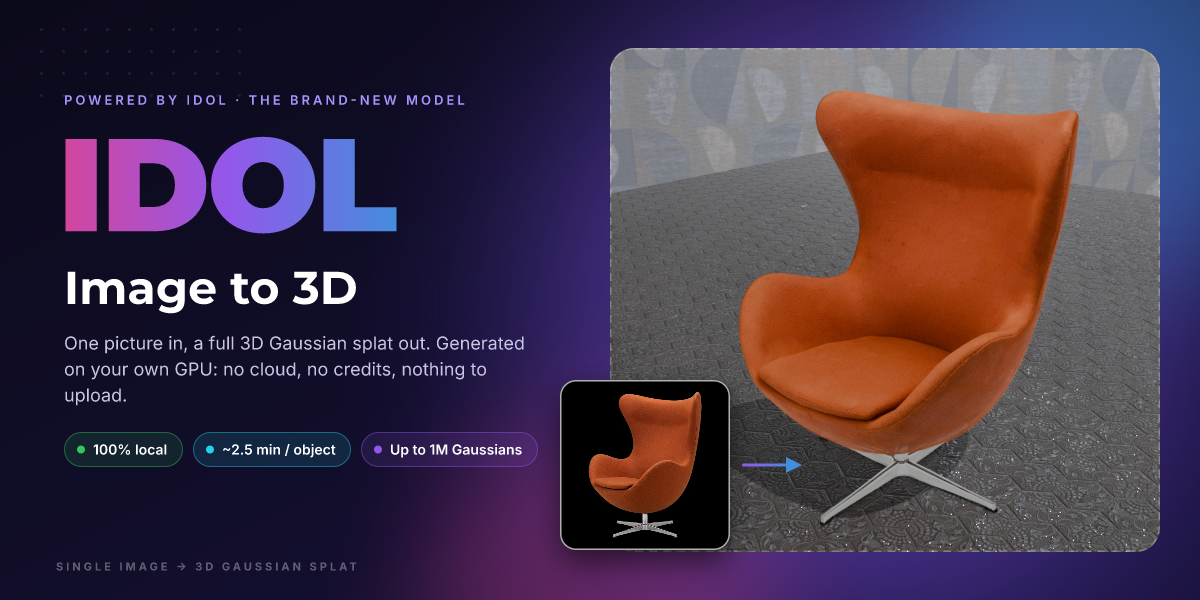
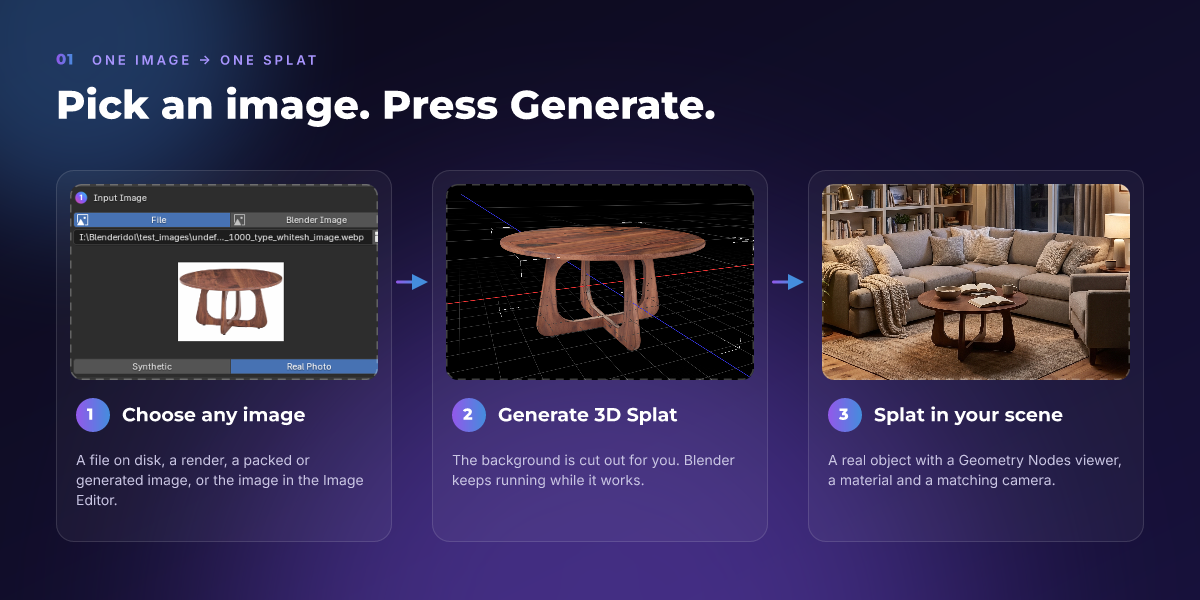
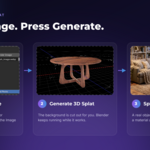
It turns one single image of an object into a full 3D Gaussian splat, right inside Blender. Pick an image, press **Generate 3D Splat**, and about 2.5 minutes later you have a real Blender object in your scene. Idol even generates the sides the picture never showed.
What is Idol?
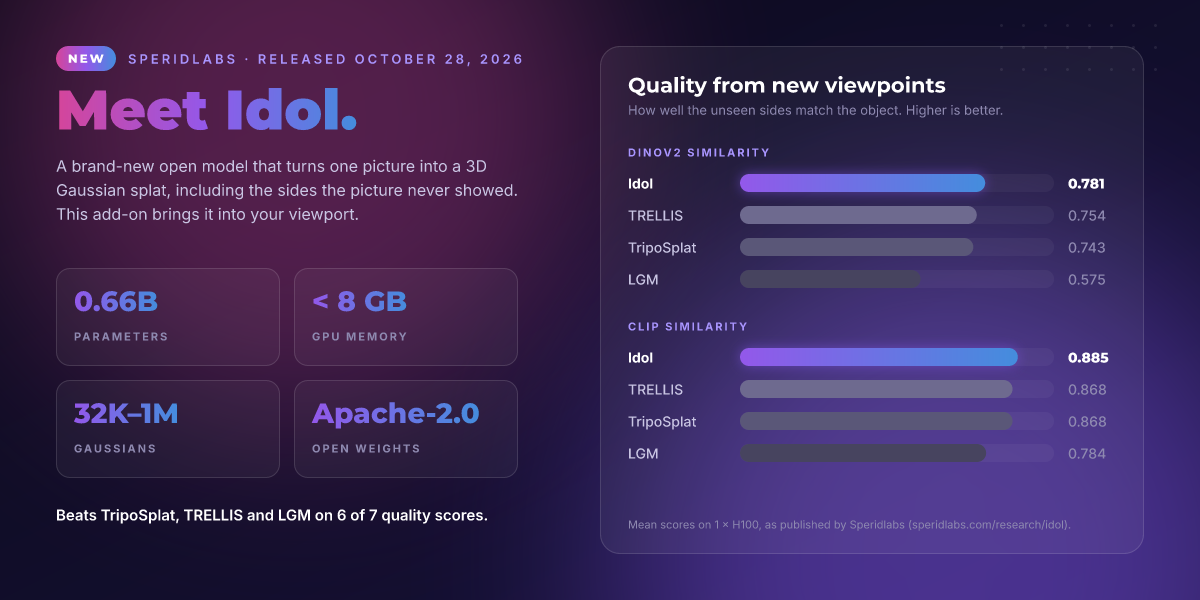
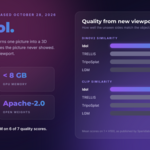
Idol is a brand-new open model from Speridlabs (released October 28, 2026) that makes 3D Gaussian splats from a single image. It has 0.66B parameters, open Apache-2.0 weights, and in Speridlabs' published benchmark it beats TRELLIS, TripoSplat and LGM on 6 of 7 quality scores. This add-on is an independent integration; it is not made or endorsed by Speridlabs.
Does it need the cloud, credits or a subscription?
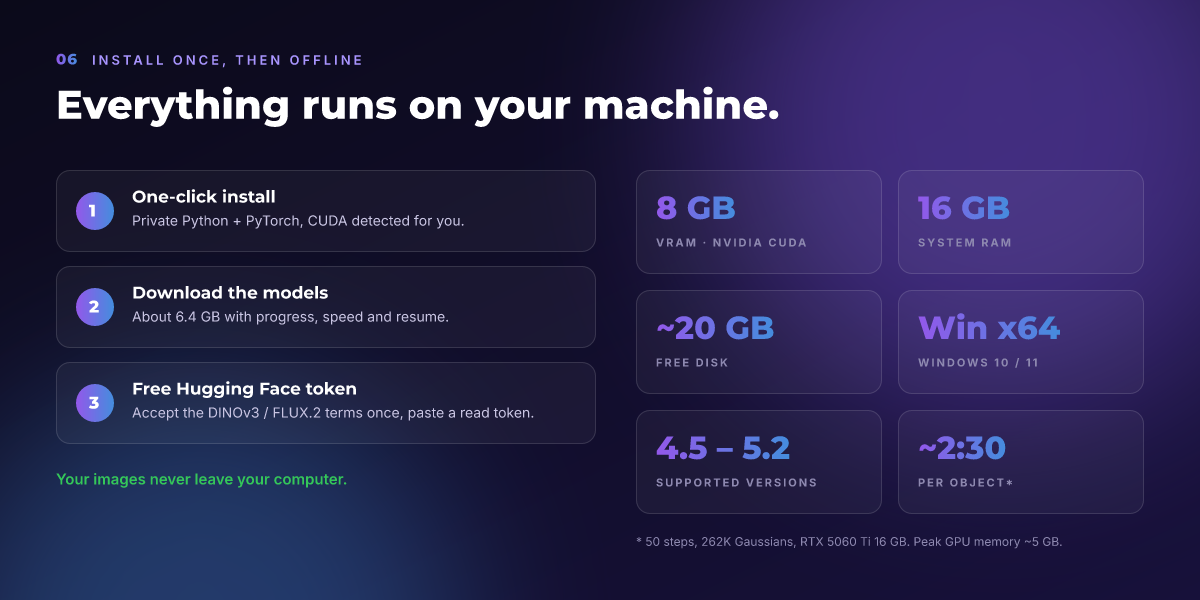
No. Everything runs on your own NVIDIA GPU. Your images never leave your computer, and there are no credits or per-generation fees. You only need an internet connection once, to install the environment and download the models.
What hardware do I need?
- An NVIDIA GPU from the RTX 20 series or newer, with **8 GB of VRAM or more
- NVIDIA driver 570 or newer
- 16 GB of RAM
- Windows 10/11 x64
- About 25 GB of free disk space during install (about 18 GB afterwards)
AMD, Intel and Apple GPUs are not supported, because Idol needs CUDA. Linux and macOS are not supported in this version.
Which Blender versions does it work with?
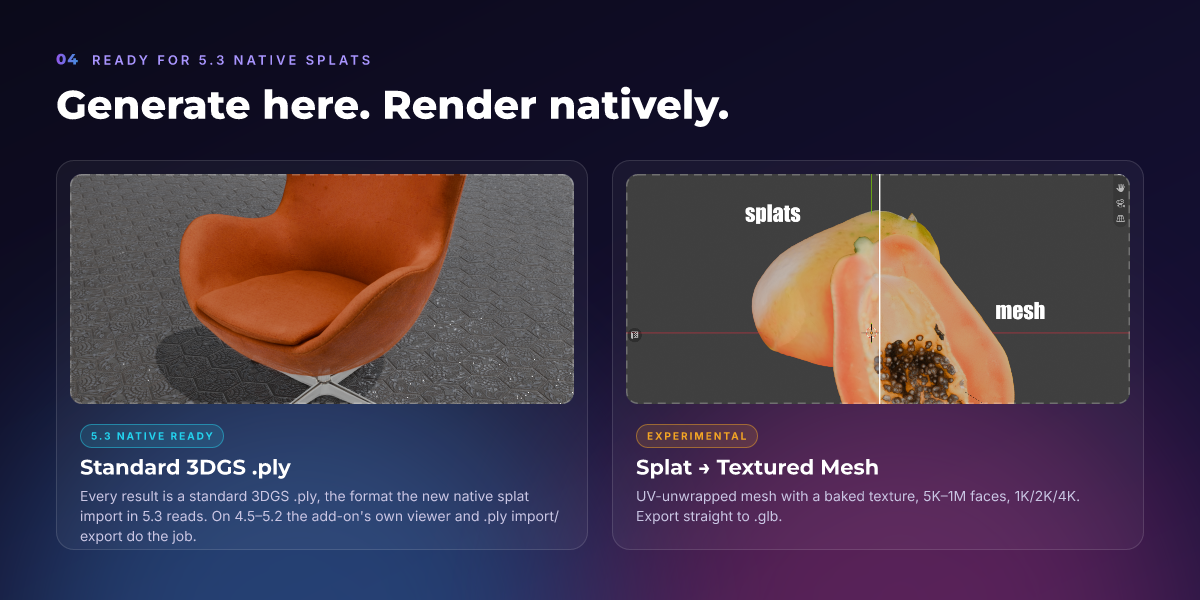
Blender 4.5 LTS and newer, including 5.x. The splat displays and renders in Eevee and Cycles through the add-on's own Geometry Nodes viewer. It is also ready for the native Gaussian splats in Blender 5.3 (November 10, 2026): every result is saved as a standard 3DGS `.ply`, the format 5.3's native importer reads.
Do I have to install Python, PyTorch or CUDA myself?
No. **Install Dependencies** in the add-on preferences downloads a private Python, PyTorch with the CUDA libraries, and the Idol libraries into the add-on's own folder. It picks the right CUDA build for your GPU and driver. Nothing is installed on your system, and Blender's own Python is never touched. The install takes about 10–15 minutes, depending on your connection and drive.
Why do I need a Hugging Face account?
Idol uses Meta's DINOv3 image encoder, which is "gated": Meta asks every user to accept its terms. Do it once:
1. Create a free account on huggingface.co.
2. Accept the DINOv3 terms on the model page.
3. Create a **Read** access token and paste it into the add-on preferences.
The preferences have buttons for both pages. The other models need no access request.
How long does a generation take?
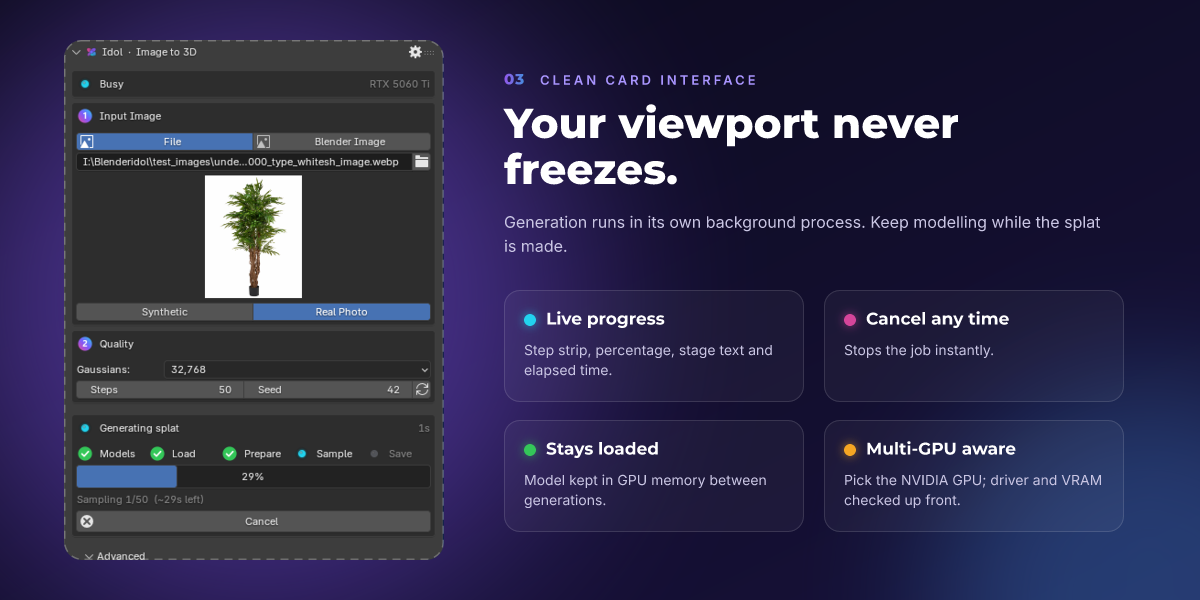
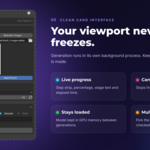
On an RTX 5060 Ti 16 GB, a generation with 50 steps and 262K Gaussians takes about 2:30. Loading the model takes 12–22 seconds, once per session, because the model stays loaded between generations. Fewer steps or fewer Gaussians are faster. Blender doesn't freeze: the generation runs in a separate background process, with progress and a Cancel button.
What kind of image works best?
One object, clearly visible, not cut off by the frame. Use **Synthetic** mode for renders and AI-generated images, and **Real Photo** mode for photographs. You don't need to remove the background: it is cut out automatically. If your image already has transparency, that is used instead. Images can come from a file, a render, a packed or generated Blender image, or the Image Editor.
How many Gaussians can a splat have?
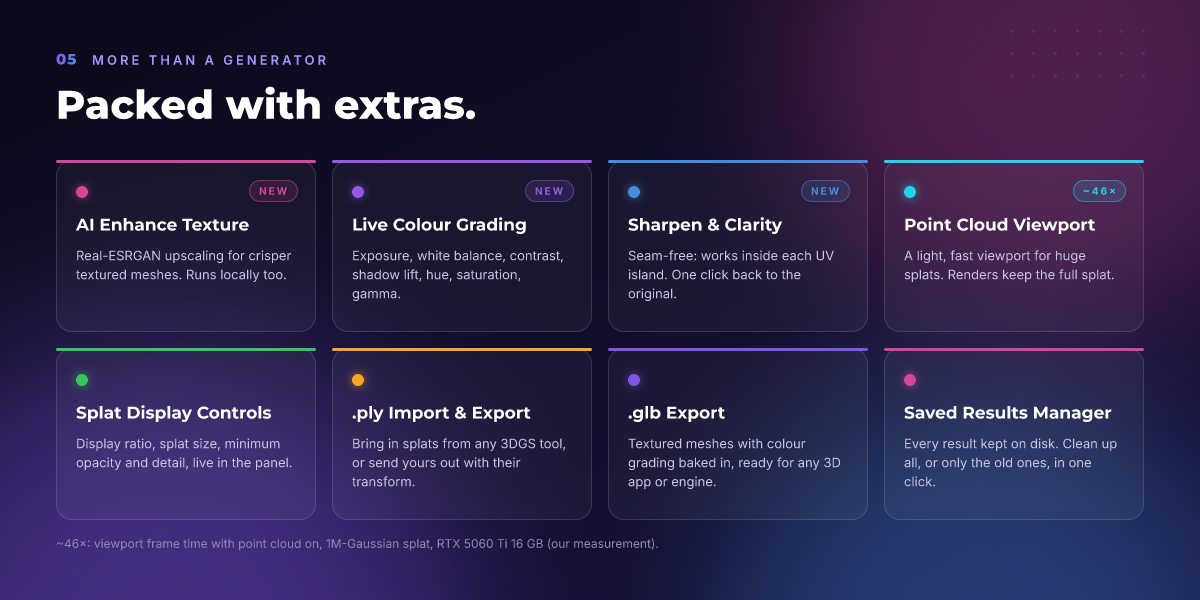
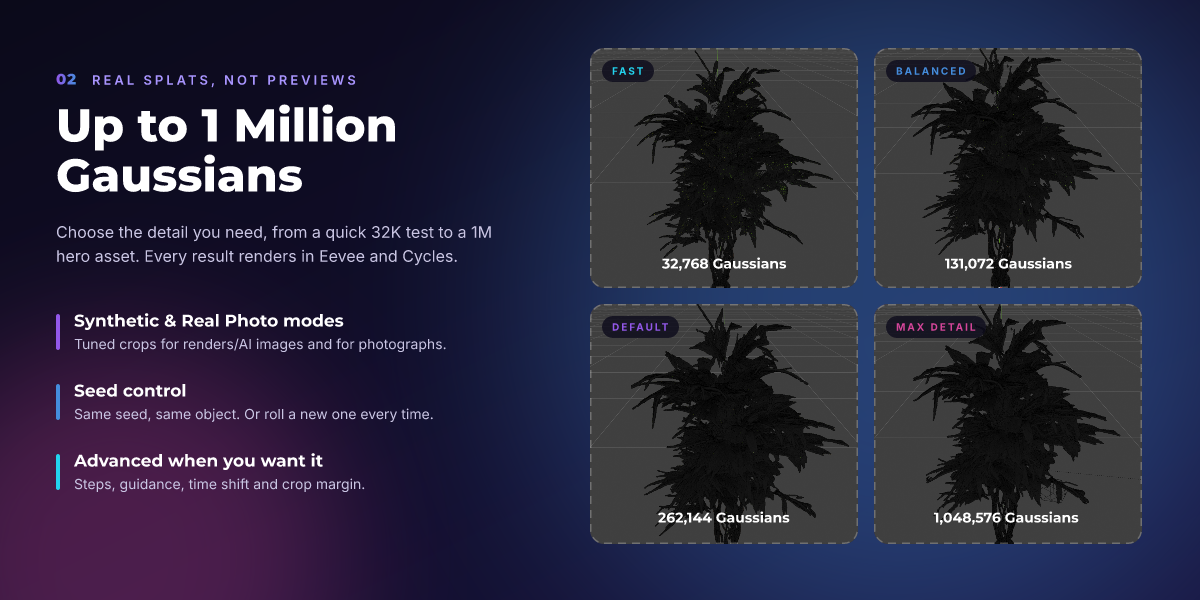
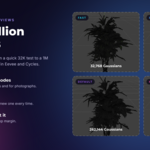
From 32,768 up to 1,048,576 per object. The default of 262,144 is a good balance. 1M Gaussians gives the most detail but makes the viewport heavier; use the **Point Cloud Viewport** option to keep it fast (about 46× faster per frame on a 1M-Gaussian splat in our test). Renders still use the full splat.
Can I get a regular mesh instead of a splat?
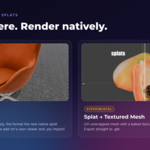
Yes, with the experimental **Splat → Textured Mesh** feature (turn it on in Preferences → Experimental). It builds a UV-unwrapped mesh with a baked 1K/2K/4K texture and 5K to 1M faces, and exports it to `.glb`. The side facing the camera converts well; the unseen back can have holes. Optional extras: **AI Enhance Texture** (Real-ESRGAN, runs locally), live colour grading, and Sharpen & Clarity.
Can I use splats from other tools, or export mine?
Yes. **File → Import → Gaussian Splat (.ply) [Idol]** opens splats from any standard 3DGS tool. **File → Export** writes a splat (with its transform) as a standard 3DGS `.ply`. Textured meshes export as `.glb`, with your colour grading baked into the texture.
Can I use the results commercially?
Your generations are yours to use. Idol is Apache-2.0, the DINOv3 License allows commercial use, and the image autoencoder comes from FLUX.2-klein-4B, which is Apache-2.0. Full details are in `THIRD_PARTY_NOTICES.md`, shipped with the add-on. This is a summary, not legal advice.
How much disk space does it use, and how do I free it?
About 18 GB after install: the private environment plus about 6.6 GB of models. Every result is also saved to disk (`.ply`, `.npz`, textures). In **Preferences → Saved Results** you can see the total and delete all results, or only those older than a day, a week or a month. Splats and meshes already in your scenes and saved `.blend` files keep working. **Uninstall** in the preferences removes the private environment. You can choose whether to keep the downloaded models.
What does it cost?
$18. The launch price is **$12 (−33%)** until November 24, 2026.
 Included
Includes 12 months of
- Support from Marco Capelli
- Product updates
Extend this product’s Support Period +12 months: 25% of product price
Have questions before purchasing?
Login to message
| Blender Extension Compatible | Yes |
| Published | about 3 hours ago |
| Blender Version | 4.5 - 5.2 |
| Extension Type | Add-on |
| Render Engine Used | Cycles, Eevee |
| License | GPL |

Discover more products like this
Image-to-3D 3D Gaussian Splatting 3D Generator gaussian splatting ai image to 3d 3dgs nvidia blender ai Photo to 3D Image to Mesh ai local ai