Blender Mcp Secure
 Tachyon Studio

Which Blender versions does it target?
Blender 3.3–5.2: legacy add-on for 3.3–4.1, extension for 4.2–5.2. Existing project tests cover sample builds 3.3.21, 4.3.2, and 5.2.0, not every intervening release or workflow. Newer Blender features remain version-dependent.
Which download should I install?
Most Windows users need only Blender-MCP-Secure-3.1.0-Setup.zip. Extract everything, save and close Blender, then run INSTALL.cmd and confirm the required download. The package includes the manual installation files and documentation. The separate Blender extension ZIP is an optional manual-install route, not an extra step for guided setup.
Is it tied to Codex or Claude?
No. Windows adapters configure detected Codex, Claude Code, and Claude Desktop installations. Other local stdio MCP clients can use the generated command/configuration. Their settings schemas and MCP availability may differ; not every client version is certified.
Where is the generic MCP configuration?
By default, %LOCALAPPDATA%\BlenderMCP\3.1.0\client-configs\mcpServers.json. The installer prints its exact location. A custom InstallRoot changes it. Import or merge it into your client's local MCP settings without replacing unrelated servers, then restart the client.
How do I confirm it works?
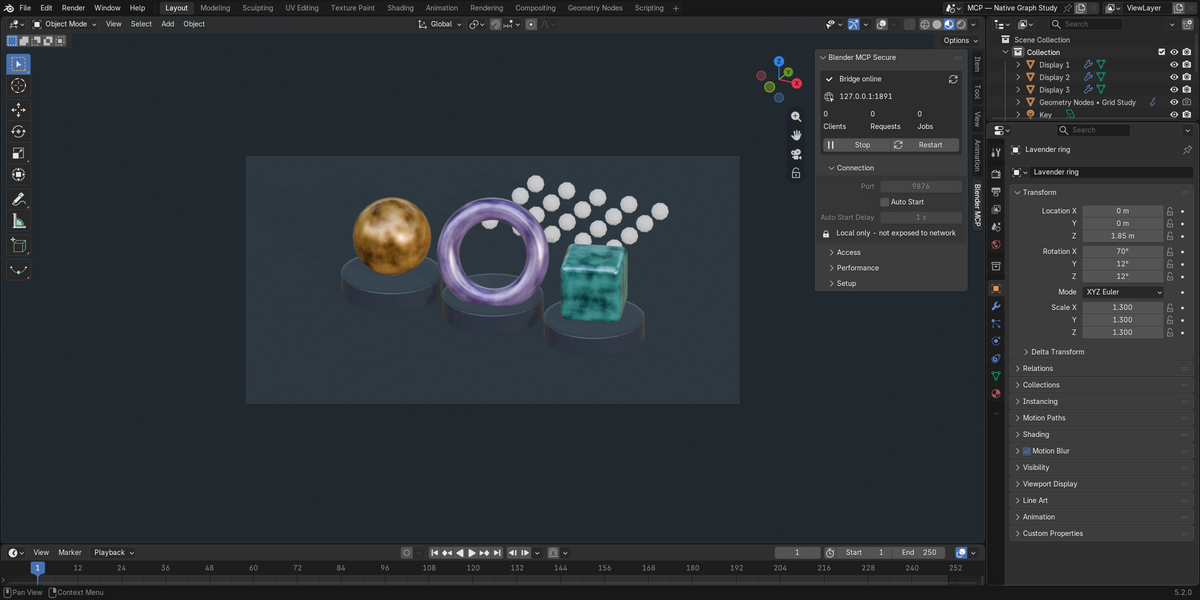
In Blender press N in the 3D Viewport, select Blender MCP, and confirm Bridge online. Restart your client and ask: Inspect the current Blender scene. Do not modify it. Compare the returned object names with the Outliner. Select the intended PID if multiple Blender instances are open.
Will installation reset my Blender preferences?
It is designed to preserve unrelated configuration and back up existing user preferences and relevant client settings. Save work and close Blender before installing. It never terminates Blender. Keep the printed backup path; if setup fails, inspect the logs and backups instead of resetting your entire profile.
Why is Online Access required for a local bridge?
Blender 4.2+ gates extension networking behind its global Online Access setting. The bridge still binds only to 127.0.0.1. Blender 3.3–4.1 does not have this global switch. Do not expose the bridge publicly to fix connection problems.
Is Expert mode sandboxed?
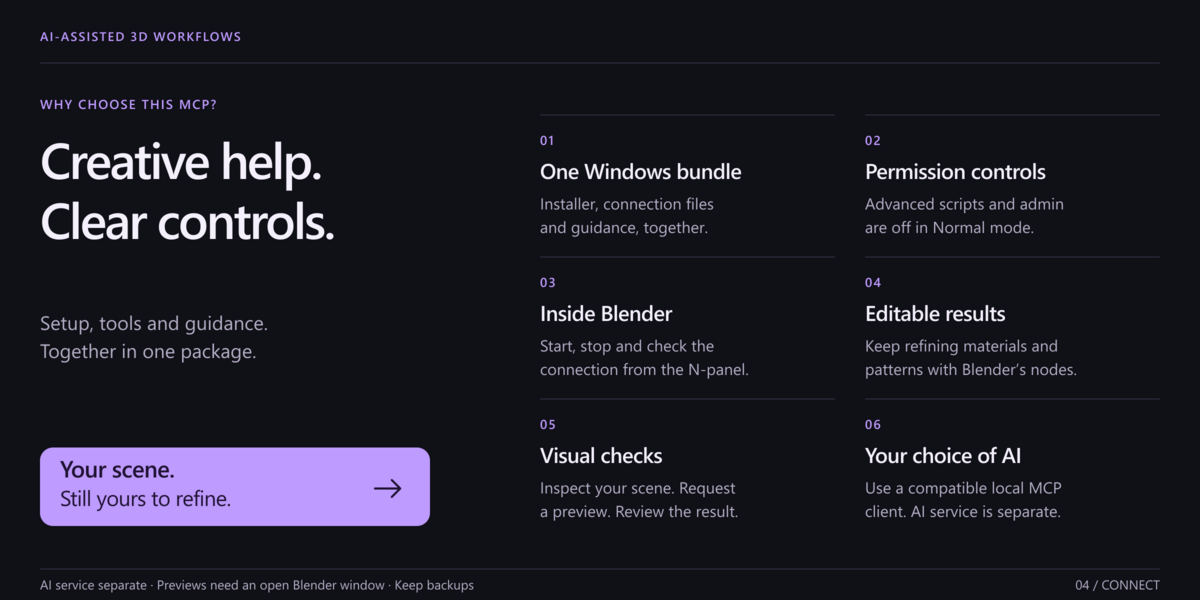
No. Expert Python grants Blender's full file, process, and network authority and requires explicit opt-in. The Expert launcher also enables administration and third-party operators. Use Normal mode for your first test and enable only the access you intend to authorize. Expert setup is under Advanced/INSTALL-EXPERT.cmd; the main INSTALL.cmd uses Normal mode by default.
Can it edit native node graphs?
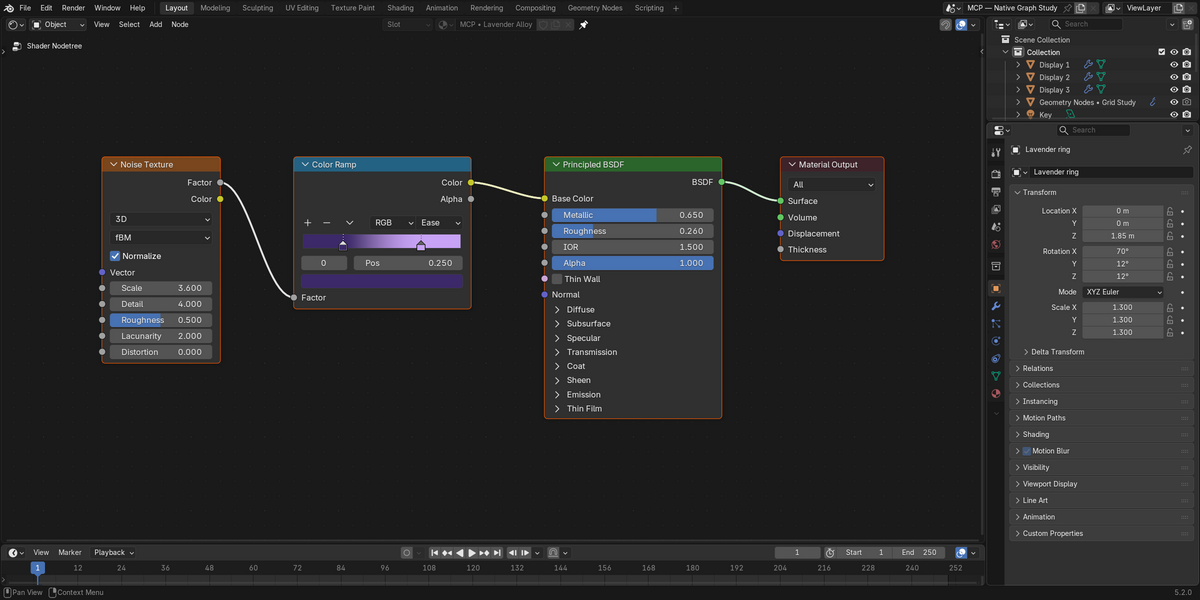
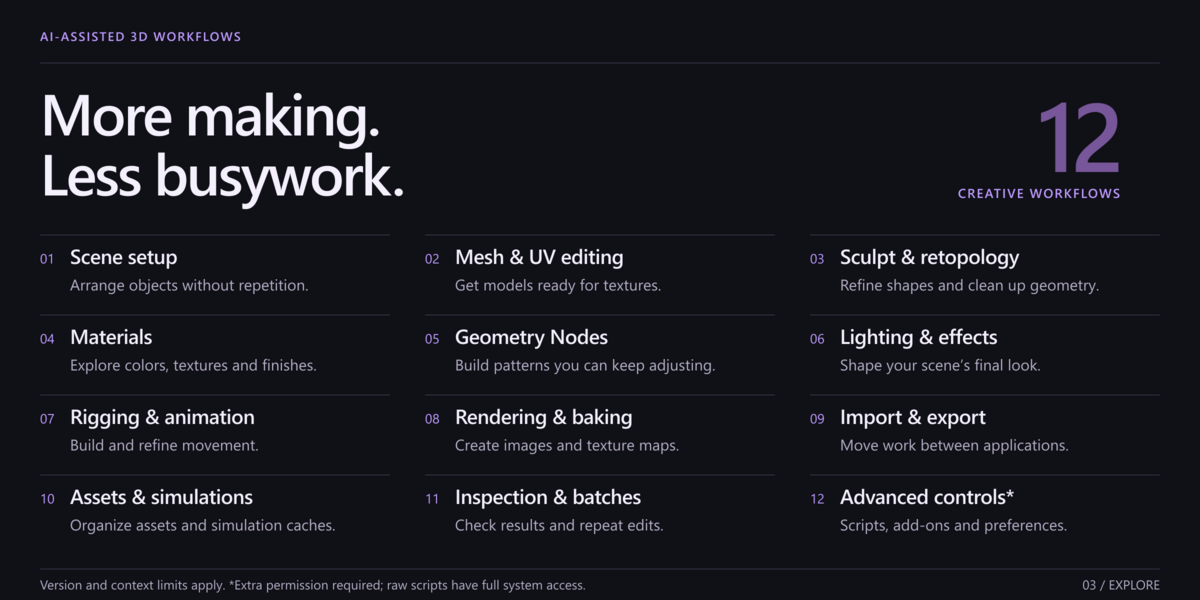
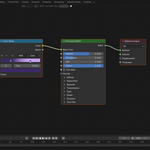
Yes: material, Geometry Nodes, world, and compositor graph tools work with nodes, links, writable properties, sockets, ramps, and interfaces. Node availability and required context depend on Blender's version. Inspect the live graph before applying changes and verify the resulting geometry or render.
Does it automate every modeling, sculpting, or rigging task?
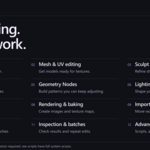
No. It provides supported mesh and UV operations, sculpt/retopology entry points, weights, rigging, drivers, constraints, and curves. Artist judgment, brush interaction, topology quality, deformation review, and some modal/editor workflows still need human attention.
Can it control any third-party add-on?
It can inspect and invoke many registered operators when the separate permission gate is enabled. Add-on context, modal UI, activation, licenses, and logins can require manual interaction. Compatibility with every third-party add-on is not promised.
Are screenshots and feedback always available?
No. Viewport/window captures require an interactive Blender UI and suitable context. Background Blender cannot provide a real viewport screenshot. Feedback sessions are bounded captures, not continuous video. Verify image freshness and stop sessions when finished.
Can a transaction roll back anything?
No. Atomic rollback is limited to eligible in-memory structured operations in interactive Blender with Global Undo. File writes, renders, bakes, caches, preferences, add-on administration, jobs, third-party operators, and raw Python are excluded. Keep scene and file backups.
Does the bridge keep scene data private?
The bridge is local and includes no telemetry service. However, your MCP/AI client may send scene data, tool results, or screenshots to its provider. Review the client's policies. Session authentication does not defend against malicious software already running as your OS user.
What do the purchase categories and license mean?
Software is GPL-3.0-or-later. Individual and Business / Studio receive identical files and features; the categories do not limit GPL rights or add seat restrictions or priority support. See the actual listing for its selected support terms; lifetime updates are not promised.
Are macOS and Linux supported by the one-click installer?
No. The supplied installer is for Windows x64. macOS/Linux require manual Blender and Python companion setup and have not been verified in this Windows publishing preparation. Windows dependency wheels are not portable to those platforms.
How do I get support or report a problem?
Use Superhive order messaging or https://discord.gg/SuSqbZMDk5. Include product and Blender versions, OS, client, access mode, a minimal reproduction, and sanitized error text. Never post session tokens, credentials, full private configurations, or confidential scenes publicly.
Does setup need internet, and what does it download?
Yes. This package does not bundle third-party dependency wheels or native binaries. After your consent, setup downloads exact, checksum-verified Python libraries from files.pythonhosted.org into a new private environment. Some downloaded libraries include native DLL/PYD/EXE files and run with your user permissions. They are not installed into Blender's Python or profile. If download or verification fails, Blender and client settings have not yet been changed. See the dependency inventory and third-party notices; do not bypass verification.
Does this include an AI model or subscription?
No. It is a local Blender-to-MCP bridge. Supply a compatible local stdio MCP client and any AI account or service it requires. Provider charges and data policies are separate.
-
$4.99
For 1 person (1 seat). Commercial use included.
-
$19.96
For a team of up to 6 people (6 seats). Commercial use included.
-
$49.90
For a studio of up to 20 people (20 seats). Commercial use included. Need more than 20 seats? Contact us directly.
Have questions about this product?
Login to message
| Blender Extension Compatible | Yes |
| Published | 5 days ago |
| Blender Version | 3.3 - 5.2 |
| Extension Type | Add-on |
| License | GPL |
Discover more products like this
automation MCP geometry nodes node graphs Workflow materials